
Bitoku Organizer
Print Profile(1)


Description
Summary
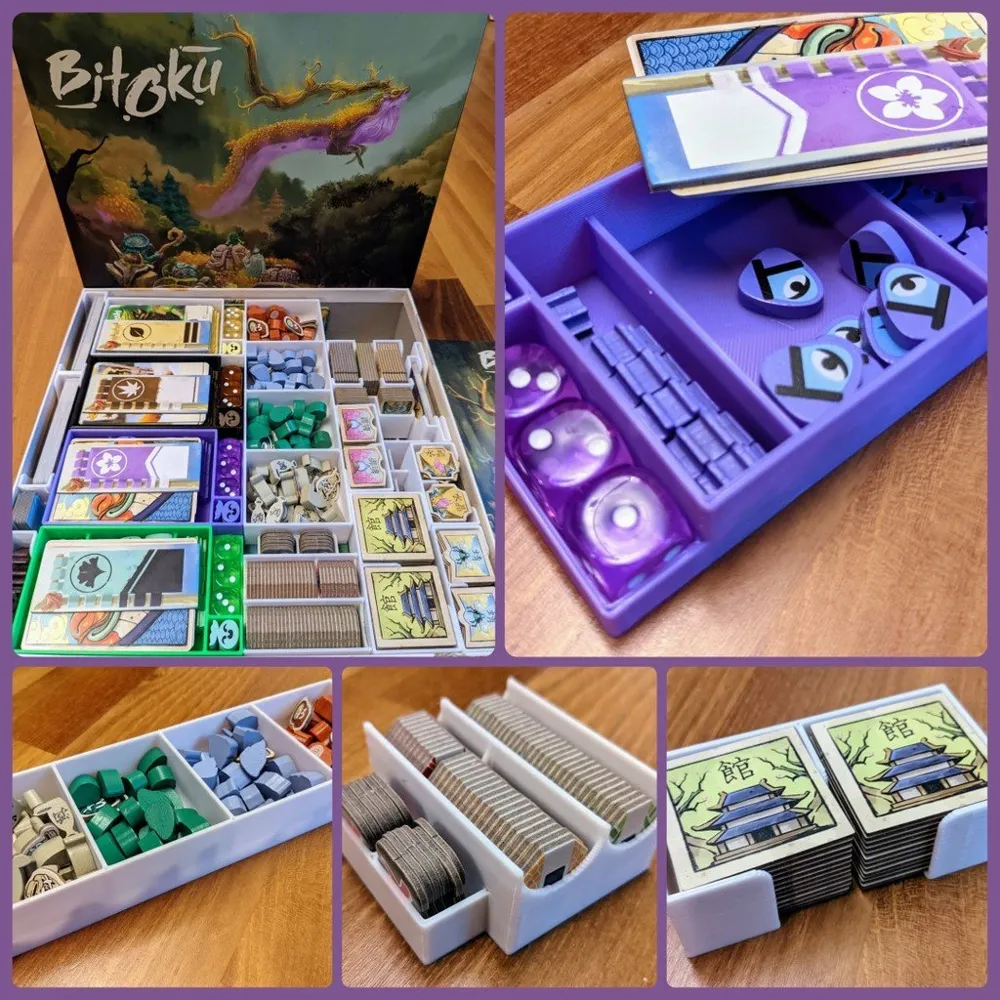
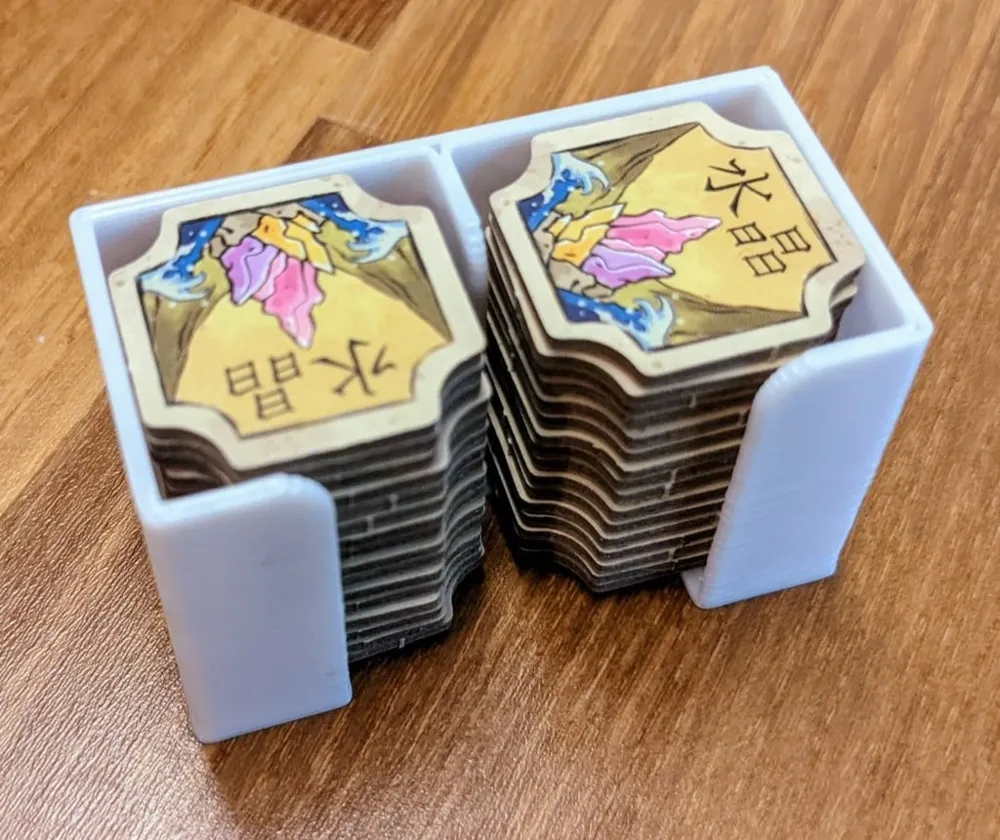
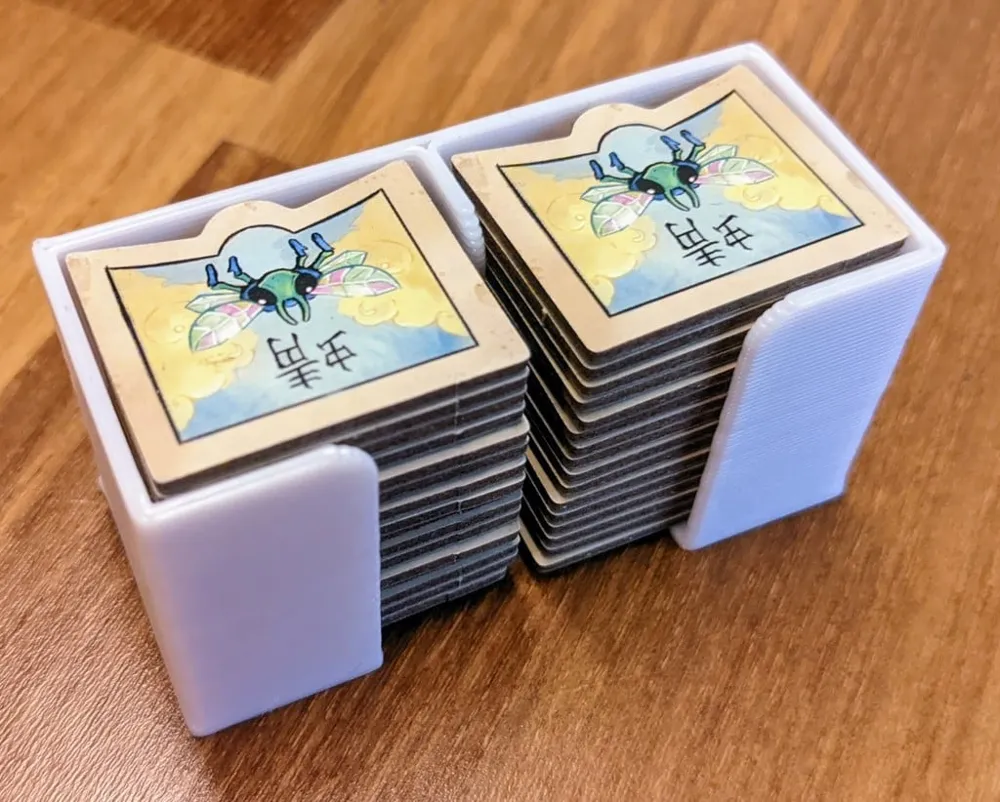
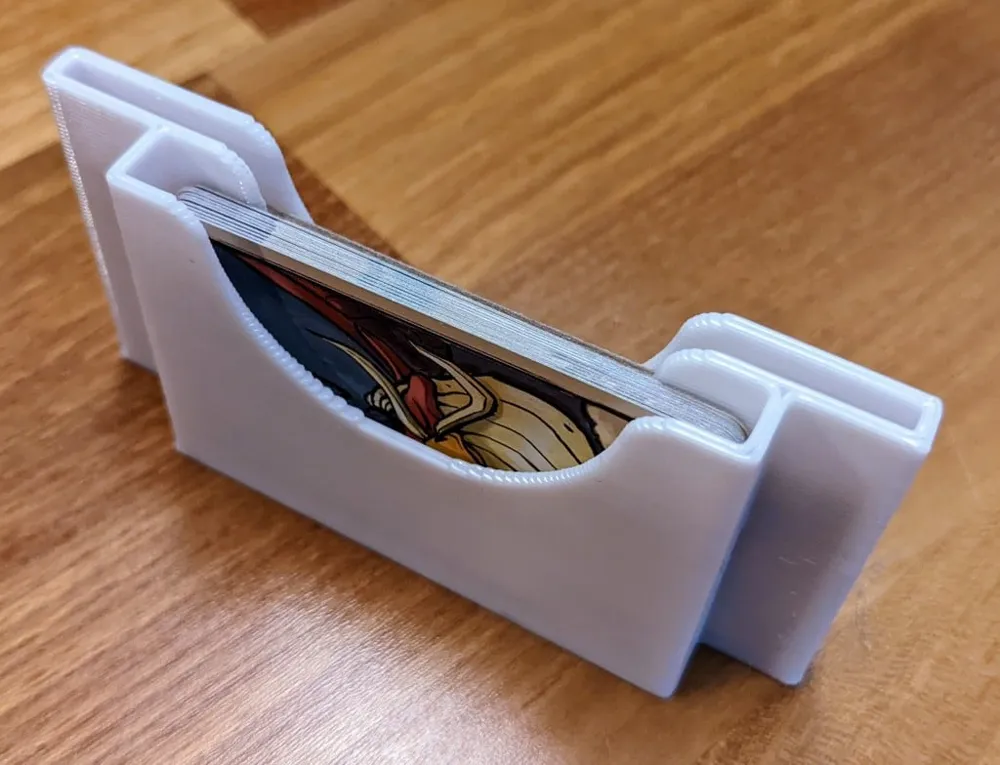
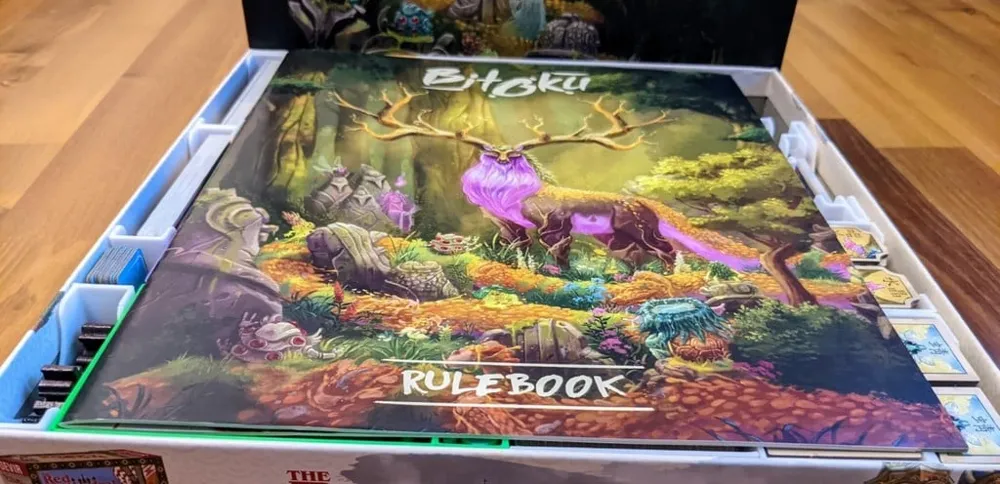
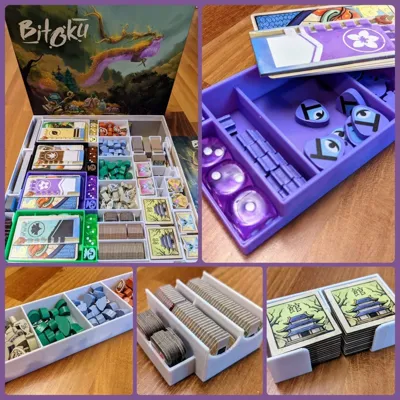
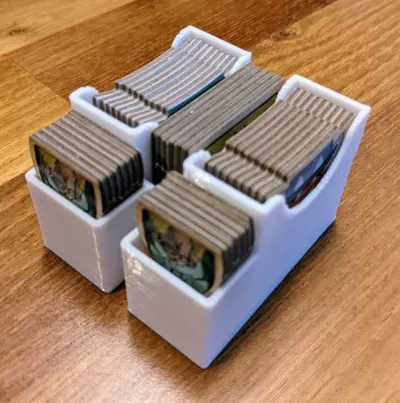
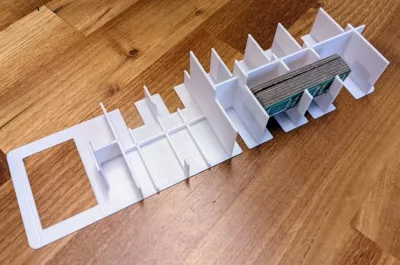
This is an organizer for the board game Bitoku. It works with sleeved cards (not my copy so it's not sleeved) and supports vertical storage!
I updated the design based on feedback from txang (thanks for that!) to make sure it supports sleeved cards.
It is mainly designed to decrease setup and teardown times.
Here's what you need to print:
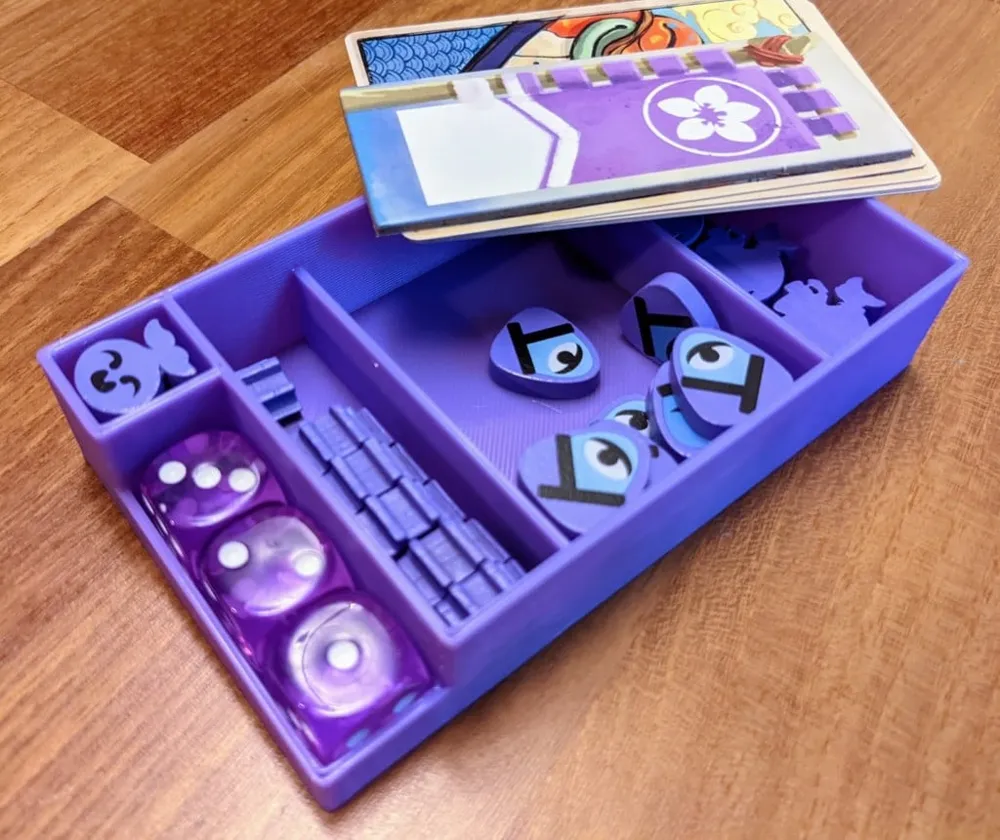
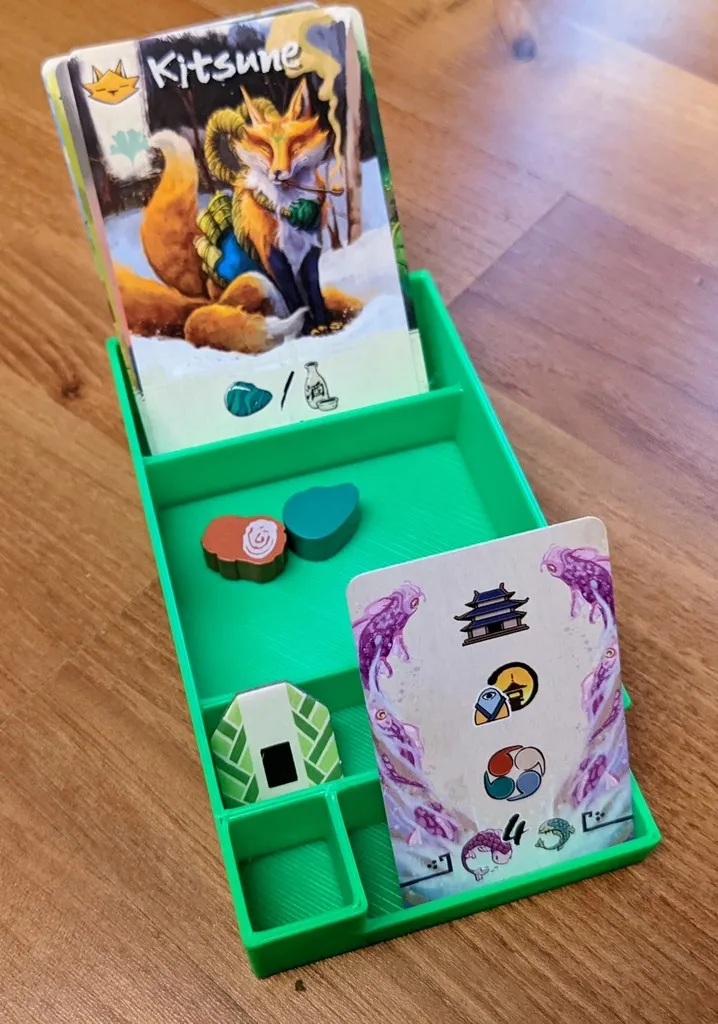
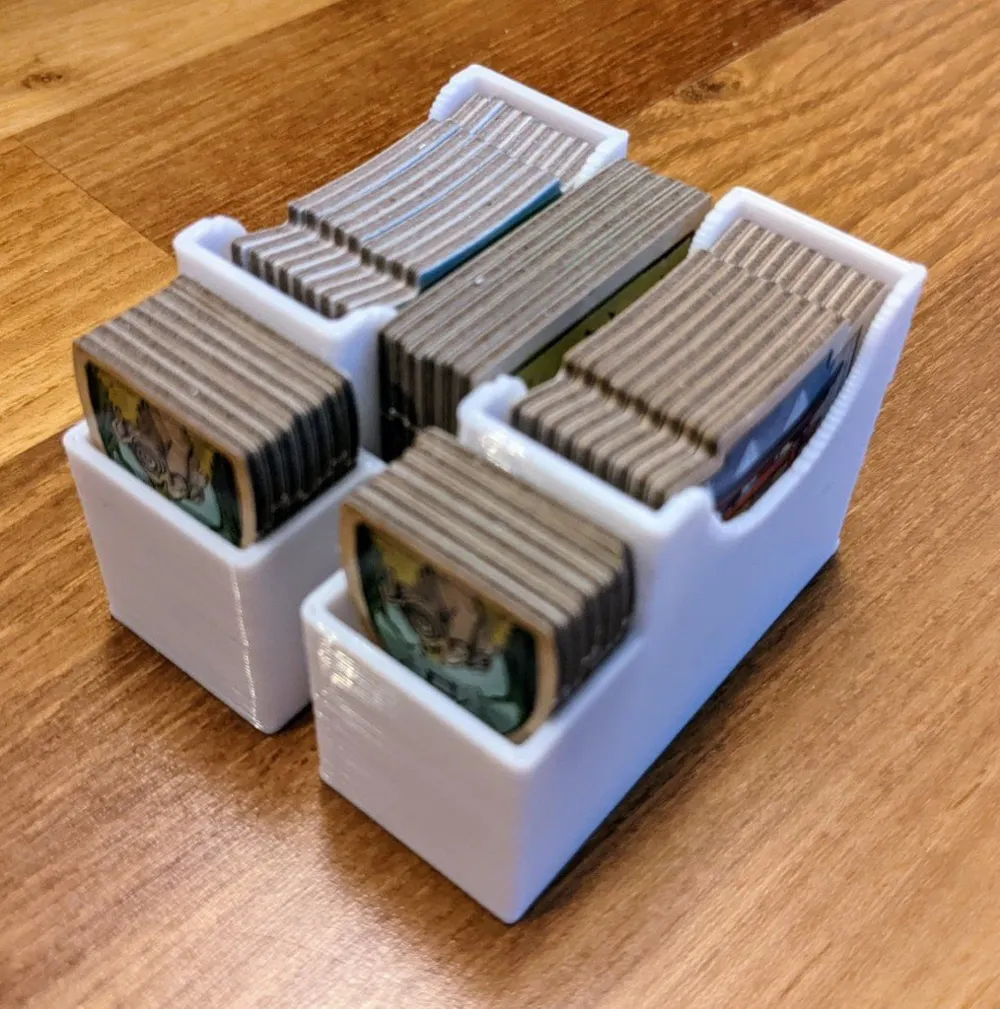
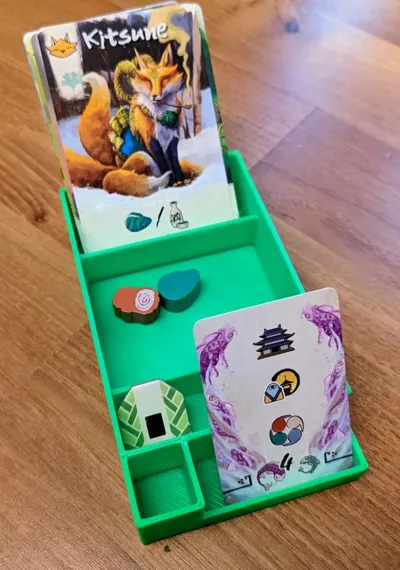
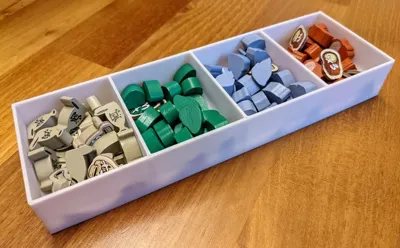
4x Player - Holds all player pieces and can also be used during gameplay to store resources and cards.
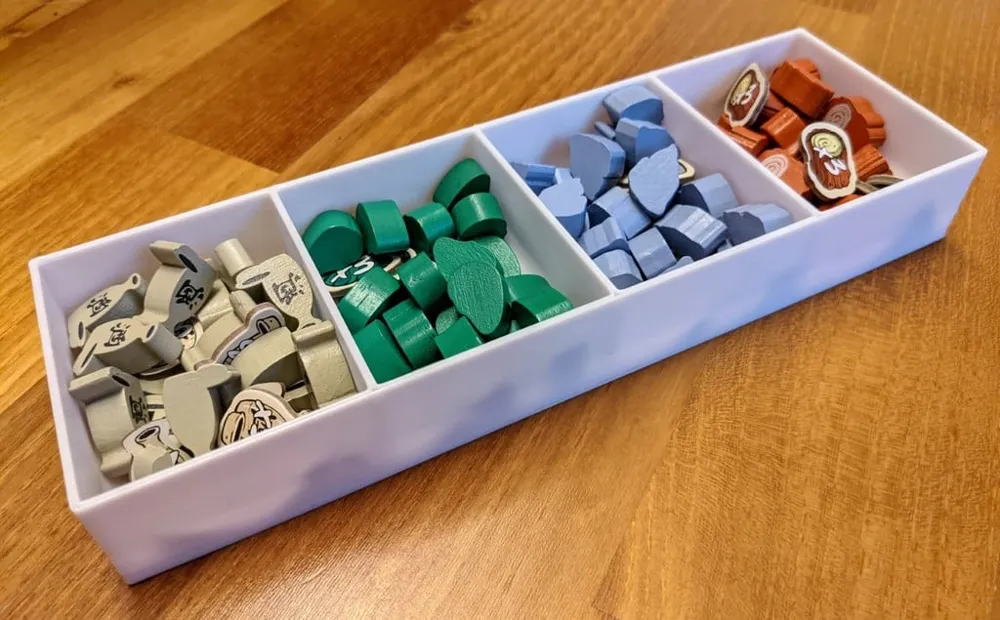
1x Res - Holds the resources and the x3 markers for each.
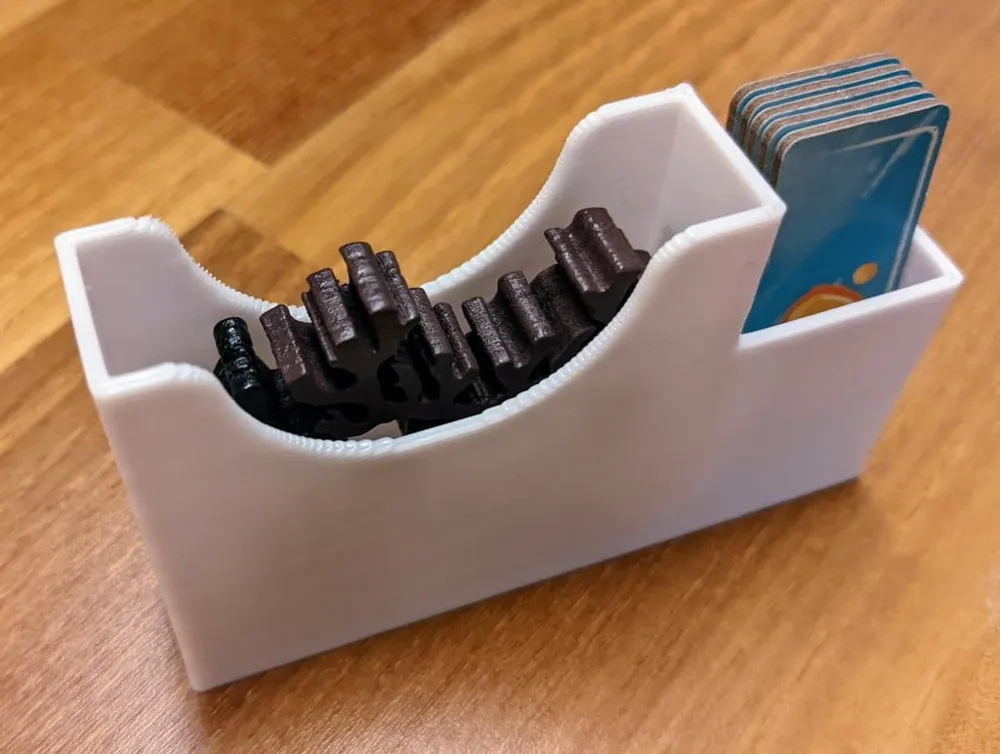
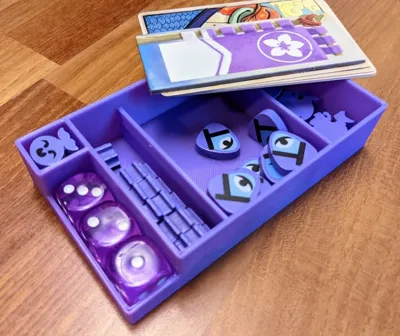
1x Amulets - Holds the amulet and hikaru tokens.
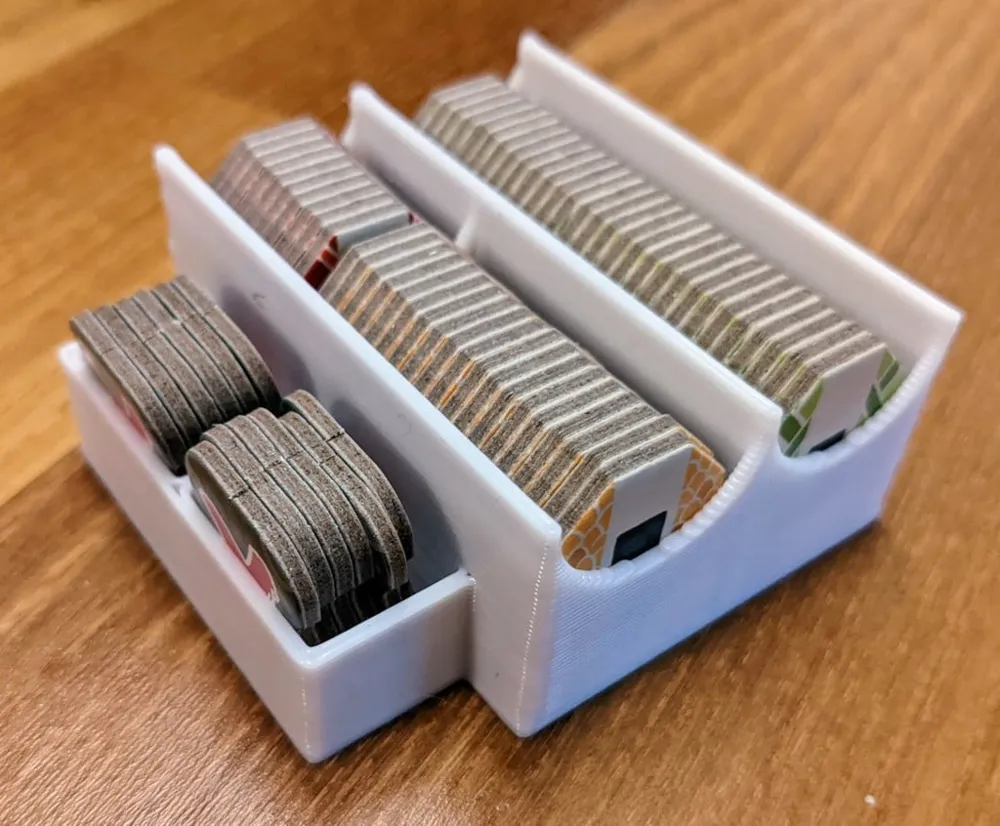
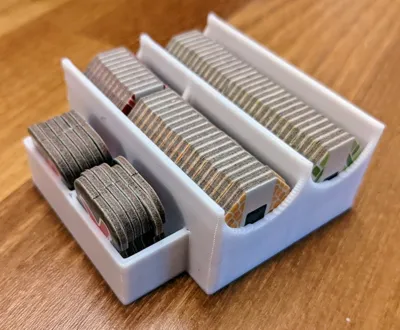
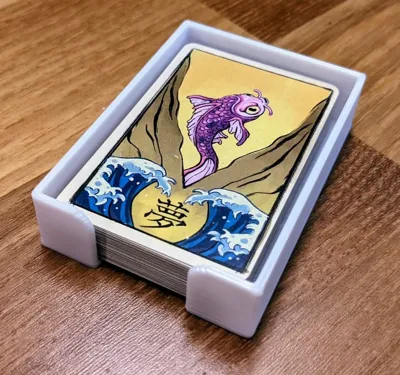
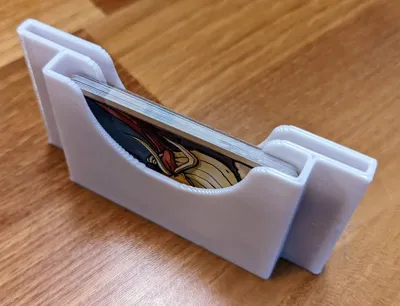
2x Cards - Holds Yokai and Bitoku cards and is meant to be put right on the board.
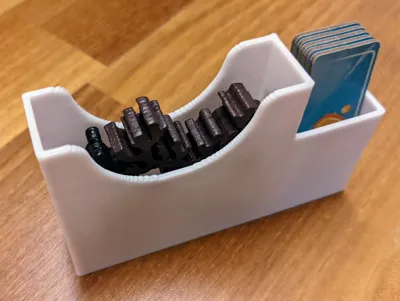
1x Meeples - Holds the 2 meeples and lake tiles
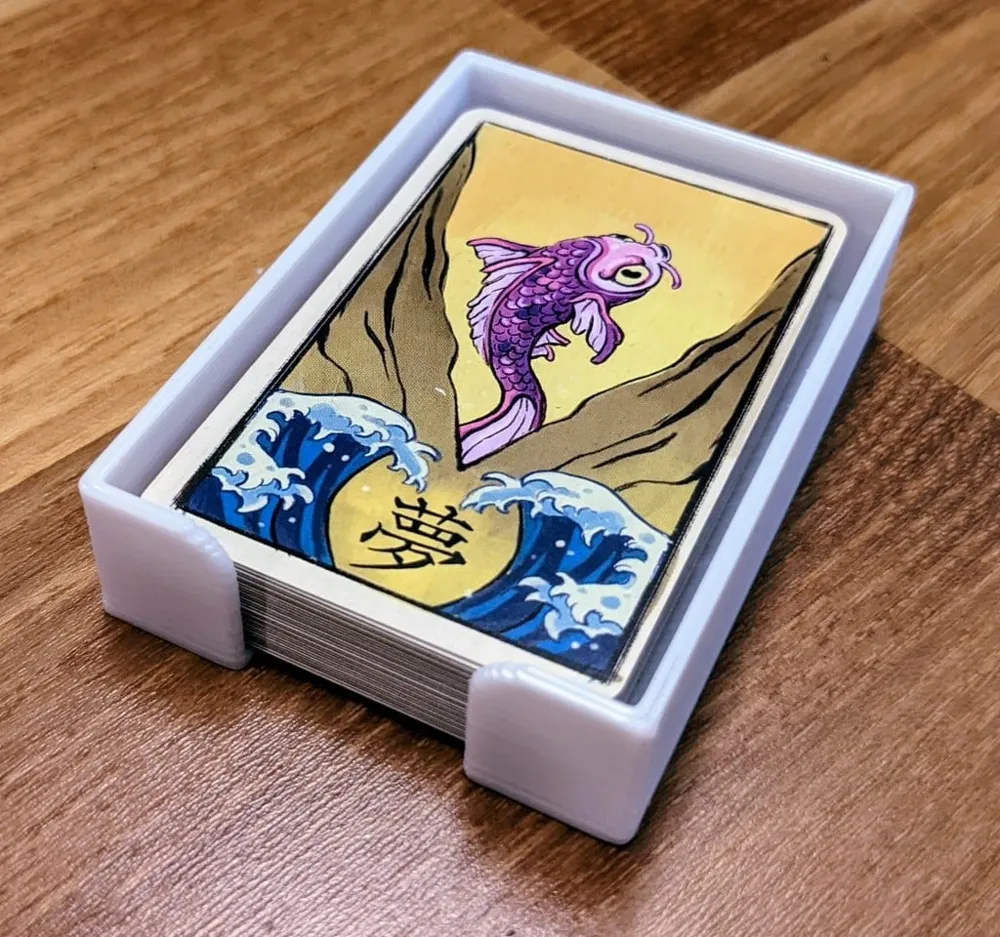
1x Vision - Hold the vision cards and is meant to be put right on the board.
1x Setup - Holds all tokens only used during setup.
1x Solo - Holds the solo components.
1x Buildings - Holds building tiles and is meant to be put right on the board.
1x Mitama - Holds mitama tiles and is meant to be put right on the board.
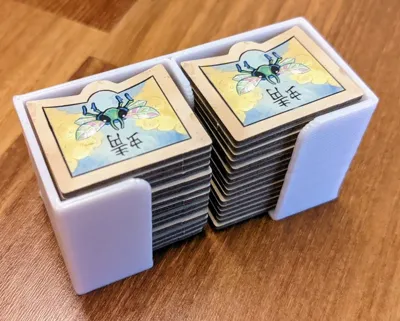
1x Dragonfly - Holds dragonfly tiles and is meant to be put right on the board.
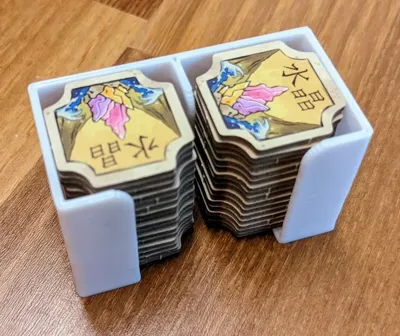
1x Crystals - Holds crystal tiles and is meant to be put right on the board.
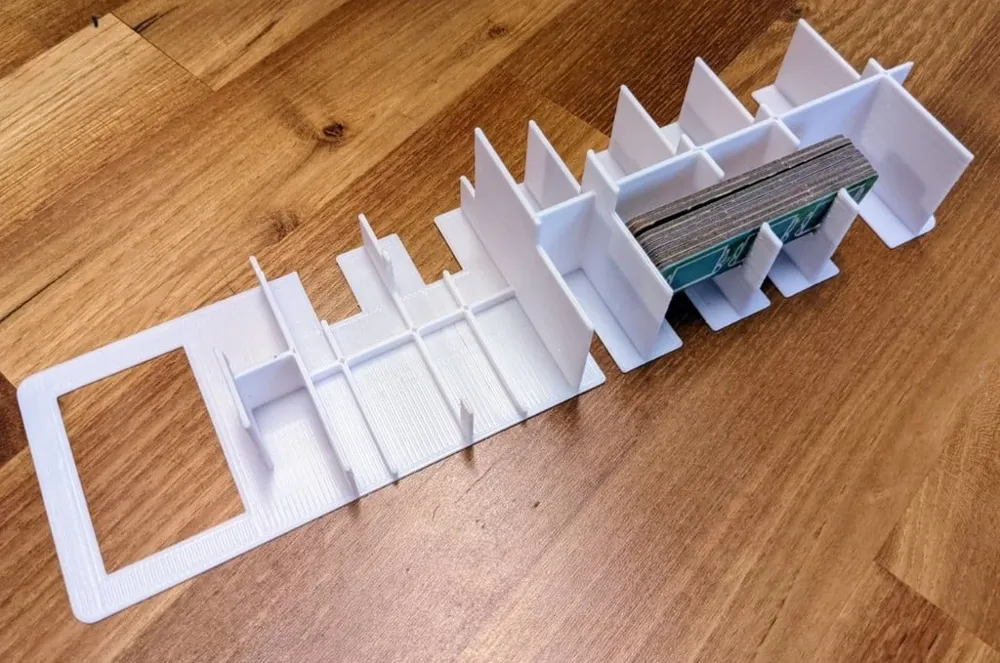
1x Spacer - holds the small die cut tiles and is used to keep everything else in place.
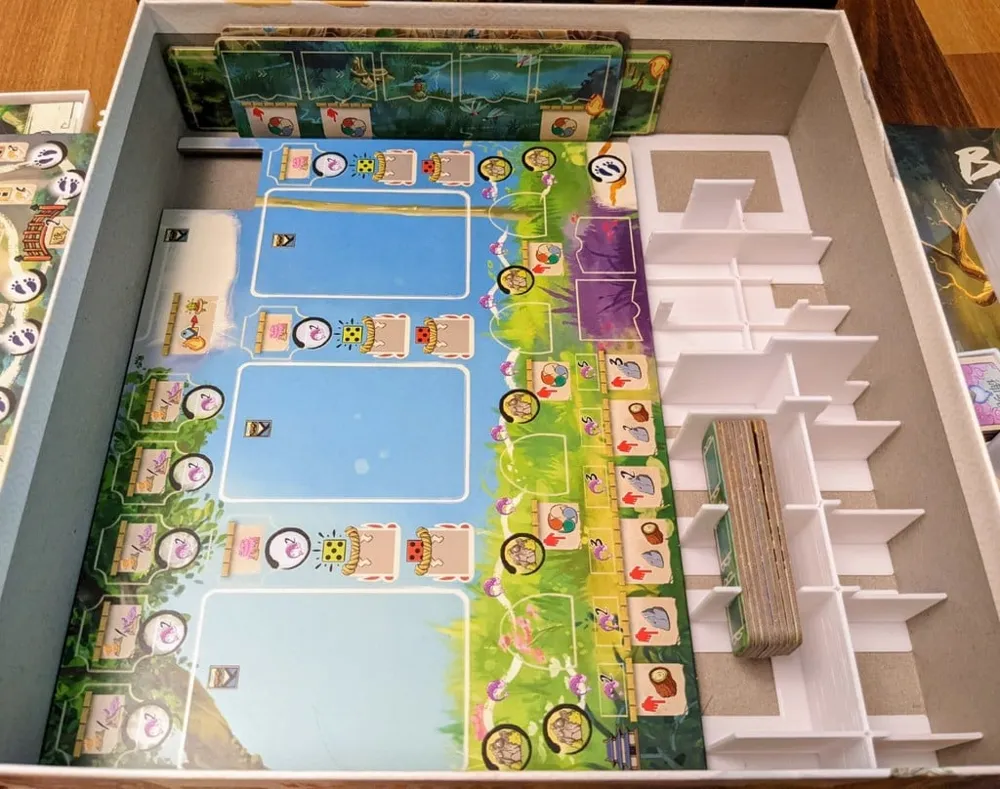
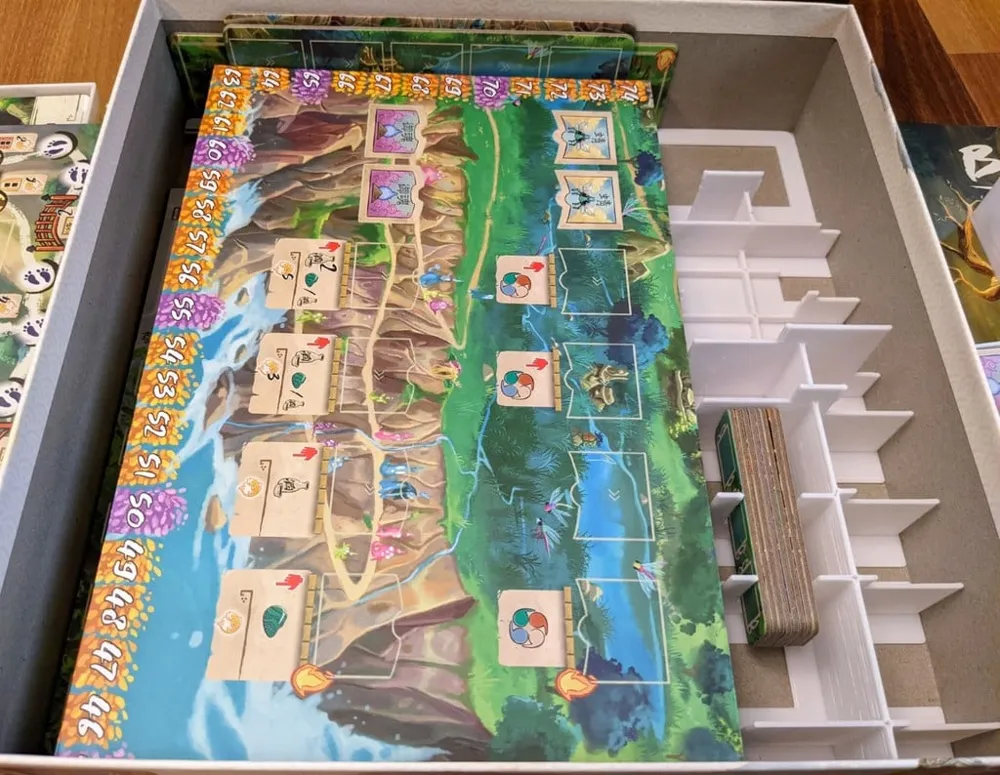
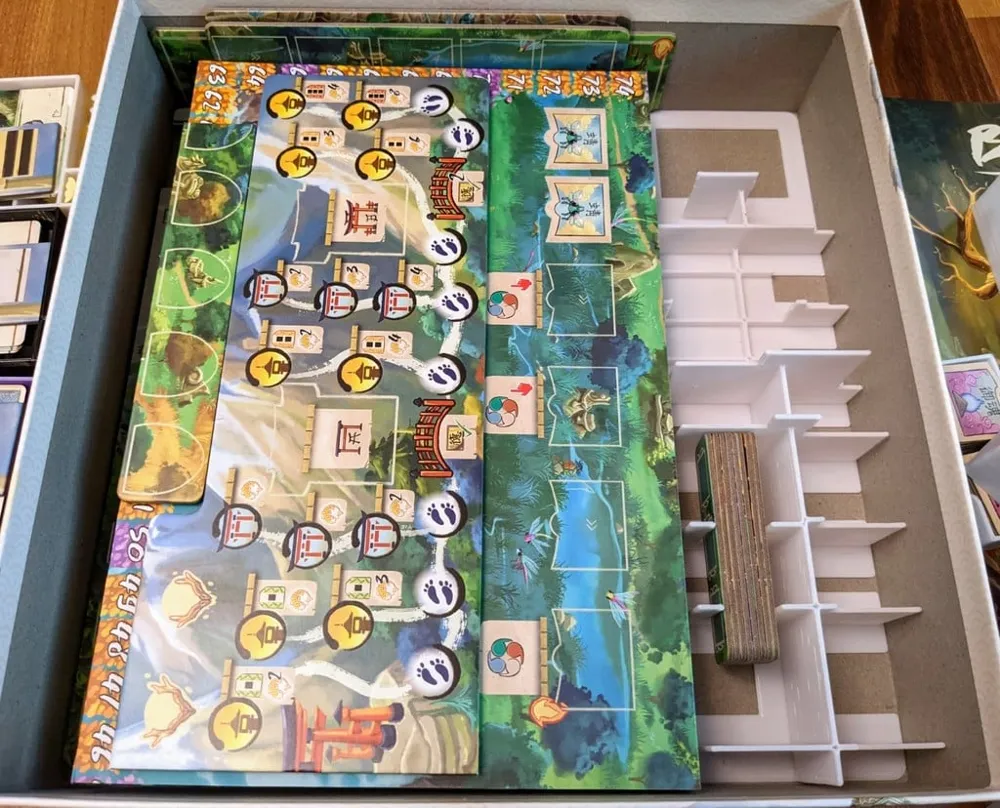
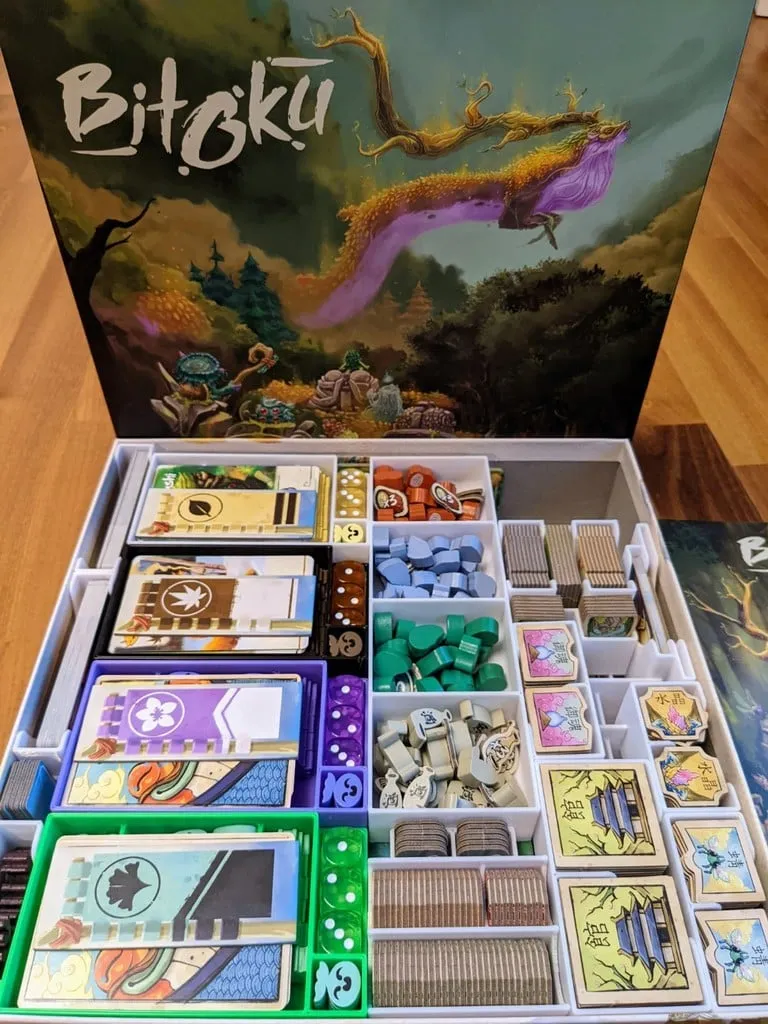
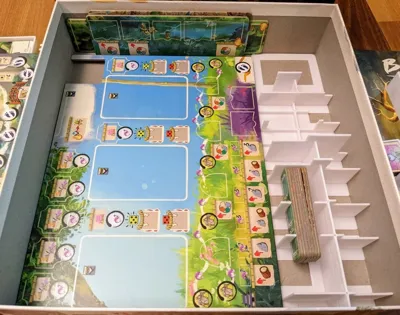
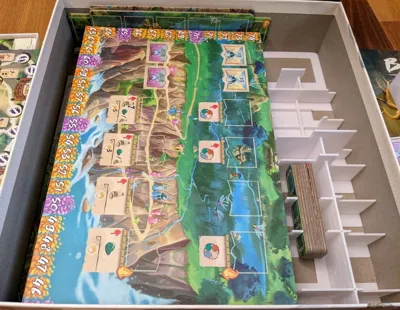
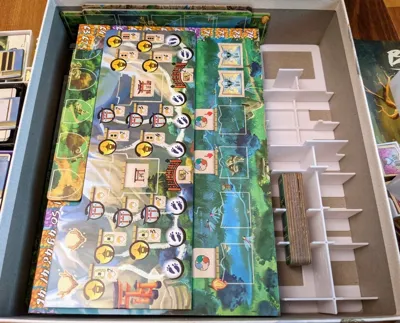
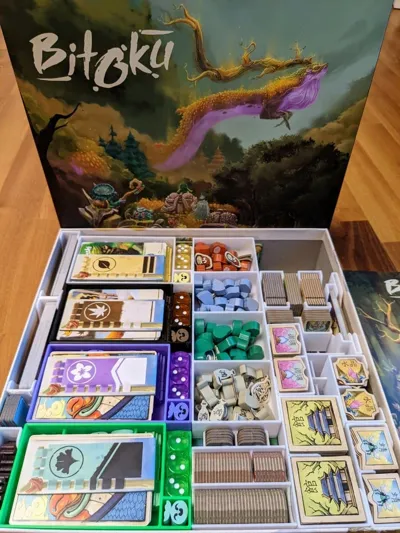
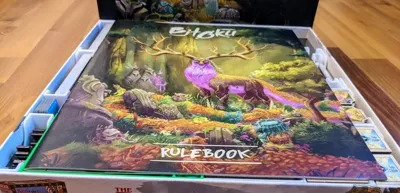
The pictures should show how to put everything together, but here's a quick rundown:
- Put the player boards on the bottom next to the spacer.
- Put the player helps and the main board on top of the player boards.
- Put the medium die cut pieces upright next to the boards and the large and small one flat on top.
- Put the cards and meeple boxes lined up on one side.
- Player boxes go on top of the die cut pieces and Res and Amulets boxes right next to it.
- Next put the small die cut pieces into the spacer and fill it according to the pictures.
Let me know if you have any questions or comments.
Print Settings
Printer Brand:
Creality
                                            Printer:                      CR-10S                                                                                Rafts:                      No                                                                                Supports:                      No                                                                                Resolution:                      0.6                                                                    Filament: yourDroid PLA+                white
                        Notes:                     Used a 0.8mm nozzle.
License



Comment & Rating (6)