
Wall thickness reference and benchmark/test
Print Profile(2)


Description
How thick should the wall of a model be?
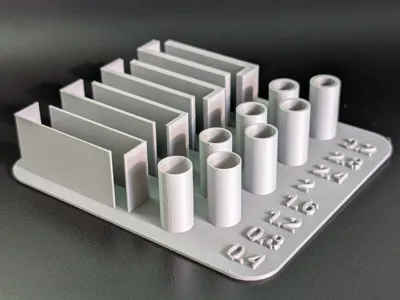
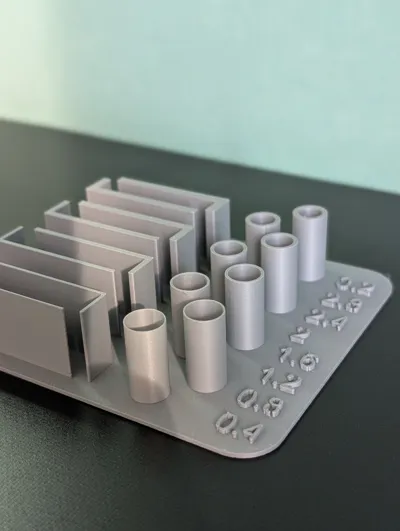
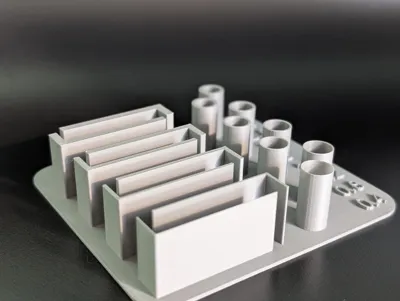
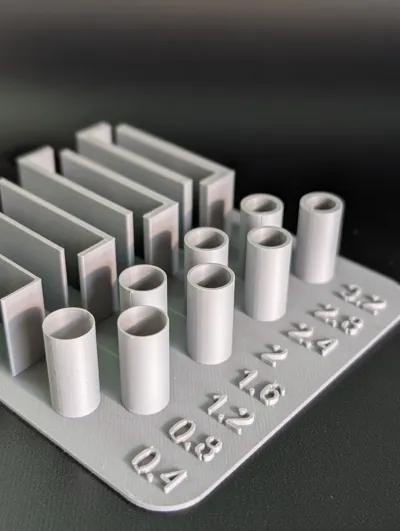
I had no idea. So I modeled something to test different wall thicknesses!
Boost Me (for free)
Now I have something I can use as a reference, but also a great stress test and material reference. Whenever I get some new PLA or a different nozzle, I can print this with different temperatures, infill, print speed, temperature and tons of other variations. It helps me understand modeling and sizing, but also improves my understanding of printing and slicing!
How should I calibrate my settings? How strong is the result? I can test it now!
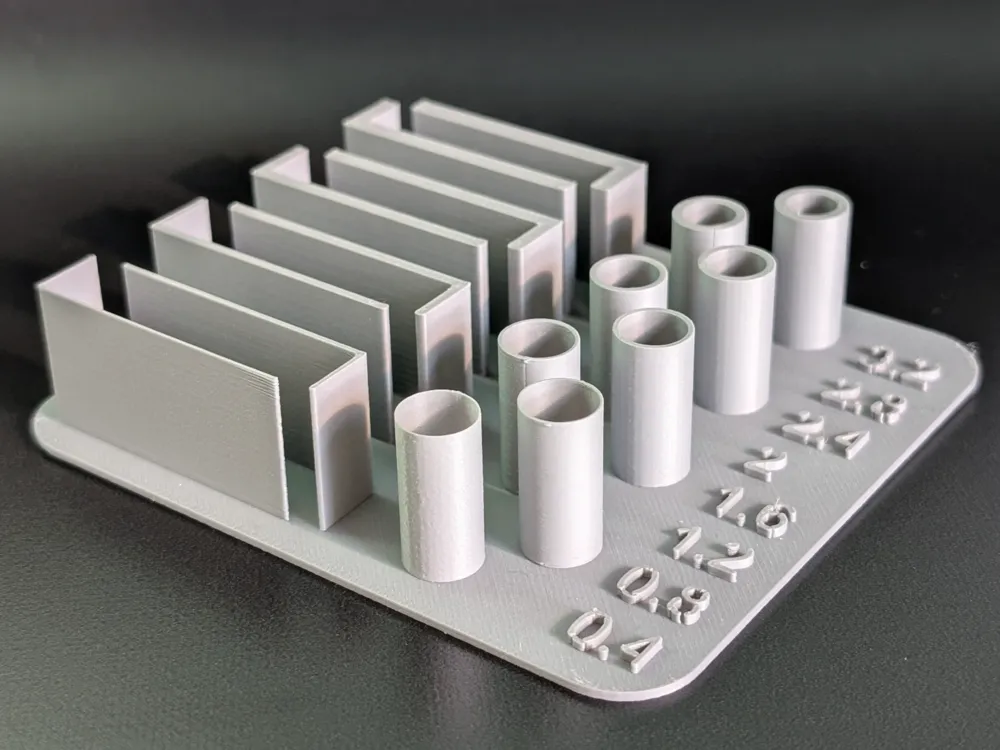
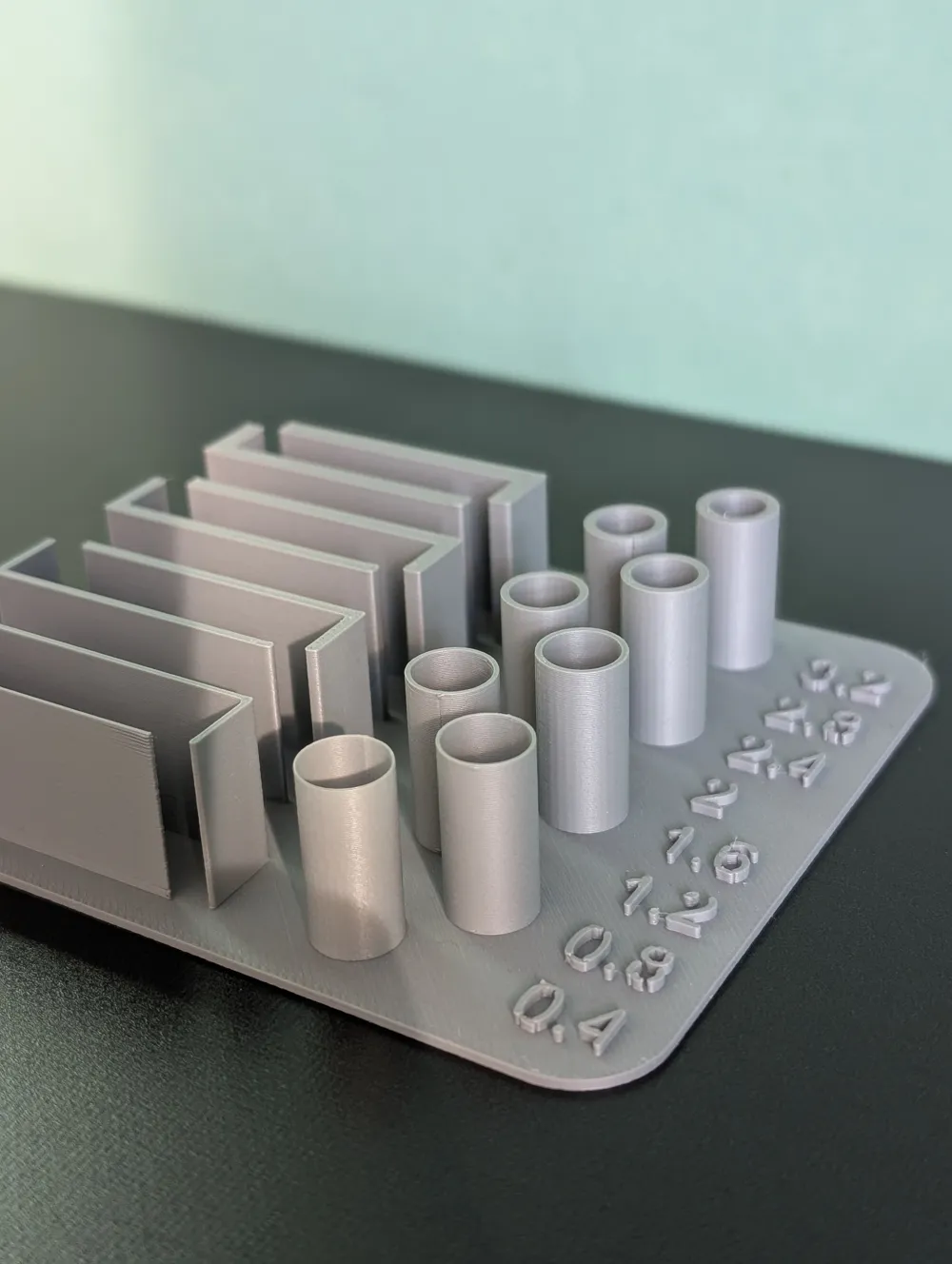
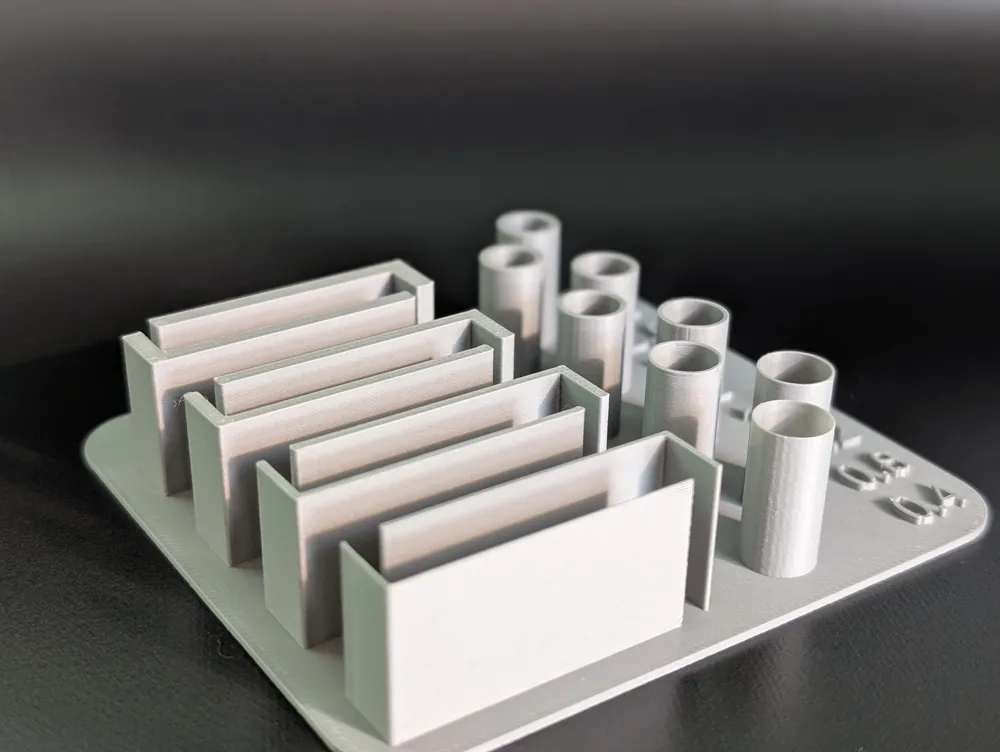
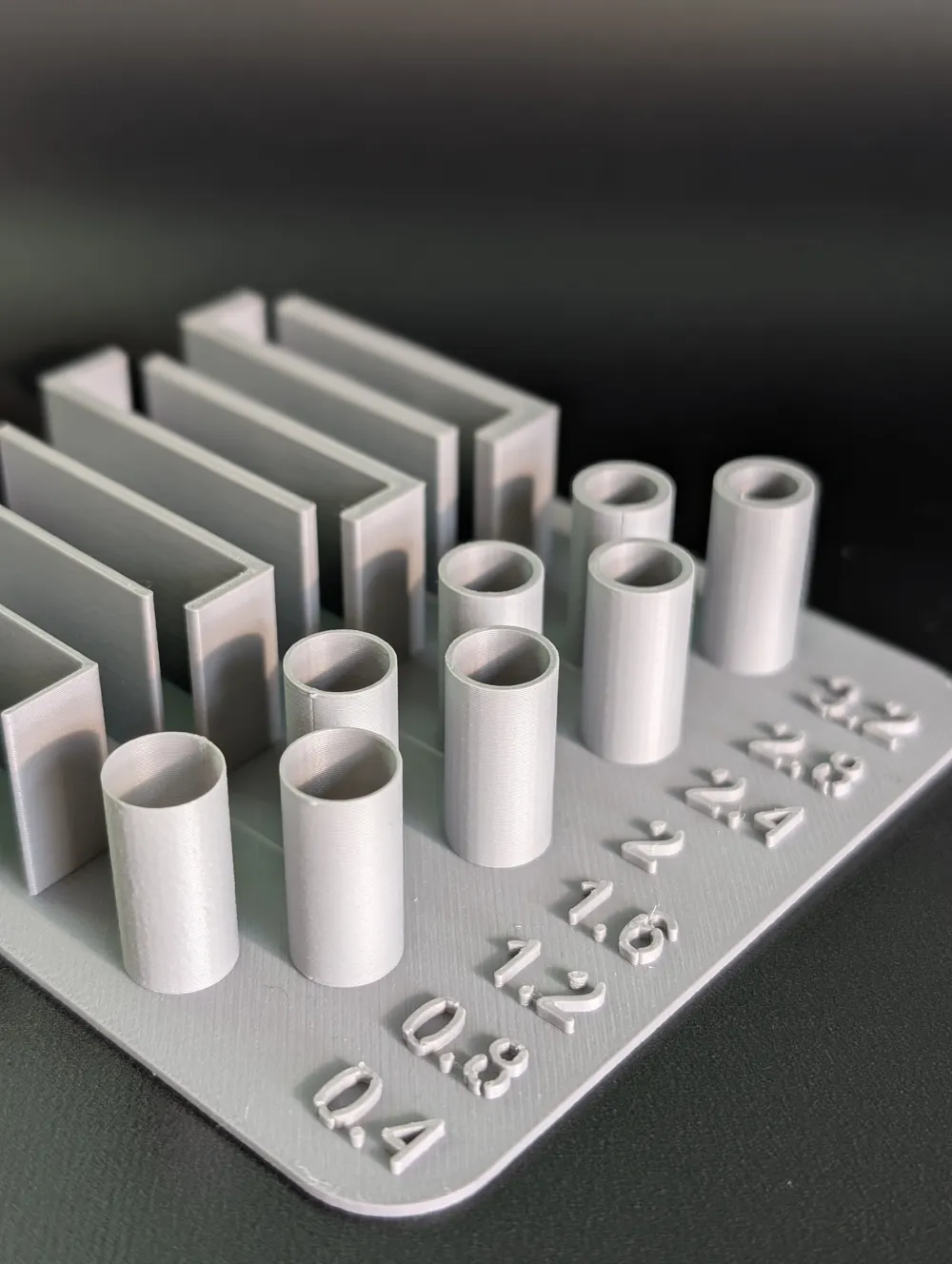
The print features walls of 0.4/0.8/1.2/1.6/2.0/2.4/2.8/3.2mm thickness. The cilinders have the same thickness. The long part of each wall is 40mm, and the short part is 10mm. The cilinders have a diameter of 10mm.
Printing with “Detect thin wall” enabled made a big difference for me!
Curious to hear what settings others use 🙏🏿
License

You shall not share, sub-license, sell, rent, host, transfer, or distribute in any way the digital or 3D printed versions of this object, nor any other derivative work of this object in its digital or physical format (including - but not limited to - remixes of this object, and hosting on other digital platforms). The objects may not be used without permission in any way whatsoever in which you charge money, or collect fees.


Comment & Rating (65)