
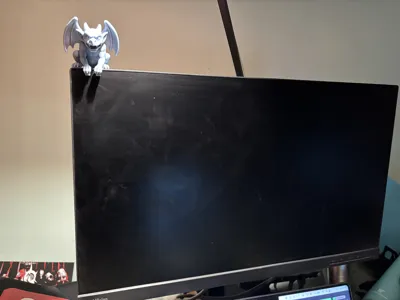
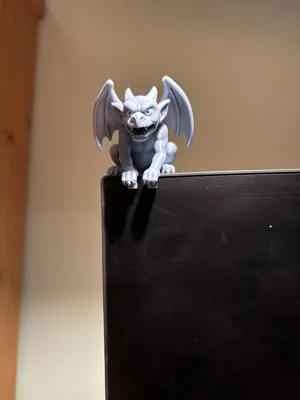
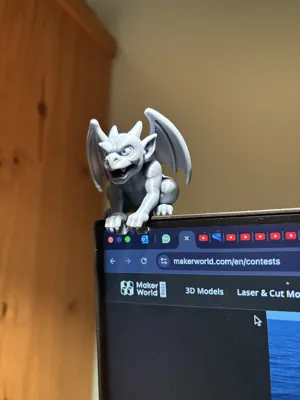
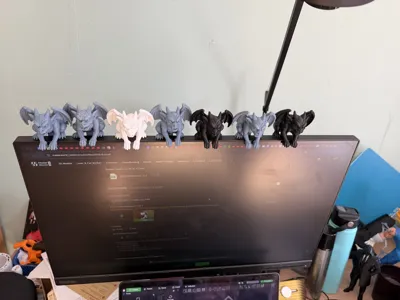
Cathedral Gargoyle Monitor Buddy
Print Profile(5)


Description
Boost Me (for free)
Press here to help me, it costs you nothing and you will help me support my work!
Boost Me (for free)
⛽ A BOOST is like fuel for my projects! ⛽ It costs you nothing, you help me fly. Heartfelt thanks! ✈️
If you're having any problems with the print, please contact me. I will try to solve the problem as soon as possible.
Check my collection of buddies:
https://makerworld.com/en/collections/14345594-monitor-desk-buddies
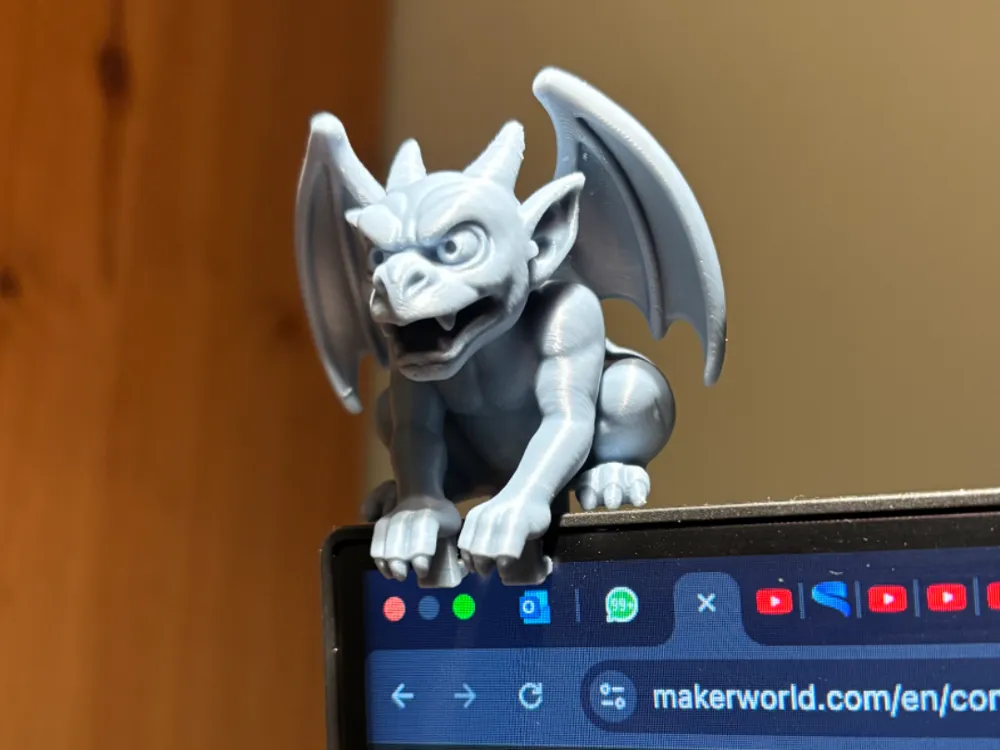
Gargoyle Monitor Buddy
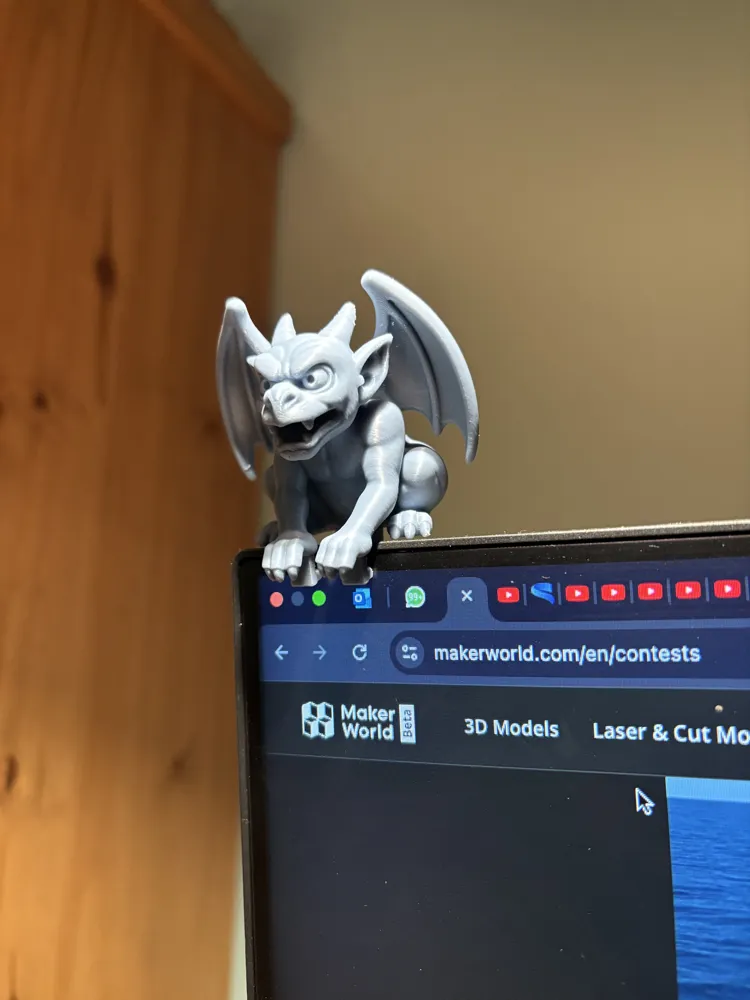
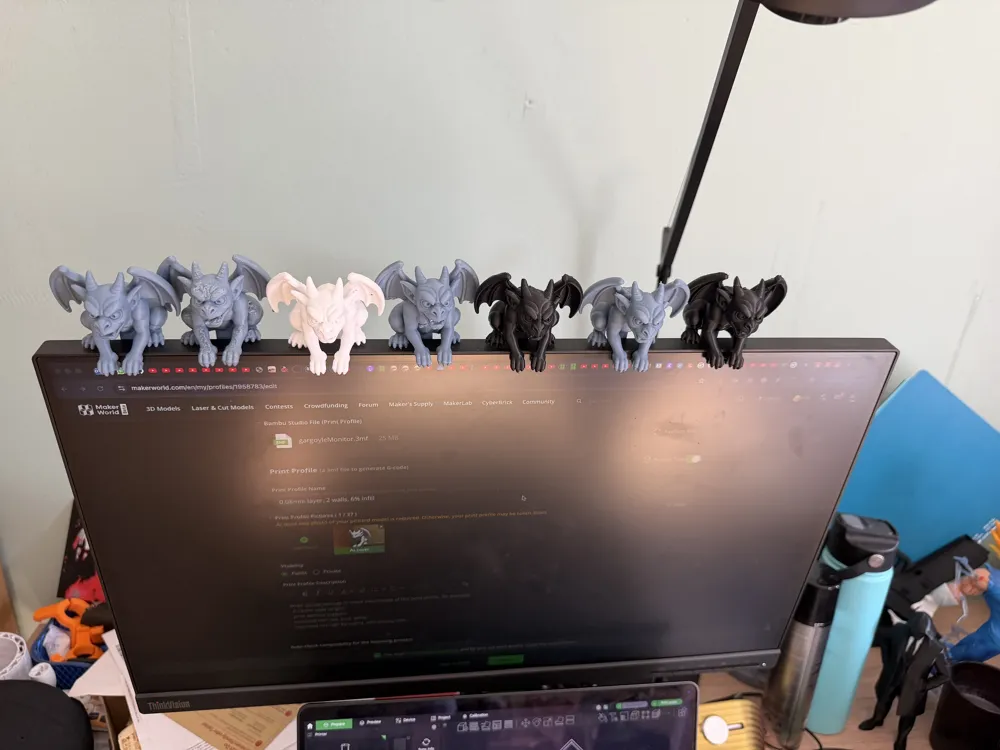
Bring a touch of gothic charm to your workspace with this 3D-printed gargoyle! 🐉🪨
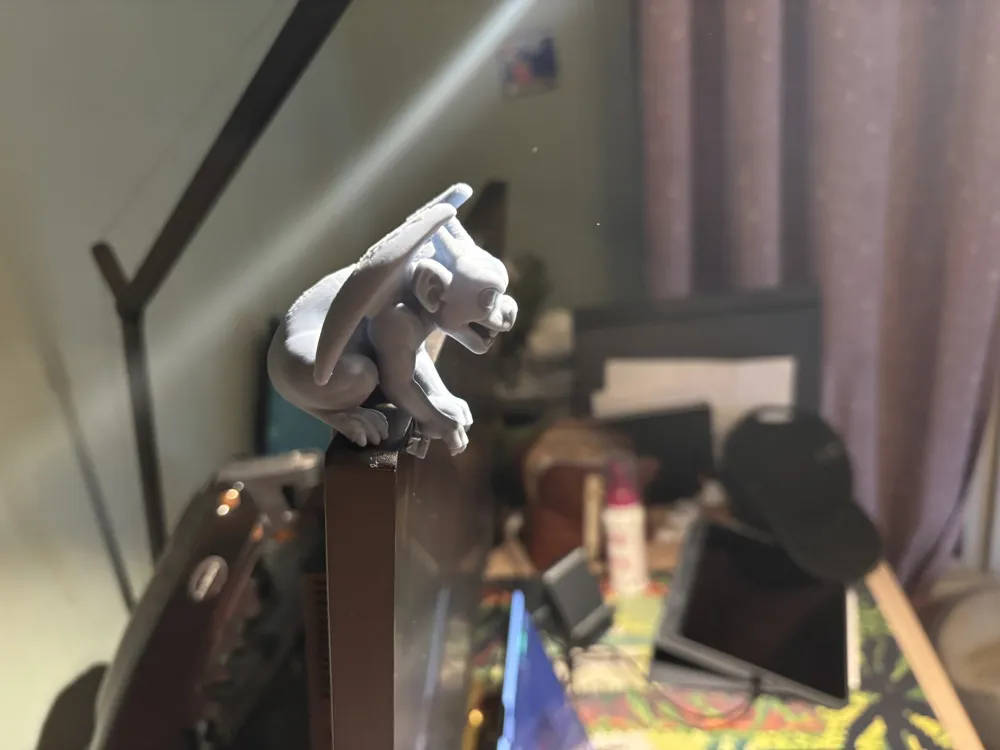
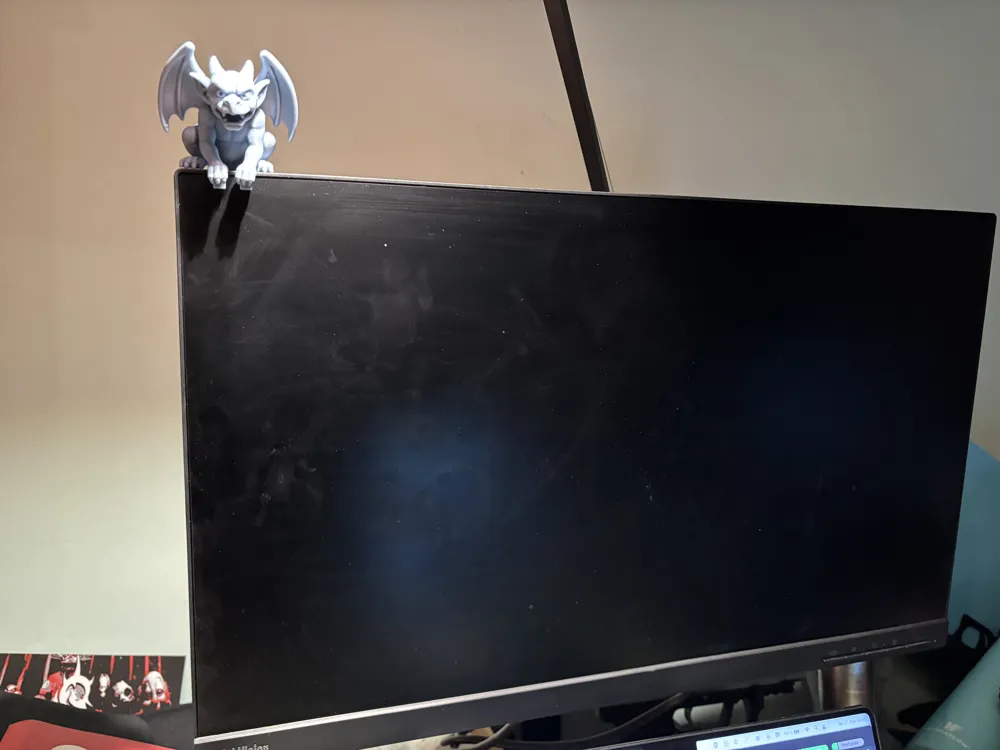
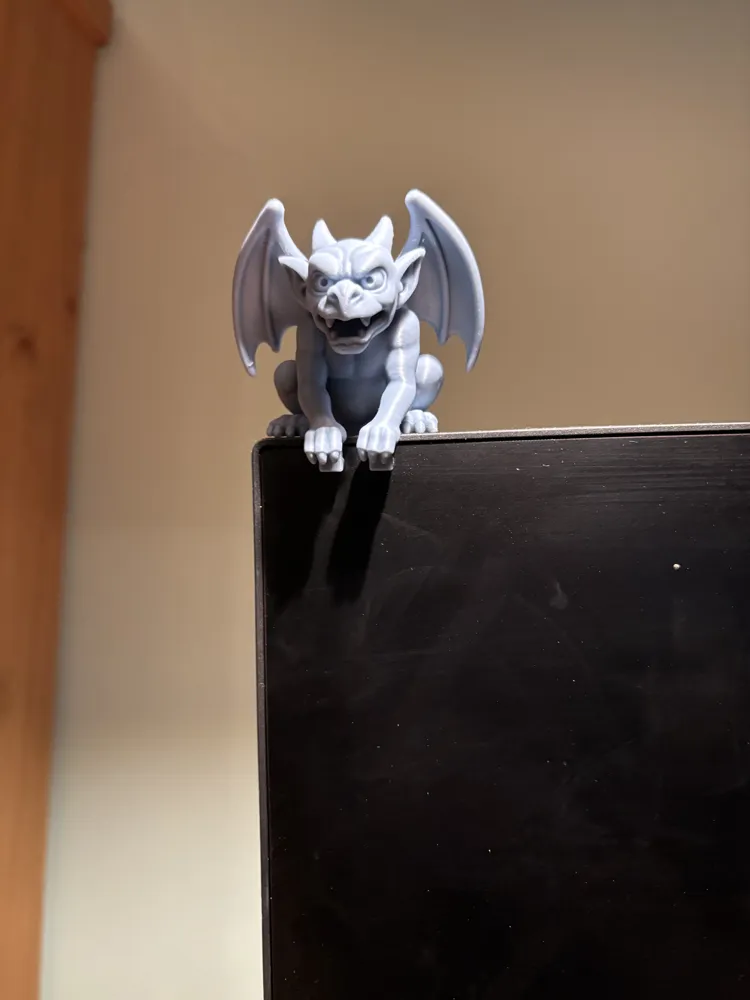
Designed to perch perfectly on the edge of your monitor, this little guardian keeps watch while you work, game, or create. With detailed wings, claws, and a mischievous expression, it’s both decorative and fun.
🖤 Features:
- Perches securely on flat monitor edges.
- Compact and lightweight design.
- Gothic gargoyle aesthetic, perfect for adding personality to your setup.
- Easy, single-piece print
This gargoyle is the ultimate desk companion — always vigilant, always stylish, and guaranteed to spark conversations!
Attention!
The back os the Gargoyle isn't perfect, the supports are not so easy to remove leaving marks behind. I've tried other presets and configuration, but I didn't find the magic numbers to make this model perfect.
How to make it perfect to your monitor.
Select this object below:
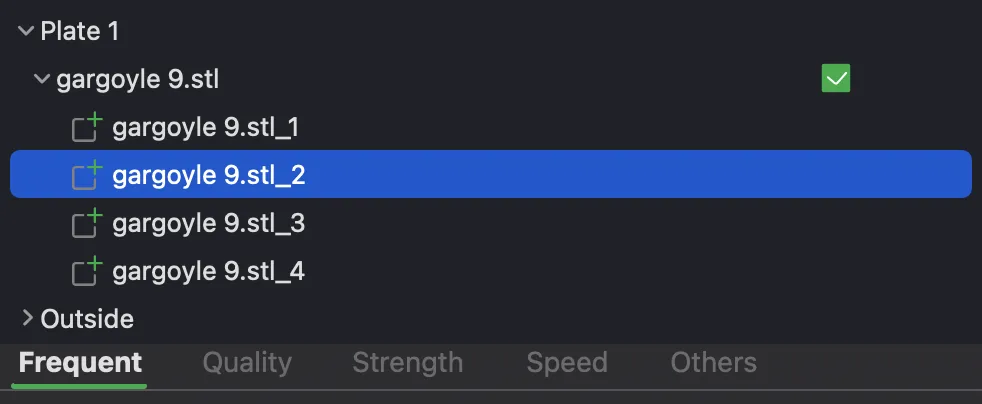
It needs to apper the selected object like this:
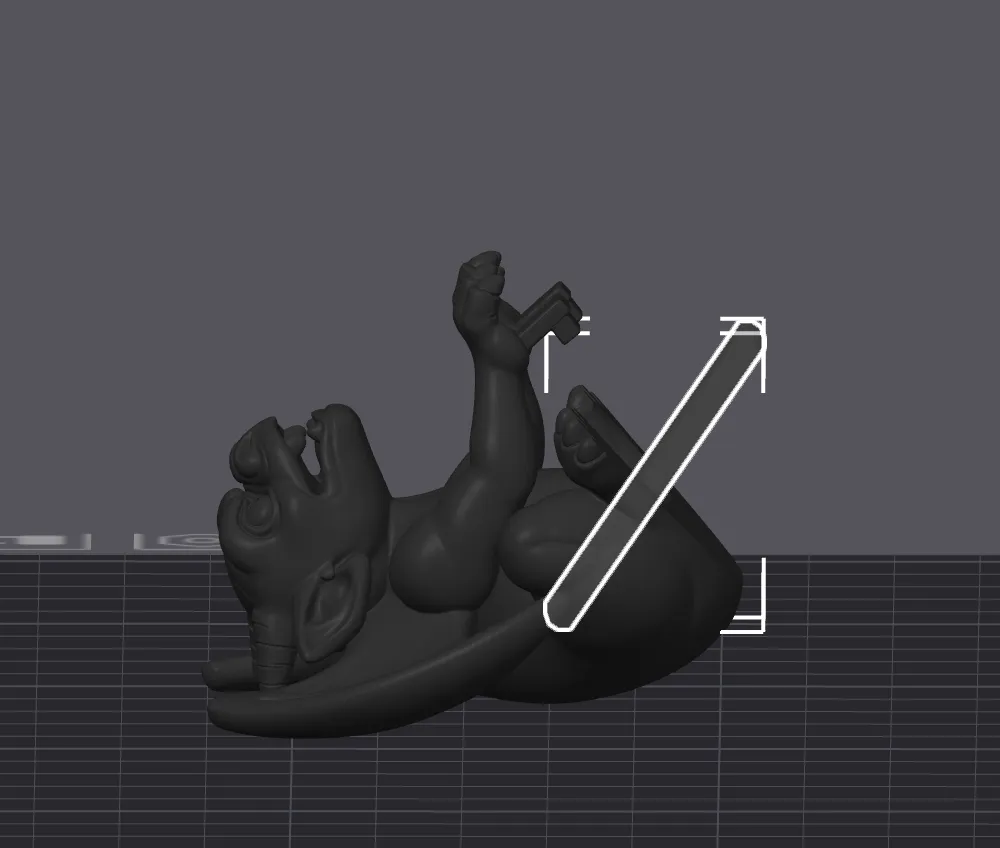
After selecting press M in your keyboard, you will see something like the example below.
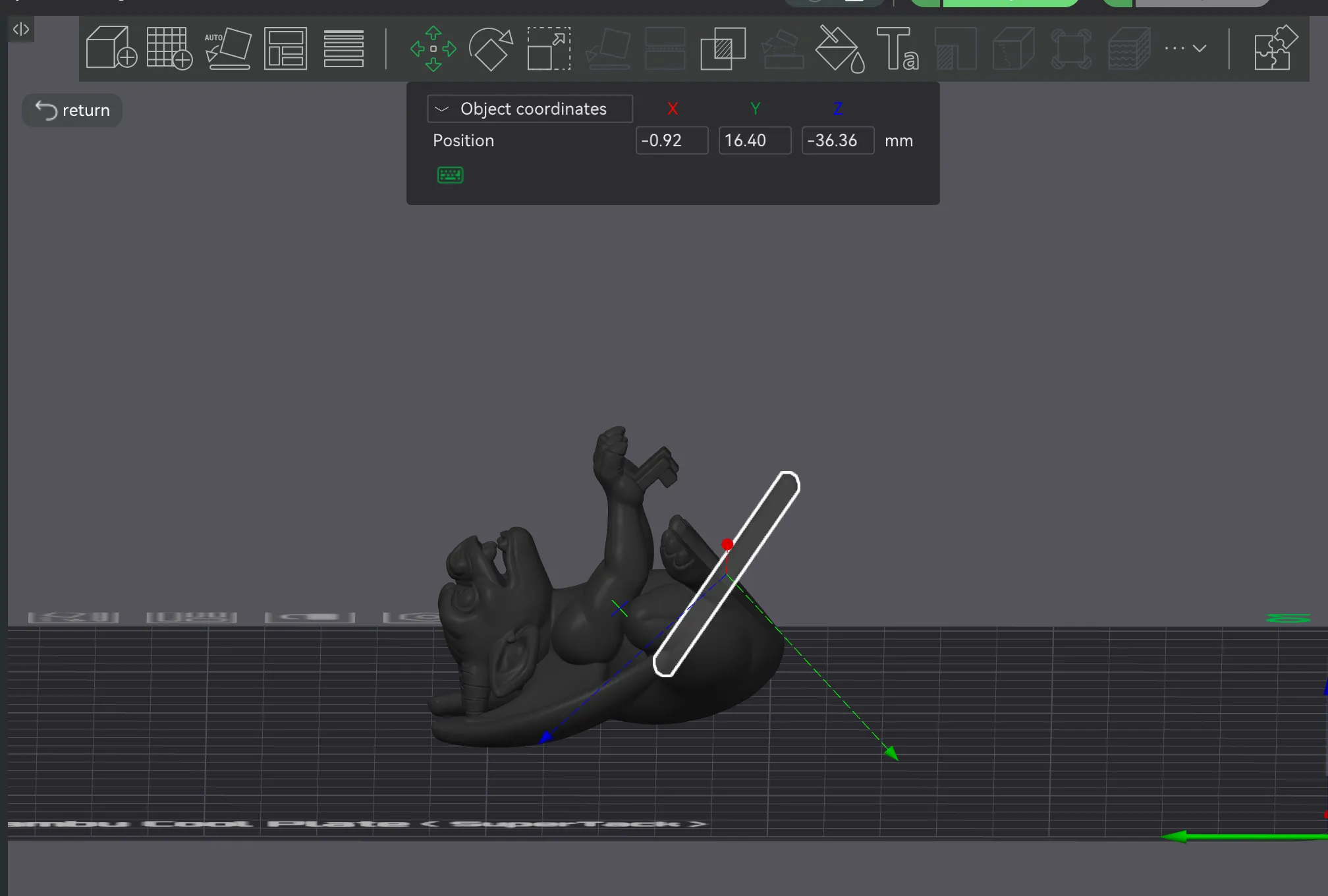
Adjust the Y axis (the green one) to make the fit larger or smaller. After that use the measure tool (shortcut U) to check the size.
I’d love to see your prints of this model! 💛
If you enjoyed it, please consider giving it a boost — it really helps and motivates me to keep creating more designs for you. 🚀
License

You shall not share, sub-license, sell, rent, host, transfer, or distribute in any way the digital or 3D printed versions of this object, nor any other derivative work of this object in its digital or physical format (including - but not limited to - remixes of this object, and hosting on other digital platforms). The objects may not be used without permission in any way whatsoever in which you charge money, or collect fees.


Comment & Rating (305)