
Anycubic Kobra 3 Max Poop Deflector & Poop Bucket
Print Profile(1)

Description
📢 NEW VERSION AVAILABLE – Poop Deflector V2 Released!
A new improved version of the Poop Deflector is now available, featuring an angled chute and side wings for better filament control.
The bin remains the same, so you only need to print the new V2 deflector.
👉 Check out the V2 HERE!
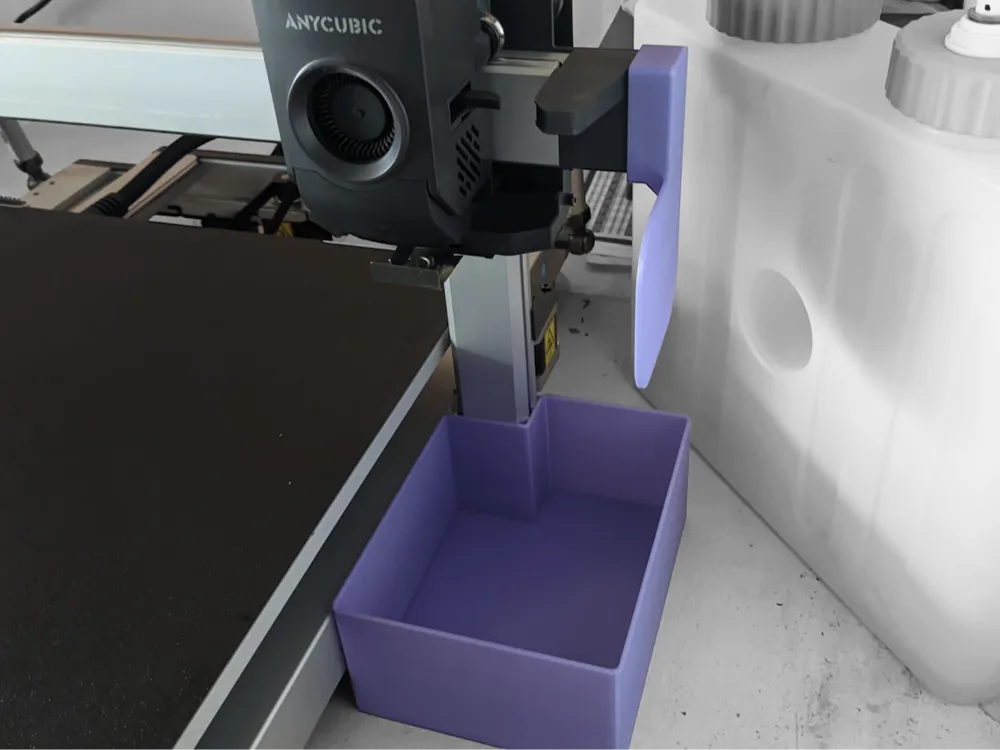
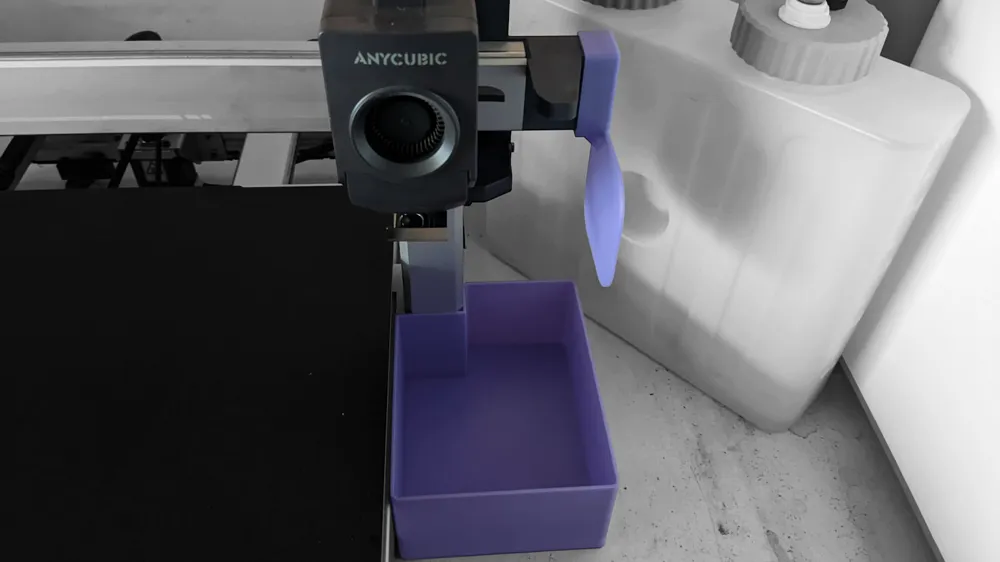
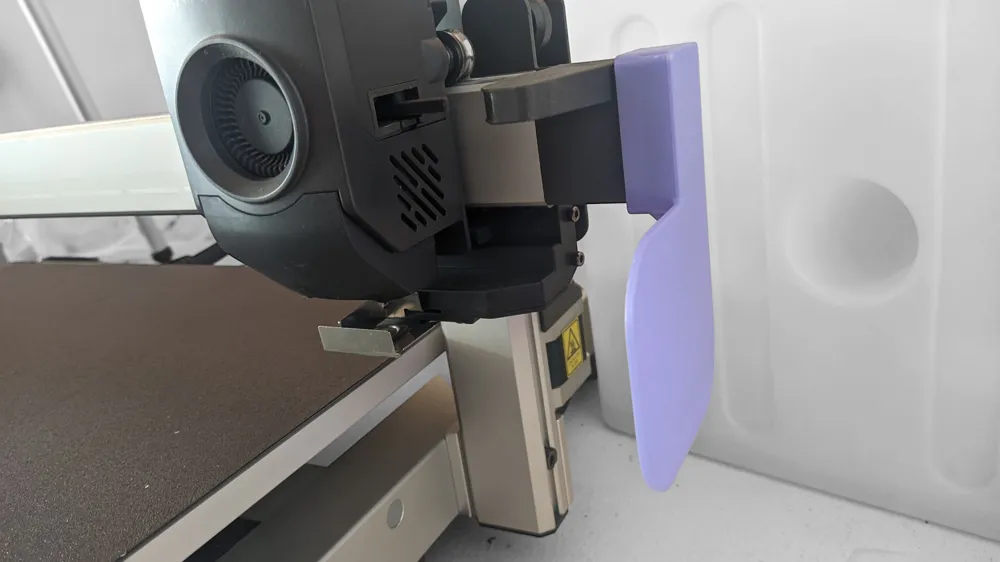
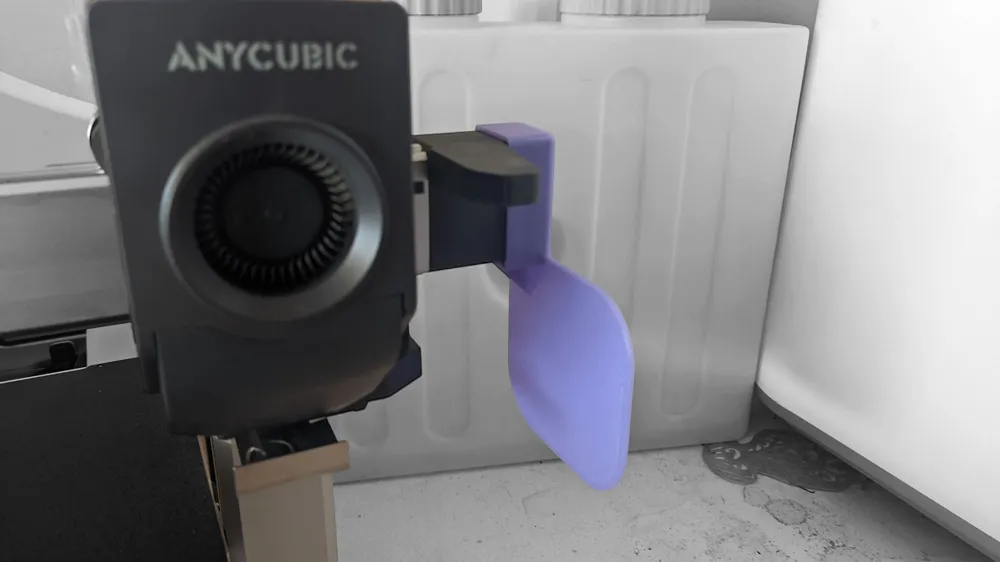
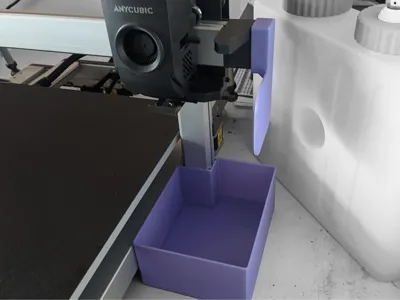
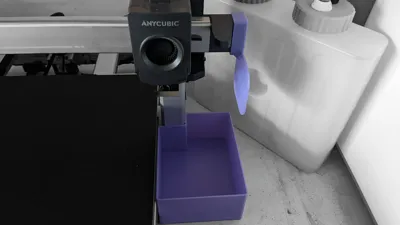
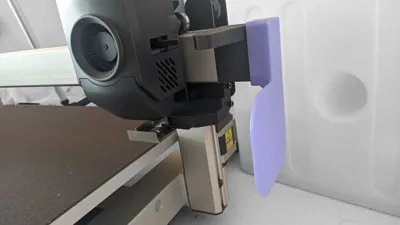
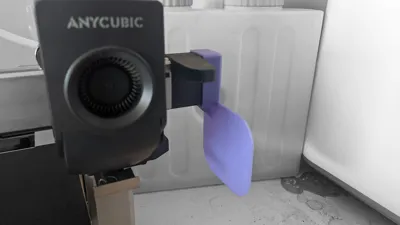
This poop deflector is a simple, lightweight accessory that slides onto the right side of the X linear rail of the Anycubic Kobra 3 Max. Its role is to redirect purge blobs and filament ooze away from the motion system and bed, guiding them neatly downwards into a collection bucket.
Key Features & Advantages
- Slide-on fit – mounts securely on the right side of the X linear rail, no clips or fasteners required.
- Guided chute – angled shape directs purged filament straight down, avoiding splatter across the printer.
- Low-profile design – keeps clearance safe from moving parts and does not interfere with printhead travel.
- Lightweight & robust – small footprint with enough wall strength to withstand repeated use.
- Easy print – designed for straightforward 3D printing with minimal supports.
Usage
- Slide the deflector onto the right side of the X linear rail until it seats in place.
- Position a collection bucket directly underneath to catch all filament waste.
- Run a purge cycle to check alignment and ensure smooth redirection of filament.
Notes
- For best results, print in PETG or ABS for higher durability.
- If filament tends to stick inside the chute, lining the inside with PTFE or aluminum tape helps it slide off.
The collection bucket pairs perfectly with the poop deflector, sitting directly below it to gather all purged filament and blobs. Compact yet spacious enough for long prints, it keeps the printer area clean and makes disposal quick and easy.
Key Features & Advantages
- Perfect alignment – sized to sit right under the X-rail deflector path.
- Stable base – flat, broad bottom prevents wobble or tipping during printer movement.
- Removable container – quick to slide out, empty, and reinstall between prints.
- Smooth walls – easy to clean and prevents filament strands from catching.
- Heat-resistant – PETG or ABS recommended for longevity in a warm print environment.
Usage
- Place the bucket directly below the poop deflector’s exit.
- Confirm the nozzle’s purge path lands inside the bucket during the first test.
- Empty after each session to prevent overflow.
Notes
- You can scale the bucket height in your slicer if you want a larger capacity.
- Consider printing in a contrasting color so filament waste is easier to spot inside.
🔥 Explore My Collections! 🔥


Boost Me (for free)
If you enjoy my creations and want to support my work, please boost me! Your boosts help me keep creating and sharing free models like this one. Thank you for your support!
License



Comment & Rating (5)