
Customizable XYZ Axis w/ Magnetic Mount (10x2mm)
Print Profile(1)

Bill of Materials

Description
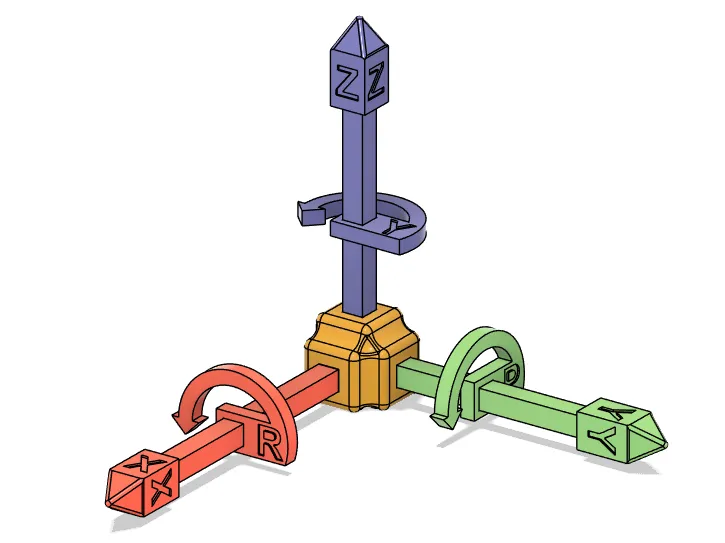
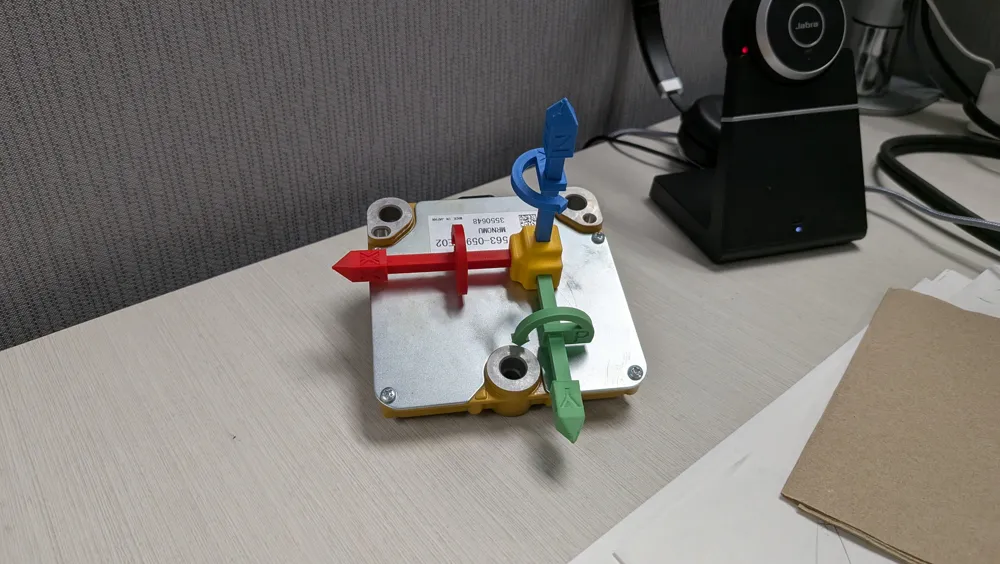
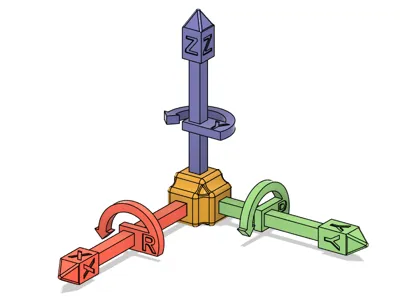
Struggling to visualize 3D rotations or switch between different coordinate systems? This fully modular and magnetic Axis Visualizer is the ultimate hands-on tool for mastering spatial concepts! It provides a clean, tangible representation of a Cartesian coordinate system that can be instantly reconfigured and mounted anywhere needed.
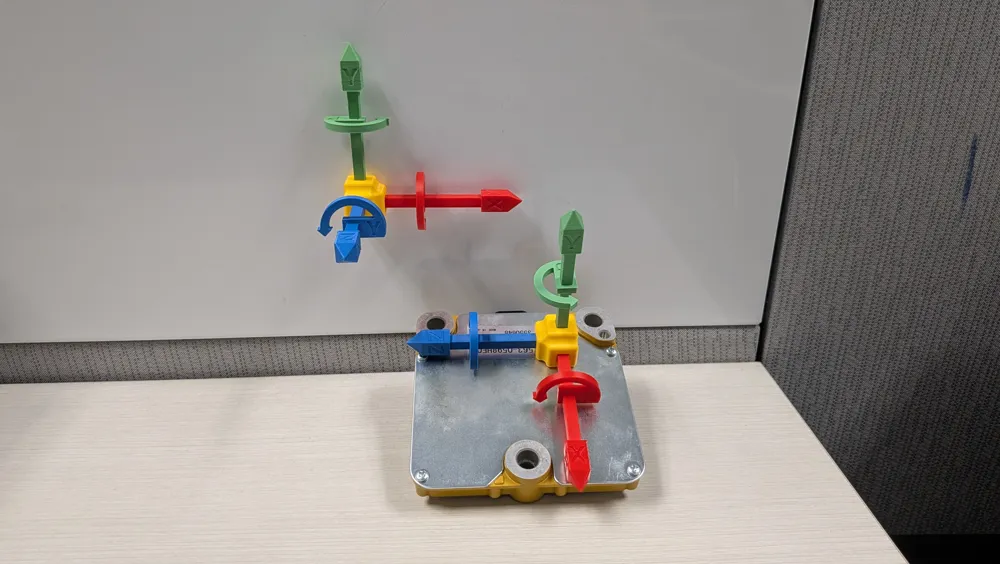
Designed as the perfect companion for your workshop, classroom, or desk, it's an indispensable tool for students, educators, and engineers. Stick it to your whiteboard, 3D printer frame, or toolbox for quick, hands-free reference.
Key Features:
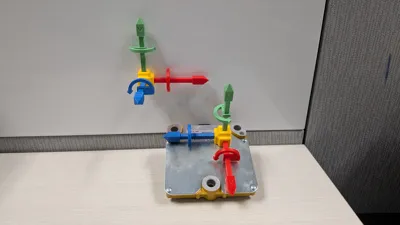
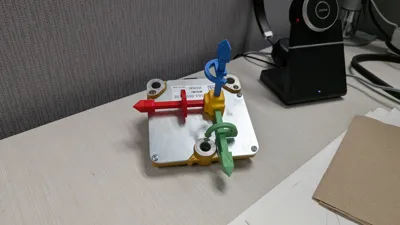
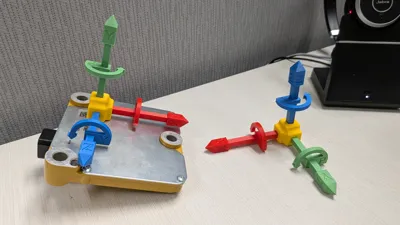
🧲 Magnetic Mounting Option: The central hub features a dedicated slot to install a magnet. This allows you to stick the visualizer to whiteboards, metal shelves, 3D printer frames, or any magnetic surface for easy storage and hands-free demonstration.
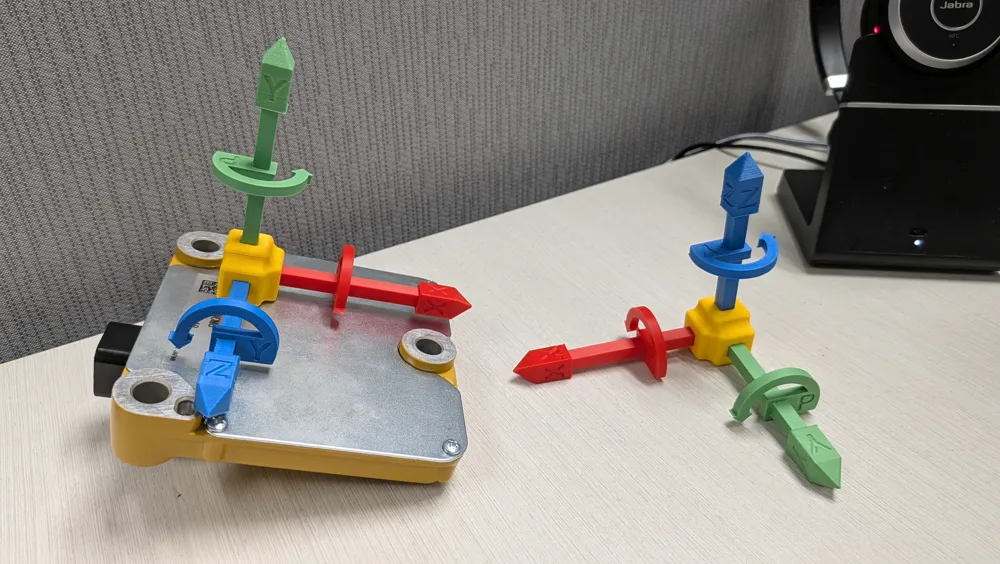
✅ Customizable: Need to represent a left-hand coordinate system? No problem! Insert axes one way to show positive rotation for a right-hand system. Pull it out, flip it, and re-insert it to show a left-hand system.
✅ Multi-Color Ready: The model is separated into four parts, so you can easily print them in distinct colors without a multi-material printer.
✅ Simple, Glue-Free Assembly: Parts are designed for a snug press-fit, allowing you to assemble and reconfigure your coordinate system over and over again.
Printing & Assembly Recommendations:
Supports: No supports are needed if printed in the recommended orientation.
Material: PLA works perfectly.
Assembly: Press each axis into the desired slot on the central hub.
Magnet Installation (Optional): The base of the hub has three cavities, each for a 10x2mm cylindrical magnet (Bambu Lab link on top of this page). Hammer in the magnet, simple and easy.
Happy printing!
License

You shall not share, sub-license, sell, rent, host, transfer, or distribute in any way the digital or 3D printed versions of this object, nor any other derivative work of this object in its digital or physical format (including - but not limited to - remixes of this object, and hosting on other digital platforms). The objects may not be used without permission in any way whatsoever in which you charge money, or collect fees.


Comment & Rating (7)