Search models, users, collections, and posts

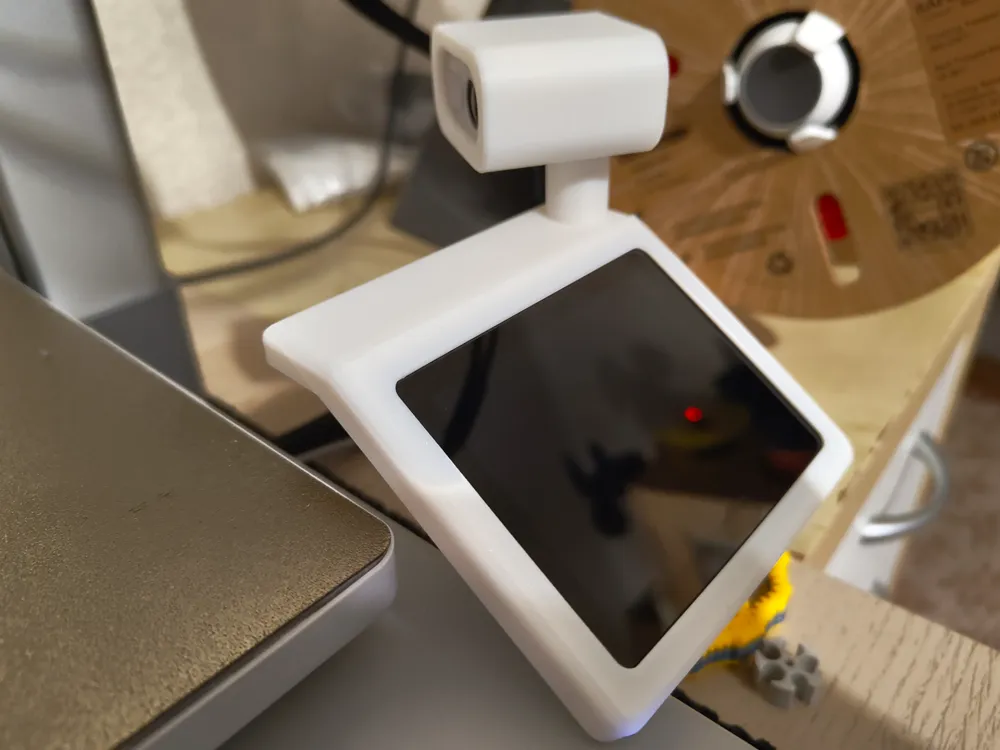
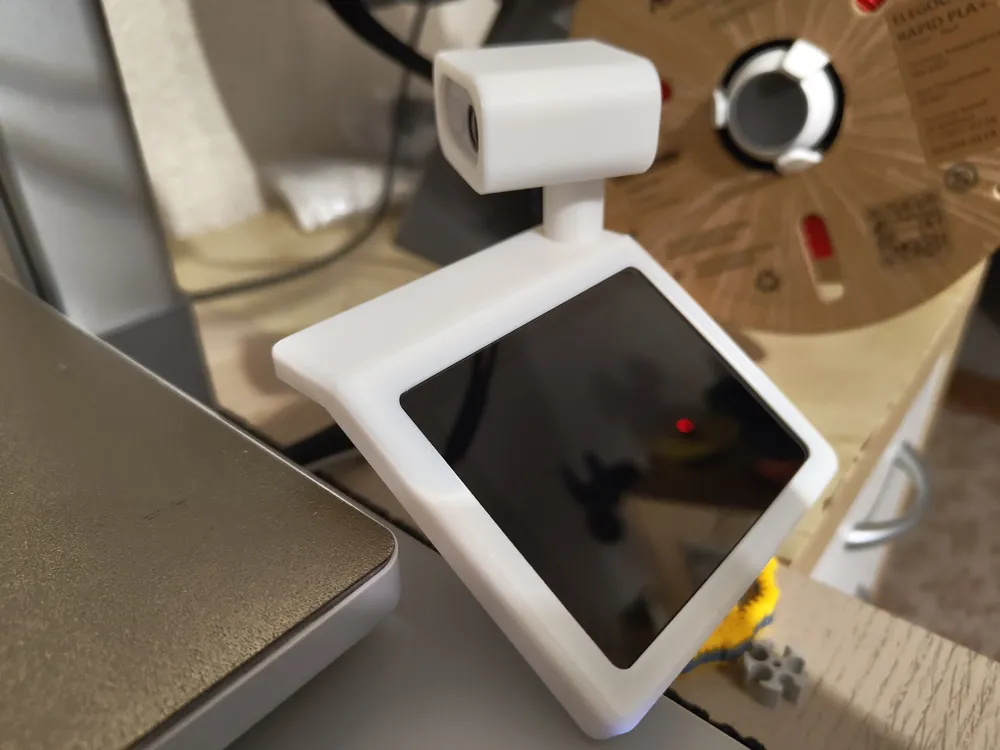
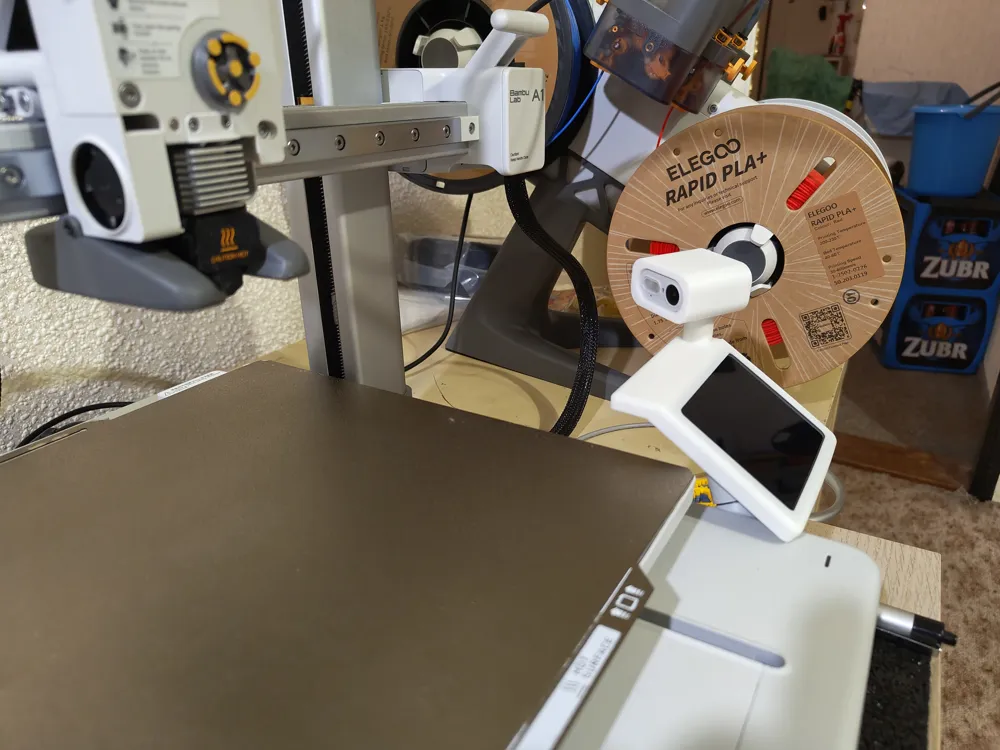
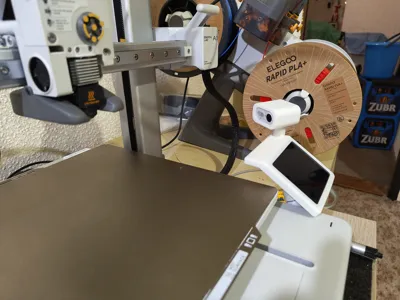
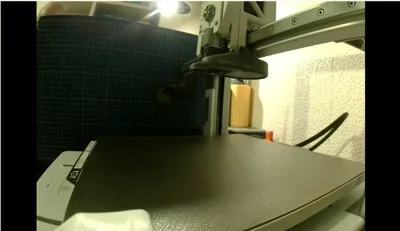
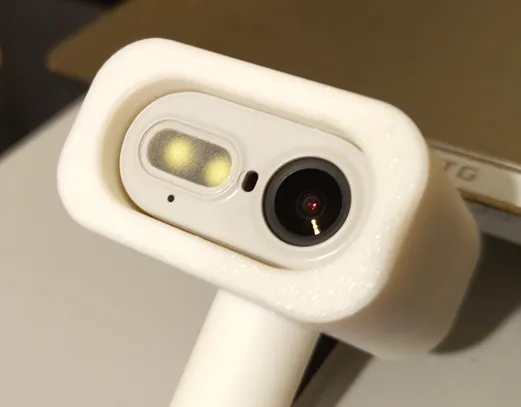
Bambulab A1 camera relocation,better viewing angle

Print Profile(1)

All
A1
P1S
H2S
X1
X1 Carbon
X1E
H2D Pro
A1 mini
H2D
P1P
P2S
H2C
X2D
A2L

0.12mm layer, 3 walls, 20% infill
Designer
1.9 h
1 plate
4.9(22)

Open in Bambu Studio
Boost
360
869
42
7
366
254
Released 

Bill of Materials

Bambu Filaments
Select all
Jade White (10100) / Refill / 1kg

Description

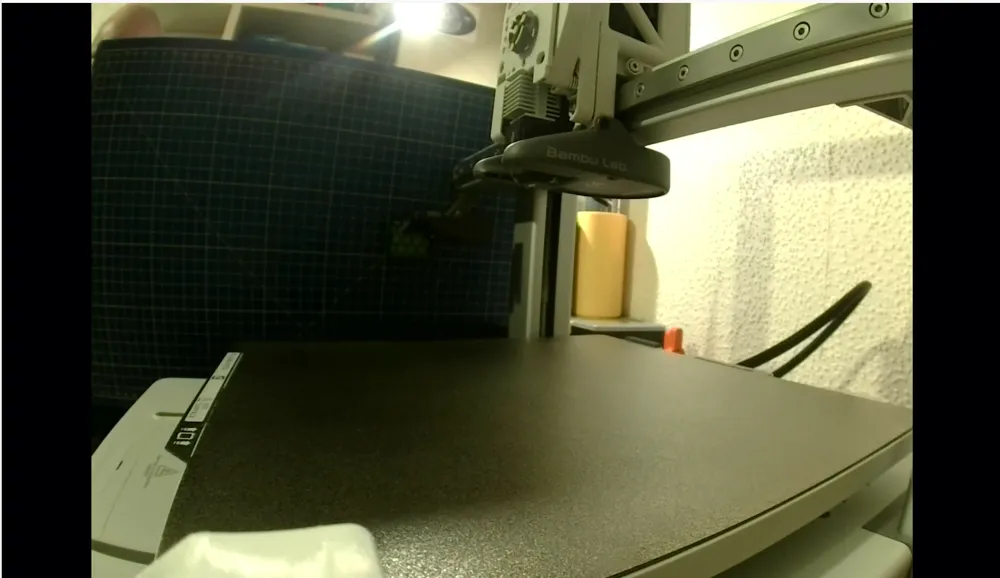
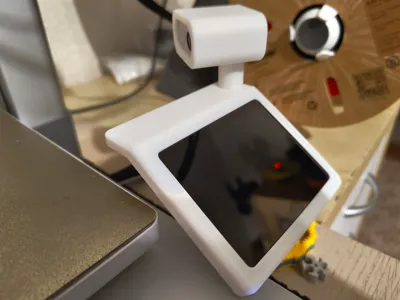
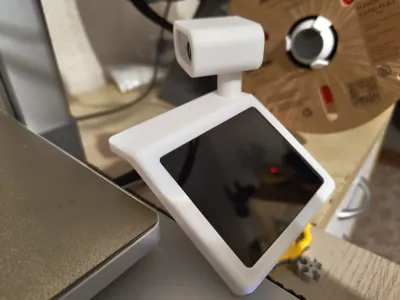
I didn´t like original camera view of my A1, so I was looking for models with better view.

BEWARE YOU MUST REMOVE CAMERA AND ITS CABLE !!!


But I didn´t find any model perfect for me. So I was inspired by this model: 

https://makerworld.com/en/models/1797576-a1-camera-relocation-omnidirectional#profileId-1916609


I created my own version without moving parts. Only bit of glue.


1. Remove camera from original location. Use this instruction page: 

     https://wiki.bambulab.com/en/a1/maintenance/camera-replacement-guide


2. Remove camera cable from metal sleeve. Use this instruction page (do not remove USB-C cable, only camera cable!):

     https://wiki.bambulab.com/en/a1/maintenance/usb-c-cable-replacement-guide


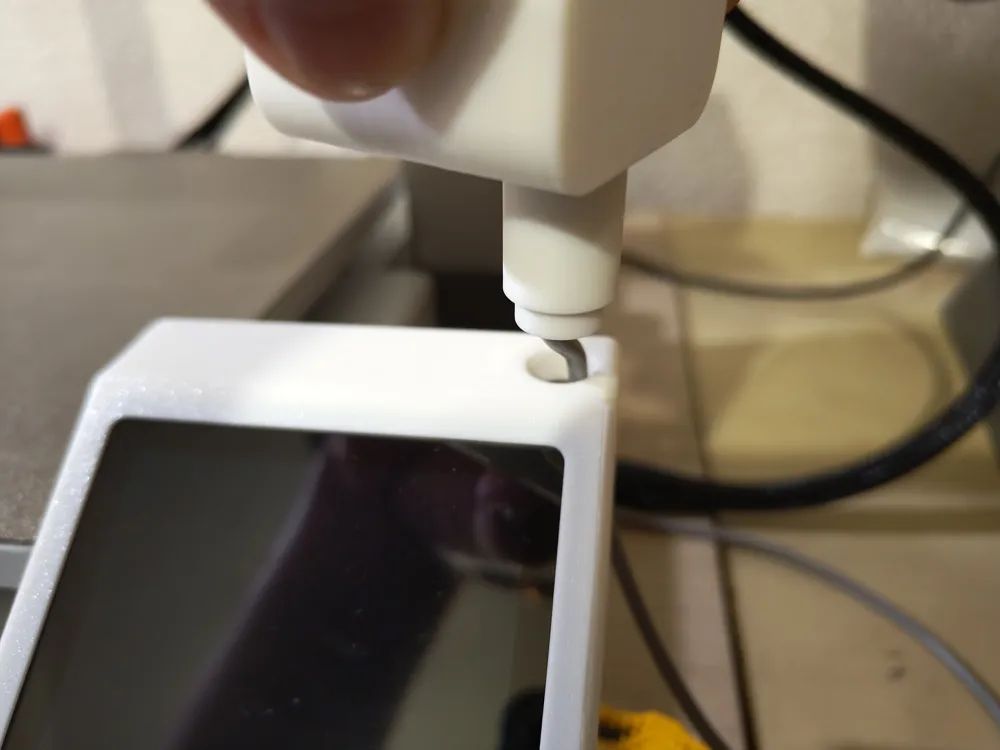
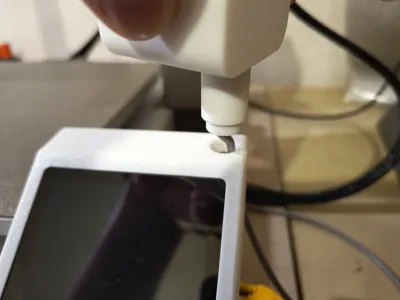
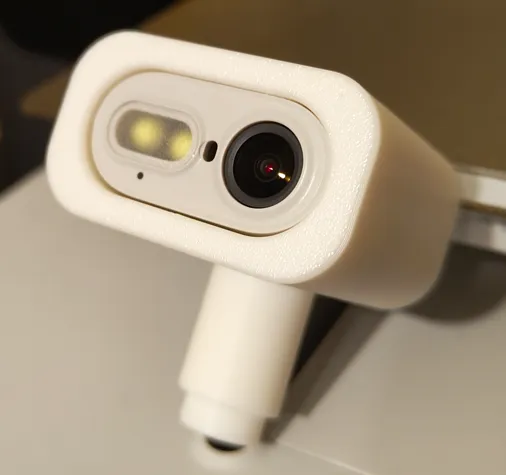
3. Connect printed camera part with tube connector with glue:    
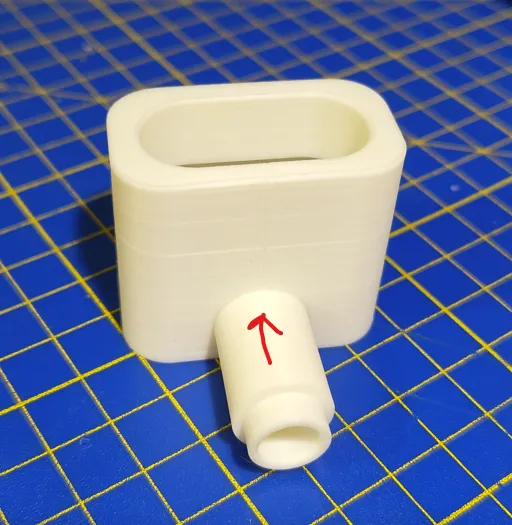


4. Insert camera module into printer camera part:
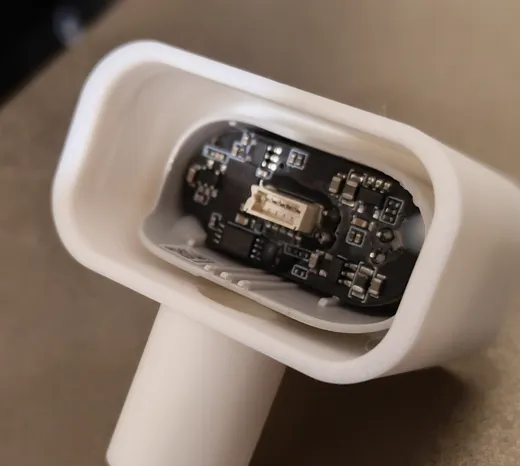
 

5. Push camera module to front:


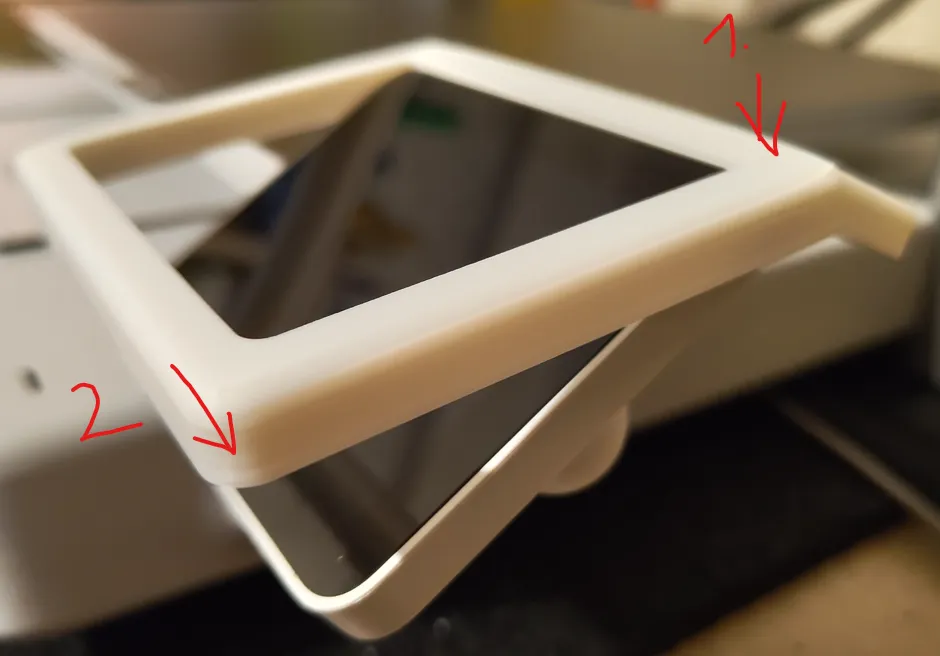
6. Install printed display frame:


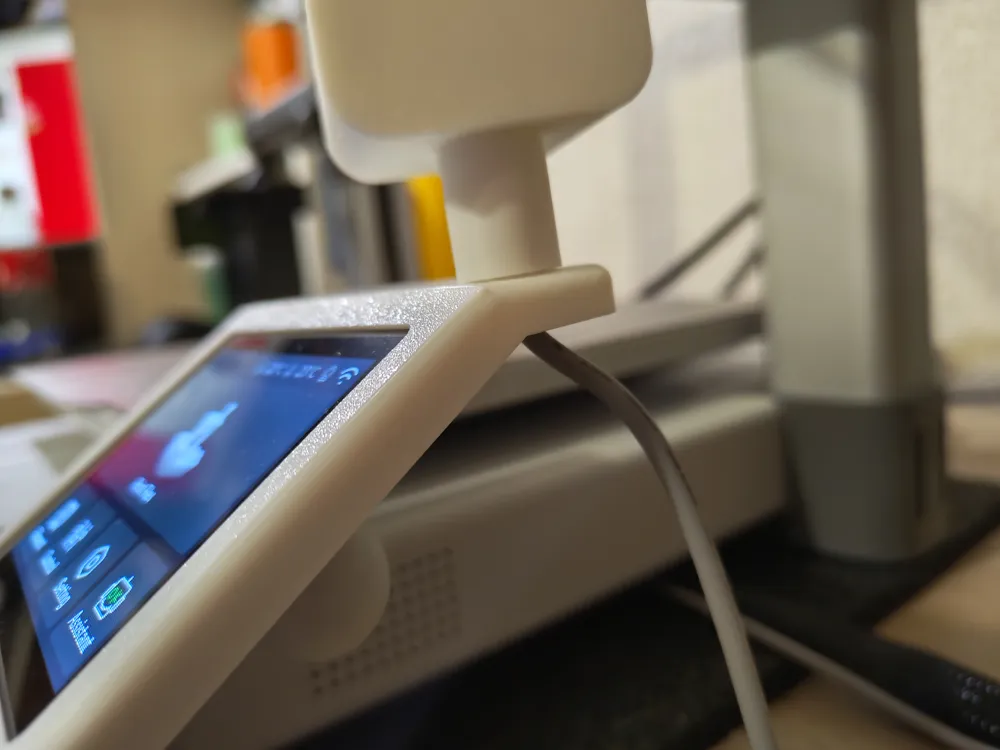
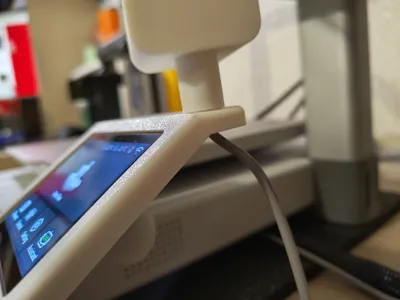
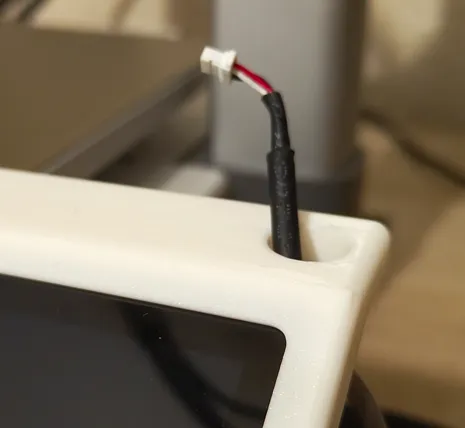
7. Push camera cable thru hole:


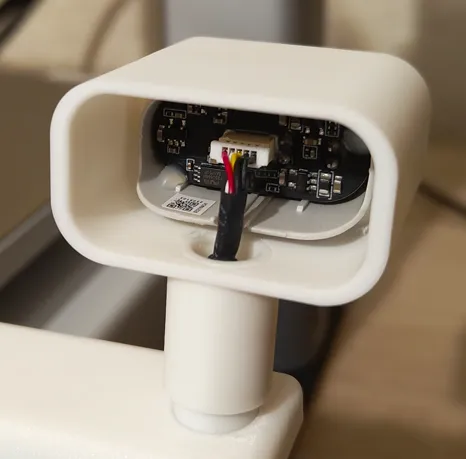
8. Push camera cable thru valve and insert into camera module:


9. Insert valve into hole in the display frame:
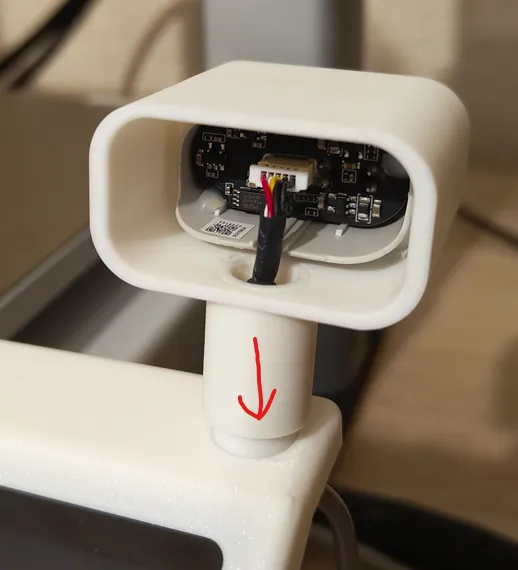


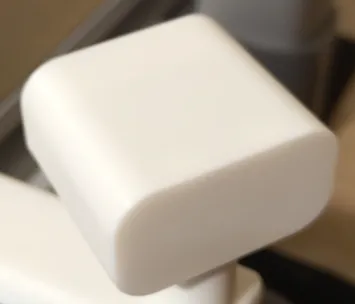
10. Install camera part cover:
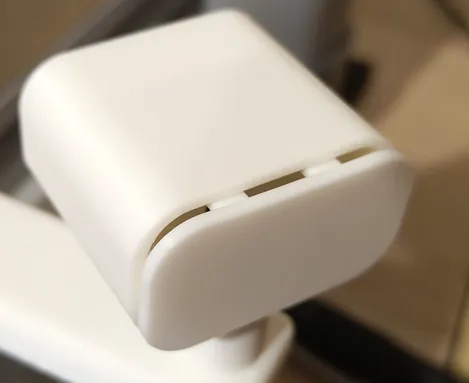


11. Set up camera view as you wish:
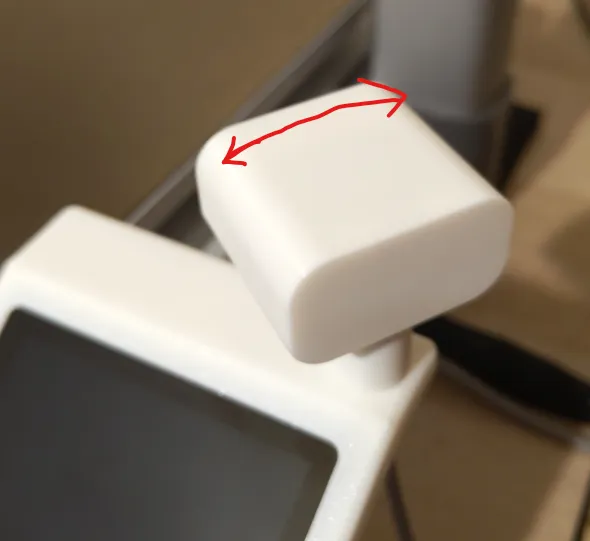


Hope yu´ll be satisfied! 

Comment & Rating (42)

(0/1000)

Print Profile
0.12mm layer, 3 walls, 20% infill
Perfect! I really like this mod, as the picture is just soo much better. Installation was easy to do and I added some sleeving to the camera cable for additional style points :D
The profile uploader has replied
0
Reply
Looks great!
0
Reply
Print Profile
0.12mm layer, 3 walls, 20% infill
(Edited)
0
Reply
could you do something similar for the A1 mini? thanks
The designer has replied
Show original
0
Reply
Good idea, but I don't have an A1 mini available
Show original
0
Reply
Replying to @bubasstis :
I will try to adapt it to see what comes out, thank you😉
Show original
0
Reply
Hi, I just ordered my A1 and my question is, does the same cable that comes with it in its normal position work to change it to the mood position?
The designer has replied
0
Reply
Hi, yes I used original cable. But after relocation is to long as you can see in the last picture. I´m planning to do same cable management, maybe.
0
Reply
Replying to @bubasstis :
Thank you very much I liked the design
Show original
0
Reply
Hi! This is a great idea. If I may come with a suggestion. Perhaps put a cover flap on the display support part, since you already have the frame. Then it's a 2in1 ;)
The designer has replied
0
Reply
Hi, I thinked about it! Week ago. No time now. Maybe later. :)
0
Reply
is there a tutorial for the mod please
The designer has replied
Show original
0
Reply
Sorry, no tutorial. But U can use added links to remove camera cable. It´s easy if U use them.
0
Reply
hello, but is an extension cable needed for the camera
The designer has replied
Show original
0
Reply
No extension needed, original cable is longer then U need.
0
Reply
could you design a cover to put in the place where we removed the camera
(Edited)
The designer has replied
Show original
0
Reply
Hi, good point 👍
0
Reply
I assume you have to disable clumping detection to do this? It’s my understanding the camera is used to identify any clumping, which is why it periodically runs to the right read corner to be reviewed.
The designer has replied
0
Reply
Hello, U can use clumping detection, It doesn´t use camera. This is cheap class printer. Bambu wiki: "When the detection is performed, the printer moves outside the heat bed and then makes a tentative touch. If the nozzle is not covered by filaments, the nozzle will only touch the air during this process, and the sensor will not detect any external force. " No worries about that.
0
Reply
Print Profile
0.12mm layer, 3 walls, 20% infill
perfecto
0
Reply