
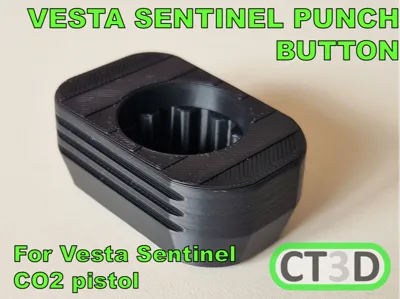
Vesta Sentinel Punch Button
Print Profile(2)


Bill of Materials
.jpg)

Description
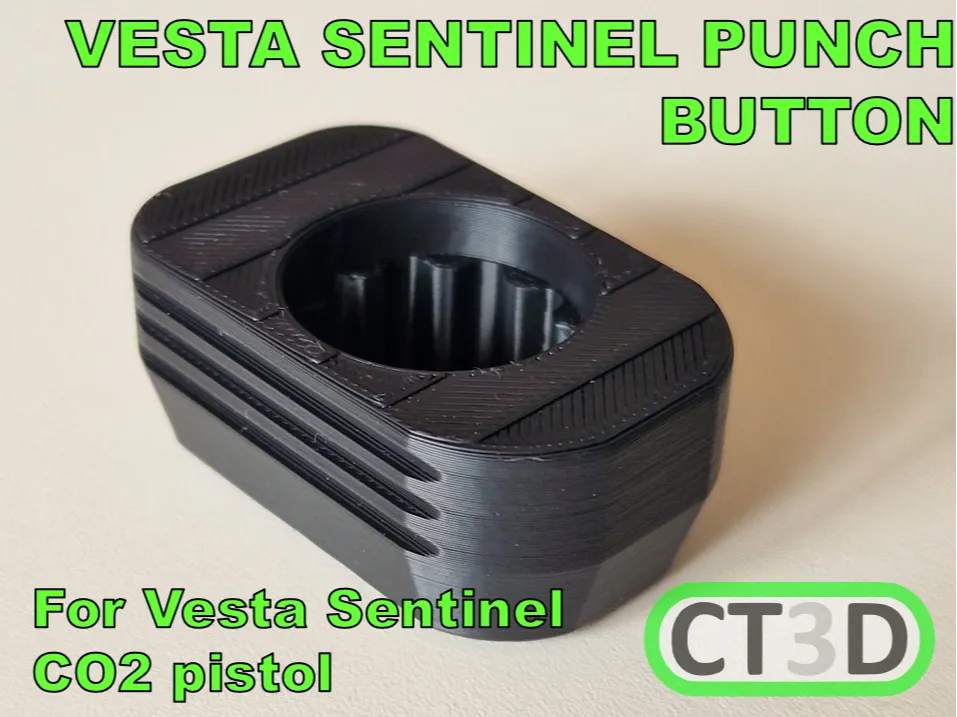
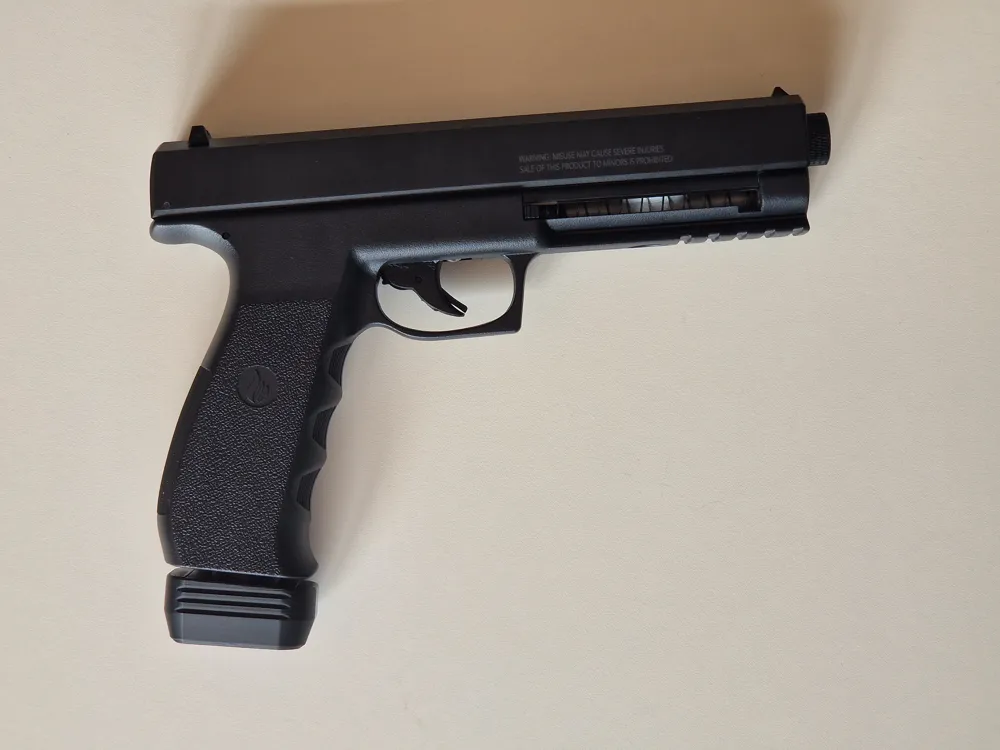
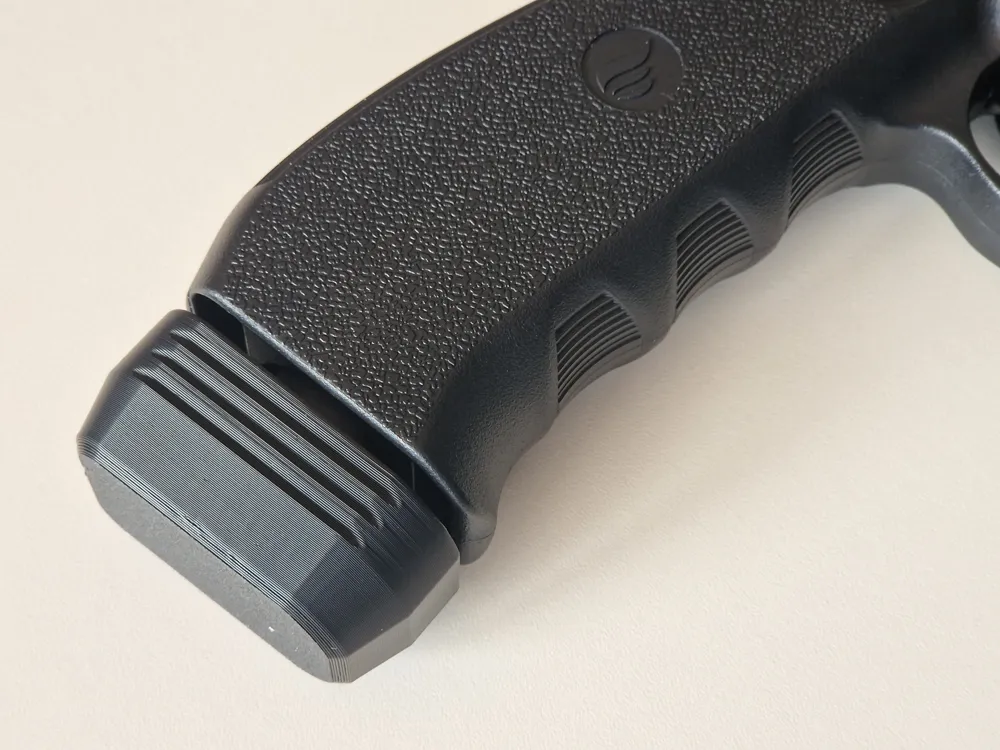
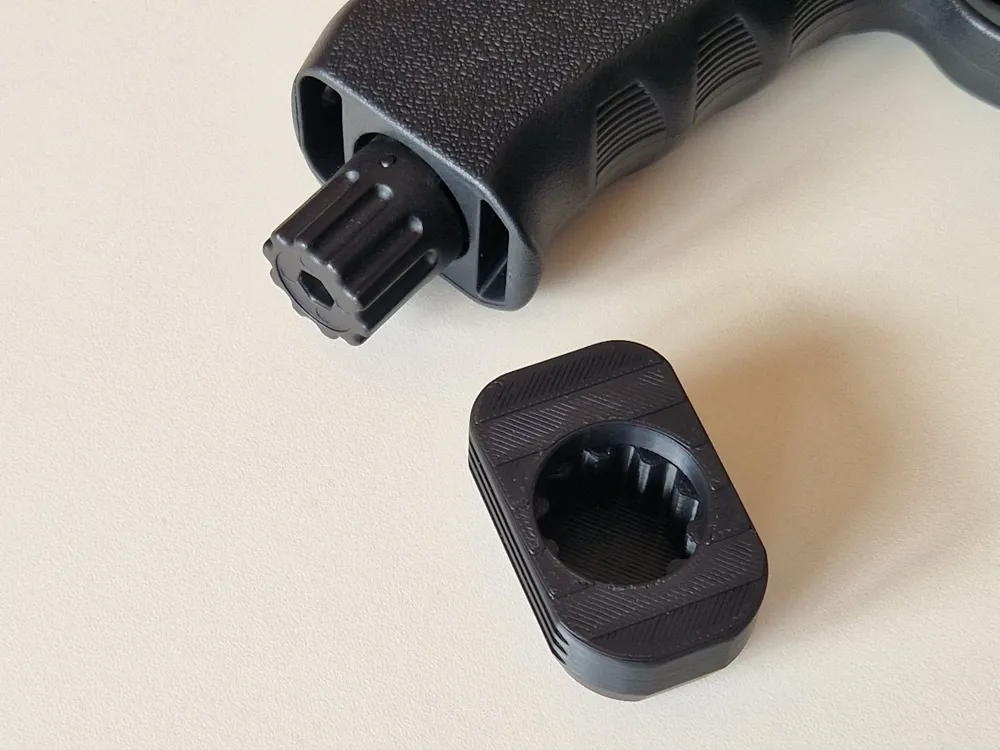
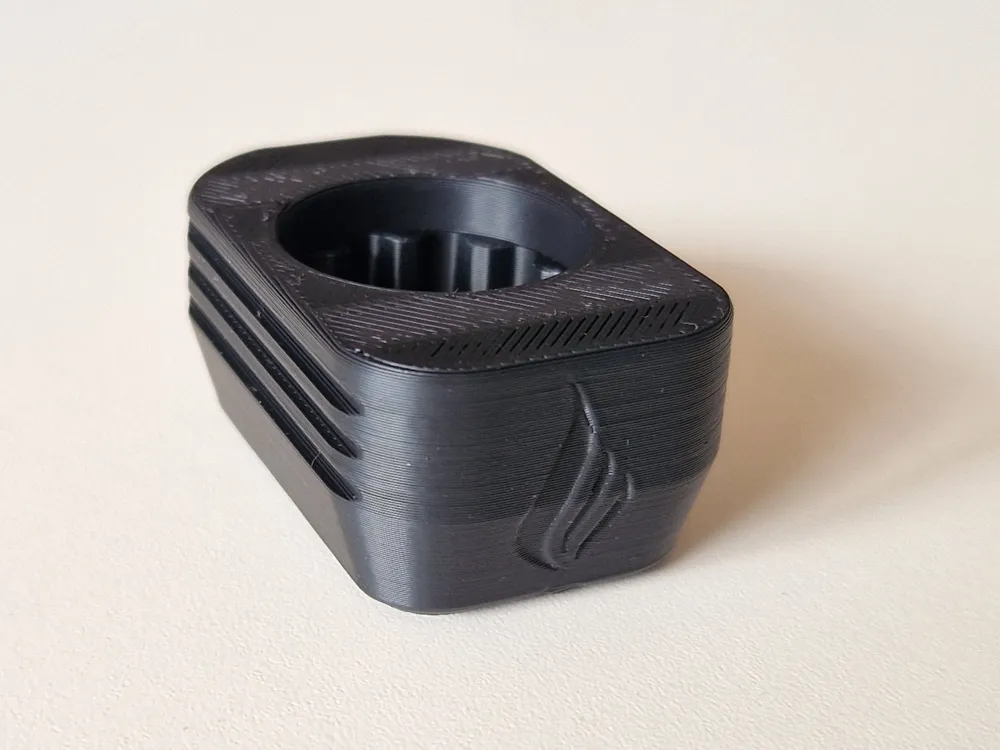
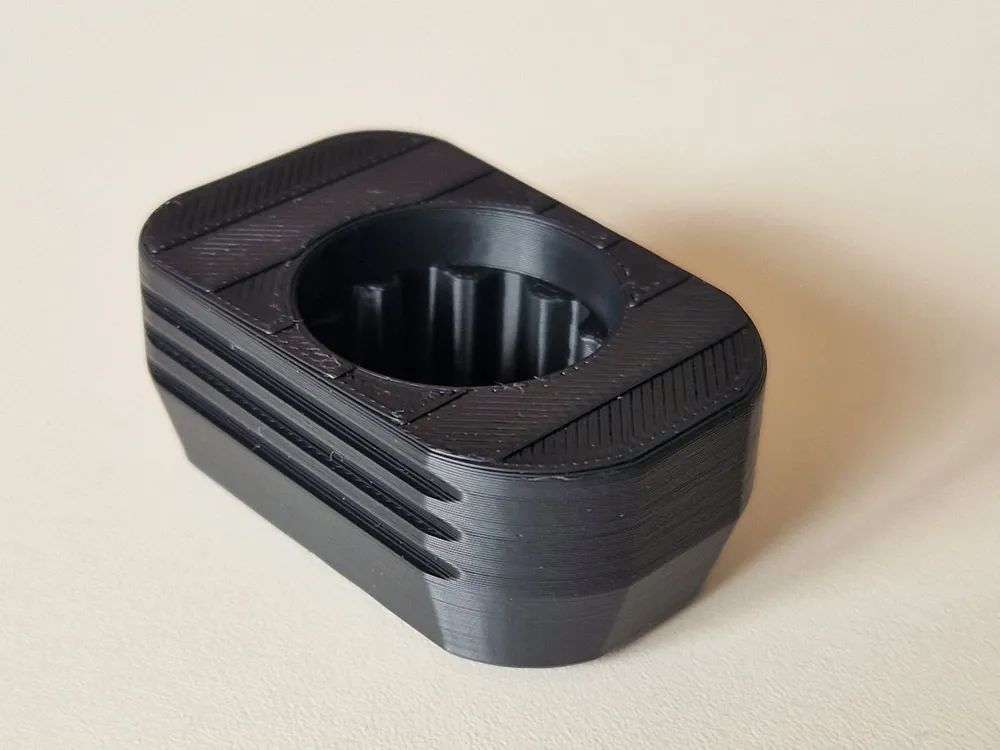
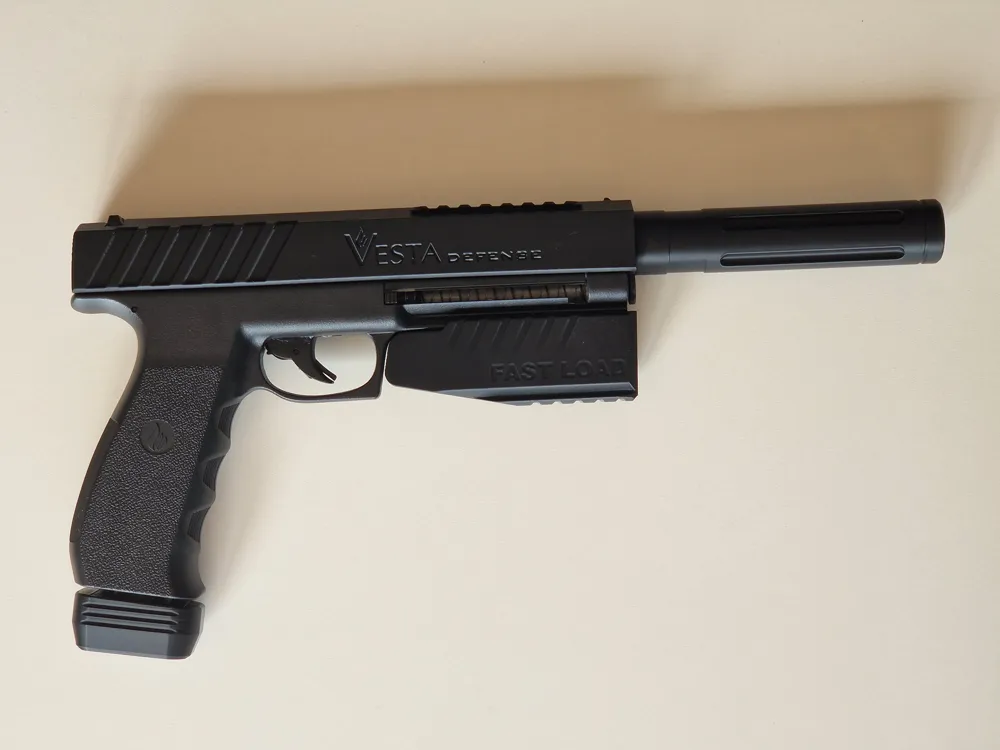
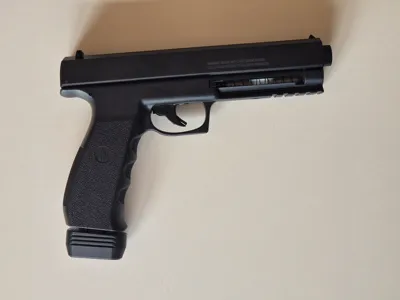
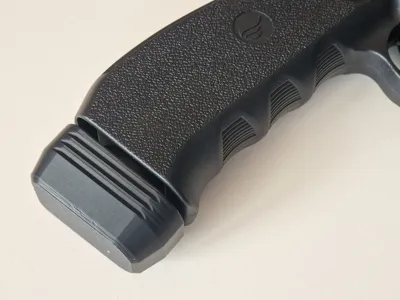
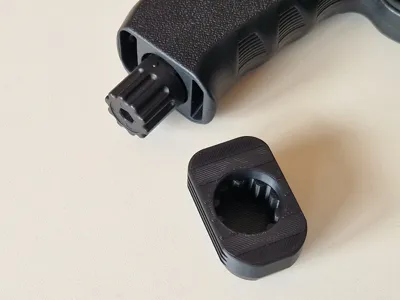
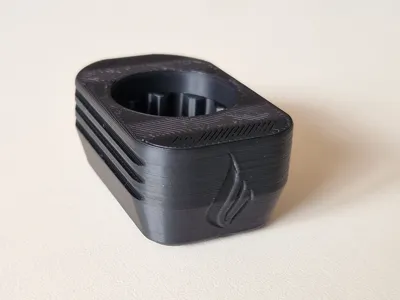
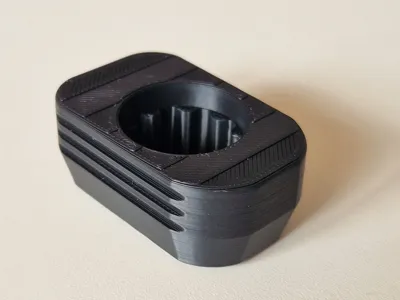
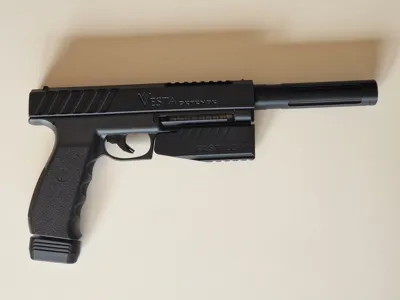
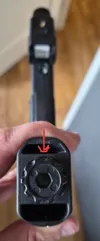
This is a punch button for the Vesta Sentinel CO2 pistol. This is a version of the Vesta PDW50, but it wil only fit the Sentinel since the grips between those 2 versions are different.
Installing the button:
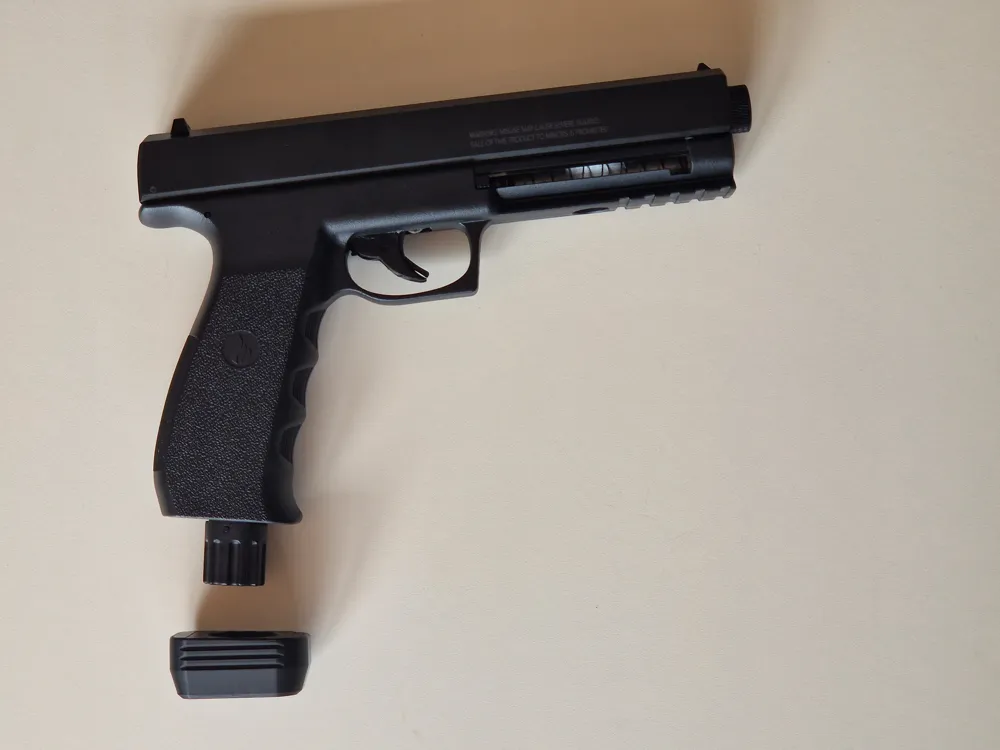
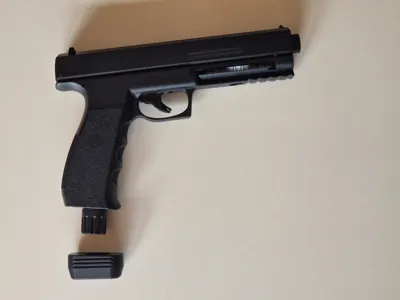
1: Make sure you remove the punching knob and remove the CO2 cartridge before installing the button.
2: re-install the punch button and close it all the way hand tight.
3: Install the punch button by sliding it on the punch knob, pushing it on all the way.
4: Now you can open the punch assembly again and install a new CO2 cartridge and install the punch assembly again. You are done.
WARNING!
This cover makes the pistol look more like a real gun. That might be illegal in the country you live in. Please check local laws before installing this cover.
I accept no responsibility if you brake the law.
If you like what I am doing here please comment, like, boost or consider a membership…
Membership
Boost Me (for free)
License

You shall not share, sub-license, sell, rent, host, transfer, or distribute in any way the digital or 3D printed versions of this object, nor any other derivative work of this object in its digital or physical format (including - but not limited to - remixes of this object, and hosting on other digital platforms). The objects may not be used without permission in any way whatsoever in which you charge money, or collect fees.


Comment & Rating (25)