
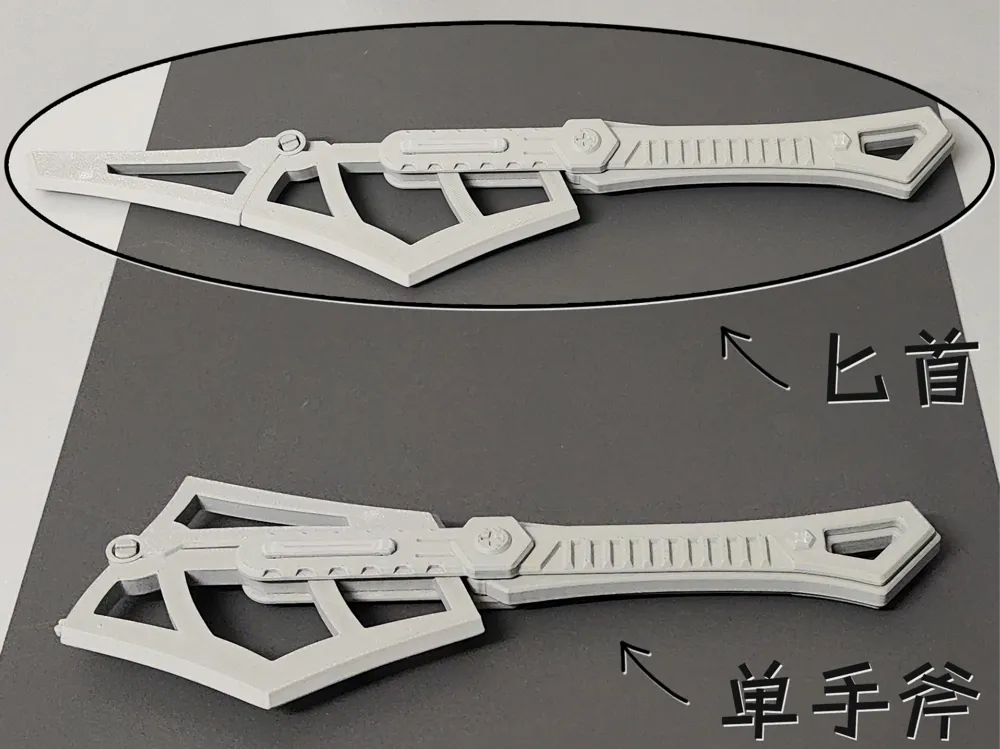

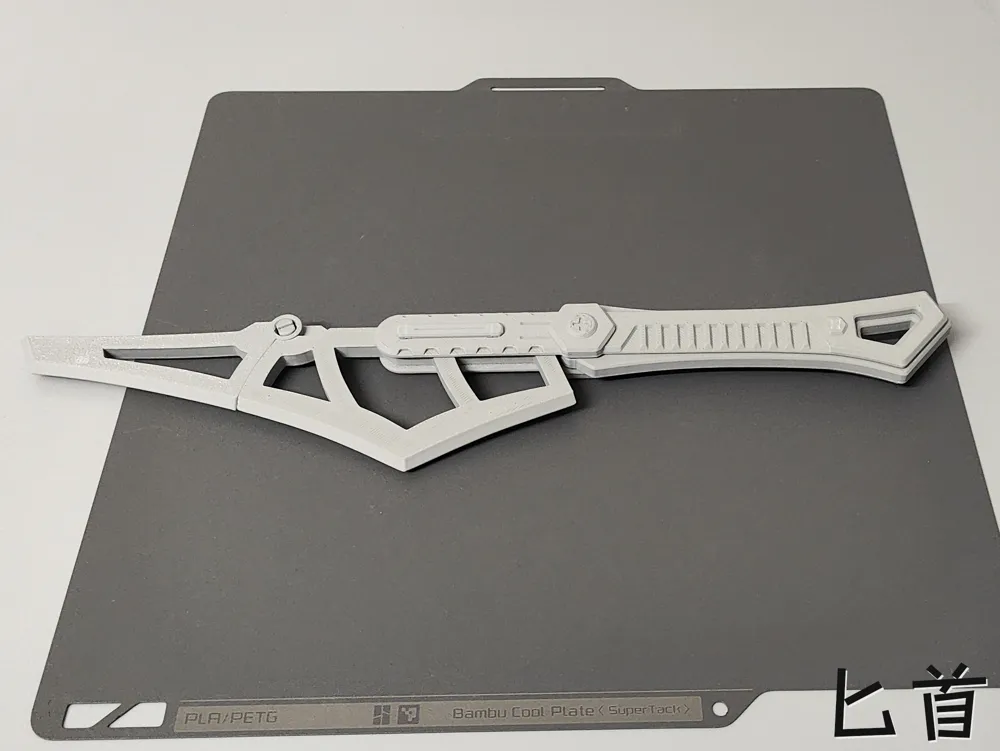
Dual Mode Weapon: One-handed Axe/Dagger (no supports, no hardware required)
Print Profile(1)

Description
Boost Me (for free)
Your likes and boosts are my motivation to update!!! Thank you~
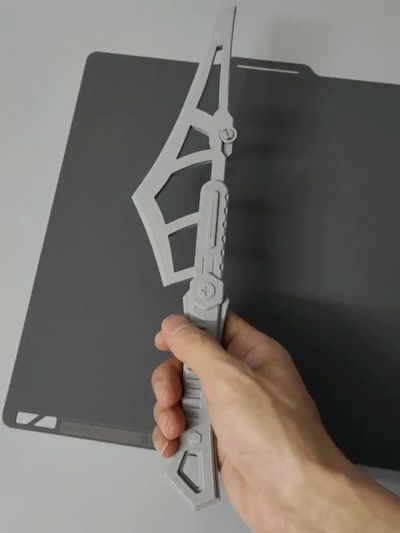
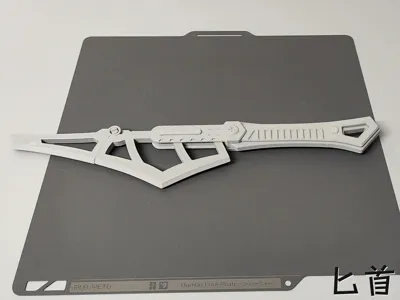
This is a weapon that can switch between two modes: one-handed axe or dagger. Switching modes is simple!! I think the overall strength is good, and installation is relatively easy~
Notes:
1.The blade pivot part will wobble a bit when not connected to the buckle below!!
2. After the front and rear blades are connected, they will wobble but are not easy to detach, but they will detach if you pull them up with some force!!

The GIF below is an assembly diagram:
1.First, install the red part, some force is required, be careful not to press it crookedly, as it may break!!
2.Finally, install the two black parts
Note: 1. Both PLA and PETG can be printed. It's best to understand the characteristics of these two materials before printing to avoid printing failures!! For example, PLA can become brittle if left for a long time or at low temperatures, while PETG has good toughness. Please choose the filament that suits you!!
2. If it's for younger children, and the parts are small and easy to disassemble, it's better to glue them firmly with 502 or other adhesives to prevent them from being swallowed!!
3. If there are no special requirements, please do not use your own advanced process settings for printing~ to avoid printing failures!!
If your printd part has local spaghetti, or the filament doesn't stick to the build plate, please recall if you touched that area (hands secrete sweat and oil, touching it has a very high chance of causing spaghetti) or if the build plate is dirty. The solution is to search online for how to clean a 3D print plate!! If other problems occur, please describe it in the comments section and add pictures, so it's easier for us to solve it~ Otherwise, I can't imagine the situation = =!!
License

You shall not share, sub-license, sell, rent, host, transfer, or distribute in any way the digital or 3D printed versions of this object, nor any other derivative work of this object in its digital or physical format (including - but not limited to - remixes of this object, and hosting on other digital platforms). The objects may not be used without permission in any way whatsoever in which you charge money, or collect fees.


Comment & Rating (4)