Search models, users, collections, and posts

External PC-Power-Switch with rotary lock
IP Report






















Print Profile(1)

0.2mm layer, 2 walls, 7% infill
Designer
3.3 h
3 plates
Open in Bambu Studio
Boost
10
21
1
3
17
9
Released
Bill of Materials


Description
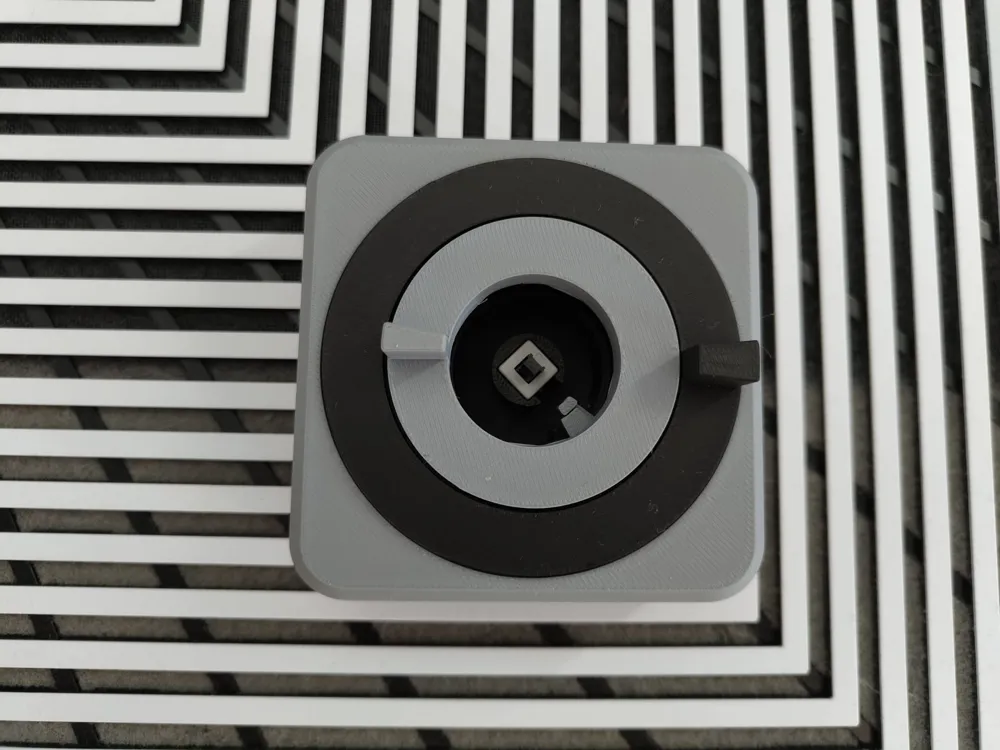
External Power Button for your Computer that is easier to reach and helps you turn on your computer and prevents others from doing so.
Both dials must be in the correct position for the button to be pushable.
You may chose one of the eight possible positions for each dial, creating a total of 64 combinations.
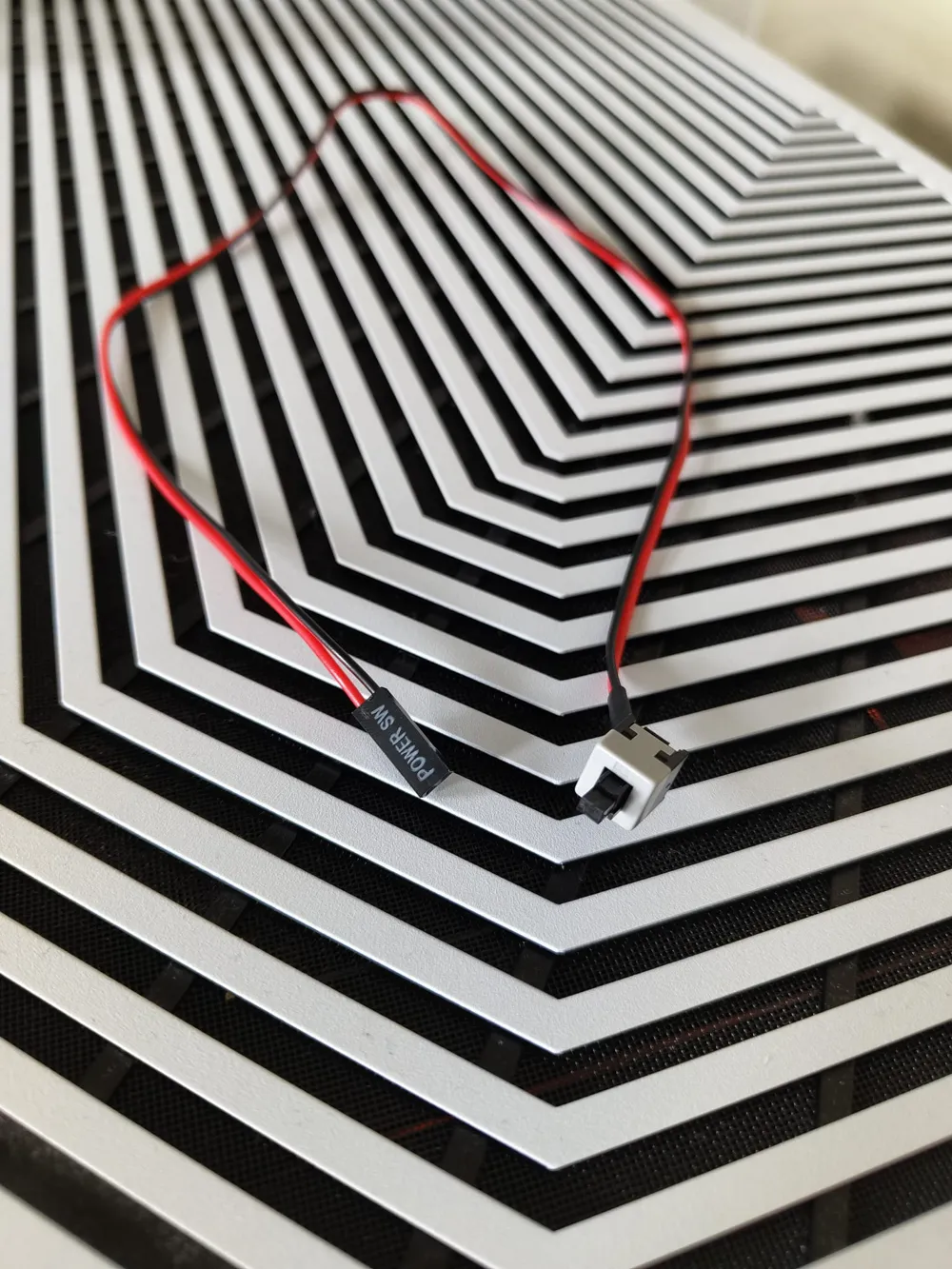
A power button in necessary to use this device.
To assemble the unit:
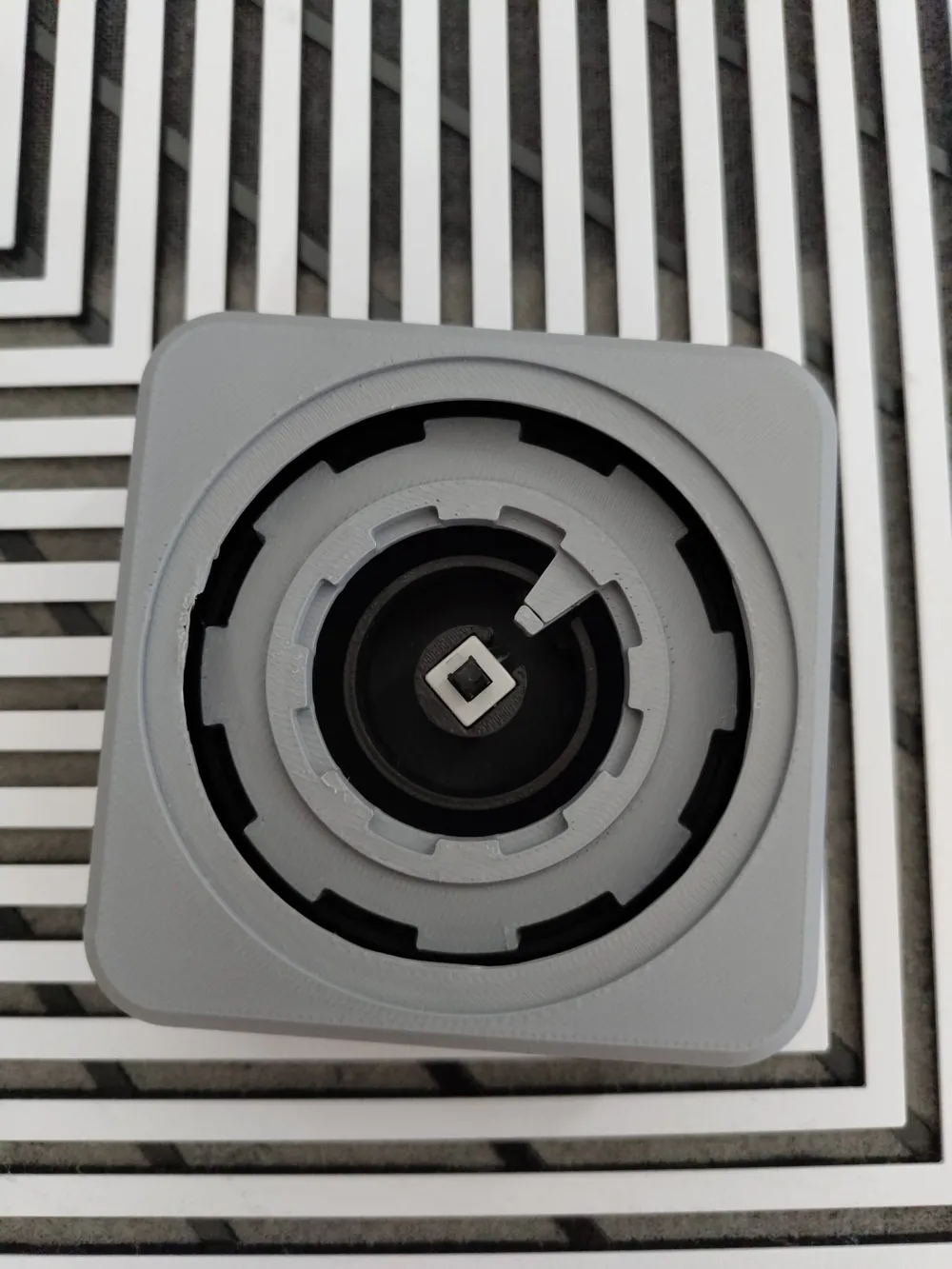
- push the power button into the center guides
- align the bigger gear with the outermost guide
- align the smaller gear inside the bigger gear
- turn both gears until they align in a way that lets you insert the button cap (some sanding might be needed for a smoother experience)
- push the top cover onto the base
- add the bigger dial, gently pushing it into the bigger gear (pressing the button might help and keep the gears from spinning)
- add the smaller dial and do the same, this step might need a bit of force
- DONE!
They can be bought cheaply on ebay or aliexpress: https://aliexpress.com/item/32830776007.html?spm=a2g0o.order_list.order_list_main.48.66425c5fKp8icJ
License

This user content is licensed under a
Creative Commons Attribution-Noncommercial-Share Alike


Comment & Rating (1)