
lightbox lampe UFC
Print Profile(1)

Description
Want to create your own lightbox? My complete eBook is available on Etsy — link below.
https://lmcreation56.etsy.com/listing/4401867020
Boost Me (for free)
🙌 Thank you for visiting my creative world! Every boost you send me is more than just a click: it's a real spotlight on my work, and a huge source of motivation to continue creating unique lamps, decorations, and objects. ✨ If you like what I do, a boost helps me to: -Gain visibility on MakerWorld -Create even more original models -Offer exclusive content to members 💡 A boost is simple but super powerful support. 💖
Membership
✨ Welcome to my creative workshop! I design original, decorative, and customizable 3D printed lamps. Whether you're a fan of geek, retro, design, or artistic decor, you'll find something here to light up your space in a unique way.
🔒 Important: Most of the models I offer are based on licenses or brands belonging to their original creators. They are therefore intended for strictly personal and non-commercial use.
🍻 Want to use a model for commercial purposes?
I simply ask for a small gesture for the time invested in modeling:
💬 Buy me a virtual beer (2.50€ where I live!)
You can do it via PayPal right here ⬇️
🙏 Thank you for respecting the work, and for your support!
https://www.paypal.me/clairenteau
📝 Description:
🔹 MakerWorld Text
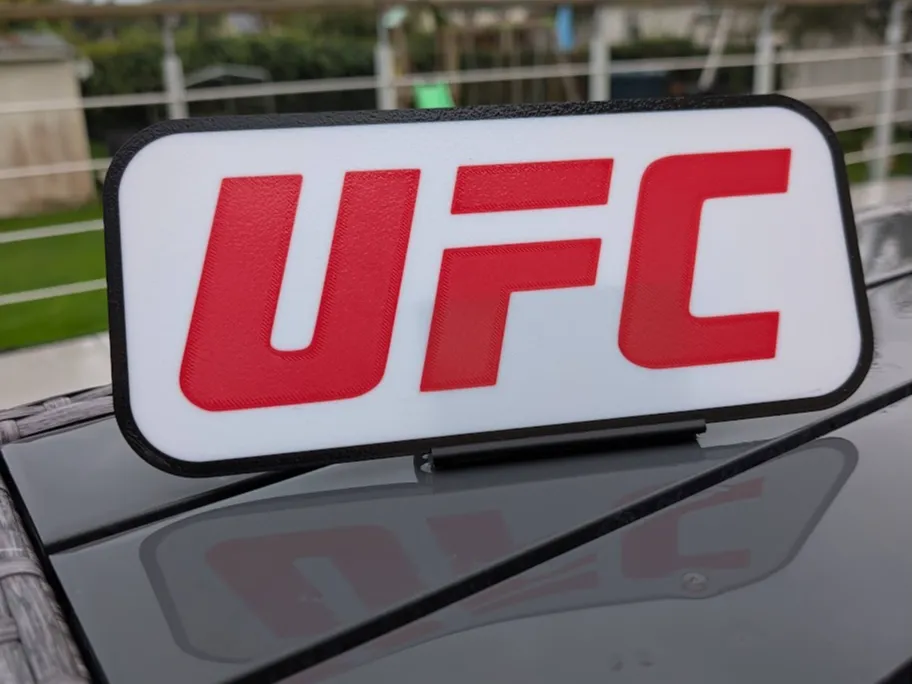
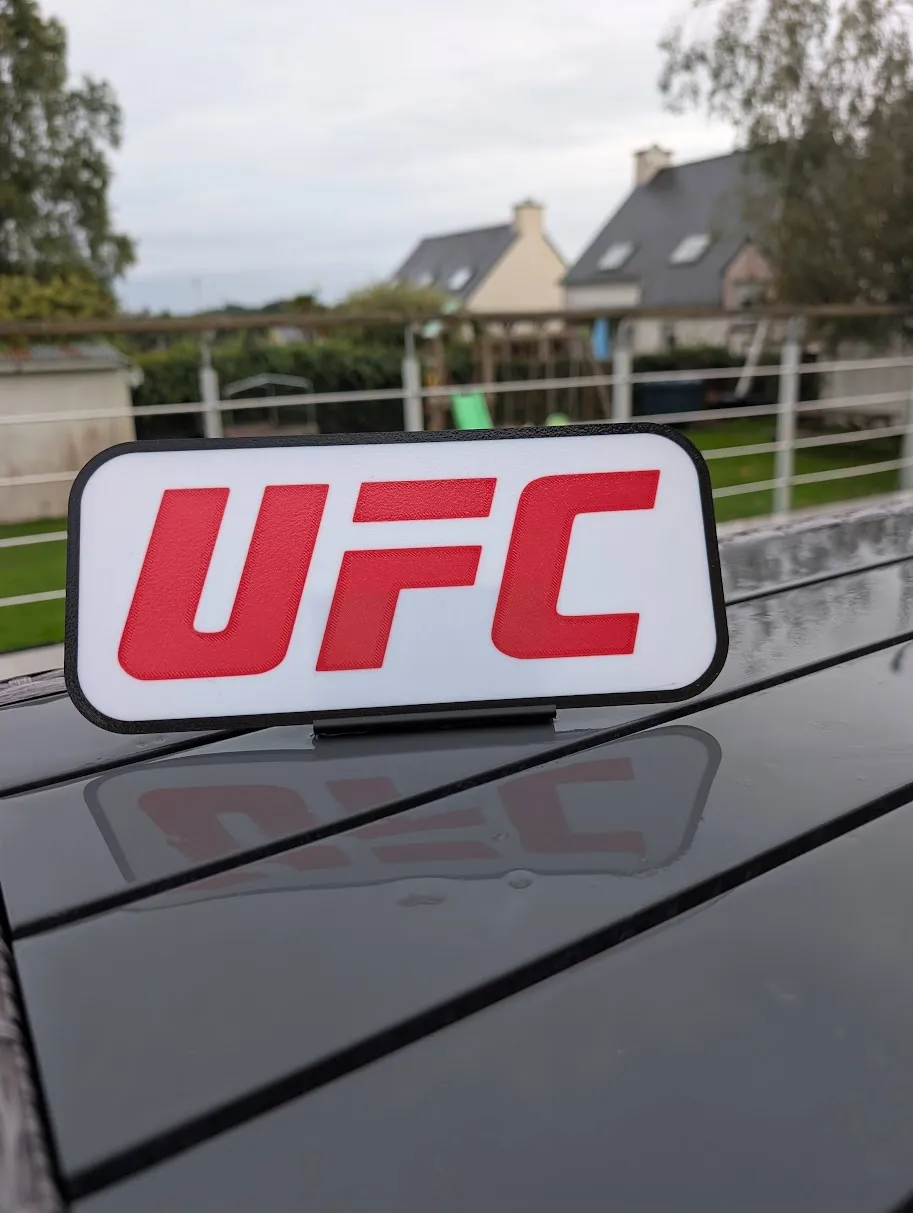
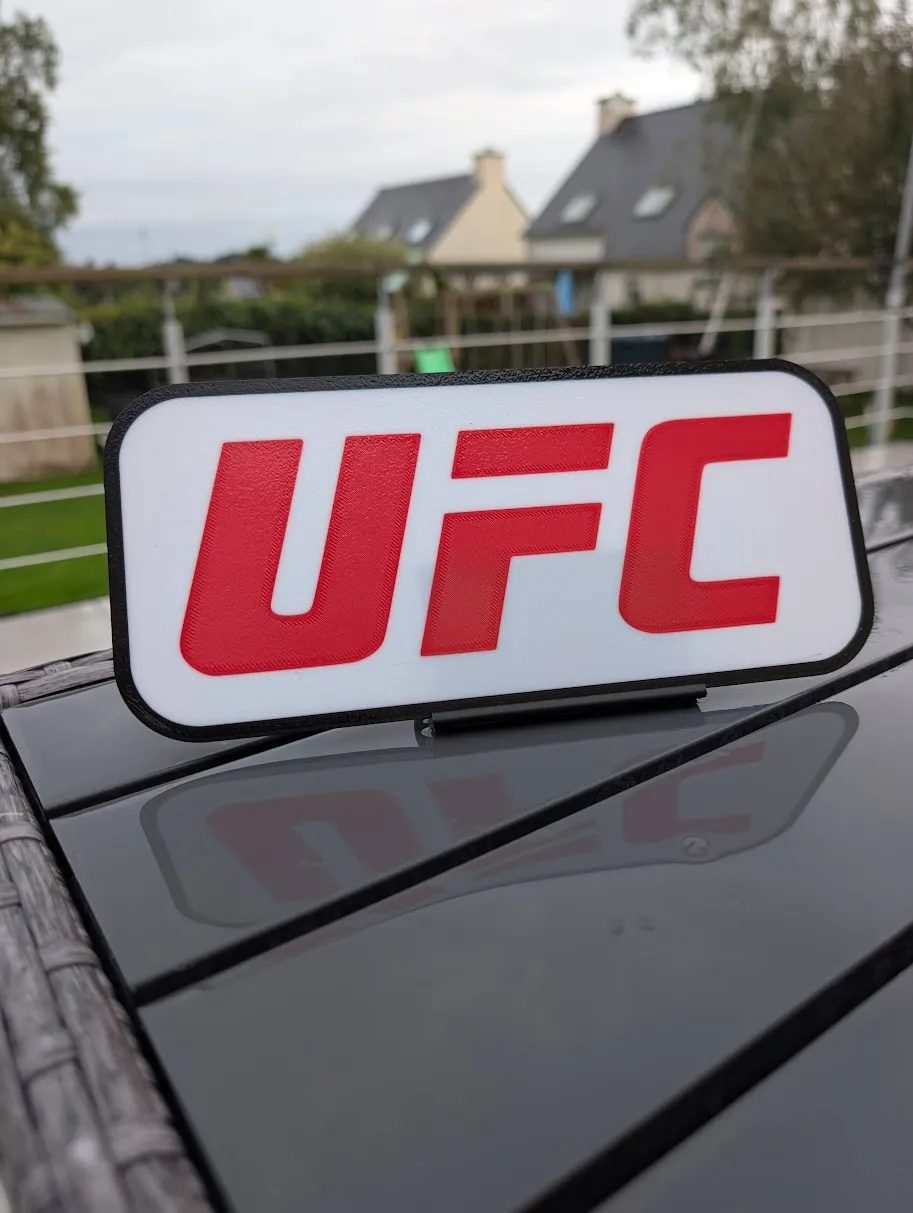
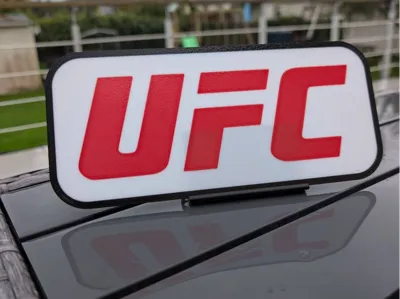
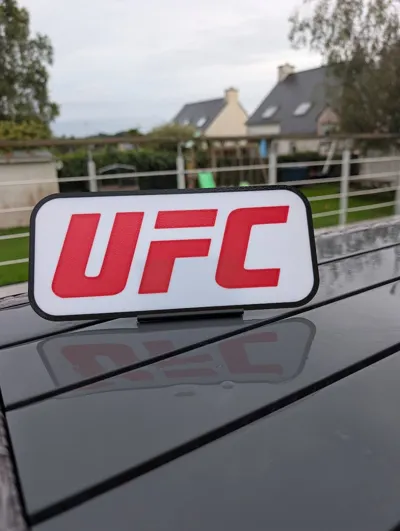
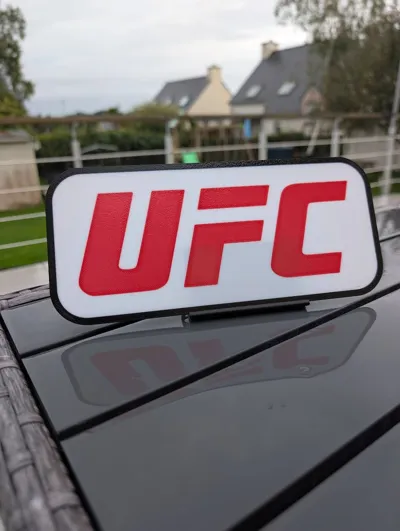
UFC Lightbox 🥊 – Inspired by the iconic logo, this two-color creation adds a sporty and decorative touch to your prints.
⚠️ Unofficial fan art – Made for the enjoyment of the maker community.
👉 Model printed in two parts, easy to assemble.
About lighting:
💡 For lighting, I use this complete LED kit, simple to install and perfectly adapted to my models:
👉 LED strip kit 1.5 m – Neutral white (Leroy Merlin)
📦 For a clean and functional finish, I have also designed a cable cover compatible with all my AR shells, available for download here:
✨ Tip: To improve light diffusion, I recommend adding a piece of aluminum adhesive tape to the bottom of the box. The result is more uniform and brighter!
🛠️ Tips for perfect 3D printing adhesion:
Clean your print bed thoroughly before each print. Grease residue, dust, or fingerprints can impair adhesion and cause detachment.
Check print bed calibration: a well-leveled print bed ensures a uniform and well-adhered first layer.
Use an appropriate adhesion surface: depending on your material, apply a thin layer of glue stick, an adhesive spray, or specific tape (e.g., Kapton, BuildTak).
Set the print bed temperature correctly to promote adhesion depending on the material used (PLA, ABS, PETG, etc.).
Reduce the print speed of the first layer: a slower speed allows for better filament adhesion to the print bed.
Plan a "skirt" or "brim" in your slicer to stabilize the first layer and limit warping.
License

You shall not share, sub-license, sell, rent, host, transfer, or distribute in any way the digital or 3D printed versions of this object, nor any other derivative work of this object in its digital or physical format (including - but not limited to - remixes of this object, and hosting on other digital platforms). The objects may not be used without permission in any way whatsoever in which you charge money, or collect fees.


Comment & Rating (0)