
Tamping Pad for Breville Barista Touch & Express
Print Profile(3)


Bill of Materials

Description
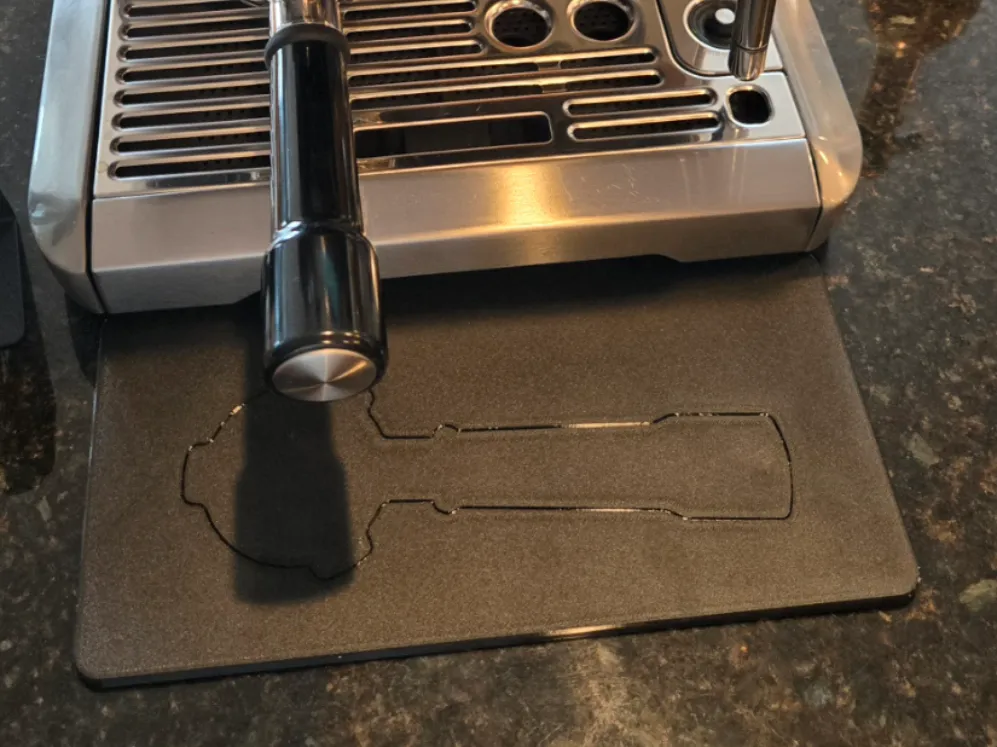
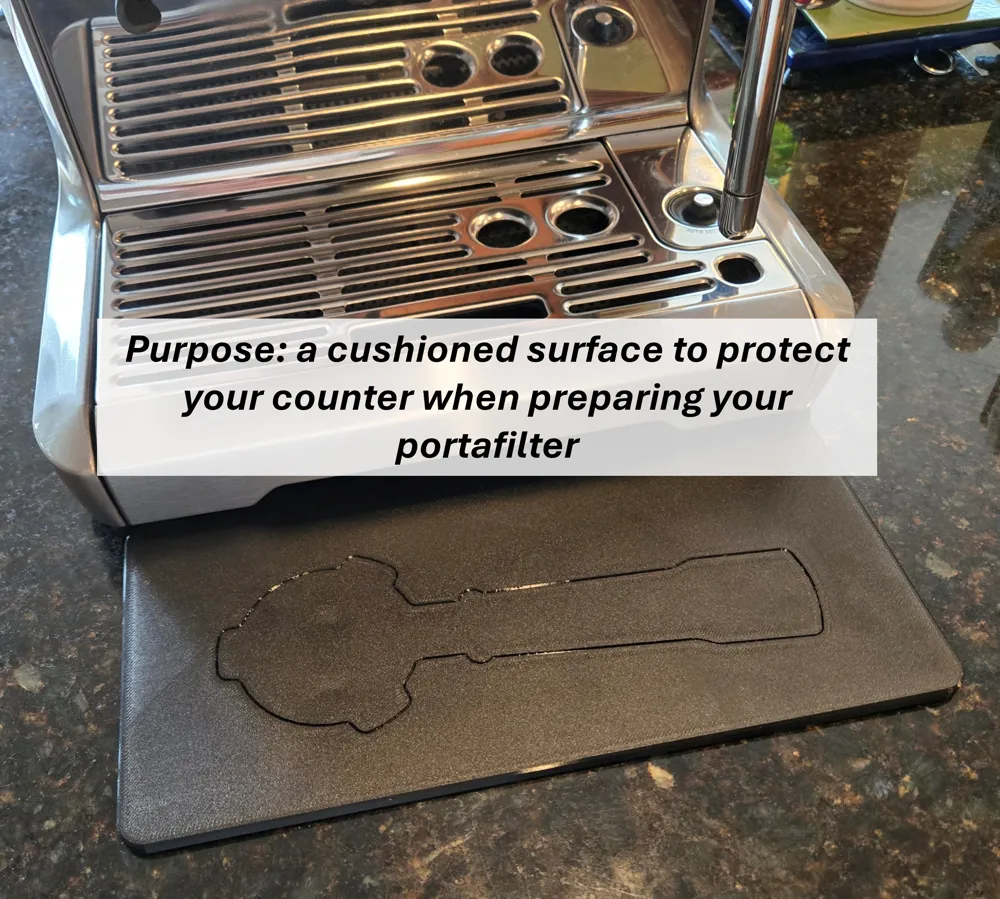
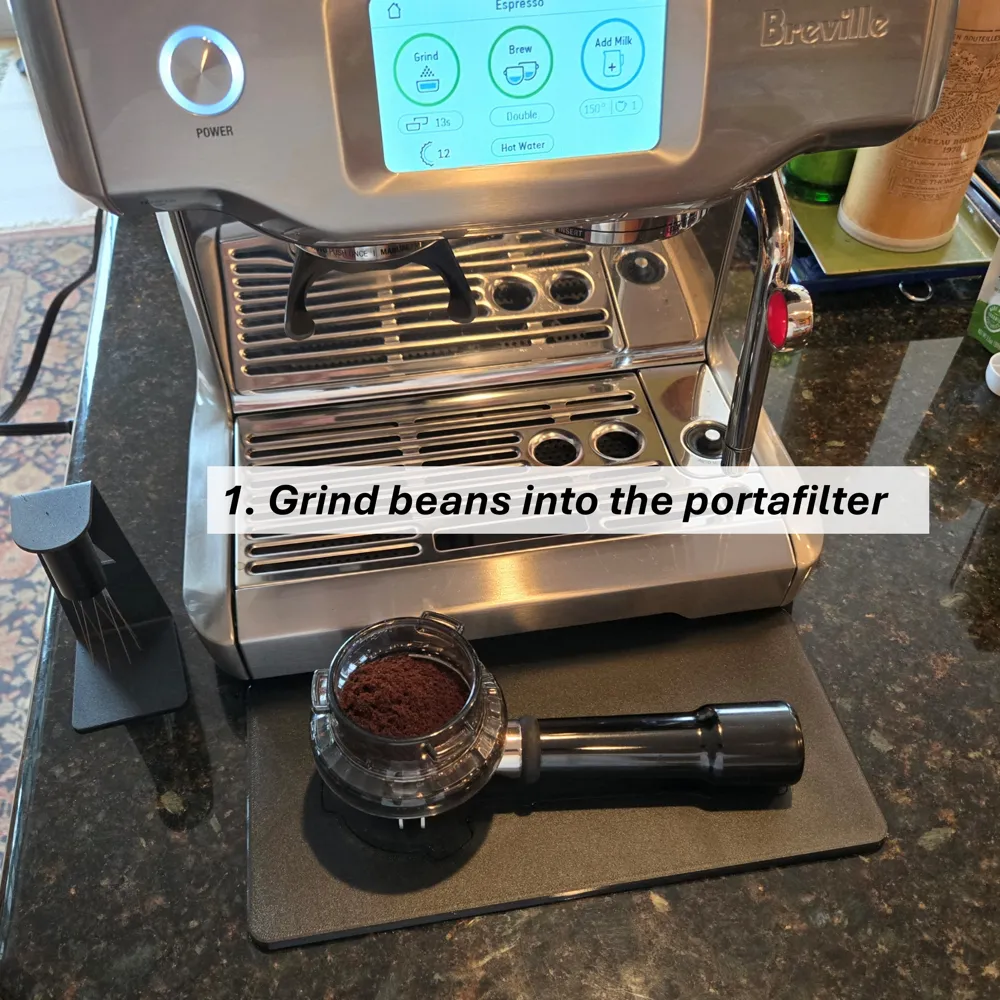
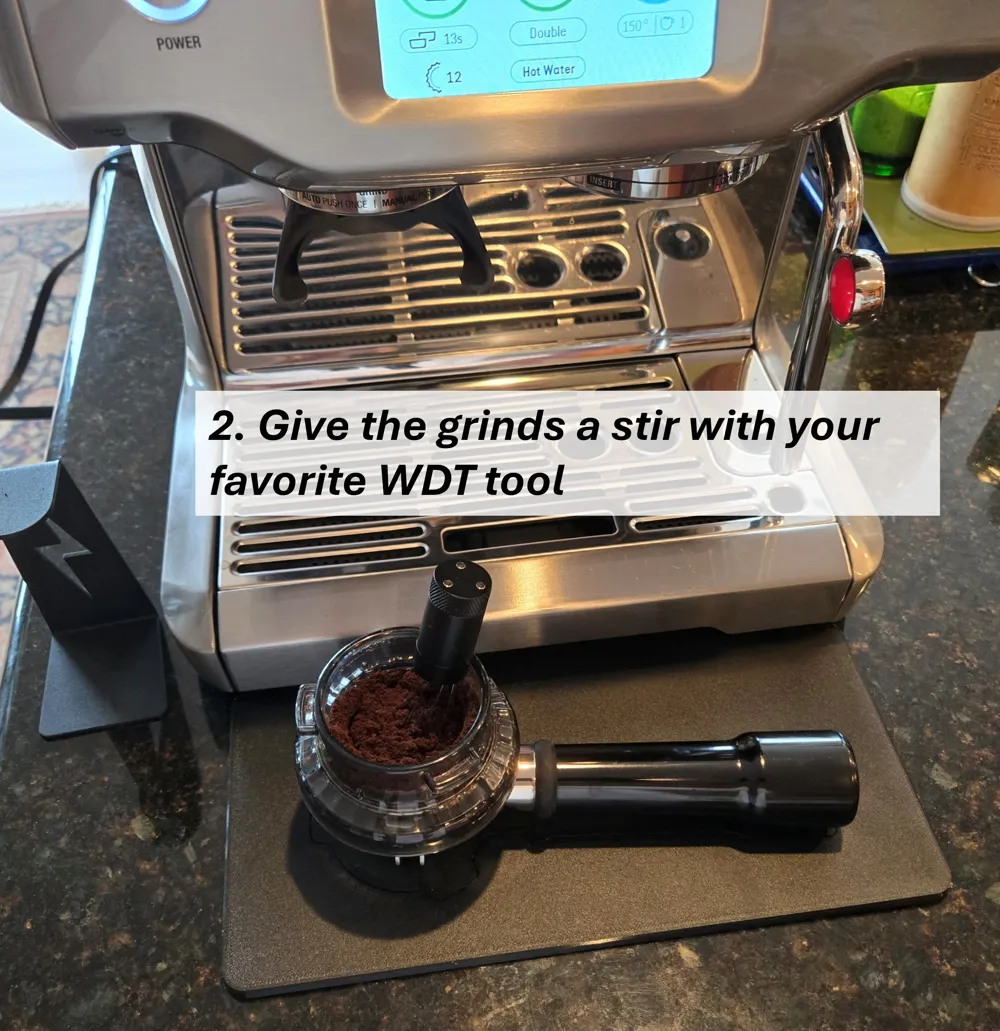
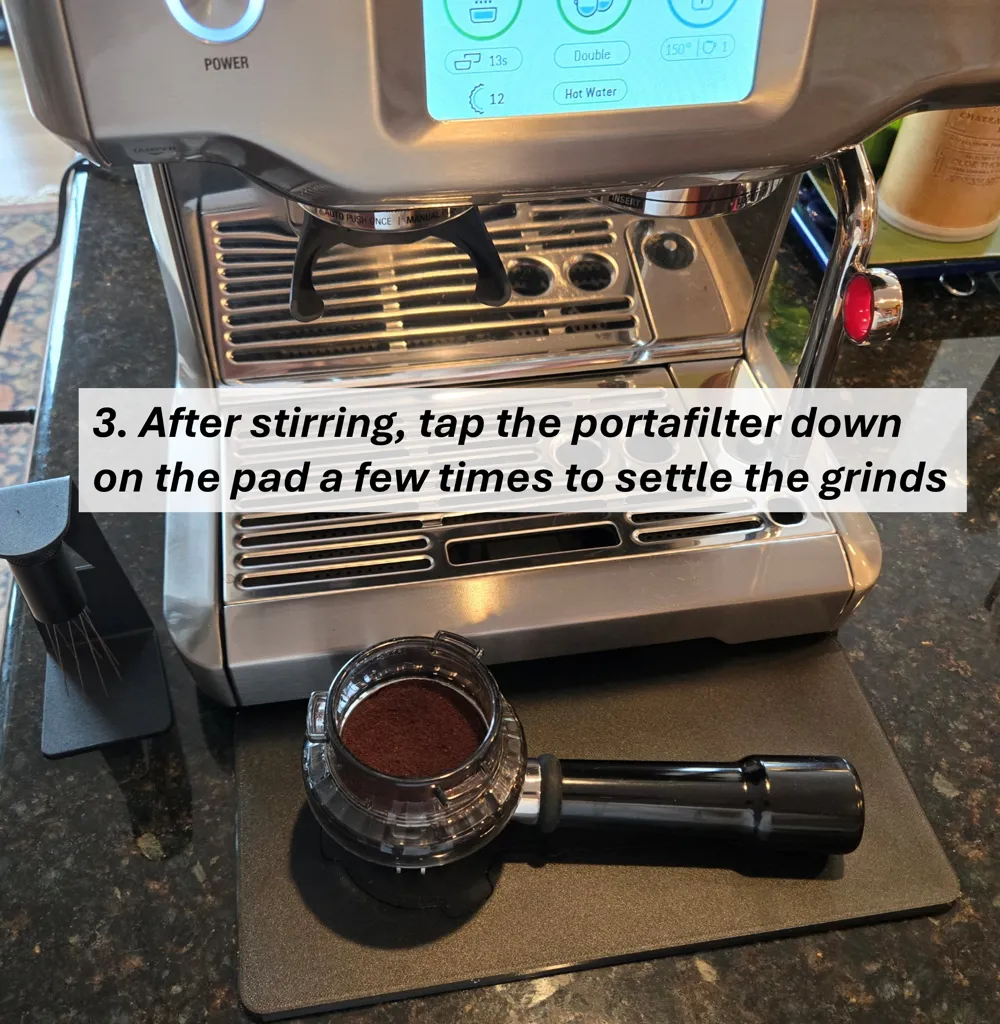
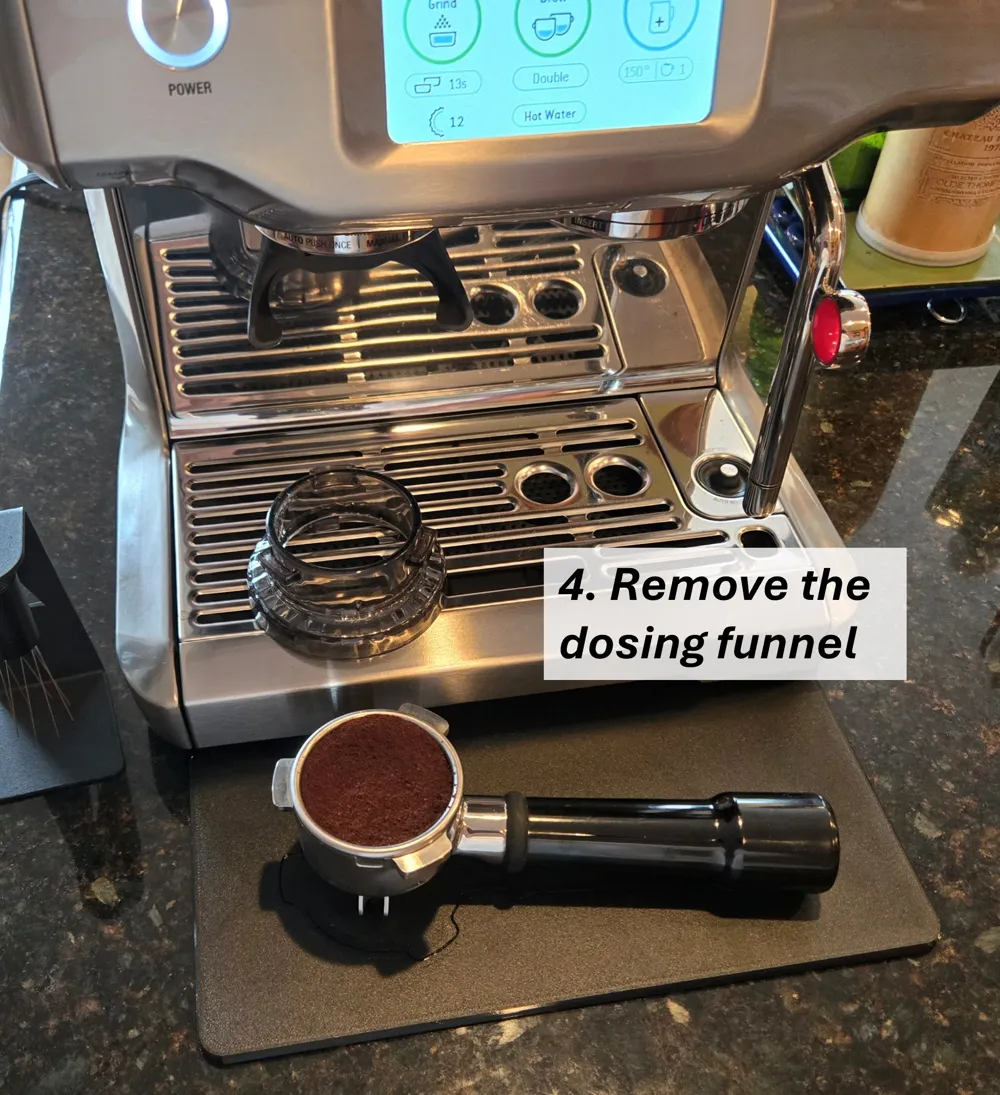
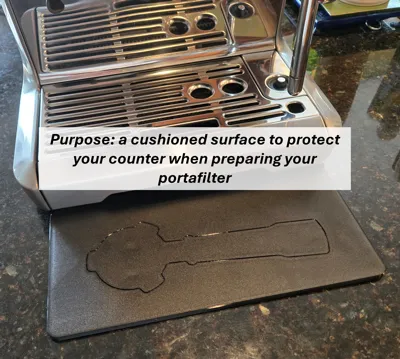
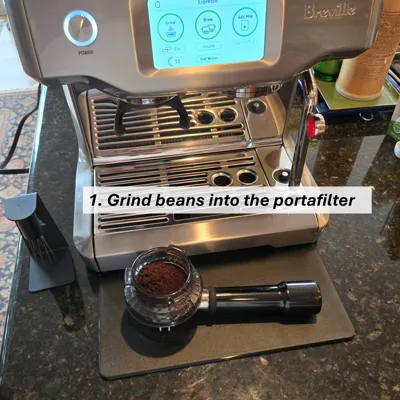
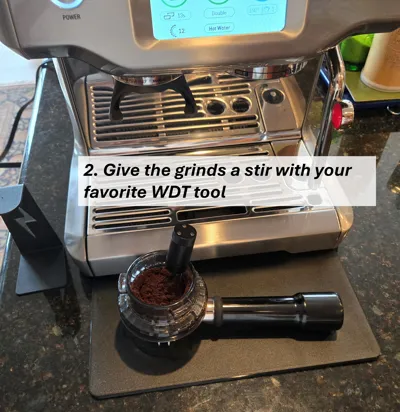
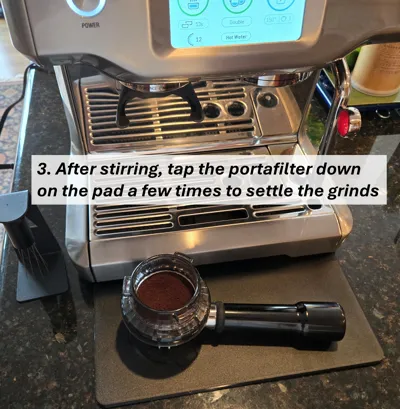
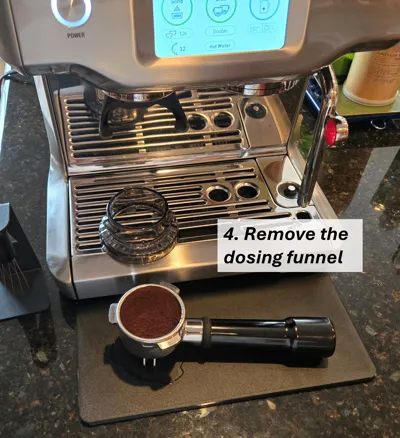
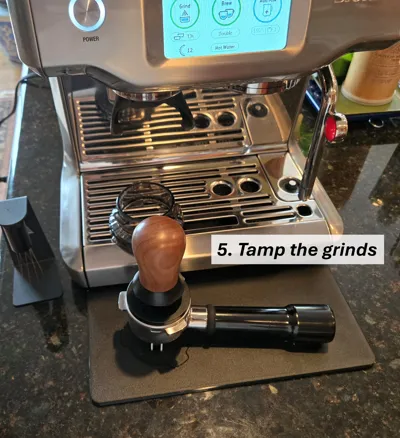
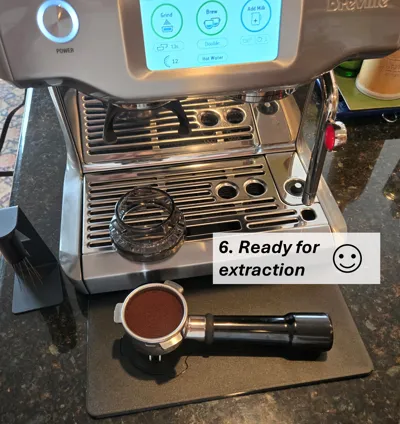
This is a model for a protective pad printed in TPU 95A for use when preparing your espresso portafilter.
Version 1 of this design was developed specifically for the Breville / Sage Barista Touch espresso machine although I suspect that this pad may work as well for other models of Breville / Sage espresso machines. Note: For those of you that have other espresso machine models, and are willing to print out and try this pad, I would greatly appreciate feedback on how well it fits and if it holds adequately in place - as other models are confirmed by the community to be compatible with this design, I'll update this description to make note of those.
| Breville Espresso Machines where compatibility has been confirmed |
|
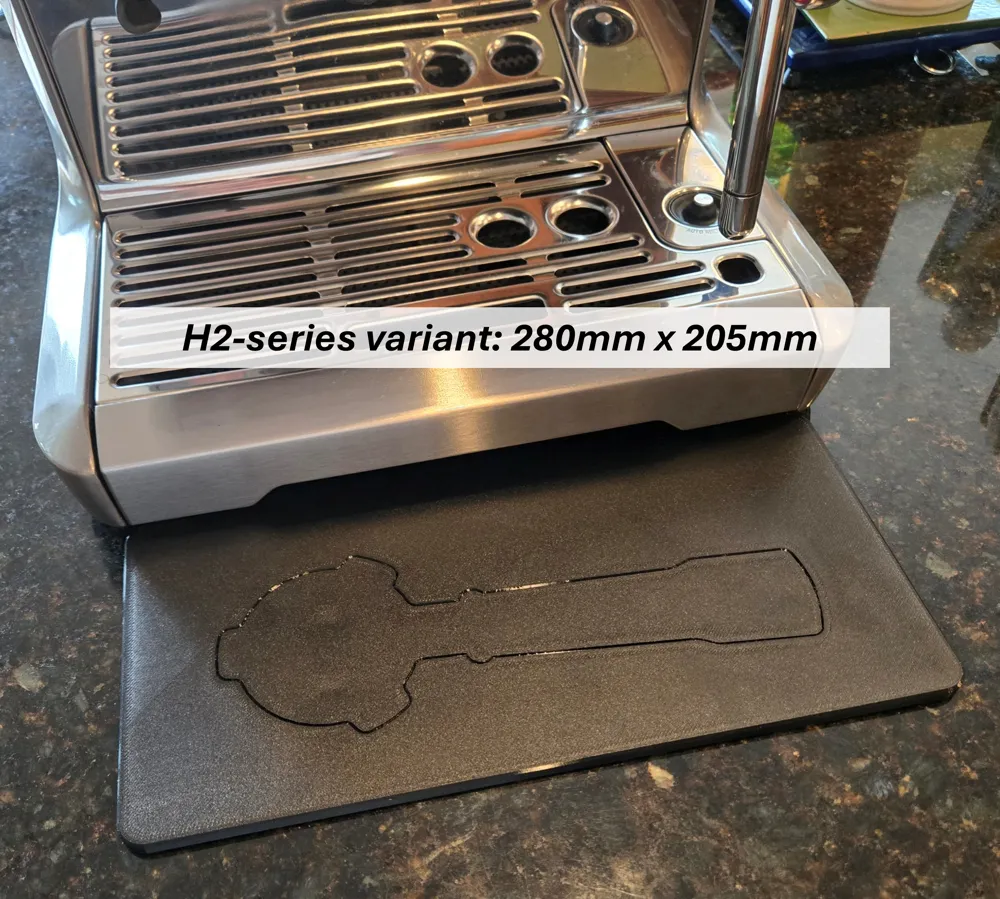
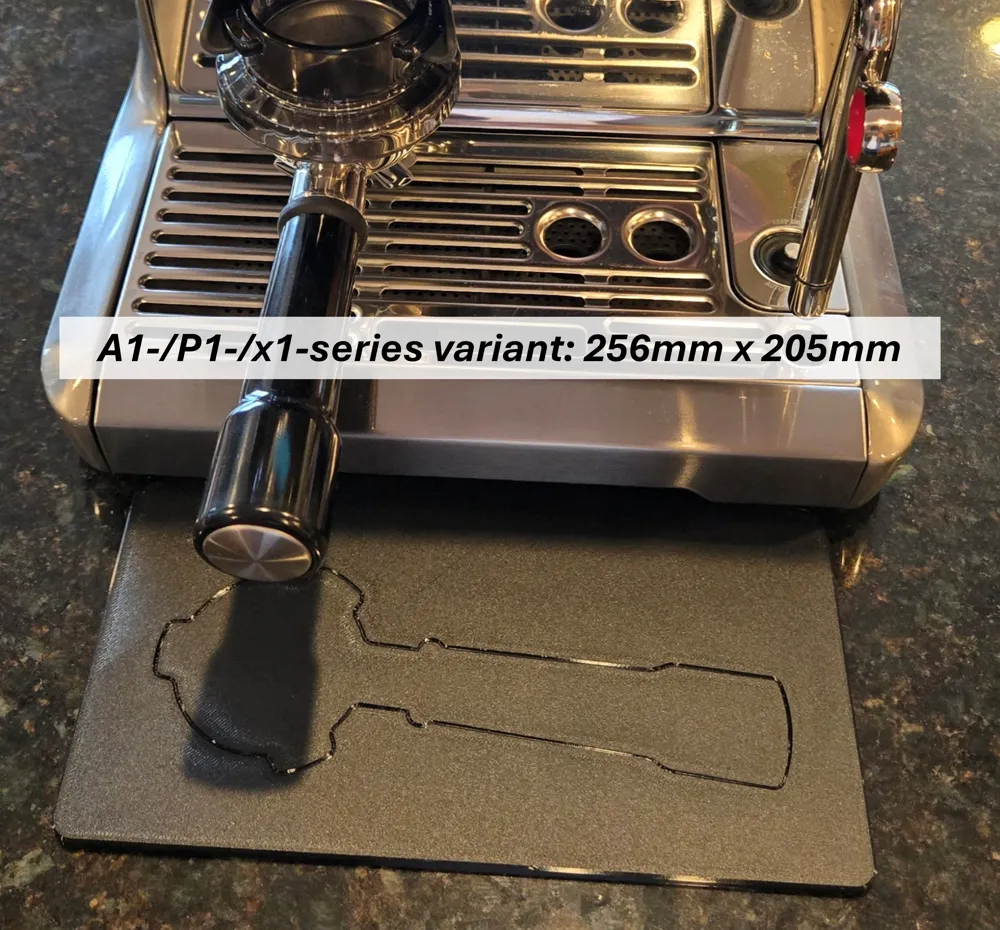
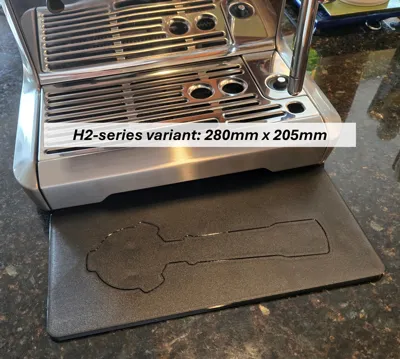
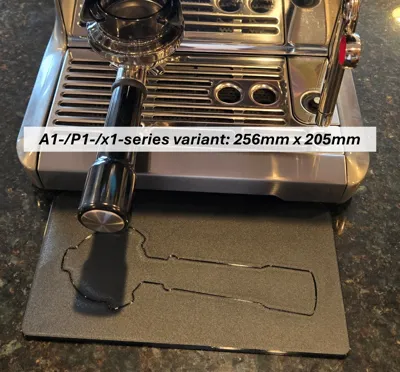
This model was developed for Bambu Lab H2-series printers as it provided a build plate that was large enough for a 280mm x 205mm print. Subsequently, I created a 256mm x 205mm variant that is compatible with the build plate for Bambu Lab A1-/P1-/X1-series printers. Unfortunately, the A1 Mini build plate is too small for this project.
Important Notes |
|
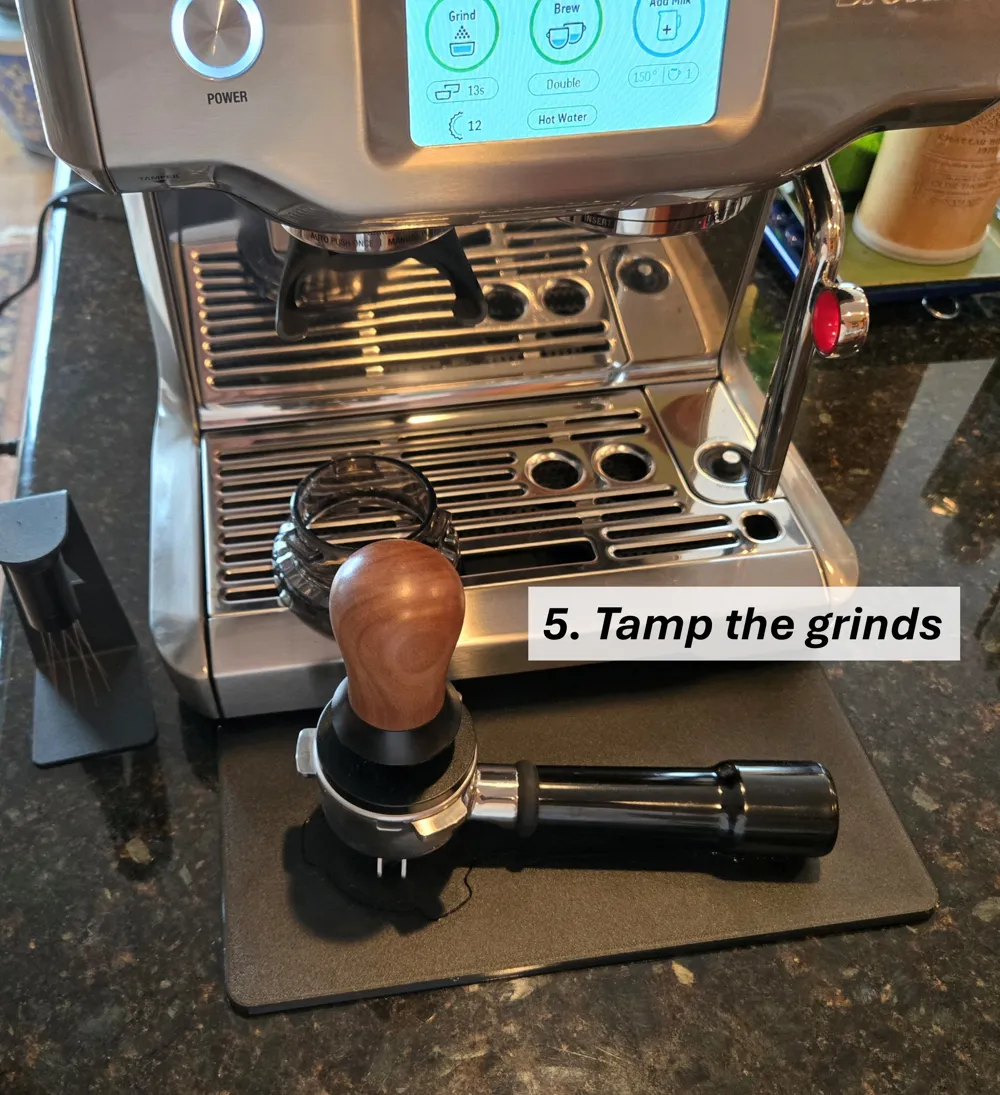
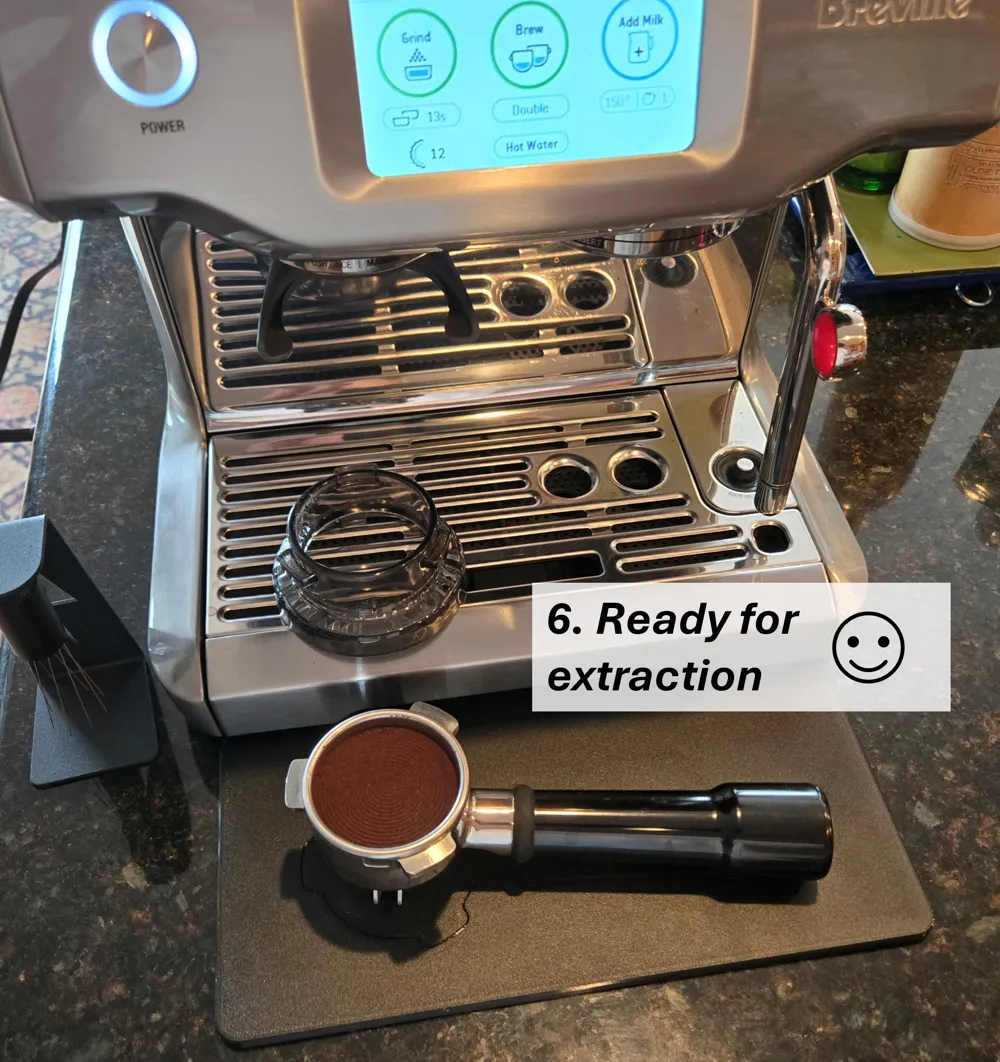
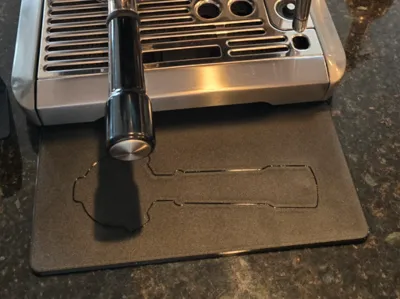
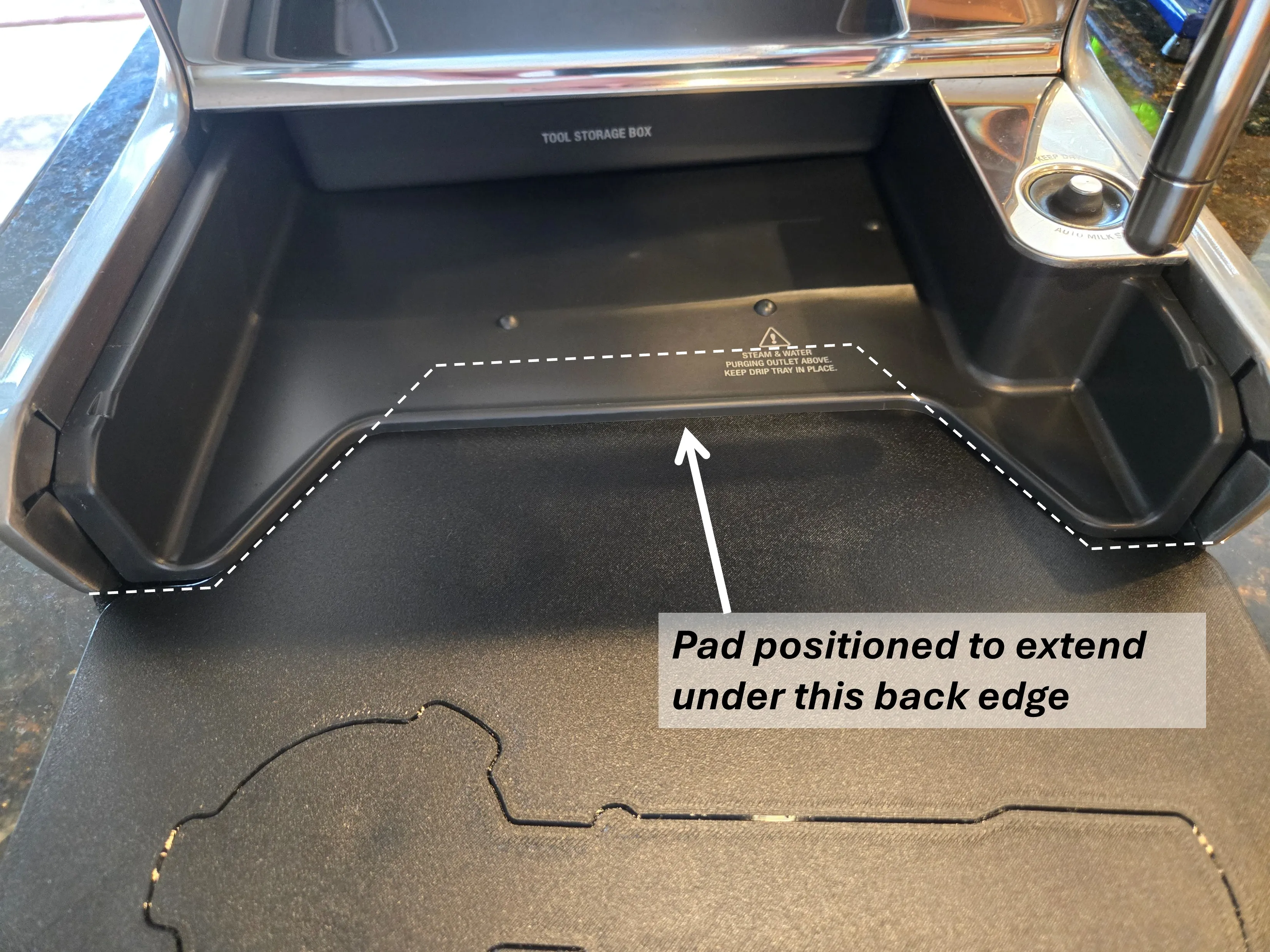
Installation: The intended placement at the front and under the espresso machine is illustrated below. The portion of the pad that extends under the back plastic edge has been made a bit thicker to help keep the pad in position during use.
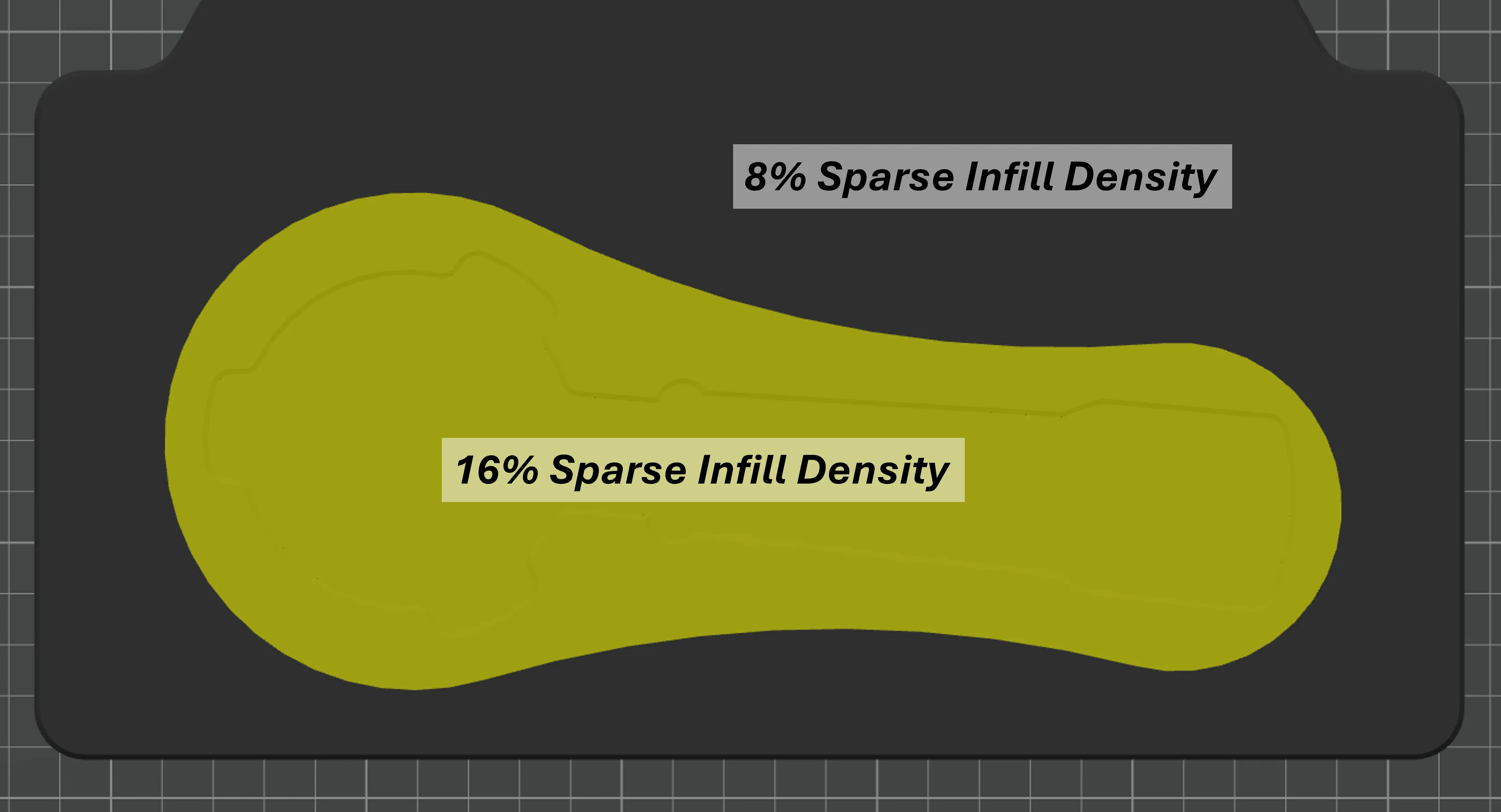
The following highlights the area where the sparse infill density has been doubled to provide extra protection for the counter where you are expected to place and prepare the portafilter.
Compatibility with various Breville / Sage espresso machines: The original design was made for the Barista Touch (BES880) but as more models are confirmed, I'll include information about that below.
| Barista Express (BES870) | 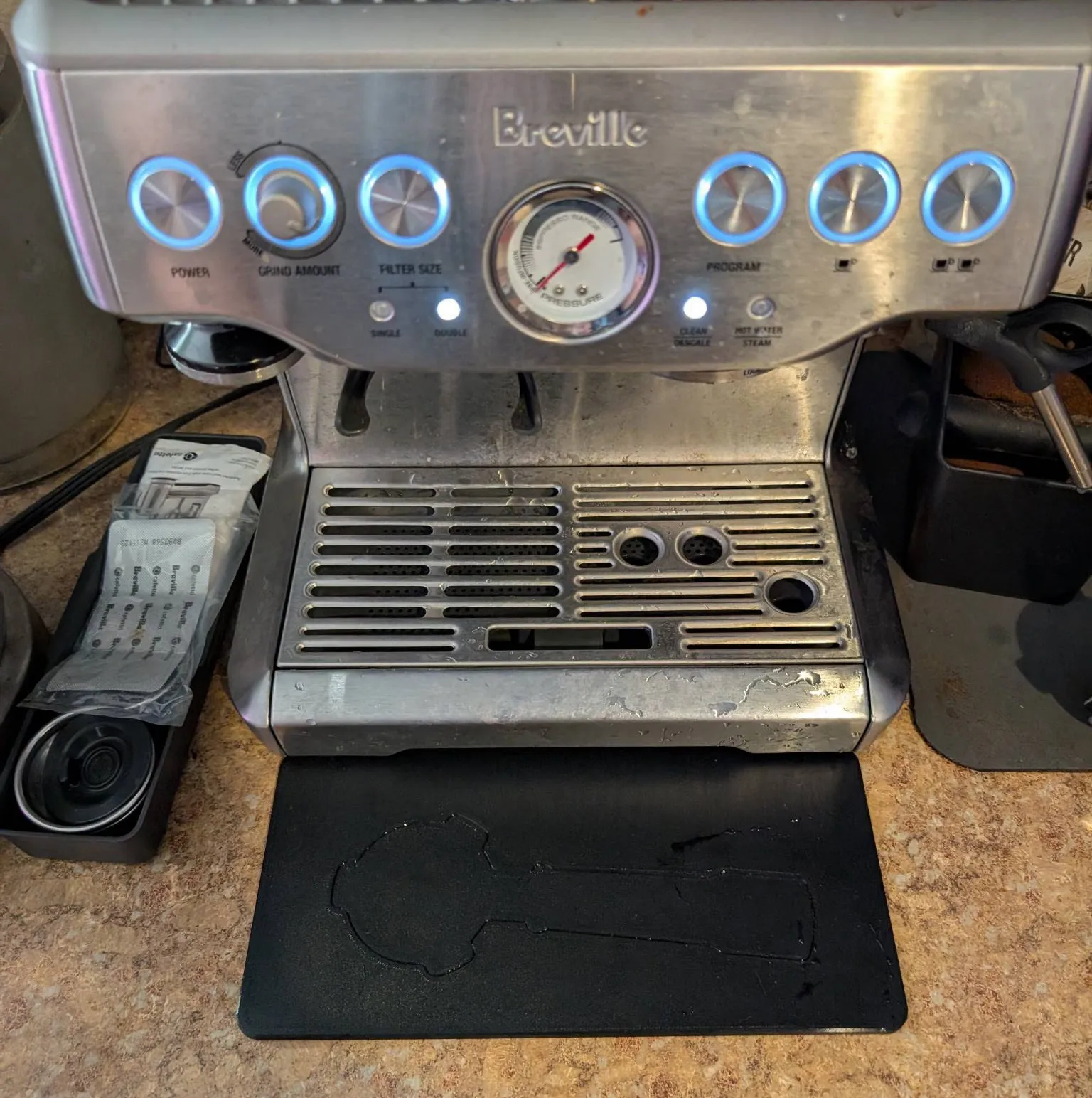 | 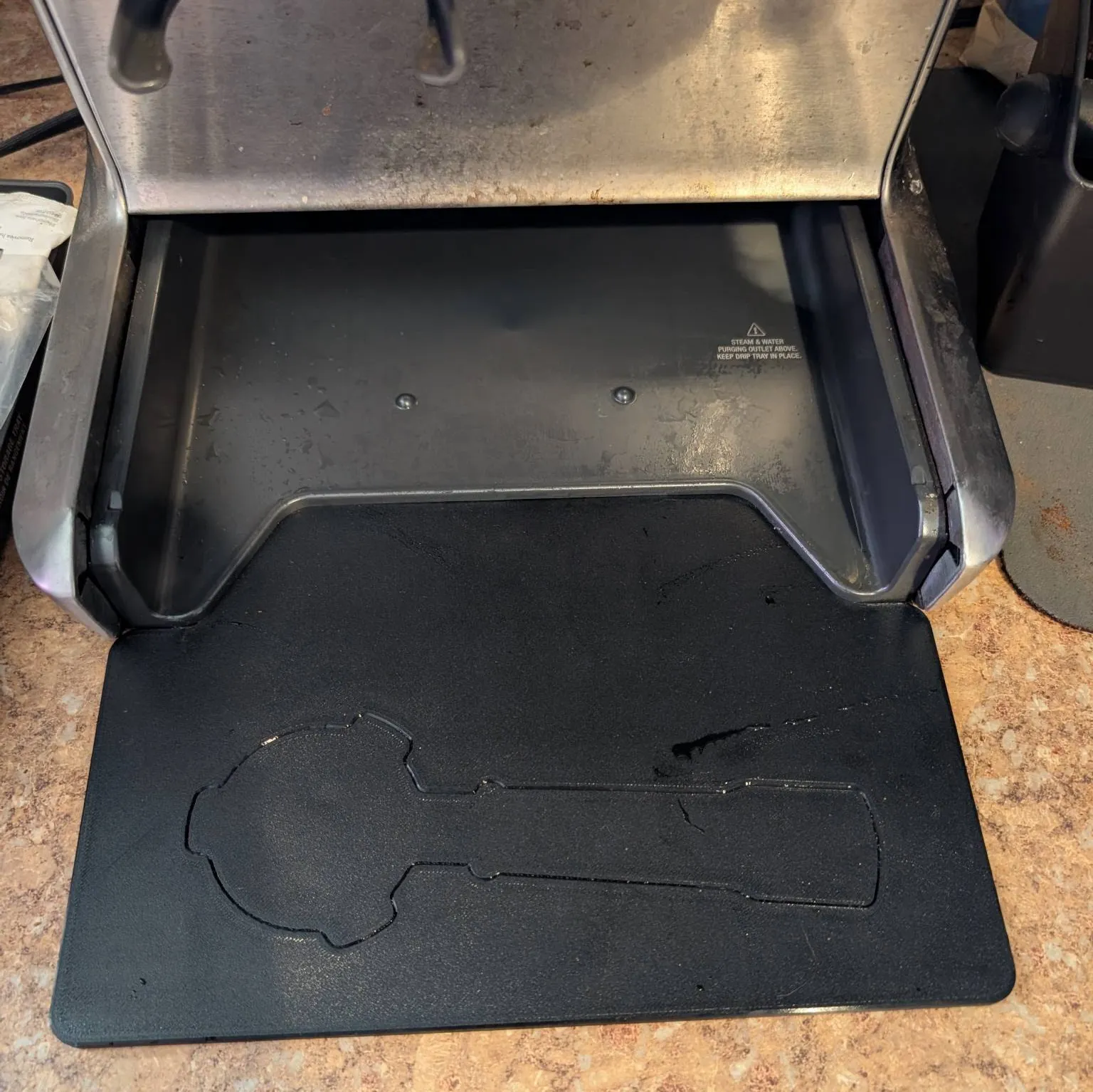 |
For assistance on how to load and print with TPU 95A HF filament, please check out these guides provided by Bambu Labs:
For A1-/P1-/X1- printers: https://wiki.bambulab.com/en/knowledge-sharing/tpu-printing-guide
For H2-series printers: https://wiki.bambulab.com/en/h2/h2d-tpu-printing-guide - on my H2D, I use the same method described for TPU 90A using the TPU port on the back of the printer and using the existing right nozzle PTFE tube (TPU 90A Loading Procedure and Demonstration). After making sure that the filament is properly dried, I use the external spool holder that comes with the printer and have been generally successful. (When I use TPU 90A, I use an overhead direct feed methods as described for TPU 85A ;-)
Final note: it is sort of obvious that this design was made by a right-handed person. Unfortunately, I don't see a way to readily modify the design within the slicer, most specifically due to the portafilter design outline being a chamfered channel. If anyone desires a ‘left-handed’ variant of this model, please feel free to reach out to me.
License

You shall not share, sub-license, sell, rent, host, transfer, or distribute in any way the digital or 3D printed versions of this object, nor any other derivative work of this object in its digital or physical format (including - but not limited to - remixes of this object, and hosting on other digital platforms). The objects may not be used without permission in any way whatsoever in which you charge money, or collect fees.


Comment & Rating (8)