
Panda Lux Cover
Print Profile(1)

Description
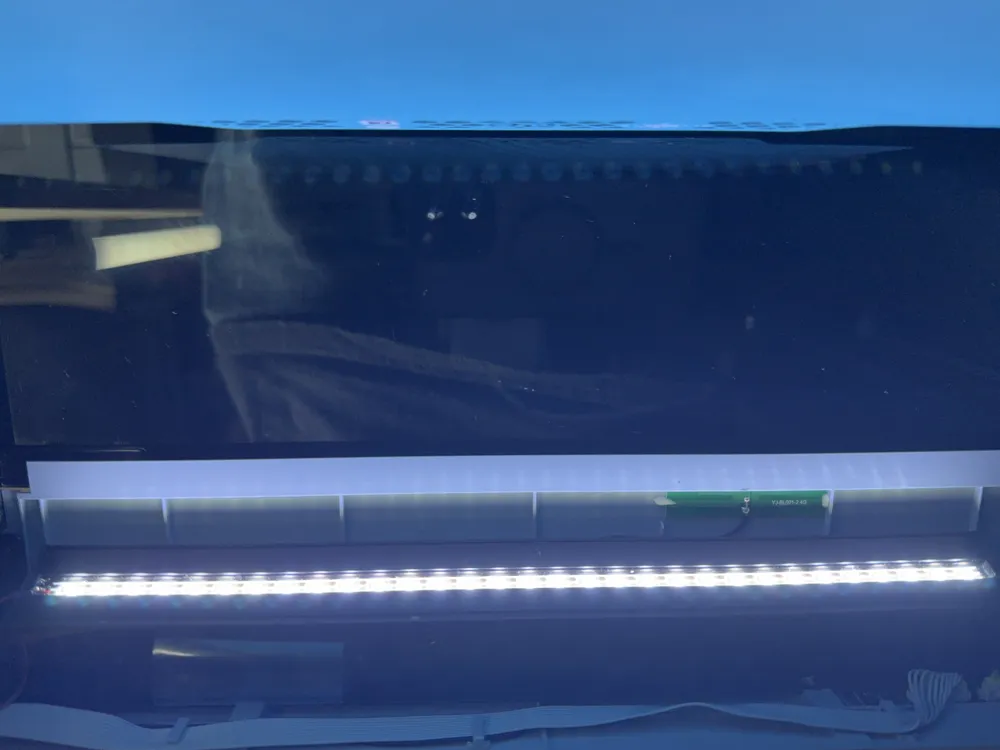
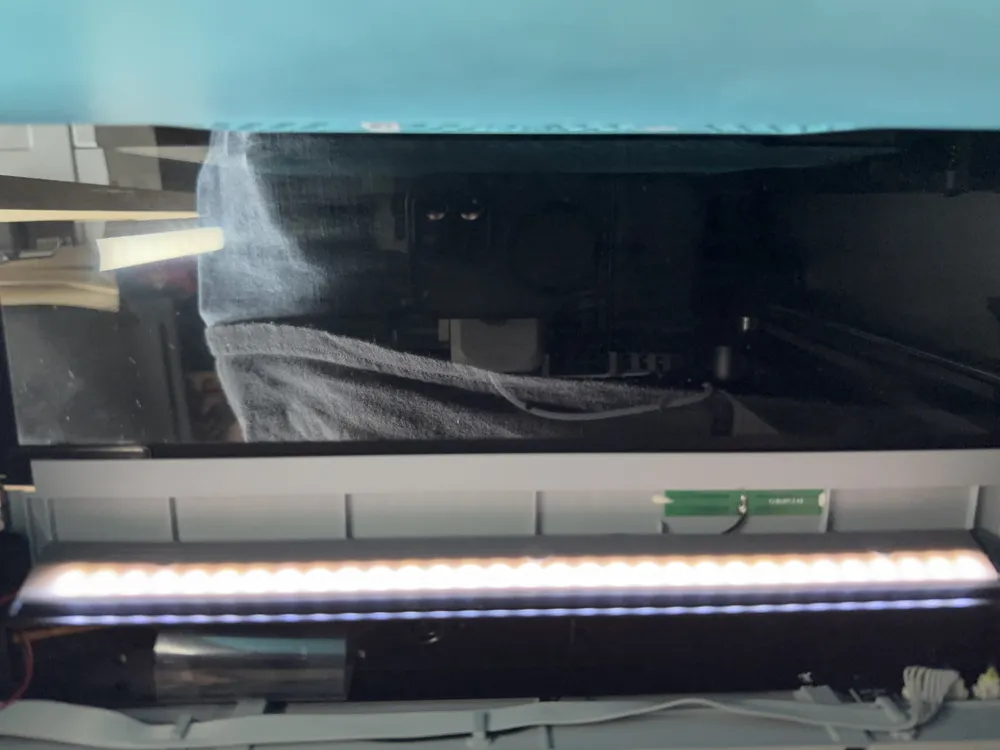
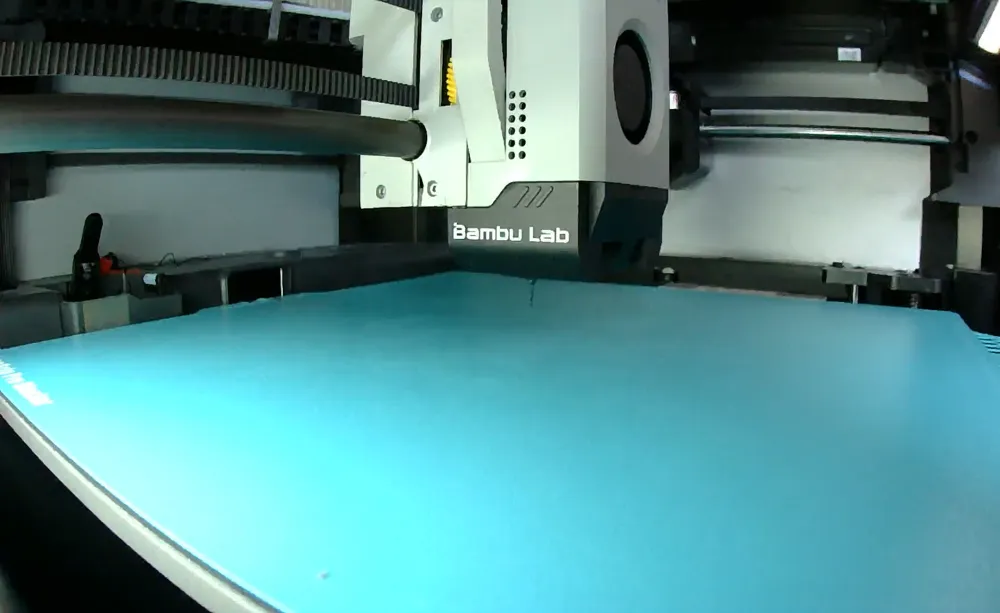
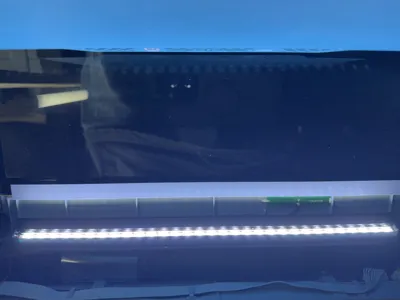
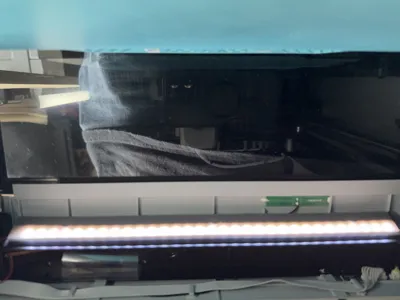
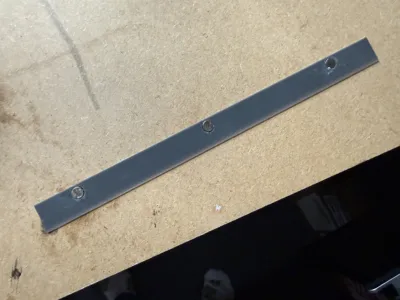
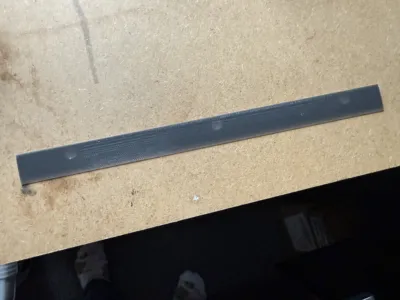
Panda Lux Diffuser Bar – Reduce Glare, Improve Timelapse Quality
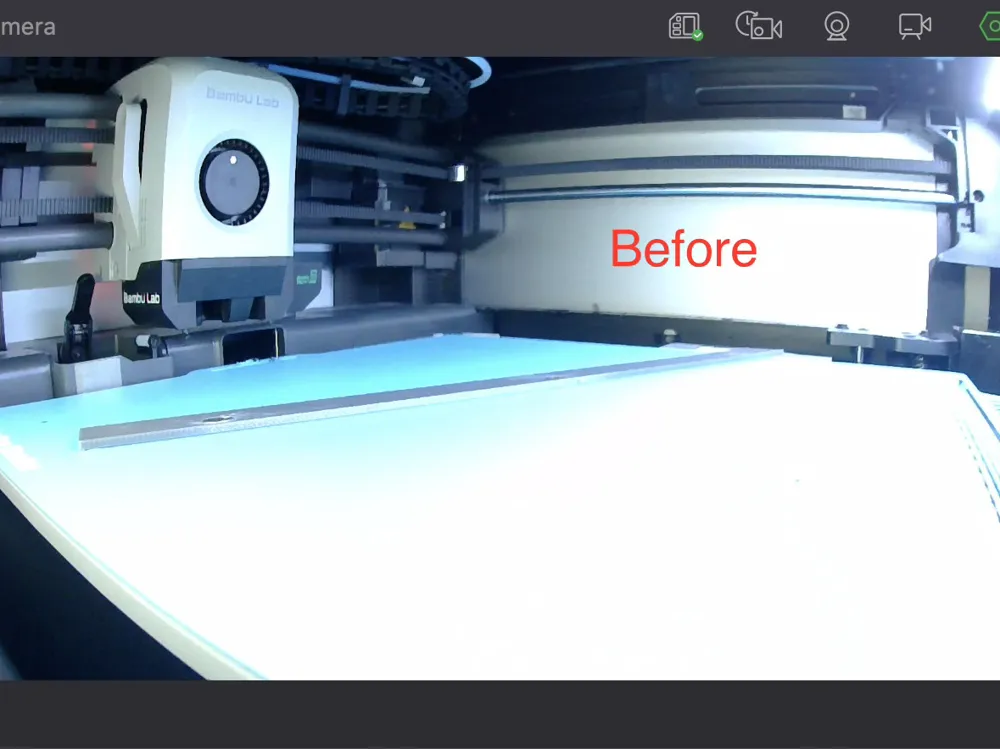
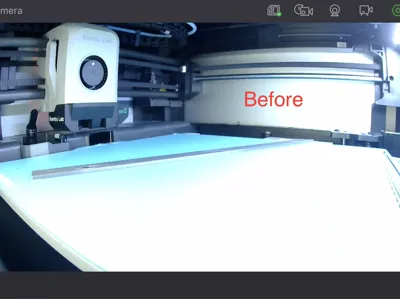
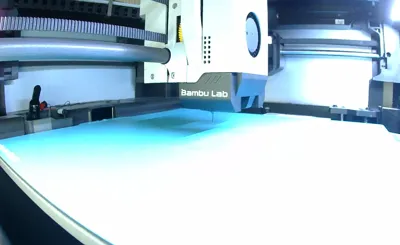
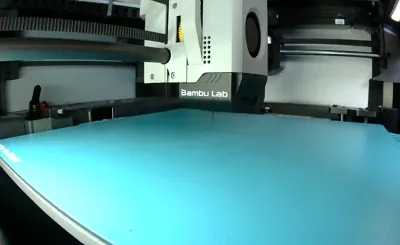
If your Panda Lux LED bar is washing out your timelapse footage or making it hard to spot print issues, the Panda Lux Diffuser Bar is the solution.
Whether you have a highly reflective build plate or just find the Lux lighting too intense, this diffuser balances brightness perfectly — enough light to see your print, but without overexposure.
Why You’ll Love It:
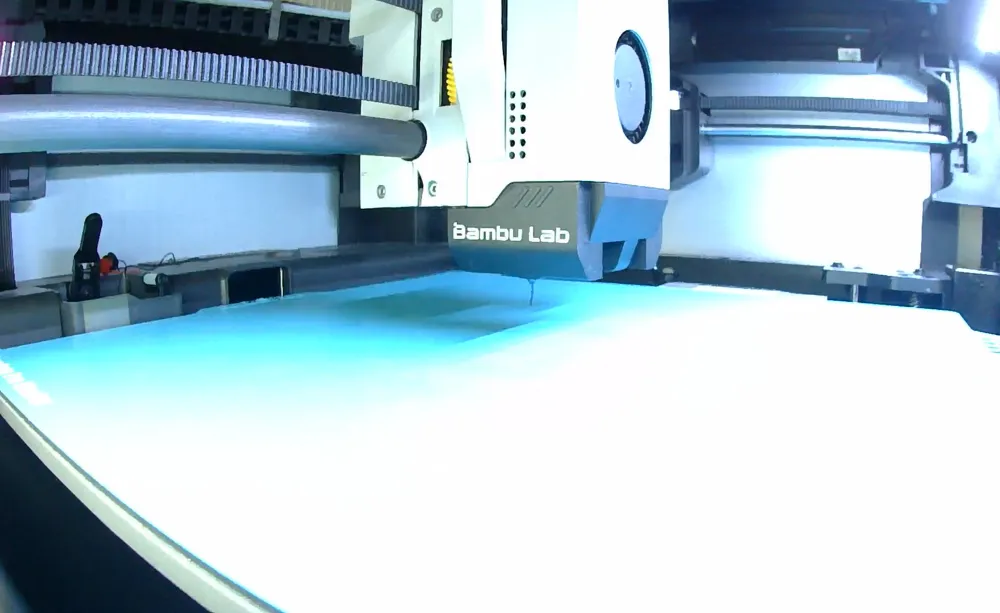
- Perfect for Timelapses – Prevents bright spots and overexposure so your time-lapse videos look crisp and clear.
- Optimised Light Balance – Reduces glare while keeping enough illumination for monitoring prints.
- Designed for the Panda Lux – Fully tested and refined through multiple design iterations.
- No Print Head Interference – Carefully shaped to avoid clashing with the printer head or faceplate.
Refined Through Testing:
- Adjusted diffuser depth and angle for optimal light pass-through.
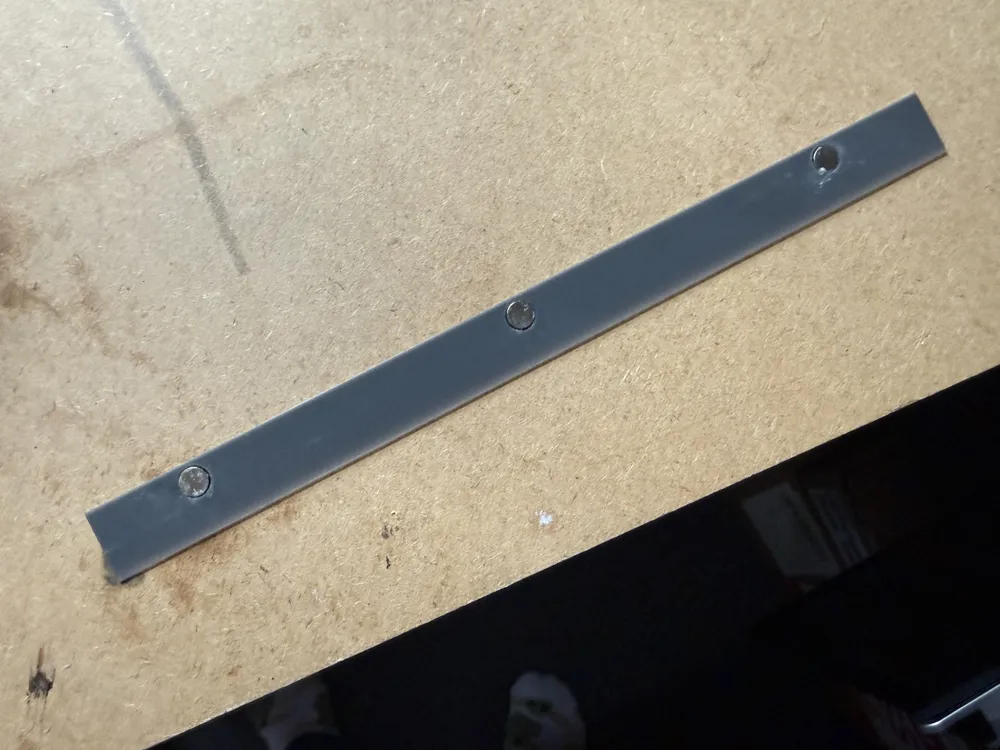
- Magnet holes designed for flush fit and to account for shrinkage.
- Upgraded to 8×1 mm neodymium magnets for a secure hold (same size as Lux bar magnets).
- Tested multiple print profiles — current settings deliver the best clarity and strength.
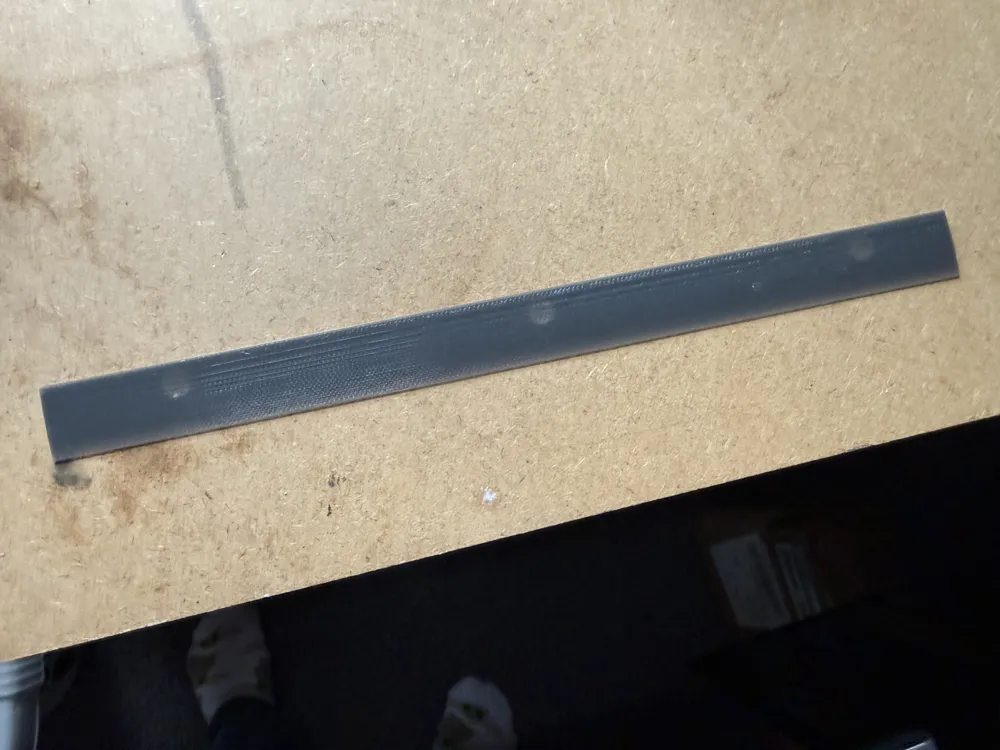
- Filament trials in clear, white, grey, and black — grey offers the best light diffusion balance.
- Material tested in PLA and PETG — PETG recommended for strength and heat resistance.
What You’ll Need:
- 8×1 mm Neodymium magnets (link: https://www.amazon.co.uk/dp/B0BBMVDNPM?ref=ppx_yo2ov_dt_b_fed_asin_title&th=1)
- Strong superglue
Simple Installation:
- Remove the Panda Lux LED bar from your printer.
- Ensure LEDs are facing up.
- Place magnets on the Lux bar to check polarity.
- Add a drop of superglue into each hole on the diffuser.
- Transfer magnets one by one, keeping correct polarity.
- Ensure magnets are flush.
- Allow glue to fully dry.
- Reinstall the Lux bar and attach the diffuser.
Result: Balanced lighting for clear viewing, cleaner timelapses, and no more glare from your build plate.
License

You shall not share, sub-license, sell, rent, host, transfer, or distribute in any way the digital or 3D printed versions of this object, nor any other derivative work of this object in its digital or physical format (including - but not limited to - remixes of this object, and hosting on other digital platforms). The objects may not be used without permission in any way whatsoever in which you charge money, or collect fees.


Comment & Rating (1)