
Mi Home Wireless Switch Decorative Casing—Emergency Button
Print Profile(1)

Description
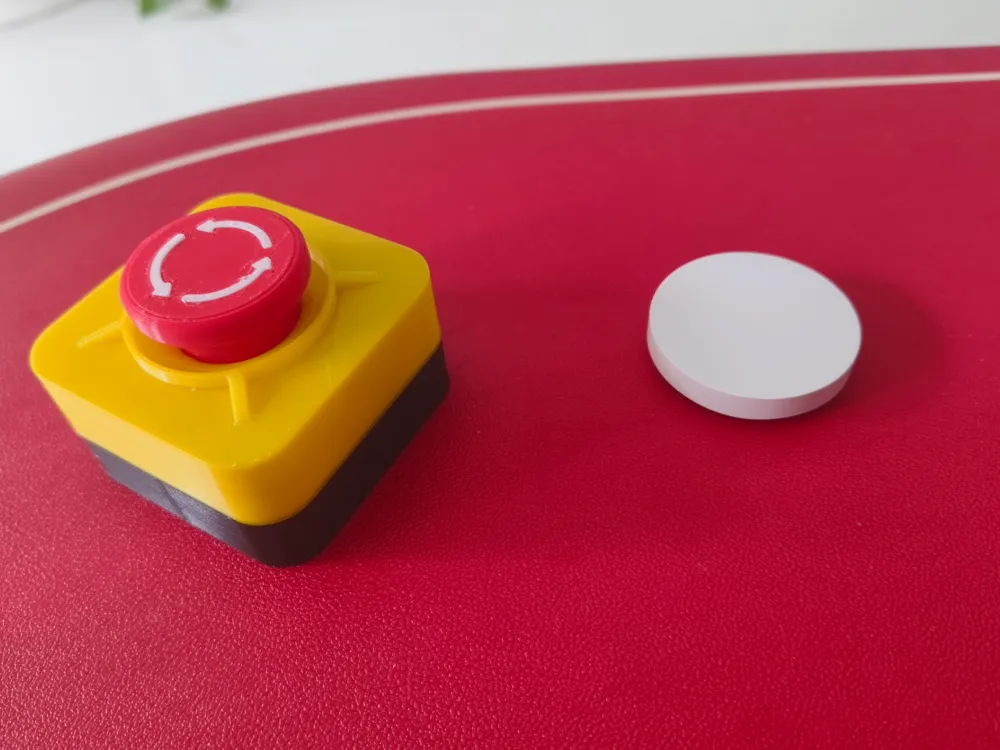
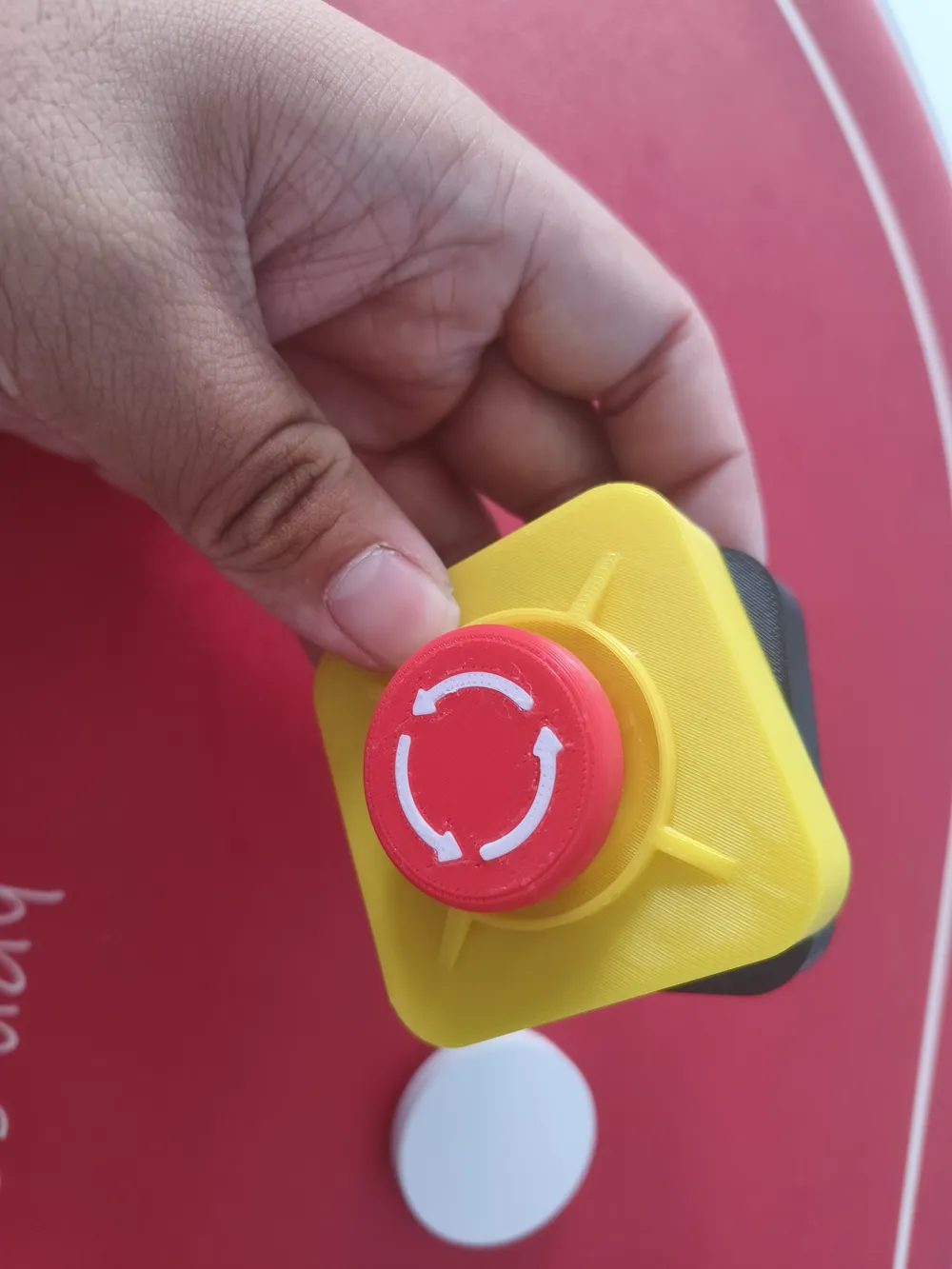
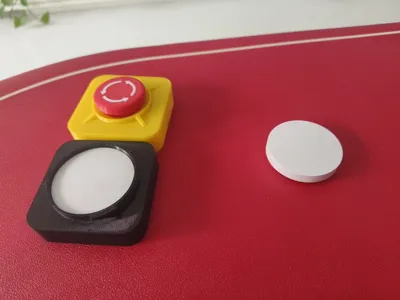
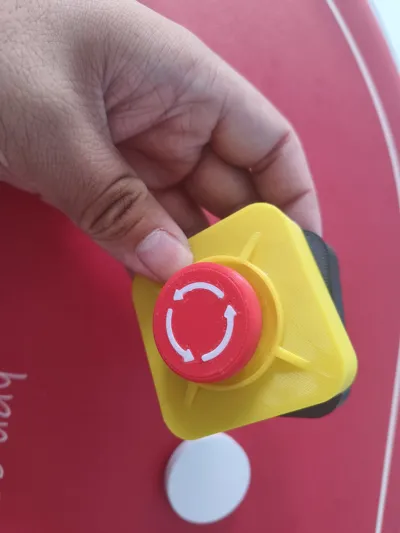
This is a decorative casing for the PTX Flat-Head Bear wireless switch, adding a touch of fun to the otherwise ordinary white button.
The inspiration came from usually using the wireless switch as a button to call family members, so at home, I've always called the wireless switch an "emergency button". This time, I tried to design an emergency button for the wireless switch, and now it has become a real emergency button. When needed, just tap it to call family members using the speaker.
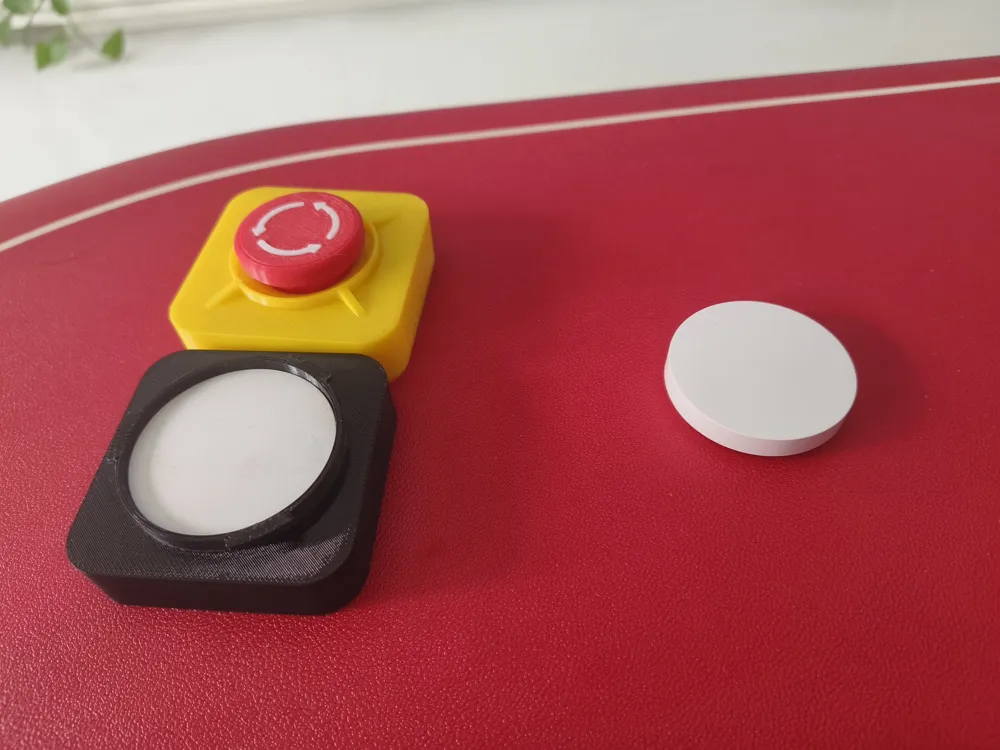
Installation is also very simple: place the wireless switch into the bottom case, insert the button through the top cover into the circle as a stopper (it's secure even without adhesive), then tighten it.
!! My modeling ability is limited, so before tightening, align the circle marks on the bottom case and top cover!!
{Hope everyone has fun, and if you like my work, please boost it}
Documentation (1)
License

You shall not share, sub-license, sell, rent, host, transfer, or distribute in any way the digital or 3D printed versions of this object, nor any other derivative work of this object in its digital or physical format (including - but not limited to - remixes of this object, and hosting on other digital platforms). The objects may not be used without permission in any way whatsoever in which you charge money, or collect fees.


Comment & Rating (5)