
USB-C Port Insert – Drop-In Slicer and Merge
Print Profile(1)

Description
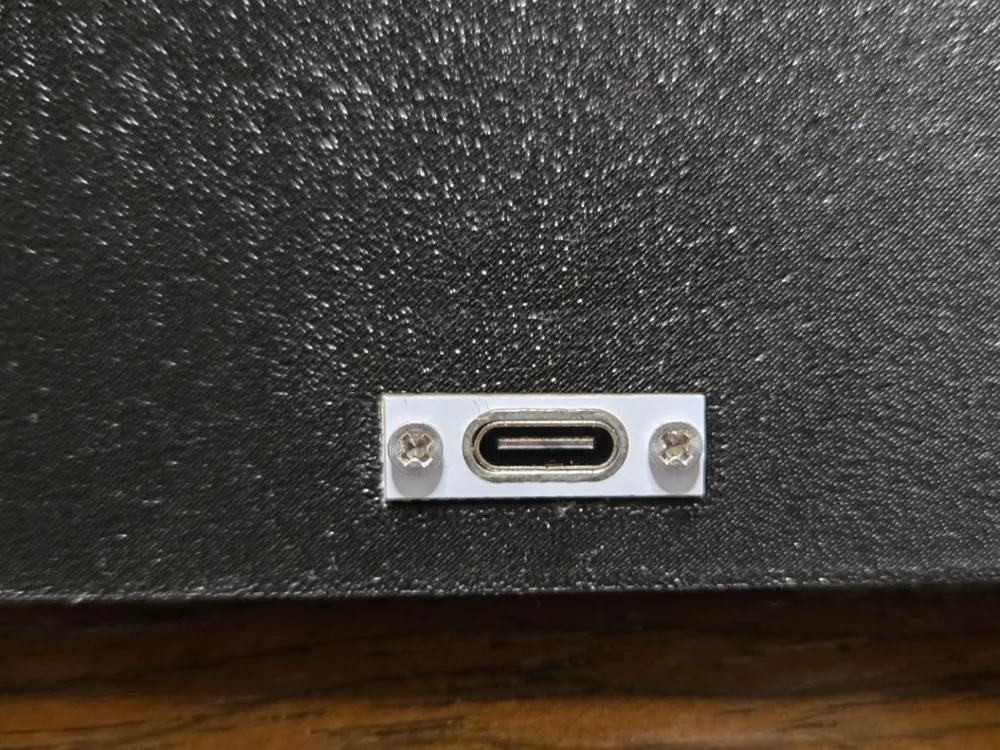
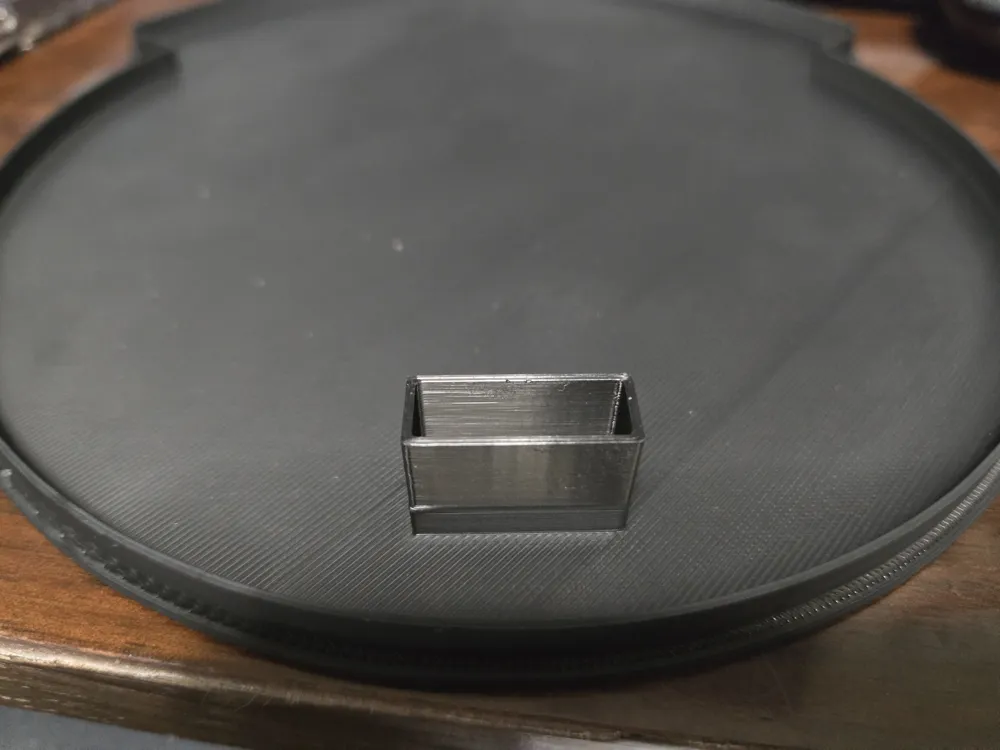
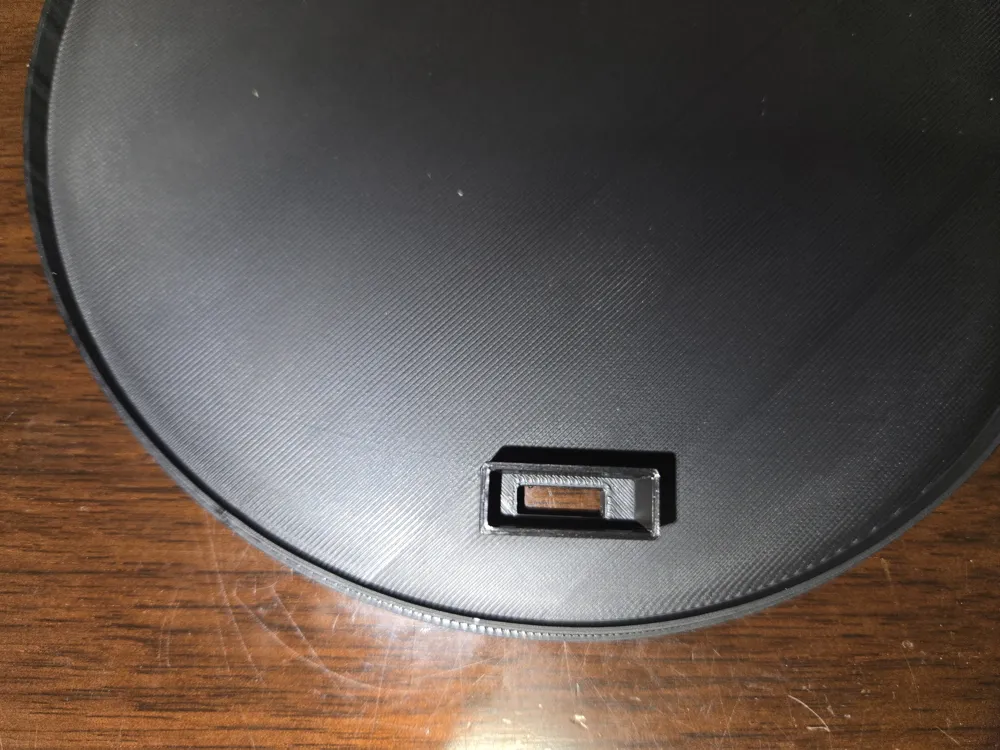
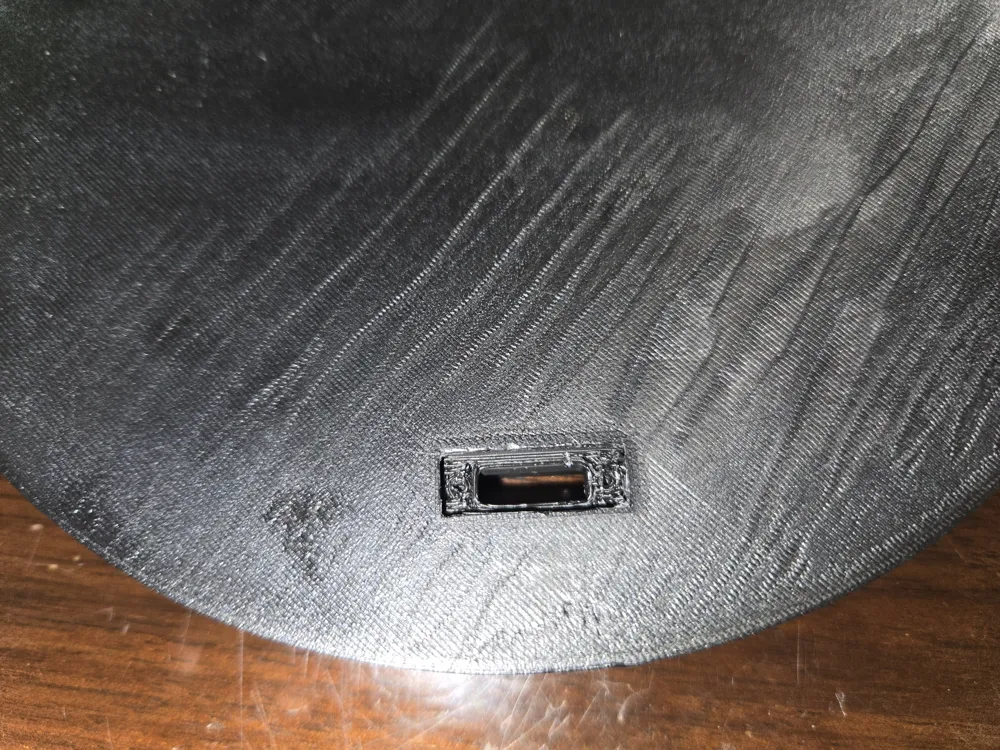
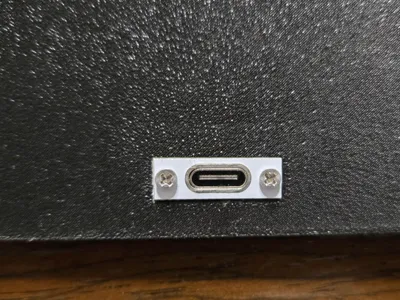
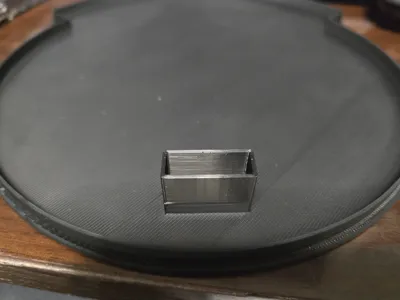
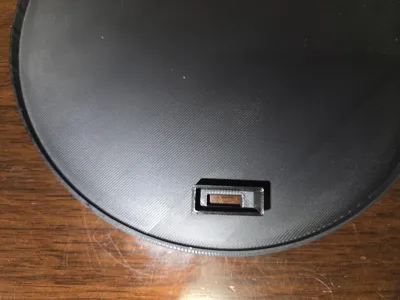
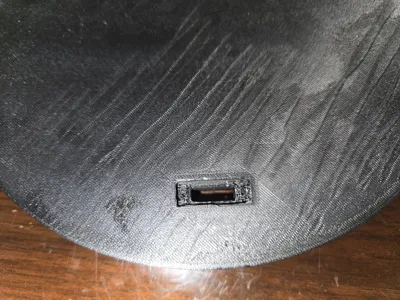
This model is a drop-in slicer insert—just place it where you want the port, merge it with your main model, and print. No extra CAD work or adjustments needed. ⚡
✔️ Simple to Use – Position in slicer, merge, and you’re done.
✔️ Clean Mount – Includes screw holes for secure connector fit.
✔️ Universal Fit – Works with standard USB-C breakout boards (AliExpress link).
✔️ Versatile – Designed for light boxes, but works with any project where you want a USB-C power port.
⚠️ Important: Be sure to merge the insert with your model in your slicer. If you don’t merge, the port won’t print correctly.
Use Case: Drop this into your slicer as a object insert for fast, clean, and professional USB-C integration.
License

You shall not share, sub-license, sell, rent, host, transfer, or distribute in any way the digital or 3D printed versions of this object, nor any other derivative work of this object in its digital or physical format (including - but not limited to - remixes of this object, and hosting on other digital platforms). The objects may not be used without permission in any way whatsoever in which you charge money, or collect fees.


Comment & Rating (1)