
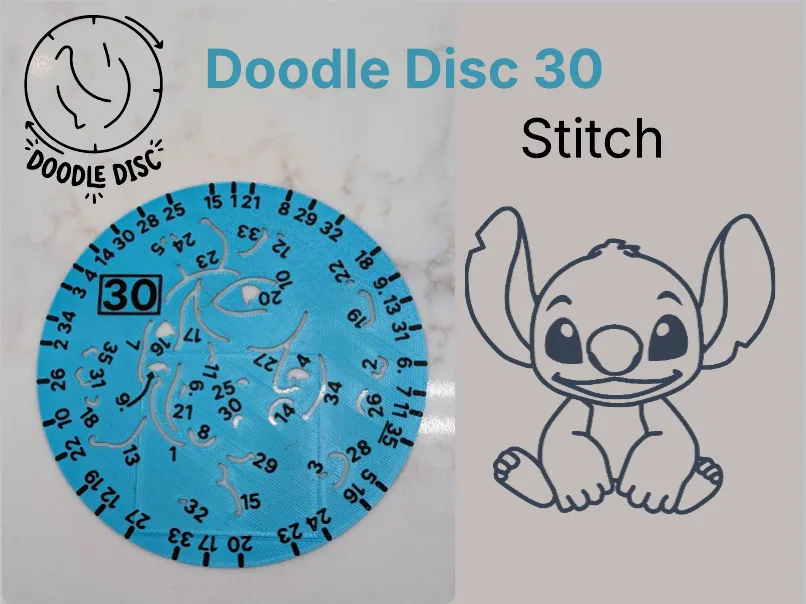
Doodle Disc 30 Stitch
Print Profile(1)

Description
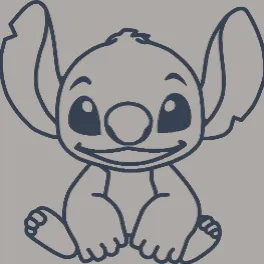
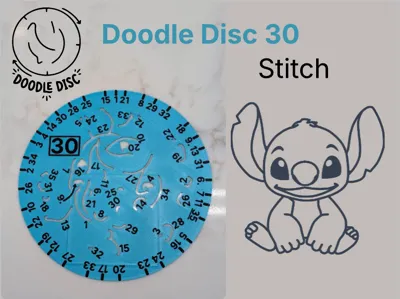
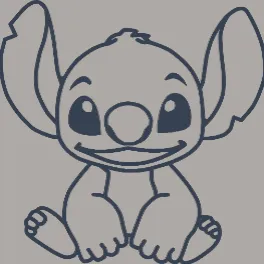
Stitch Doodle Disc
This rotating stencil disc will help you easily draw your very own Stitch!
Want more? Check out the full Doodle Disc Collection here!
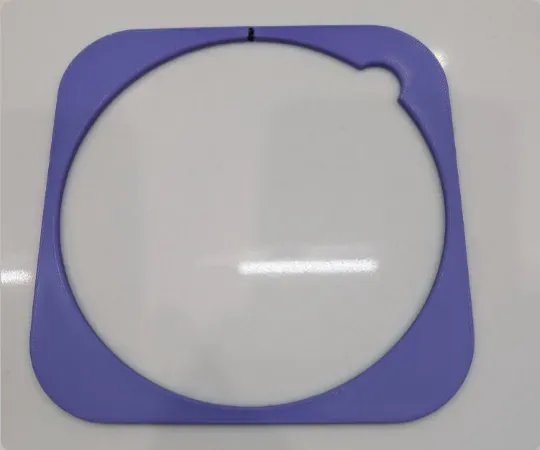
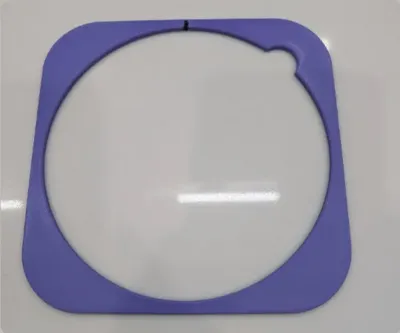
⭐ HIGHLY RECOMMENDED: For the best experience, use the magnetic holder!
The enhanced magnetic holder keeps your paper firmly in place and makes the drawing process much smoother. You can find that upgraded model here.
How to Use
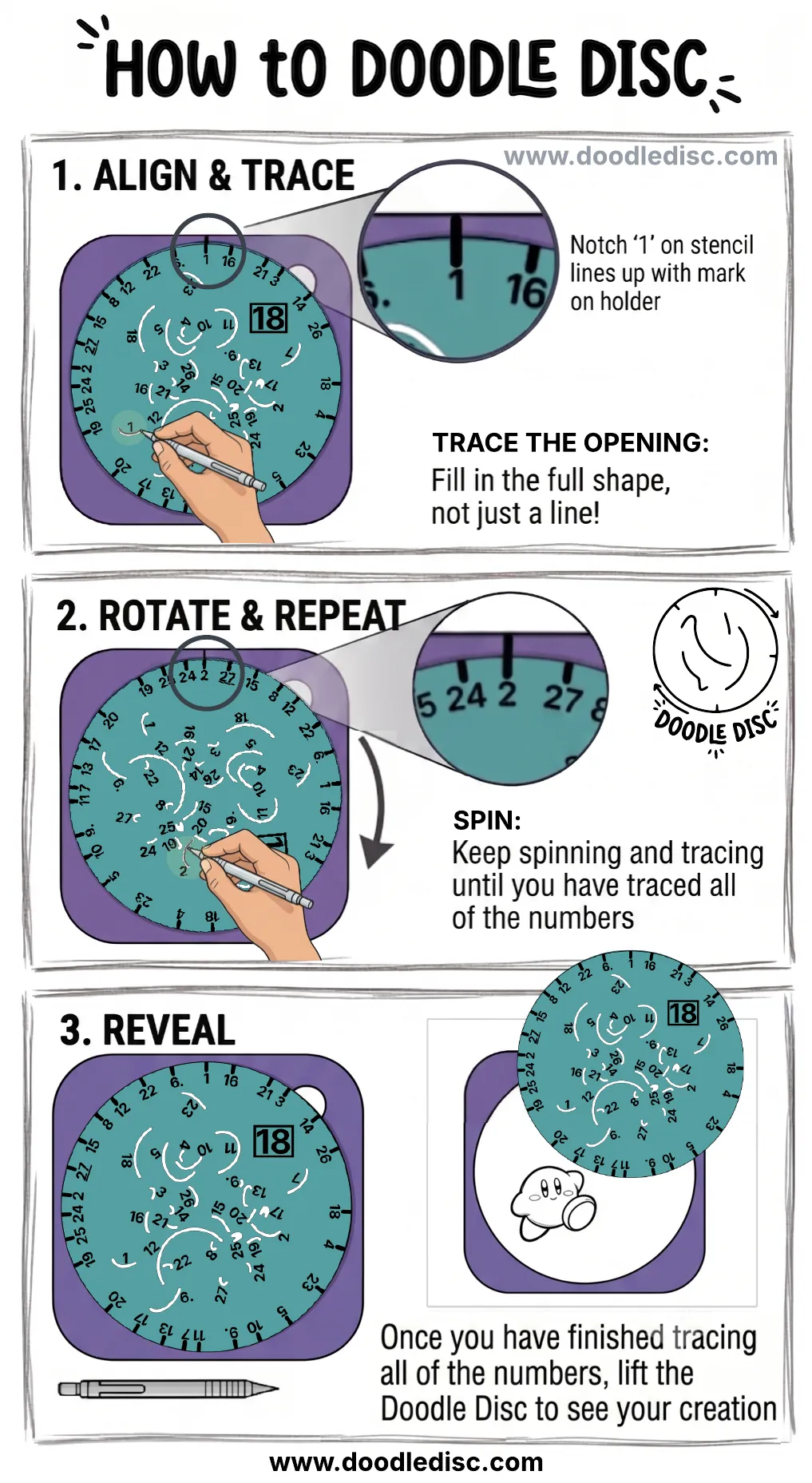
The visual guide above shows the core steps to create your doodle:
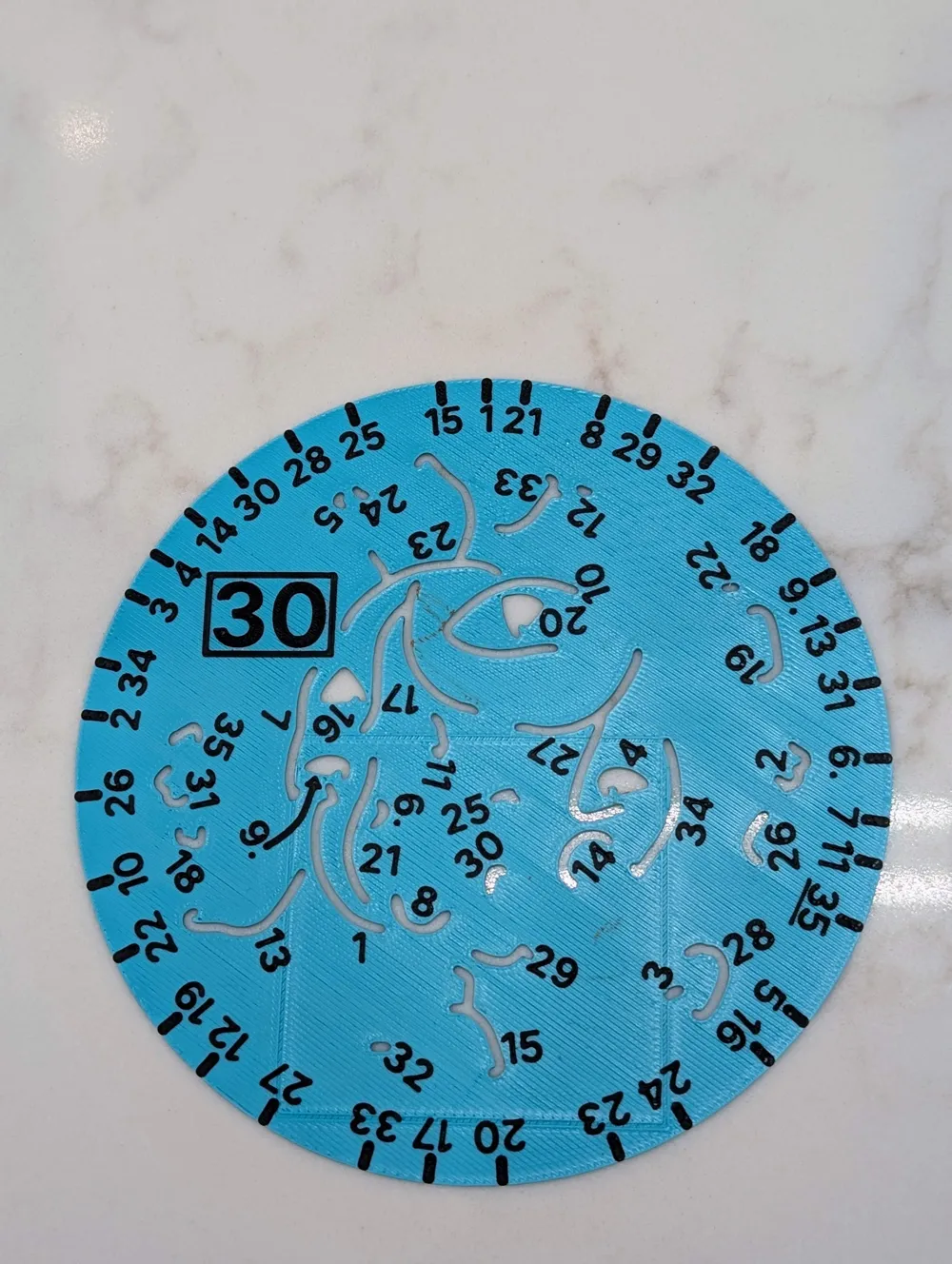
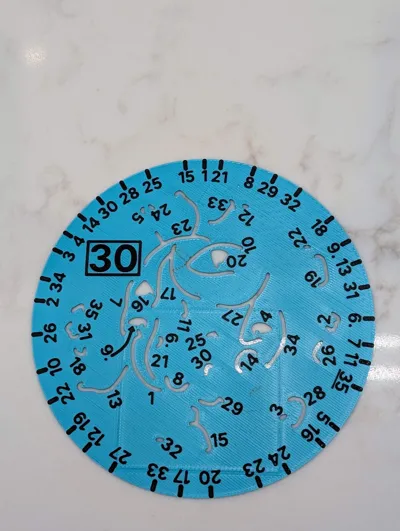
- Align & Trace: Line up notch '1' on the stencil with the top mark on the holder. Important: Make sure to fill in the full shape of the opening with your pen/pencil, do not just trace a single thin line!
- Rotate & Repeat: Spin the disc to the next notch and trace the corresponding opening. Keep spinning and tracing until you have completed all the numbers.
- Reveal: Once every number is traced, simply lift the Doodle Disc away to reveal your finished creation!
Pro Tips
Perfect Placement
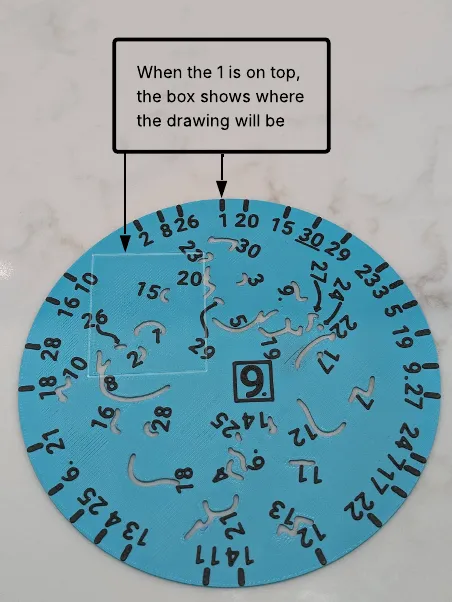
Want to draw multiple characters next to each other or place your doodle in an exact spot on the page? Look for the faint rectangular frame printed on the stencil.
When the notch labeled 1 is aligned with the top mark on the holder, this rectangle shows you exactly where the final drawing will appear. Use this box to position your stencil holder perfectly on the paper before you begin tracing.
You Don't Have to Count!
You do not need to hunt for the numbers in sequential order (1, then 2, then 3, etc.). To save time, start at notch 1, fill in the opening, and then simply turn the disc clockwise to the very next physical notch. Trace that opening, and continue spinning and tracing whatever number comes next until you make a full circle back to 1.
Boost Me (for free)
If you like this model, please consider boosting!
License

You shall not share, sub-license, sell, rent, host, transfer, or distribute in any way the digital or 3D printed versions of this object, nor any other derivative work of this object in its digital or physical format (including - but not limited to - remixes of this object, and hosting on other digital platforms). The objects may not be used without permission in any way whatsoever in which you charge money, or collect fees.


Comment & Rating (111)