Search models, users, collections, and posts

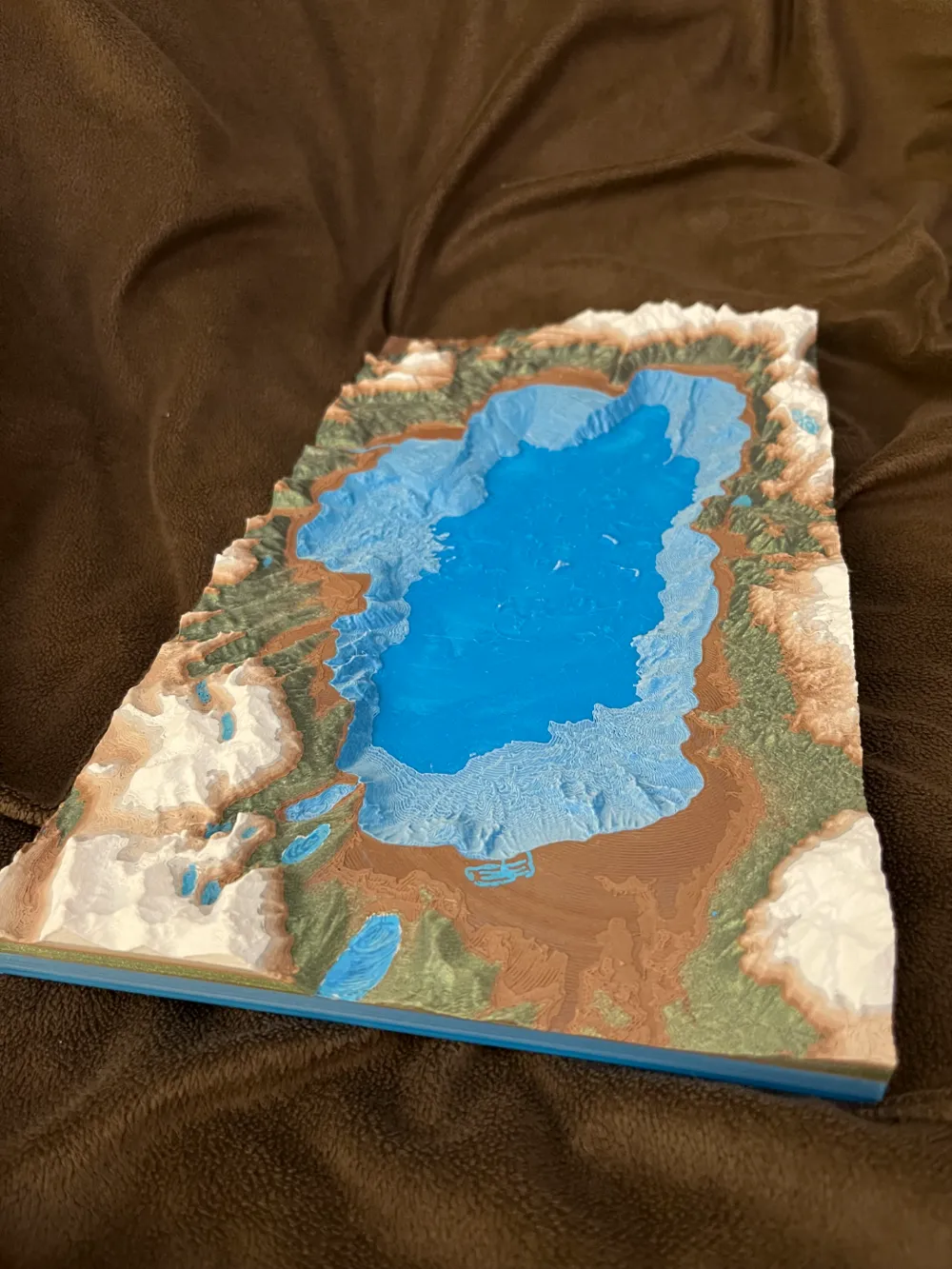
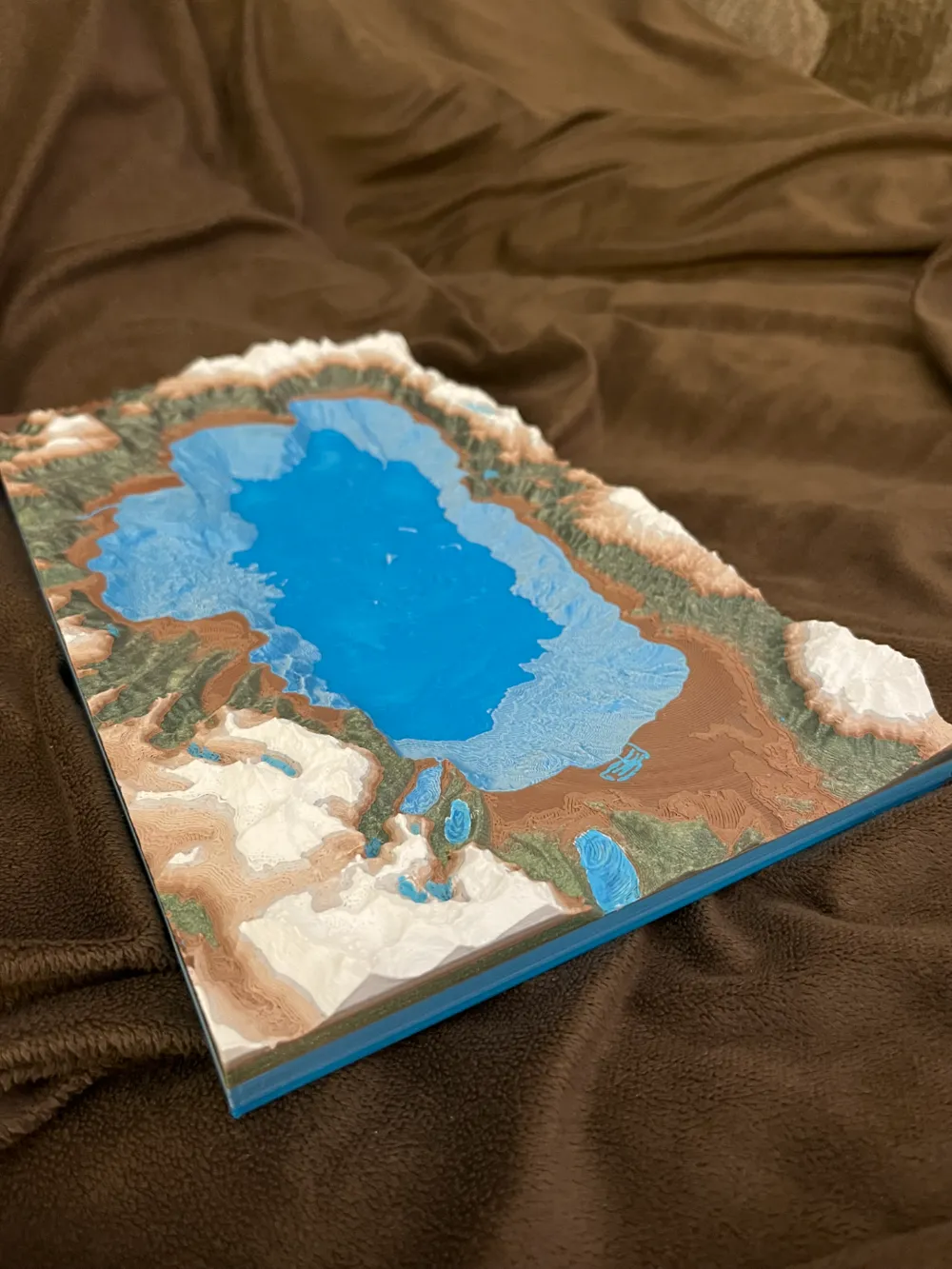
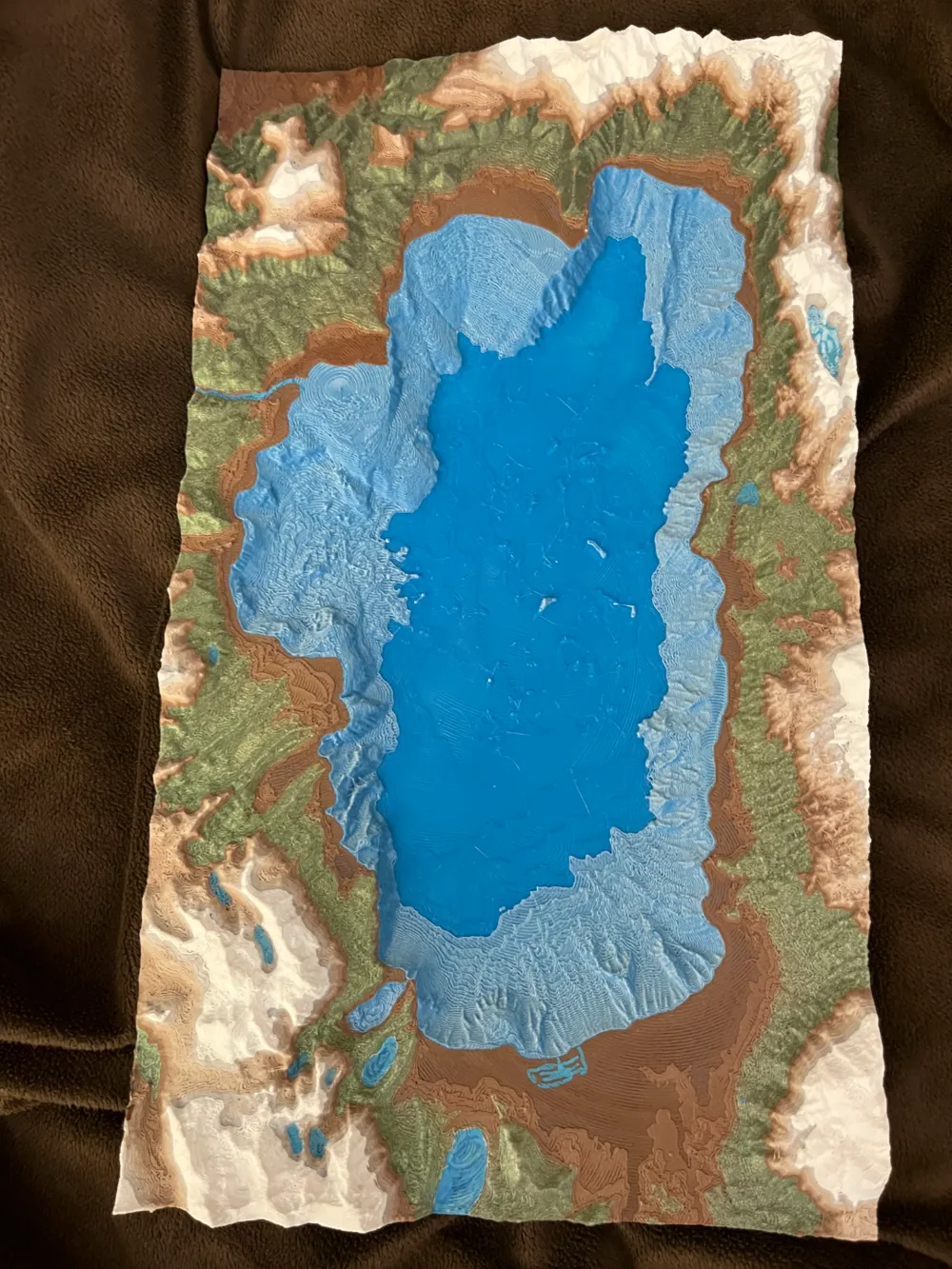
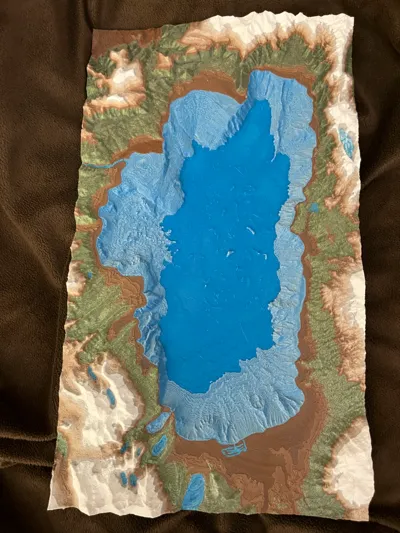
Lake Tahoe depth topography

Print Profile(1)

All
P1P
P1S
X1
X1 Carbon
X1E
A1
H2D
H2D Pro
H2S
P2S
H2C
X2D
A2L

0.16mm layer, 2 walls, 15% infill
Designer
12 h
1 plate
5.0(10)

Open in Bambu Studio
Boost
77
152
20
12
154
50
Released 

Description

First try at printed color filament changes.

All bathymetry and elevation data downloaded from USGS and public domain sources.

Rendered in GIS and exported to mesh at 1:150,000 scale (if printed on 300x300 bed, if using profile is 80% so slightly less scale). And 2 x vertical exaggeration to highlight the mountainous topography.


For colors I use Polymaker polyterra series cappuccino Gradient for the bare rocks between trees and snow line. Any silk/glitter shiny for the light trees and a army green for the darker trees. Cold white makes great snow, pick something closer to blue hue than yellow. For water you can add another filament switch in to get the deep darker blue with the lighter blue. I recommend looking for a Gradient to simulate this effect, something like amolen offers one. Also I use Polymaker dual color blue it’s a coextrusion gives contrast to water details


I originally Printed on 300 x 300 if you are doing this print on 0.16 layer height and change filament at layer 74.

This will hopefully be the right elevation to change from lake blue to green or brown for land.

Good luck!


General User disclaimer: This is an artistic representation of a real place in the Earth, sourced from publicly available data. This is an artistic representation and may contain errors, inaccuracies, and in no way should be used for navigation. The designer is in no way liable for misuse of this model. Please print and enjoy this fantastic piece of art. Printed with multiple filaments and some details touched up with marker. Your product may vary slightly

Comment & Rating (20)

(0/1000)

Print Profile
0.16mm layer, 2 walls, 15% infill
So I went with a more traditional look…. with a bed of lava a charred landscape and mountains of fire.. I think it came out awesome! Thanks
The profile uploader has replied
profile
4
Reply
That’s awesome!
(Edited)
profile
1
Reply
Print Profile
0.16mm layer, 2 walls, 15% infill
Scaled smaller and printed at 0.12 layer height. turned out great. I wiil pour some transparent blue resin where the lake is. Great file, thank you!
The profile uploader has replied
profile
2
Reply
YES! Resin goes great in these lakes. Thats why I put Bathymetry there not just topography. GO for it!
(Edited)
1
Reply
I used two different shiny silk PLA plus one white. The top is clear PETG it looks like ice! Soooo cool thanks sharing. It's only the third thing I've made so idk settings stuff yet
1
Reply
Colors were slightly tweaked from the profile. Gifted to my brother who lived in that area.
0
Reply
Turned out Great! Made a frame for it as well.
0
Reply
Boosted
Print Profile
0.16mm layer, 2 walls, 15% infill
0
Reply
Print Profile
0.16mm layer, 2 walls, 15% infill
Really beautiful print, I used light teal instead of white for the top and a darker brown and it’s one of my favourite prints, thank you for uploading!
The profile uploader has replied
profile
1
Reply
Nice! Thanks for printing!
(Edited)
1
Reply
Replying to @paleojon :
I love the topographic prints but this really had great depth and you layered the colors so perfectly, so there wasn’t a huge waste of filament changing colors while not sacrificing the quality! it also printed perfectly with zero tweaking which is amazing! I wish it was a bit thinner on the bottom to make it easier to frame, but I don’t know if you could even do that without sacrificing the depth which is way more important! I will upload the picture soon. I hope you keep uploading more!
0
Reply
Print Profile
0.16mm layer, 2 walls, 15% infill
this are great models please make more!
profile
1
Reply
Looks really good
designer
1
Reply
Fantastic! Is it too much trouble to list the apps you used to print the bathymetry details? There are numerous details in how to print topography, but almost nothing to create what you did. Thank you.
0
Reply
