Search models, users, collections, and posts

Pumpkin Pie Buddy and Clicker Buddy
IP Report
GIF
This model is created by Parametric Model Maker
Make Your Model

Print Profile(4)

All
A1 mini
P1S
X1 Carbon
X1
H2D Pro
P1P
H2S
H2D
X1E
A1
P2S
H2C
X2D
A2L

PP BUDDY "no" CLICKER 2 plates, no AMS needed
Designer
1.7 h
2 plates
4.9(68)

Clicker 2 plates NO AMS needed
Designer
1.2 h
2 plates
4.8(22)

Clicker- one plate, print by object
Designer
1 h
1 plate
4.8(14)

PP BUDDY "no" CLICKER - one plate, print by object
Designer
1.5 h
1 plate
4.9(7)

Open in Bambu Studio
Boost
683
1561
141
85
1.4 k
961
Released 

Bill of Materials

Bambu Filaments
Select all
Matte Mandarin Orange (11300) / Refill / 1kg

Description

Please take a second and follow us. 

Boost Me (for free)

Your boost would mean the world to us.  Thanks so much for your support. With your help, our work gets seen more! 


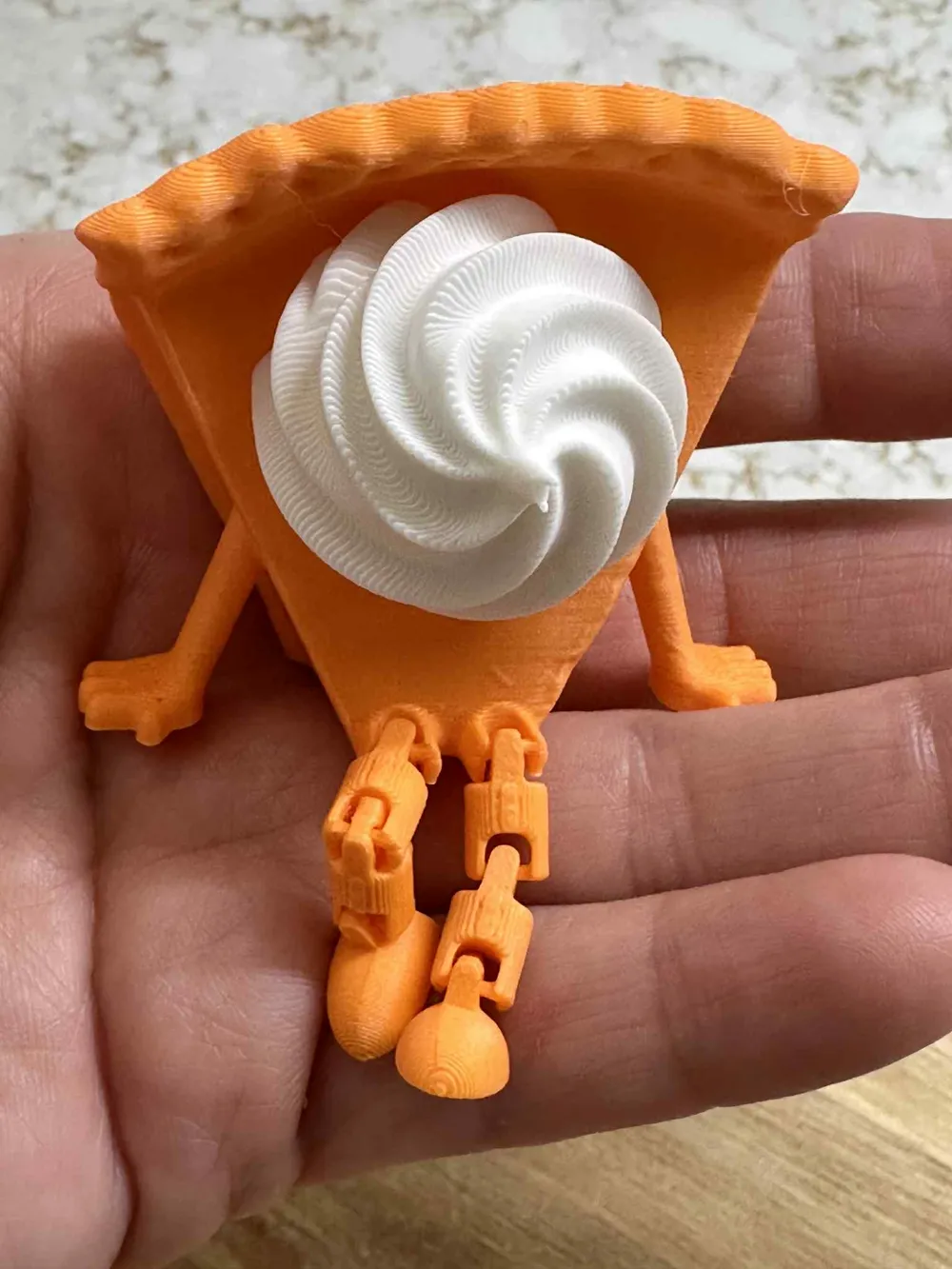
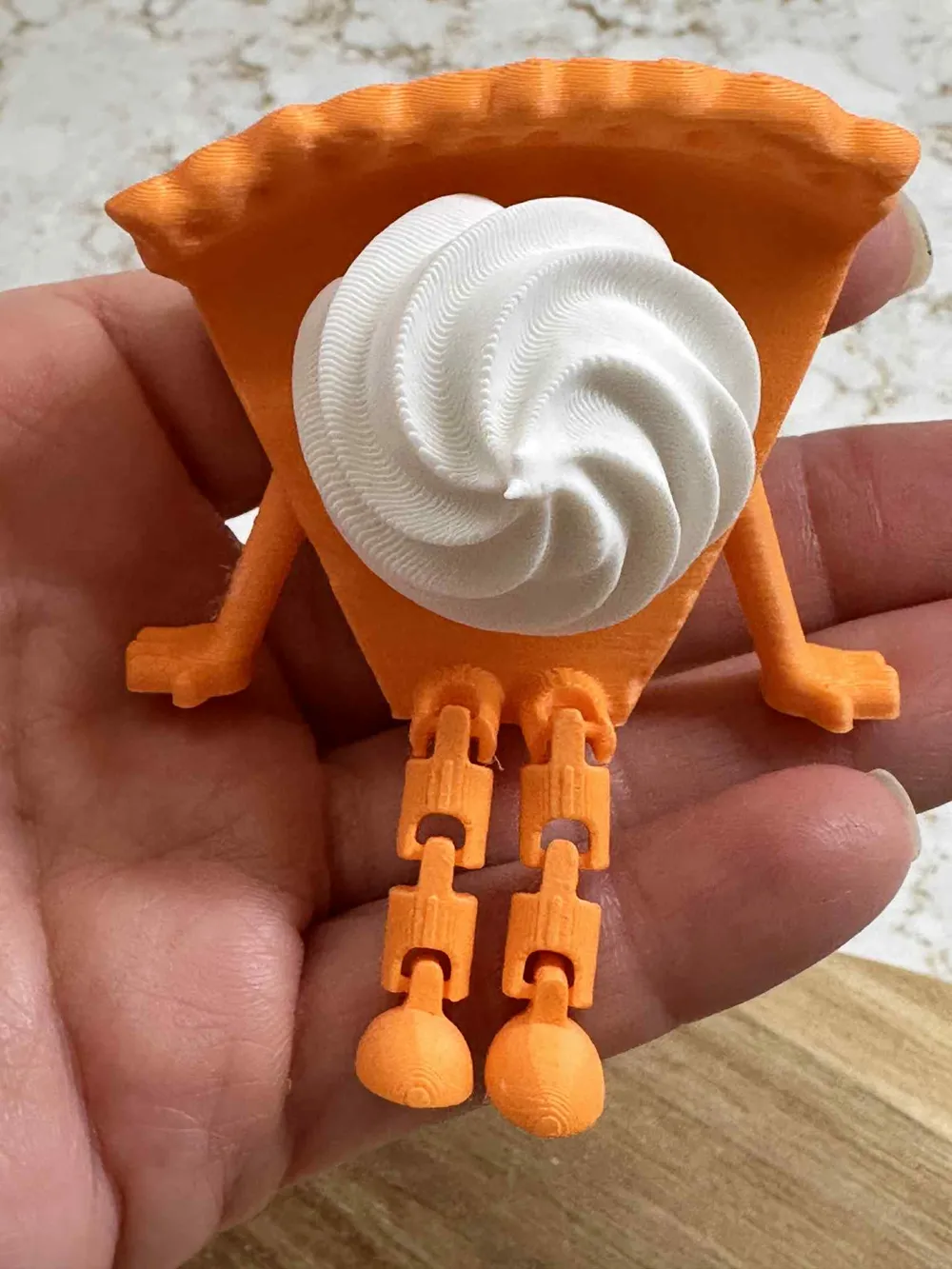
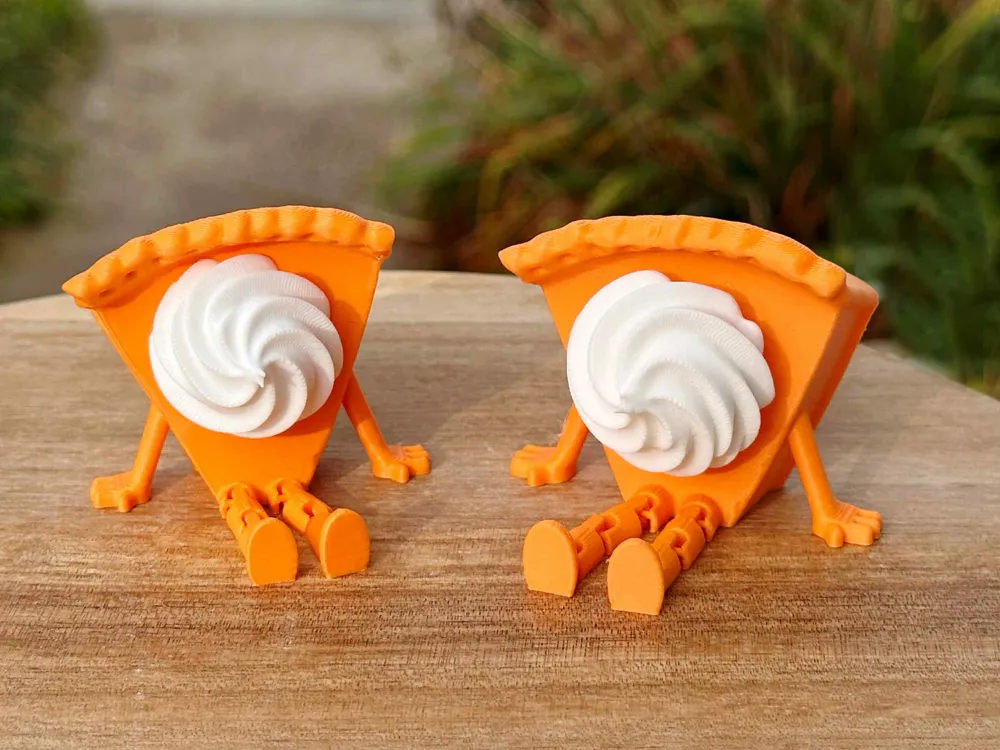
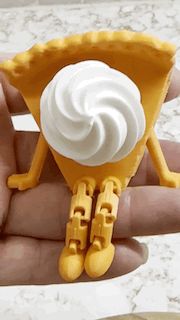
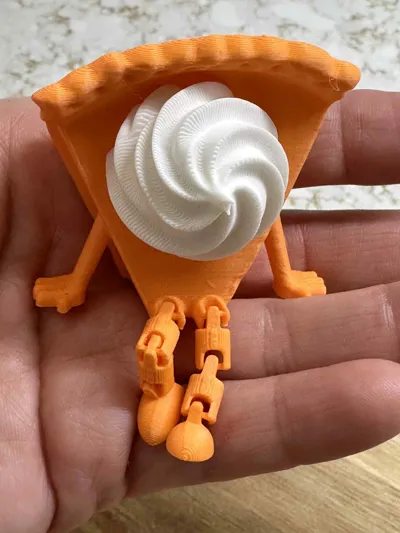
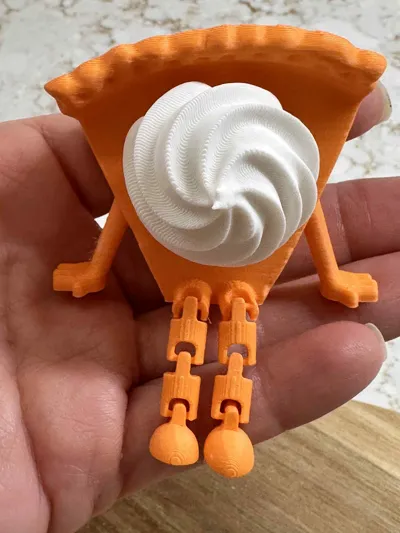
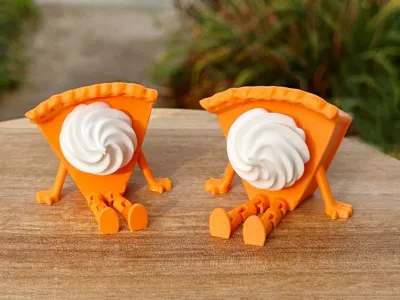
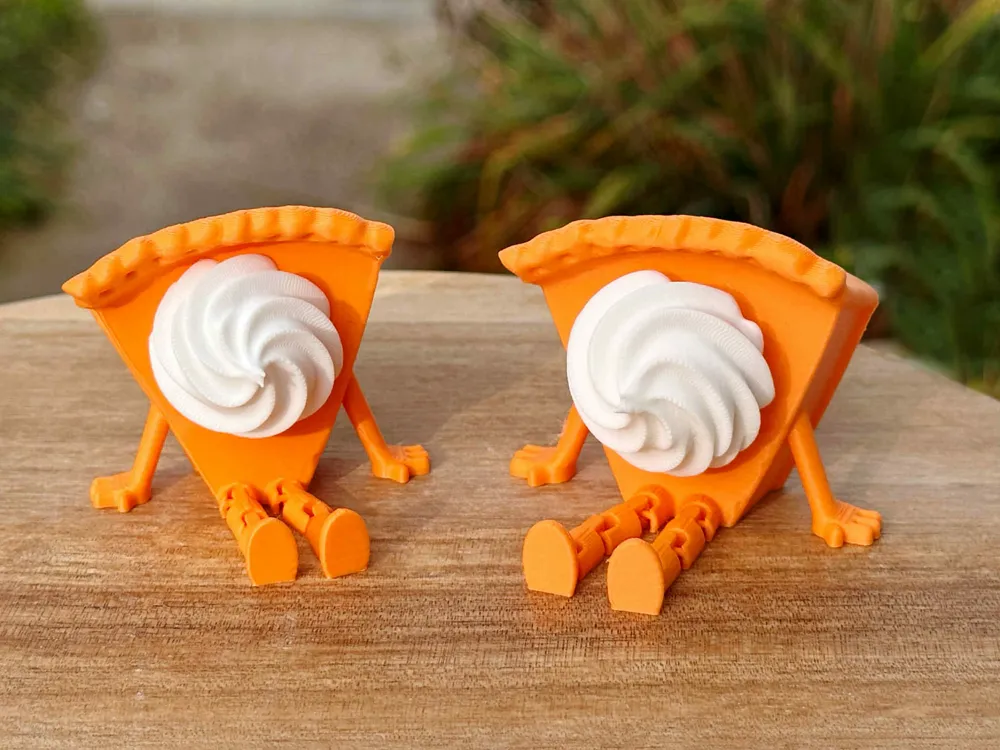

Print your cutie pumpkin pie buddies! These adorable 3D-printed pals look like mini pumpkin pies with legs and a swirl of whipped cream. Available in two versions: with a fidget clicker for some stress-relieving fun, or without for pure decorative charm. Perfect for desk decor, gifts, or a quirky addition to your Halloween or fall vibes. 


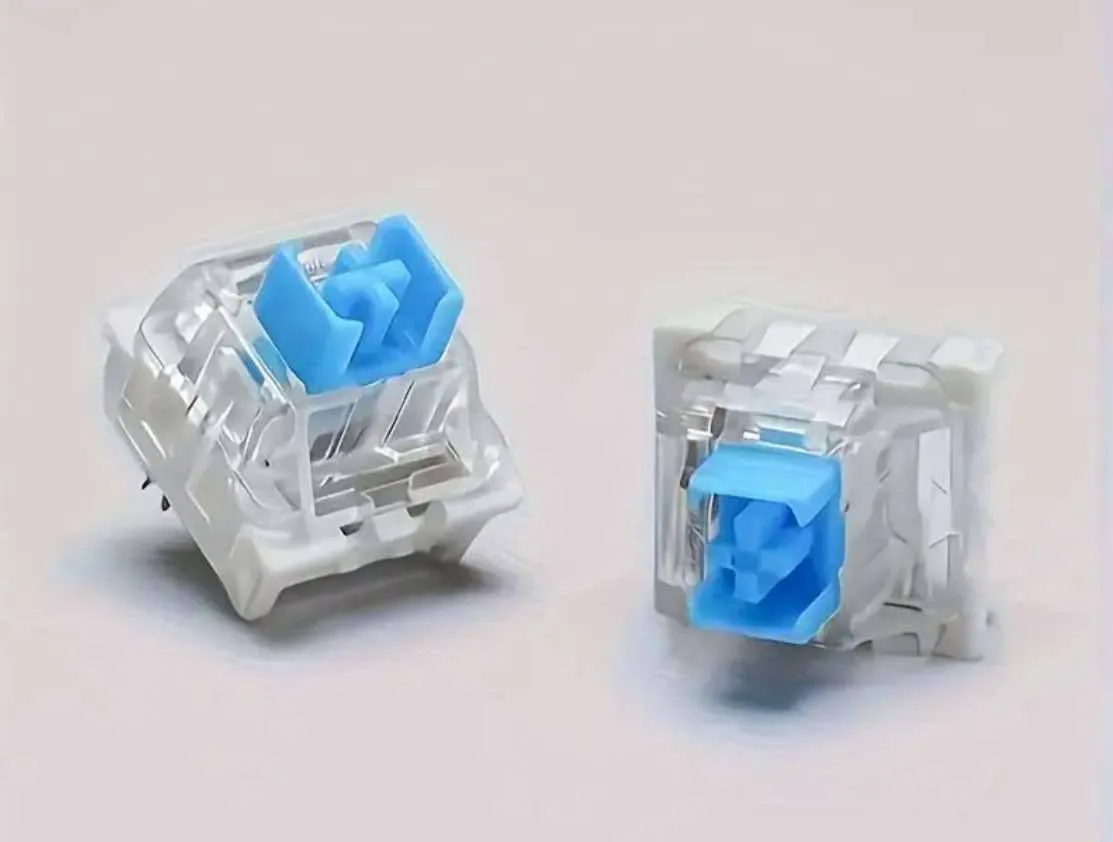
If you are printing the clicker buddy, you will need to purchase the keyboard switch.  Please look at the instrucions below.

This prints in parts.  You will need glue for the whipped cream and maybe the clicker keyboard switch.  


3D Printed Clicker Toy Assembly Guide 


Materials: 

• 1 Mechanical Keyboard Switch 

• 3D-Printed cross half and box hole Half 

• (Optional) Small amount of super glue 
 Assembly Steps:


Find the cross half, box Half (holds the switch), and the switch itself. 


Push the cross top of the switch into the cross half of the 3d print. It should click into place snugly.  You can use glue if needed.  A little glue goes a long ways.  You don't want the glue to get into the switch. 
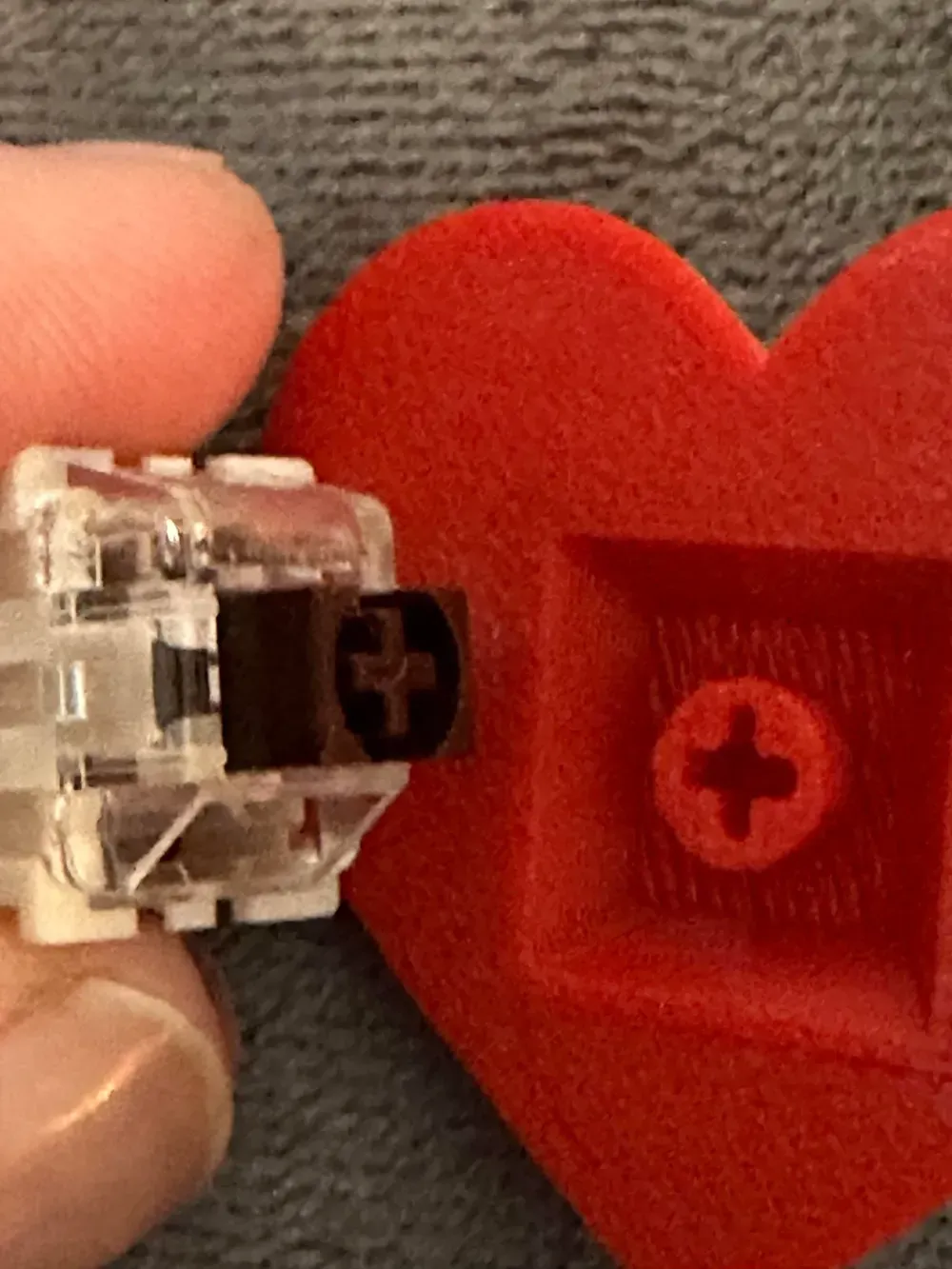
 

Line up the box 3d print half over the switch. Press the two halves together firmly. 
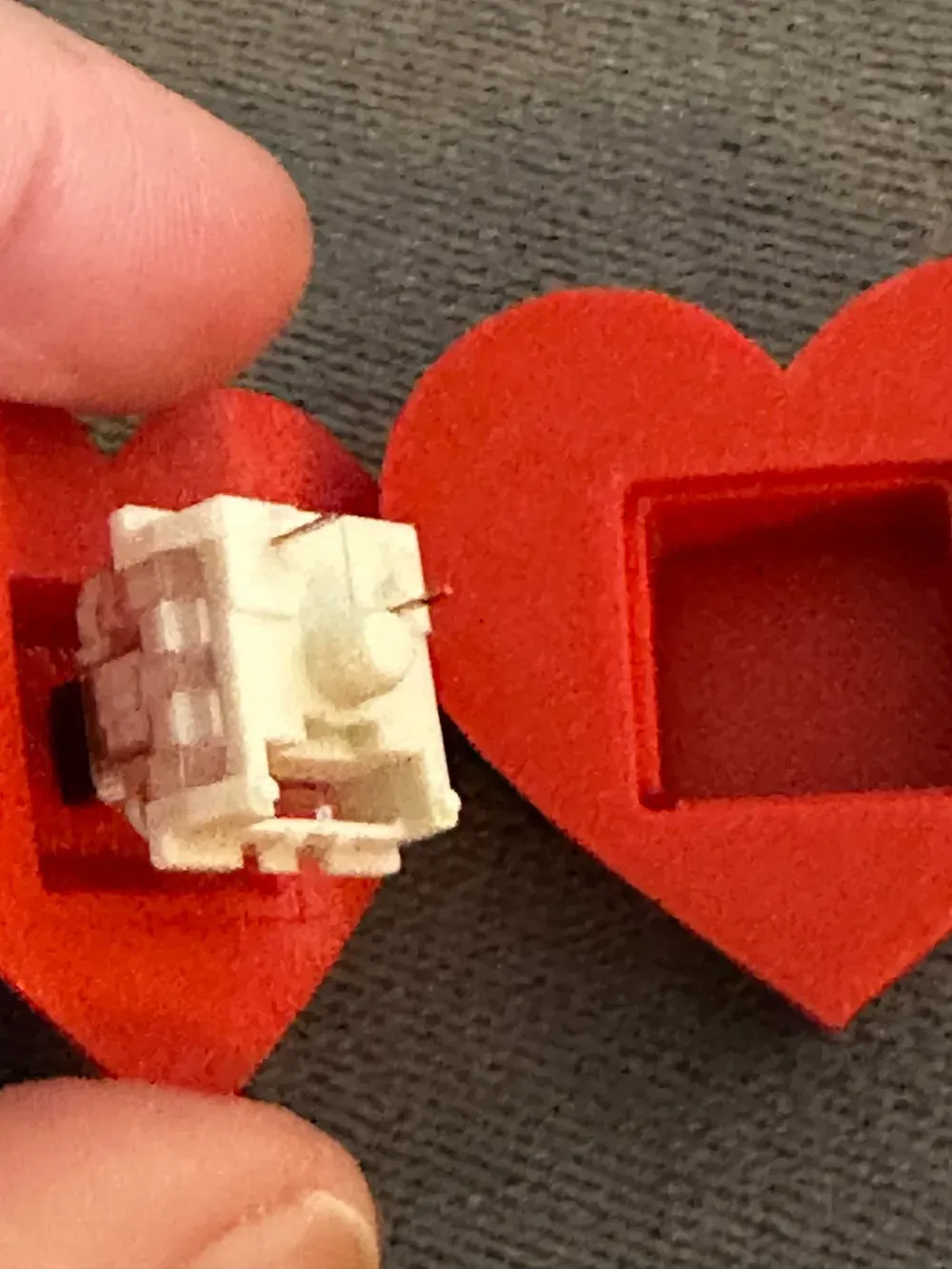


Test Your Clicker


Press down to test the click action! If the halves feel loose, use a tiny bit of glue to secure them.


Do you want to sell our items?  Be sure to purchase a membership, available here and on Patreon.  https://www.patreon.com/3DA1

Membership

ONLY $4! Join our creative world! Become a member and get commercial license to sell all our unique 3D print designs!   *We also try our best and take your 3d print ideas to life.  No additional cost to you.* Patreon provides different payment options for you.  You can sell our models from both sites with any membership. patreon.com/3DA1

Join

Comment & Rating (141)

(0/1000)

Print Profile
PP BUDDY "no" CLICKER 2 plates, no AMS needed
prints came out clean without issue. I printed the non-clicker version and found it difficult to align the whipped cream to the pie. I feel like it actually be better without the little indent so you could put the whipped cream however you wanted. nonetheless, I have printed a small army of them to give away to family during Thanksgiving
0
Reply
did you figure out how to get the non clicker together
0
Reply
Replying to @user_233500271 :
There is a little outline on the pie that kind of shows where the whipped cream goes. But it’s not really deep enough to align it so it’s a little tricky. you just have to keep rotating the whip cream until aligns with the faint outline
0
Reply
Print Profile
Clicker 2 plates NO AMS needed
fun easy print. turned out great
0
Reply
Struggling with how you made the crust a different color. I have tried but have not been successful. Any tips?
0
Reply
Replying to @bleroy034 :
I just painted it.
0
Reply
Print Profile
PP BUDDY "no" CLICKER 2 plates, no AMS needed
Turned out great! Handed them out at Thanksgiving as little mementos.
The profile uploader has replied
0
Reply
It looks awesome
(Edited)
1
Reply
Print Profile
Clicker 2 plates NO AMS needed
if you are wanting the clicker make sure you choose the right option. it is in the title where it says clicker. the other is just decorative
The profile uploader has replied
0
Reply
so sorry for the confusion, I hope you got your clicker buddy printed
0
Reply
Print Profile
Clicker 2 plates NO AMS needed
These amazing little buddies are so adorable. Great for place settings at Thanksgiving or Christmas or for just a fidget toy. Photo of key board keys used for clicker sound. Pack of 32 for a great price on amazon.
The profile uploader has replied
0
Reply
they look amazing
0
Reply
Print Profile
Clicker- one plate, print by object
Awesome
The profile uploader has replied
0
Reply
Your buddy turned out awesome! Your five star review means the world to us! We're thrilled you enjoyed your print!
(Edited)
1
Reply
Print Profile
Clicker 2 plates NO AMS needed
turned out just as described.
0
Reply
Print Profile
PP BUDDY "no" CLICKER 2 plates, no AMS needed
fantastic work
0
Reply
Print Profile
Clicker- one plate, print by object
excellent model!
0
Reply
cute little pies! thanks
0
Reply

License

If you want to use this model commercially, please join my membership.
Join Now
This user content is licensed under a Standard Digital File License.

You shall not share, sub-license, sell, rent, host, transfer, or distribute in any way the digital or 3D printed versions of this object, nor any other derivative work of this object in its digital or physical format (including - but not limited to - remixes of this object, and hosting on other digital platforms). The objects may not be used without permission in any way whatsoever in which you charge money, or collect fees.