
Cabinet Hardware Jig
Print Profile(2)

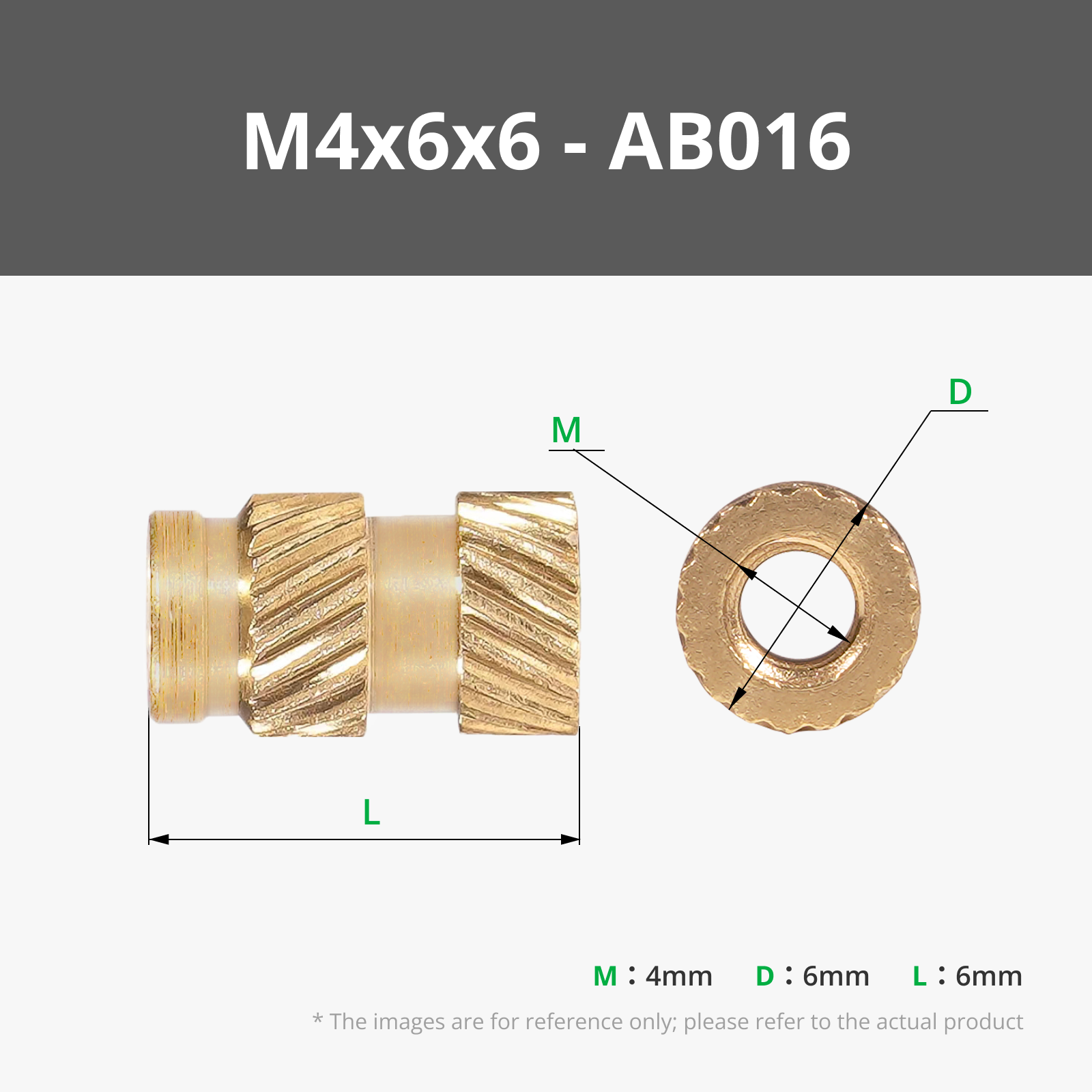
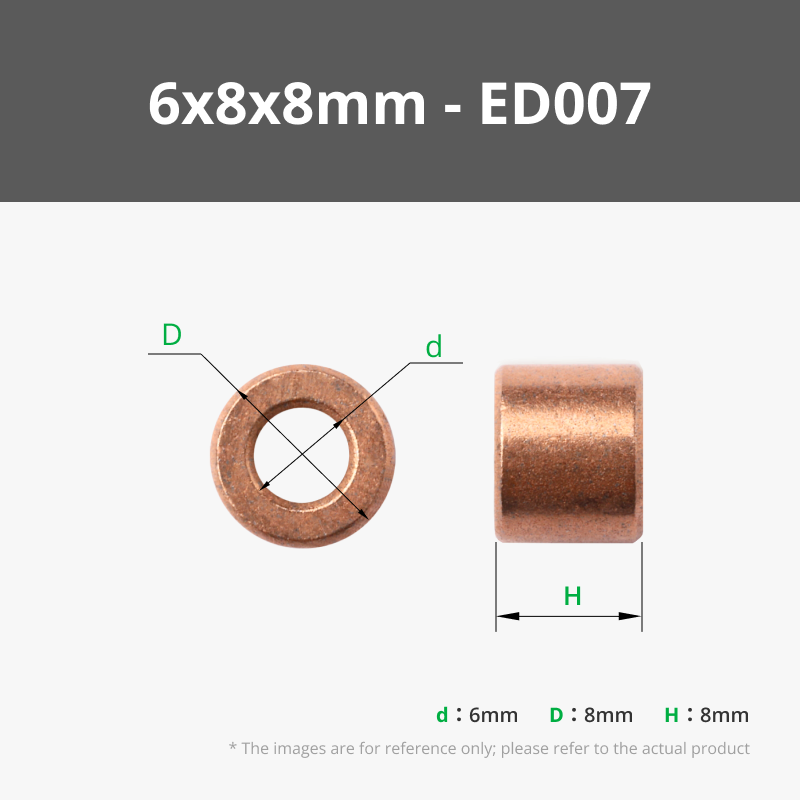
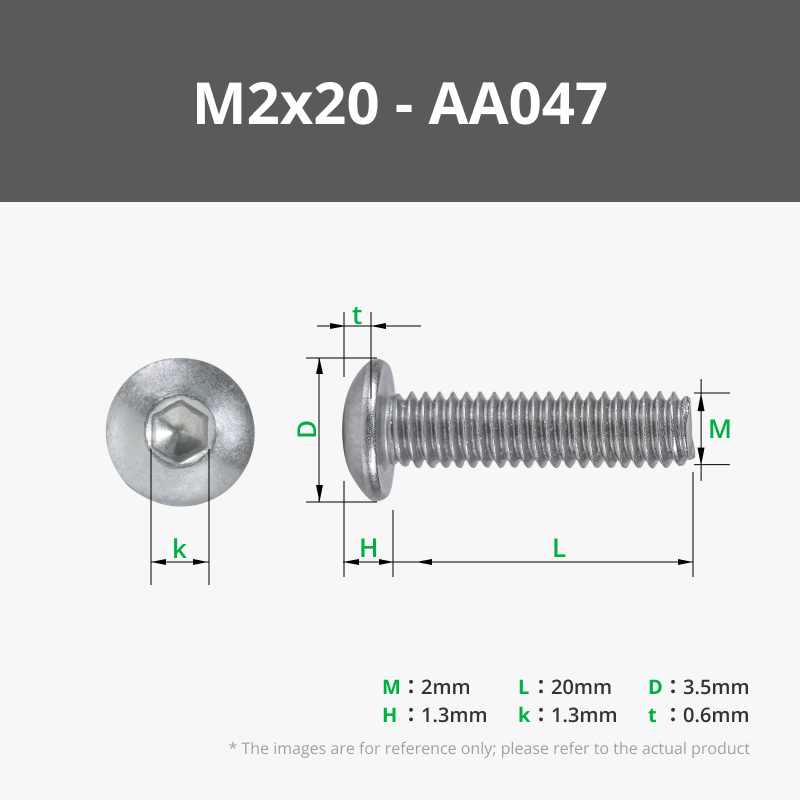
Bill of Materials


- M4x12 thumb screws x 3:
- M4x25 thumb screws x 2:
Description
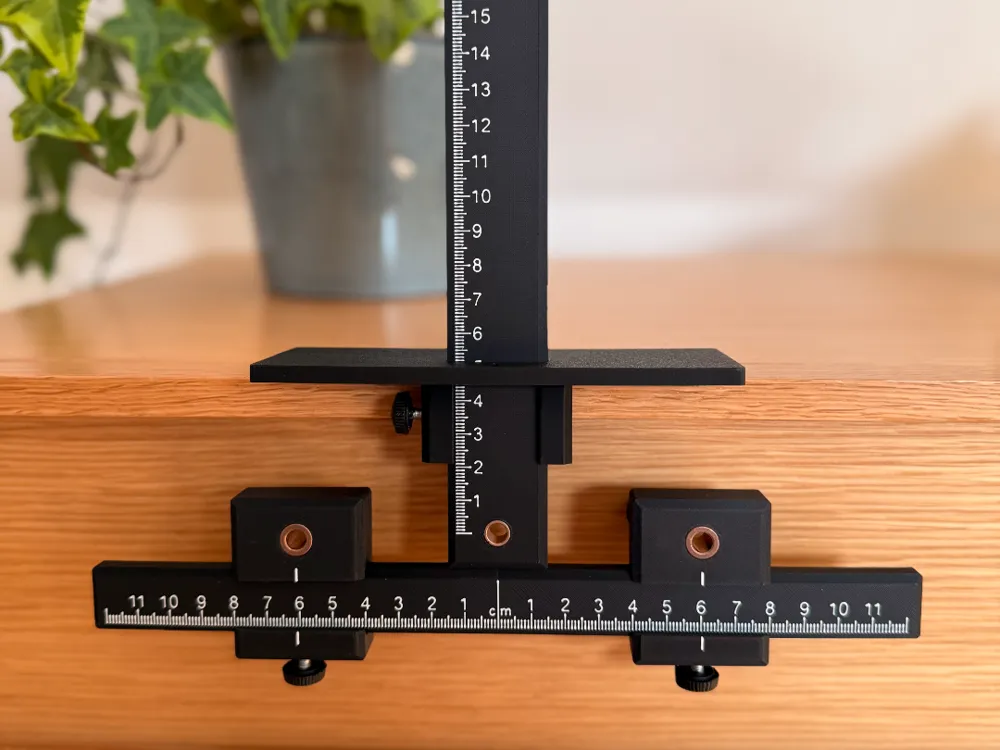
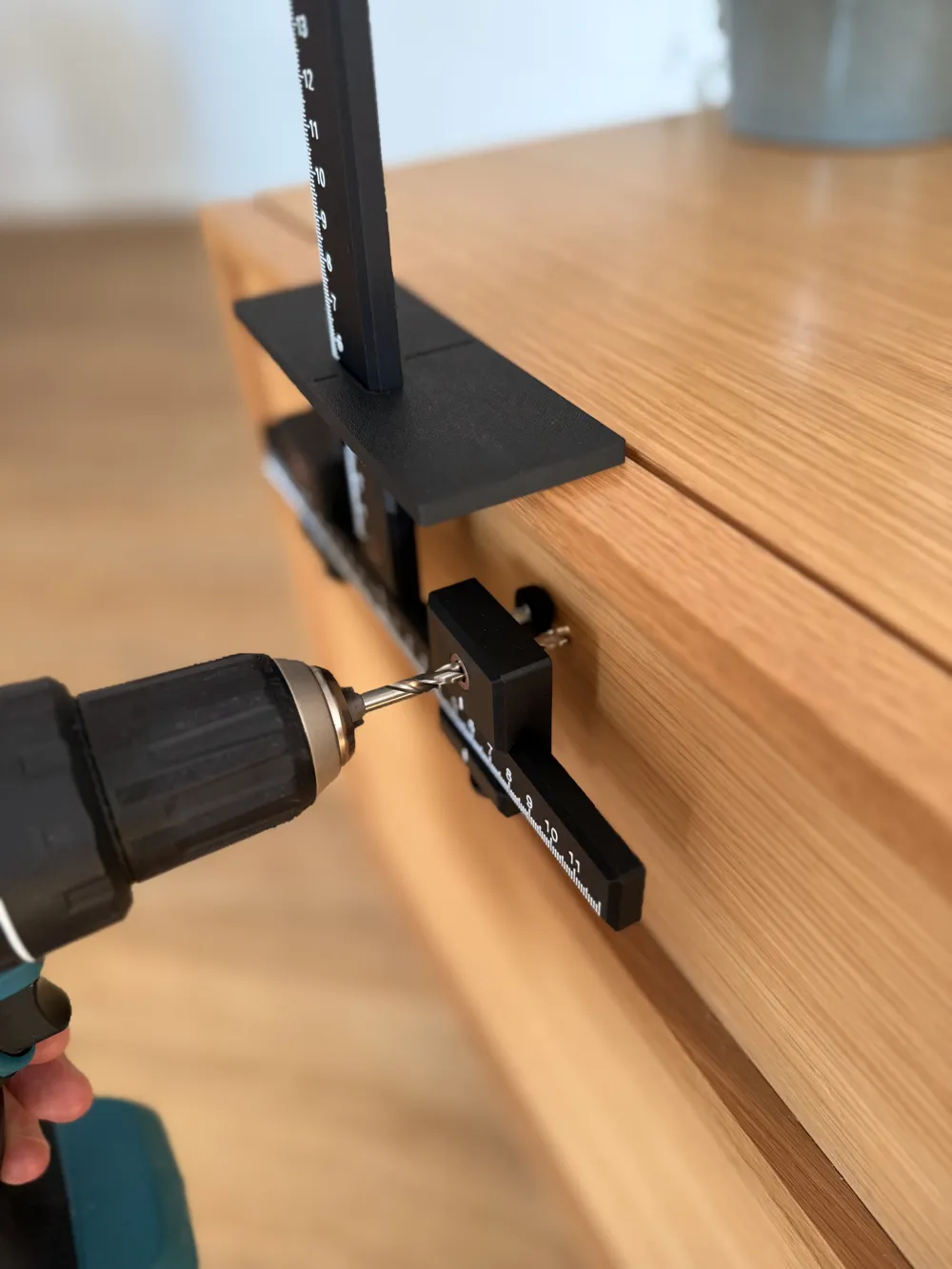
Install cabinet hardware quickly and accurately with this versatile drilling jig.
Simply adjust the spacers to your desired distance, set the height, and drill through the precision guide holes for perfect alignment every time. The jig also includes a set of spacers designed to make installing hardware on drawers with recessed fronts a breeze.
All the needed parts are listed in the bill of materials. The thumb screws are from a set such as this one from Amazon.
Important
If you are having issues with stringing between the numbers on the rulers, try setting “Travel distance threshold” to 0 mm under “Filament Settings” → “Setting Overrides” in Bambu Studio for the filament you are using for the numbers (e.g. white).
Boost Me (for free)
If you like this model, please consider boosting it 🚀🚀
Thank you.
Documentation (1)
License

You shall not share, sub-license, sell, rent, host, transfer, or distribute in any way the digital or 3D printed versions of this object, nor any other derivative work of this object in its digital or physical format (including - but not limited to - remixes of this object, and hosting on other digital platforms). The objects may not be used without permission in any way whatsoever in which you charge money, or collect fees.


Comment & Rating (48)