
Propeller Generator - Parametric Elliptical Blades
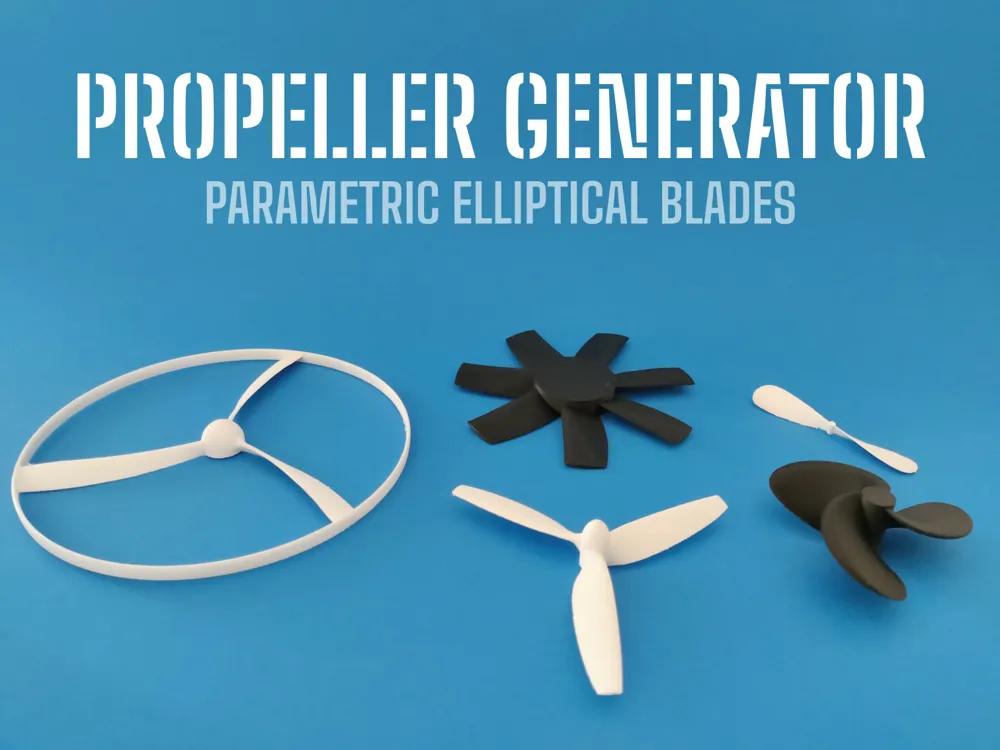
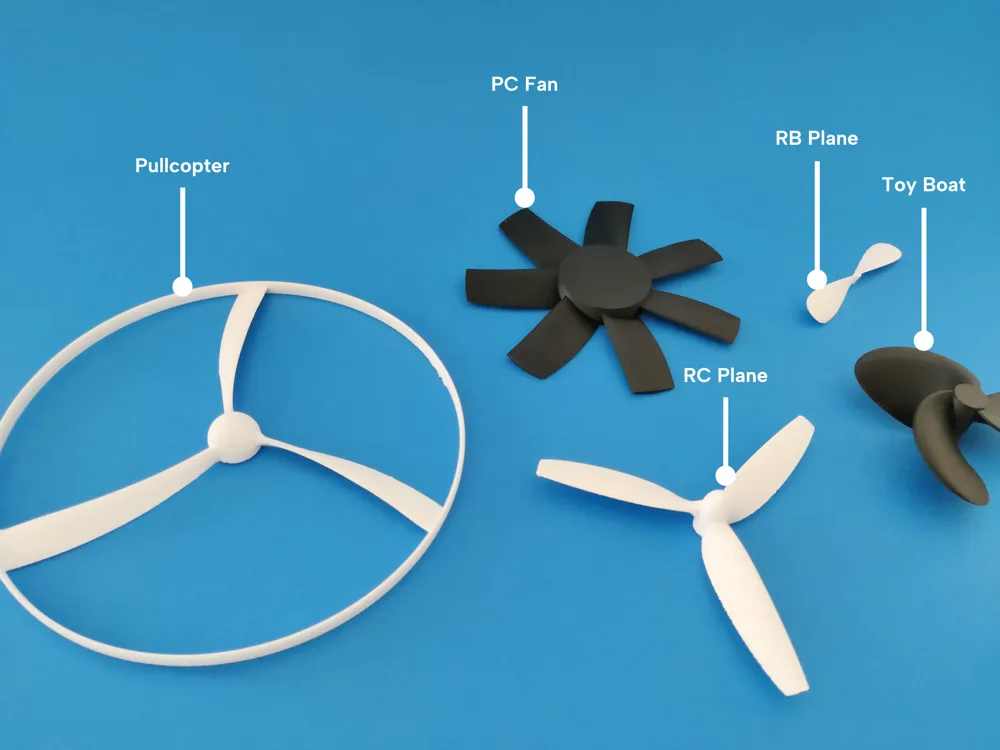
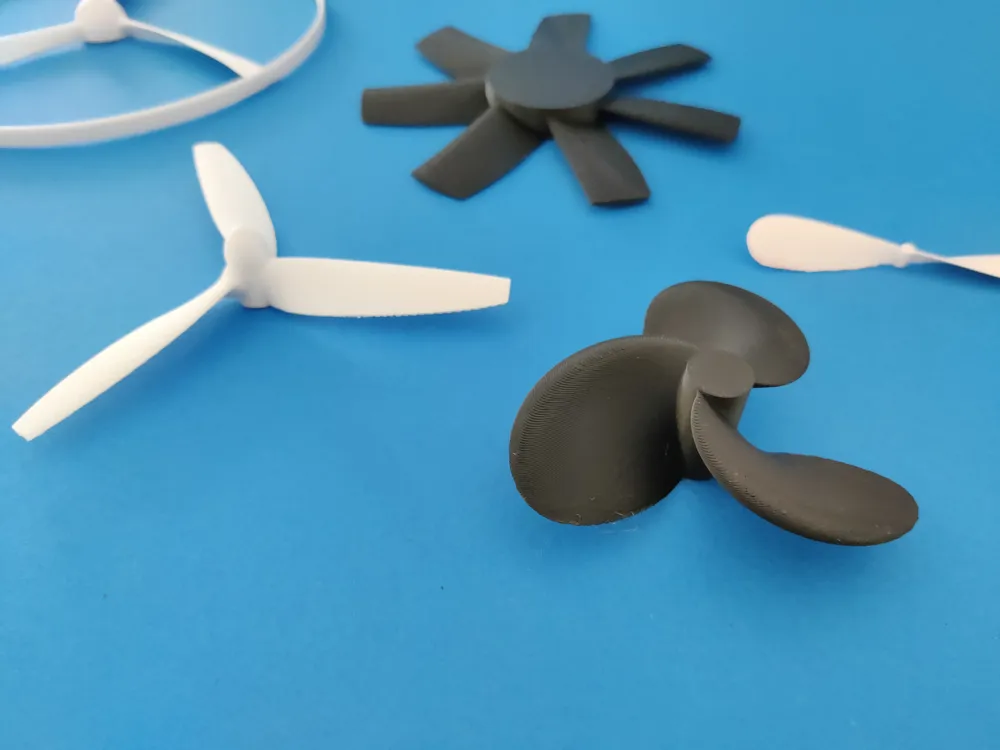
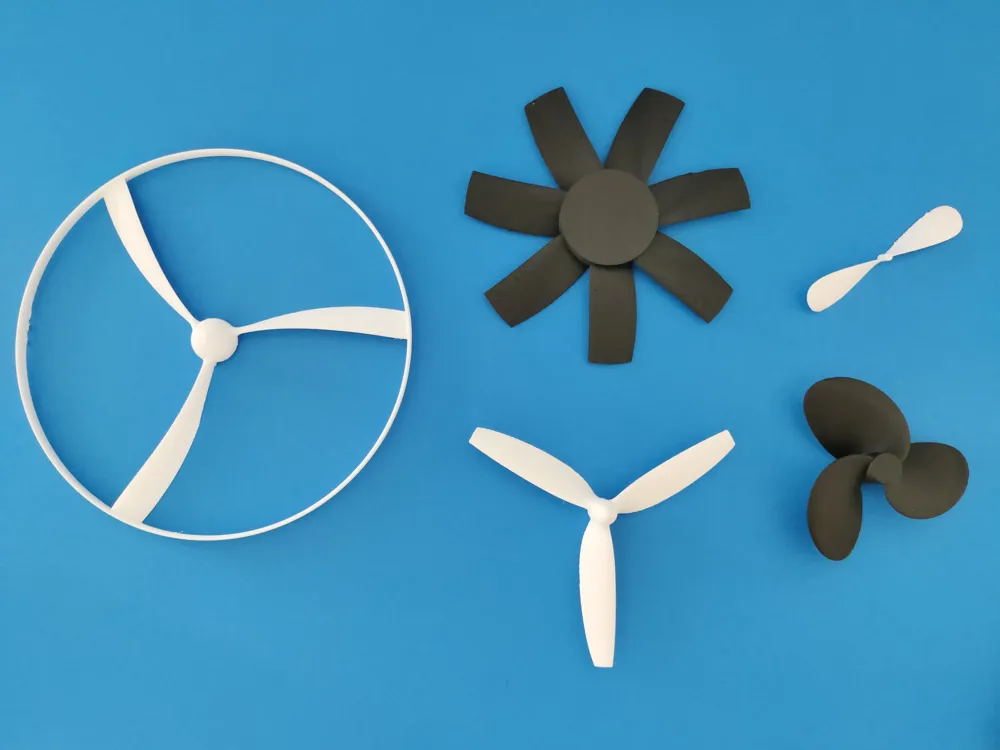
Print Profile(4)

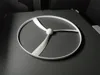
Description
Looking for Propellers? Look no further.
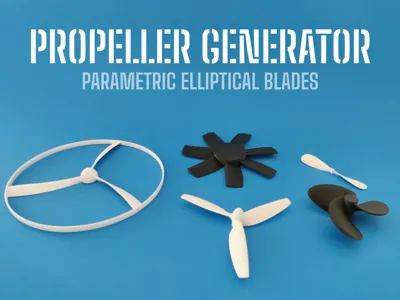
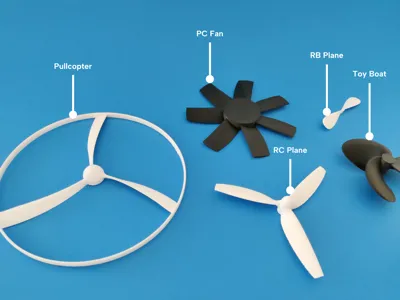
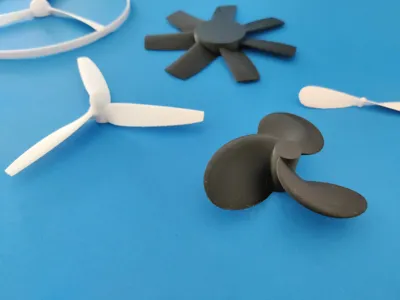
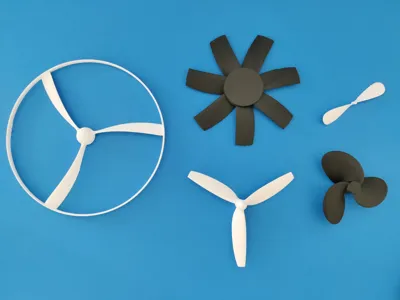
This OpenSCAD script generates fully parametric propellers, fans, and rotors — from airplane props to drone rotors, boat screws, cooling fans, pullcopters, and more. It uses real NACA 4-digit airfoil profiles and aerodynamic planform laws to create blades that are not just visually realistic, but also functional.
The script is based on the original work of Alex Matulich, rewritten using BOSL2 and enhanced with improved performance, additional controls, and well-structured parameters for easy customization. Big thanks to Alex for laying the groundwork.
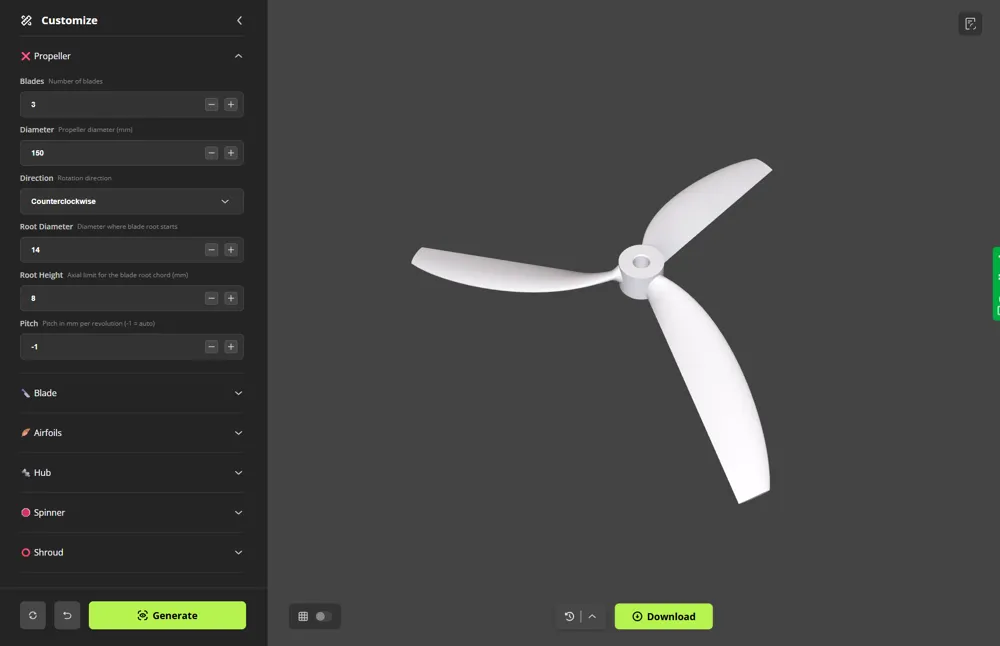
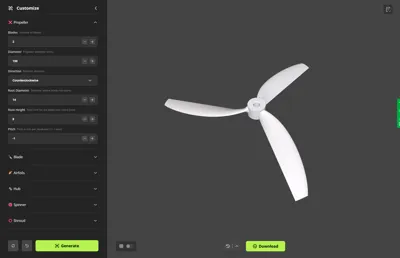
Click Customize to start generating your propeller.
🚀 Quick Start
- Define Your Propeller
Begin with the essentials: set the number of blades, overall diameter, rotation direction, root size, and pitch. - Customize the Shape
Fine-tune blade geometry with chord modes, NACA airfoils, sweep, fairing, spinners, shrouds, and hub/shaft options. - Render and Export
Generate your propeller at the desired resolution, then export it for slicing and 3D printing. Always test new props safely!
⭐ Features
- Full Customization
Control every aspect of the propeller. - User-Friendly
Well-structured parameters make it easy to design any style of propeller. - Aerodynamic Accuracy
Real NACA 4-digit profiles with elliptical tapering for functional, realistic blades. - Precision Modeling
Clean geometry and adjustable resolution ensure reliable, accurate results. - 3D Printing Ready
Fairing, trailing-edge thickness, and built-in safety tips for robust prints.
📘 Notes & Tips
Airfoils & Shape
Blades are generated from real 4-digit NACA airfoil profiles, blending from thick, cambered roots to slimmer tips. This provides strength at the hub and efficiency at the tip. You can explore and preview airfoils here: AirfoilTools – NACA 4-digit.
Pitch
Pitch is the forward distance a propeller moves in one revolution:
- Lower pitch → more pull at low speed.
- Higher pitch → more efficiency at cruise.
Blade Planform
By default, blades taper elliptically, which is efficient and realistic. Ellipse mode is recommended, but linear or constant tapering can create straighter “paddle” shapes, often used in fans or toy props. Adding a root fairing strengthens the blade–hub transition and reduces stress.
Alignment
Blades can be aligned so the trailing edge lies flat on the build plate (centerline = 1) for easier printing. A centerline around 0.3 aligns at max thickness, closer to aerodynamic practice.
3D Printing Tips
- Print in strong filaments like PETG, ABS, Nylon, or similar.
- Use high perimeters and infill for durability.
- Sand rough and trailing edges for smoother airflow.
- Always test safely — spinning props can fail violently.
Sharing Presets and Prints
Share your creations! If you upload a print profile, please also include the propeller configuration (like in the examples) so others can recreate and learn from your design.
📜 Maker Scripts
Boost Me (for free)
Your support helps me create more open source Maker Scripts. Thank you!
License



Comment & Rating (56)