
Pen Guide for Cutting Module V2
Print Profile(1)

Description
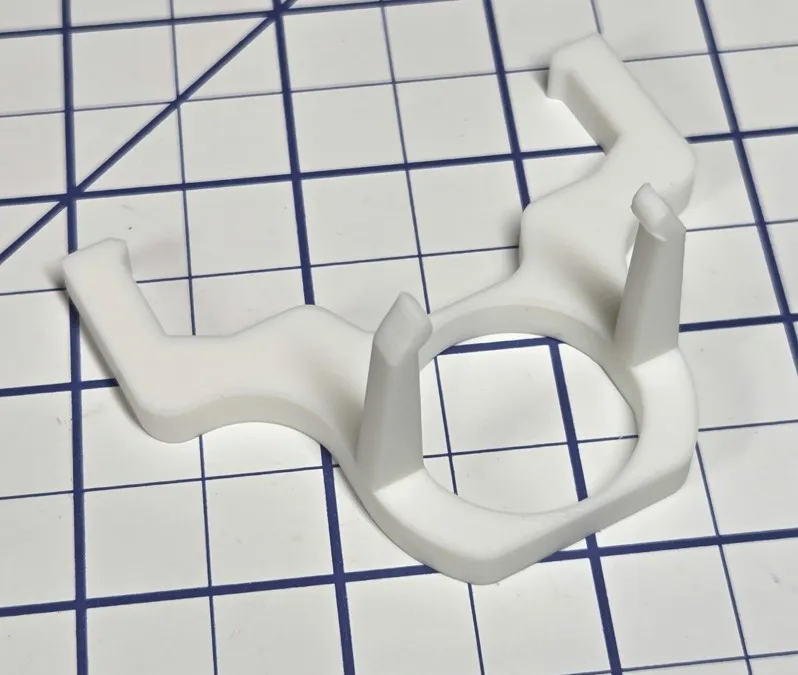
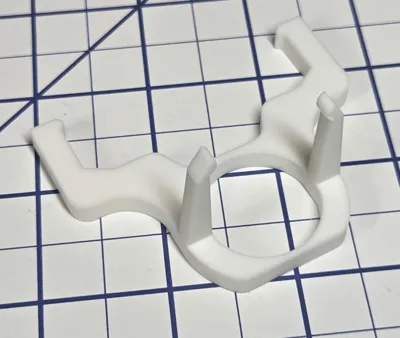
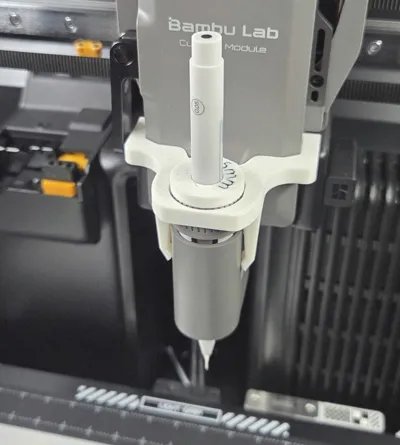
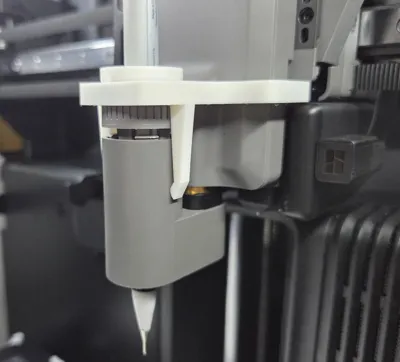
The Bambu Pen Holder has a lot of play in the X direction, which causes lines drawn by a pen to be offset right or left from their true position. This Pen Guide is a simple solution to reduce pen ‘wobble’. Pen wobble is discussed more here:
https://forum.bambulab.com/t/pen-module-wobbling/193244
Boost Me (for free)
If you find this useful, please give me a boost.
If you print it, please leave a comment that lets me know if it worked for you or not. Feedback will help me make it better. Thanks!
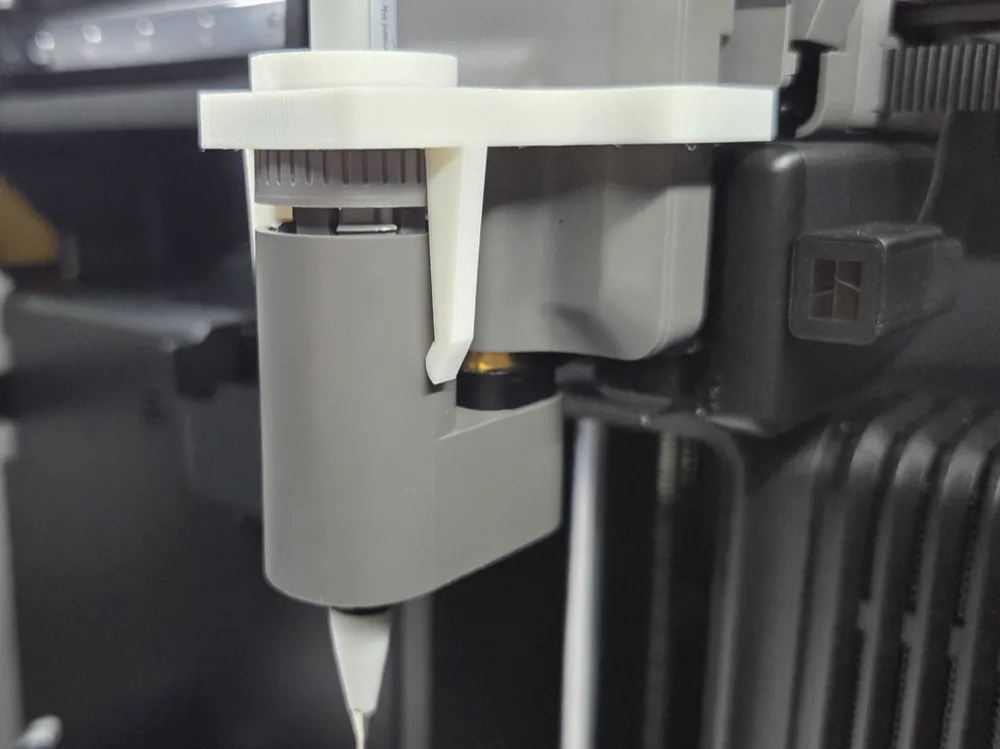
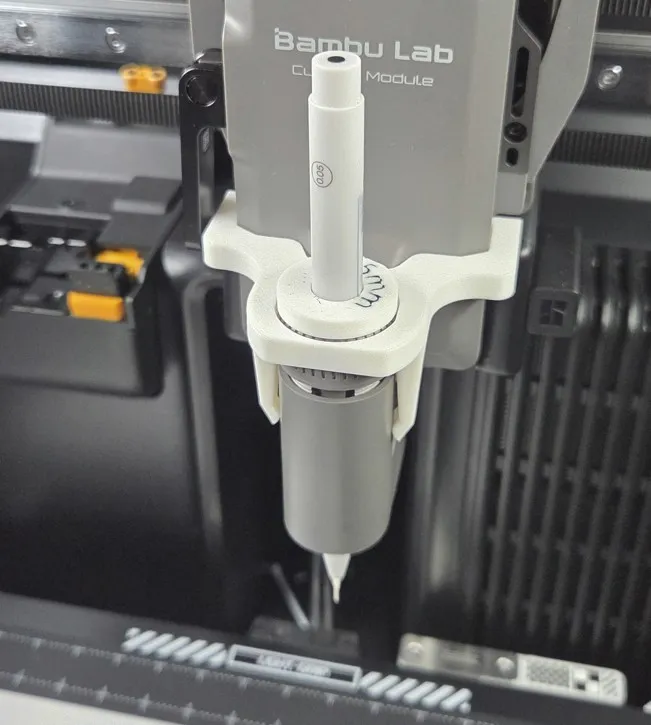
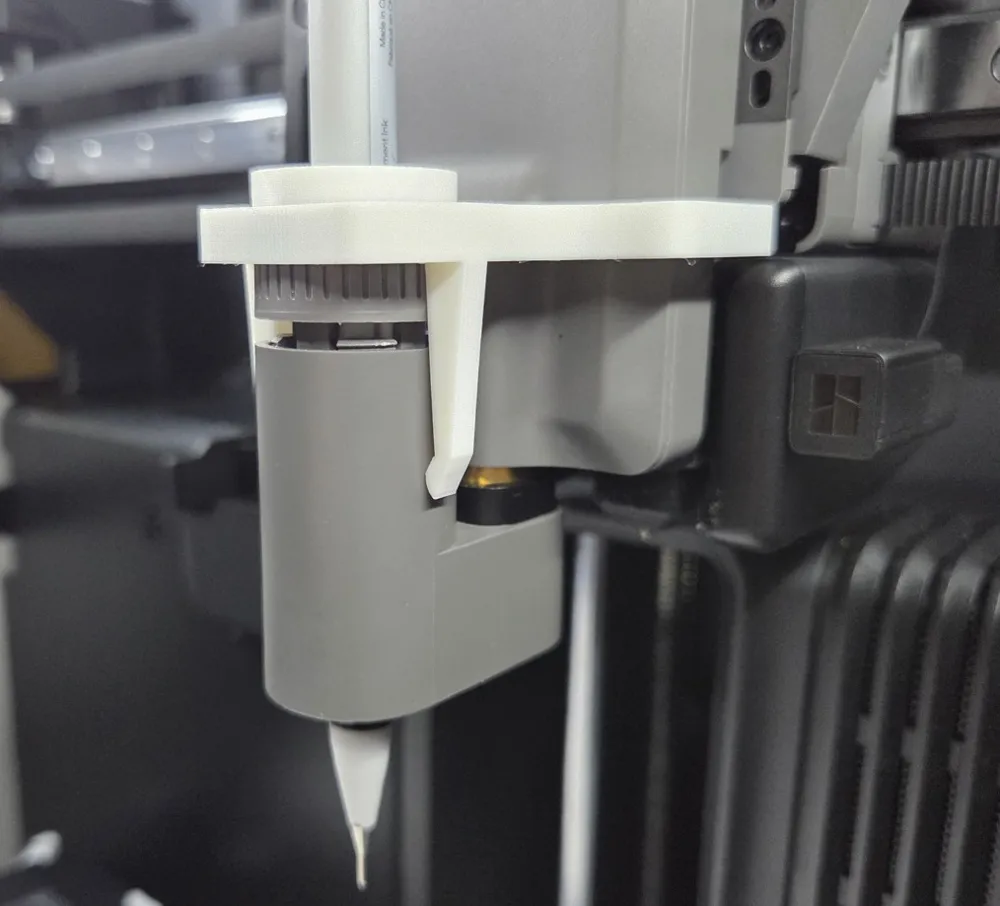
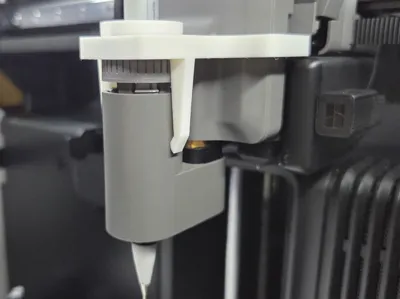
The Pen Guide slips onto the Cutting Module from the bottom, then the Pen Holder is pressed up into the Cutting Module and through the Pen Guide from the bottom. Now the Cutting Module is slid down onto the Toolhead and clamped. The figure below shows the Pen Guide properly positioned.
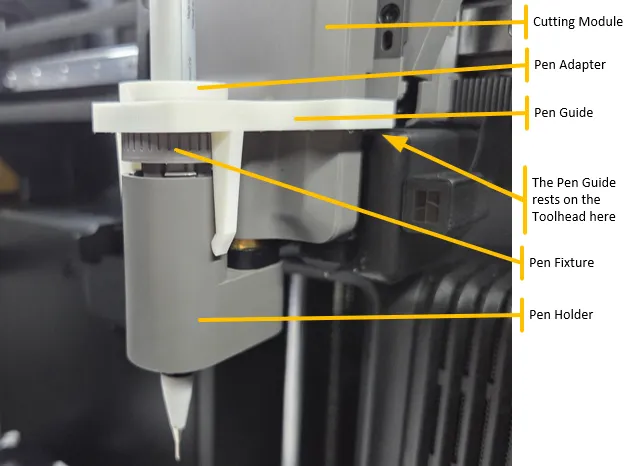
The Pen Guide rests on a box that is part of the Toolhead, which determines its vertical position. After the Cutting Module is installed on the Toolhead, adjust the Pen Guide so that it is level.
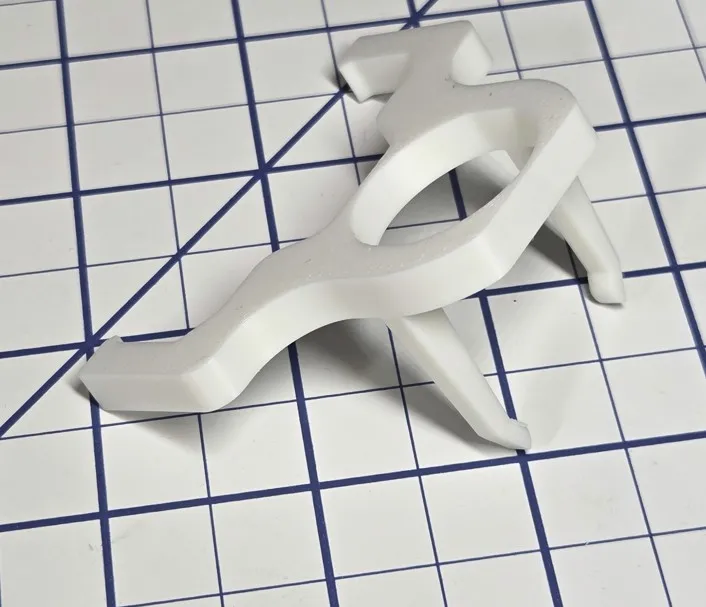
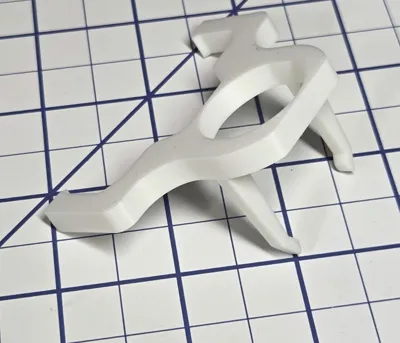
During calibration the extruder comes very close to the door. I put a ‘flat’ on the Guide to prevent it from pushing the door open during calibration. On my machine this solved the problem, but your experience may vary. I didn't want to make the flat too deep, for fear of weakening the part, but if touching the door is an issue for you, either do not attach the Guide during the calibration process or leave the door open during calibration. This is not an issue when drawing because the drawing area is small.
Note: In the figure also shows a Pen Adapter. I use a Pen Adapter to fit smaller diameter pens into the Pen Fixture. A variety of Pen Adapters can be found here: https://makerworld.com/en/models/1795306-pen-adapter-v2#profileId-1913914
A Pen Adapter is not necessary when using the Pen Guide.
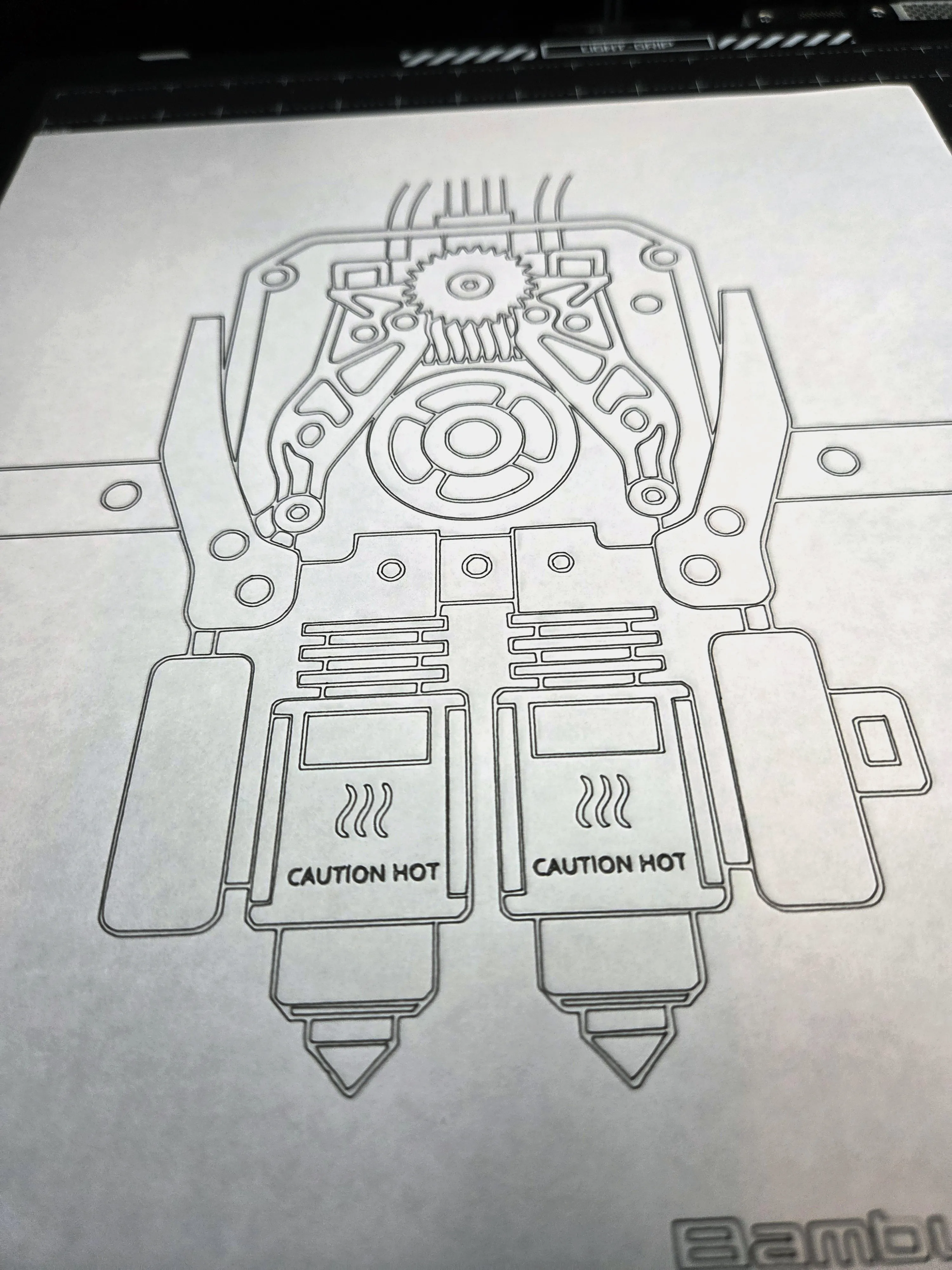
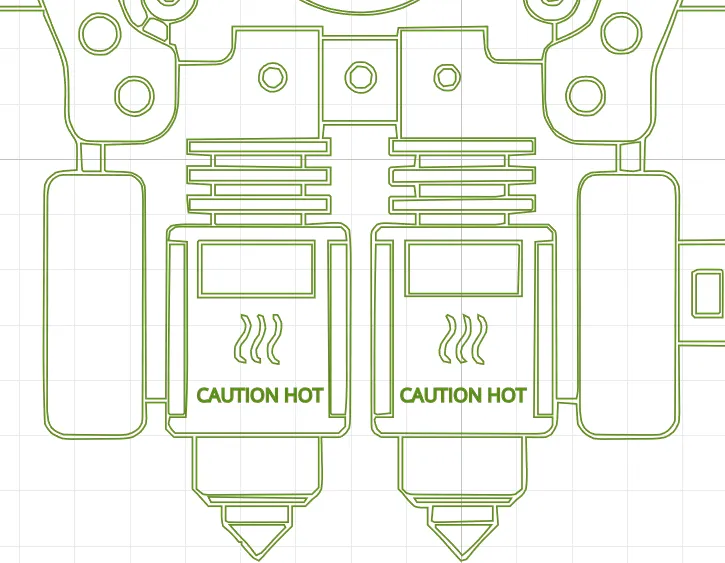
The following SVG file was used as the test reference:
https://makerworld.com/en/models/1742739-engineering-drawing-of-a-h2d-extruder?from=search#profileId-1852185
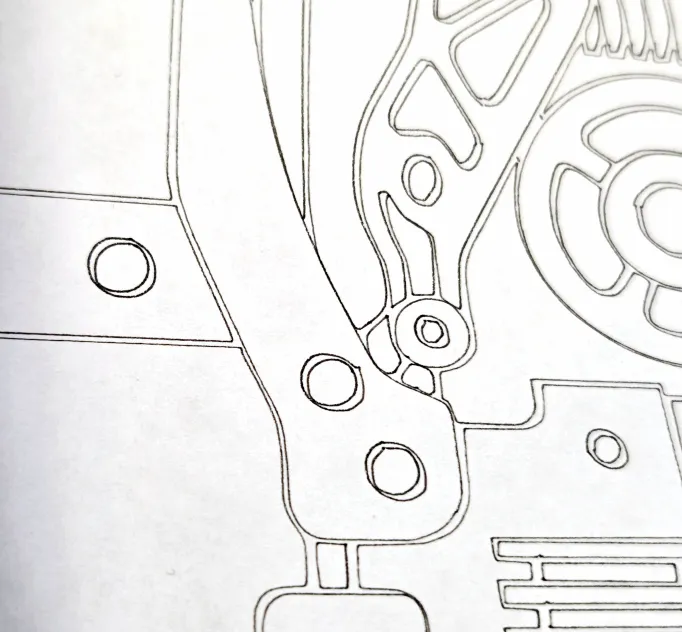
Here is a picture of the printed result using the Pen Guide. Notice that the circles within circles are actually concentric, where they intersected without the guide. If you compare it to the raw SVG in Bambu Suite, the places where the lines look too close together, are actually the same as in the original file. Also this is scaled to 80% of the original file to fit on an 8.5x11 sheet, and I used a 0.05 pen to accentuate any drawing errors.
Original SVG:
And here is what the drawing looks like without the Guide. Notice how the X backlash cause the circles to become ovals:
And here is a Gridfinity Bin designed to hold this and other Cutter Module parts:
Here are the Bambu instructions for installing the Cutting Module and the Pen Holder.
https://wiki.bambulab.com/en/h2/manual/cutting-module-installation-guide
V1 - Initial release
V2 - 091525 - Impoved version, enables zero pen X backlash.
License



Comment & Rating (29)