
Grave Intentions - Zombie - Halloween Hueforge
Print Profile(1)

Description
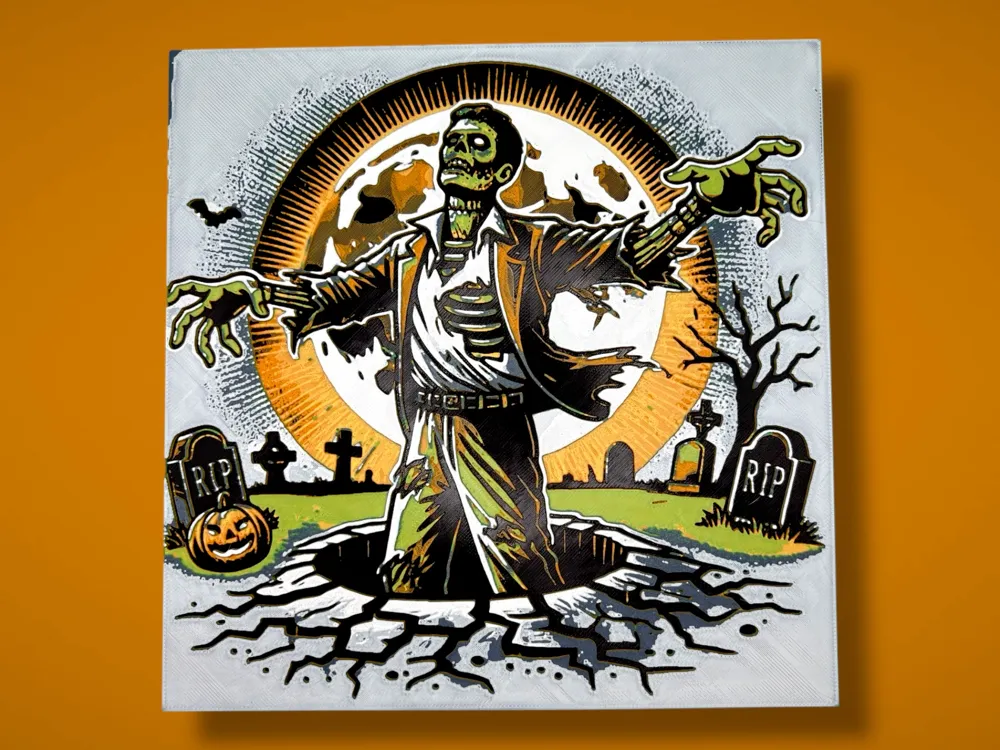
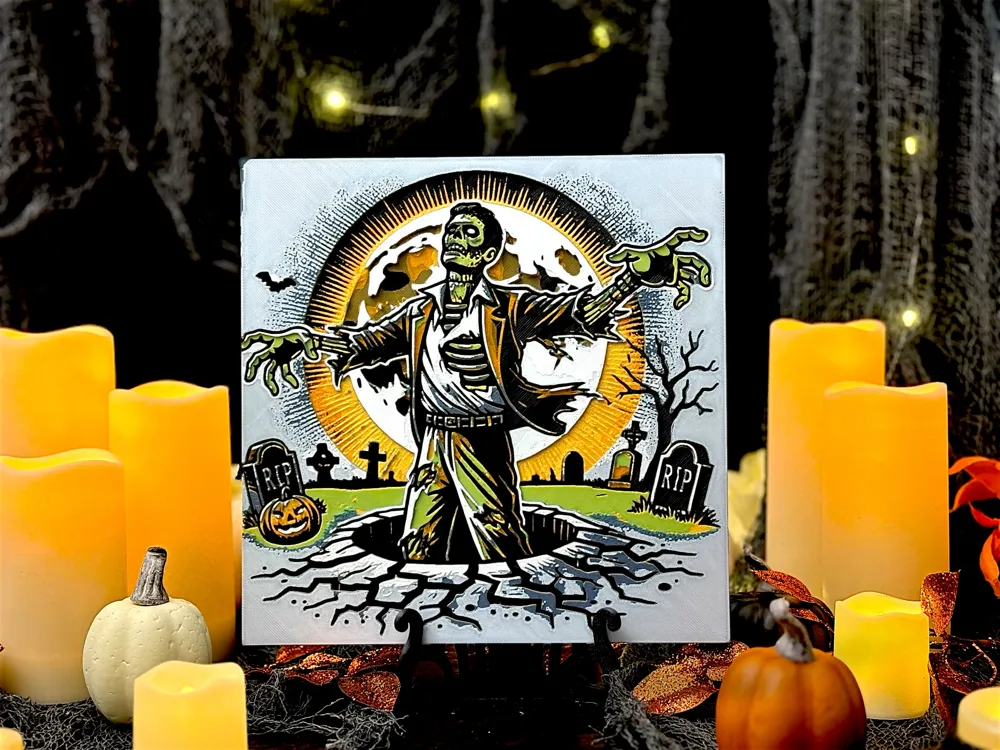
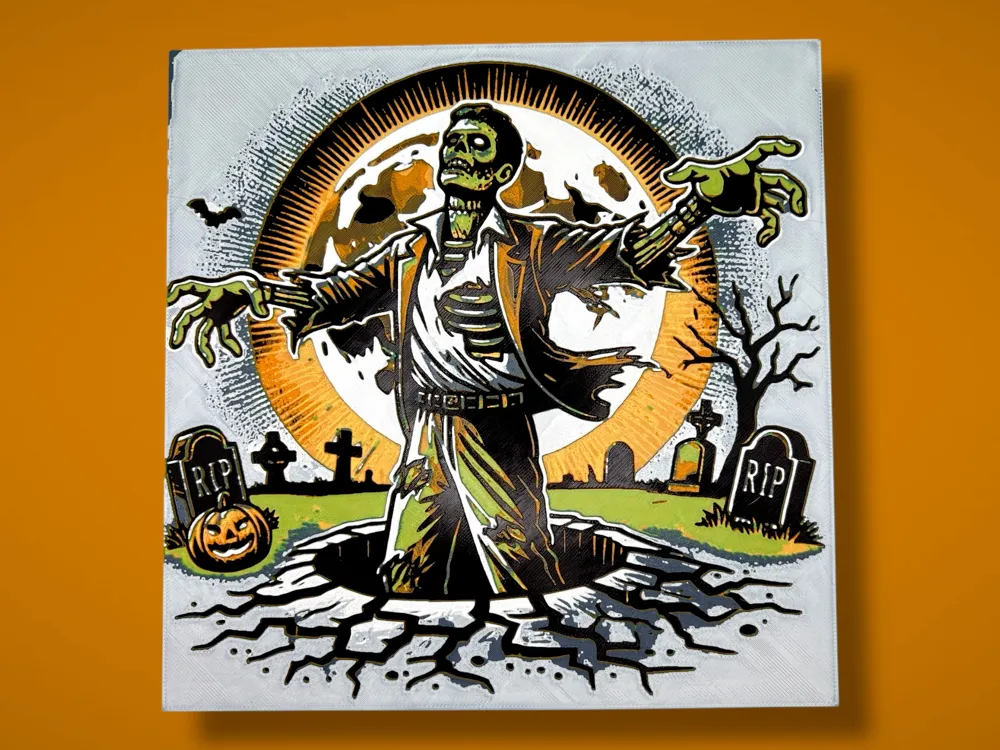
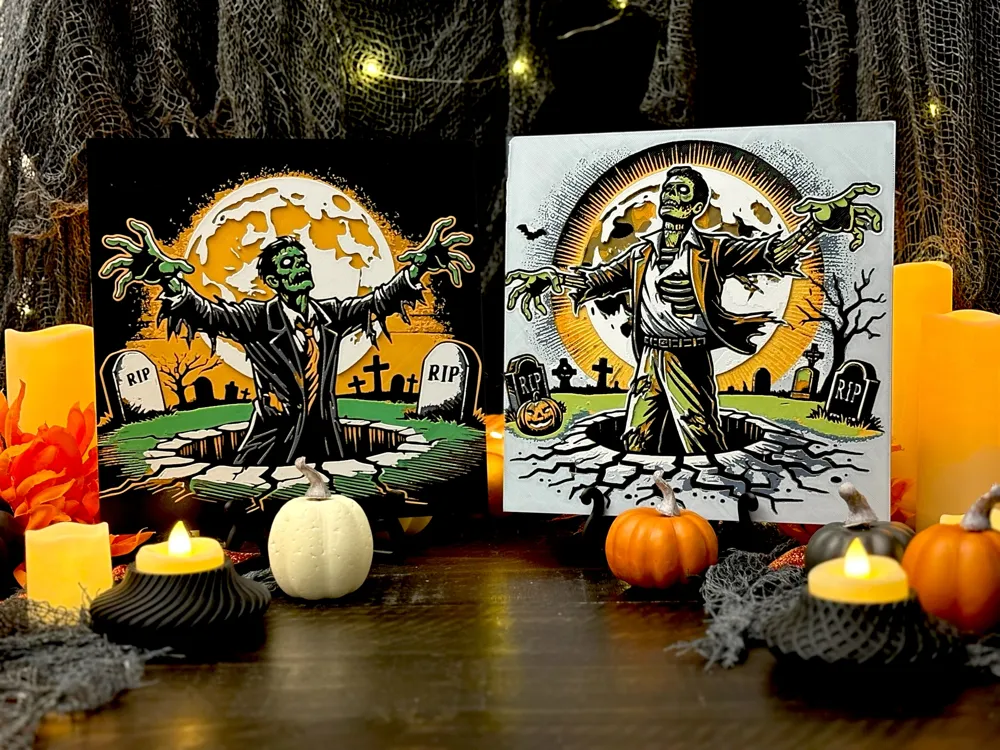
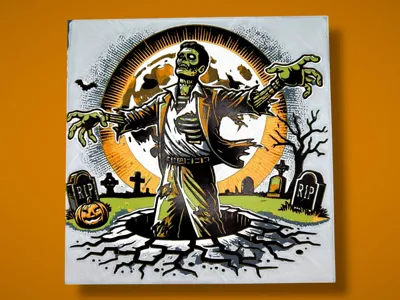
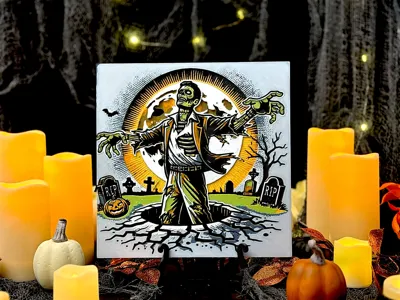
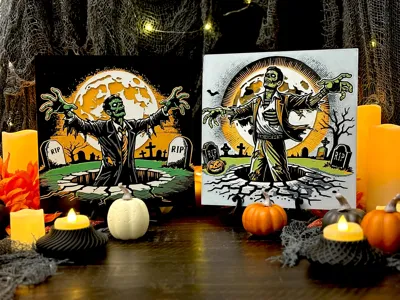
This eerie illustration captures a decaying zombie rising from a cracked grave under a glowing full moon. Surrounded by tombstones, a jack-o’-lantern, and twisted trees, the undead figure reaches outward with skeletal hands. Rendered in bold orange, black, and green tones, the design evokes vintage Halloween horror with a striking, dramatic flair. Perfect for lovers of spooky season and classic monster imagery.
Project: Zombie.hfp
Print at 100% infill with a layer height of 0.08mm with a base layer of 0.16mm
The Model is 200x200mm in size
You may print at higher layer heights below the Min Depth of 0.48mm
The Max Depth is 2.3mm and the Actual Depth is 2.2mm
Filaments Used:
PLA PolyLite Black Transmission Distance: 0.3
PLA Kexcelled Orange Transmission Distance: 8
PLA BambuLab Basic Yellow Transmission Distance: 6
PLA Overture Matte Green Transmission Distance: 0.4
PLA BambuLab Matte Bone White Transmission Distance: 1.6
PLA BambuLab Matte Ivory White Transmission Distance: 3.5
This print uses 6 unique filaments
Swap Instructions:
Start with Black
At layer #8 (0.72mm) swap to Orange
At layer #13 (1.12mm) swap to Yellow
At layer #16 (1.36mm) swap to Green
At layer #20 (1.68mm) swap to Bone White
At layer #23 (1.92mm) swap to Ivory White for the rest.
Please note, a height modifier was applied to ensure a thicker base - this results in the layer numbers being offset by 3 layers, however the heights remain consistent.
One AMS? No problem! There is a pause included before the 4th color is completed - one method to utilize one AMS is to assign the additional colors to previously used slots when sending your print. Here is an example of my preferred method and strategy:
 | 
If you have more than one AMS or are manually changing filaments, |
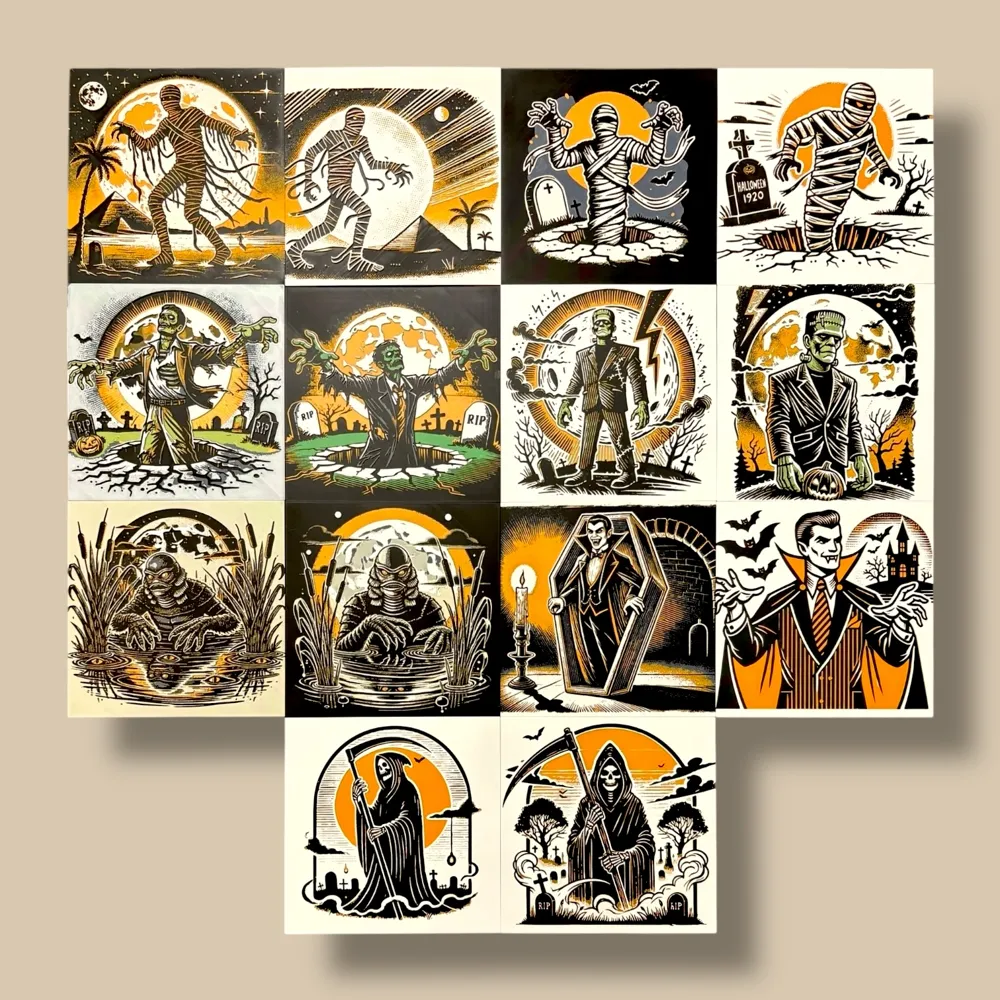
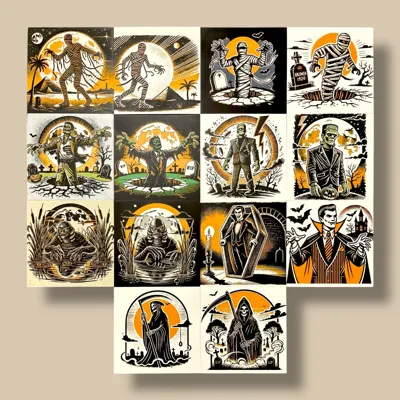
This print is part of a coordinated Hueforge series by Manic 3D Prints, designed to showcase a classic Halloween aesthetic using just 4–5 filament colors. Each piece in the collection features rich black, warm pumpkin orange, creamy bone white, and golden autumn tones to create a unified, vintage-inspired display. Mix and match panels for a seamless look across your tiered trays, shelves, or gallery wall this spooky season!
🎃 Halloween Hueforge: Monsters of the Macabre🎃
Want to sell your physical prints of this model or have access to the entire collection? A commercial license is available through my profile.
This model was created by Manic 3D Prints using Hueforge, based on a concept and idea fully developed by us. The source image was generated with the help of AI as a tool to bring our vision to life. The 3D model itself was entirely designed and rendered by us using Hueforge as part of our original creative process.
License

You shall not share, sub-license, sell, rent, host, transfer, or distribute in any way the digital or 3D printed versions of this object, nor any other derivative work of this object in its digital or physical format (including - but not limited to - remixes of this object, and hosting on other digital platforms). The objects may not be used without permission in any way whatsoever in which you charge money, or collect fees.


Comment & Rating (0)