Search models, users, collections, and posts


Print Profile(1)
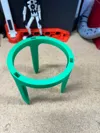
Reduced to 60%, Just under 4" opening 0.2mm layer, 2 walls, 15% infill

2.1 h
1 plate
Open in Bambu Studio
Boost
78
294
27
14
423
196
Released
Description
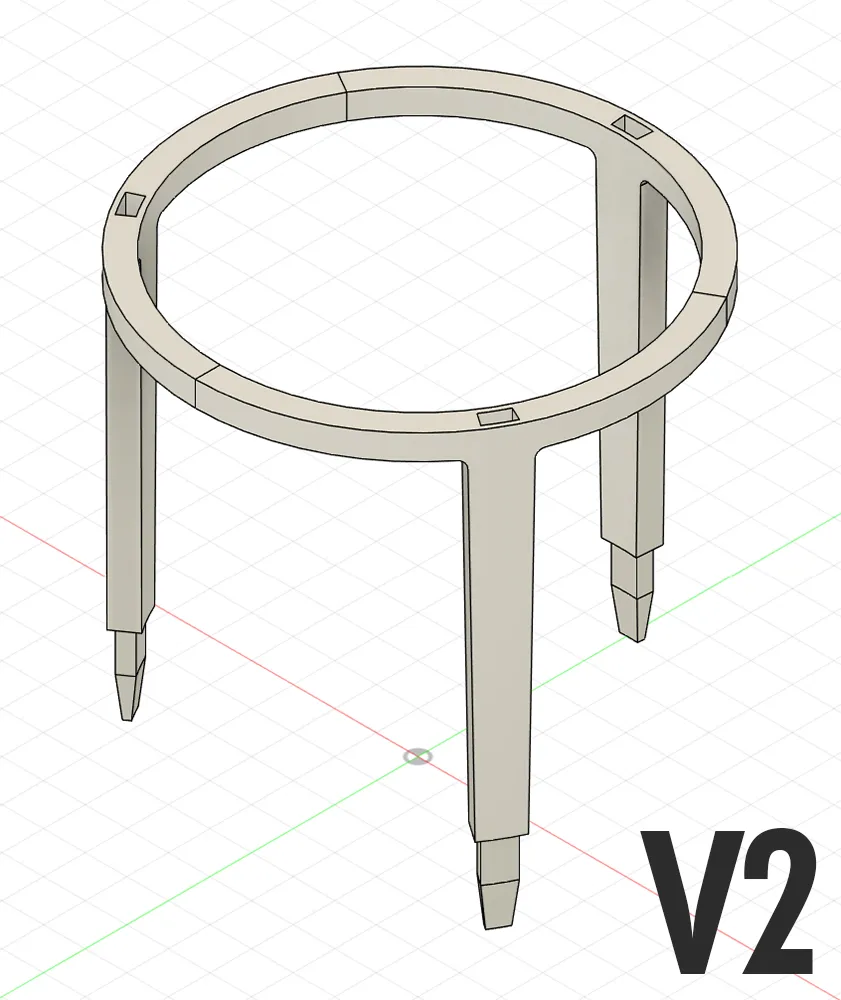
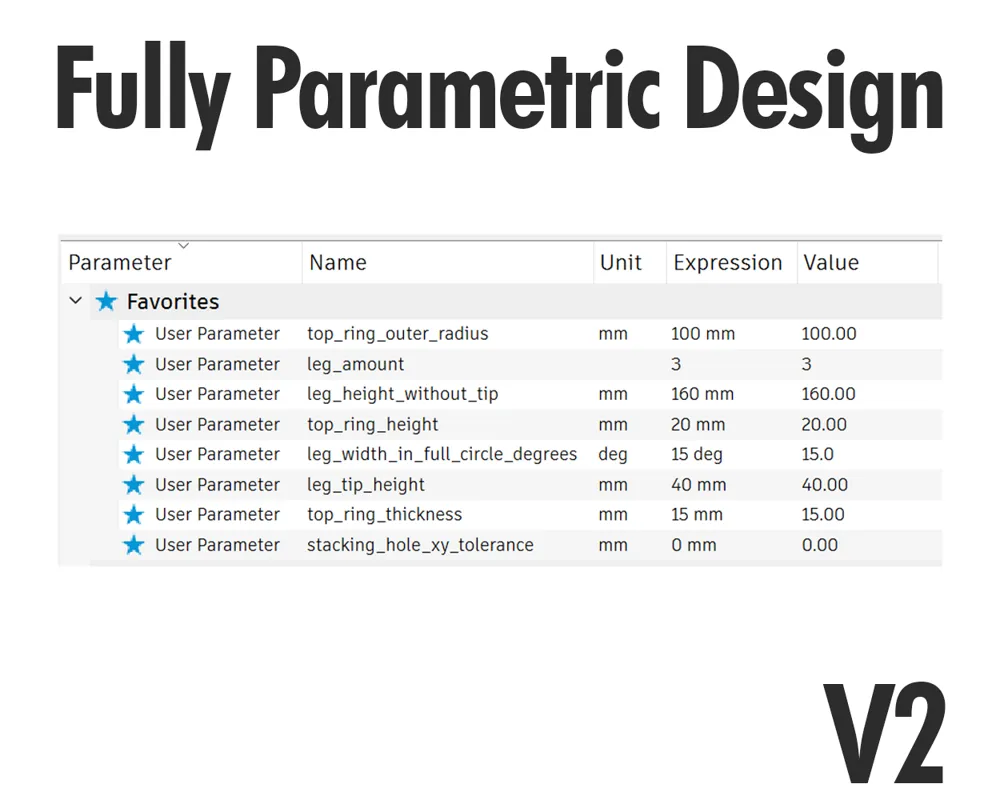
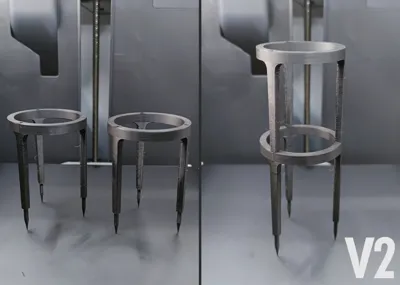
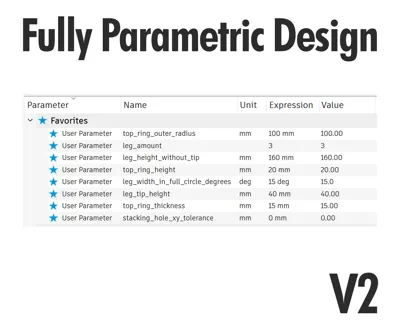
A a fully parametric plant scaffold model.
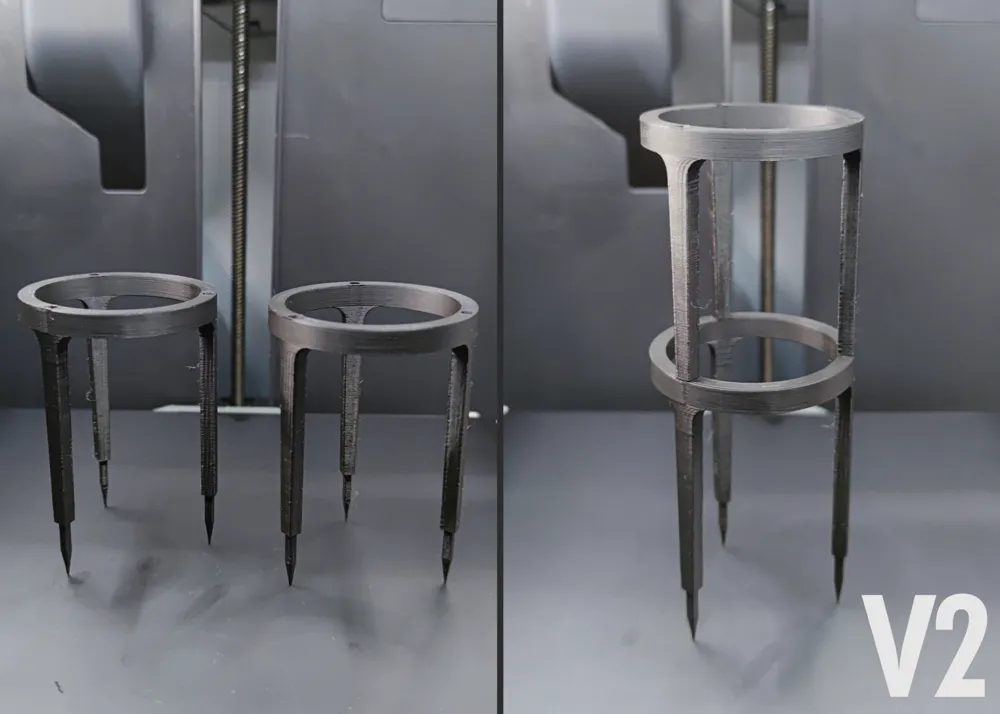
V2 (Stackable Interference Fit Design):
Important Notes For Printing:
- Tolerances: The Fusion360 file has its tolerances set to 0.0mm by default. There are models available at different tolerances for the stacking hole. The tolerance can be found at the end of the name of the STL / STEP file. This is an interference fit design, which means for the best stability you want have enough tolerance to push the parts into each other but not too much tolerance so they fall apart easily because of missing friction. You need to find the sweet spot for your printer. If there is no STL / STEP file with your required tolerance, you can use the zero tolerance models and use the “X-Y Hole compensation” / “XY Size Compensation” feature in your slicer.
Notable parametric features:
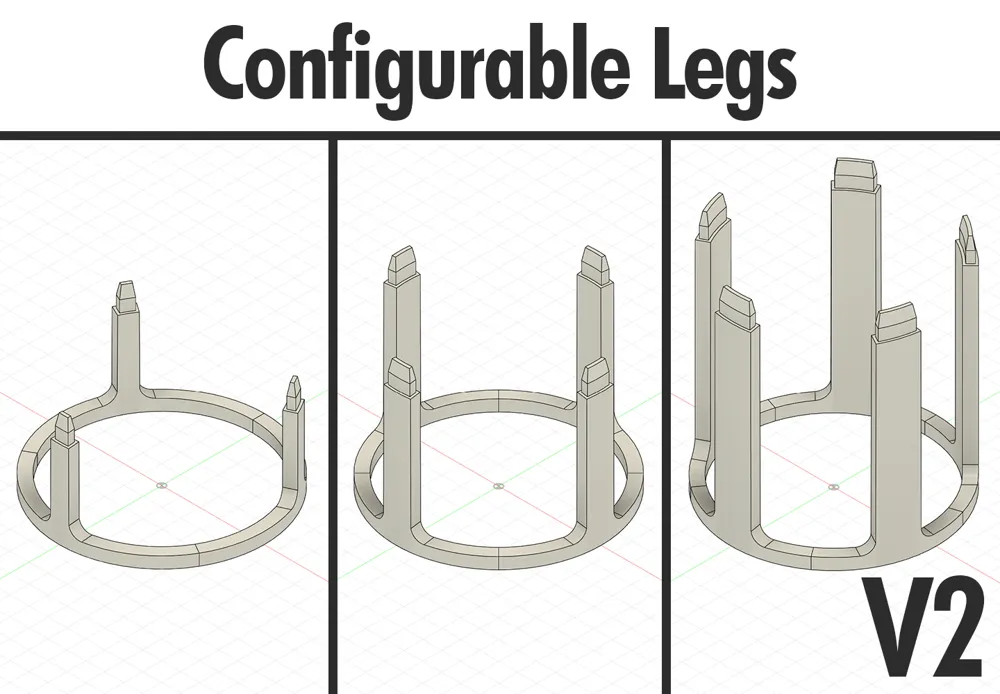
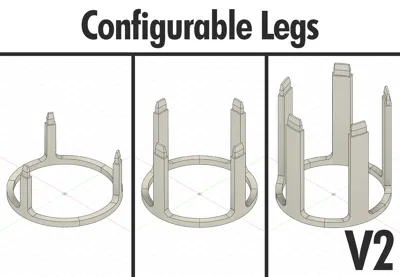
- Custom leg amount (one up to infinite)
- Custom top ring width (=outer + inner radius) and height
- Custom leg width (in degrees of the whole circle) and height
- Custom leg tip height + offset to base of the leg (Calculated by default) + tip end chamfer (Calculated by default)
Notable features:
- Stackable design (Interference / Friction fit)
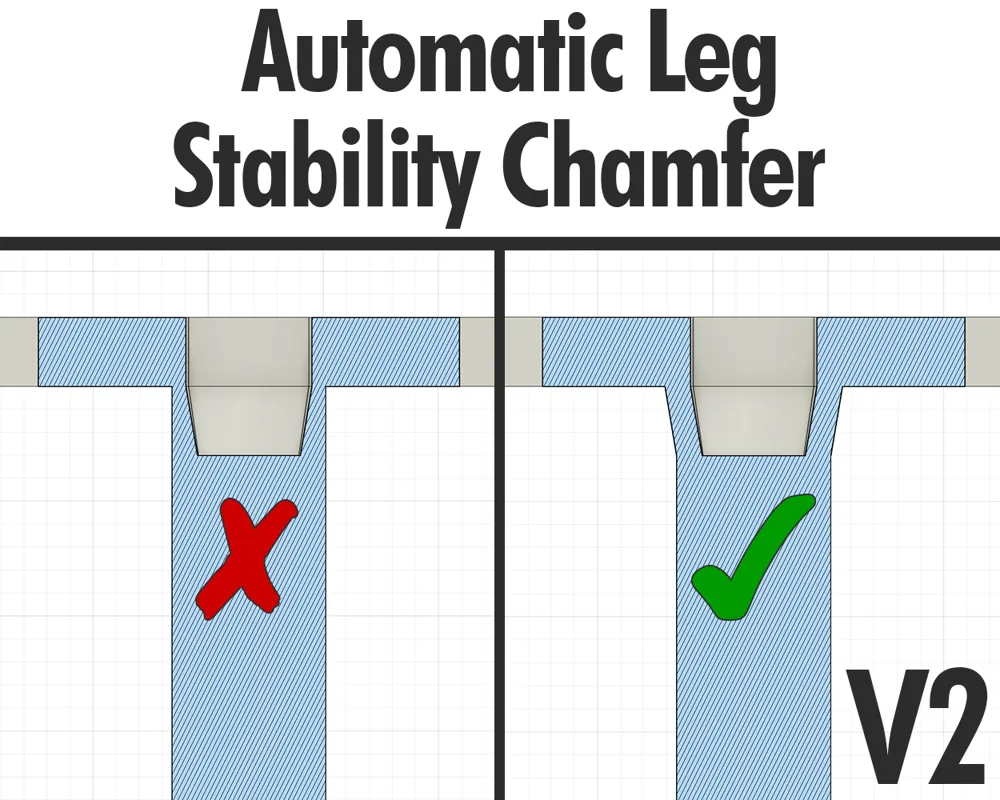
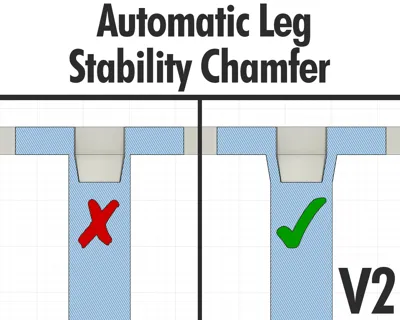
- Automatically calculated chamfer at stacking hole to increase stability
Caveats:
- Each leg / stick will be its own object / part because Fusion 360 at the time of writing does not support combining all bodies created by a circular pattern in a parametric design. For easier handling in the slicer it should be the best to export the whole project as a STL file. If it is exported as a 3MF file, I'd suggest creating an assembly of all parts right after the import into the slicer.
Changelog:
- 23.09.2023 (V2.3):
- Uploaded V2.3
License

This user content is licensed under a
Creative Commons Attribution


Comment & Rating (27)