
Qudelix-5K Bluetooth DAC AMP Case with clip fix.
Print Profile(4)


Bill of Materials




Description
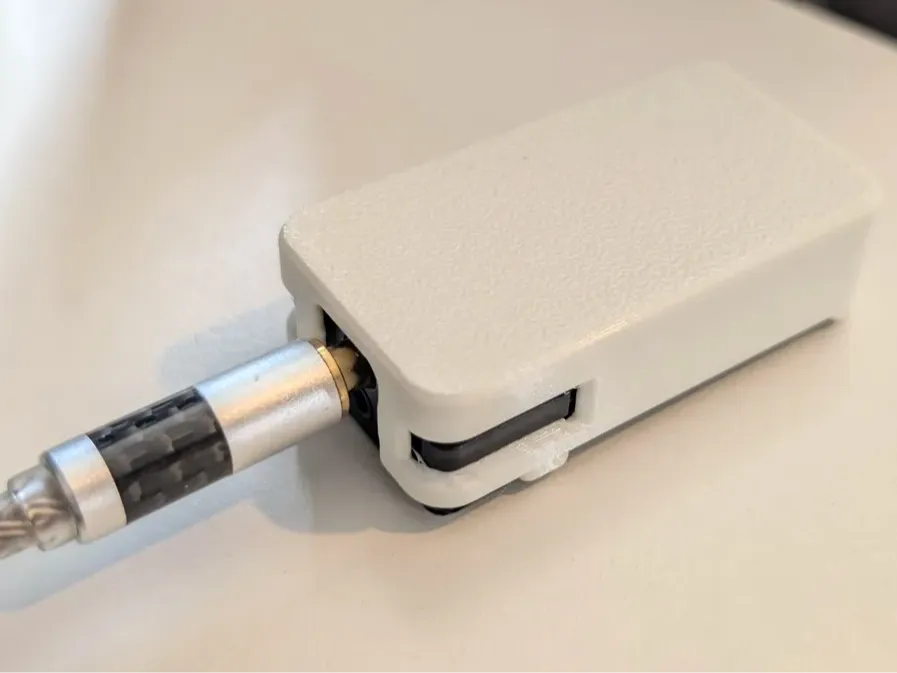
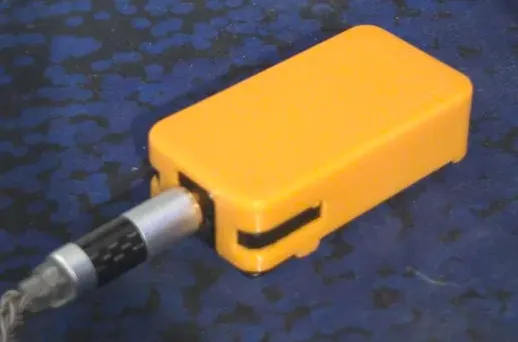
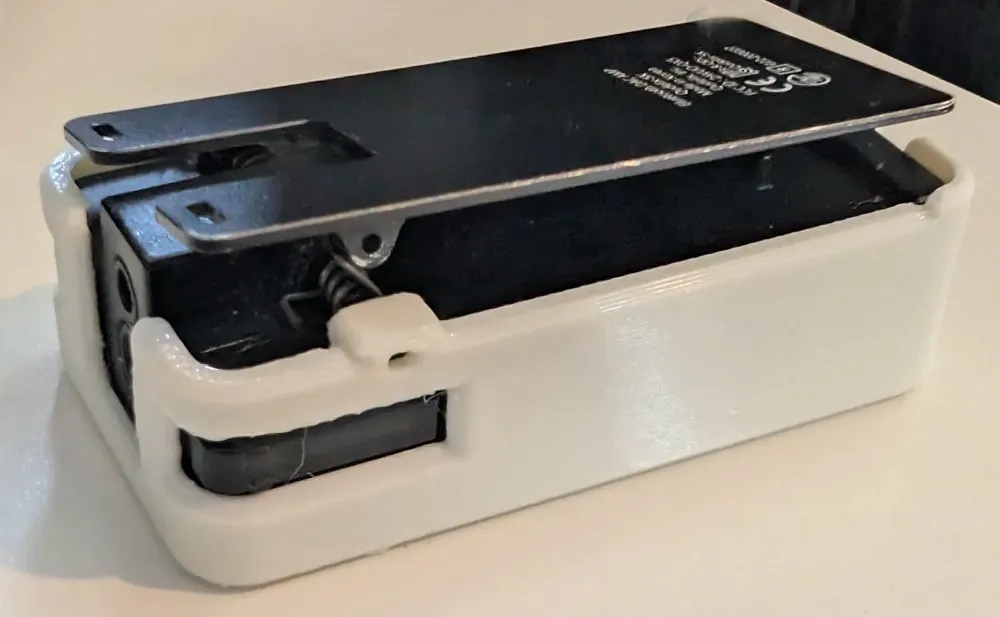
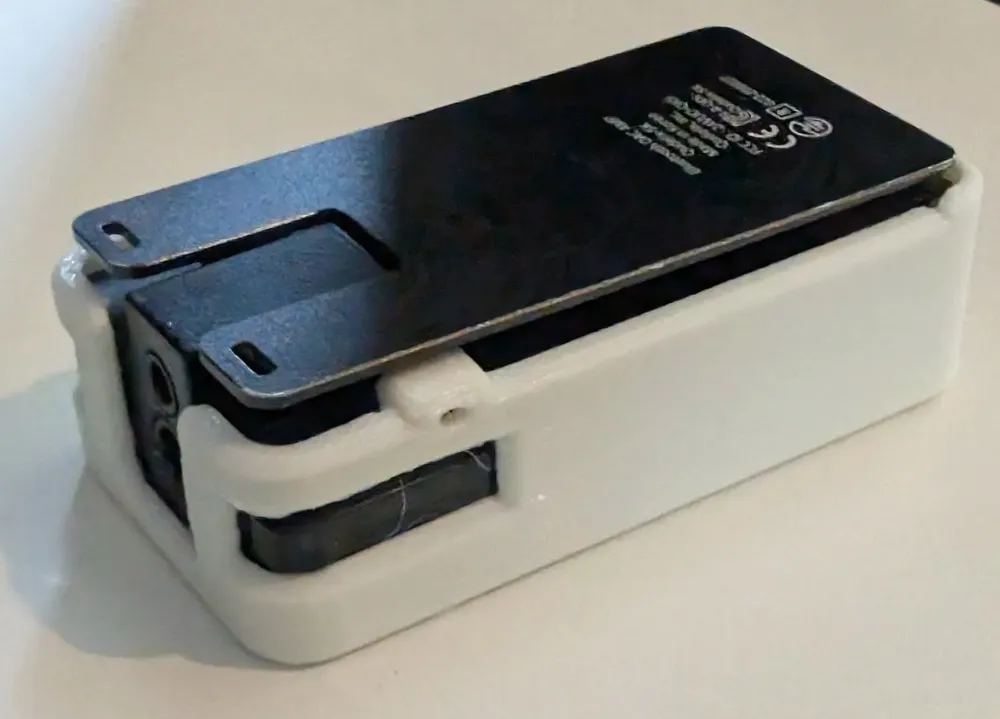
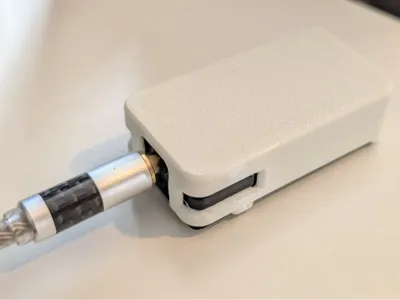
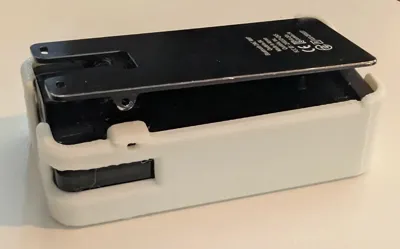
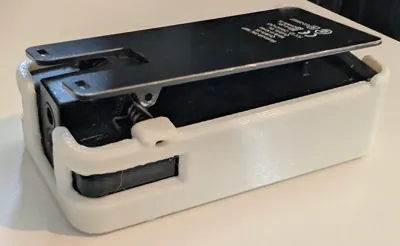
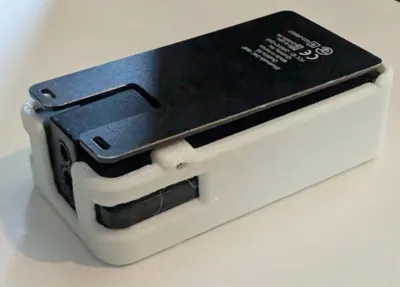
A case for the Qudelix-5K Bluetooth DAC that can replace part of the hinge for the clip if needed, designed for PETG or low-flexibility TPU.
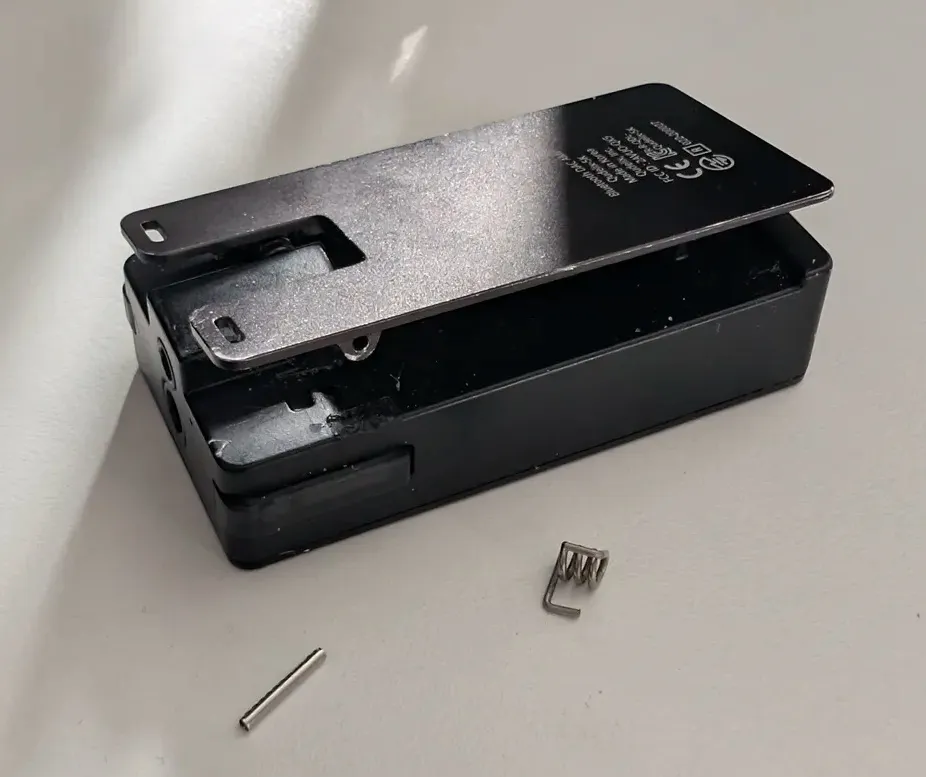
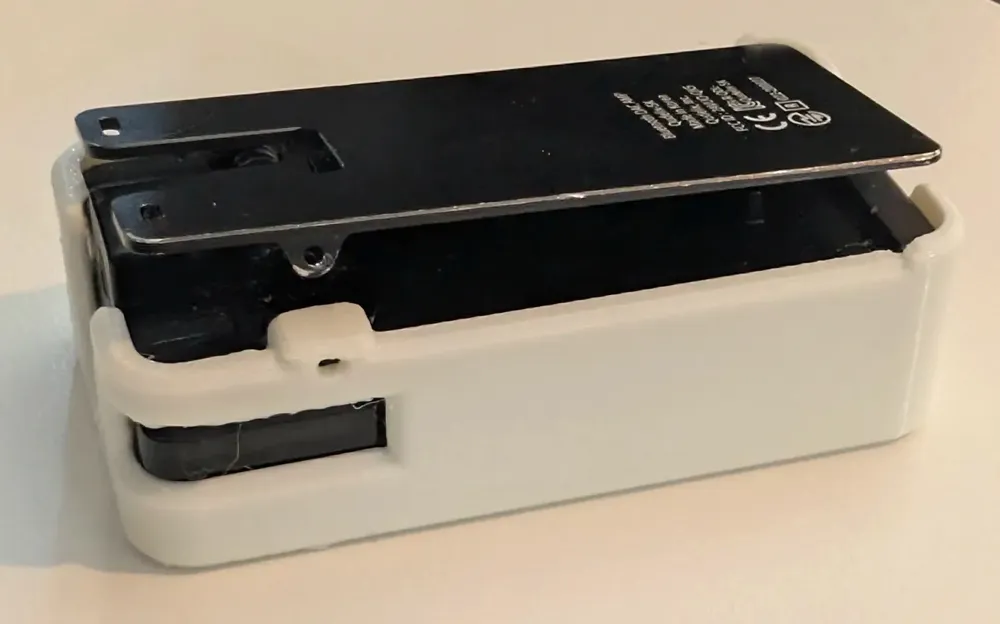
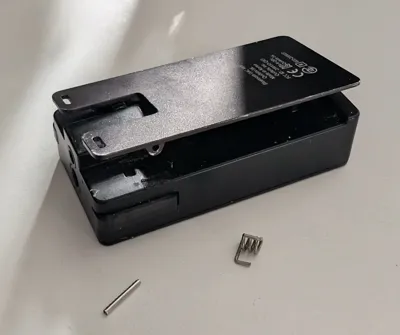
Part of the hinge for the clip (the post on the device that one of the pins goes through) broke on my device, so I created this case that can replace that part. See the print profiles for versions without this fix if your device is undamaged.
This needs some flexibility to insert the device, so I recommend against PLA which is too stiff. It does however need to hold the pin in place, so I suspect that most TPU will be too soft, but 68D TPU (e.g: TPU for AMS) works well enough, although due to flex it won't sit quite as flat as with PETG. PETG is harder to install as it's easy to break the case when fitting it, TPU's flex makes that easier.
The use of tree supports may look odd for this, but the thin parts around the button can be a bit fragile, and removing normal supports put a lot of pressure on them, using tree supports instead helps make sure the case isn't damaged as they remove with less stress for this case. When removing the supports be careful about not removing material from the underside of the replacement pin housing.
Firstly you will need to cut off any remaining part of the broken post on the case: make sure to only remove what is necessary (the clip itself should remain as-is), remove a little at a time, I did this with flush cutters. The process for installing is to slide the device into the case (particularly with PETG be careful with the area around the buttons and the replacement post, the thin parts will crack if stressed excessively, you have to angle it carefully to get it in, TPU is much more forgiving as it'll flex out of the way - a guitar pick or similar can be useful to help the button slide past the replacement post), then carefully place the spring into position: the bars should sit into indentations in the original design. You then push down the clip into position and push the pin through the case, when aligned it should slide through and lock into place. You shouldn't need to push the pin hard, if you do, it may not be aligned. You may need to use something to push it as deep as possible, it should be well inside. The replacement post is a small piece so if your printer or filament isn't well calibrated you may need to shave off the top of the section to get the clip to sit nicely and align.
License



Comment & Rating (0)