
Working Magnetic Compass
Print Profile(1)

Bill of Materials





- Semi-rigid transparent acrylic / plastic sheet x 1: for creating a transparent top closure. It is not necessary to use it, but it creates a nice effect. Minimium 60x60 mm piece to cut round
Description
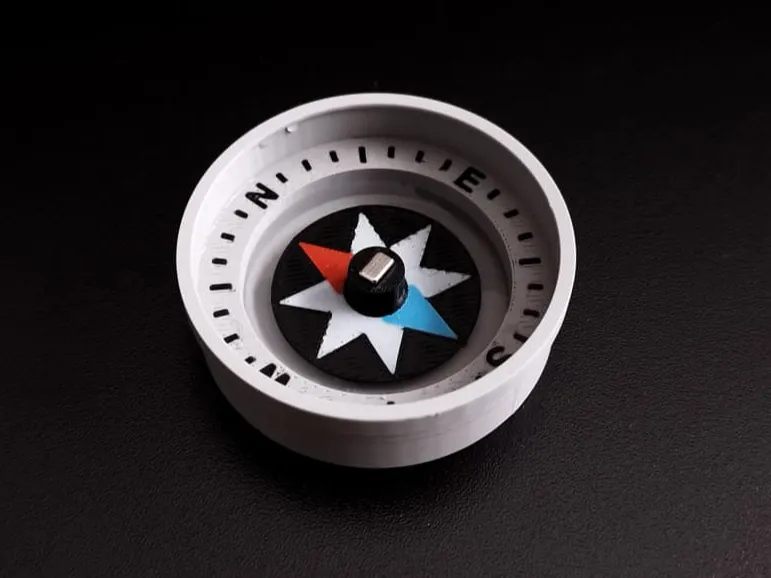
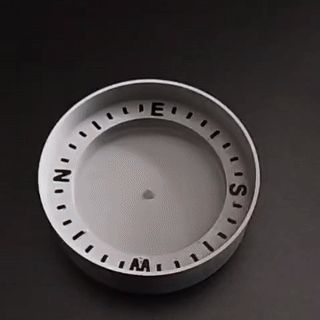
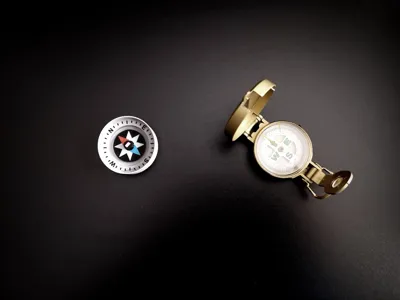
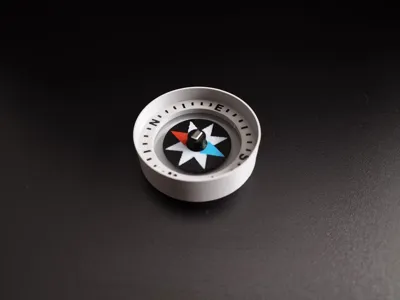
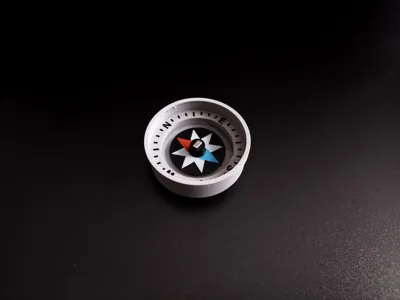
3D Printed working Water Magnetic Compass with Neodymium magnet
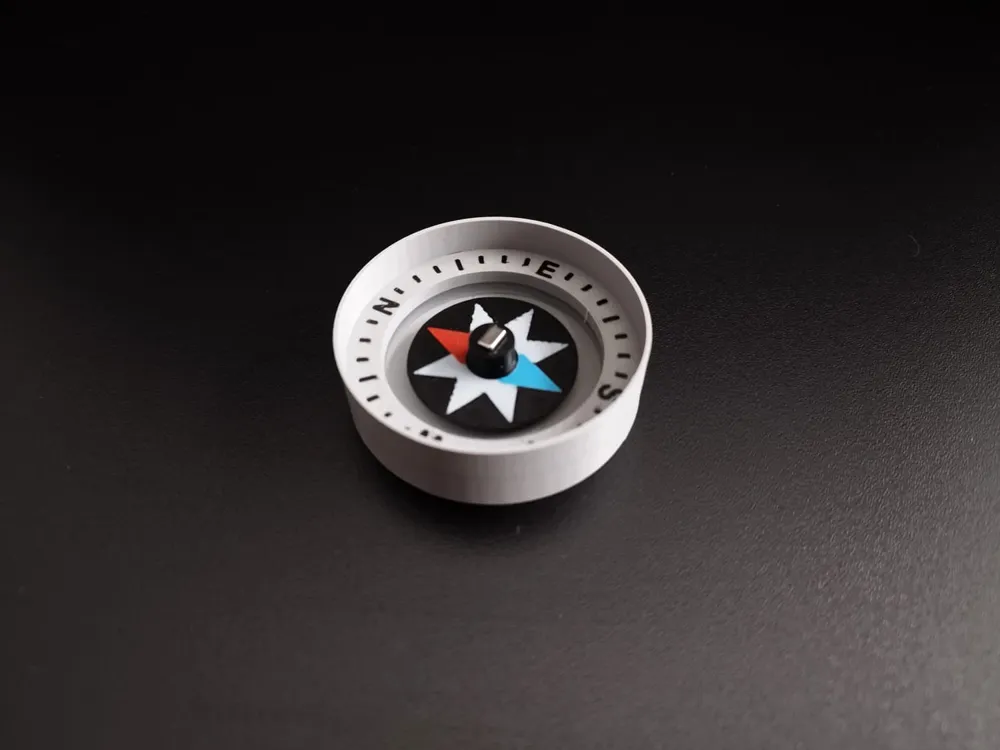
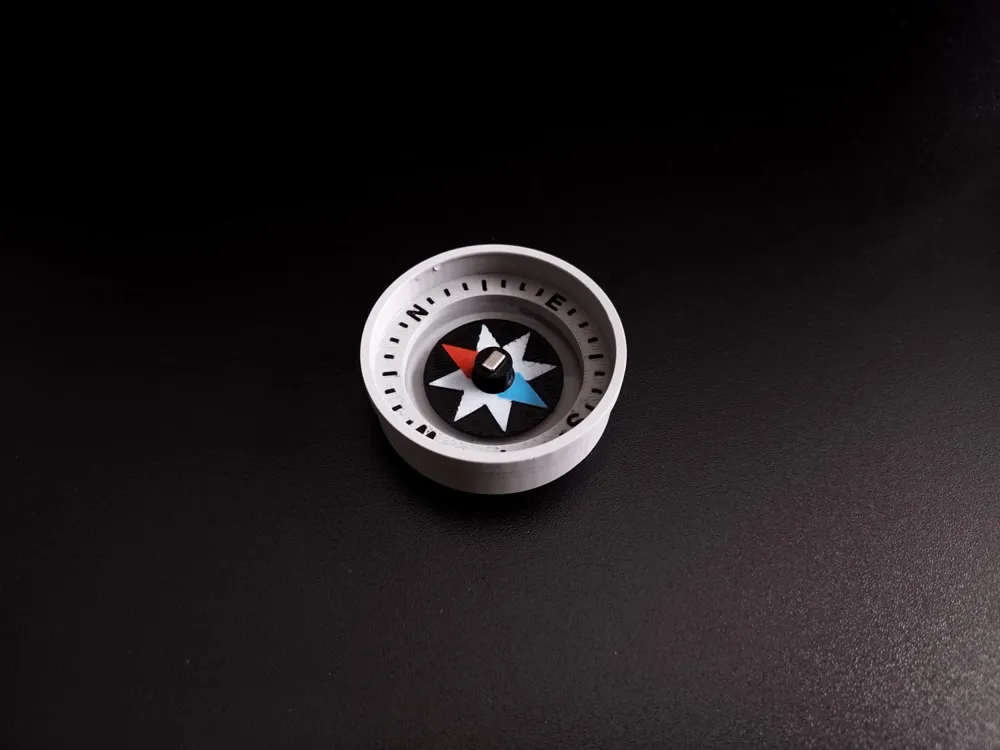
This is a fully functional 3D printed compass! The multicolor wind rose with red north and blue south arrows sits on a central pin, balanced by a thin layer of water for smooth and frictionless rotation. A small neodymium magnet inside the rotor aligns it with Earth’s magnetic field, making the compass stable, easy to read, and fun to use.
Check out the animated demo gif in the image gallery to see for yourself how it works!
Model feautures
- Fully functional 3D printed compass

- Cardinal points north, south, east and west on the compass and marks
- Rotor with magnet with compass rose highlighting north and south directions
- Model suitable for multicolour printing or automatic systems such as AMS
- Stabilisation and absence of friction thanks to water. Water stabilises the rotor, allowing it to rotate freely without friction and stabilising the reading in case of movement or tilting of the compass
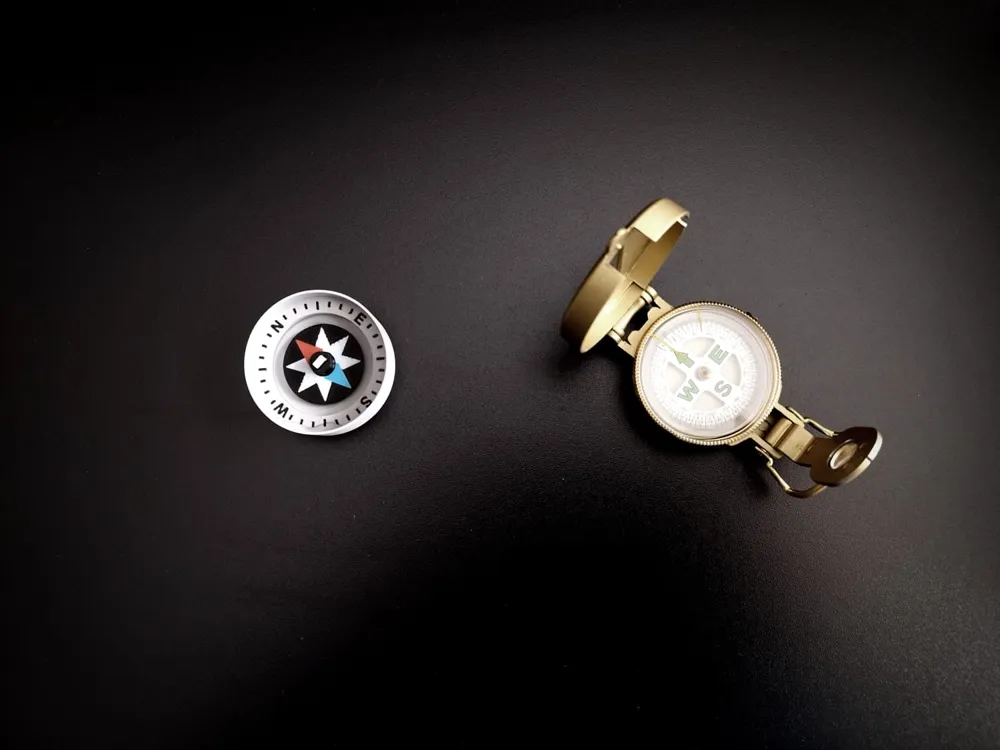
- Dimensions: the compass measures approximately 52 mm in diameter and 16 mm in height
- If you do not have an AMS, you can still print the compass by following these steps: perform a ‘split by objects’ and print all the coloured elements, such as the lettering and markings, separately, then glue them onto the base and rotor. Depending on the result you want to achieve, you may need to perform a split by parts and perform Boolean operations in the slicer if you want to remove the coloured parts, leaving a blank space to be coloured with acrylic paints, etc.
- Magnet to use: use a magnet with a maximum thickness of 3 mm and a maximum side or diameter of 5 mm. Smaller magnets can be used, but I recommend using the one indicated, which is square (3 x 5 x 5 mm) or round (3 mm thick and 5 mm in diameter).
- This model can also be used as a decorative element without needing to function or having a magnet placed in the rotor.
- Model tested by me and made with white, black, grey, red and blue PLA filament using a Bambulab P1S printer, 0.4 nozzle, Cool Plate / smooth PLA Plate.
- ℹ️If you have any doubts about the model or the reliability of the parts, or if you have any suggestions for changes or features you would like to see, or for further information, please contact me directly for more details or leave a comment.
Model parts
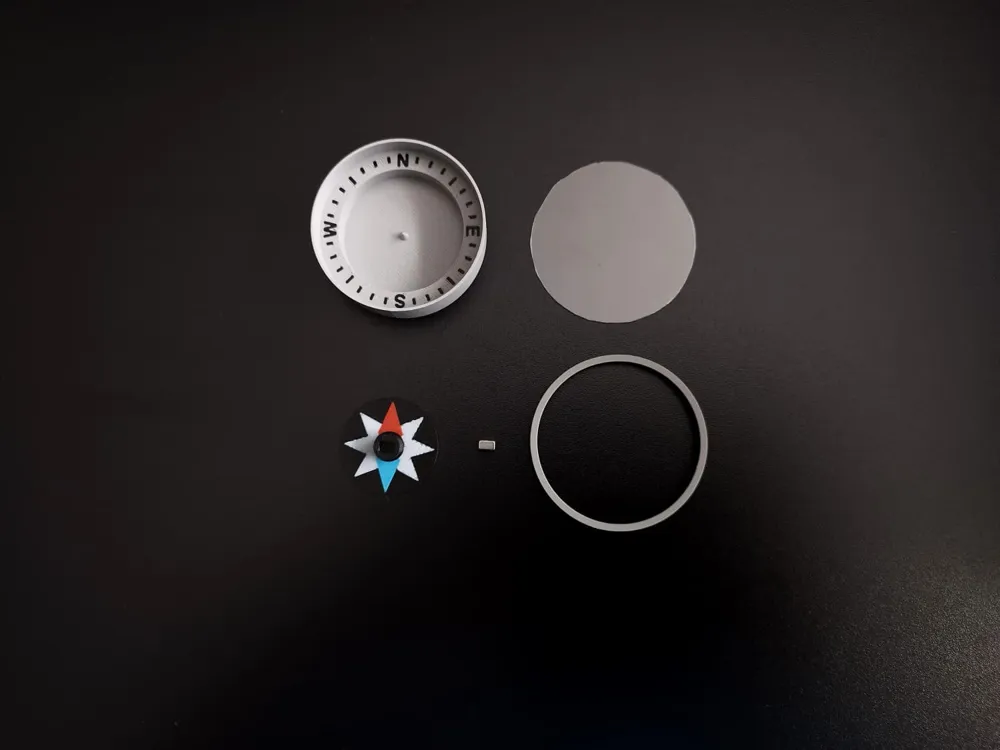
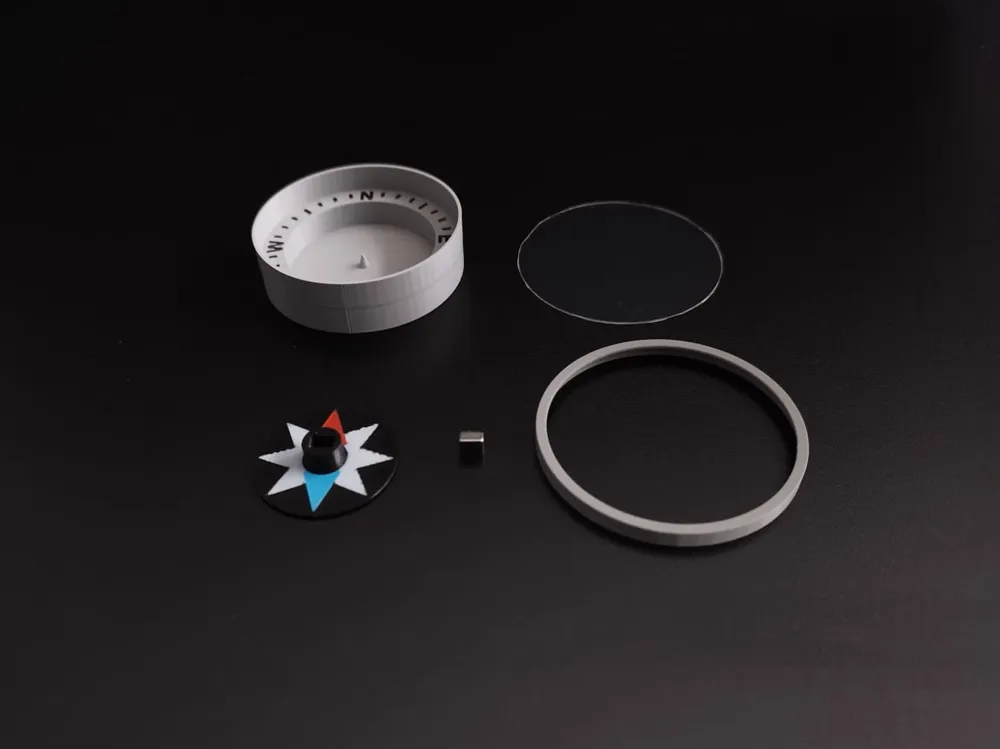
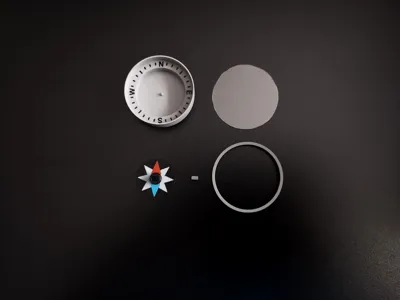
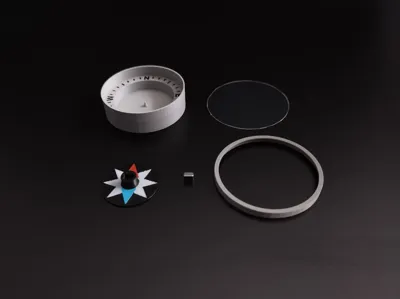
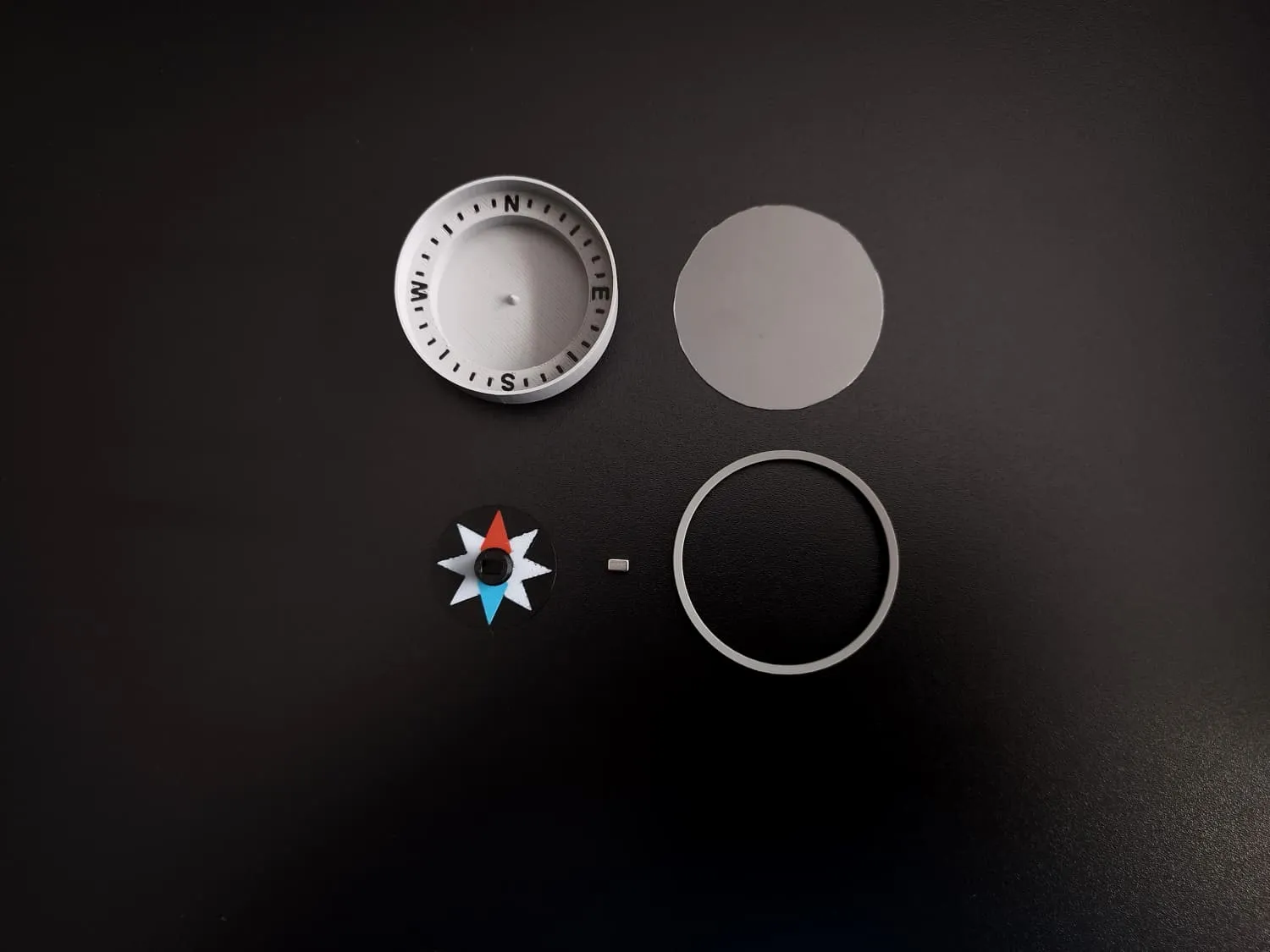
The compass consists of 3 parts:

- Compass base with water tray and graduated scale with cardinal points
- Rotor with wind rose and North and South directions highlighted
- Upper ring to hold the transparent disc made of transparent acrylic sheets in place if you want to close the top of the compass
Other parts not printable in 3D:
- Neodymium magnet (see details below and in BOM list)
- Transparent plastic or acrylic sheet for cover
This model is suitable for
- Educational model for study study the phenomenon of terrestrial magnetism or magnetism caused by other physical phenomena (permanent magnets, electricity, etc.) 🧲
- Understanding magnets and their effects (effects of repulsion and attraction of the poles N and S)
- Learning cardinal directions and orientation
- Studying magnetic fields around wires (Oersted's law)
- Exploring how compasses work
- Recreating a traditional-style compass
Principle of operation
The operating principle of this compass is the same as that of a cork in a bowl with a magnetised needle stuck in the middle, except that in this case there is no cork with a needle, but a circular plastic rotor with a magnet in the centre, and the bowl is the compass itself.
The magnet in the rotor, which can rotate freely, will align itself with the Earth's magnetic field, causing the rotor to rotate and point north or south depending on how the magnet has been inserted.
Neodymium Magnet to use
The neodymium magnet used to construct the compass is a square or round type measuring 5 x 5 x 3 mm. This magnet can be easily found online on various websites or in the Maker Supply website, search for the term “D5x3 mm Round Magnet” or generic “5x5x3mm magnet neodymium” If you cannot find a square one, a circular one of the same size will do, but the square version is recommended.
Assembly and use instructions
- Place the base and the rotor separately on a flat surface.
- Insert the magnet into the central space in the rotor (do not glue the magnet in place yet!).
- Add a few drops of water 💧 (very few millilitres) until the central pin is almost submerged. Use a small bottle or go to a sink and run a trickle of water, little by little, keeping an eye on the level added. The water must not exceed the pin, but it must not be below it either.
To check if there is enough water, gently place the rotor on the pin. If the water does not submerge it and the rotor rotates freely, aligning itself with the north smoothly and without jerking or jamming, everything is OK! If there is not enough water, the pin will remain stationary or move jerkily, while if there is too much water, it will go over the rotor and increase friction, preventing it from rotating.
ℹ️For help and reference, view the animated GIF in the model's image gallery, where I demonstrate how to insert the rotor and how it works. - Place the rotor on the central pin and check that it rotates freely and smoothly align in one direction.
- Now the blue or red arrow on the rotor will point either north or south. The magnet may have been inserted backwards, so compare it with a reference compass and, if necessary, remove the magnet and insert it the other way round. Now the red arrow should point north and the blue arrow south.
- Now you can glue the magnet if you want, and make sure to glue it as it is positioned now without reversing the orientation.
- Extra: To carry it around, you can cover the compass with a transparent cover. Place the compass on a semi-rigid transparent plastic / acrylic sheet, trace the outline of the compass and cut out the transparent plastic disc. Place it over the compass, position the 3D-printed upper ring on top to hold the transparent disc in place and secure everything together with an elastic band for convenience.
⚠️Disclaimer and notes
This model is intended as toy for educational and demonstration purposes only. It is not designed or tested for professional navigation, outdoor survival, or any critical applications where safety or lives may depend on accurate orientation. Please use it strictly as a learning tool or a hobby project.
Do not keep water in the compass for too long as water can be absorbed by the plastic (e.g. if PLA is used) or leave traces inside, change the water regularly and refill it if it evaporates. If not used for a long period of time (also few hours), empty the water.
Many plastics are sensitive to heat or sunlight, so do not expose it to direct sunlight or heat sources for too long, as this may cause deformation of the parts and compromise its functioning.
Choose filaments made of materials that withstand heat, sunlight, humidity and water well and are non-porous.
The compass reading can be altered by the proximity of magnetic changes stronger than the Earth's, the presence of metals, electronic devices, magnets, etc., which can alter and disturb the reading. Ensure you are away from any sources of magnetic interference.
3D printing settings
See the included print profile.
Since it is suitable for multicolour printing, consider printing multiple rotors or bases together in order to optimise material waste due to filament changes and cleaning, so that you have a spare part in case of printing problems or imperfections in one part.
If you do not have an AMS, you can still print the compass by following these steps: perform a ‘split by objects’ and print all the coloured elements, such as the lettering and markings, separately, then glue them onto the base and rotor. Depending on the result you want to achieve, you may need to perform a split by parts and perform Boolean operations in the slicer if you want to remove the coloured parts, leaving a blank space to be coloured with acrylic paints, etc.
Model colouring and different filament color selection
To select and colour the various parts of the different pieces, import them into your slicer, select the object and click on ‘separate by parts’ so that you can select and colour each individual part with the colour of your choice. This process has been successfully tested on Bambustudio.
Test and results: result showed in the images are printed with white, black, gray, red, blue PLA basic filament with printer Bambulab P1S, 0.4 nozzle, smooth Cool Plate / PLA Plate
If you are using the compass for teaching or educational purposes, let me know! Thank you! ❤️
Leave a comment, a like and rate the profile ⭐!
Would you like to share your opinion about my 3D models to me? Fill out this Google Form and let me know what you think of my designs!
https://forms.gle/XkCDDymPUYNSxAss5
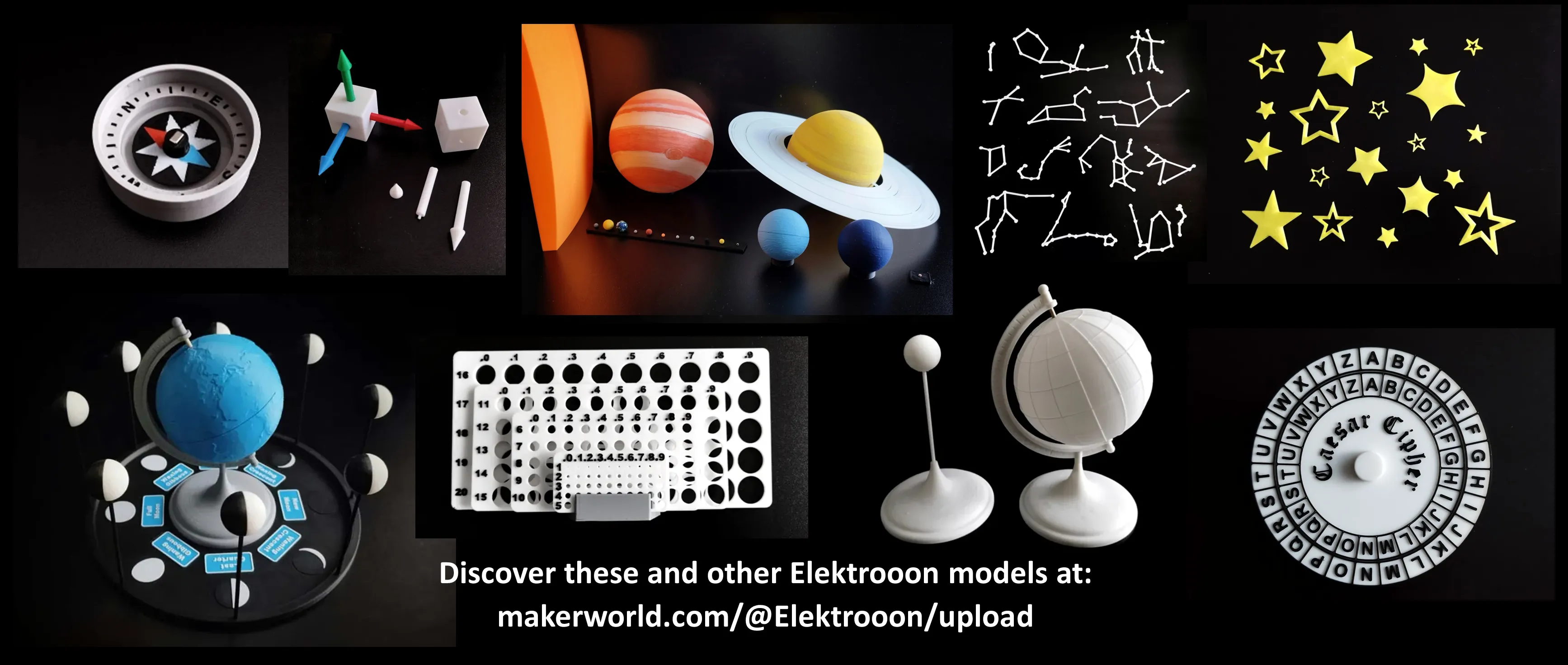
See my other creations here on https://makerworld.com/@Elektrooon/upload or click the image below!
Boost Me (for free)
If you liked my model or enjoy using it, please consider making a Boost 🚀❗ Your support helps me keep creating and improving models like this, with new upgrades and enhancements that you can benefit from too! Thank you very much! ❤️ Elektrooon 🦝

License

You shall not share, sub-license, sell, rent, host, transfer, or distribute in any way the digital or 3D printed versions of this object, nor any other derivative work of this object in its digital or physical format (including - but not limited to - remixes of this object, and hosting on other digital platforms). The objects may not be used without permission in any way whatsoever in which you charge money, or collect fees.


Comment & Rating (9)