Search models, users, collections, and posts

TCG ScanBox - For Lorcana Cards with Glimmerscan

IP Report

Print Profile(2)

All
X1 Carbon
H2D Pro
P1S
P1P
A1
H2S
X1
X1E
H2D
P2S
H2C
X2D
A2L

0.2mm layer, 4 walls, 15% infill
Designer
4.4 h
1 plate
4.5(2)

0.2mm layer, 4 walls, 15% infill
Designer
5.1 h
1 plate

Open in Bambu Studio
Boost
17
33
4
1
88
43
Released 

Description

Content has been automatically translated.
Show original

I was looking for a scan box for Lorcana cards

The model is based on Lars Becker's idea - Thank you very much

https://makerworld.com/de/models/1152661-card-scanner-fast-print-mtg-pokemon?from=search#profileId-1181486

I found the idea of a fast and economical print very good, so I designed a model that meets my expectations

but is no longer economical in terms of material consumption and print time


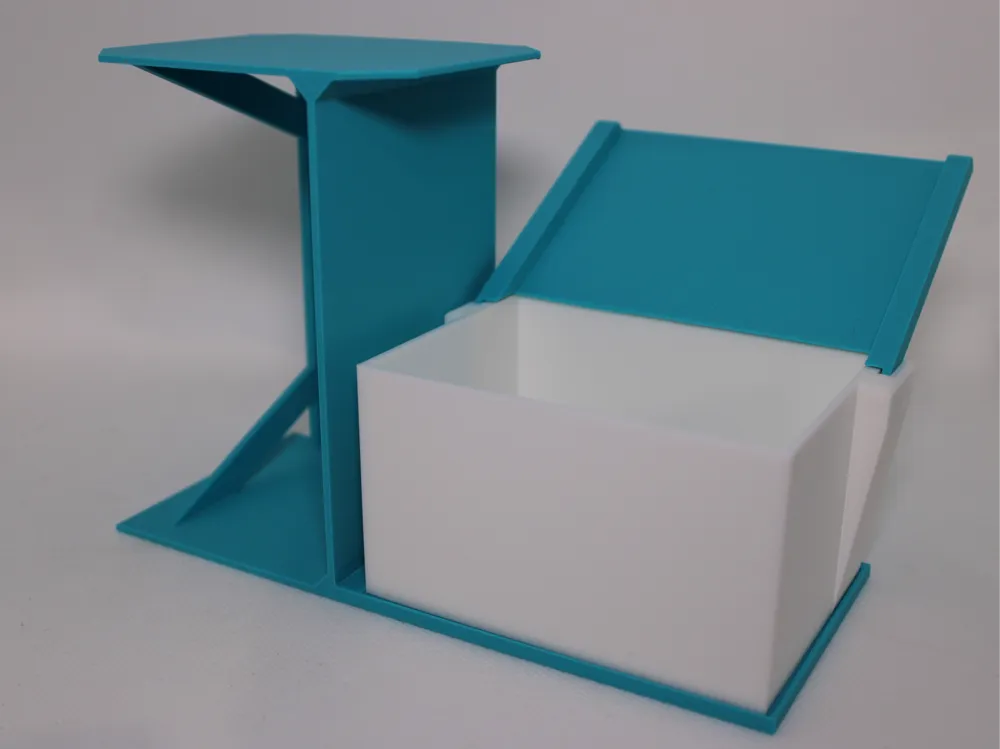
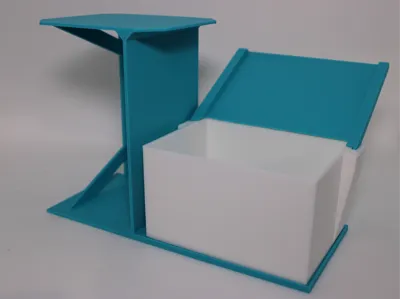
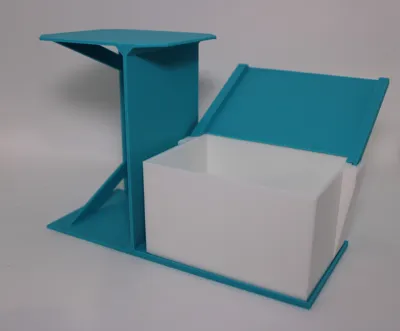
I designed the model to scan Disney Lorcana cards with Glimmerscan

This works perfectly and without problems. I don't have other cards and cannot confirm if other TCGs can also be scanned

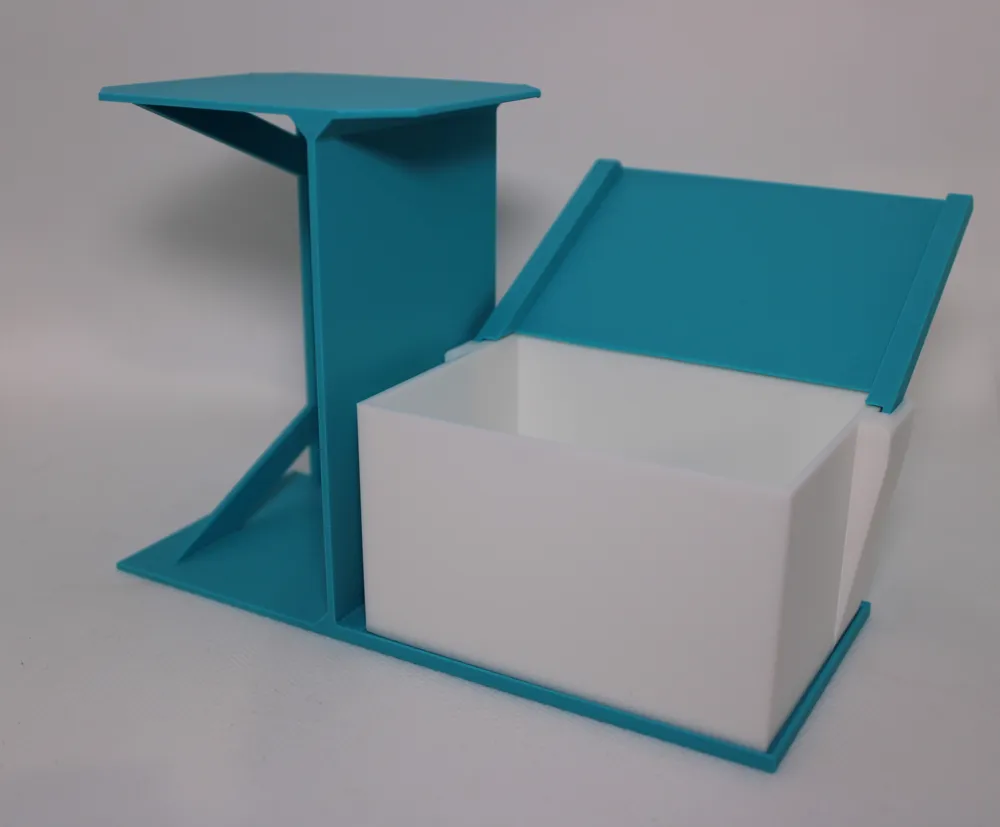
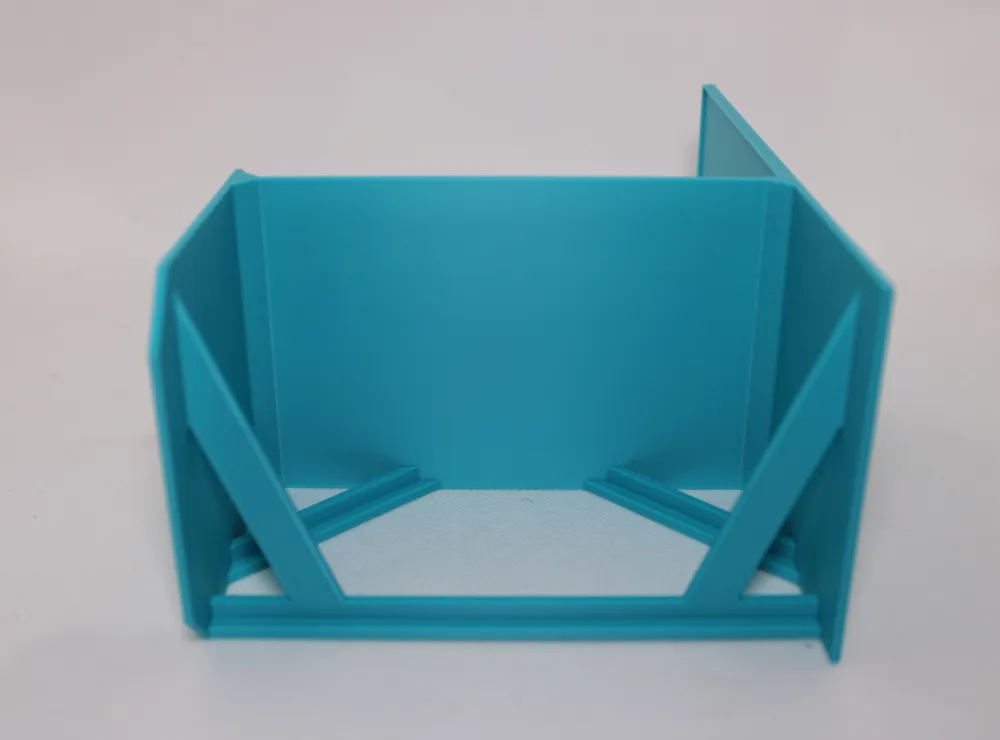
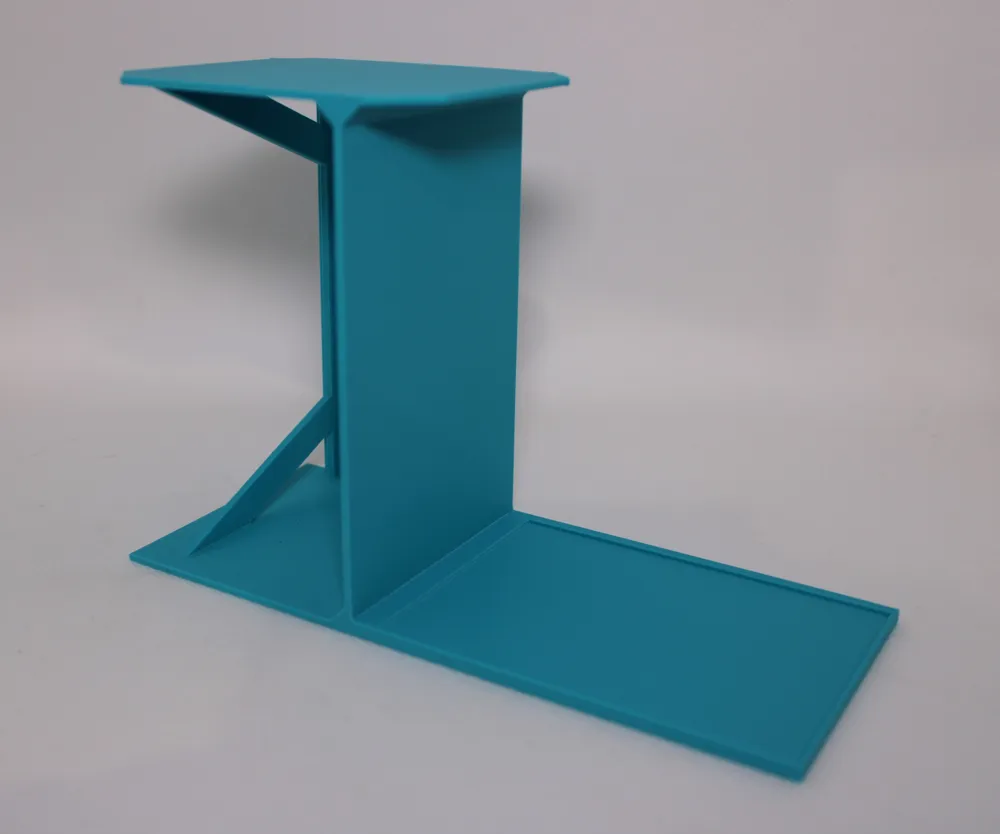
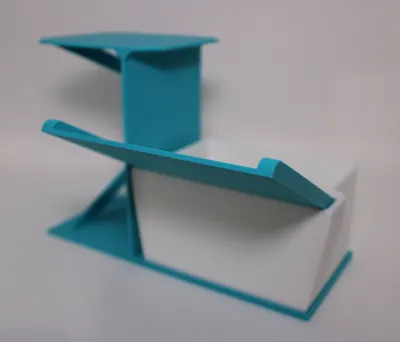
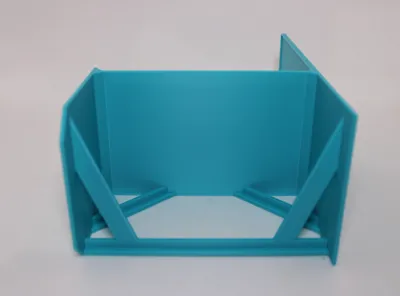
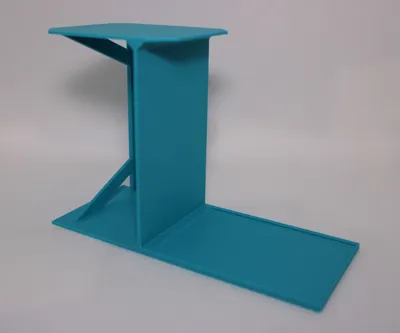
There isn't much to say about the frame, it's stable and lightweight, and prints without supports

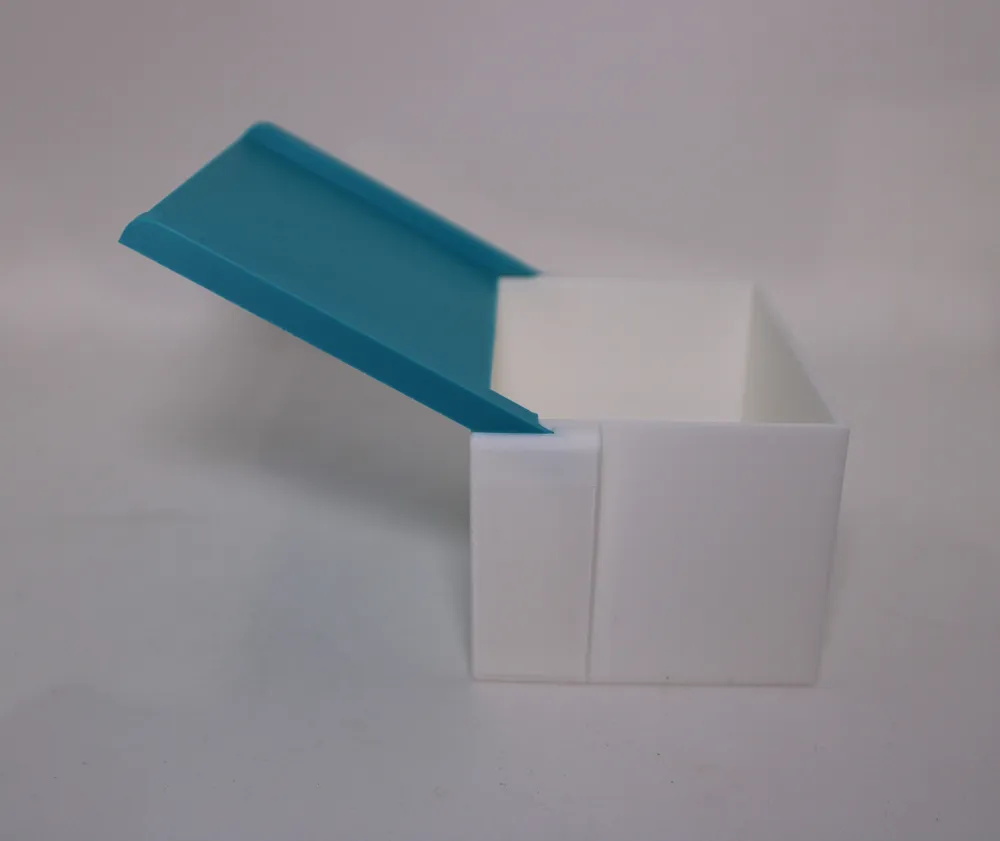
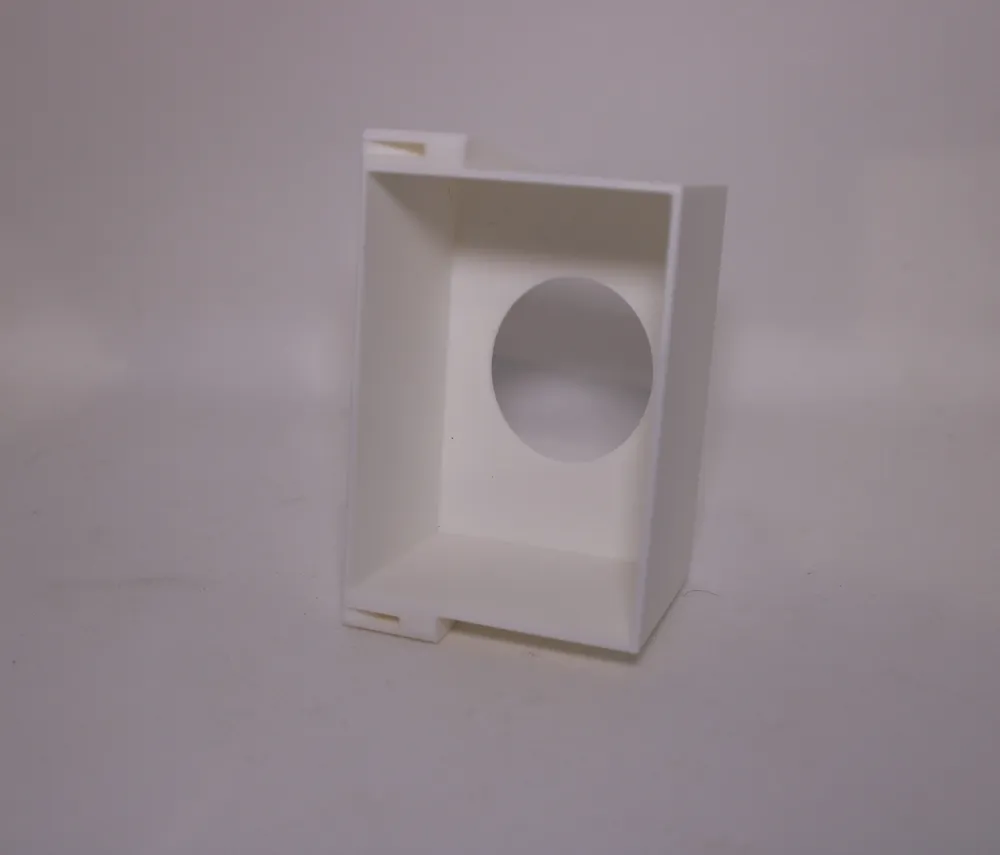
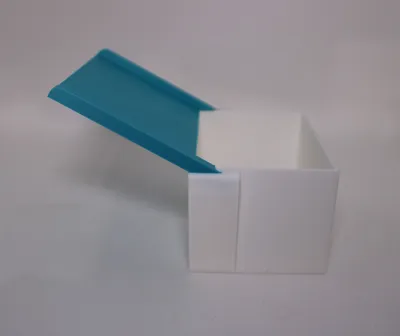
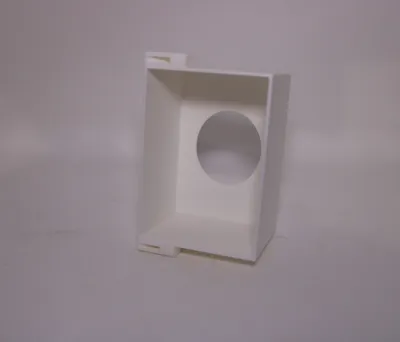
The box has internal dimensions of 100mm x 70mm and 58mm height

This allows Lorcana cards to be scanned with or without sleeves (tested with Ultra Pro sleeves)


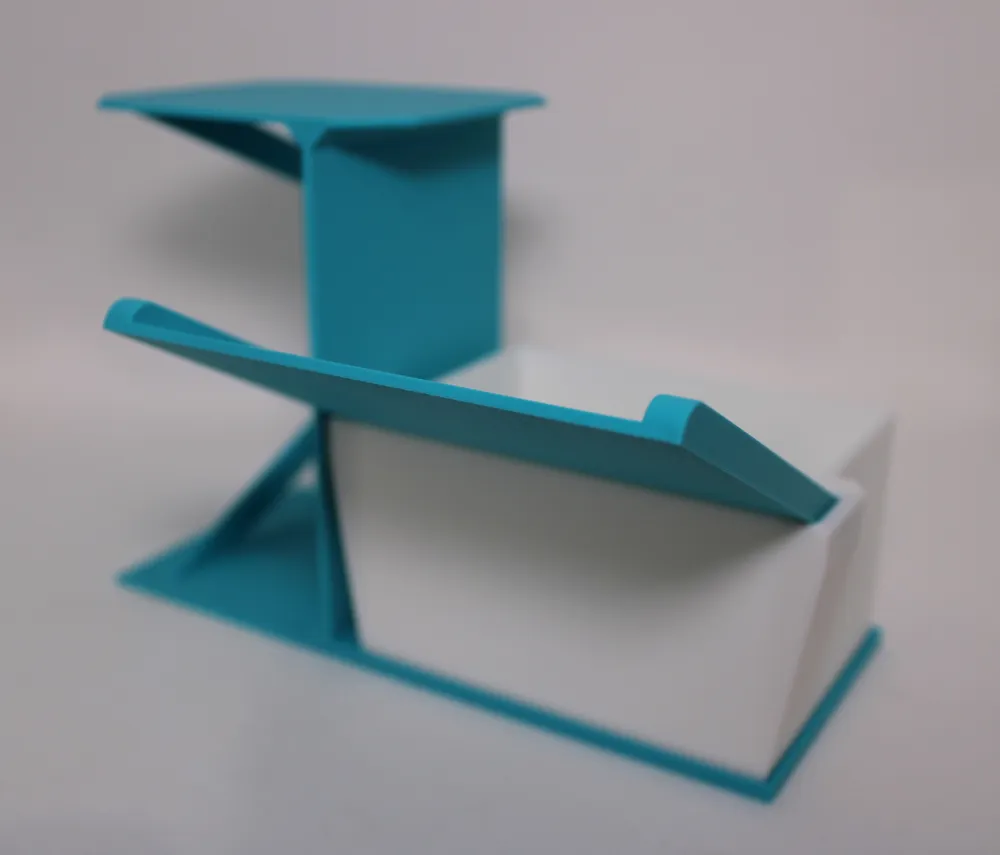
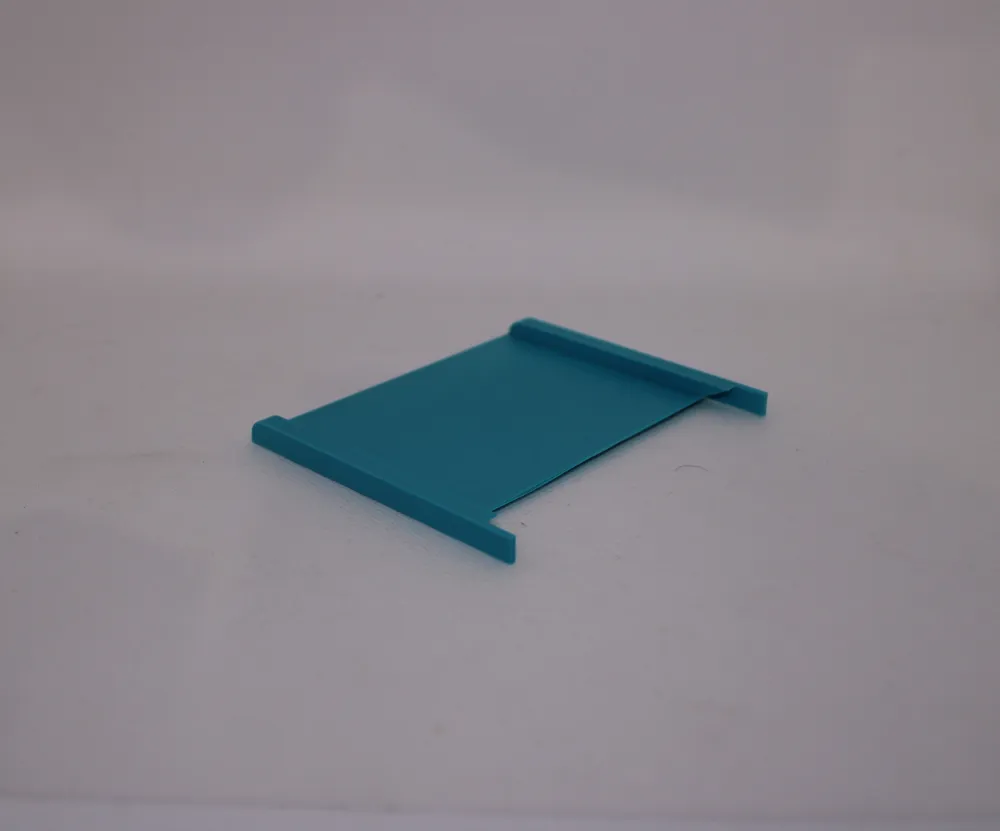
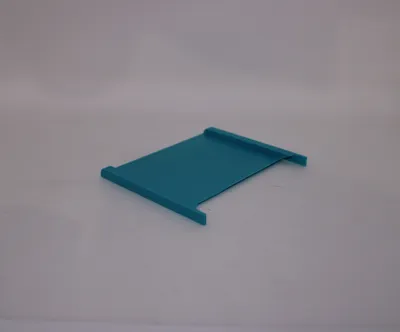
The slide is inserted into the box without effort. Then the box with the slide is placed under the scanner

Since the box can be rotated, it is designed for both left and right-handed users

I printed one station and one slide, and 5 boxes, so I could scan different sets in an organized manner


I printed with original Bambu Lab filament

Comment & Rating (4)

(0/1000)

Print Profile
0.2mm layer, 4 walls, 15% infill
Printed great, but the enlarged box for the sleeved cards is too big for non-sleeved cards, and after dropping in just the second card, the scanning app couldnt identify the card because it was seeing the one below on the edges. works great woth just ine card.....another thing that is annoying, I have both iPhone (work) and Samsung Galaxy S24 Ultra, the platform doesn't work great for the iPhone, better for the Samsung, but the app I need to use isn't on the Android platform, and the iPhone camera position, I need to rest the iPhone on part of the other camera, so it cant sit flat. I think adding a hole in the plate where the cameras would be, instead of a platform that isn't going to work with most models would be better. ive seen some other designs that have this, I will tey them instead. because the phone has to rest on if the other cameras, I have to push it forward so the camera can be within the card box space, but then the phone is unstable and falls off easily.
The profile uploader has replied
0
Reply
Hello, thanks for the feedback I used it with an iPhone 13 and that worked great The iPhone had to be placed far to the left Scanning without sleeves also worked perfectly I have scanned over 1,000 cards I also have to say that I changed the camera option in Glimmerscan That's in the scan menu bottom left and thus the camera has a wider angle Nevertheless, I will check and adjust the design again Thank you very much
Show original
0
Reply
Replying to @Michi_B. :
I have now added a larger base. Now it should work with larger phones and offsets
Show original
0
Reply
Print Profile
0.2mm layer, 4 walls, 15% infill
0
Reply
No more
