
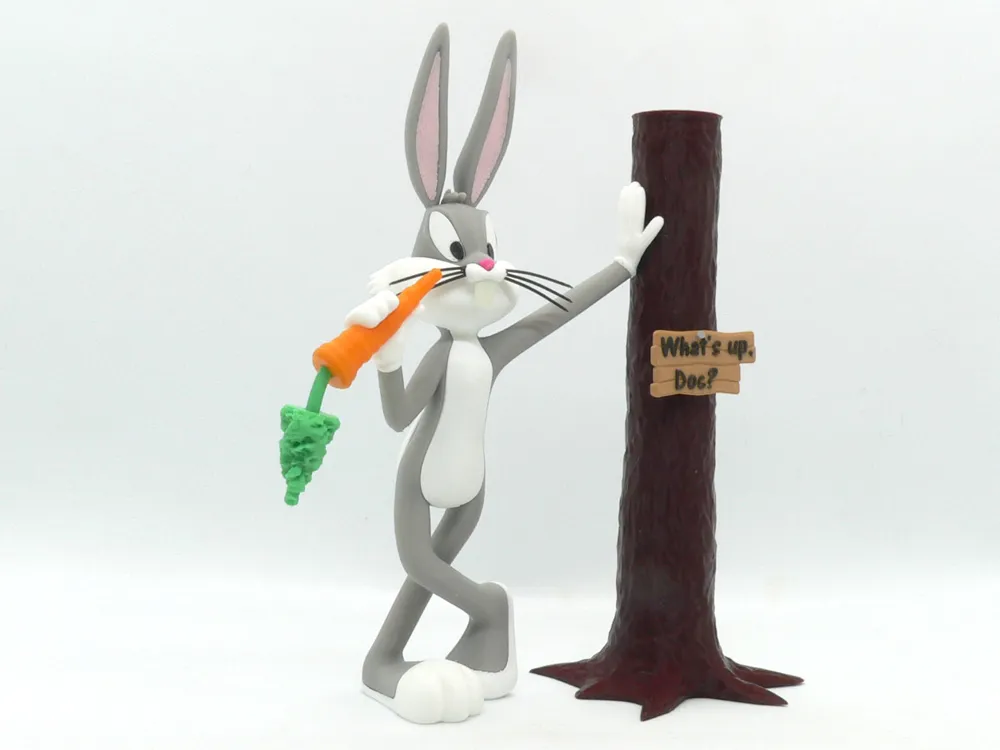
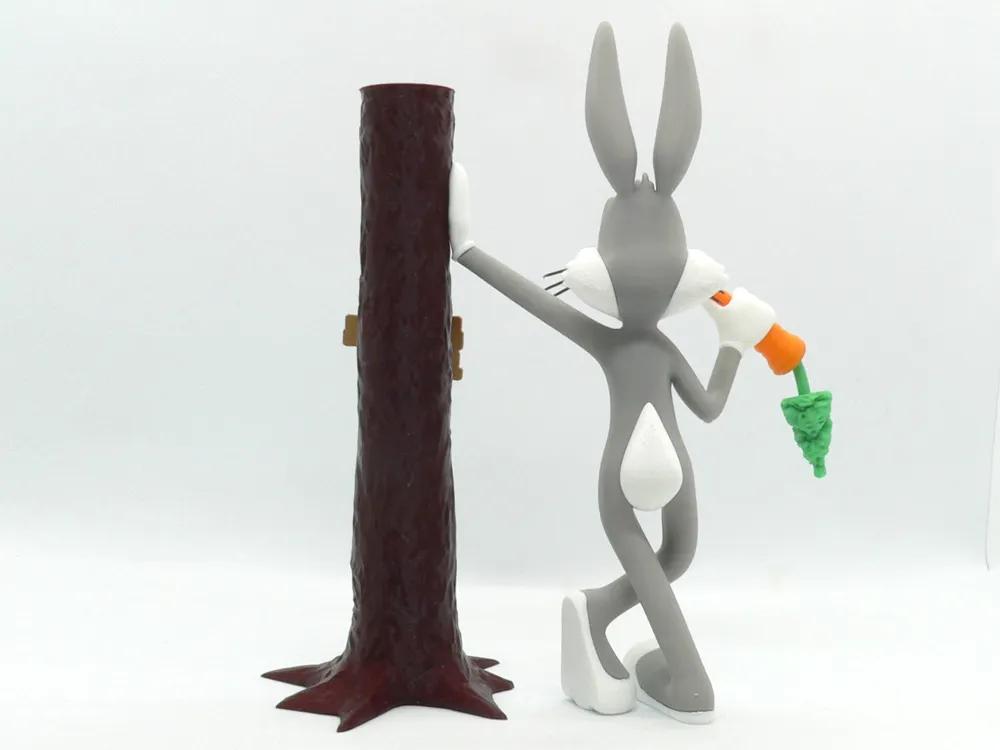
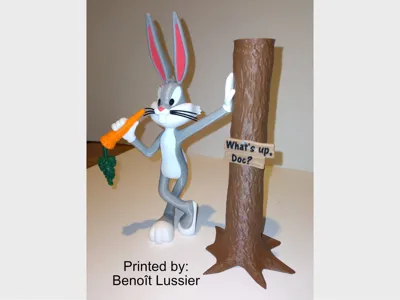
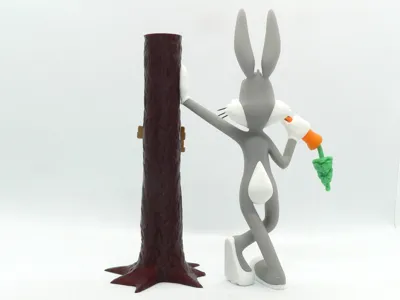
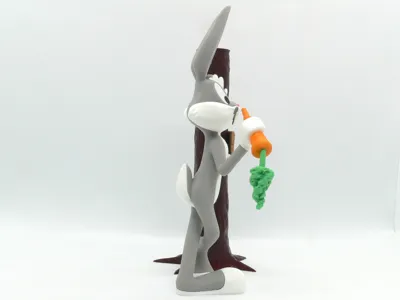
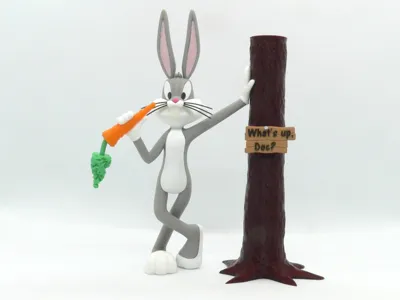
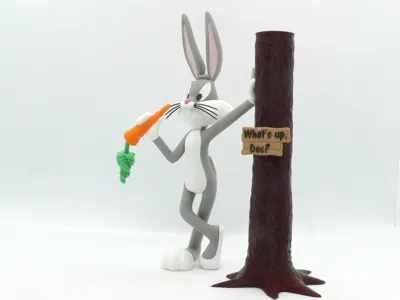
Bugs Bunny Standing
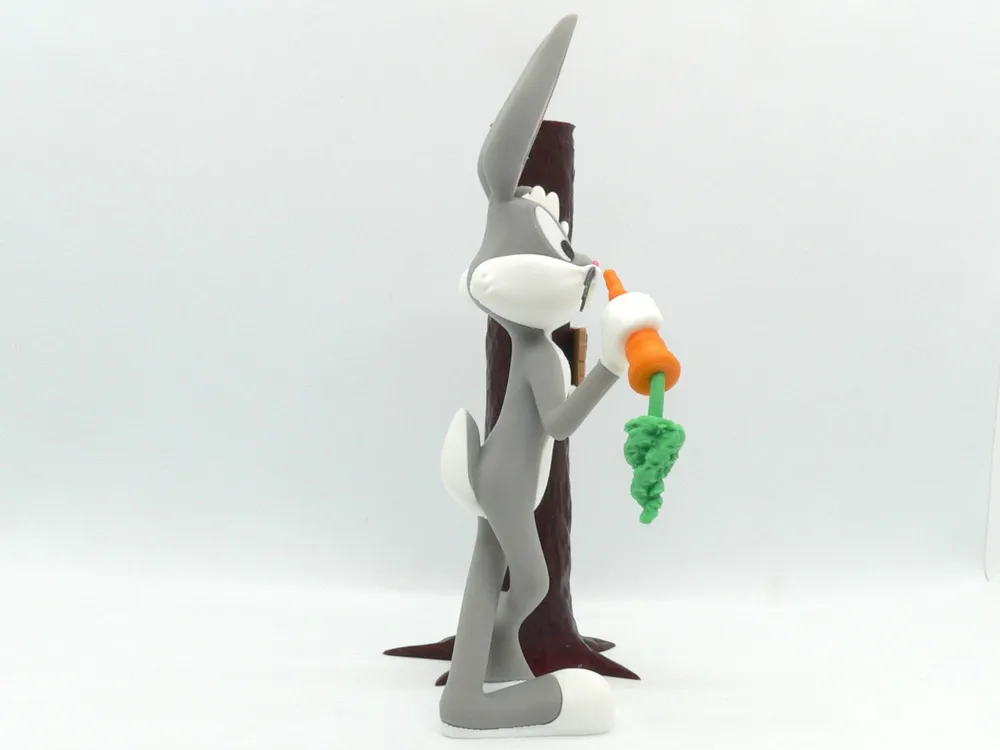
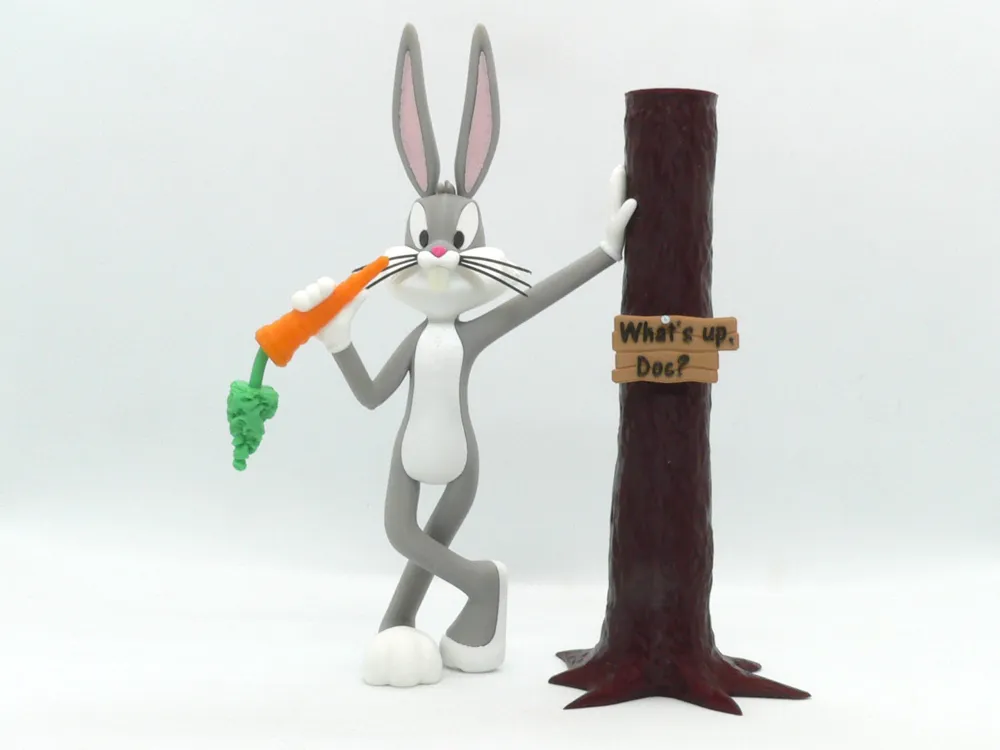
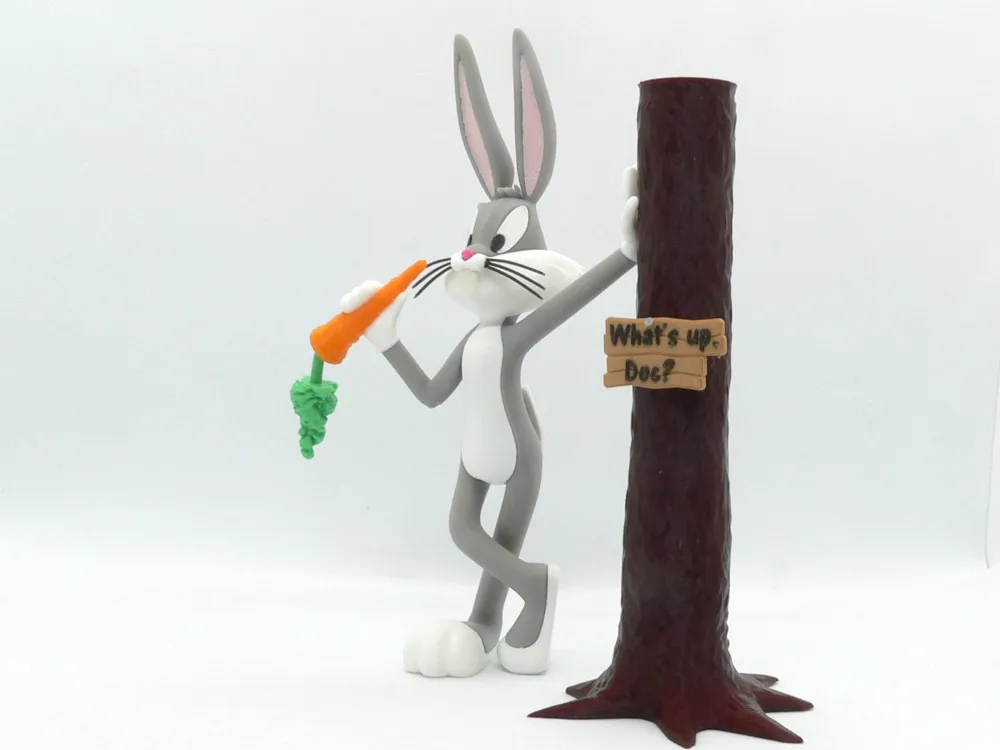

Print Profile(4)


Description
Bugs Bunny, a fictional cartoon character in the Warner Bros. Looney Tunes/Merrie Melodies series.
Bugs is an anthropomorphic gray and white rabbit who is famous for his flippant, insouciant personality. Due to Bugs' popularity during the golden age of American animation, he became not only an American cultural icon and the official mascot of Warner Bros. Entertainment, but also one of the most recognizable characters in the world.
Bugs' trademark phrase is: "Eh...What's up, doc?"
No supports are required. Two pieces contains built-in supports, optional parts without the built-in supports are also supplied if you want to use your slicer supports. If you have the proper filament colors, no painting is needed.
One part requires a color change.
The assembled Bugs model is 200mm tall.
Enjoy!
...........................................................................................................
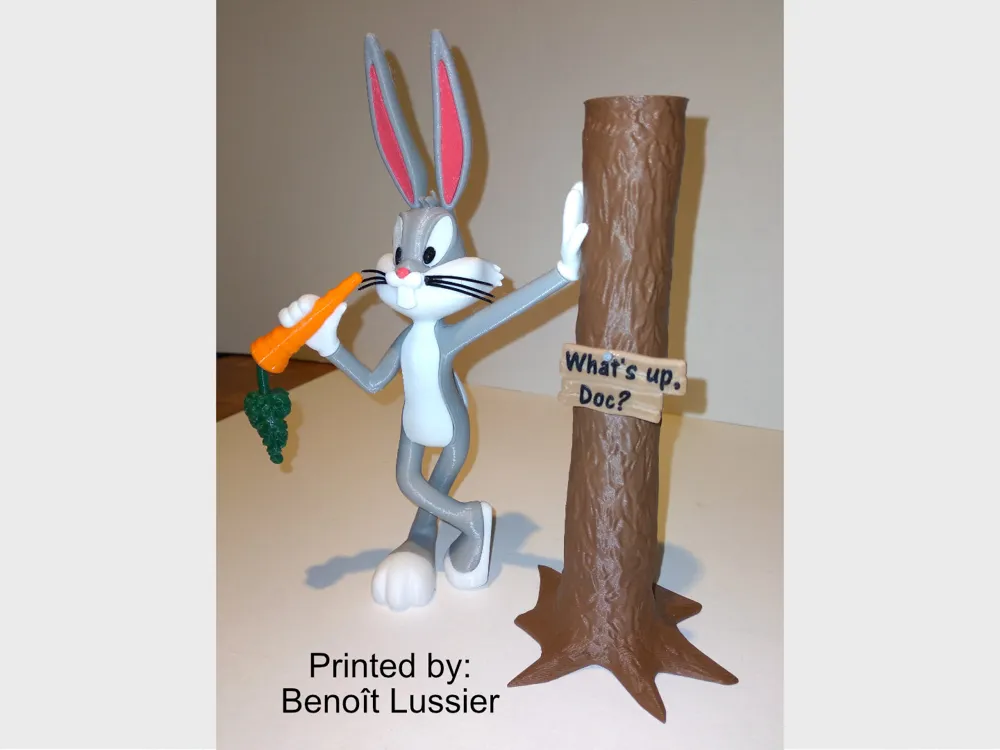
Special shoutout to maker Benoît Lussier for providing QA printing and quality feedback.
...........................................................................................................
**Print Instructions:**
Supports: No
Resolution: .2mm
Infill: 15%
Notes:**
Refer to the notes below for a few helpful printing and assembly instructions.
...........................................................................................................
**Building the model**
Colors
Black: (Paramount3D PLA - Black)
whiskers_right
whiskers_left
eye_black_right
eye_black_left
sign (for color change for letters from light brown)
..
Light Pink: (CookieCad - Hot Pink)
ear_right
ear_left
..
Dark Pink: (CookieCad - Pale Pink)
nose
..
White: (Overture PLA - White)
eye_white_right
eye_white_left
foot_left
foot_right
hand_right
hand_left
body_white
body_white_without_supports (optional part without built-in supports)
tail_white
tail_extra
..
Gray: (Paramount3D PLA -Prototype Grey)
body_grey
body_grey_without_supports (optional part without built-in supports)
..
Dark Brown: (Hatchbox PLA - Brown)
tree
..
Light Brown: (PolyTerra PLA - Wood Brown)
sign (with color change to black for letters0
..
Natural: (eSun ABS - Natural)
teeth
..
Orange: (Paramount3D PLA - McLaren Orange)
carrot
..
Silver: (DevilDesigns PLA - Silver)
nail
..
Green: (DevilDesigns PLA - Light Green)
carrot_green
carrot_stem
..
...........................................................................................................
**Printing and assembly tips**
Printing tips
1 - No supports are required. The body_grey and body_white parts are presented with built-in supports as well as optional pieces without supports if you want to use your slicer supports. The body_grey only need support under the elbow, however i've also added extra braces to help makers with poorer bed adhesion.
2 - There are some pieces that may need brims or rafts, use your discretion. When setting up my prints I prefer to be conservative, especially since the base of many parts are hidden when inserted into another part. For the smaller parts, a good first layer is helpful.
*I used brims on:
hand_right
hand_left
teeth
3 - Bugs' nose and ears are sometimes shown in various colors. I went with a darker pink for the nose and a light pink for the ears.
4 - The sign is meant to be printed with a color change from light brown to black for the letters. When slicing at .2mm, the black layer starts at the 2.8mm height resulting in three black layers for the letters.
5 - If body_grey is too tall for your printer, use your slicer to cut it around the 70mm mark. This will result in two parts that can be easily printed and then assembled using the body_white acting as a guide.
..
Assembly tips:
1 - Take your time gluing the model together and enjoy the process.
2 - I used E6000 sticky craft glue to put this model together. The sticky glue allows more time to position the parts than a fast drying superglue. I have 'fat fingers' and a shaky hand, so the sticky glue works out best for me, especially with small pieces. Just remember to leave enough time for the glue to set before combining too many parts.
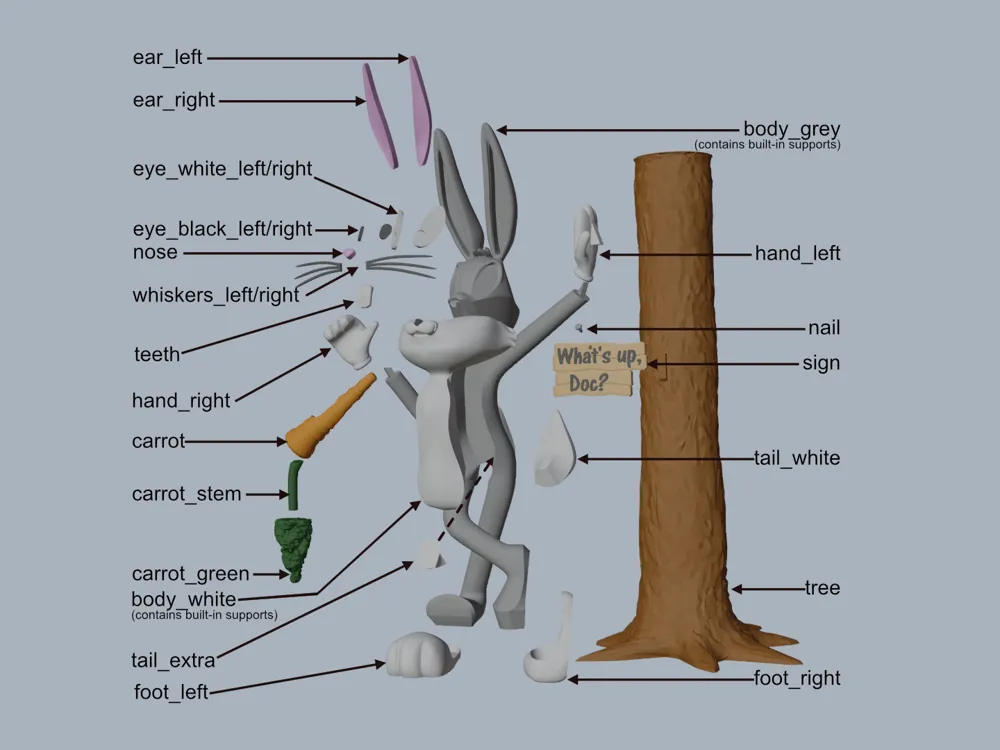
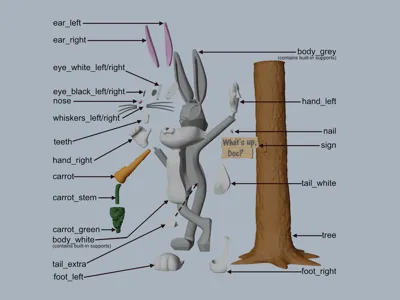
3 - Assembly is straight forward, however the tail_extra piece could be confusing. Be sure to insert the tail_extra piece from the front side of the body_grey BEFORE the other white parts. It may take a bit of wiggling and/or a slight bit of pressure to insert it between the legs.
4 - Benoit had to enlarge the hole in the sign for the nail, but mine fit without issue. The nail goes in at an angle and fits enough to maintain the angle, so be sure to push it in properly.
5 - Refer to the assembly diagrams in the pictures section as well as the uploaded pictures for putting the model together. The model is meant to be glued.
Do not hesitate to ask questions, feedback is essential to making better models.
License



Comment & Rating (297)