
QIDI Xplus4 hollowed-out ventilated lightweight tool head
Print Profile(1)

Description
QIDI Xplus4 hollowed-out ventilated lightweight tool head
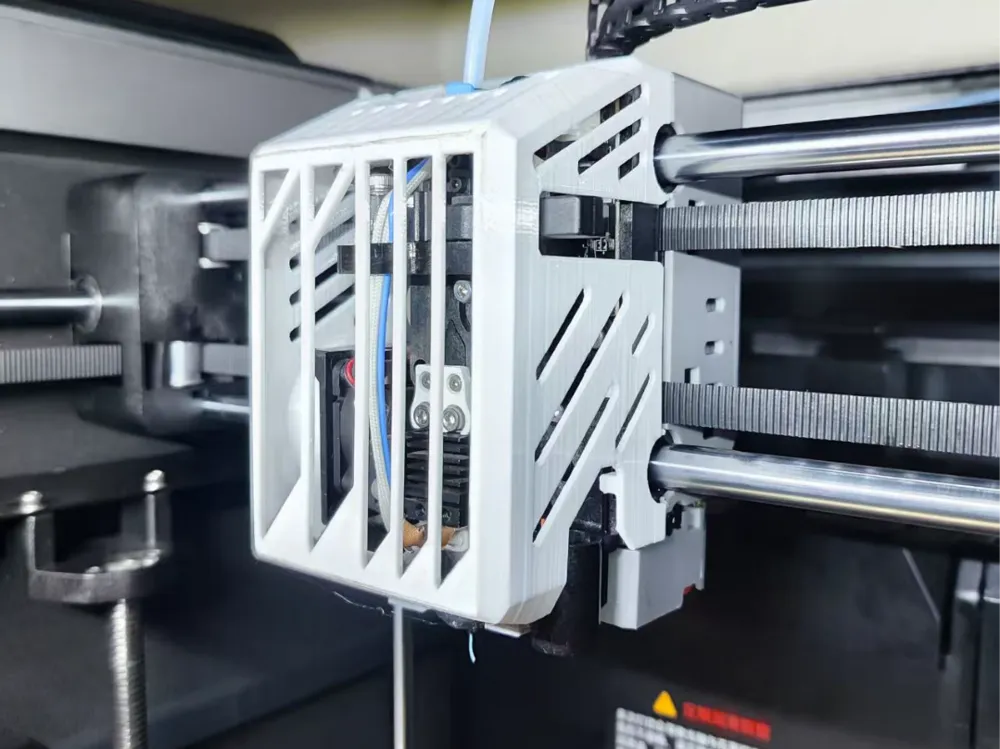
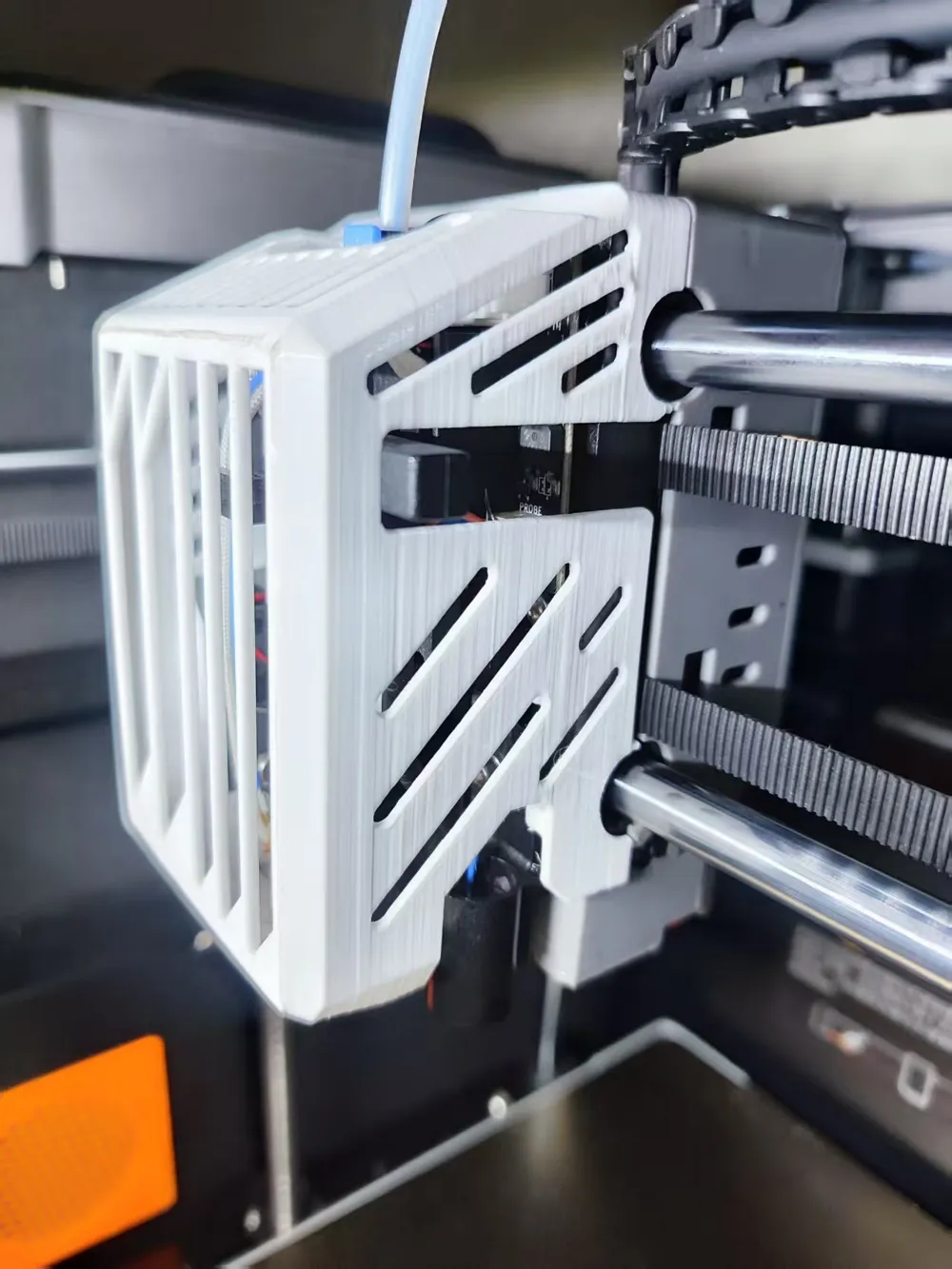
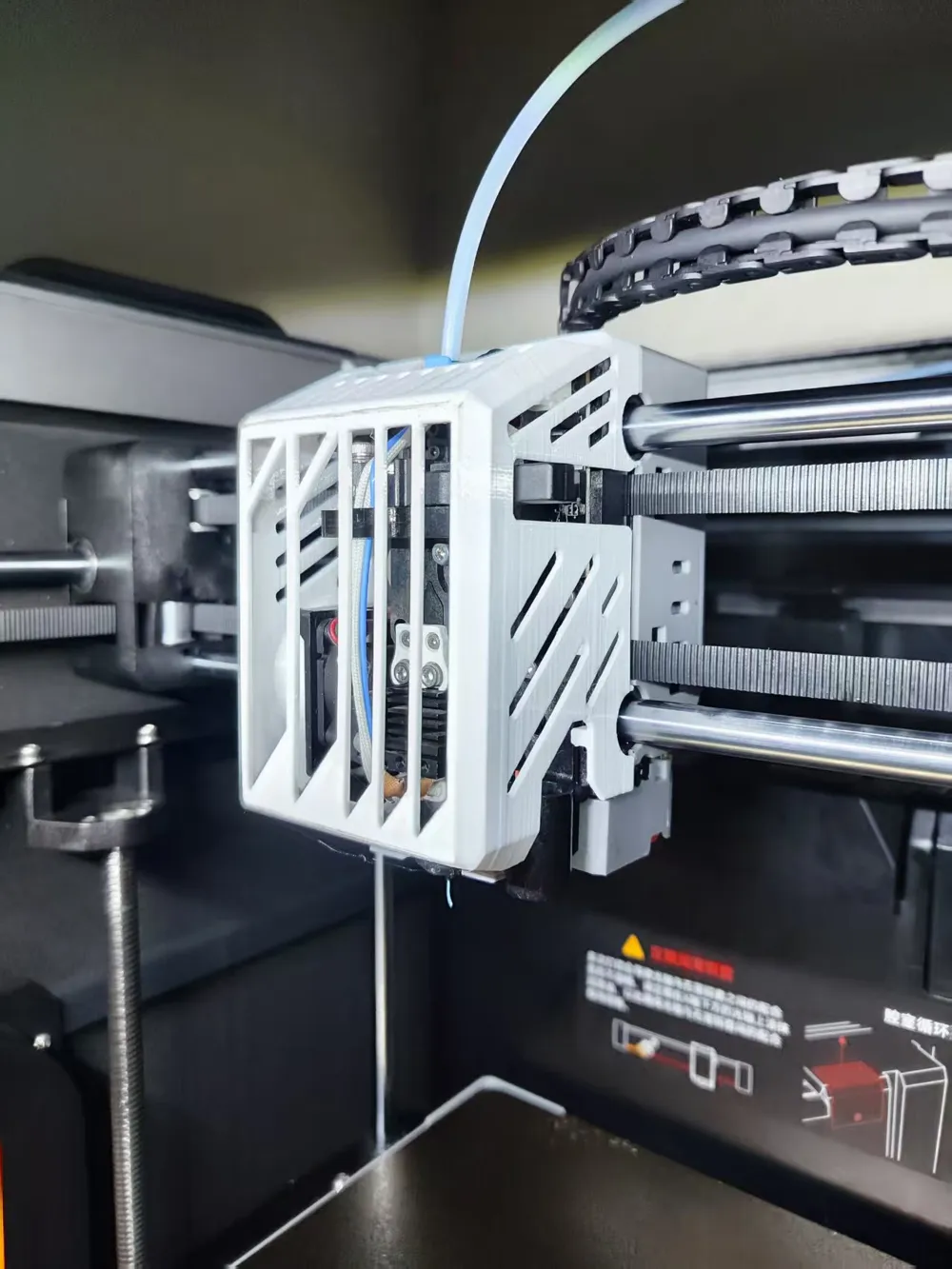
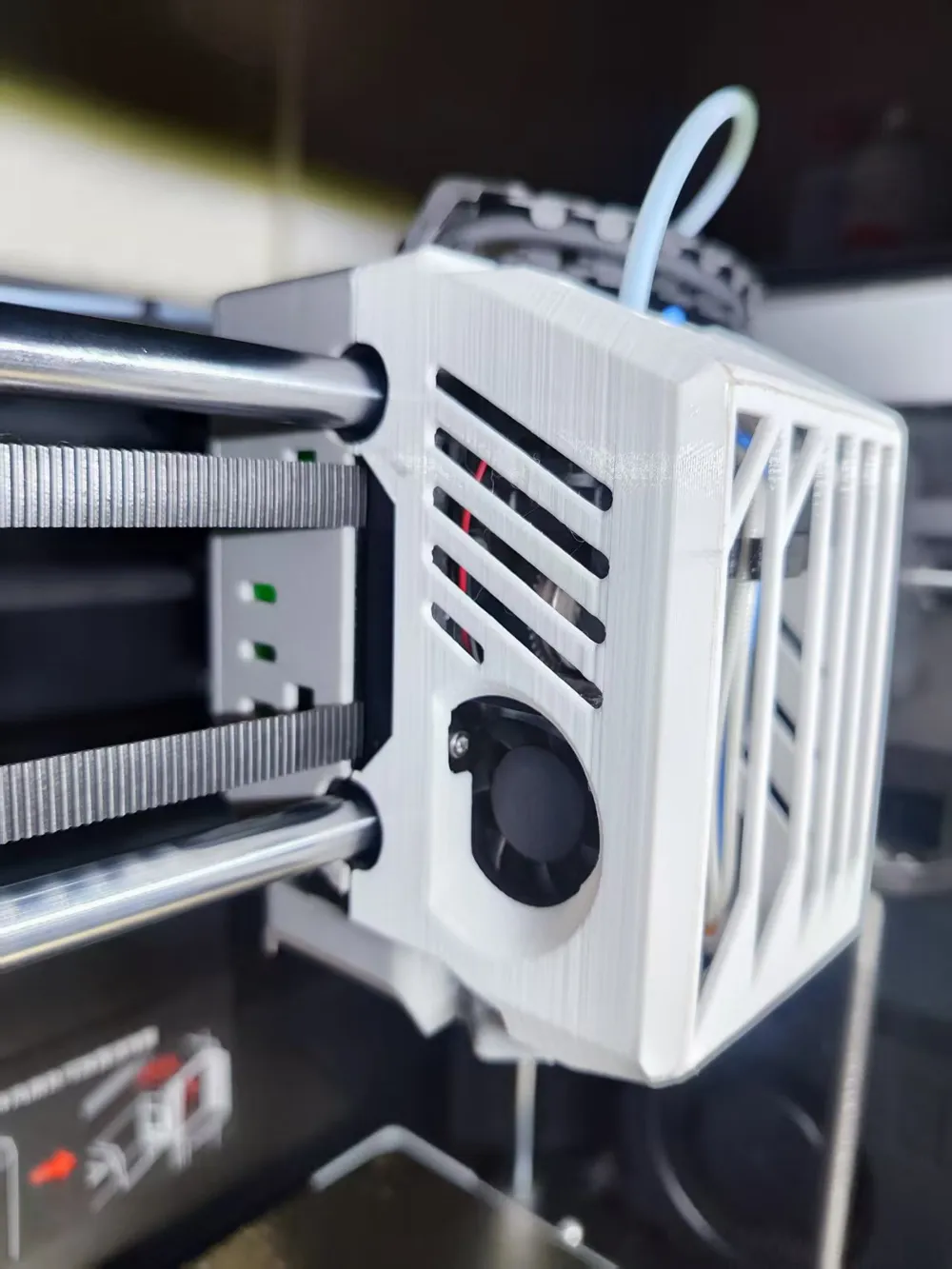
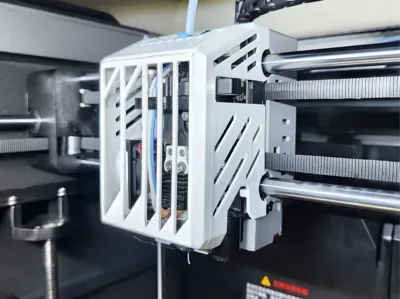
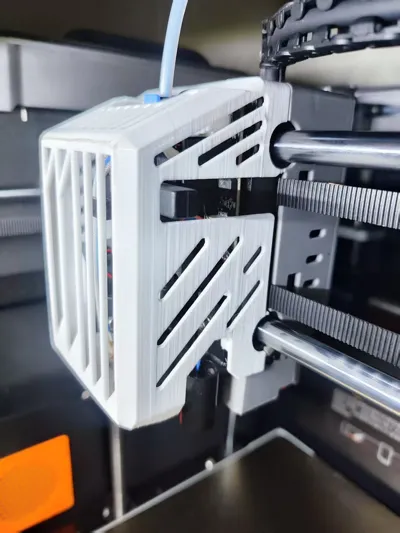
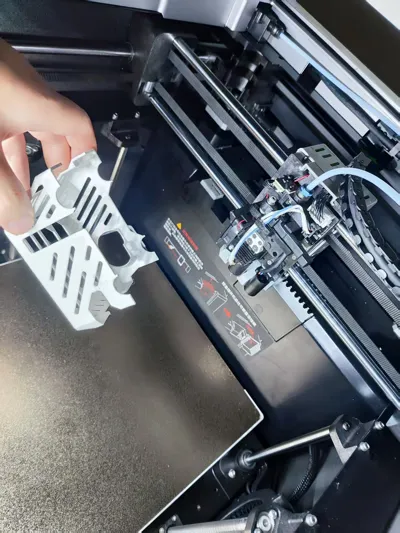
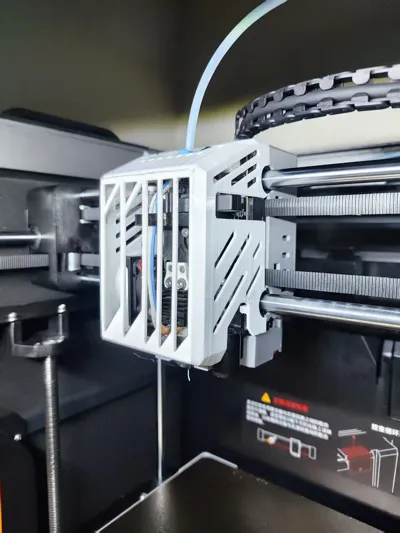
This is a hollowed-out, ventilated, and lightweight tool head front cover specifically designed for the QIDI X plus 4 3D Printer. It is entirely based on the original front cover's dimensions, ensuring a perfect fit without needing any additional hardware modifications.
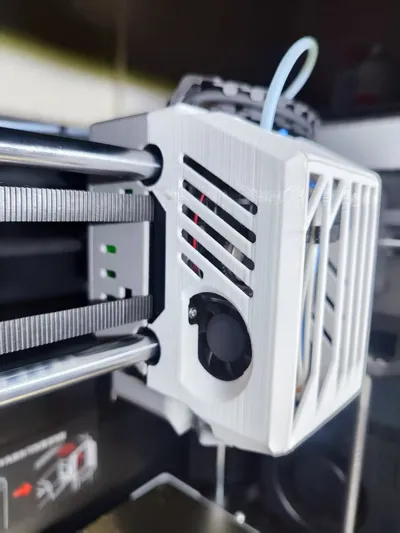
The primary purpose of this front cover is to provide better ventilation, reducing the risk of clogging when printing low-temperature materials like PLA Basic and PETG Basic. It also, to some extent, improves the heat dissipation capabilities of internal components such as the proximity switch, circuit board, and hotend heatsink.
The model has been tested for 10 months before release. During summer temperatures reaching 40 degrees Celsius, no clogging occurred when printing low-temperature filament (results may vary depending on equipment, filament, and usage habits).
This model has reserved two magnet installation slots with a diameter of 4MM and a thickness of 2MM (in the exact same position as the original tool head). However, practical tests show that it works normally without magnets; the tool head in the photos does not have magnets installed and has never fallen off. If you have them, installing them will provide even greater stability.
Given that the QIDI X plus 4 has an active chamber heating function up to 65 degrees Celsius, and you surely don't want to remove the tool head front cover every time you enable chamber heating, you should at least ensure to use PETG to print this model. PLEASE DO NOT PRINT WITH PLA!!! PLEASE DO NOT PRINT WITH PLA!!! PLEASE DO NOT PRINT WITH PLA!!! Considering both lightweight design and material cost, ABS is an excellent choice due to its lower density. Nevertheless, a front cover printed with PETG is also perfectly fine.
Furthermore, compared to the original front cover, this model offers several other advantages:
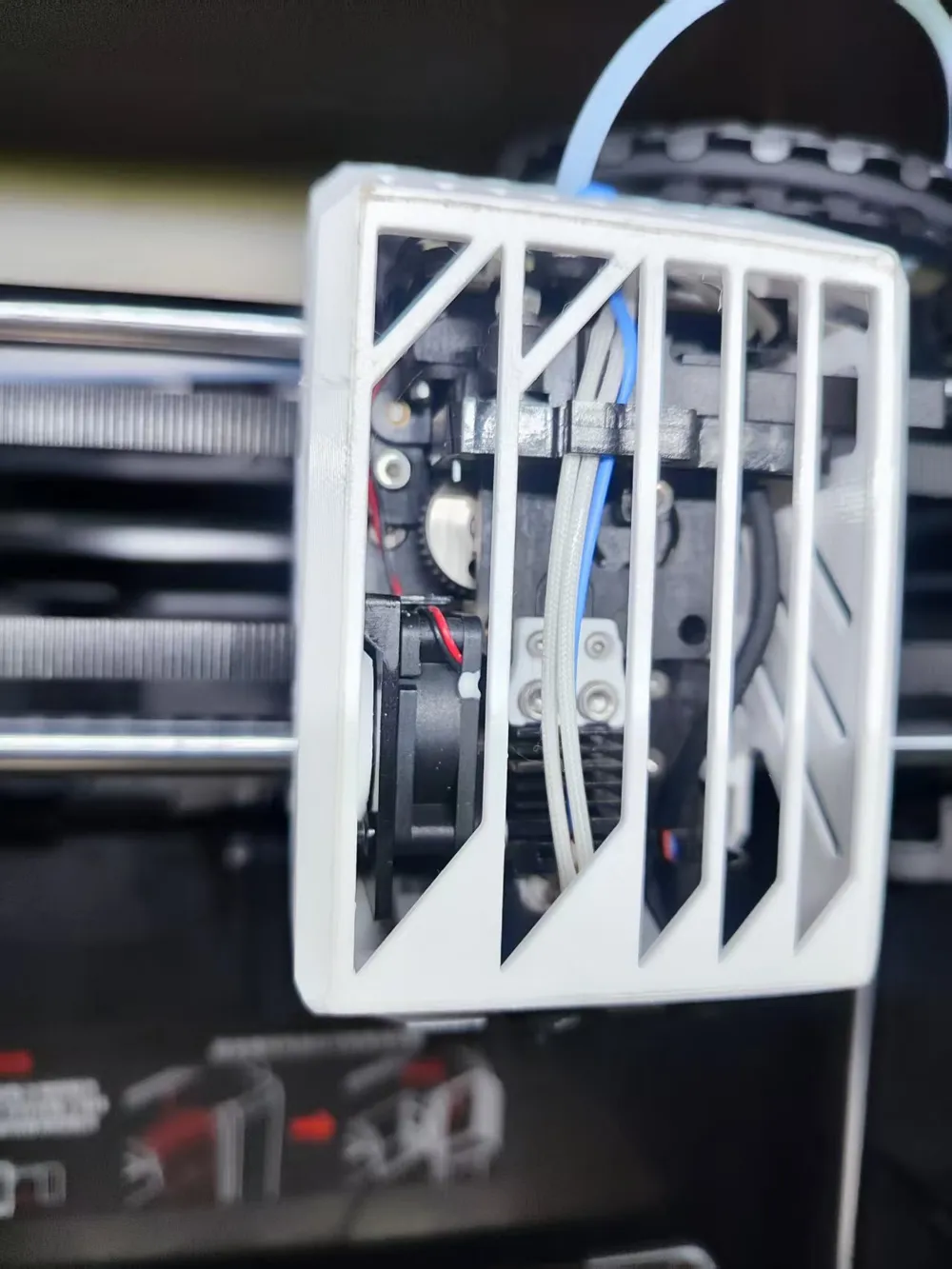
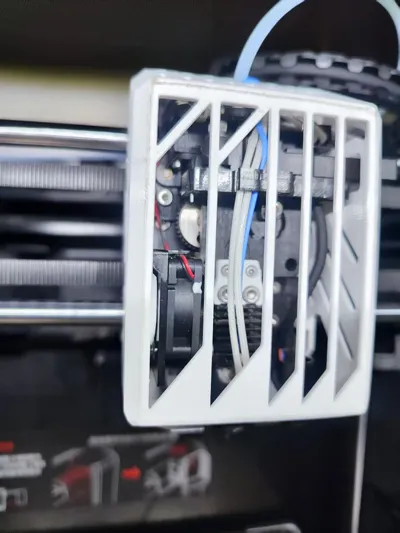
1. Observe the operating status of internal components such as the extruder gear directly through the large hollowed-out area on the front, without needing to remove the front cover;
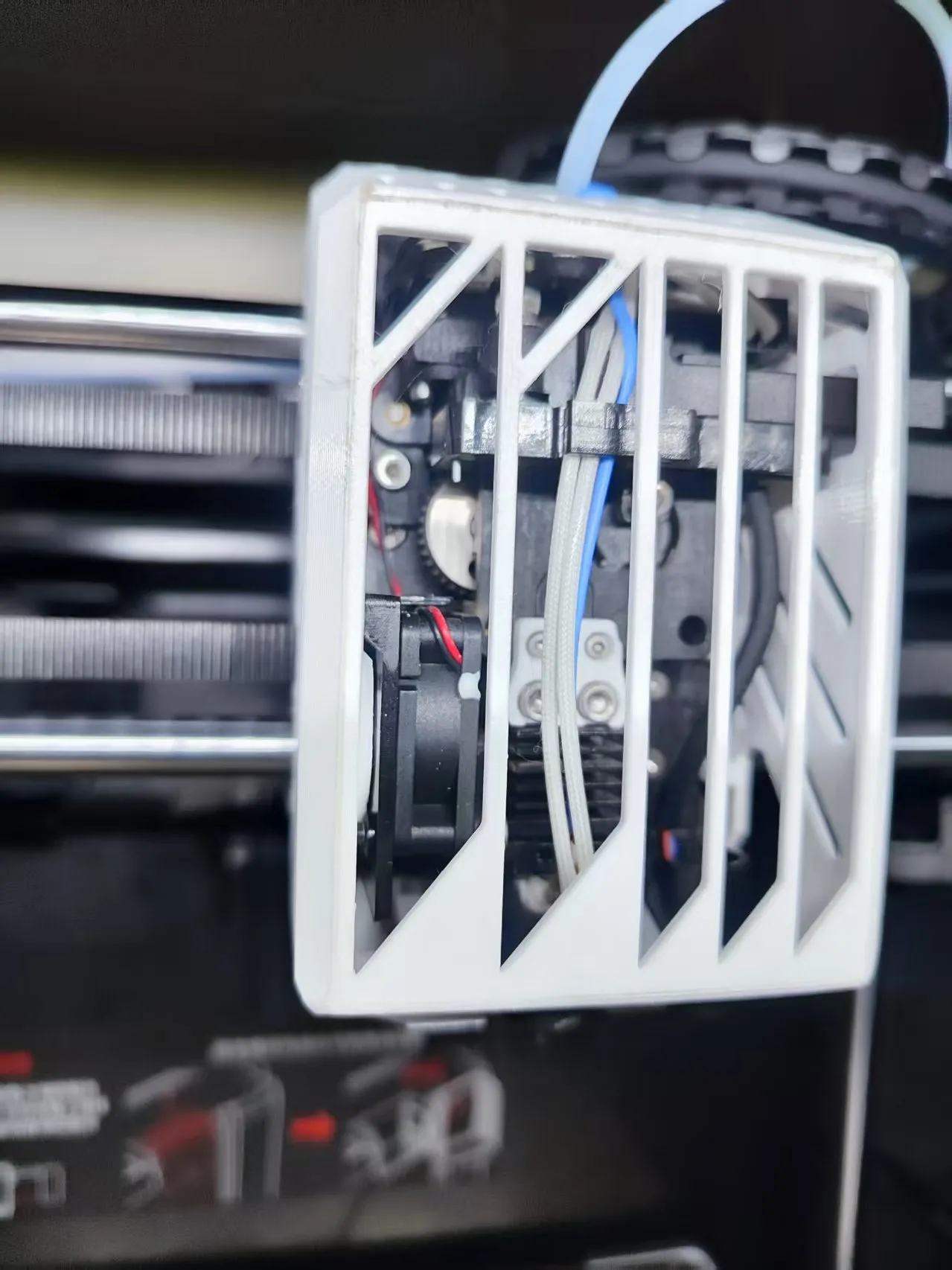
2. The proximity switch area is intentionally left completely exposed to increase heat dissipation (though the effect is limited when chamber heating is on), aiming to improve measurement errors caused by temperature drift in the proximity switch;
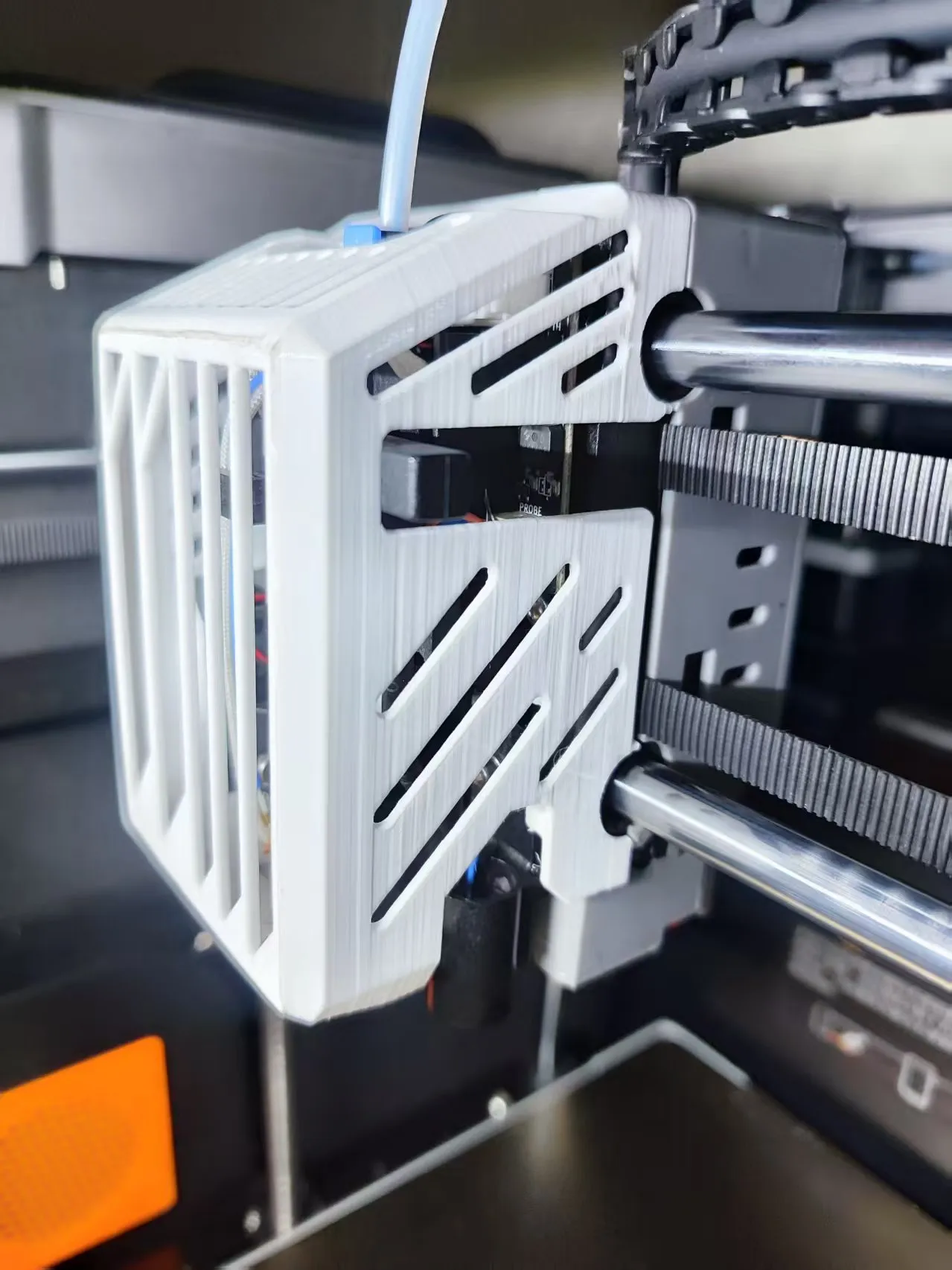
3. Slightly reduced weight compared to the original front cover; the original weighs 39.4g, while this front cover is 28.5g. The hotend cooling fan fits well with the tool head's holes without interference, and the structure is completely consistent with the original.
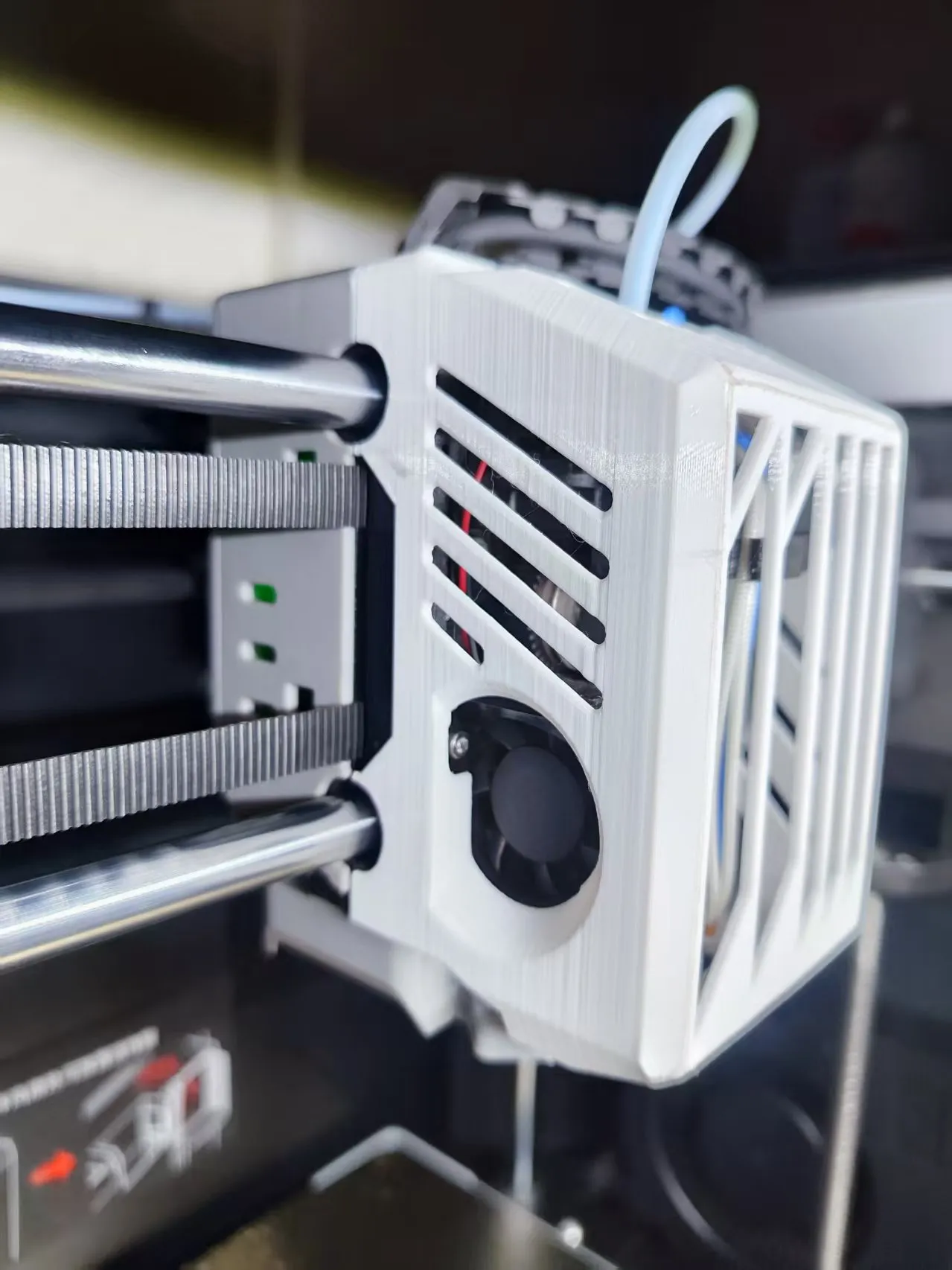
5. Material saving... With so many hollowed-out parts, it naturally saves some material. The downside is that it's so hollowed out that there's no space for a logo.
Regarding the print profile:
The default print profile settings are relatively conservative due to the many details and overhangs, and for PETG printing, slower speeds are set for better surface quality, although printing time will be slightly longer. You can adjust it at your own discretion;
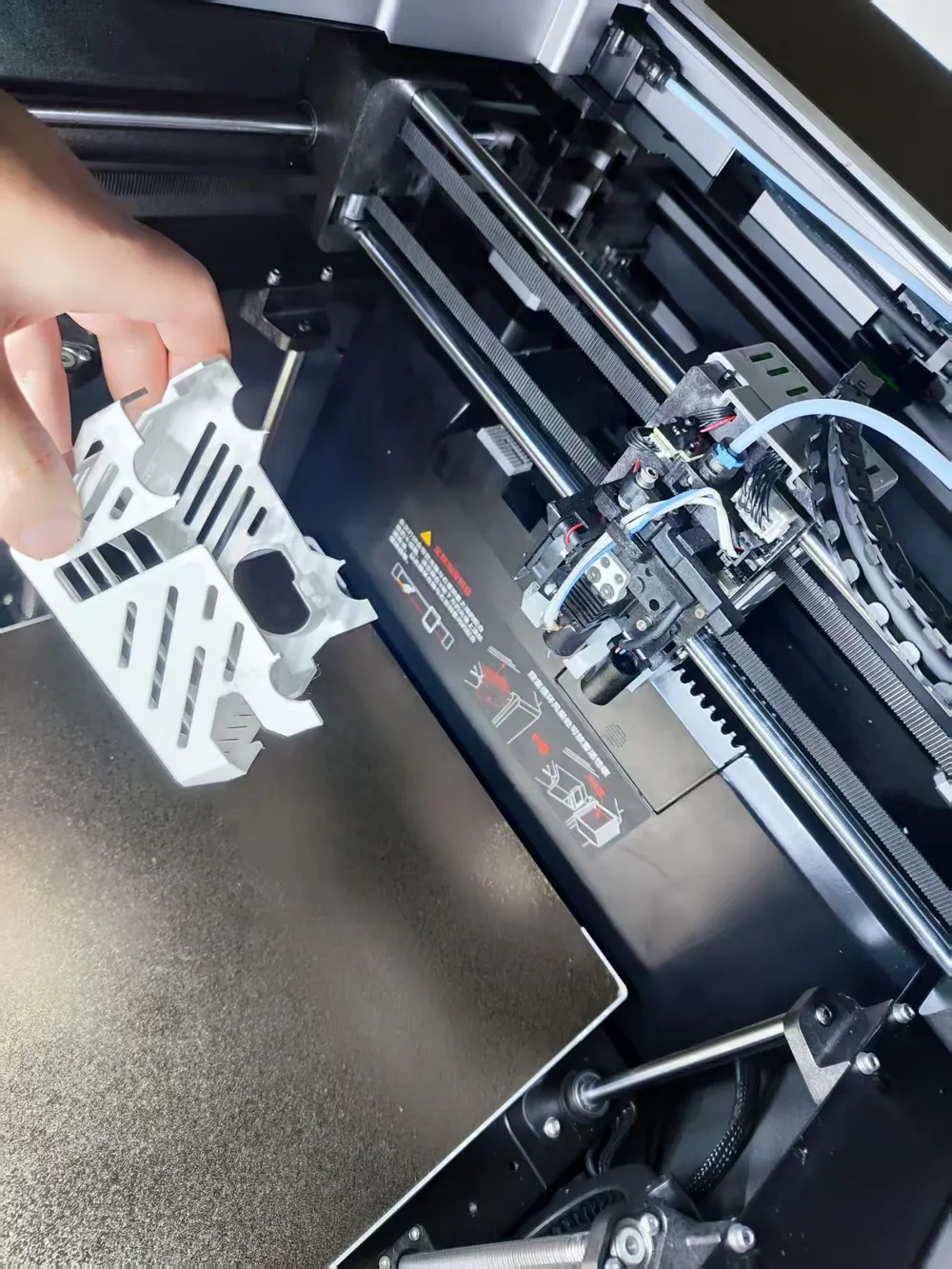
The support outer walls are fixed to two layers, as I strongly dislike the entire model being ruined due to support collapse. Support removal might be a bit tight, but it will result in better support surface quality. If you don't mind, you can change the top Z distance to 0.20MM.
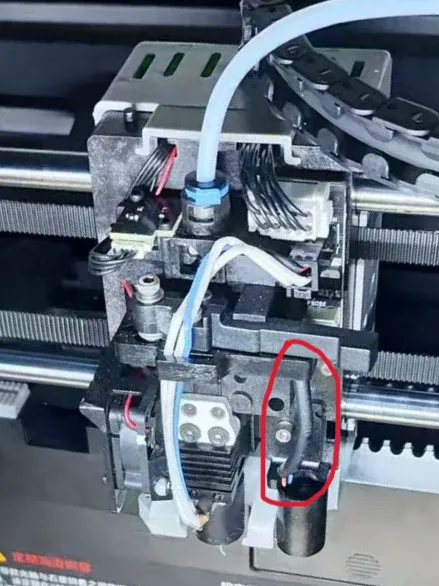
Always unable to install it correctly? Most likely, the connecting wire of the proximity switch is stuck. Gently push this wire to the left before installing, and it will snap into place easily. Please be patient during this operation to avoid unnecessary damage.
I hope this small model is helpful to you, happy printing!
License



Comment & Rating (1)