
Odroid H3 Case - Compact Computer Enclosure
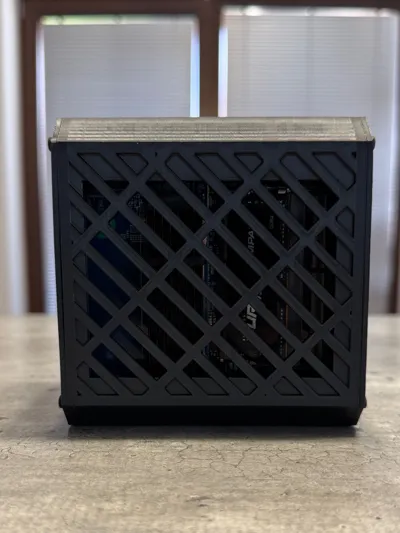
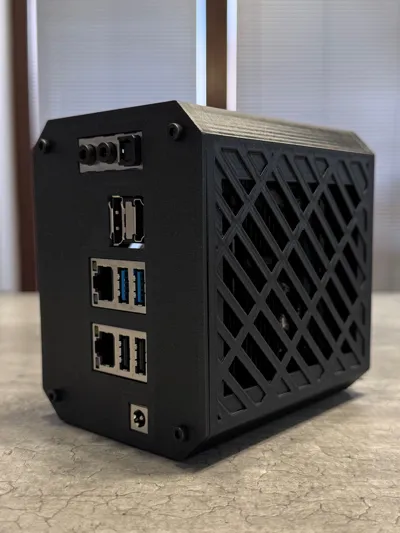
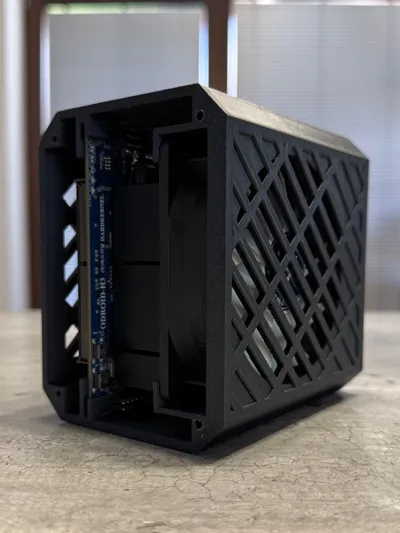
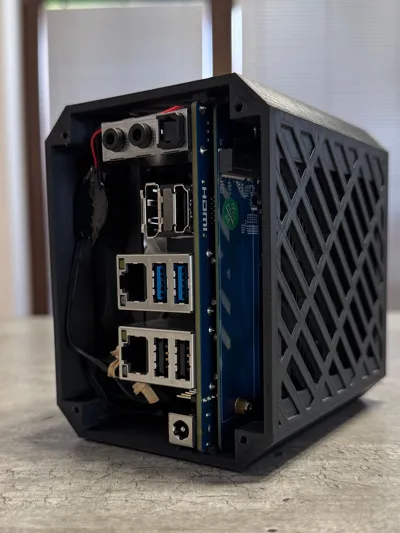
Print Profile(1)

Description
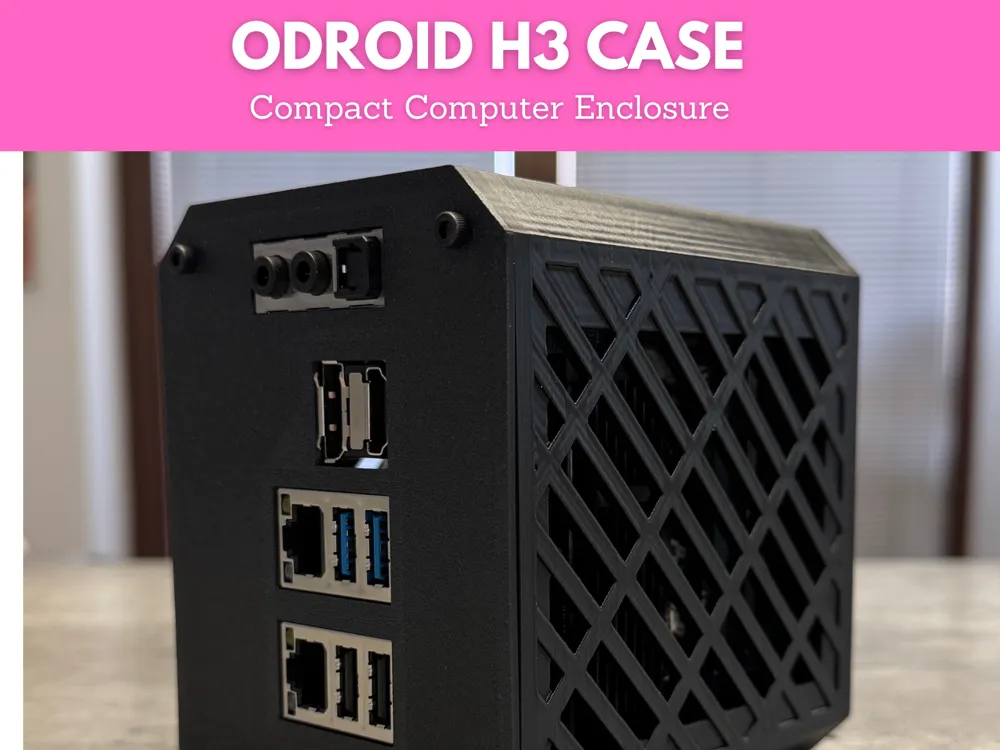
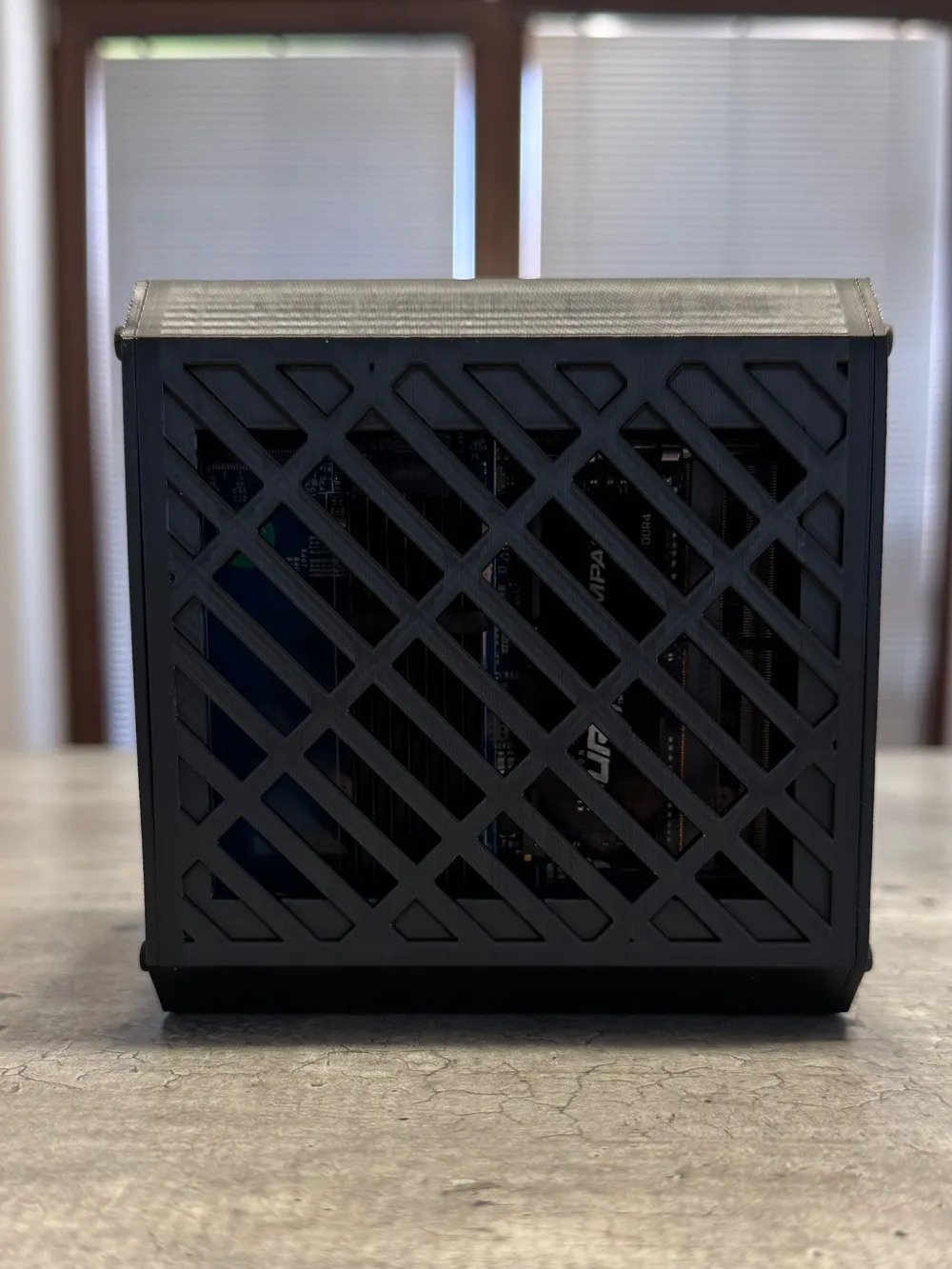
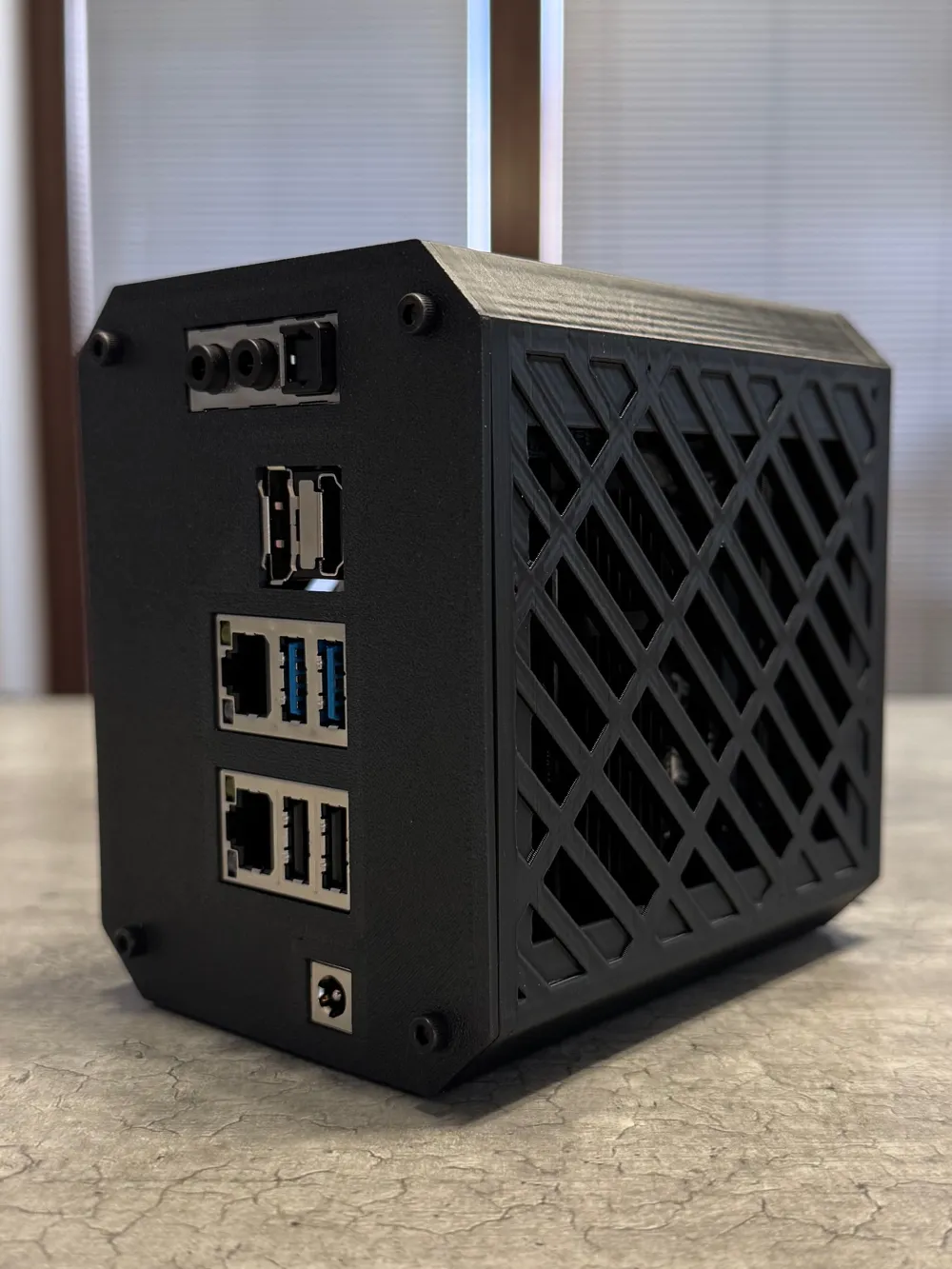
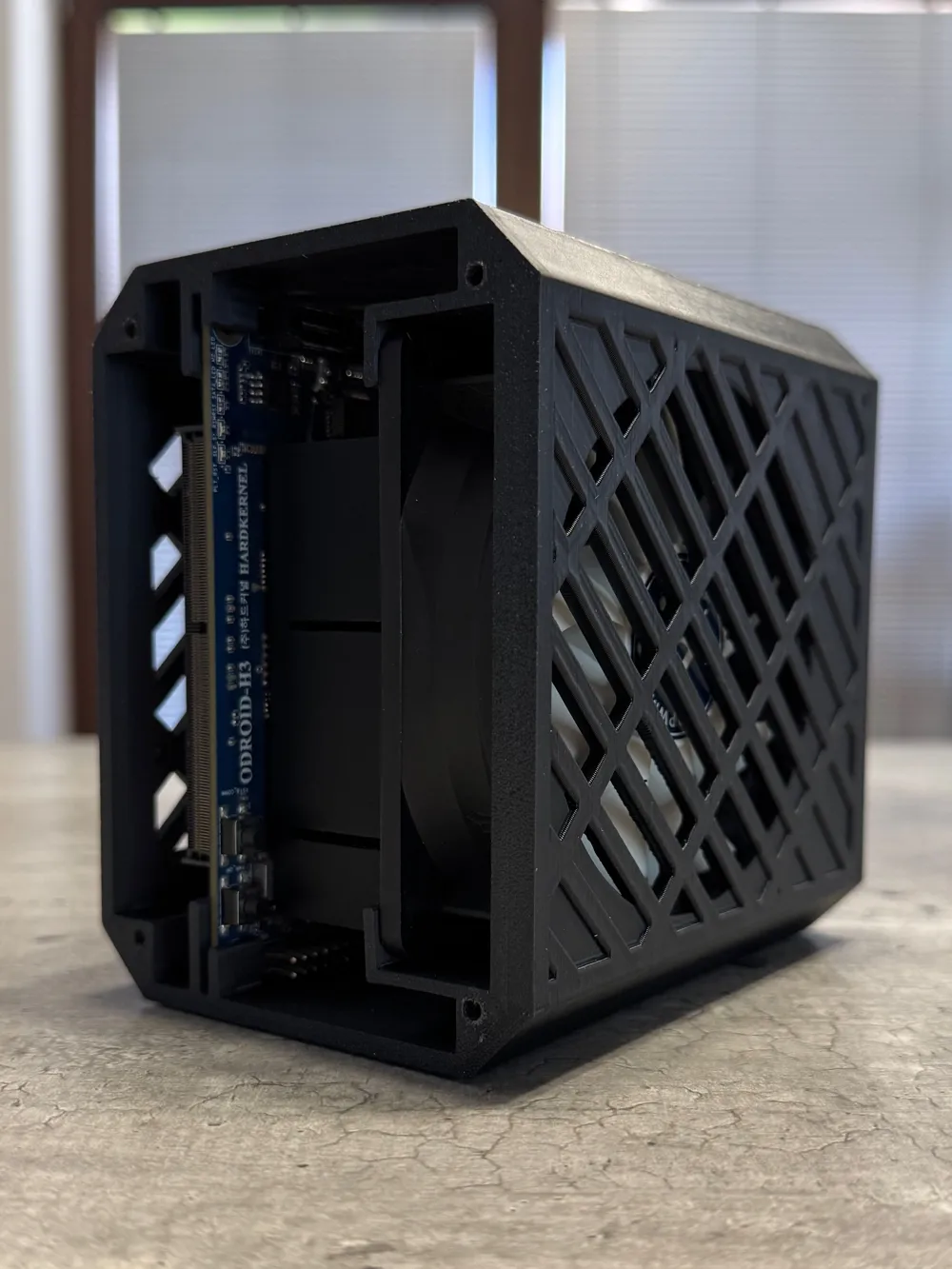
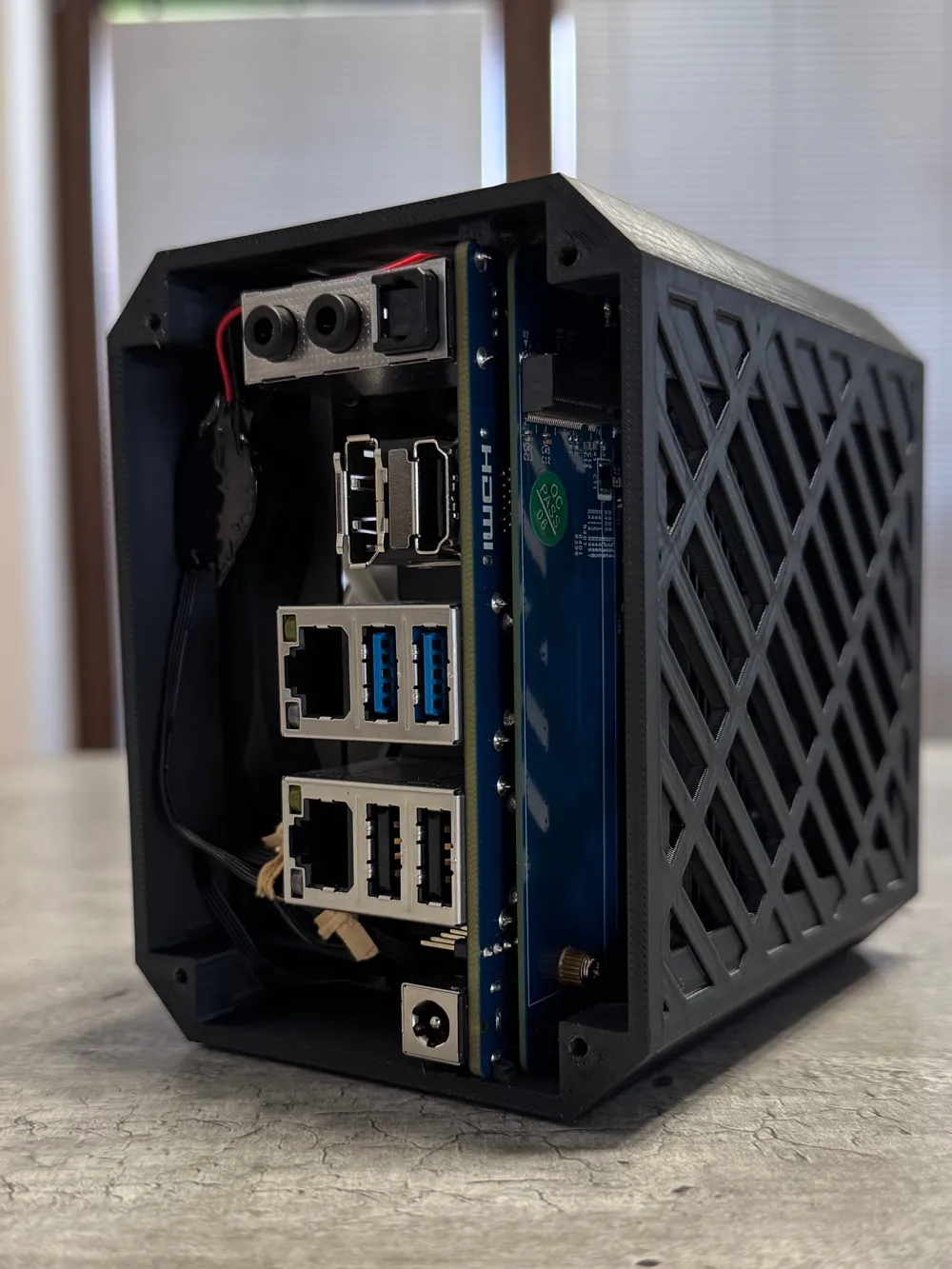
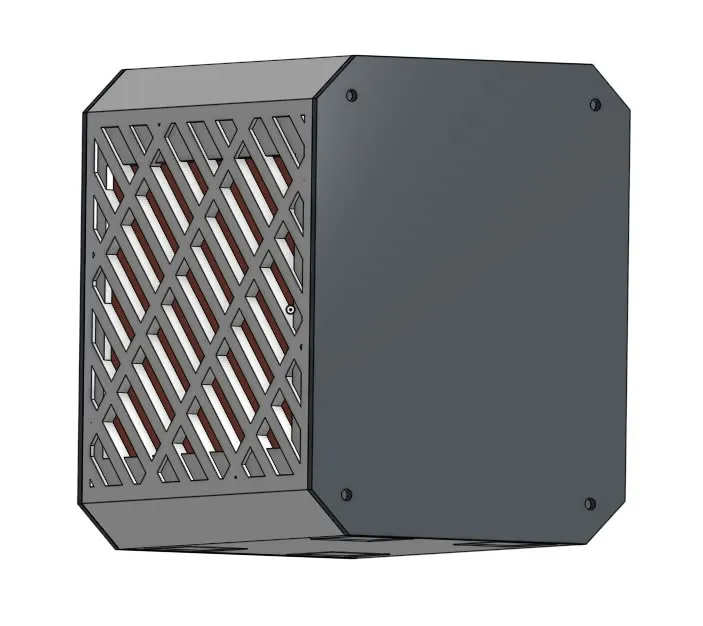
Give your Odroid H3 a professional look and reliable protection with this custom-designed case. The enclosure is tailored for a perfect fit and offers support for M.2 expansion boards, making it ideal for advanced setups and upgrades.
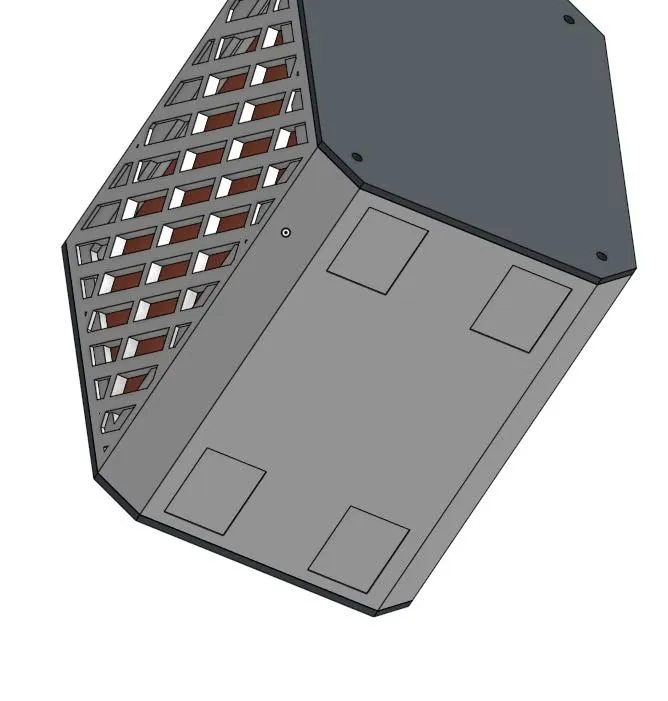
The case is designed for easy 3D printing in PLA and does not require any supports, ensuring a smooth and hassle-free print. Its compact form keeps your workspace tidy while providing robust protection for your hardware.
For best results, print with standard PLA settings. No supports are needed, and the design is optimized for straightforward assembly.
Required Materials
- Screws (M3 x 8 mm)
- Adhesive tape
Manual
Print all case parts using PLA filament. No supports are needed for any component.
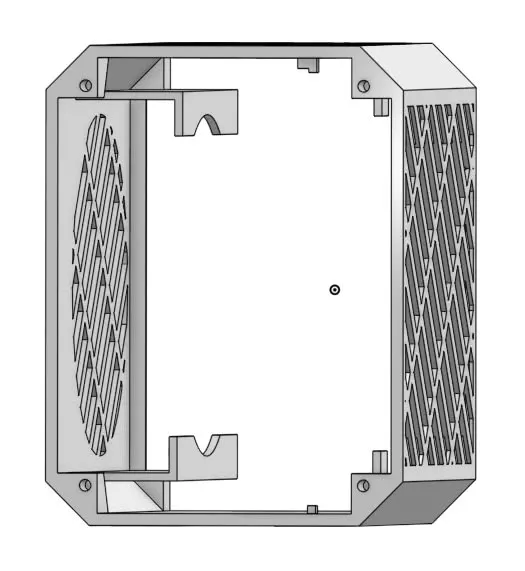
Prepare the Odroid H3 board and insert the compatible fan into the designated slot before installation. Ensure the fan is properly connected and secured.
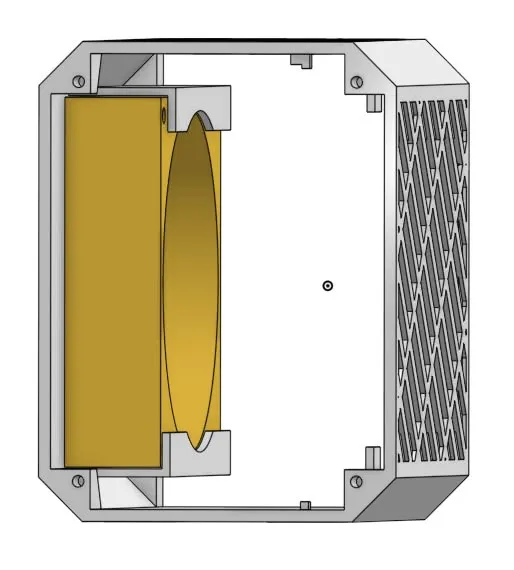
If using an M.2 expansion board, attach it to the Odroid H3 according to the manufacturer's instructions.
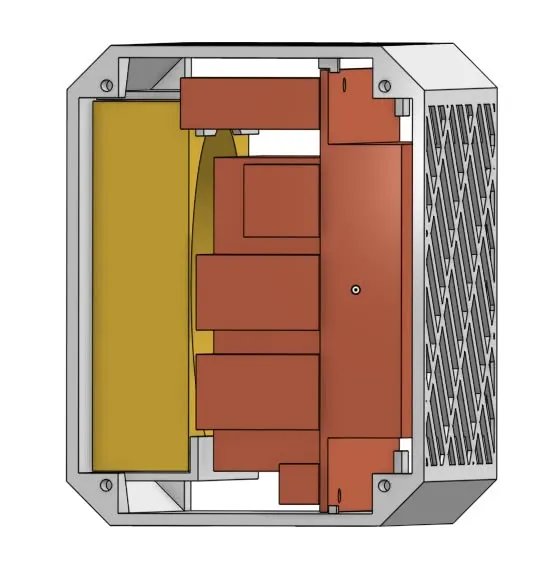
Carefully insert the Odroid H3 into the printed case.
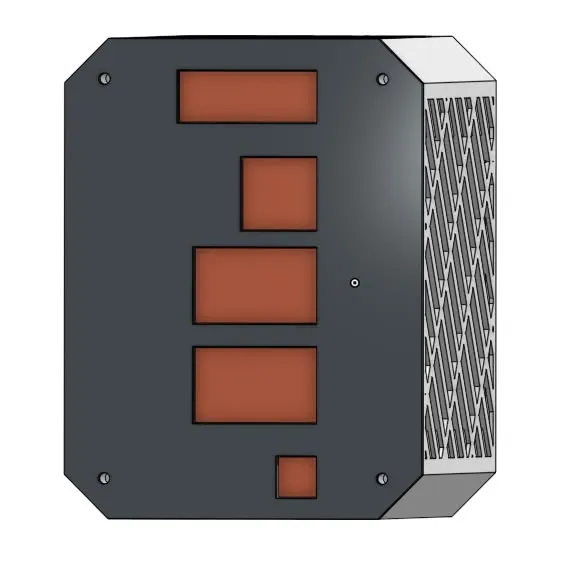
Use M3 x 8 mm screws to secure the board and case parts together as needed.
Use adhesive tape for additional cable management or securing components if necessary.
Documentation (1)
License



Comment & Rating (1)