
Guitar Pedal Enclosure-Hammond Style-Customizable
Print Profile(2)


Bill of Materials


Description
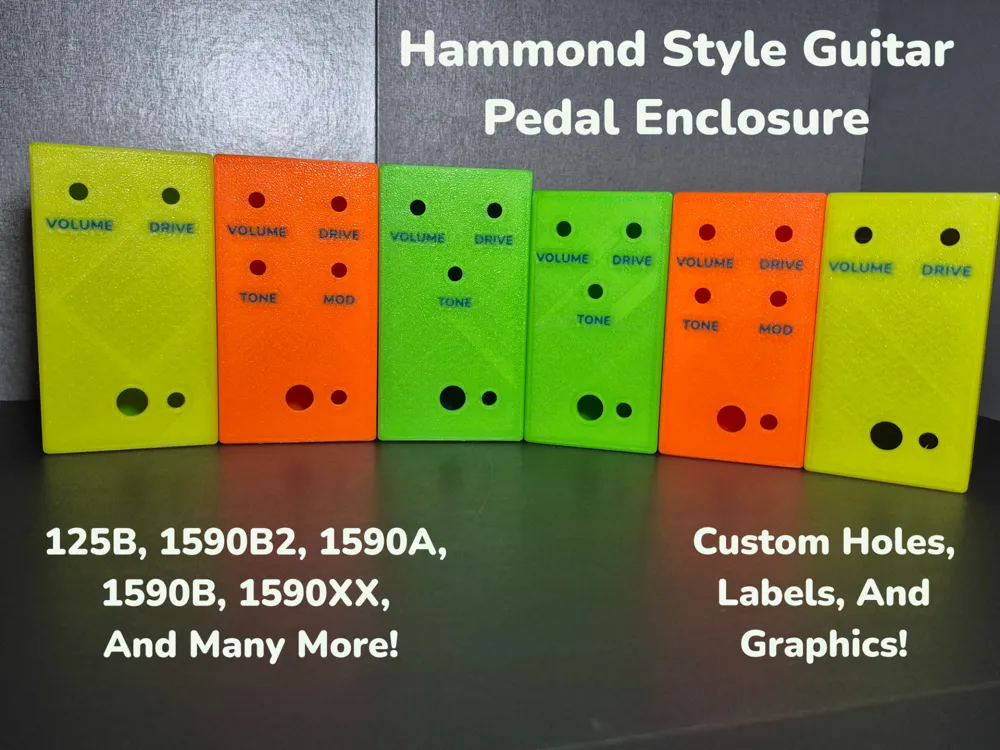
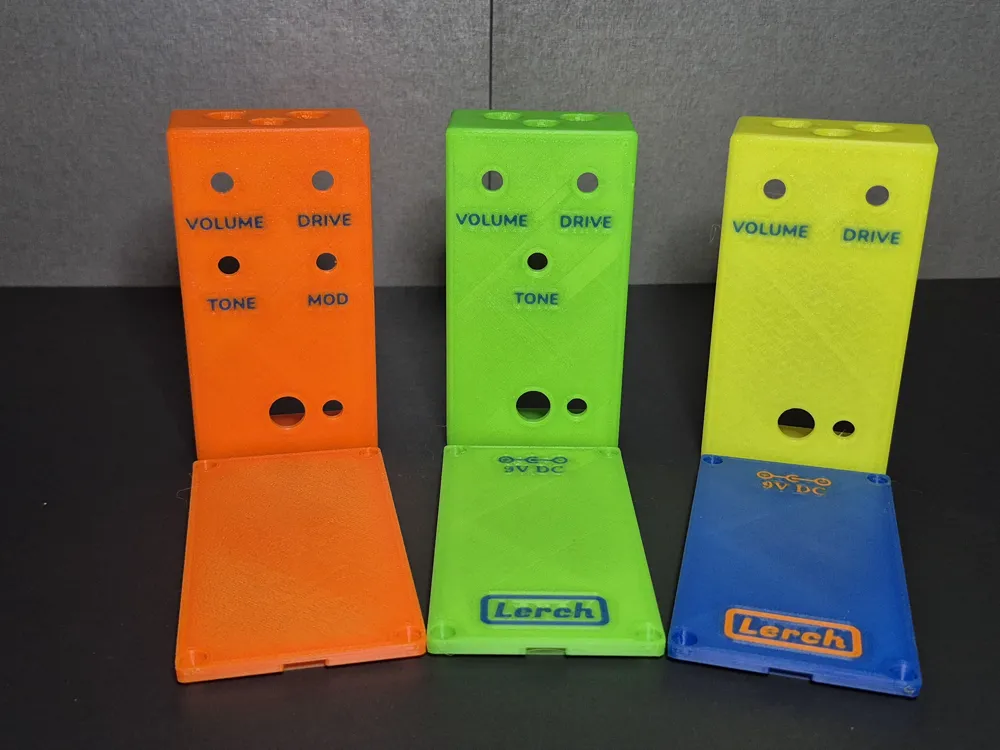
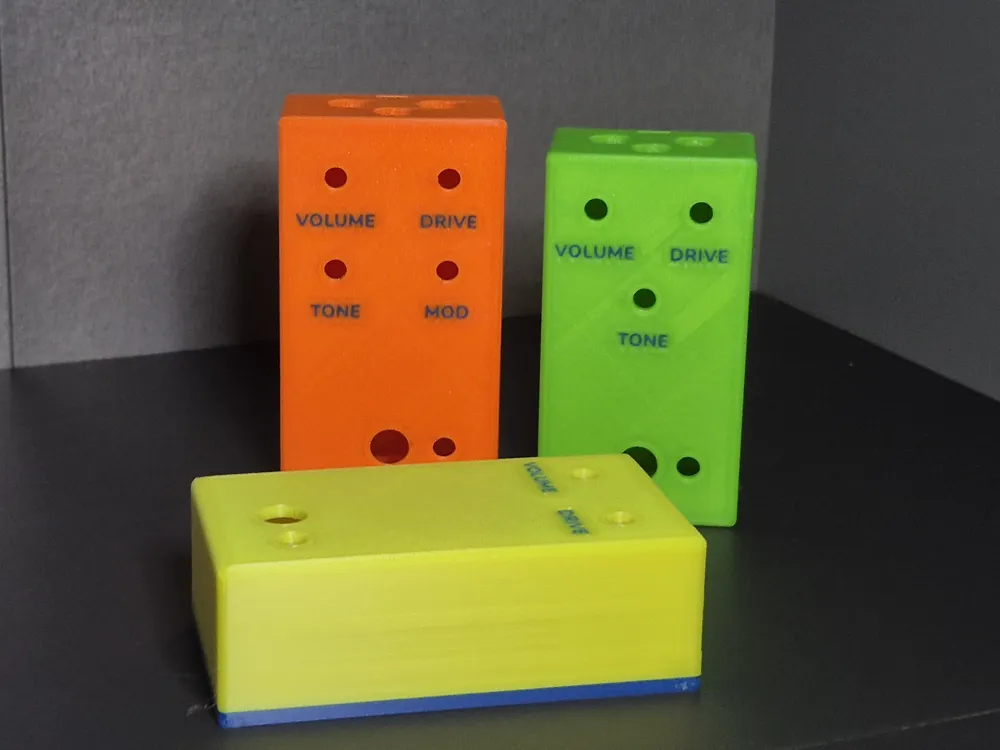
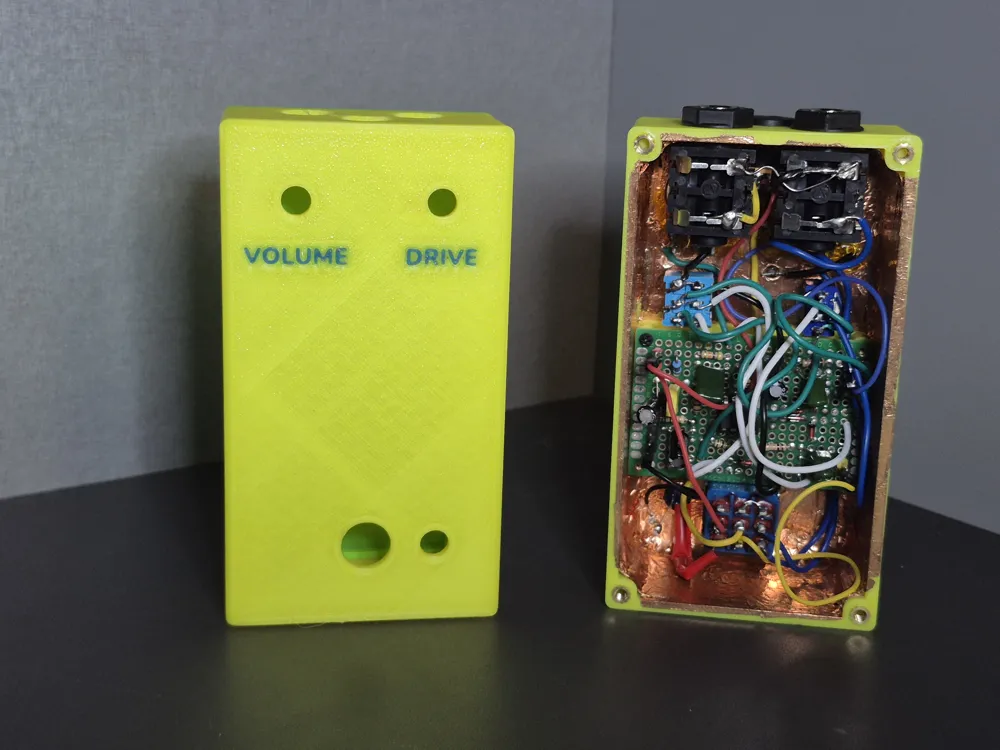
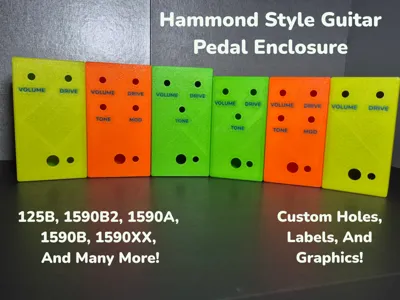
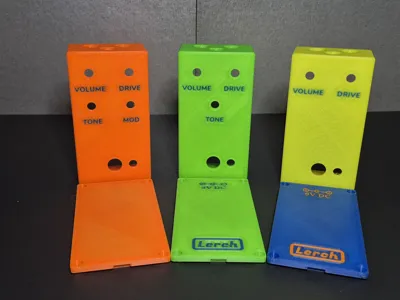
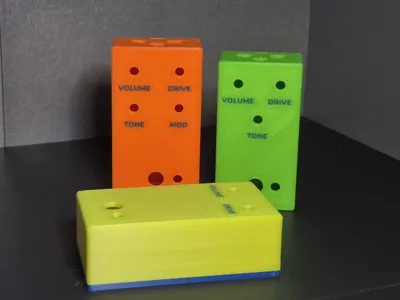
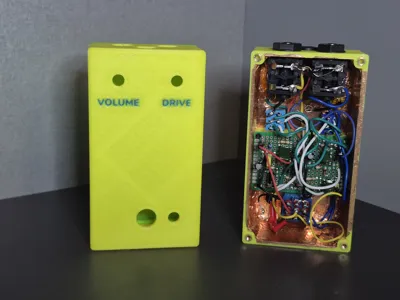
Custom guitar pedal enclosures based on Hammond enclosures. Choose from a wide variety of enclosure sizes or set custom dimensions. Up to 30 custom holes with labels, custom IO dimensions, graphics, heat set insert dimensions, and more!
Usage
Enclosure Parameters | |
show enclosure top | true displays enclosure top |
show enclosure bottom | true displays enclosure bottom
moved to the side if both top and bottom are displayed |
enclosure type | enclosure type based on Hammond models
custom option available |
enclosure orientation | enclosure oriented either portrait or landscape |
wall thickness | thickness of walls (side) of enclosure |
top thickness | thickness of top of enclosure |
rounding | rounding of sides and top of enclosure |
enclosure color | main color of enclosure |
Custom Enclosure Dimensions | |
custom width | width in portrait mode with custom selected as graphic type |
custom length | length in portrait mode with custom selected as graphic type |
custom height | total height including bottom lid |
Bottom Lid Parameters | |
bottom lid height | height of the bottom lid
included in total enclosure height |
cutout depth | depth of the center of the lid |
lip width | width of lip of bottom lip(this is were tolerance is applied) |
lip height | height of lip |
tolerance | tolerance between top and bottom pieces - (applied to bottom piece) |
IO Dimensions | |
audio jack diameter | 7 different types of IO holes available, each with their own diameters |
led hole diameter | |
switch hole diameter | |
power jack diameter | |
pot diameter | |
footswitch diameter | |
custom hole diameter | |
IO Counterbore | |
IO counterbore depth | depth of counterbore for all IO |
audio jack counterbore diameter | counterbore diameter for each type of IO |
led hole counterbore diameter | |
switch hole counterbore diameter | |
power jack counterbore diameter | |
pot counterbore diameter | |
footswitch counterbore diameter | |
custom counterbore hole diameter | |
Post (Screws) Parameters | |
post width | width of post (posts are square) |
post rounding | rounding of post(half of post width makes post a circle) |
screw length | length of screw (including head)
give extra space if using heat set inserts
default is for 5mm 3M screws |
screw counterbore length | how deep counterbore is
how high the screw is in the bottom lid |
screw type | default is set for M3 flat head screws with heat set inserts
see BOSL2 documentation for more info
|
head type | |
threads | |
screw hole overside | used for heat thread inserts
how much larger the diameter of the hole should be than the screw |
Graphics Parameters | |
graphic color | main color of graphic |
graphic type | flush or debossed (see below for more info on flush graphics) |
graphic depth | depth of the graphic |
force flush fix | fixes artifacts for flush graphics
debosses graphic an extremely small amount that is less then the resolution of FDM printers
only needed if using on Makerworld |
flush fix value | value to deboss graphic (should be very small) |
Main Graphic Parameters | |
main graphic type | text, svg, or none |
main graphic vert placement | determine starting location of graphic |
main graphic horiz placement | |
main graphic offset | X and Y values to move graphic |
main graphic svg | svg file to upload |
main graphic svg scale | scale of svg image |
main graphic text | text to display |
main graphic text font | font of text |
main graphic text font style | font style (bold, italic, etc.) |
main graphic text size | size of text |
Brand Graphic Parameters | |
brand graphic type | text or svg |
brand graphic side | bottom lid, top enclosure, or none
to have on both top and bottom, render and export top enclosure and bottom lid separately |
brand graphic vert placement | determine starting location of graphic |
brand graphic horiz placement | |
brand graphic offset | X and Y values to move graphic |
brand graphic svg | svg file to upload |
brand graphic svg scale | scale of svg image |
brand graphic text | text to display |
brand graphic text font | font of text |
brand graphic text font style | font style (bold, italic, etc.) |
brand graphic text size | size of text |
Power Graphic Parameters | |
power graphic type | center negative or center positive
none to remove |
power graphic vert placement | determine starting location of graphic |
power graphic horiz placement | |
power graphic offset | X and Y values to move graphic |
power graphic voltage | voltage to display in graphic |
power graphic scale | scale of graphic |
Advanced Parameters | |
accurate internal dimensions | if true, changing thickness options over stock makes enclosure bigger
doesn't apply to custom dimensions
used to replicate enclosure with thicker walls, but similar internal dimensions |
stock wall thickness | used with accurate internal dimensions, thickness to consider stock |
stock top thickness | |
use pot anchors | set true for extra holes around potentiometers to fit anchor tabs |
pot anchor loc | distance anchor tab is from center of potentiometer |
pot anchor dim | X, Y, and Z values for potentiometer anchor hole |
top bottom display separation | separation distance between top and bottom pieces in display |
enclosure top face down | flip top enclosure into printing position |
fn | model accuracy |
Fonts
Multiple fonts available (including emojis). View available fonts by selecting the code tab in customizer and selecting the libraries and fonts button (next to save). Run locally in OpenSCAD to use custom fonts.
To use emojis
- Use “Noto Emoji” as font
- Copy emoji from Noto Emoji glyphs page
To use Unicode symbols
- Use “Noto Sans Symbols” or "Noto Sans Symbols 2" as font
- Copy Symbol from corresponding glyphs page (Symbols, Symbols 2)
Flush Graphic Option
- If you are having strange artifacts in the graphic make sure the “force flush fix” variable is set to true.
- If you don't want to use “force flush fix” you can get a more accurate model by the script locally in the dev snapshot version of OpenSCAD, using the settings below. Additionally this script requires the BOSL2 library to be added to OpenSCAD's available libraries.
-
- Under Edit / Preferences / Features check the boxes next to
- lazy union
- textmetrics
predictable-output
Under Edit / Preferences / Advanced make sure Backend is set to Manifold (new/fast)
- To install BOSL2 library (additional installation instructions on github readme)
- download zip file from github (click green code button and download as zip)
- extract contents of zip and rename extracted directory as “BOSL2”
- in OpenSCAD, under File, select Show Library Folder
move extracted BOSL2 folder into library folder
- Under Edit / Preferences / Features check the boxes next to
- Files exported from OpenSCAD can be exported as either .stl or .3mf but need to be separated by part in slicer so each part can be colored individually.
- Files exported from customizer need to be exported as .3mf
Updated 11/25/25
- Fixed bug when rendering bottom lid
- Added option to flip top enclosure
License

You shall not share, sub-license, sell, rent, host, transfer, or distribute in any way the digital or 3D printed versions of this object, nor any other derivative work of this object in its digital or physical format (including - but not limited to - remixes of this object, and hosting on other digital platforms). The objects may not be used without permission in any way whatsoever in which you charge money, or collect fees.


Comment & Rating (14)