
Print Profile(1)

Description
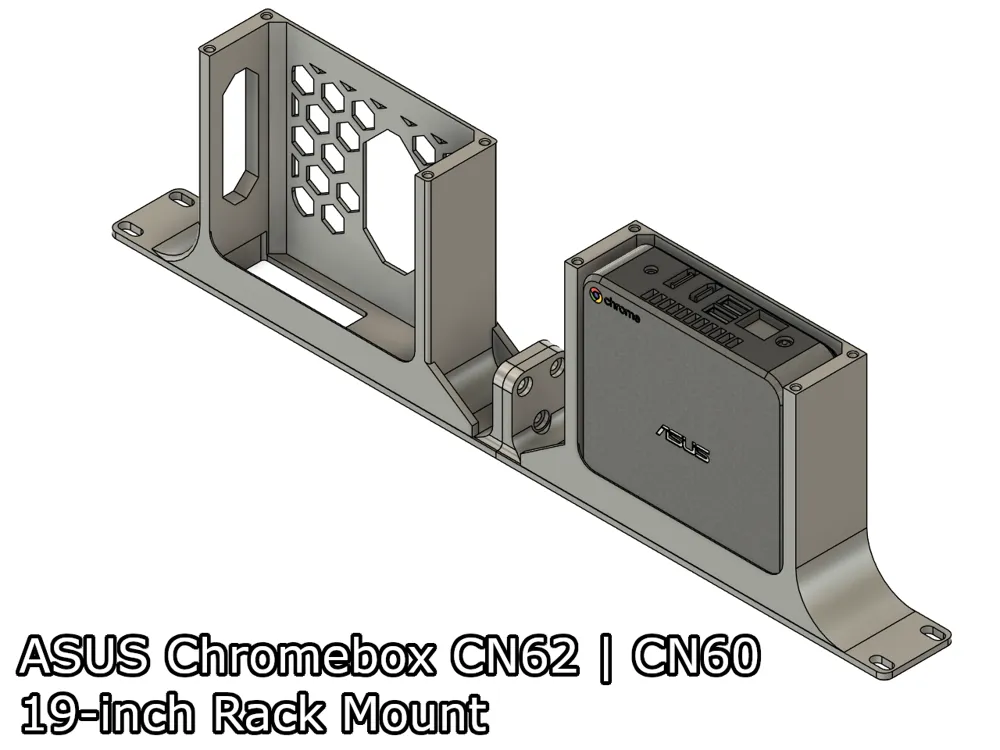
A 2 part modular rack mount for the Asus Chromebox CN60 | CN62. Add this mini PC to your homelab with ease!
If you wish to know how to remove Chrome OS on this device, please follow the steps here: https://docs.mrchromebox.tech/
This mount is part of a 19-inch modular rack mount system I designed. You can mix and match the modules with other mounts. Take a look at my models here to find out the other 19-inch mount modules.
Boost Me (for free)
I make these models for free, and it takes time and material to test them out. Your boost will help me keep releasing new models! Thank you!
Membership
Want to support me further? Or sell my prints? Please consider one of my membership tiers. Thank you!
Do you like my models? Consider buying me a coffee ;)

Required Parts
- 3x M5 screws (Min size: 12mm, max size: 16mm).
- 3x M5 hex nuts.
- 4x M3x10 or 4x M3x12 for the back plate.
- 4x M3 thread inserts.
Mount Assembly
OBS.: The modules used in this tutorial are only for illustration purposes, and I'm using them for the whole series. It might not reflect the models you download from this page.
- To assemble the parts, insert the 3 screws into the Right module.
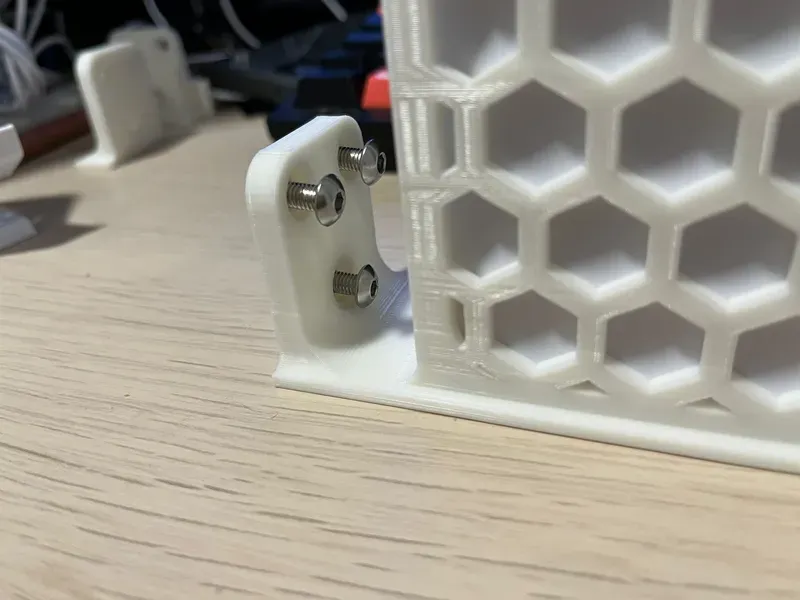
- Then align it with the Left module.
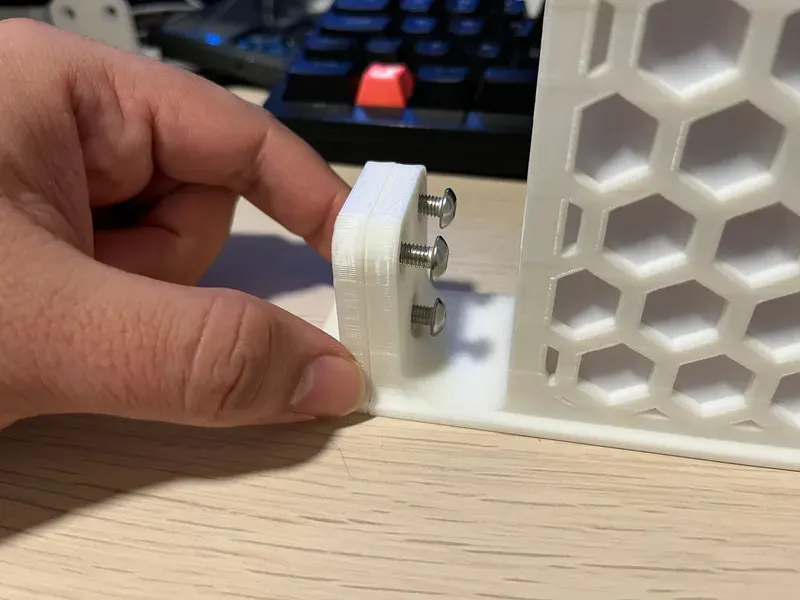
- After that, insert the hex nuts in the screws, and using a screwdriver or allen key.
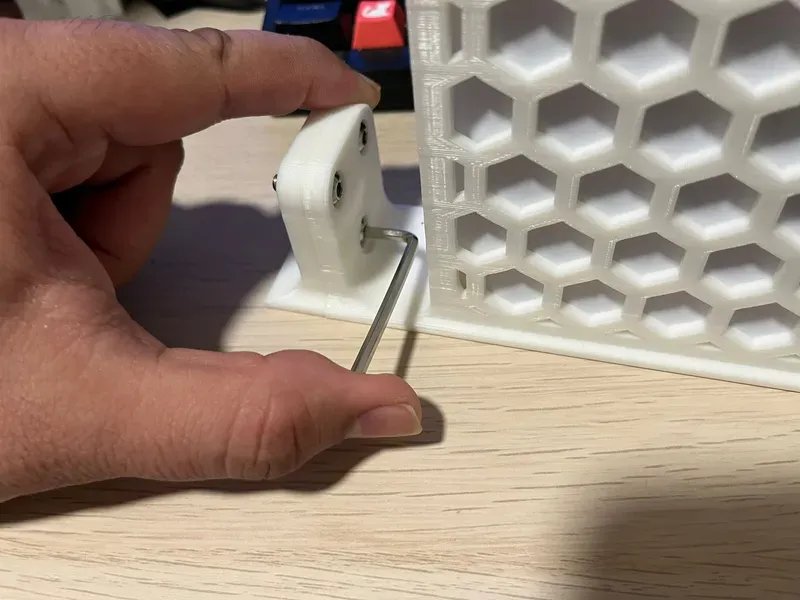
- Tighten the screws until you start feeling resistance and the nuts are securely into place. After that, you can install the mount in your rack.
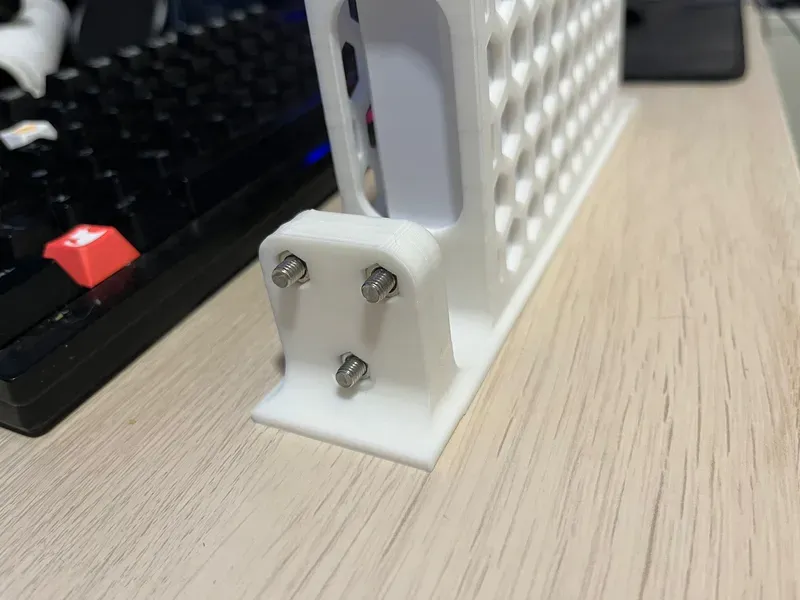
Print Settings
Rafts:
Doesn't Matter.
Supports:
No.
Resolution:
0.2 or 0.24
Walls/Perimeters:
At least 4.
Infill:
20% or more.
Filament:
Any.
License



Comment & Rating (6)