
0.4 Bambu Slicer 2.2 Max Flow Test - Up to 50mm3/s
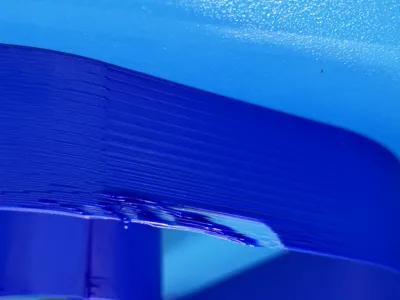
Print Profile(9)


Description
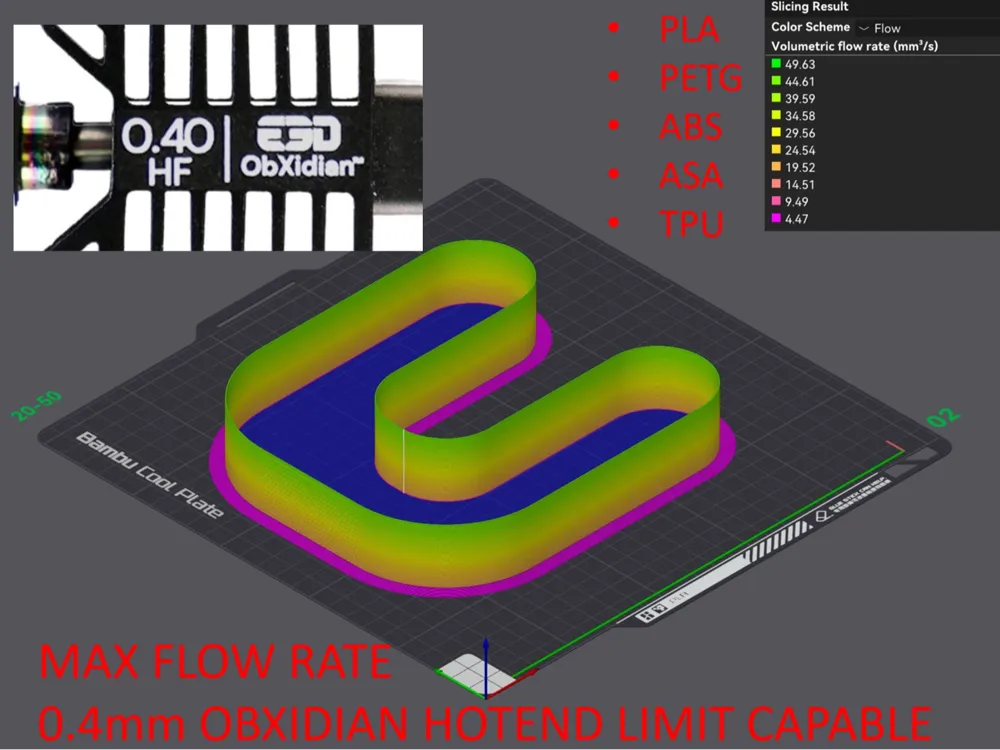
0.4mm Nozzle - Bambu Slicer 2.2 Max Flow Test - Up to 50 mm3/s
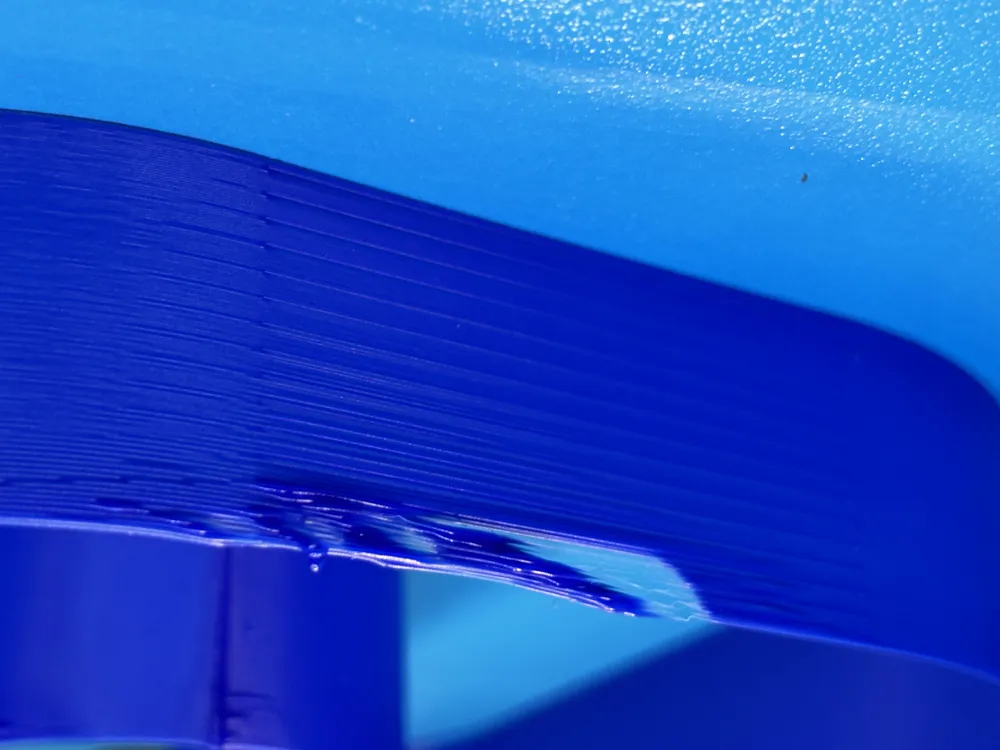
WARNING - YOU SHOULD NOT LEAVE THIS TEST UNATTENDED WHEN PRINTING. Most of the time the extrusion will start to fail before completing so you will want to stop it manually.
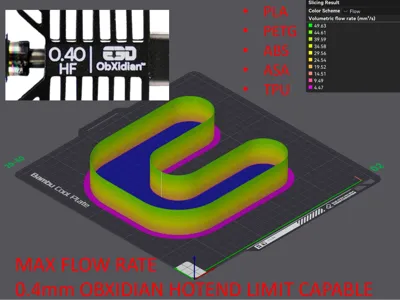
Can reach or exceed the 0.4mm Obxidian Hotend limits.
IF YOU ARE USING THIS FOR H2 OR THE NEW P2 SERIES PRINTERS PLEASE NOTE THEY HAVE THEIR OWN PROFILES.
For 0.6mm nozzle tests, see HERE
For 0.8mm nozzle tests, see HERE
If you are looking for some ObXidian MAX SPEED 0.4 profiles please check HERE
I loved having the previous remix from tsubus to test my max flow rates. However, the biggest issues I hade were
- the files were extremely slow to navigate and slice due to all the modifiers it needs.
- the new Obxidian hotend can go past the highest level on the test.
- it was kind of a pain sometimes to measure it out with a caliper each time.
- since it was centered, it would smack the PTFE Tube and cable chain against the right side of the printer. The faster it was going the worse it was.
When Bambu Studio 2.2 came out, I saw they added layer height modifiers as a line item and decided to overhaul the test attempt to fix all 4 issues.
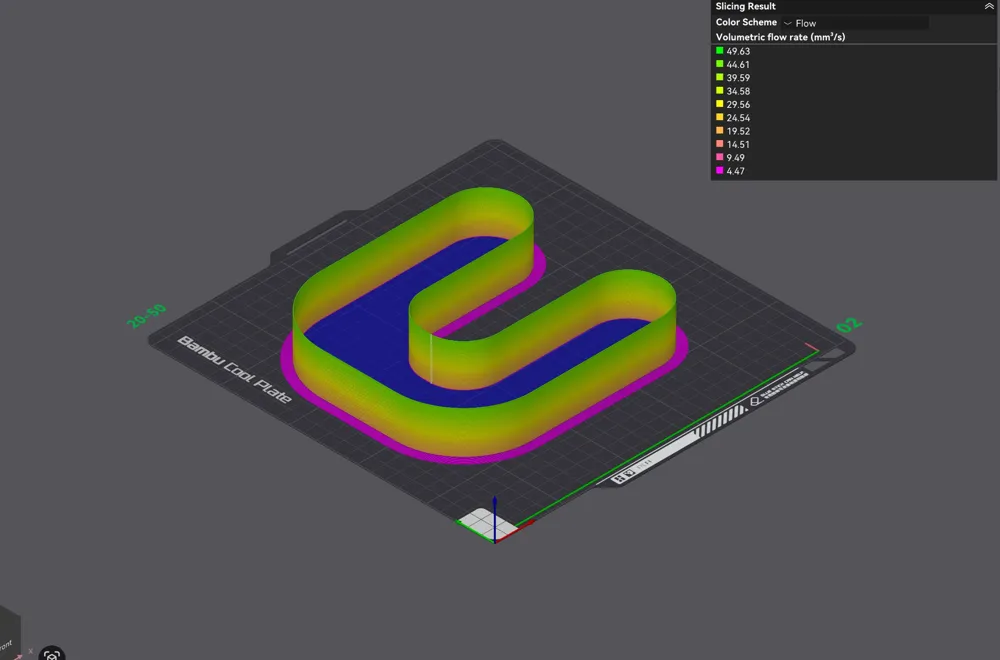
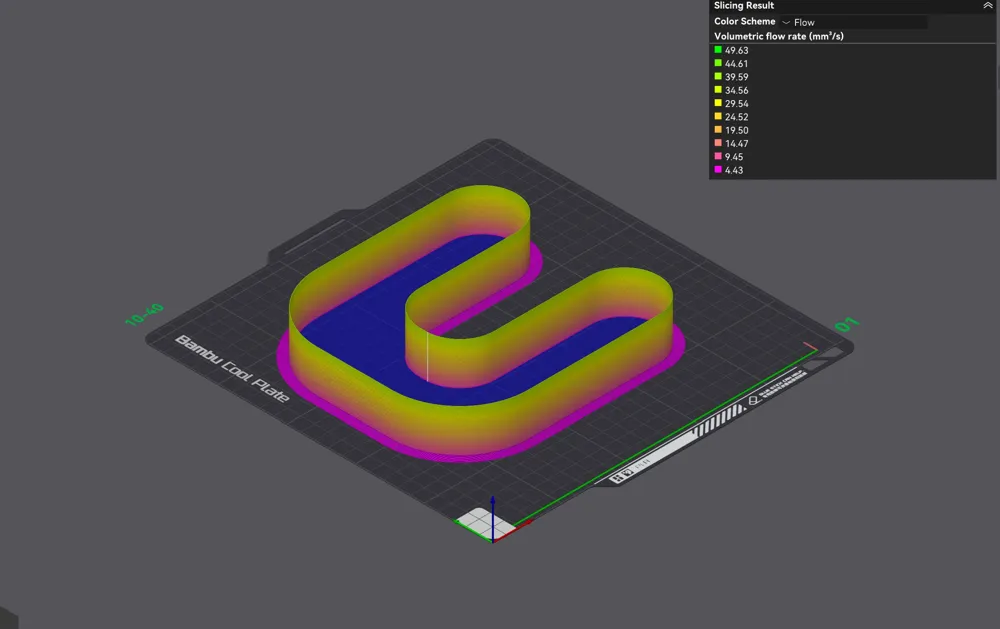
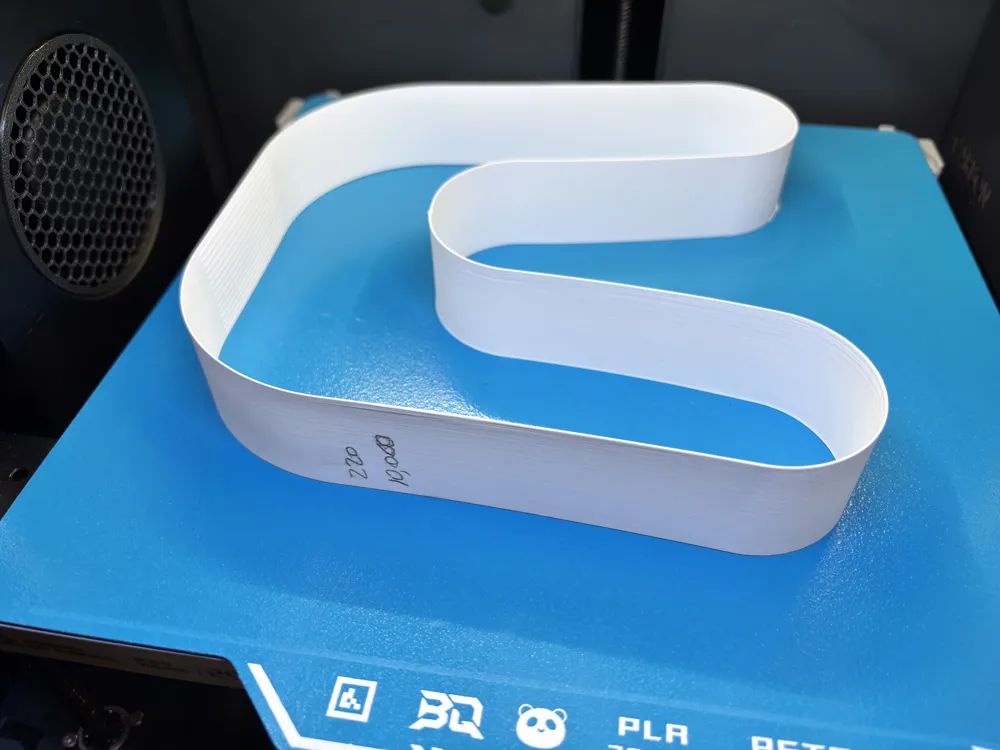
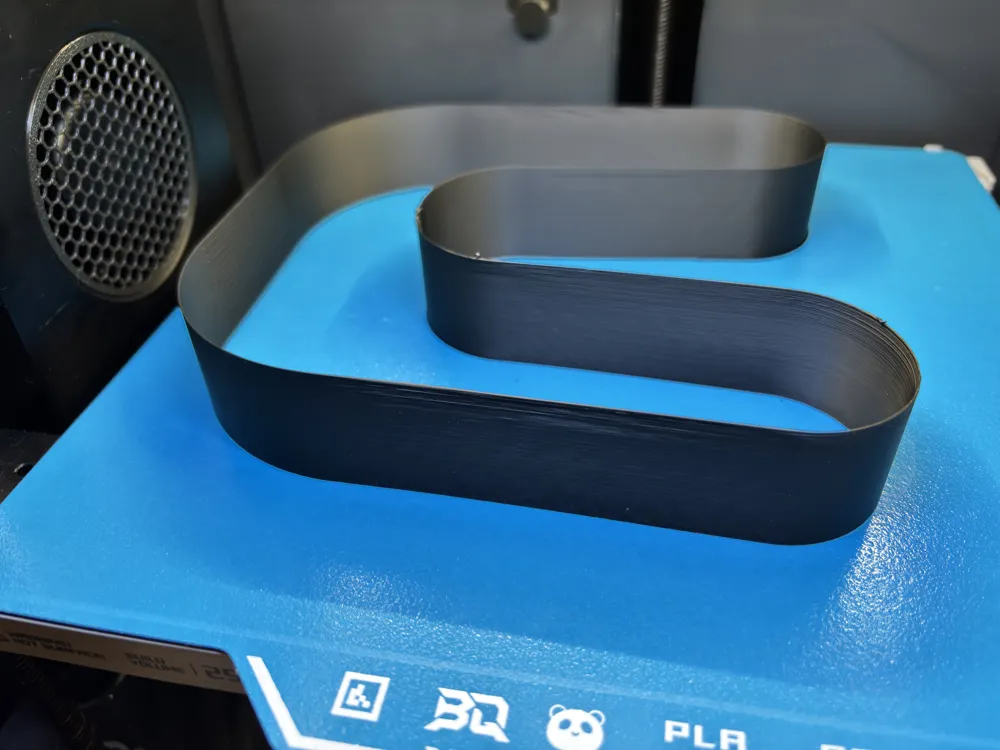
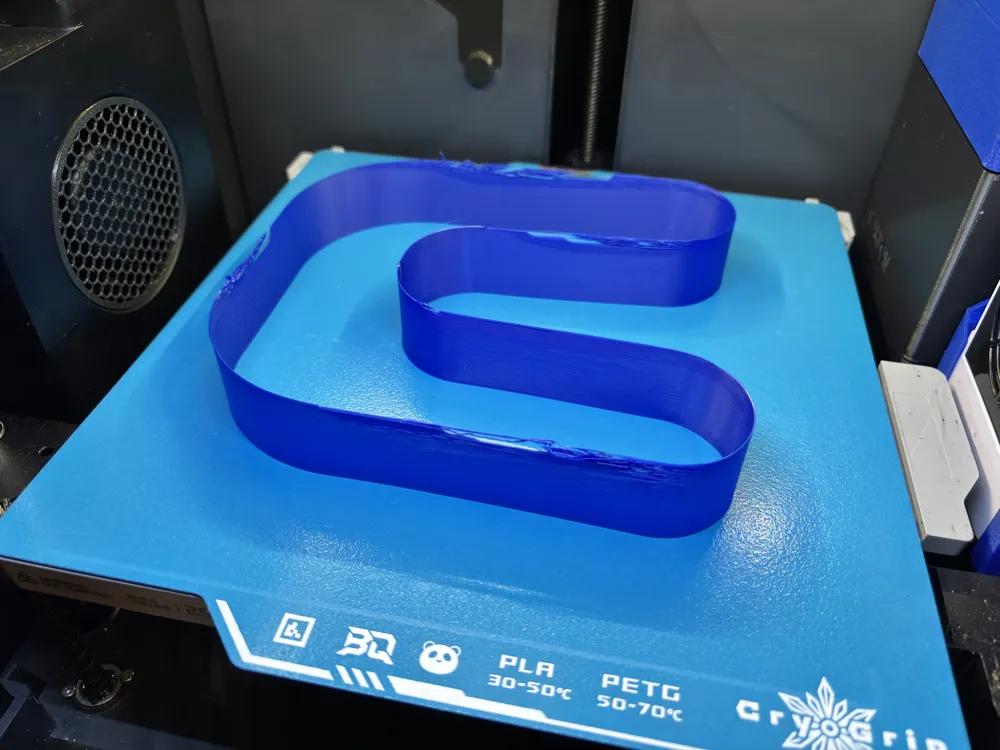
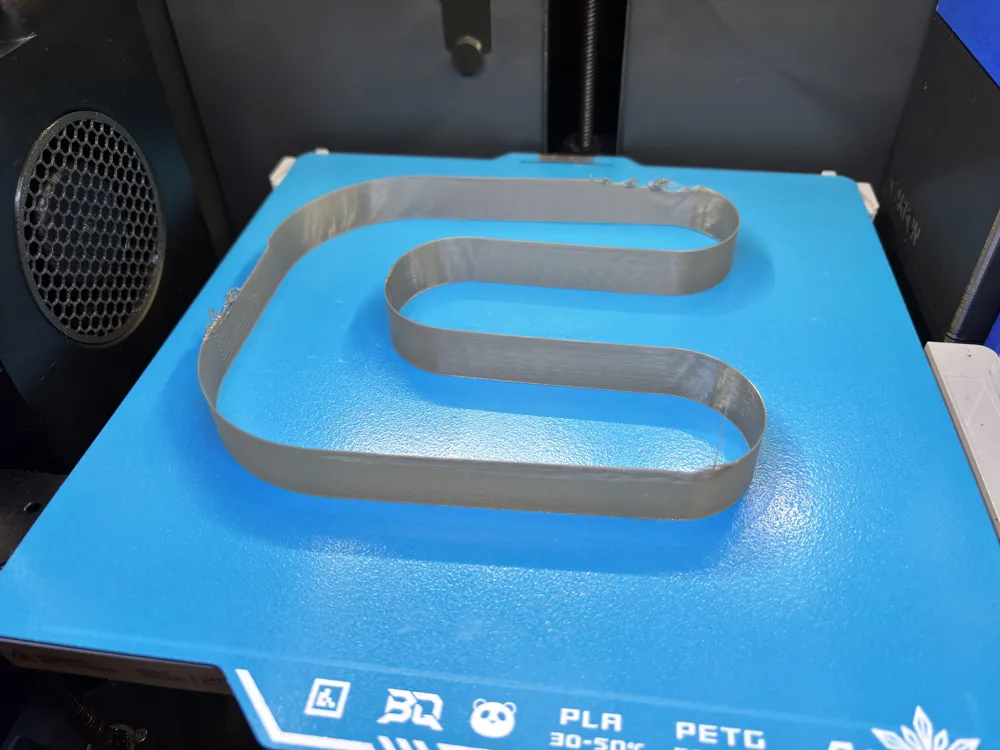
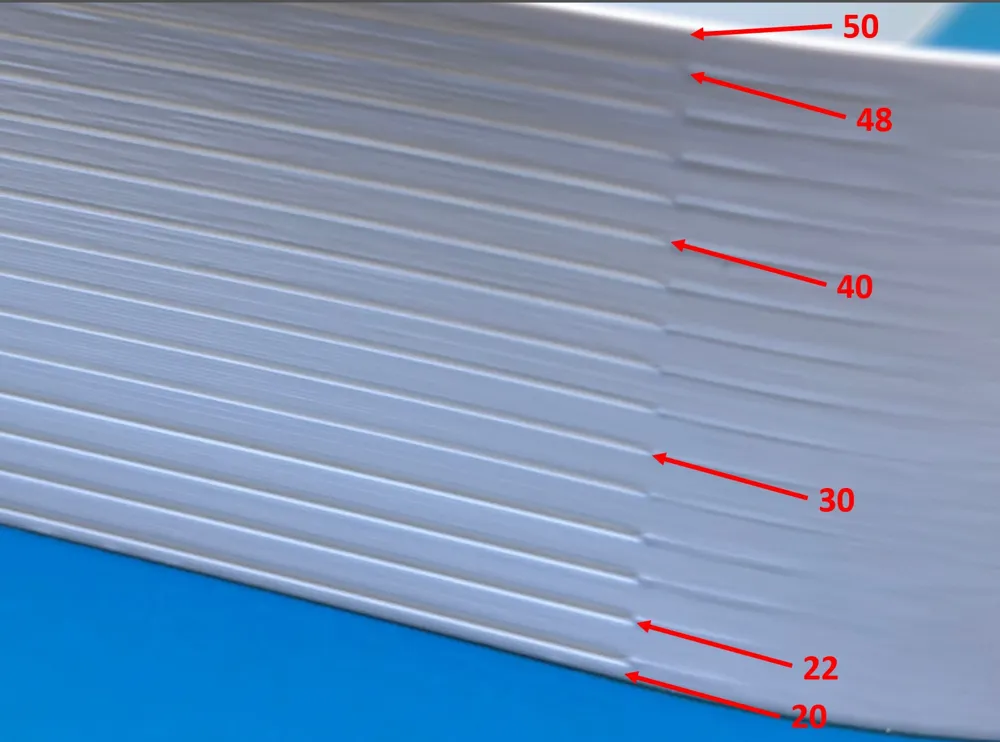
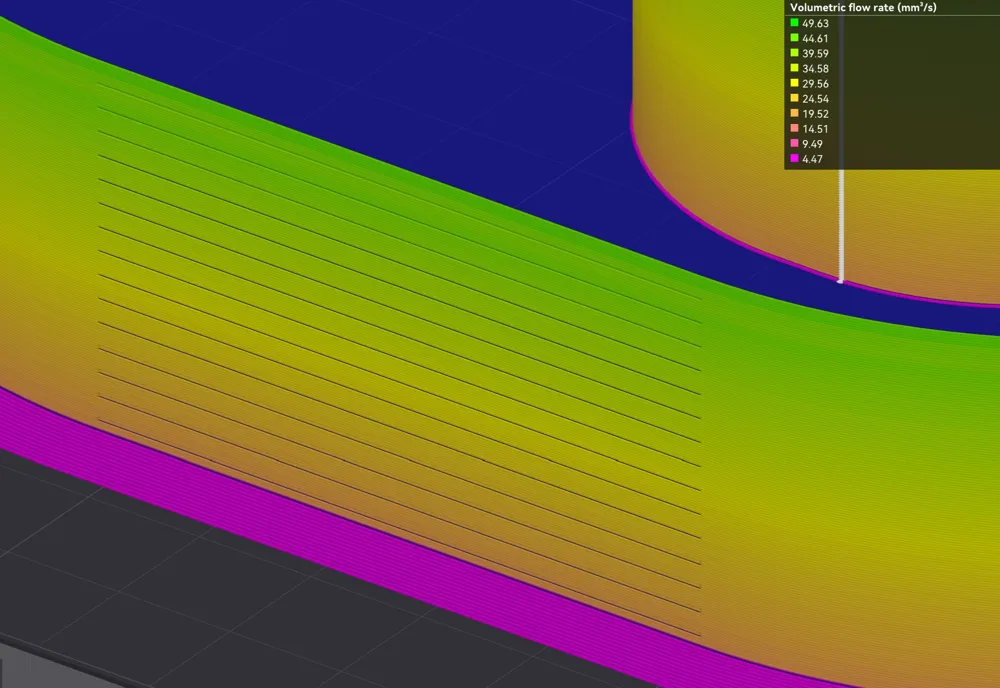
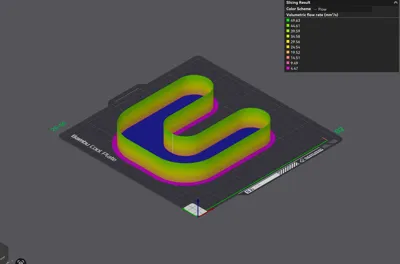
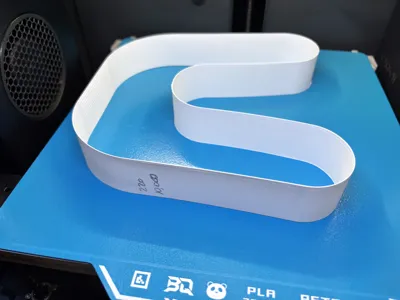
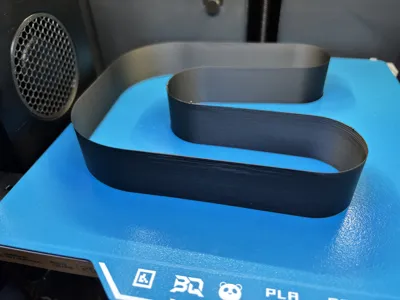
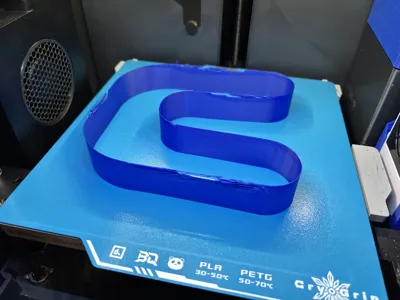
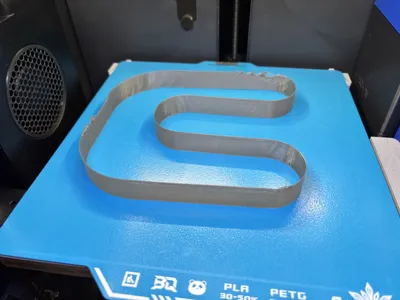
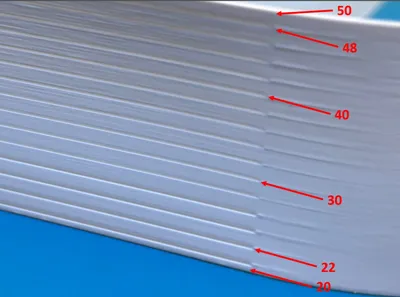
I started with a fresh model with slightly different dimensions, added a small straight for the seam to deal with, and added graduation lines to quickly find the flowrate. The line represents the end (top) line of that flow rate. Each mark represents 2 mm3/s of flow change (the test actually runs in 1 mm3/s increments).
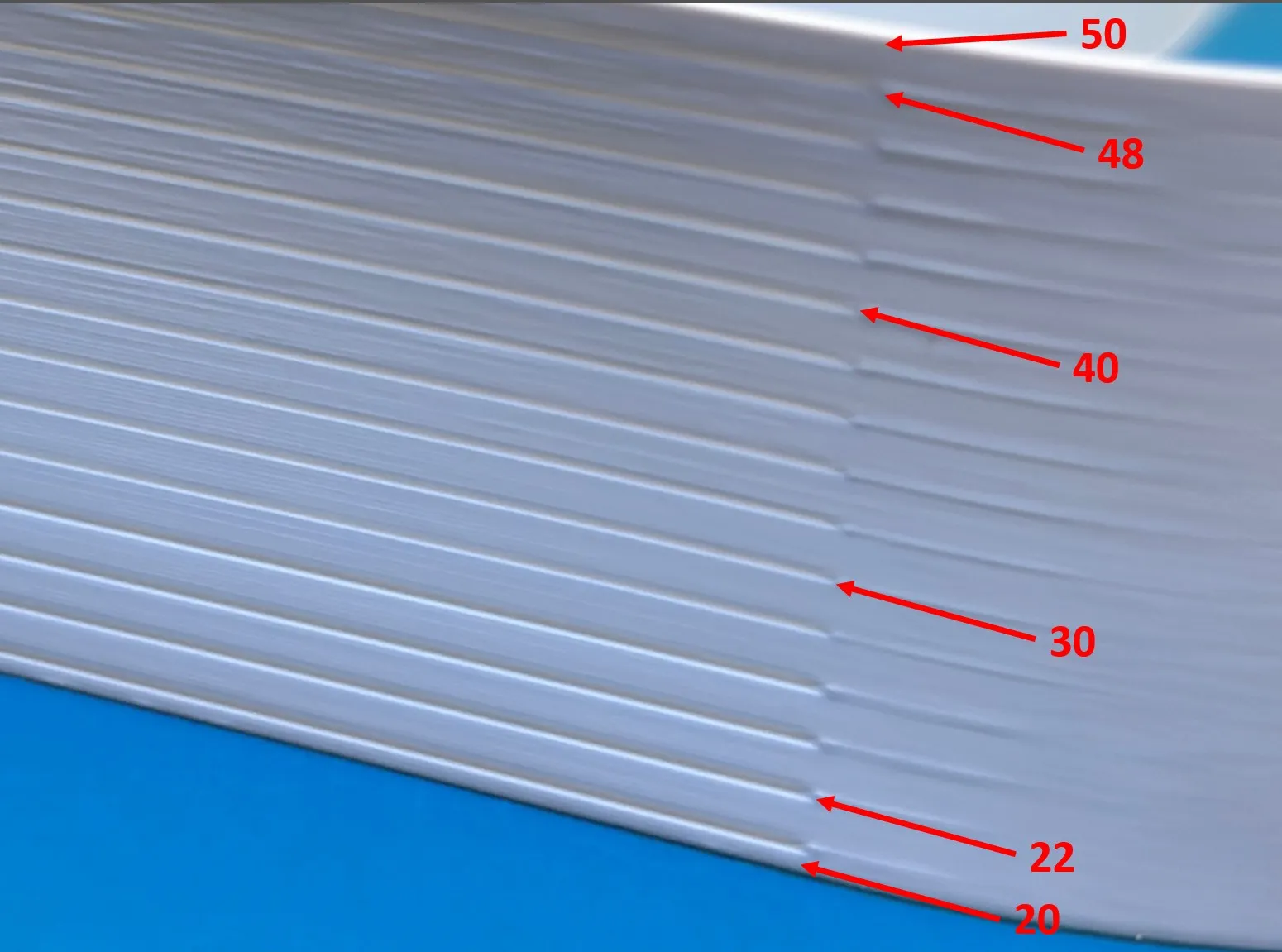
All the speed changes are done using the new line item height modifiers so there is virtually no delay in navigating and slicing (slicing now takes my PC about 2 seconds).
I even shifted the model to the left to reduce how much it hits the right side. Couldn't eliminate it completely, but at 500mm/s the old one hit pretty hard.
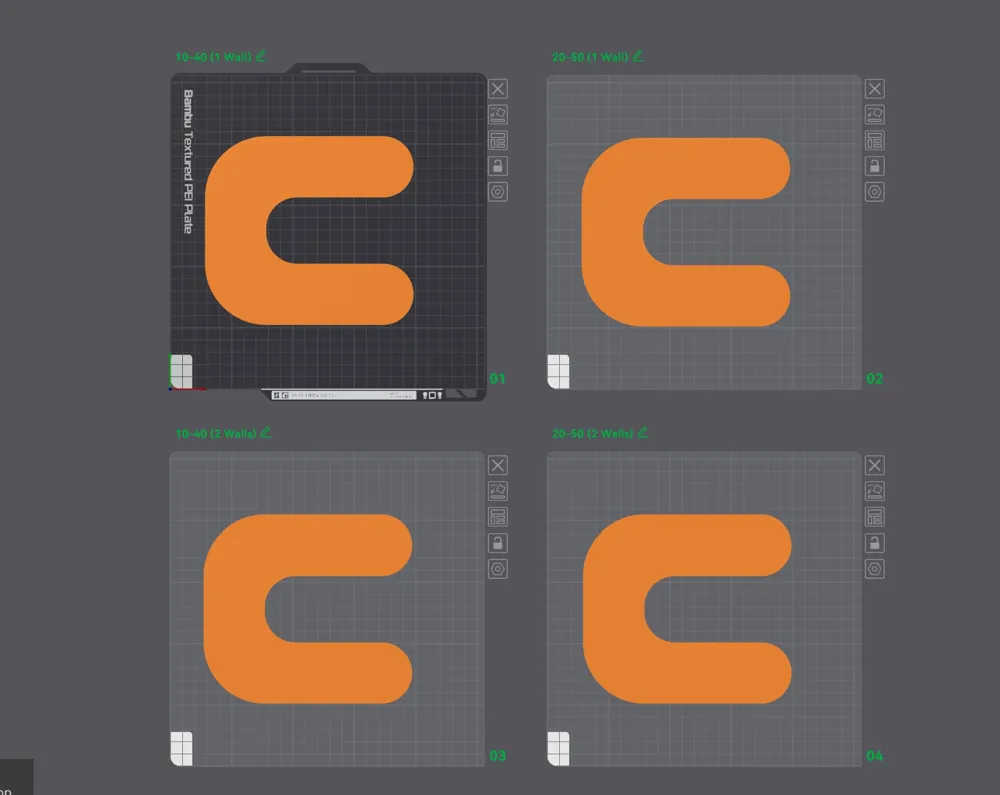
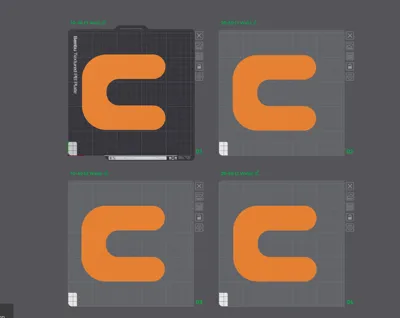
Each print profile contains 4 plates - one that goes from 10-40 mm3/s so it can be used with standard hotends, and one that goes from 20-50 mm3/s to make sure you meet or exceed the limits of the OBX Hotend. Both of those are available in either single wall or 2 walls depending on what you want to test. 1 wall gets done faster and uses less filament, while 2 walls allows longer layer time for cooling and tests being able to maintain that flow alongside another wall. Both use a seam instead of vase mode so you can check your linear advance setting at that flow rate.
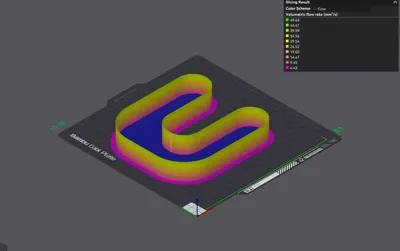
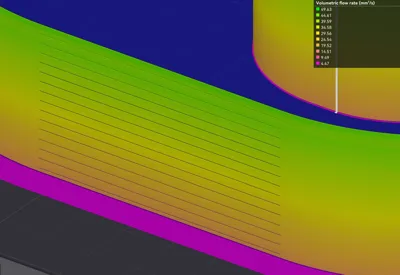
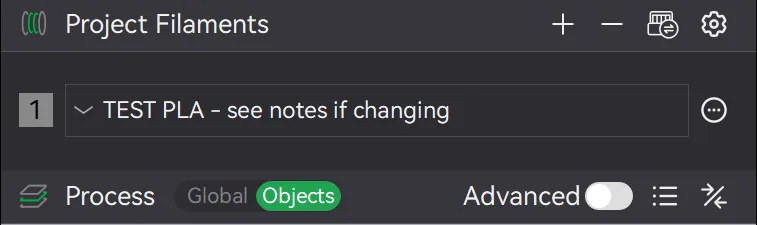
Please use the filament profile provided labeled “TEST PLA, TEST PETG, etc.” You can change the temperatures in it but if you change the filament profile completely please check that you haven't altered the flow rates by using the “flow” tab in the preview window like a couple of the images above.
Some things to note:
- If you are going to test an OBX Hotend, make sure you leave the printer alone once the print starts. I found this out the hard way. Part way thru a test with the white one, I took the glass off top and an AMS HT I had mounted to the side. It failed not long after due to the compensations being off. At that speed it makes that much difference. It's not even a bad idea to run a machine calibration before doing the test but that probably isn't necessary.
- Again for the OBX Hotend, I prefer using the Biqu Frostbite or Bambu Supertack plate just to help keep it from lifting at that high speed.
- On the 20-50, using the standard wall thickness of 0.42mm hits the machine speed limit of 500mm/s at about 42mm3/s, so after that I increased the wall thickness 0.01mm at a time and adjusted the speed slightly to achieve those flow rates. (Even though the profile shows 0.5mm outer wall it doesn't actually use that until it hits 50 mm3/s)
- I upped the outer wall acceleration to 10000 to make sure it hits full speed whenever possible.
- These profiles are set up for a 0.4mm nozzle.
UPDATE 2025-09-13: Added a TPU Profile per request and added additional notes. Volumetric Speed Range 3-21 mm3/s
UPDATE 2025-09-15: Added 2-Wall Options
UPDATE 2025-09-29: Added separate profiles for H2 Series, added test filaments for A1, A1 Mini, to other profiles.
UPDATE 2025-11-04: Changed lines to graduated type for easier reading. Added P2S to H2 Series profiles and removed it from the regular profiles (Makerworld had automatically added it at P2S release which was incorrect).
This remix is based on


License



Comment & Rating (212)