Search models, users, collections, and posts

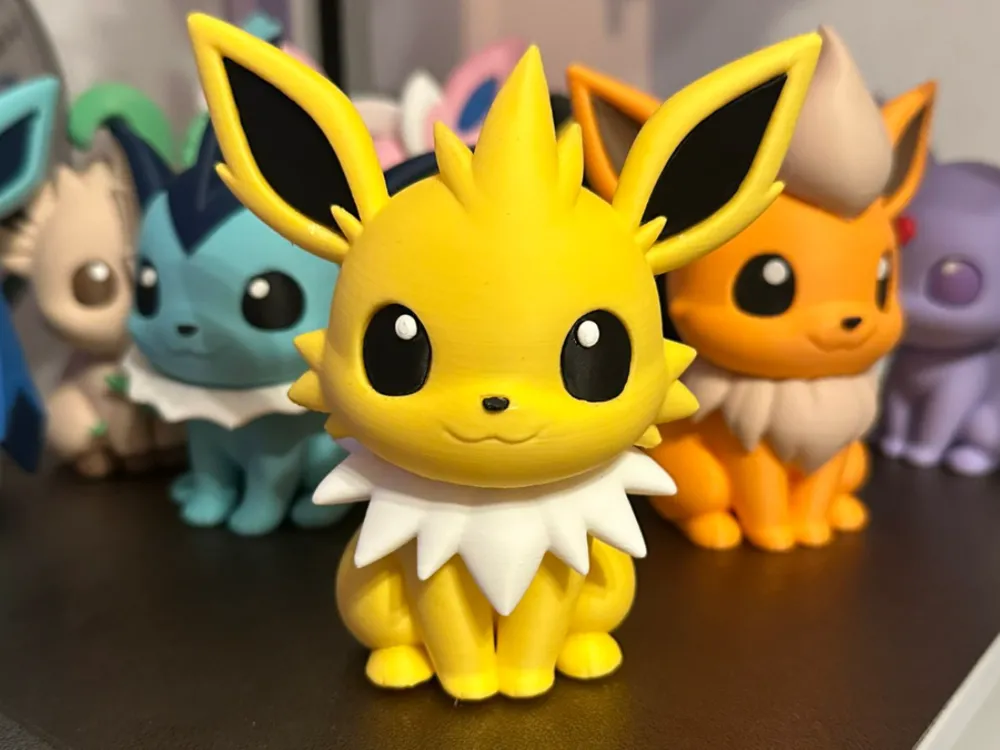
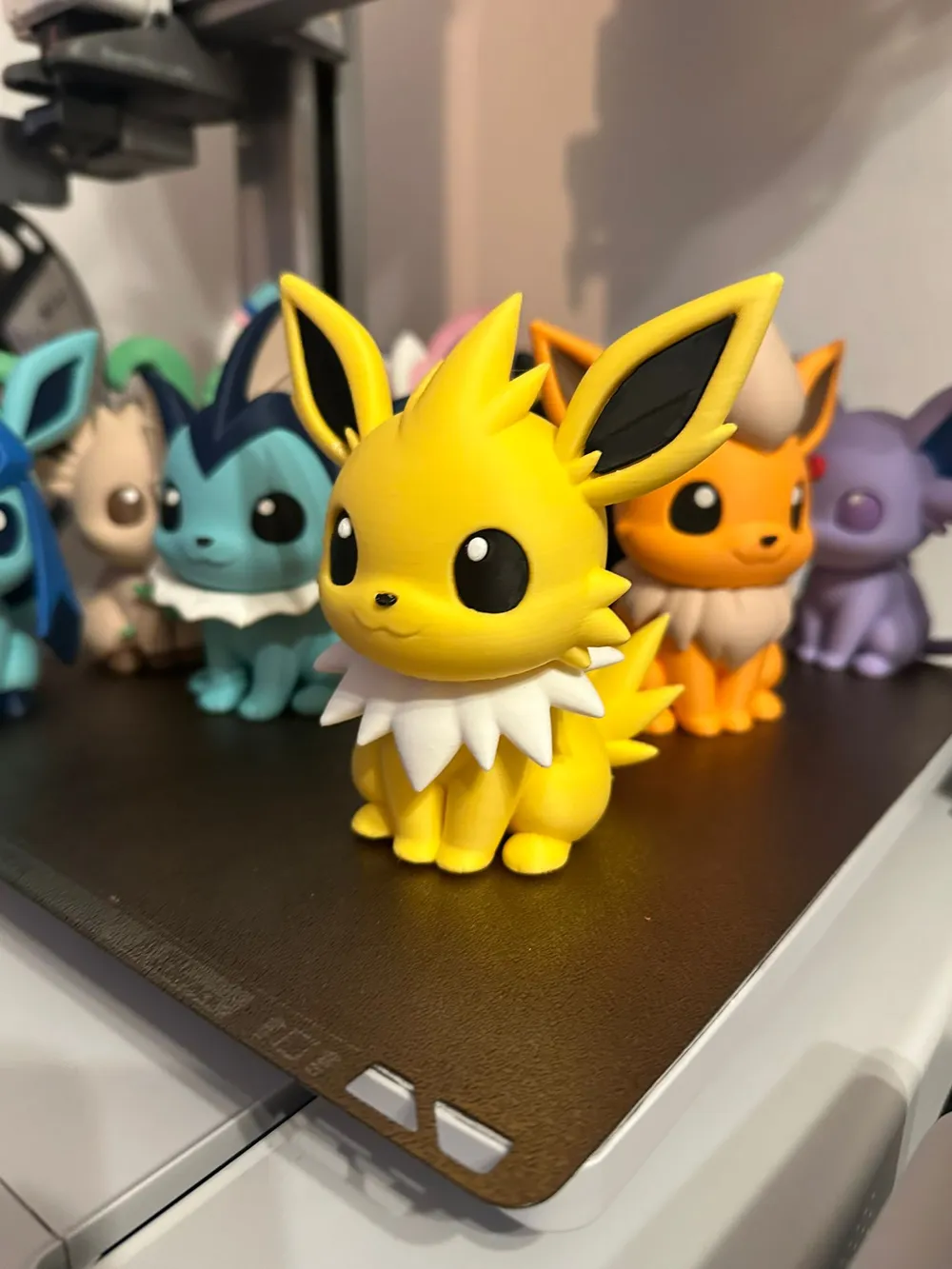
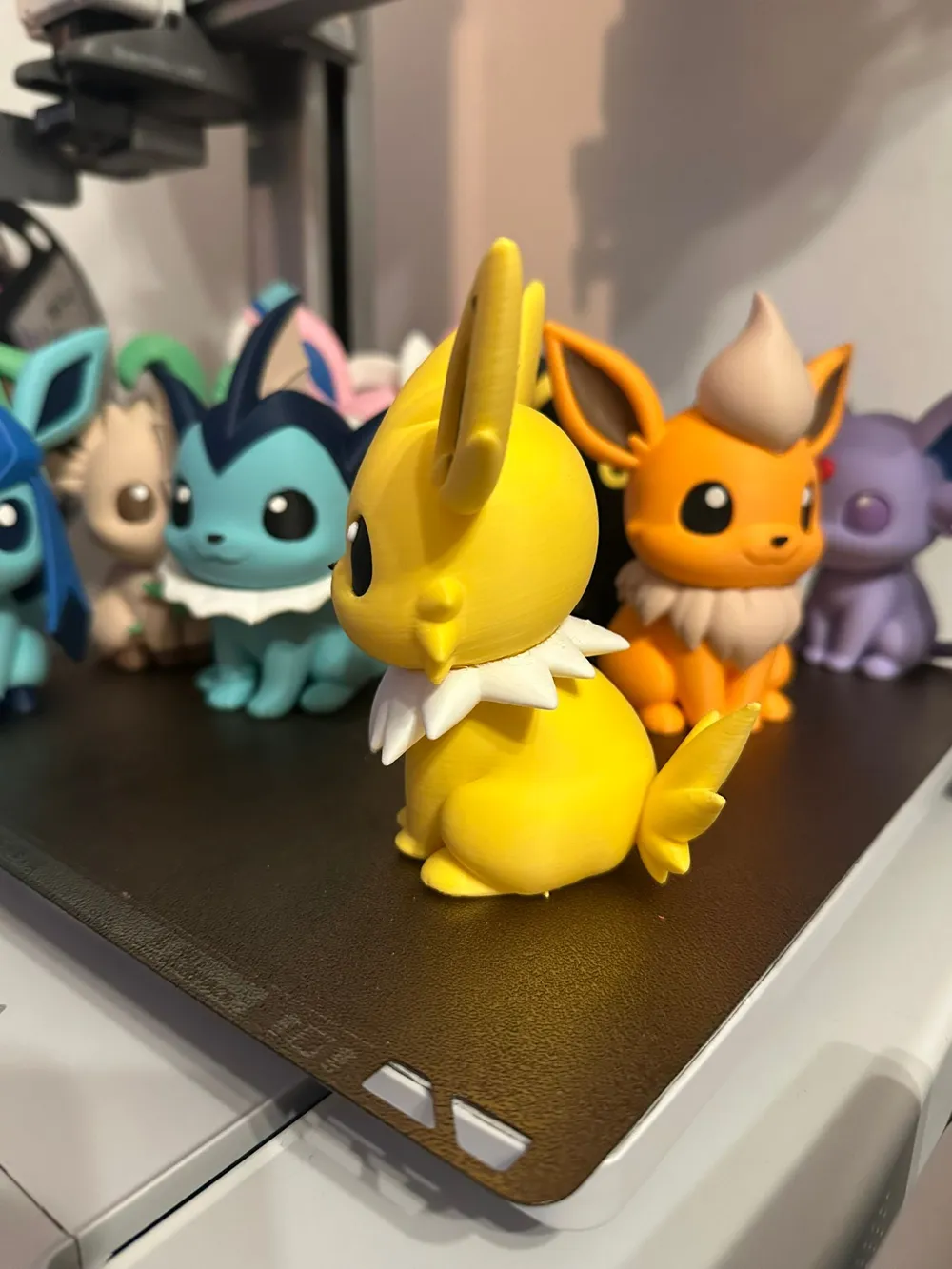
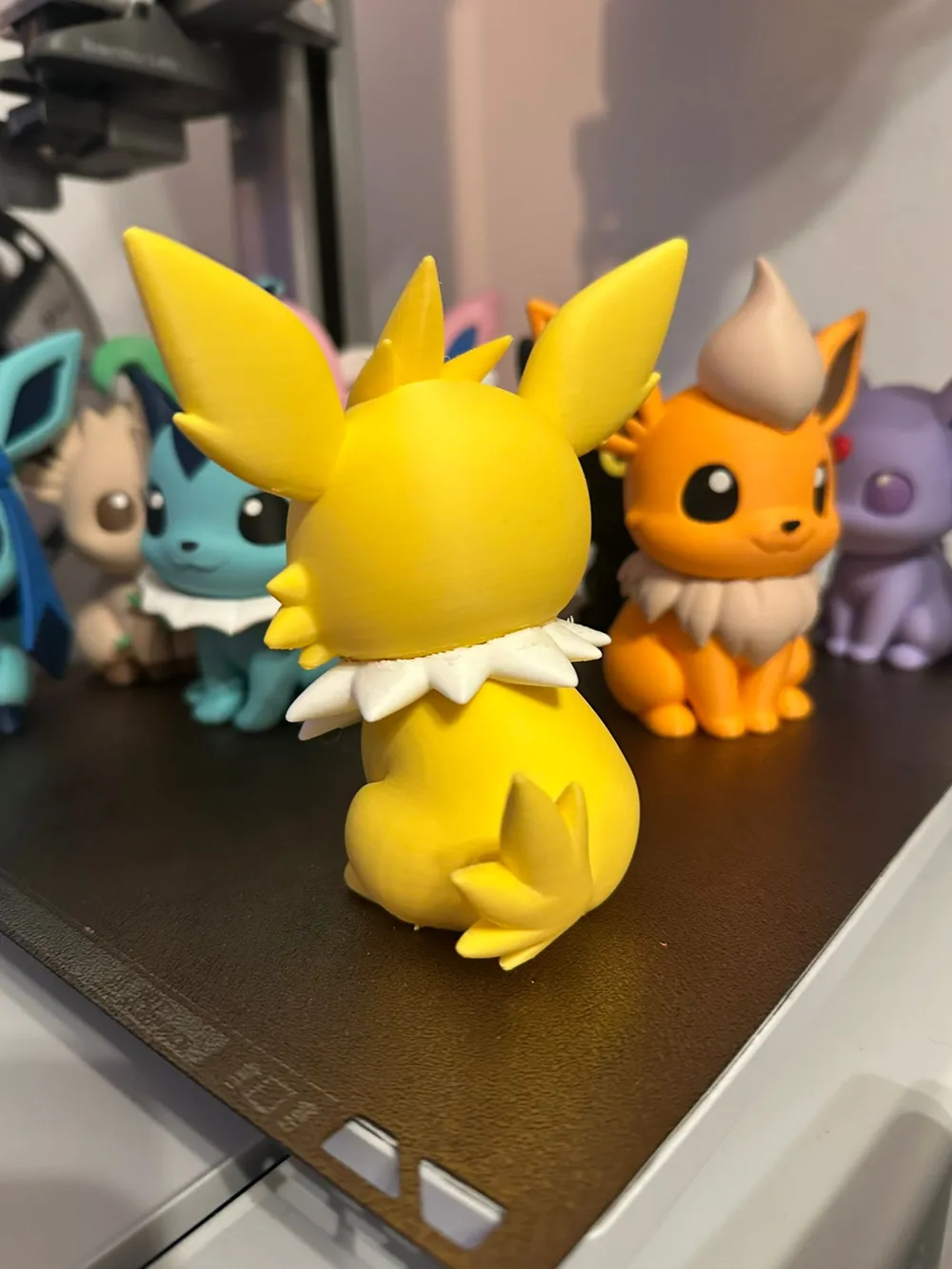
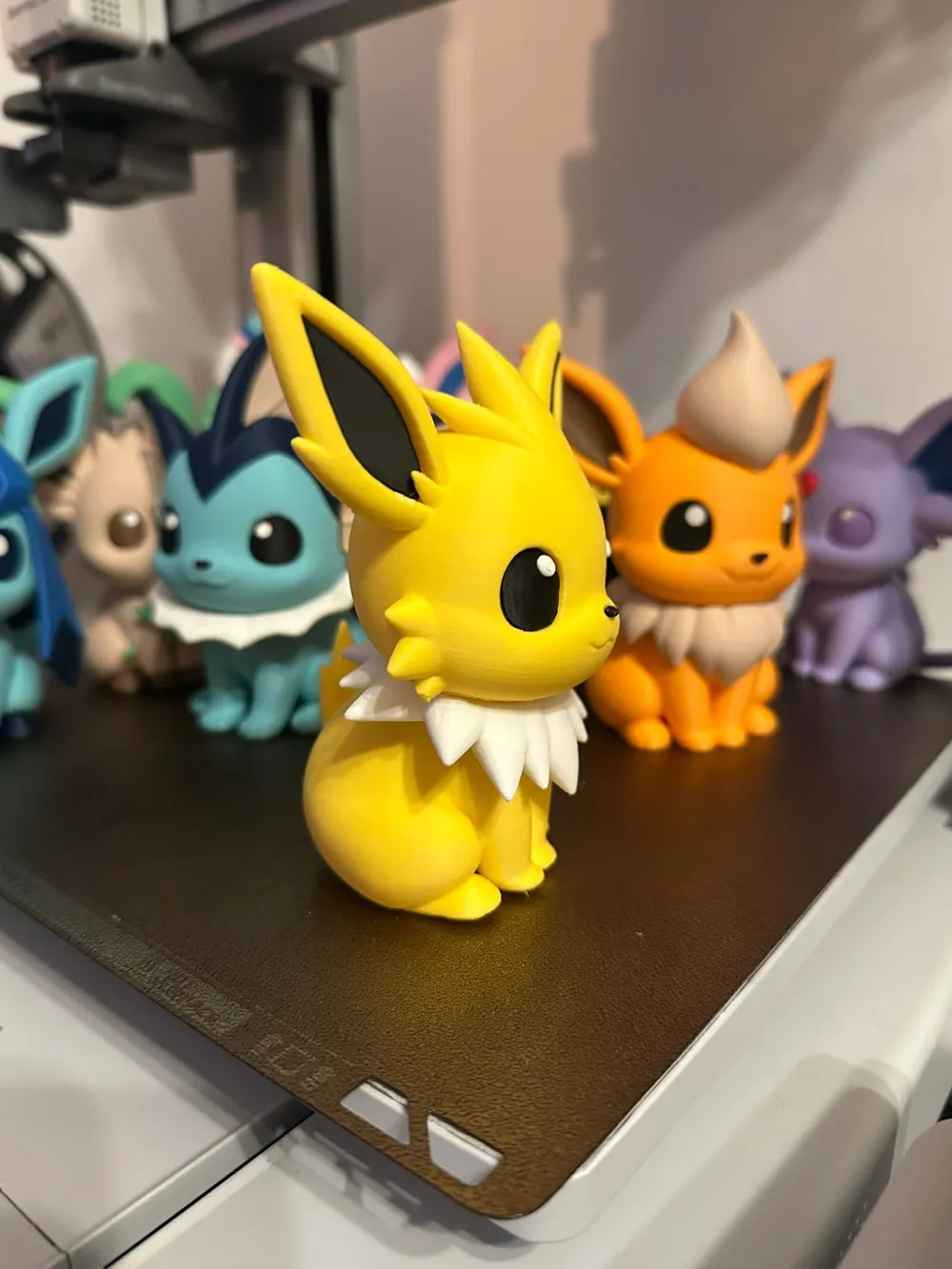
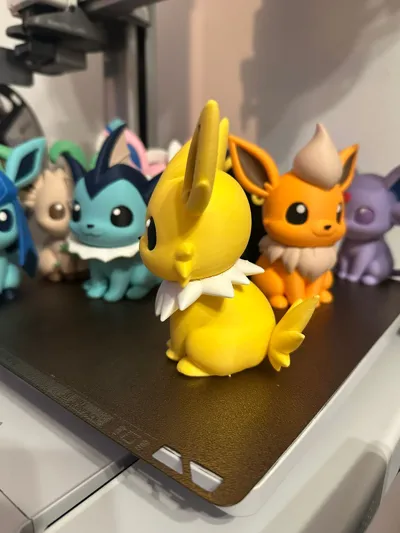
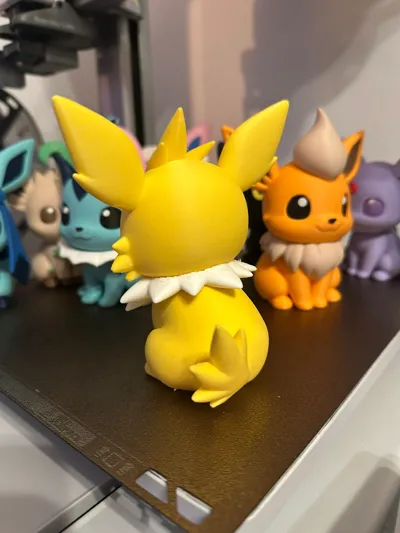
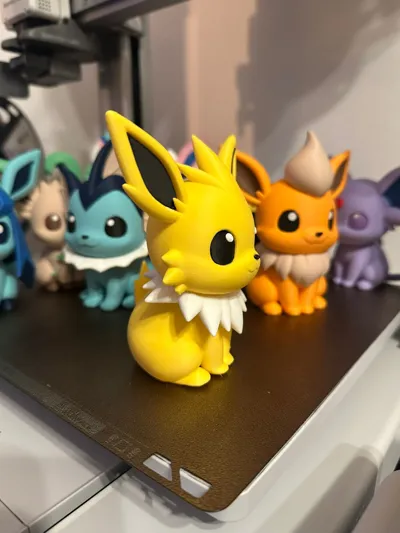
Jolteon Chibi

Print Profile(4)

All
P1S
H2C
H2D Pro
X2D
H2D
P1P
P2S
H2S
X1 Carbon
X1
X1E
A1
A1 mini
A2L

MULTIPART
MULTIPART
Designer
2.7 h
3 plates
4.9(642)

AMS
AMS
Designer
14.2 h
1 plate
4.9(151)

1 Plate AMS Faster Print Speeds 2 color changes
2.5 h
1 plate
5.0(21)

Ears part reoriented - 0.16mm layer, 2 walls, 10% infill
2.8 h
3 plates
5.0(8)

Open in Bambu Studio
Boost
7848
21041
999
592
15.4 k
9.1 k
Released 

Description

Content has been automatically translated.
Show original

THE LATEST EEVEELUTION JOLTEON IS HERE JOINING THE FAMILY

Thank you very much for your support of this series, which is missing one member to be complete….


As always, I'm providing a multi-part print profile for printing without AMS, and the AMS version

Many of you usually ask me to upload single-color profiles for hand painting, or for the A1 mini version. Well, MakerWorld has forbidden me from uploading them as it goes against the rules, so they themselves have removed those print profiles

Normally from Bambu Handy you can already make color changes, I don't know about the A1 mini issue. But if you do it from a PC, configuring this change is 3 clicks, it's very easy. Whoever needs help, write to me


The assembly is quite easy, you shouldn't have problems assembling it, it doesn't have any complicated parts

I recommend printing at 0.16mm with gyroid infill and mandatory supports


We are about to finish this series of Eeveelutions, and I already have planned how we are going to continue it. I will let you know in a few days when I publish the Eevee model!!! Until then, give a lot of support to this model and its siblings!!


Boost Me (for free)

The best way to help me keep creating, if you have the opportunity, support me, it's free

LUGIA AND SHADOW VER. IS ALREADY AVAILABLE : https://makerworld.com/es/models/2734472-lugia-chibi-shadow-lugia#profileId-3031259


If you want to sell physical prints of my designs, you can get a commercial license on Patreon.
You can also support me there so I can keep creating and uploading new models: www.patreon.com/cw/Atseini 💙


Comment & Rating (999)

(0/1000)

Pinned by Designer
Show original
1
Reply
The whole family is together!
45
Reply
Hello!! I love how you have them arranged 🥰. Did you design the shelves yourself
Show original
2
Reply
Replying to @user_3288930706 :
Thank you! 🫶🏻 I used these for the shelves and just printed them in corresponding colours and stuck the whole thing up there with command strips. https://makerworld.com/en/models/1026995-funko-pop-modular-hexagon-shelves-for-wall-display?from=search#profileId-1009343
4
Reply
Replying to @LazyGipsy :
Many thanks! I'm copying your idea 🥰
Show original
2
Reply
Boosted
Print Profile
MULTIPART
Printed at 200% using one the 0.08mm Fine profile- I chose to swap for low % adaptive cubic infill to save on filament. I had three failed starts on the head as the bottom wasn't perfectly smooth, so the slicer was trying to add very tiny supports. I ended up adding a raft to make sure the support could be established properly. Total print time was about 25 hours, I absolutely love this model and how well it came out. I can't wait to print the others, once I get hold of the right colours!
15
Reply
Beautiful print!!!
(Edited)
1
Reply
That looks great
(Edited)
Show original
1
Reply
cassette ... I printed 2 of these pieces... but that one turned out wonderfully beautiful
(Edited)
Show original
1
Reply
Great print, made with fuzzy skin. Top!!
Show original
6
Reply
how beautiful!! how do you make that fluffy fur? I'm a beginner lol I'm learning
Show original
0
Reply
Replying to @user_3999786217 :
search diffuse skin in the Other section in bambu studio
Show original
0
Reply
Replying to @user_3999786217 :
in slicer when you have advanced option turned on, you can find it in global -> others -> special mode -> fuzzy skin, then all your prints will have this textured print instead of smooth one
0
Reply
Print Profile
MULTIPART
Great print!
profile
5
Reply
Thats abomination... poor Jolty 😨
(Edited)
8
Reply
Replying to @Pheeniksu :
she loved her new image lol
0
Reply
I made it 46% smaller and I intend to turn it into a keychain.
The designer has replied
2
Reply
hello, I have a specific model of all eeveelutions in keychain size and with support for it, check my profile
Show original
1
Reply
Replying to @Atseini :
I'm making this for myself, just one single piece. Printing with AMS uses too much filament for such a small piece, so I chose this model with the pieces separated to make it.
(Edited)
1
Reply
what process do you use to achieve this smooth and shiny appearance
Show original
0
Reply
Print Profile
MULTIPART
Big Jolteon
profile
4
Reply
how do you take out the filament on inside of the head?
The designer has replied
0
Reply
the space that needs to be left is not much, but in the profile with my configuration the supports almost come out by themselves on Bambu printers
Show original
2
Reply
if you are going to paint it by hand, you always have the option to print the AMS version and print in a single color
Show original
2
Reply
You remove it all together I recommend a pointed tool then you pull with a bit more force and the support comes out all together
Show original
1
Reply
Printed at 200% on my P1S
2
Reply
By the way, how come I can't find the print seam on yours
Show original
0
Reply
Replying to @user_2057002142 :
I often use random or something similar so the seam isn't in the same place each layer.
1
Reply
Print Profile
1 Plate AMS Faster Print Speeds 2 color changes
2nd print ever support in the head was hard to remove but I’m a noob 🫶🫶⚡️
The profile uploader has replied
0
Reply
wow the quality is flawless, nice print what printer are you using?
0
Reply
Replying to @KattMing3D :
Bambu lab p1s
0
Reply
Replying to @KattMing3D :
oh nice!! I have the same but mine didnt turn out nearly as nice
0
Reply
this is the bottom of the jolteon head…. is there supposed to be a hole?
The designer has replied
1
Reply
if it's the multipart option, it should have a hole, it's there you just need to remove the first layer supports
Show original
0
Reply
I had the same problem at the beginning of the print, I think on the first layer, but since it's hidden when glued, it's all good
Show original
0
Reply

License

This user content is licensed under a Standard Digital File License.

You shall not share, sub-license, sell, rent, host, transfer, or distribute in any way the digital or 3D printed versions of this object, nor any other derivative work of this object in its digital or physical format (including - but not limited to - remixes of this object, and hosting on other digital platforms). The objects may not be used without permission in any way whatsoever in which you charge money, or collect fees.