Search models, users, collections, and posts

WeCreat Vision Pro Coaster Jig
Print Profile(2)
All
H2D
H2S
H2D Pro
H2C
P2S
X1
P1P
A1
X1 Carbon
P1S
X1E
X2D
A2L

0.24mm layer, 2 walls, 15% infill
Designer
6.1 h
2 plates

0.24mm layer, 2 walls, 15% infill
Designer
7.3 h
5 plates

Open in Bambu Studio
Boost
16
36
12
1
24
5
Released 

Description

Will be adding a V3 version soon with cut outs for 4 inch round coasters 


Updated V2 


Made adjustments to make more solid. 

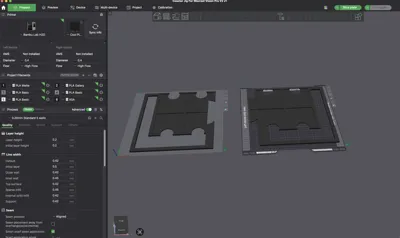
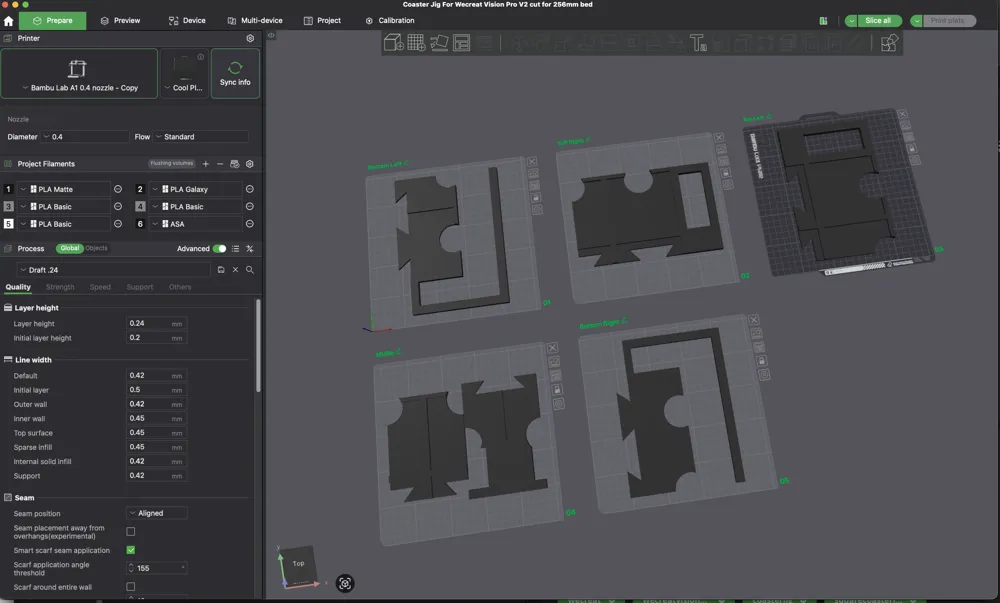
Added split profile for 256 mm beds


V1 Post

This is the first design I’m sharing! I’m still new to Fusion 360, but I wanted to contribute something helpful since I couldn’t find a similar jig myself.


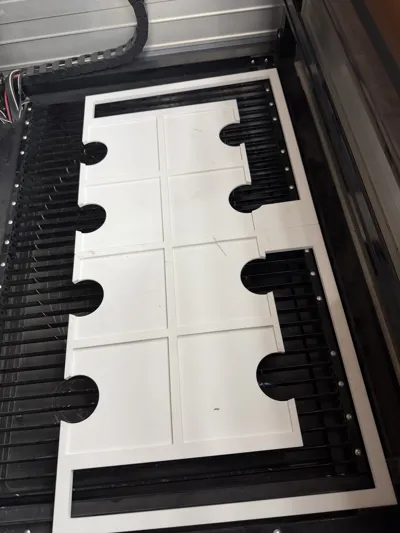
I had a large project involving laser engraving nearly 400 square slate coasters, and I needed a way to improve placement consistency during batch engraving.


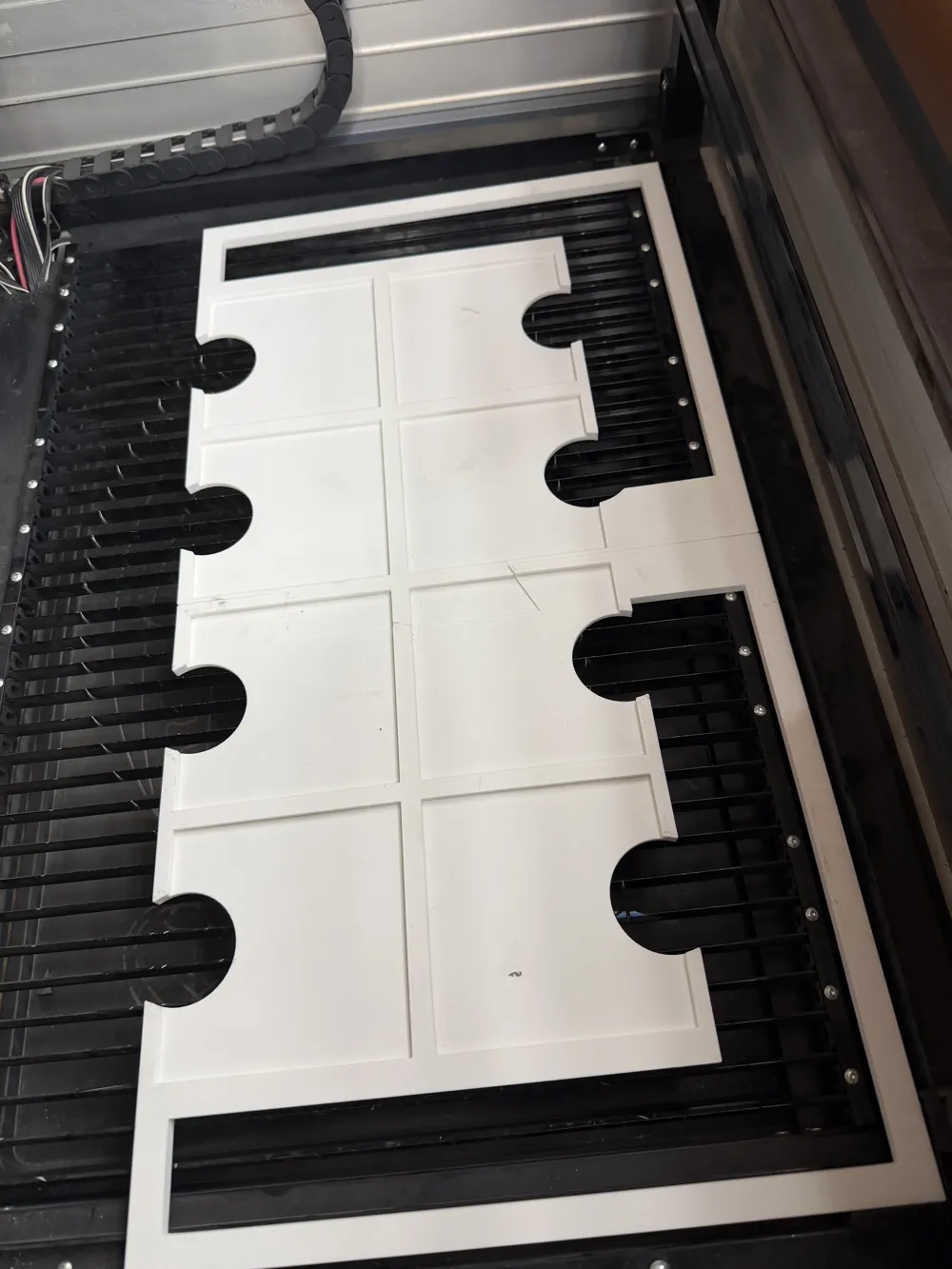
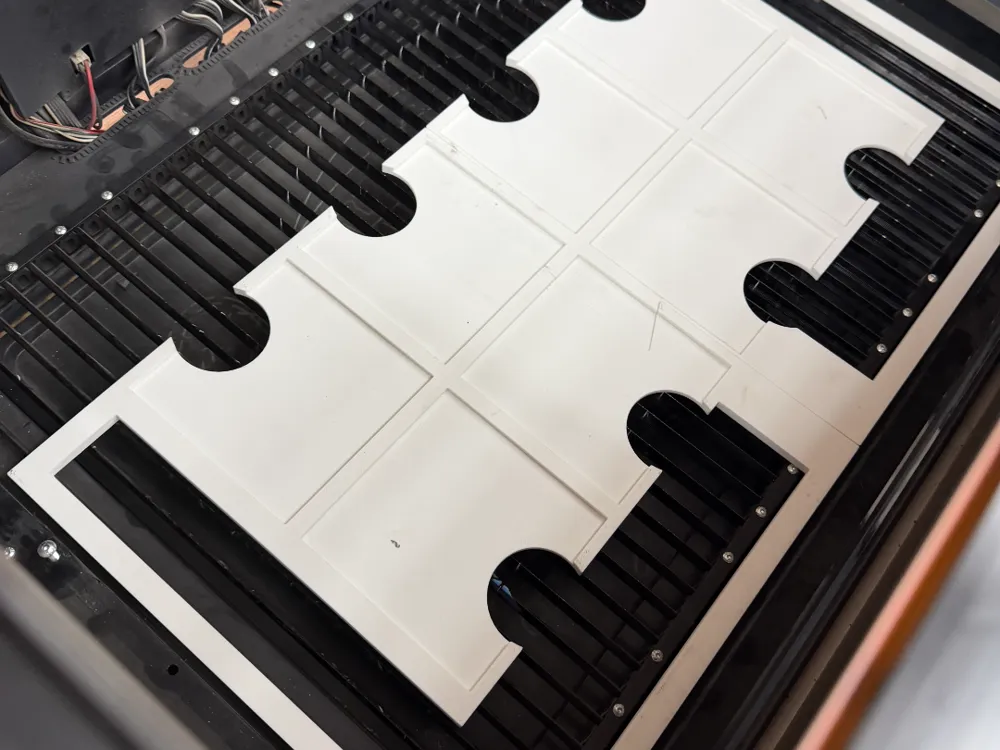
So, I designed this jig to help with accurate and repeatable positioning, eliminating the need to constantly adjust each design due to coaster misalignment

.

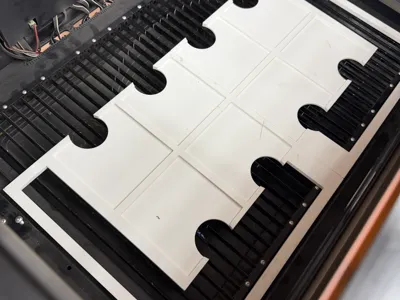
The bottom extension was added to help center the jig when using the Vision Pro.


It was designed to be printed on the H2D or H2S, but it can be trimmed or modified to fit other printers as well.

Comment & Rating (12)

(0/1000)

where do i find v2 for the p1? i checked under your models and only profile for this one is for h2
The designer has replied
0
Reply
For some reason it's not showing up in the app (I will investigate). If you go to makerworld on your computer and click the drop-down select STL/Cad files and it's there just open it in Bambu Studio and Slice. Thanks for bringing the issue to my attention.
0
Reply
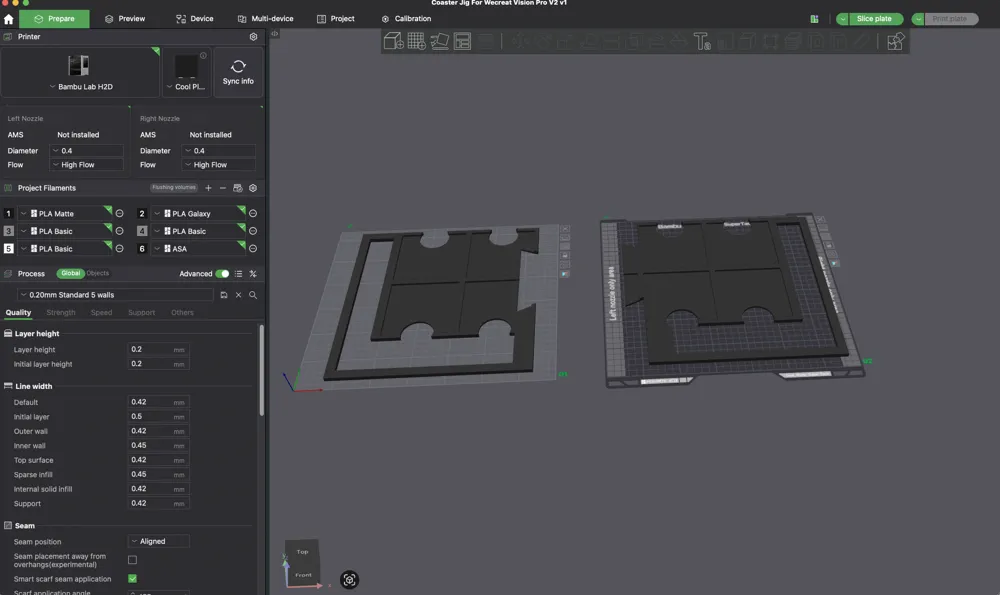
I think it got taken down because it didn't have a real photo just screenshots of where I sliced the plates. I added the default printed model photo and re uploaded. It's now showing up in the handy app for a1 and x,p series printers.
0
Reply
Replying to @poetential :
quite welcome, got it the way you suggested. Thank you
0
Reply
love this idea. I'll try to doggie it out for they p2s
The designer has replied
0
Reply
I should have some time to upload v2 today I’ll make the cut for the smaller bed
0
Reply
just updated with a cut model
1
Reply
Replying to @poetential :
you rock
0
Reply
Any chance you have a file designed for printing on the X1C?
The designer has replied
0
Reply
sorry i missed this do you still need a model for x1c or were you able to make the cut in Bambi studio?
0
Reply
Replying to @poetential :
Not a problem, I was able to get it sliced up in tinkercad and then printed out on the X1C. Trying it in Bambu Studio wasn't working the way I needed it to.
0
Reply
Replying to @Rashecko :
awesome! I have a v2 version I need to add when I get time to revise I will make one with additional cuts for 256 beds
(Edited)
0
Reply
No more