
Print Profile(4)


Bill of Materials





Description

If you want to sell prints of this model, as well as all of my models - future and past
Subscribe to My Patreon:

Or Subscribe for a commercial License Directly in Maker World:
Membership
C3D Commercial Membership - Authorized Merchant

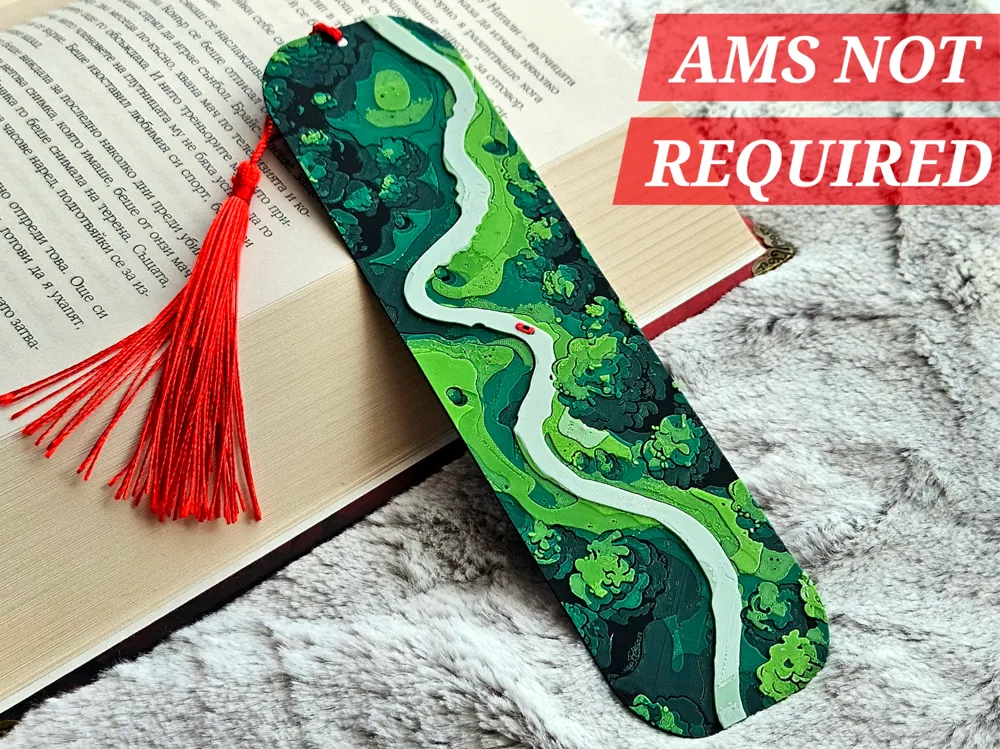
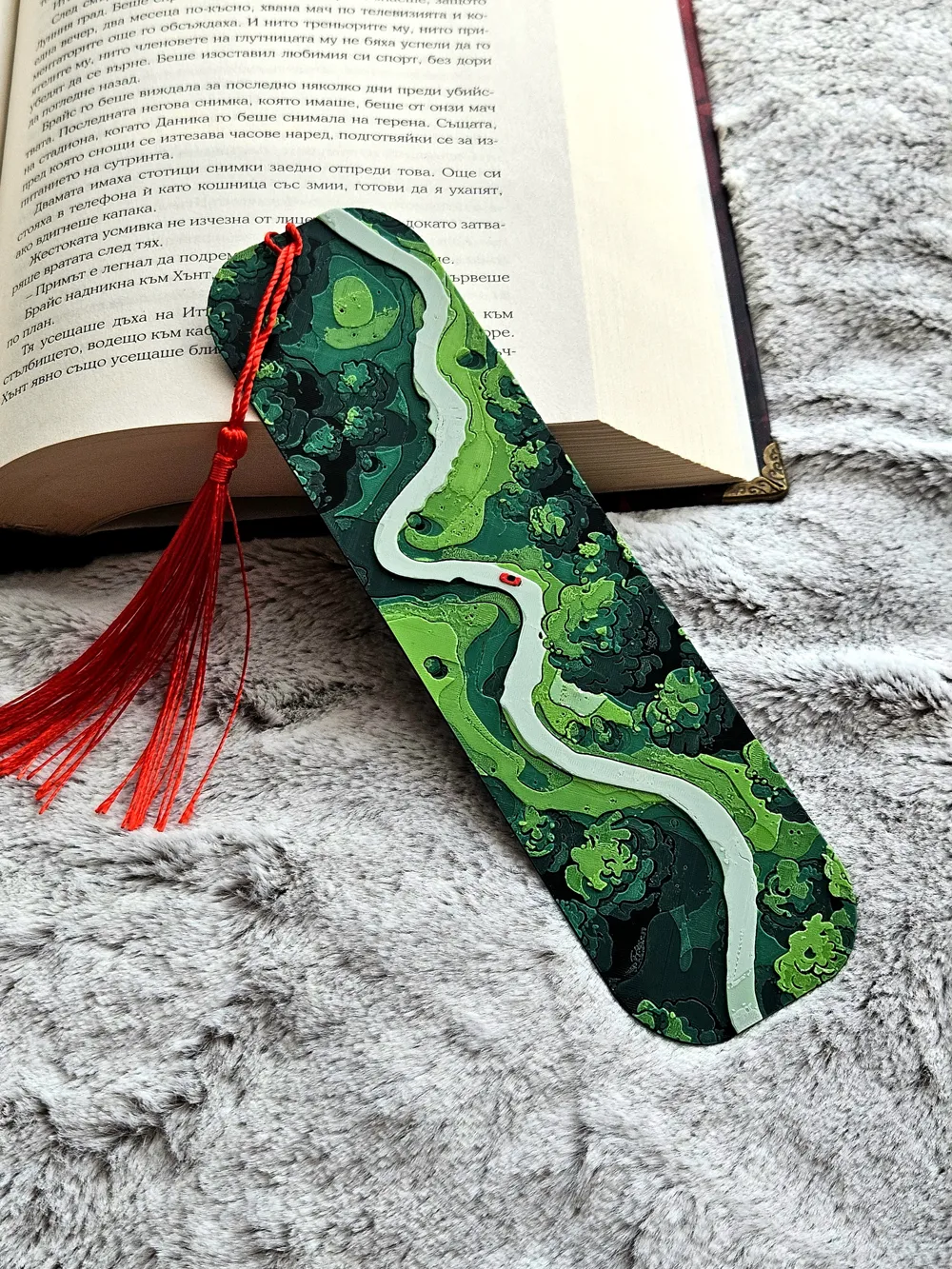
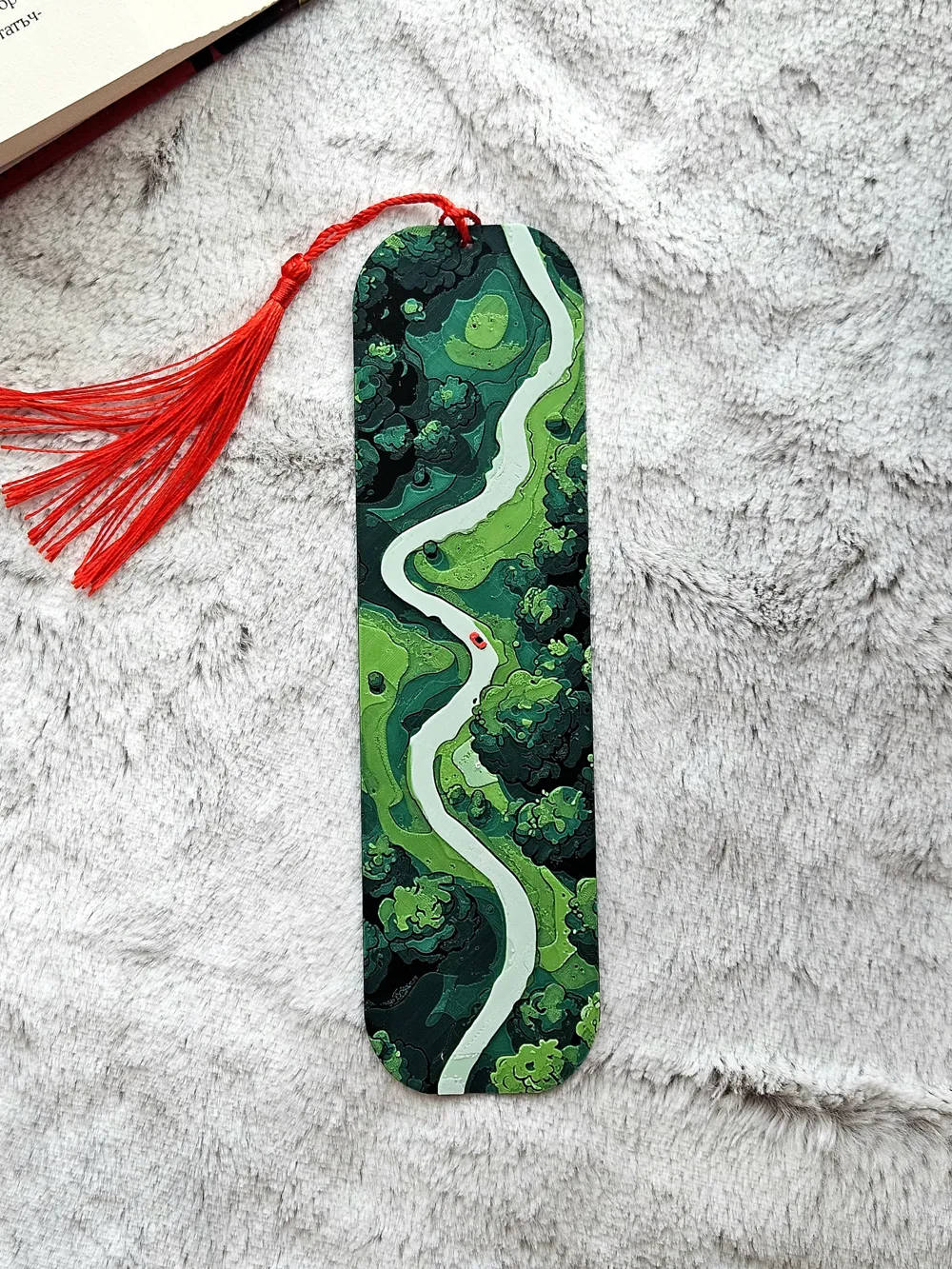
Road Trippin 🌿🚗✨
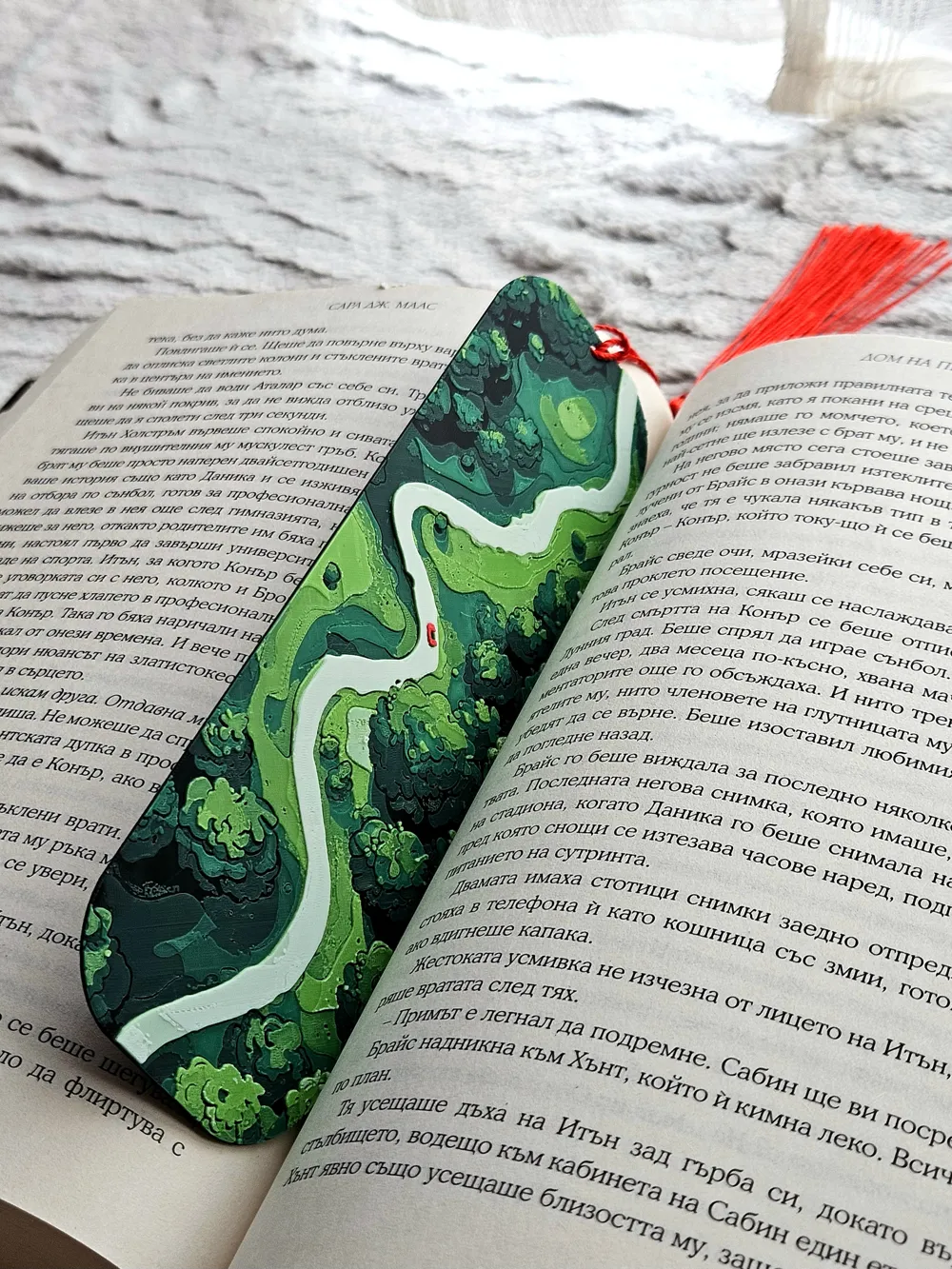
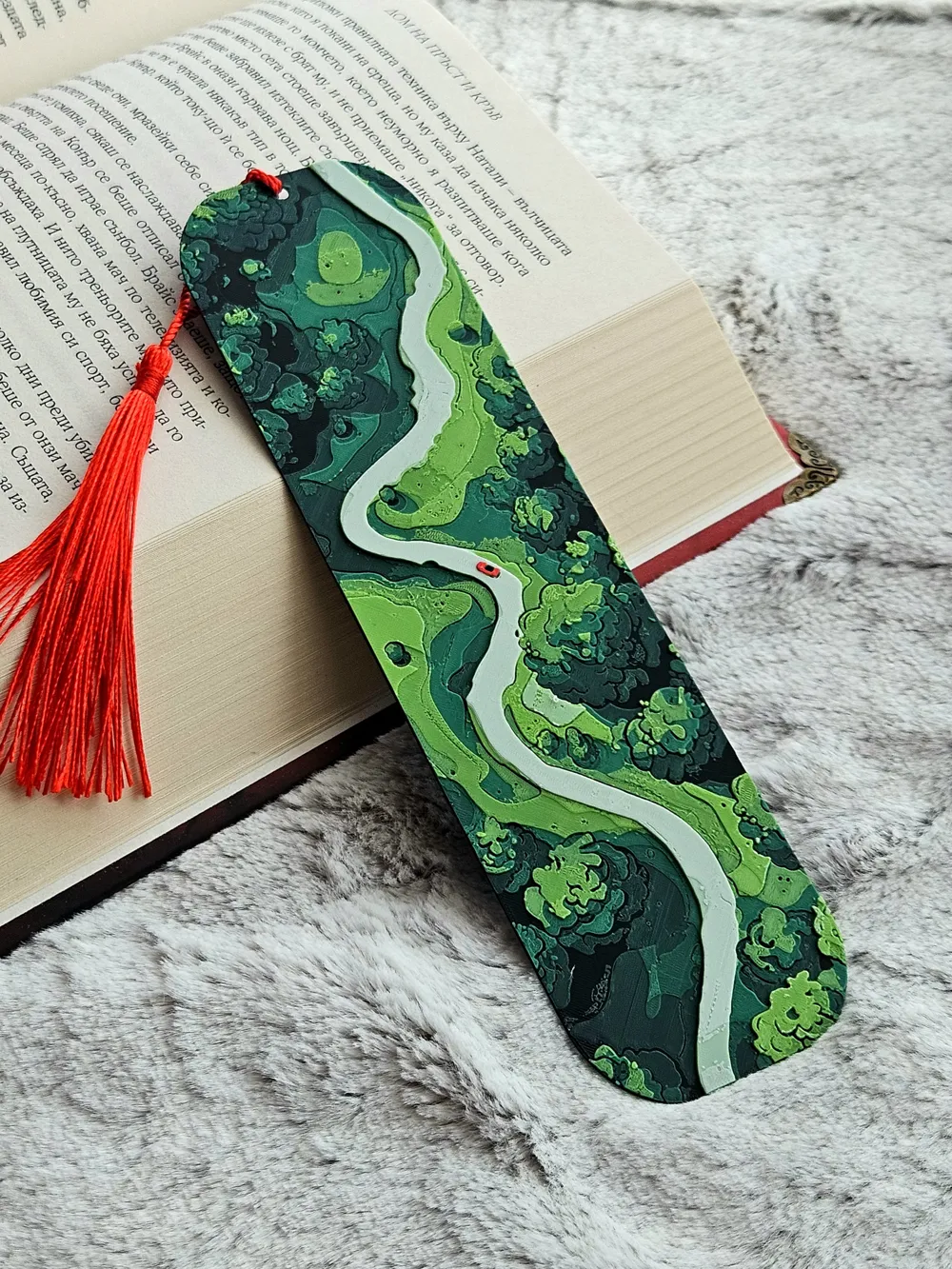
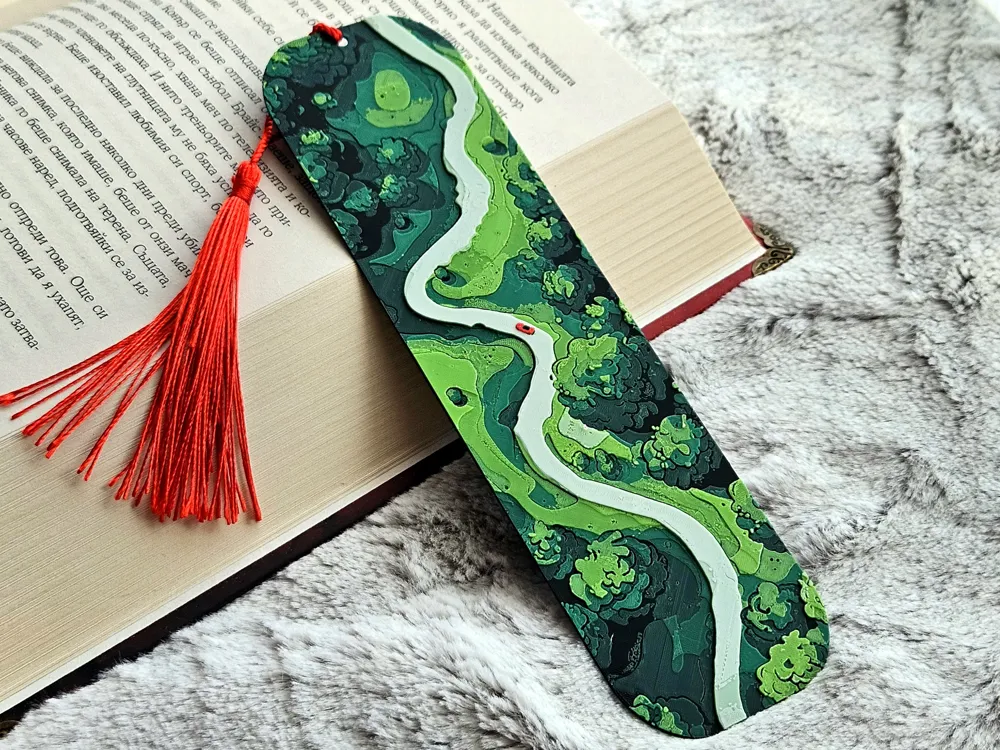
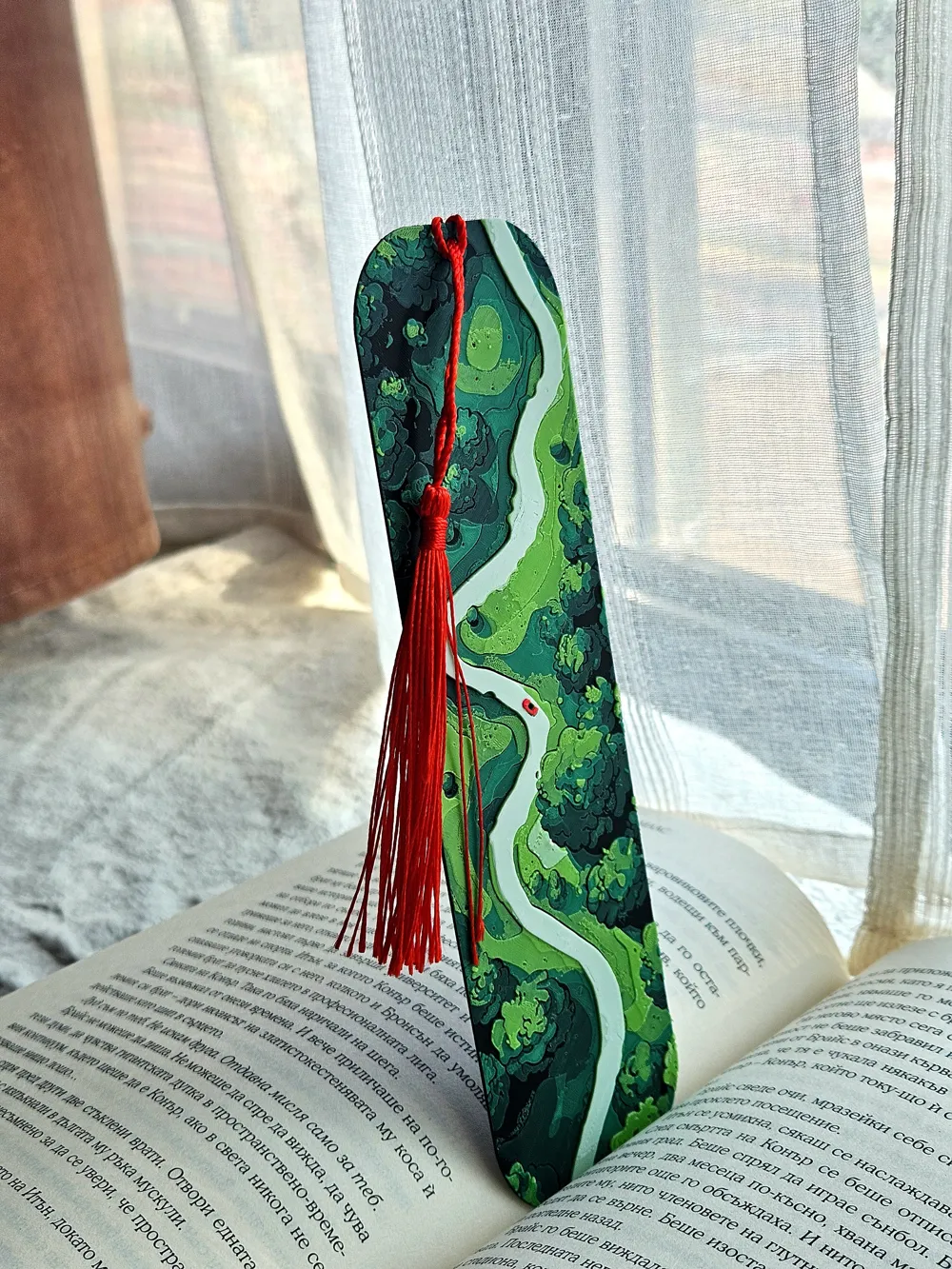
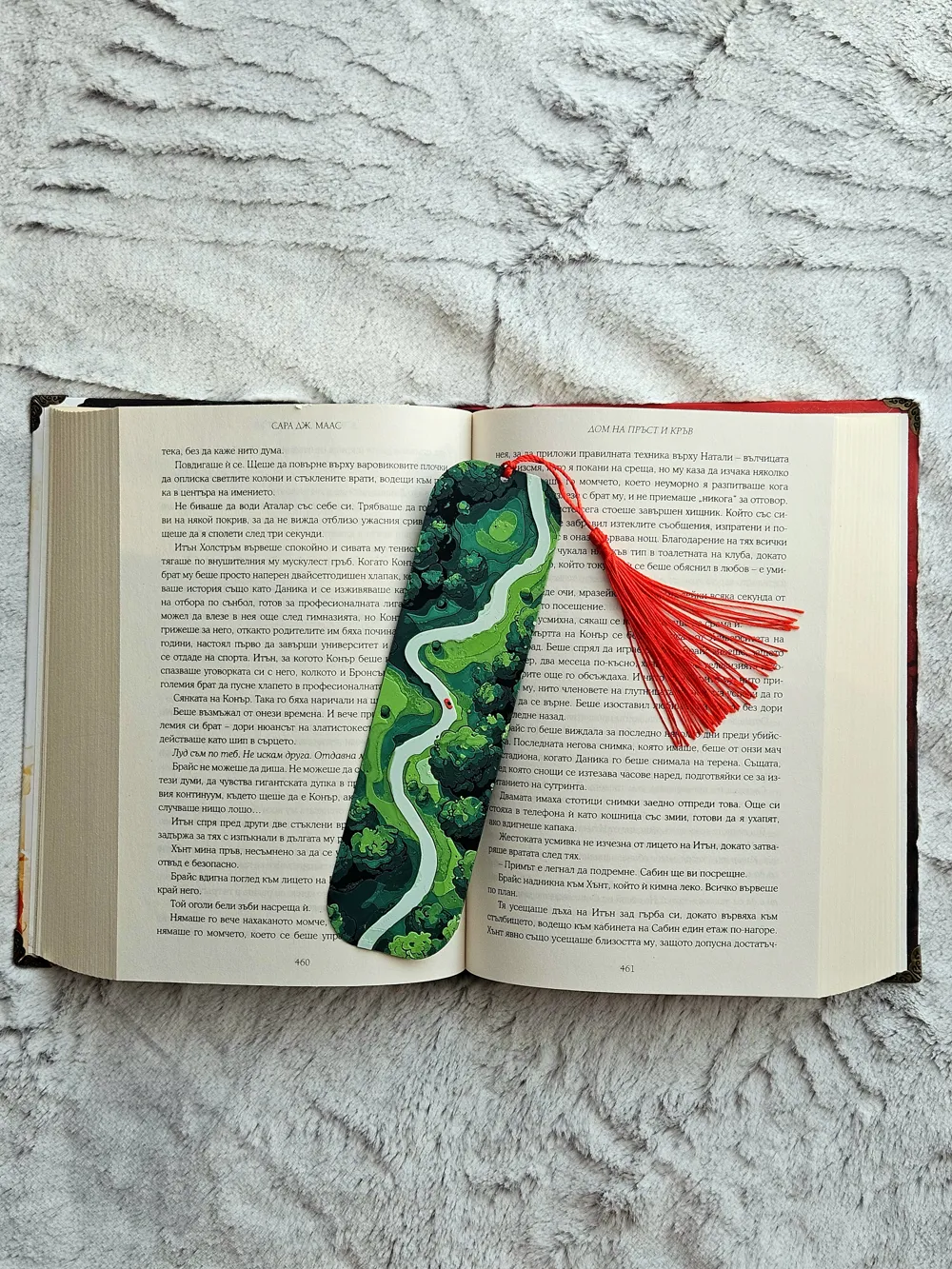
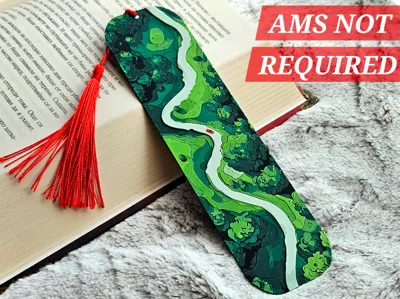
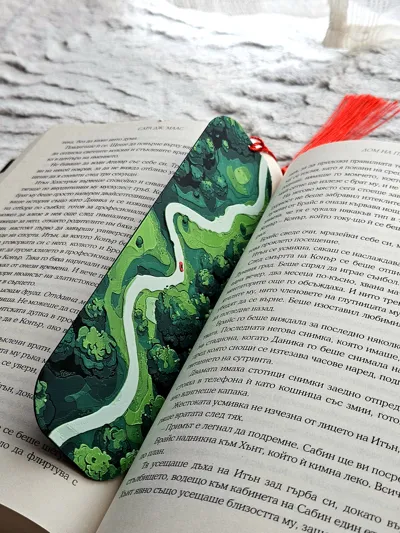
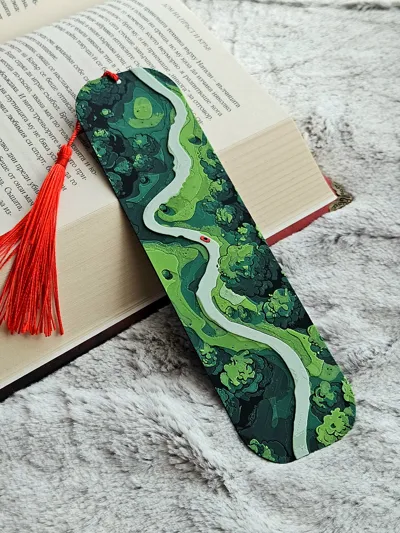
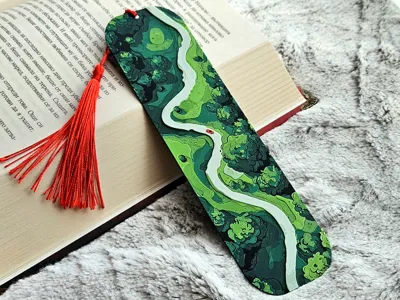
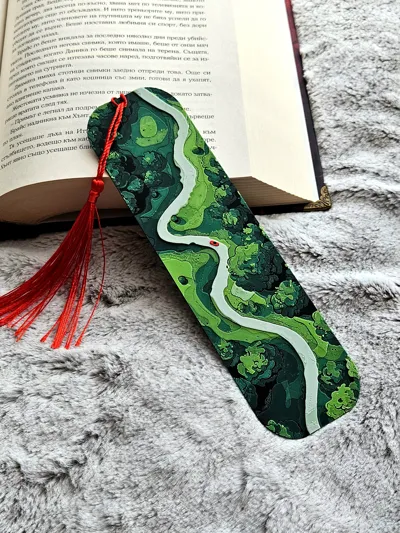
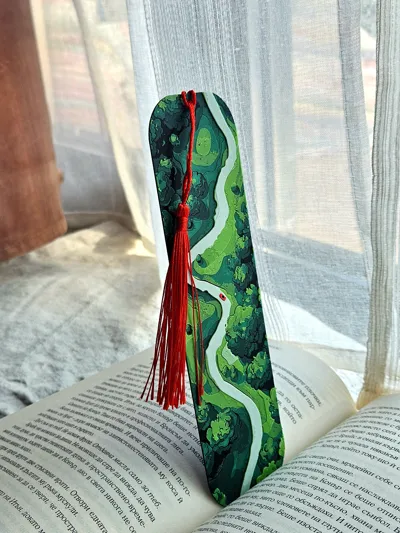
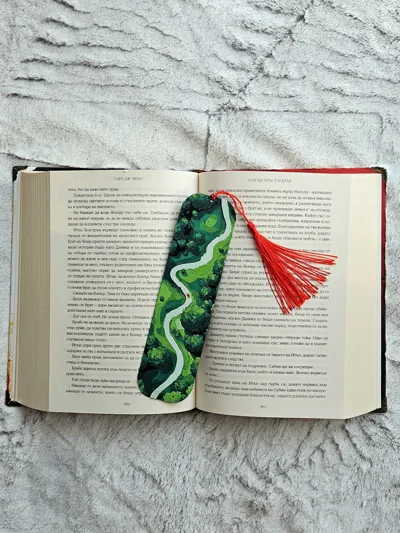
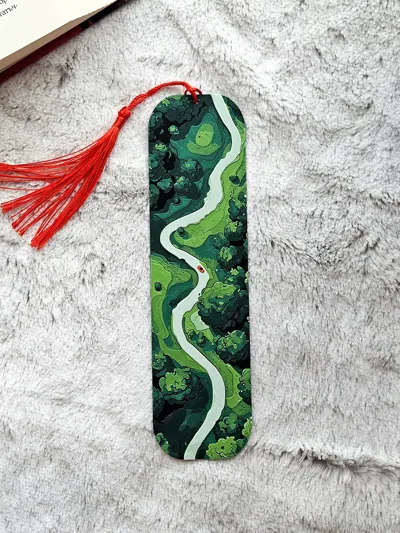
A winding ribbon of road cuts through deep green forests, leading the eye on a slow, easy cruise from page to page. Layers of foliage stack like soft waves, while a tiny pop of red on the route hints at a carefree ride, windows down, playlist up. It’s a pocket-sized daydream for anyone who loves the feeling of getting lost on purpose and finding calm along the way. 🌲🎶
Why it vibes:
- Forest canopy textures that feel lush and alive 🌳
- Smooth, flowing road that guides the gaze and the mood 🛣️
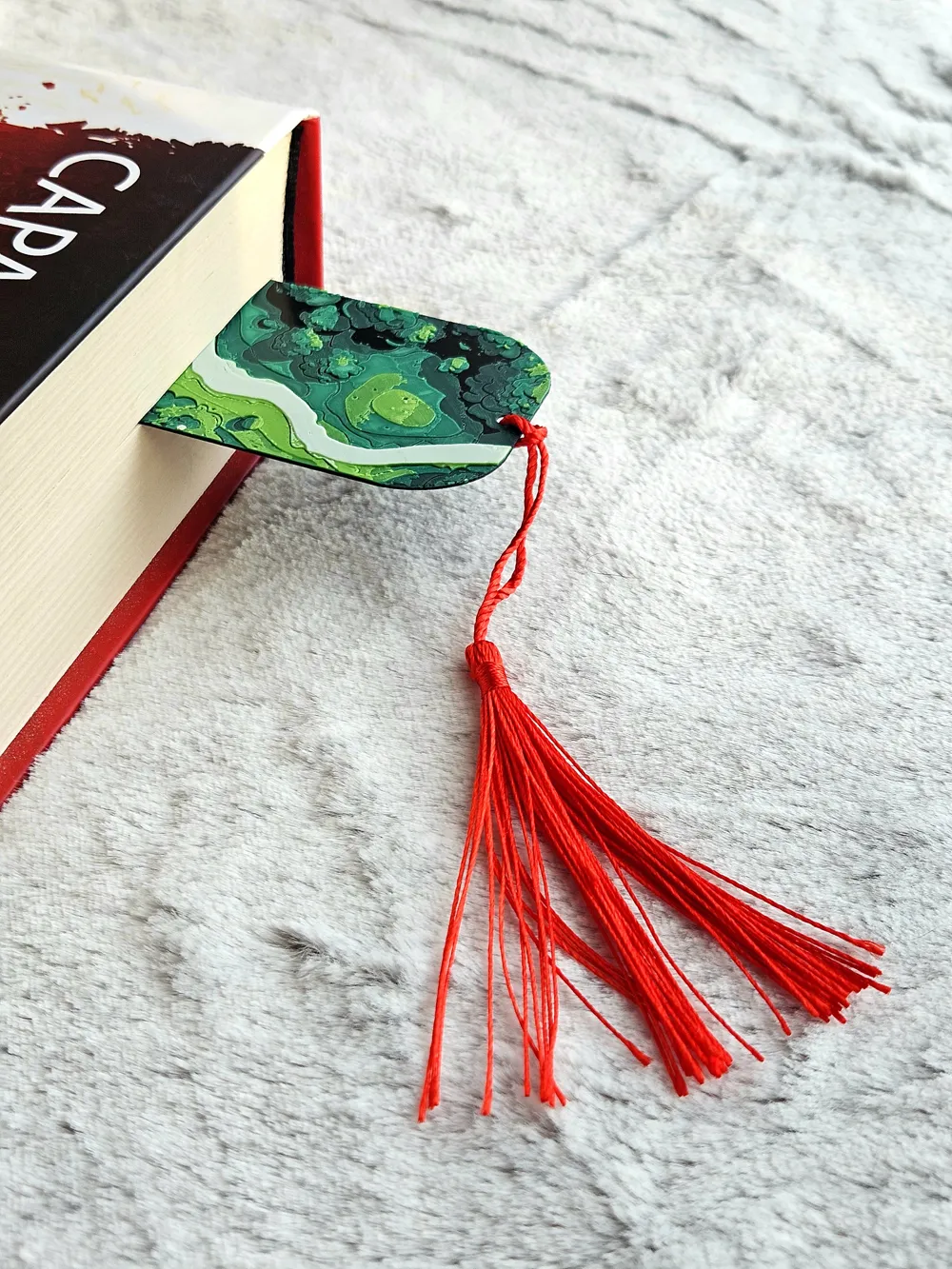
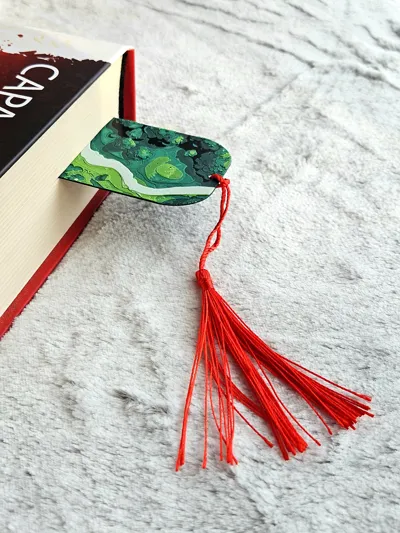
- Bold red tassel for a punch of color and a road-trip spirit ❤️
- Lightweight and durable, perfect for everyday reads 📚
Great for:
- Nature lovers and highway daydreamers 🌄
- Gifting to friends who are always planning the next adventure 🎁
- Adding a splash of color to a favorite book or travel journal 🗺️
Cue the chorus and turn the page. Road Trippin is made for slow miles, good company, and stories that wander in all the best ways. 🌤️
For best results use 0.2 nozzle if possible, but 0.4 is also works great (The pictures show a model printed with a 0.2 nozzle)
The design allows for printing with simple color changes at layer, which saves a lot of filament!
- NOW WITH 0.2 NOZZLE PROFILE READY FOR DOWNLOAD - USE FOR BEST RESULTS
USE A LIGHTER! - a quick pass with a torch on the printed parts will get rid of the inevitable stringing that comes with this type of models.

Print at 100% infill with a layer height of 0.08mm with a base layer of 0.16mm
Filaments Used:
PLA Jayo Black Transmission Distance: 0.3 / Amazon
PLA BambuLab Basic Green Transmission Distance: 2
PLA EryOne Apple Green Transmission Distance: 5 / Amazon
PLA Jayo Matte White Transmission Distance: 3.8 / Amazon
PLA eSun Fire Engine Red Transmission Distance: 2.9
Color Pallete 5 Color Version:
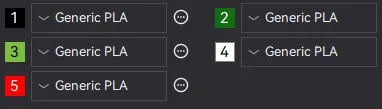
Swap Instructions 5 Color Version:
Start with Black
At layer #7 (0.65mm) swap to Green
At layer #11 (0.97mm) swap to Apple Green
At layer #15 (1.29mm) swap to Matte White
At layer #18 (1.53mm) swap to Fire Engine Red for the rest.
Boost Me (for free)
Enjoying this model? Give it a boost! 🌟 Your support helps my creations reach more makers—thank you for keeping the magic alive! ✨🚀
How to do more than 4 colors on a single AMS?
To use more than 4 colors with a single AMS is pretty simple when it comes to HueForges.
Always start the print from either Bambu Studio or Bambu Handy App - This will allow you to map the rolls of filaments to a certain slot in the AMS: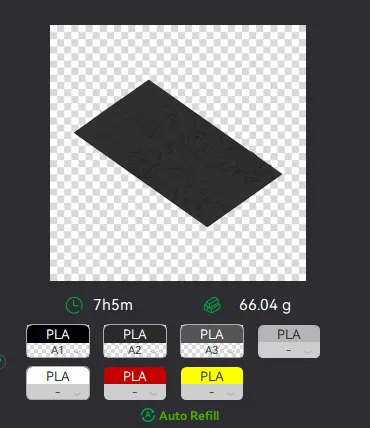
Now map the first 4 colors (which should already be inserted in the AMS to Slots 1 - 2 - 3 - 4
Once thats done move to maping colors 5 - 6 - 7 - 8 to respectively AMS Slots 1 - 2 - 3 - 4 again!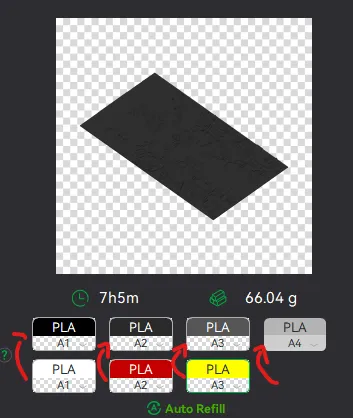
This will allow you to Change the rolls of filament once the printer is done with that color.
For example, in the picture above once we are done with the Black color (Which is usually first) we are going to remove the black roll (you can do that while printing) with White, then once Charcoal Black is done we are going to change that to Red, Dark Gray to Yellow and we are done. ~ You can do that with as many colors as you need!
YOU CAN PLACE A PAUSE ON THE LAST LAYER OF COLOR 4 TO AVOID HAVING TO BABYSIT THE PRINTER. ONCE PAUSED CHANGE 1-2-3 WITH 5-6-7 AND RESUME. IF YOU NEED MULTIPLE PAUSES YOU CAN DO THAT TOO
Drop me a follow!🤜🤛
License

You shall not share, sub-license, sell, rent, host, transfer, or distribute in any way the digital or 3D printed versions of this object, nor any other derivative work of this object in its digital or physical format (including - but not limited to - remixes of this object, and hosting on other digital platforms). The objects may not be used without permission in any way whatsoever in which you charge money, or collect fees.


Comment & Rating (56)