Search models, users, collections, and posts

Scuttle Mech - Model Kit
Print Profile(3)

All
X1 Carbon
H2C
X1
A1
X1E
H2D Pro
P2S
A1 mini
P1P
H2S
H2D
P1S
X2D
A2L

Multi-Color - Split by Plate
Designer
1.5 h
4 plates
4.9(45)

Multi-Color - Print by Object (X1/P1)
Designer
1.1 h
1 plate
4.8(30)

Multi-Color - Print by Object (A1)
Designer
1.2 h
1 plate
4.6(14)

Open in Bambu Studio
Boost
1268
2815
162
66
1.5 k
887
Released 

Description

🎁 Join my Patreon for exclusive models, sneakpeeks, votes for new designs, and a commercial license to sell prints of my model kits!💎

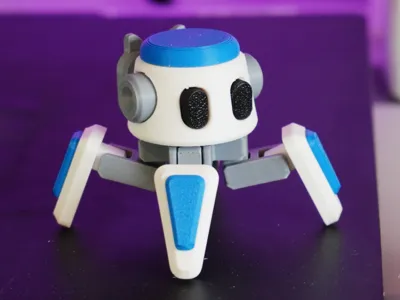
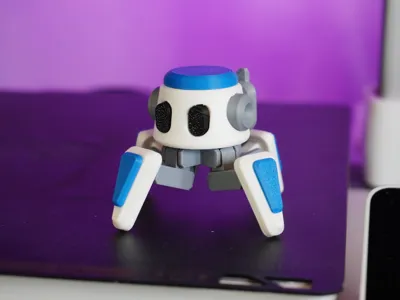
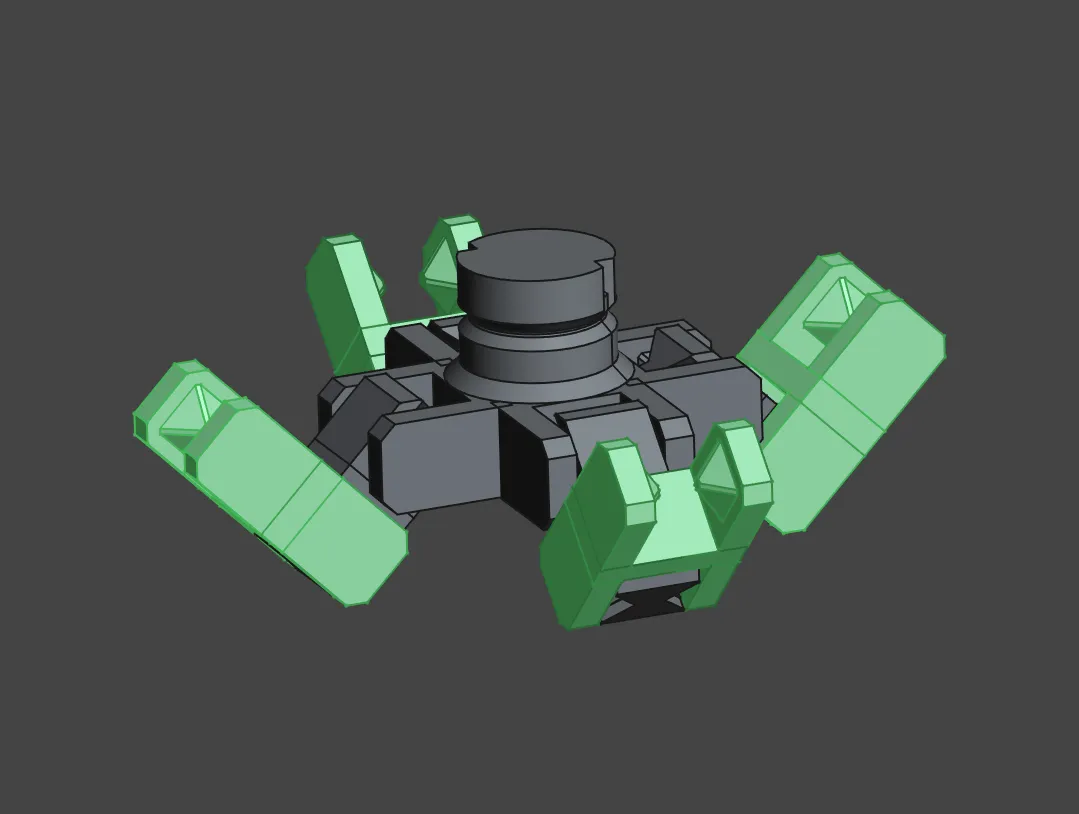
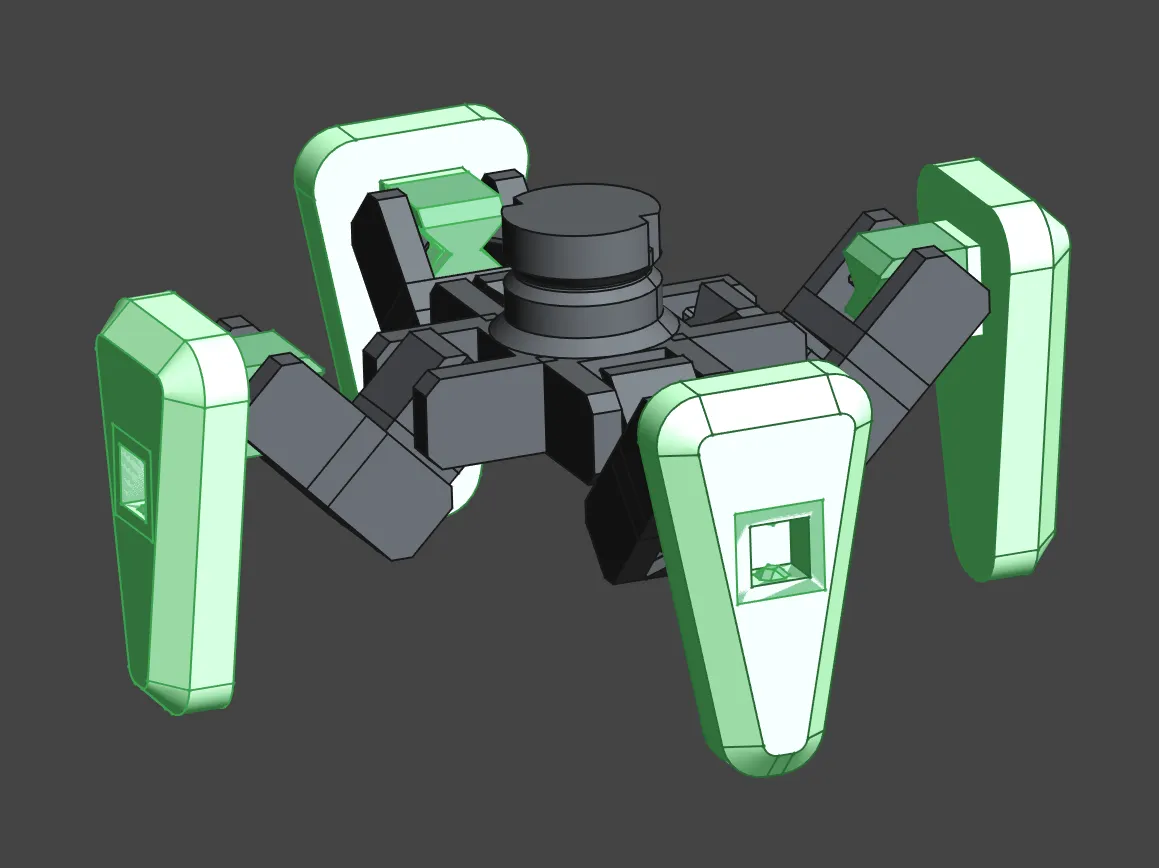
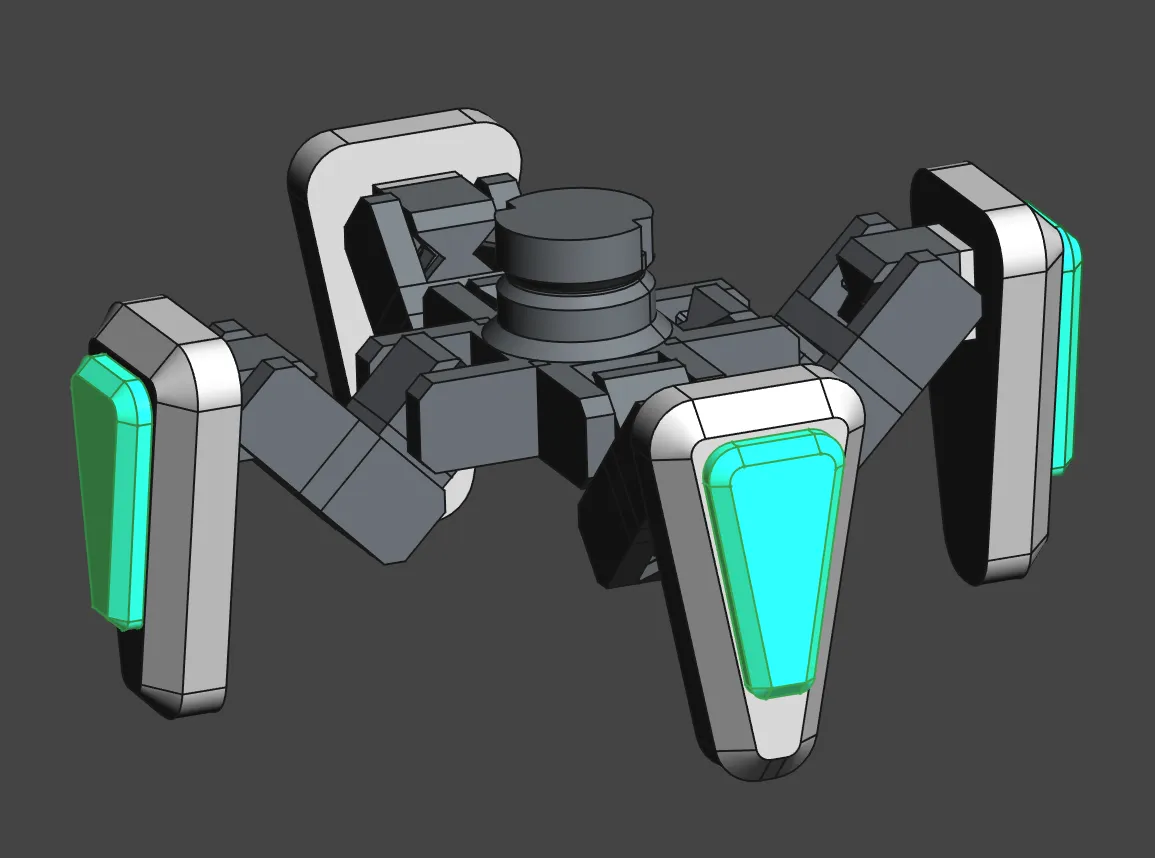
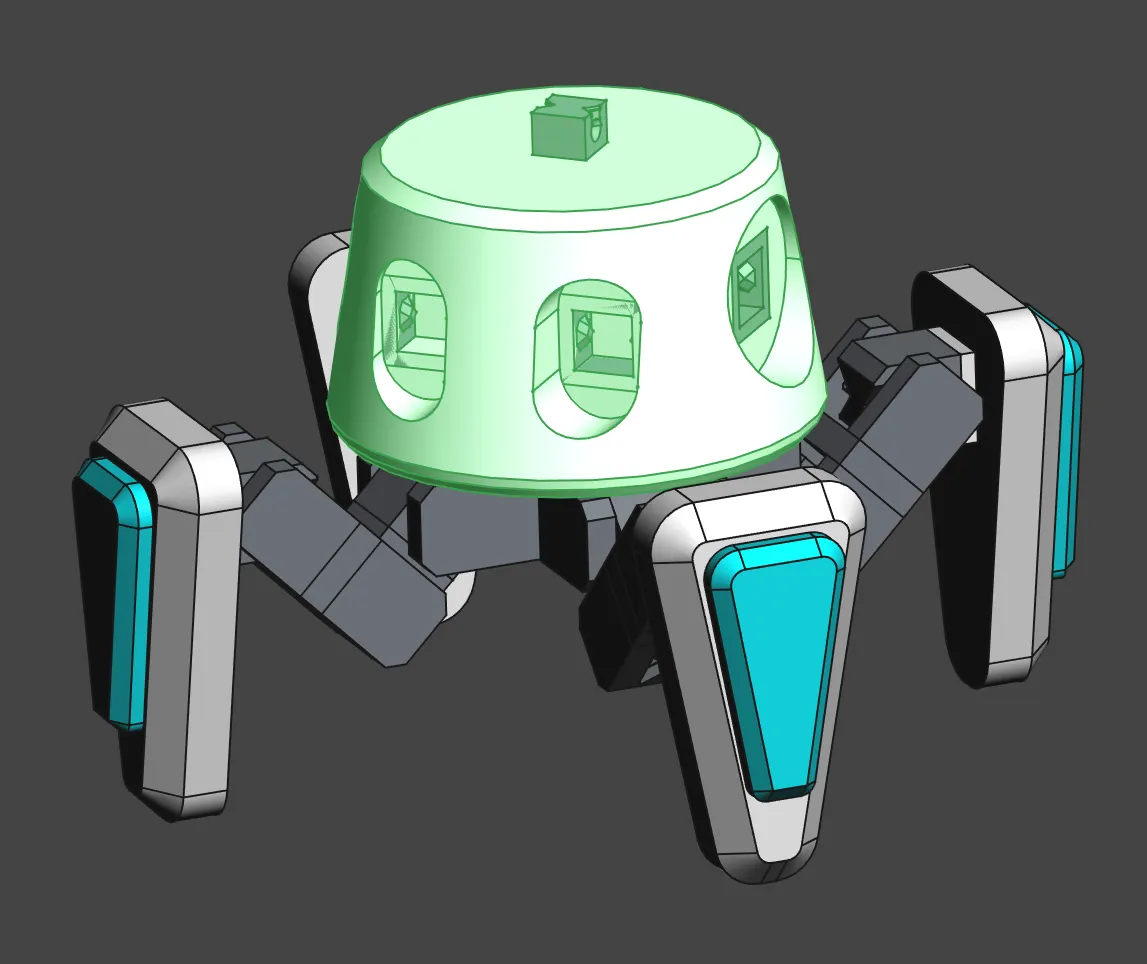
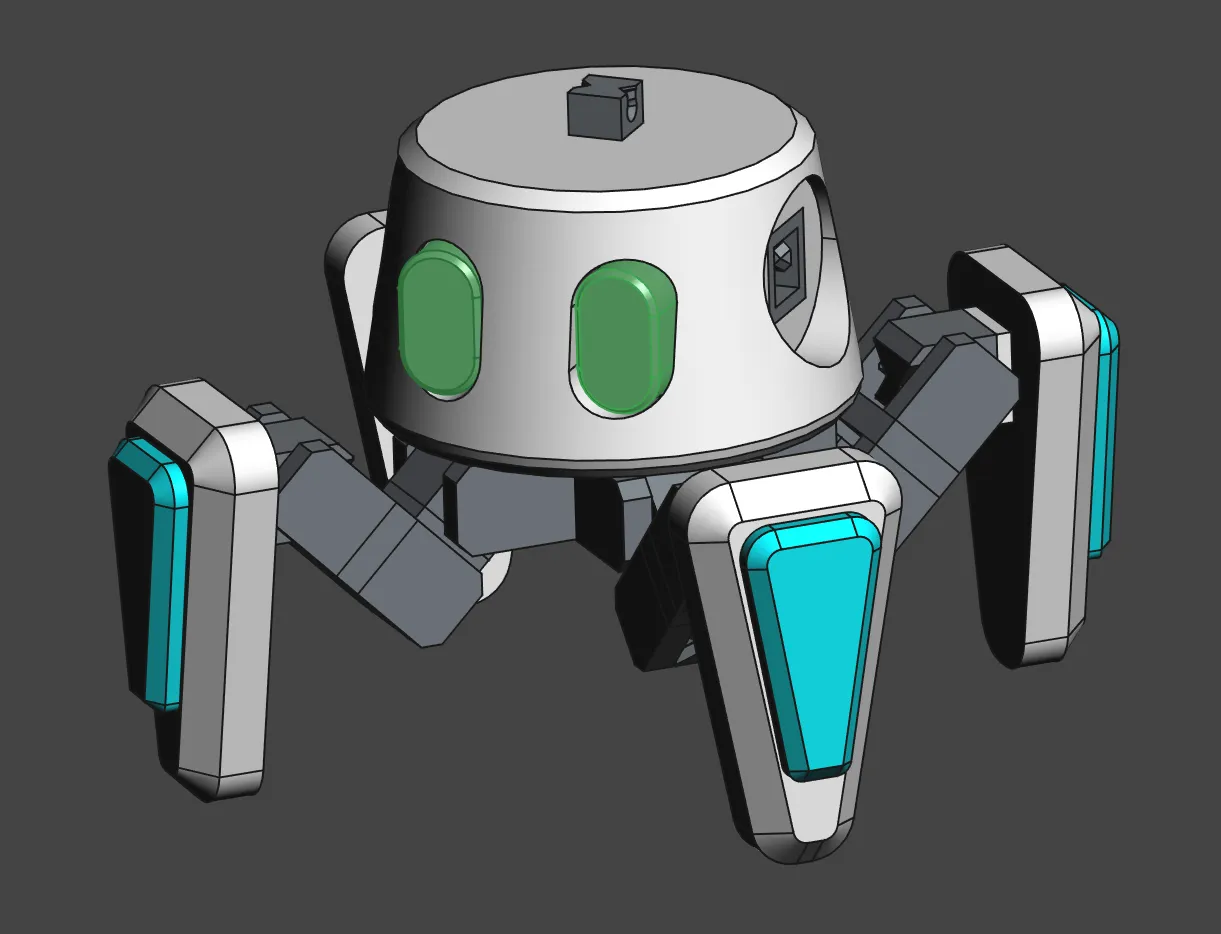
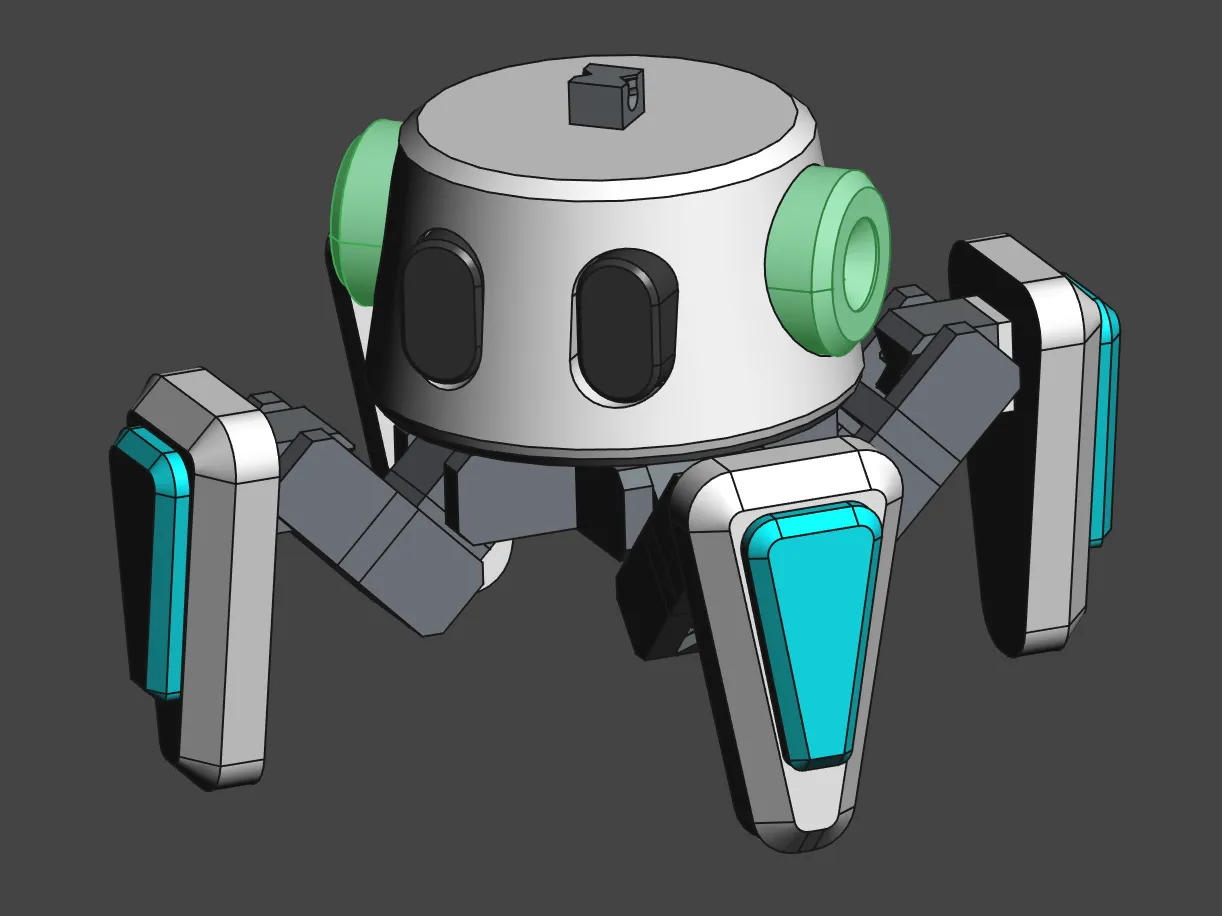
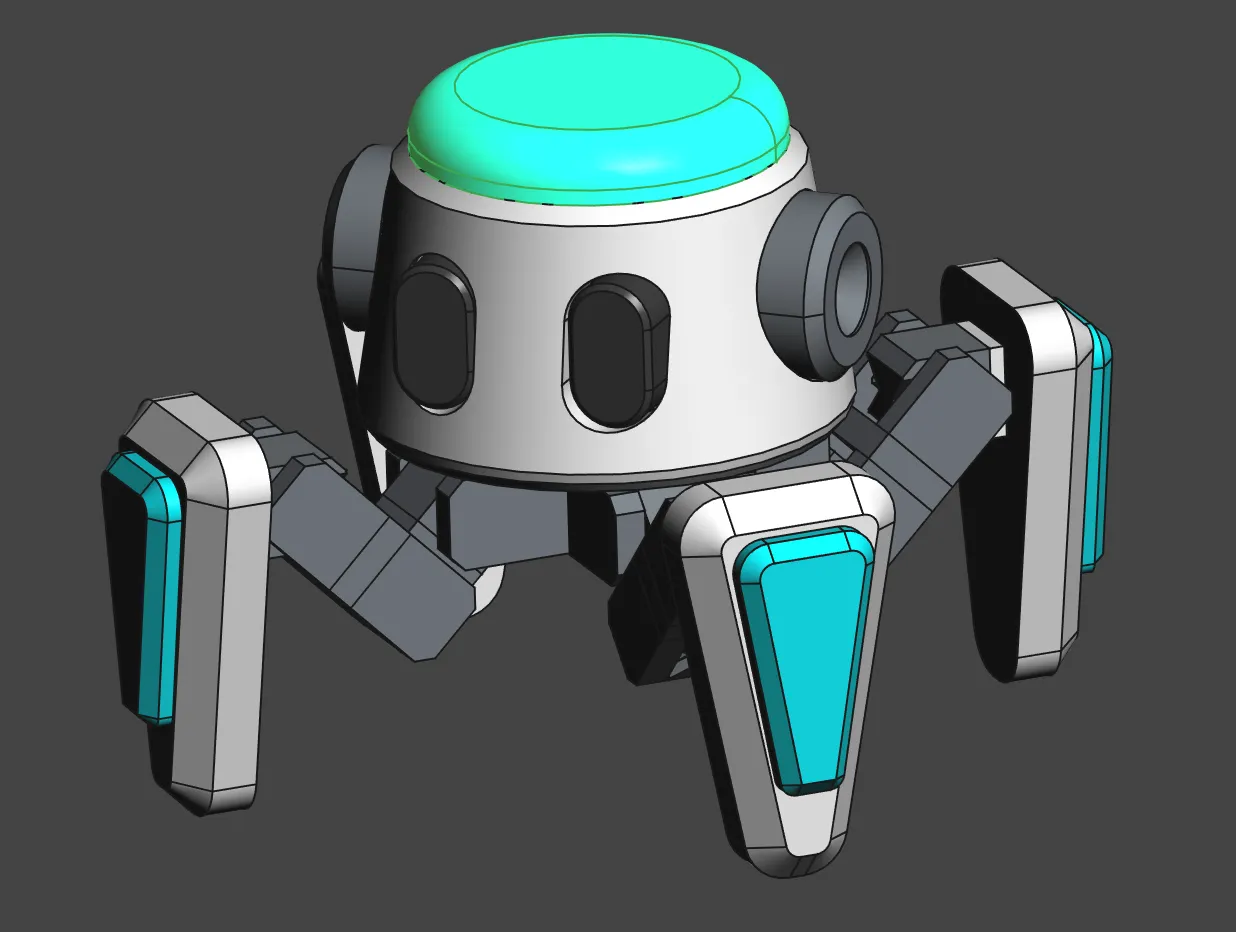
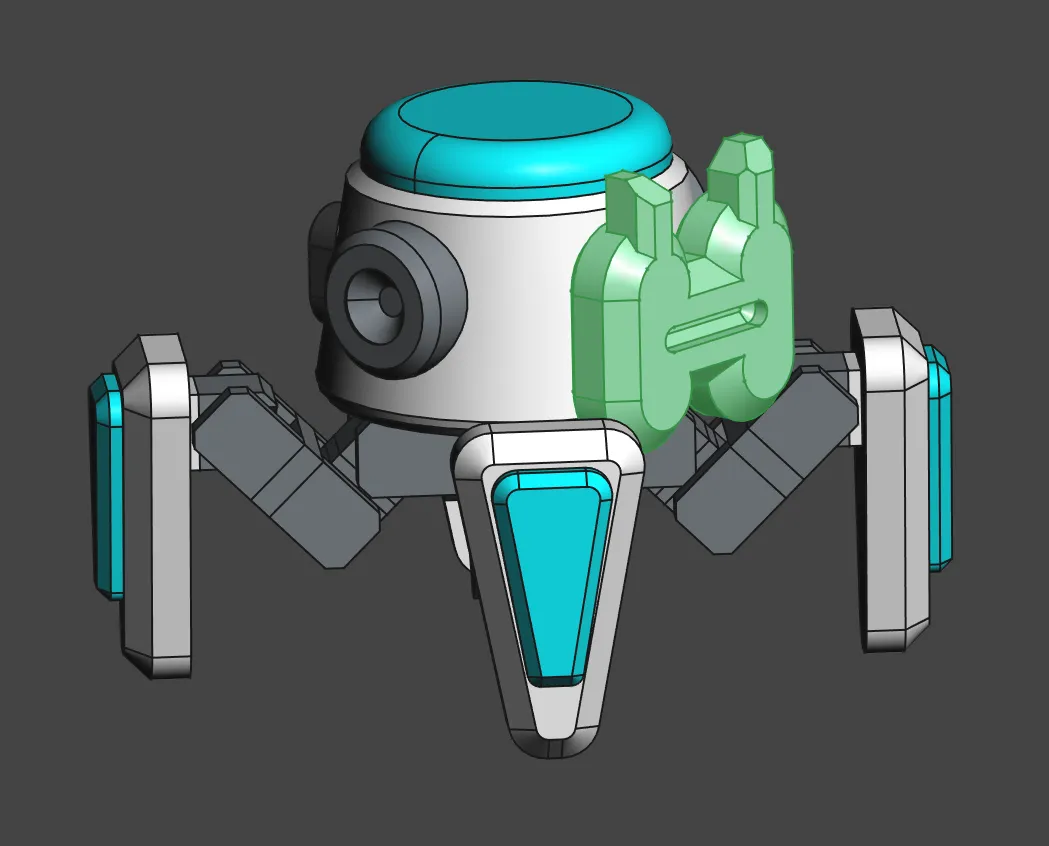
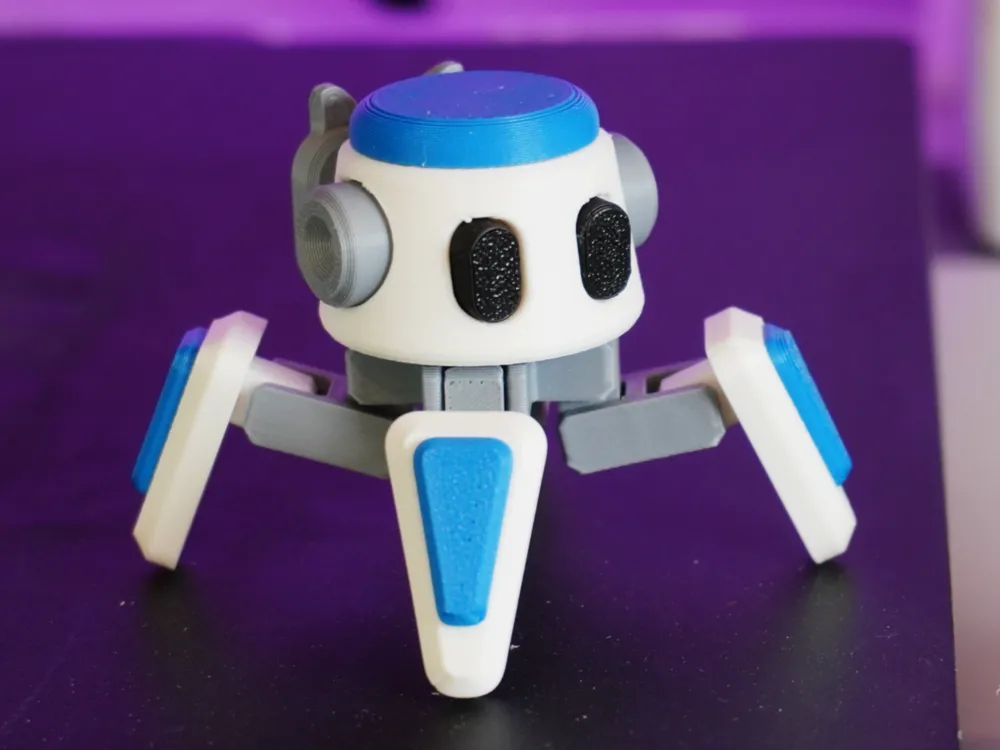
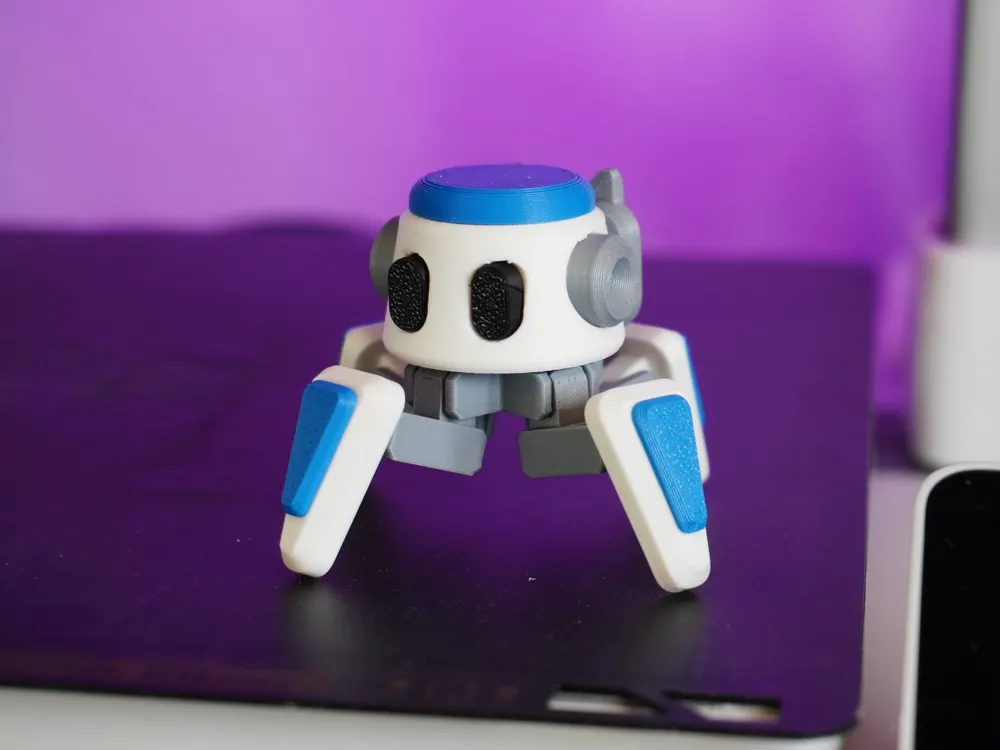
This is the Scuttle Mech! It's a multi-use base mech that's made to be kitted out for different usages. Upcoming variants include the Sonar Scuttle Mech and the Wrench Scuttle Mech.


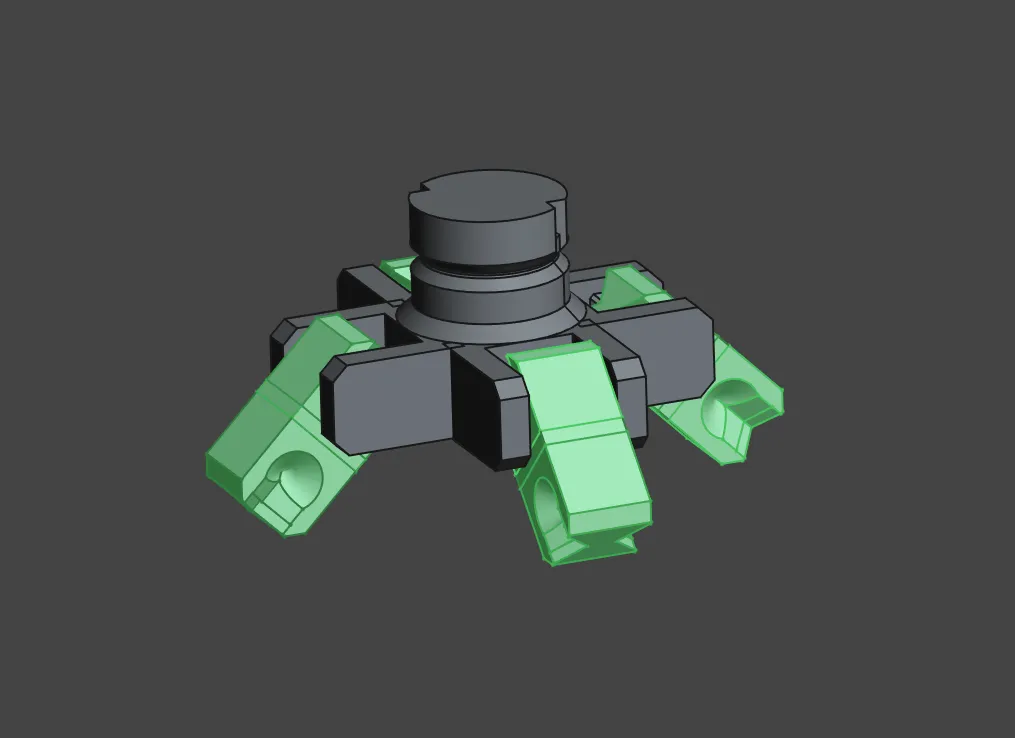
The Scuttle Mech model kit consists of 24 parts and 13 moving joints.


As always, this model kit features snap-fit joints, no supports, no glue required, and works with PLA.

Assembly Guide
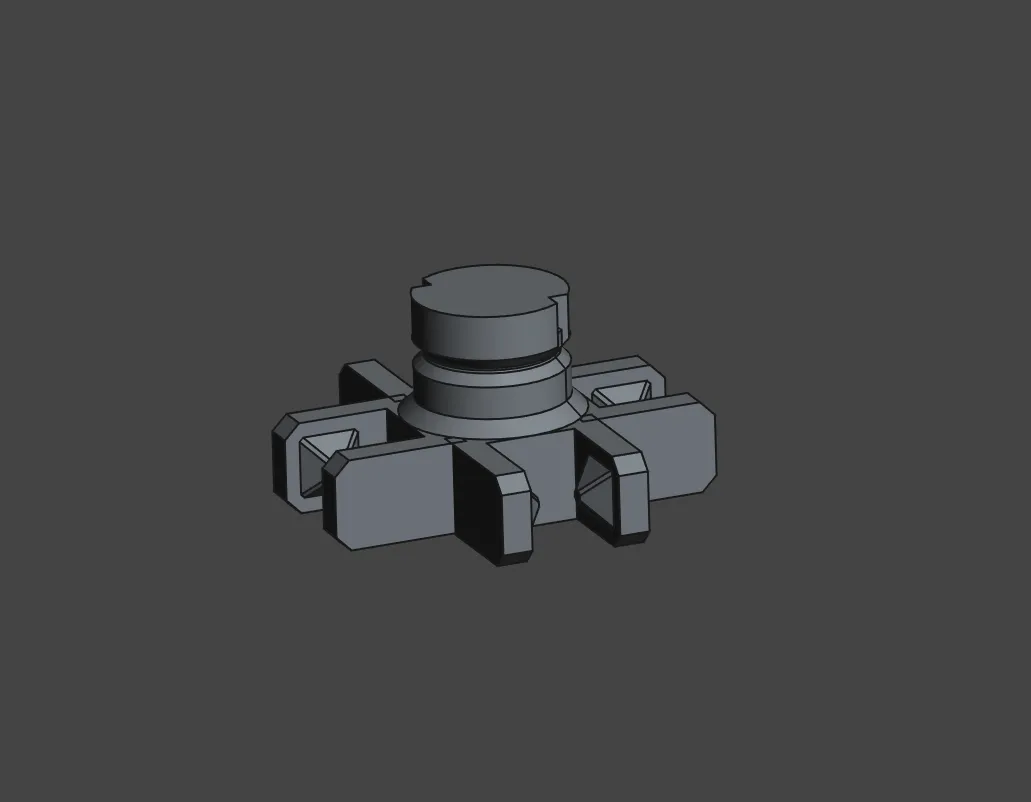
 

Thank you for downloading, printing, and enjoying my designs! I really appreciate all of your support and I love seeing all of your prints!

Boost Me (for free)

Thank you for your support of my work!

Comment & Rating (162)

(0/1000)

4th
The designer has replied
5
Reply
Replying to @user_3788437881 :
you shut up!
0
Reply
Replying to @user_3788437881 :
hi and %#&@@$#
0
Reply
Replying to @mannmachines :
that was rude
0
Reply
Print Profile
Multi-Color - Print by Object (X1/P1)
I had enormous problems with bed adhesion for the joint parts. I had to restart the print 4 times and it only worked when I reduced the print speed in the slicer. But now the mech looks great, although I feel like the figures no longer have as much detail as before😕
(Edited)
Show original
6
Reply
Looks awesome with the glow in the dark eyes! Make sure to wash your print bed with dish soap and water from time to time, I try to twice a week to make sure it stays clean, so then there are no adhesion issues.
(Edited)
1
Reply
Replying to @CurlyFries1 :
Thanks for the tip I'll give it a try
Show original
0
Reply
I also put glue before a print sometimes. I also clean with soap and water! If you want glue for it to stick then I suggest Elmer's glue, like the one in the picture 🖼️.
(Edited)
1
Reply
guys I’ve finished my little robot! his name is Sparky!
1
Reply
rate him 1-10
0
Reply
2/10
0
Reply
oops misclick 12/10
0
Reply
My first multi color print and love it.
3
Reply
congrats on first multi-color !! I remember mine- “WHY IS THERE A BOX ON THE SIDE EEE”
0
Reply
it’s so cute! I’m making one right now. I’m naming him sparky😃
0
Reply
Thank you very much for the model ! I love your creativity 🤗 However, there is a problème for the head part, the bottom hole does not print (see the images) it is an easy fix i think. Have a good day !
The designer has replied
designer
3
Reply
The result is super nice ! 🤗
0
Reply
Oh my, my mistake, I'm so sorry! I've fixed it now, thank you!
1
Reply
Print Profile
Multi-Color - Split by Plate
love these little guys. kids love them
2
Reply
Turned out really good! I adjusted printing settings to be slower and 0.16mm layers. Painted eyes on it. My daughter loves it.
0
Reply
omg so cute!!
0
Reply
Came out perfect.
0
Reply
WOAH! What filament is THAT???
0
Reply
here they are some of your models so insanely cool
1
Reply
Print Profile
Multi-Color - Print by Object (X1/P1)
So cuuute!
1
Reply

License

This user content is licensed under a Standard Digital File License.

You shall not share, sub-license, sell, rent, host, transfer, or distribute in any way the digital or 3D printed versions of this object, nor any other derivative work of this object in its digital or physical format (including - but not limited to - remixes of this object, and hosting on other digital platforms). The objects may not be used without permission in any way whatsoever in which you charge money, or collect fees.