
BuildPlate Plier
Print Profile(7)


Bill of Materials








Description
Boost Me (for free)
I usually don’t ask for this, but I’ve noticed that many creators actively encourage it on other platforms—and it makes sense, as it helps increase visibility. So, if you can follow me, it would make difference. It’s a great way to support my work and show appreciation. For more insight subscribe my blog at: https://designrepcom.com/ This design is freely available for the community, but if you enjoy my work and would like to show your support, you can boost this project. Thanks!
What is it?
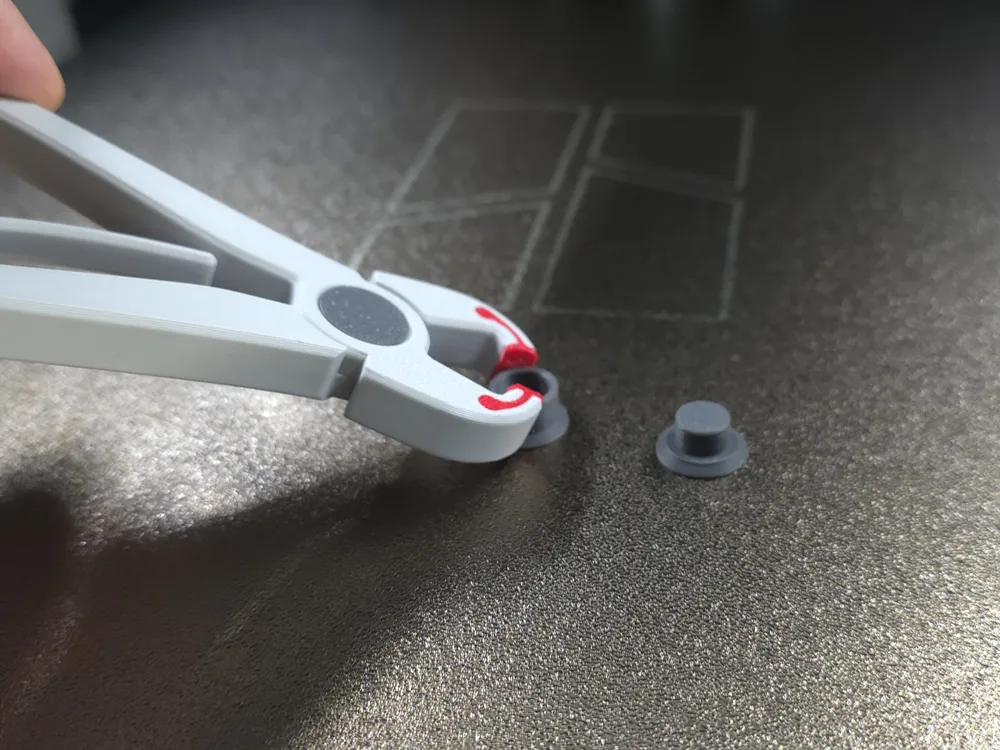
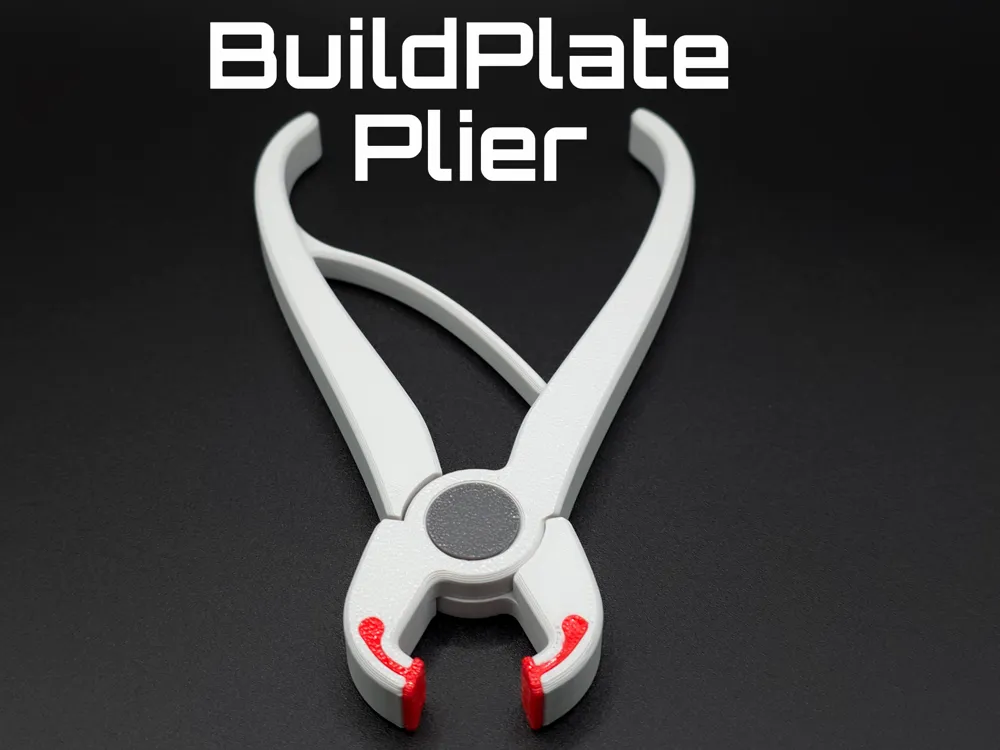
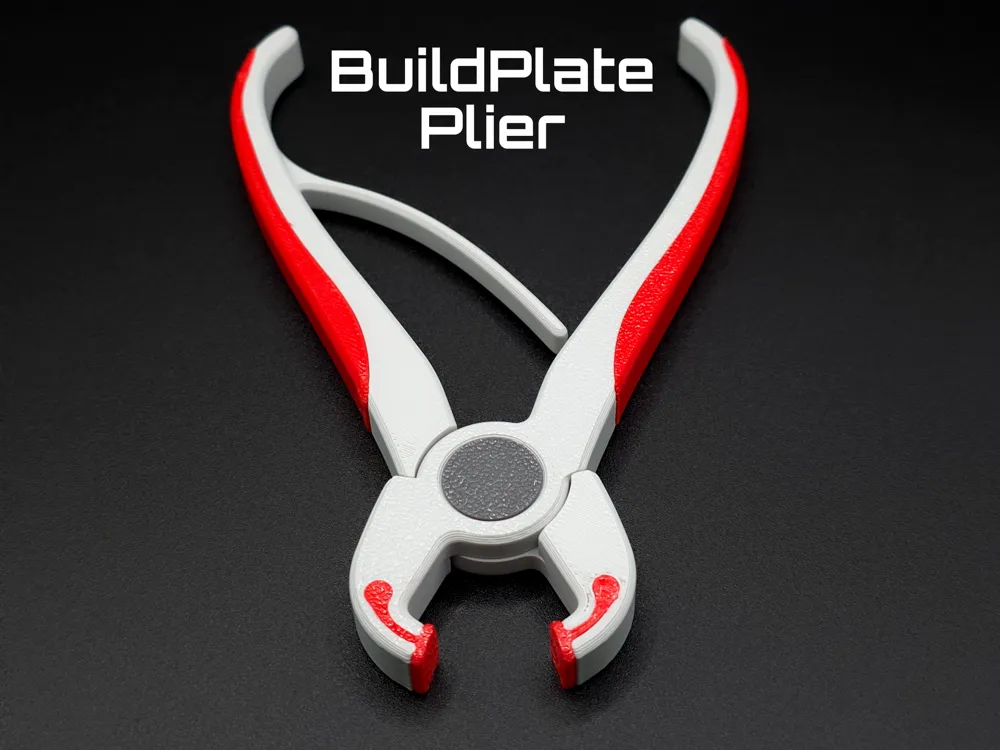
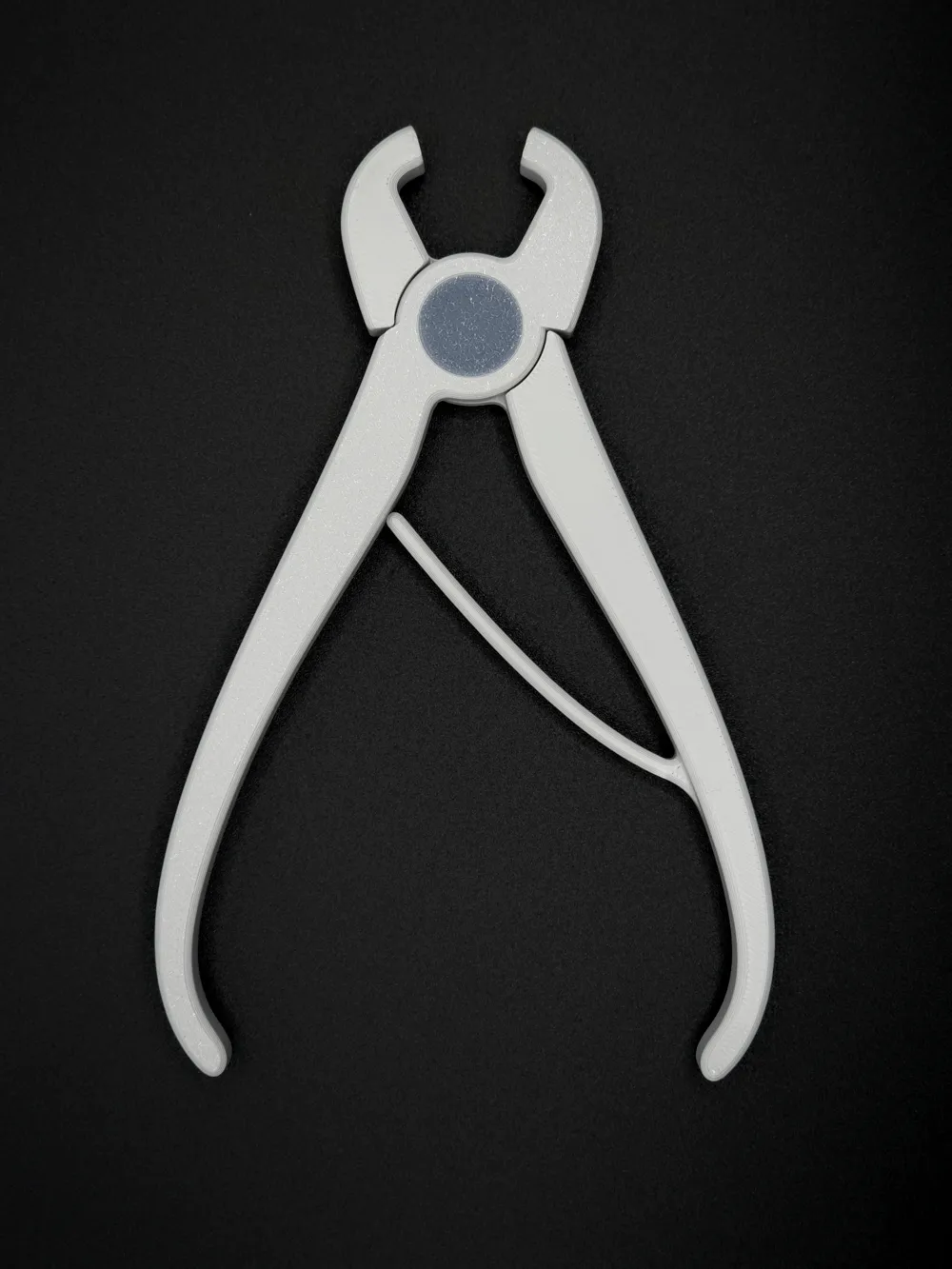
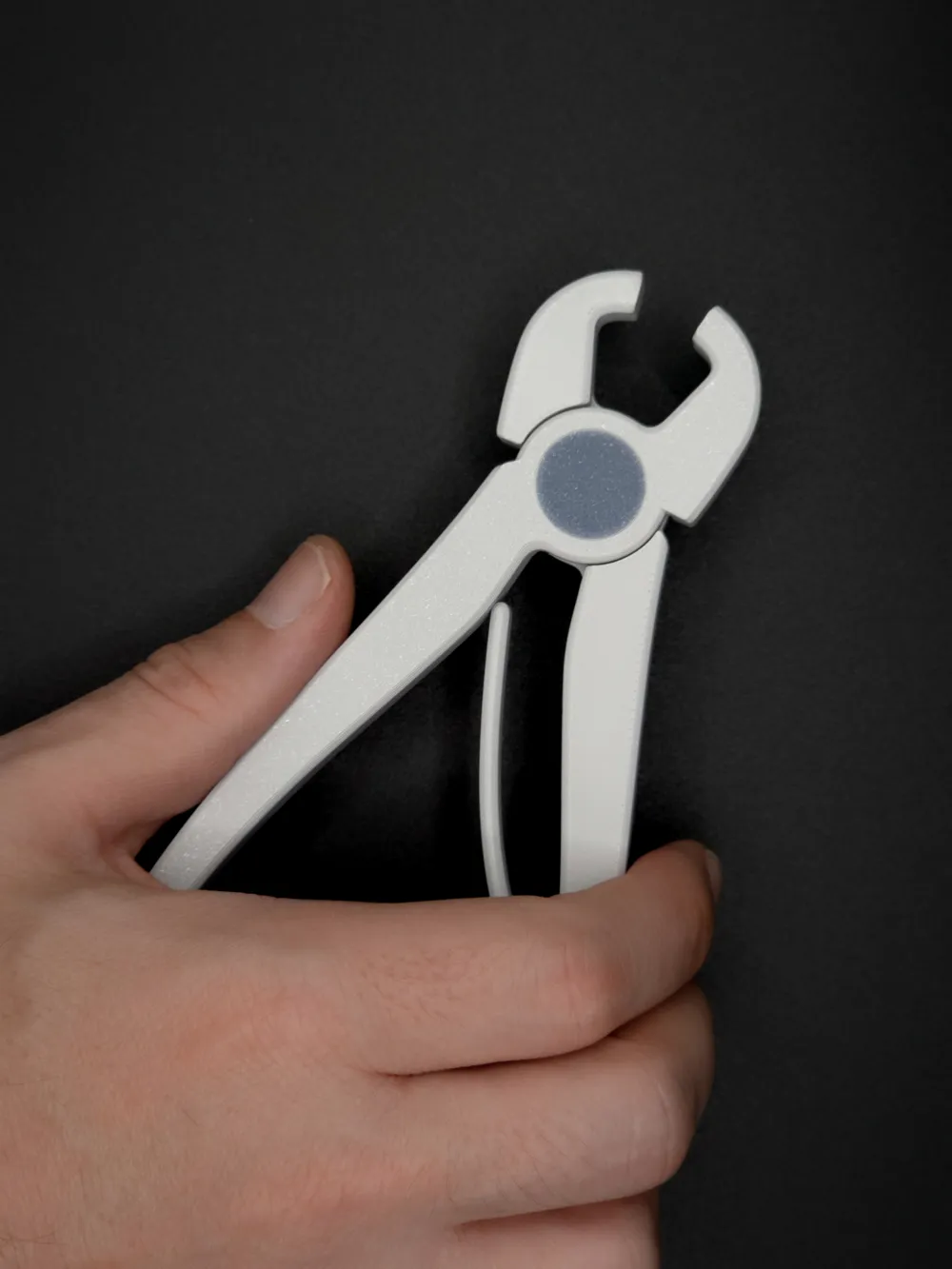
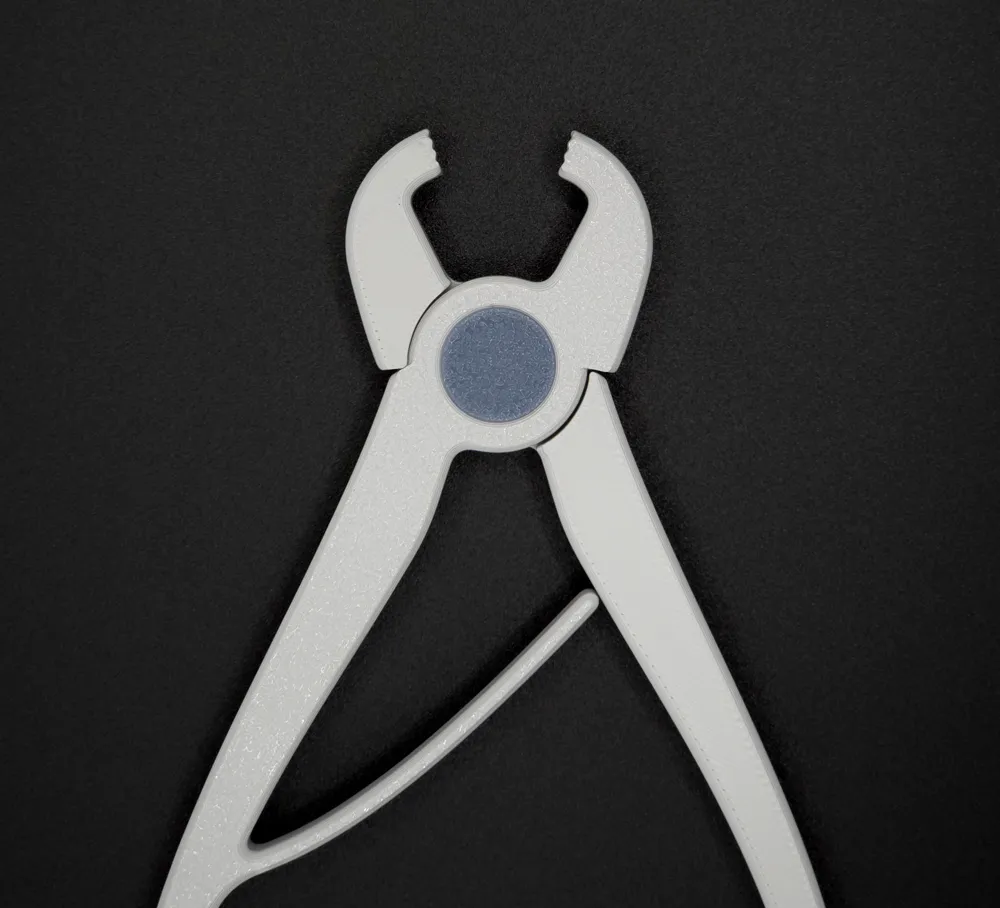
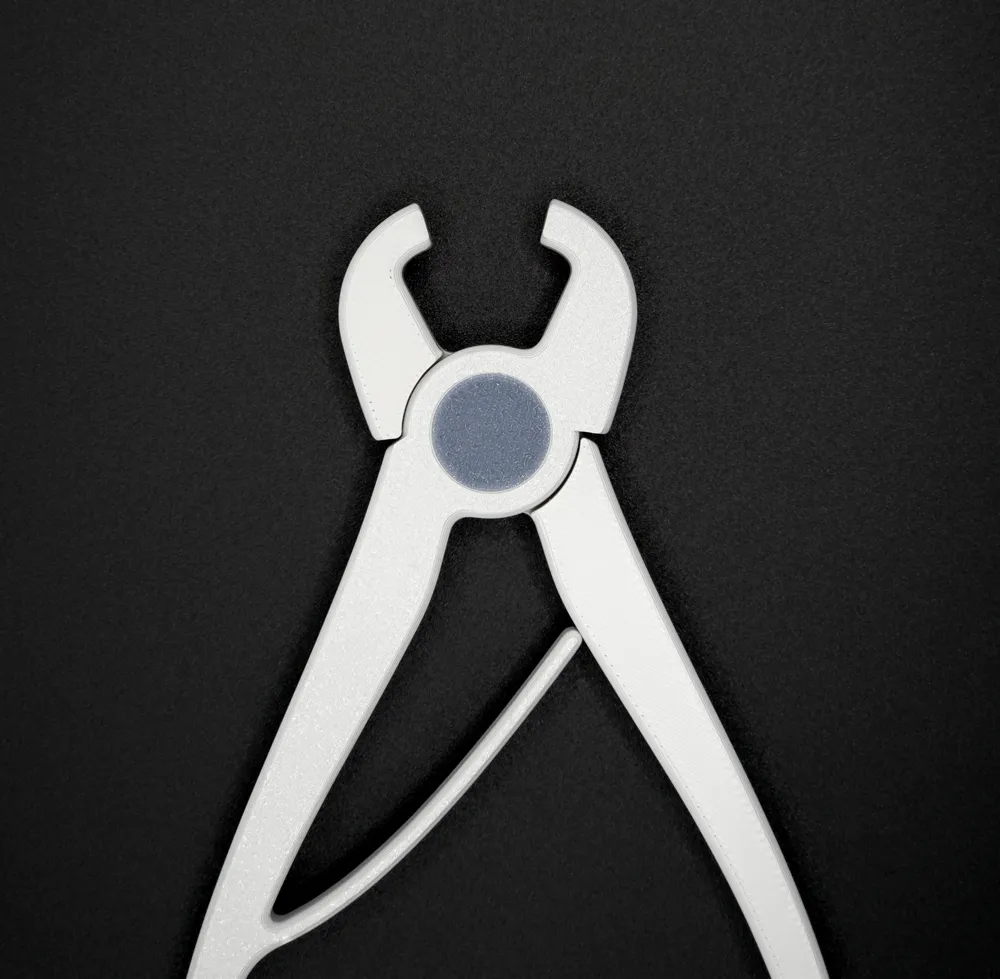
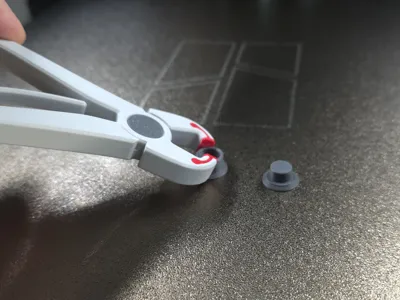
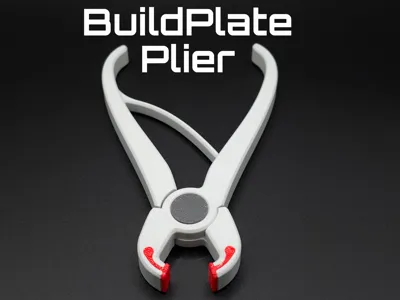
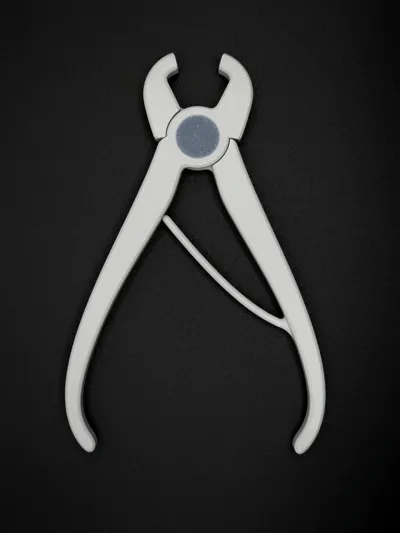
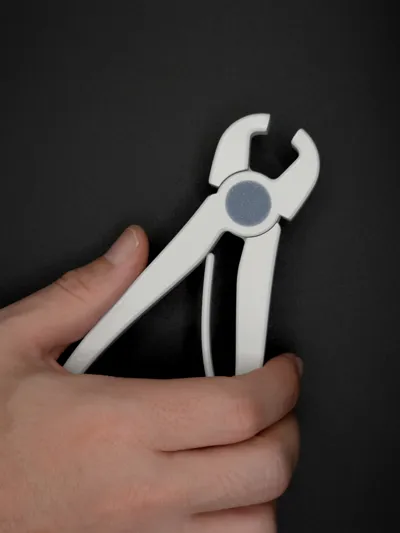
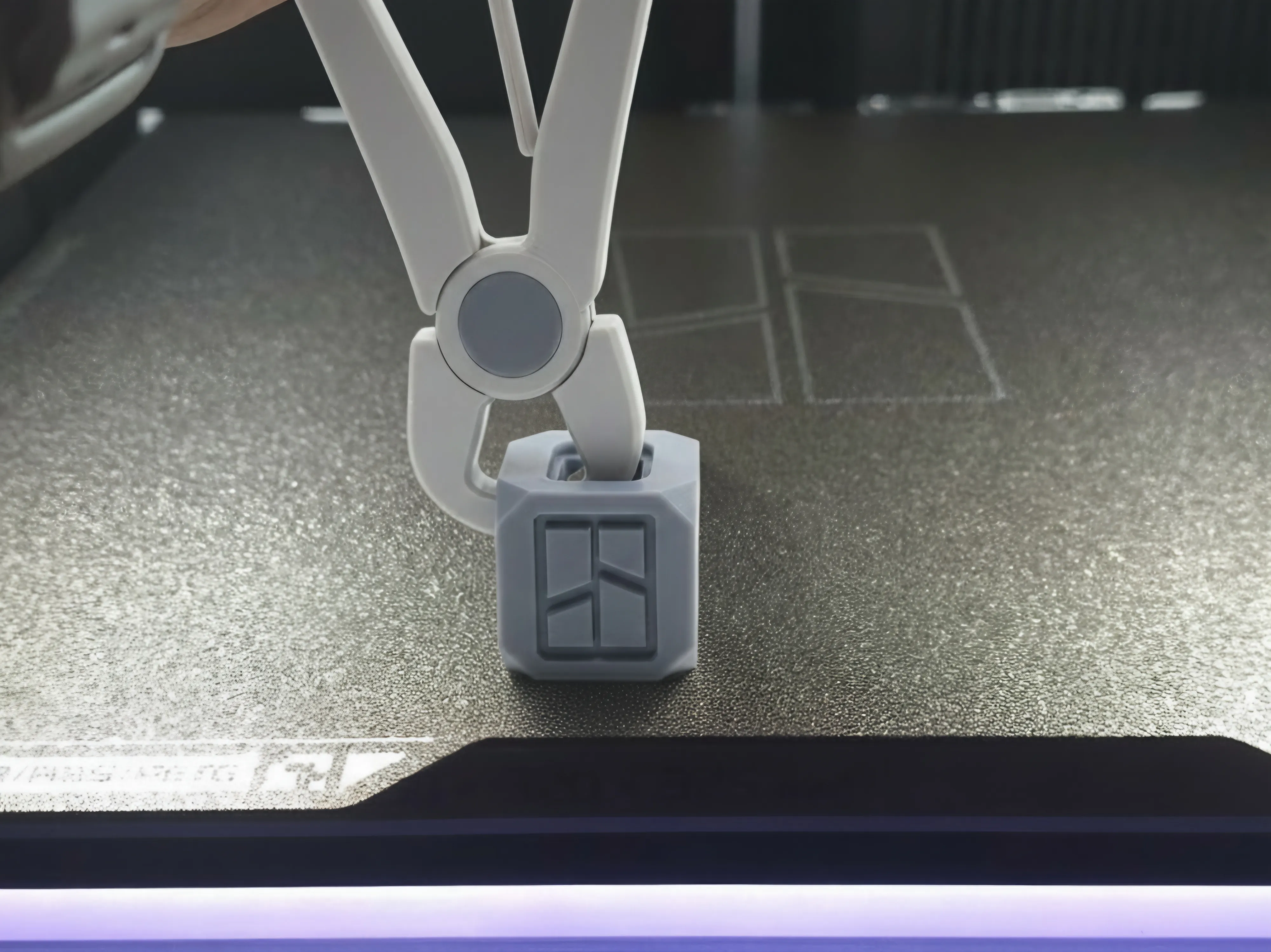
A purpose-designed plastic plier for removing 3D printed parts from the build plate safely and efficiently, avoiding damage to both the print surface and build plate. Another great thing is that you don't touch the build plate with your hand.
Excellent for removing doe shallow and unfinished parts from the build plate.
Advantages / Benefits
- Provides a controlled grip without the excessive pressure of metal pliers.
- Reduces the chance of scratching or breaking delicate features.
- Keeps hands and natural skin oils away from the build-plate, maintaining better adhesion for future prints.
- Lightweight, quick to print, and easily replaceable whenever needed.
How to use it?
- Use the plier to grab parts with protrusions or slightly lifted edges.
- Apply moderate pressure – the plastic’s natural flexibility prevents over-tightening.
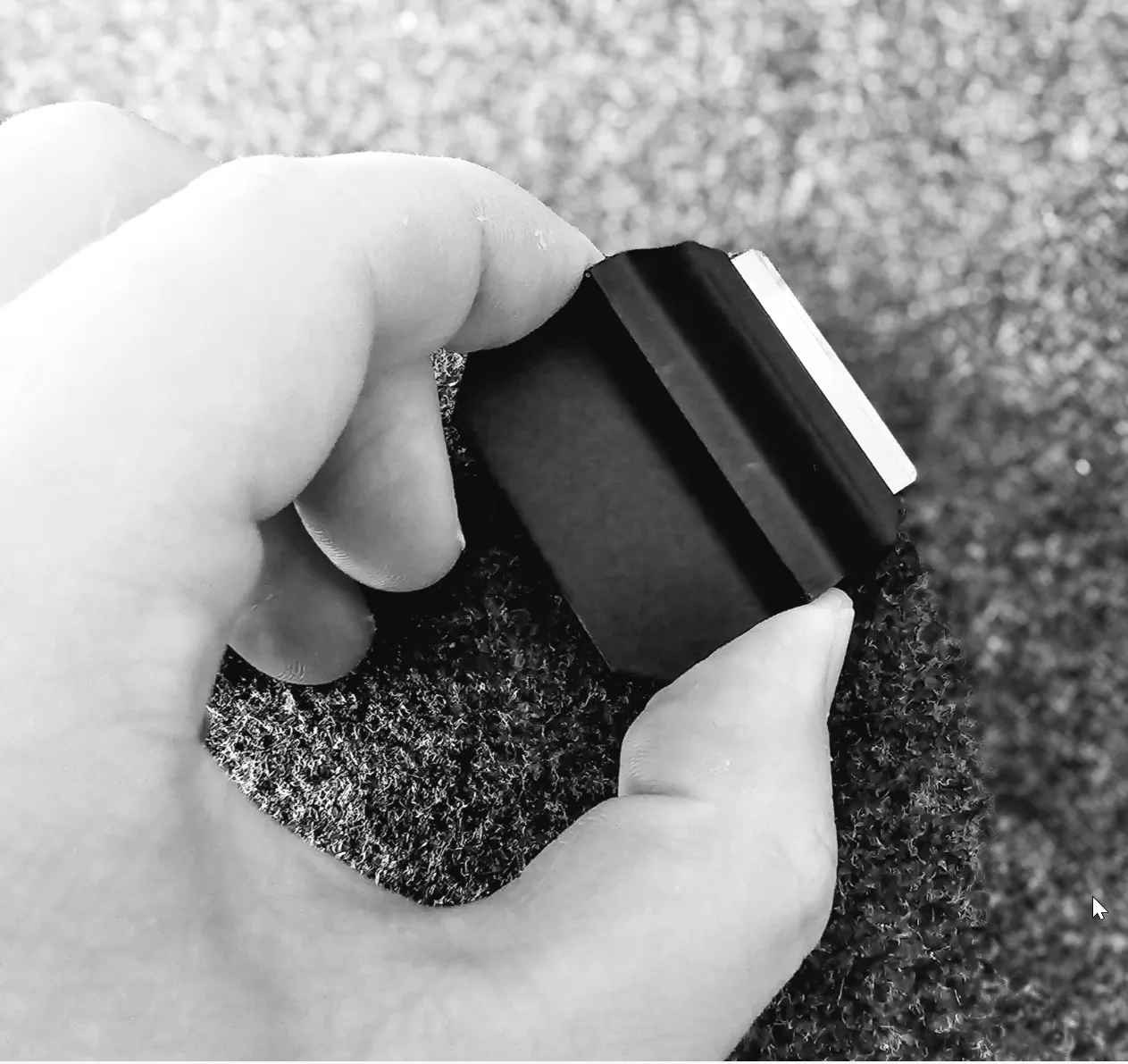
- Works best as a complement to a small scraper, check the one I have here.
Version with TPU tips for extra grip
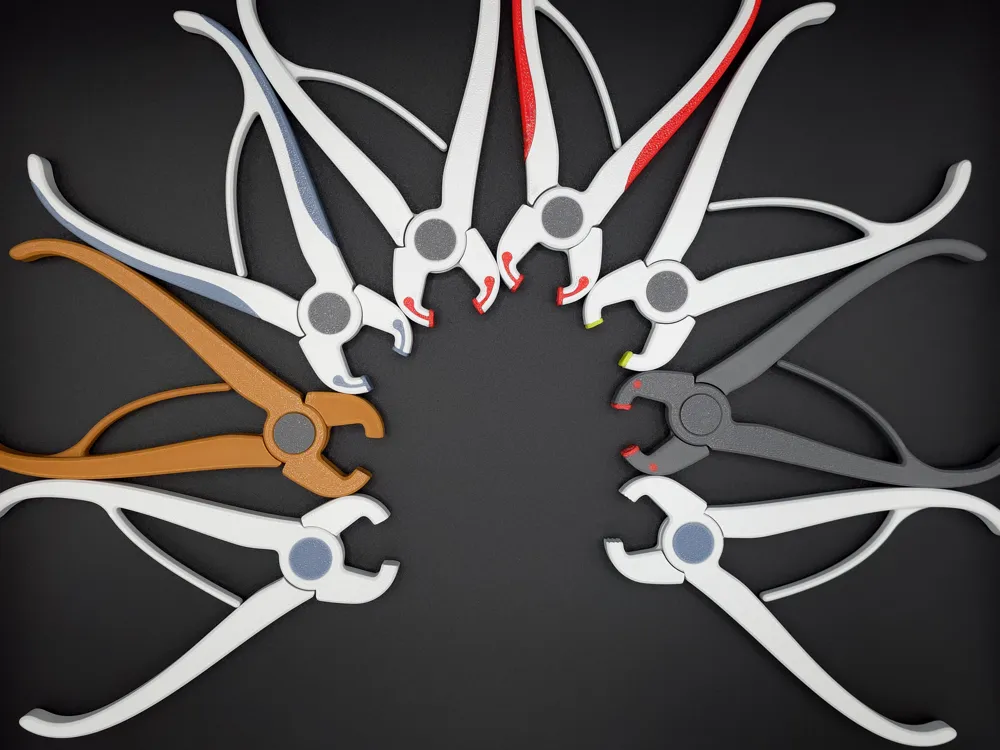
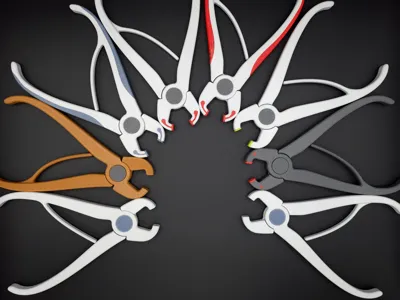
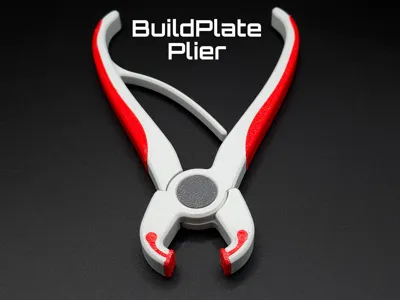
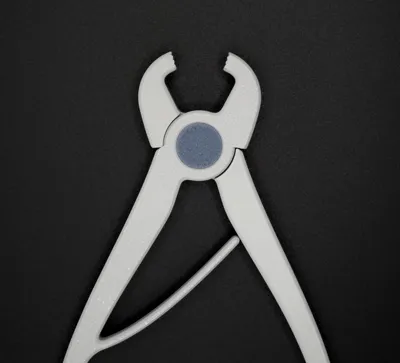
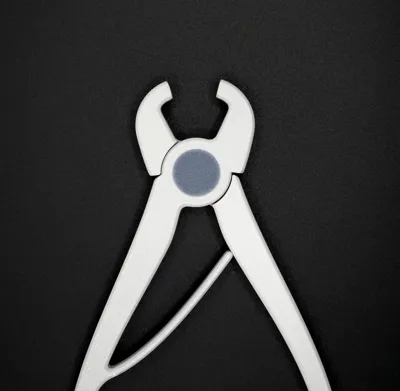
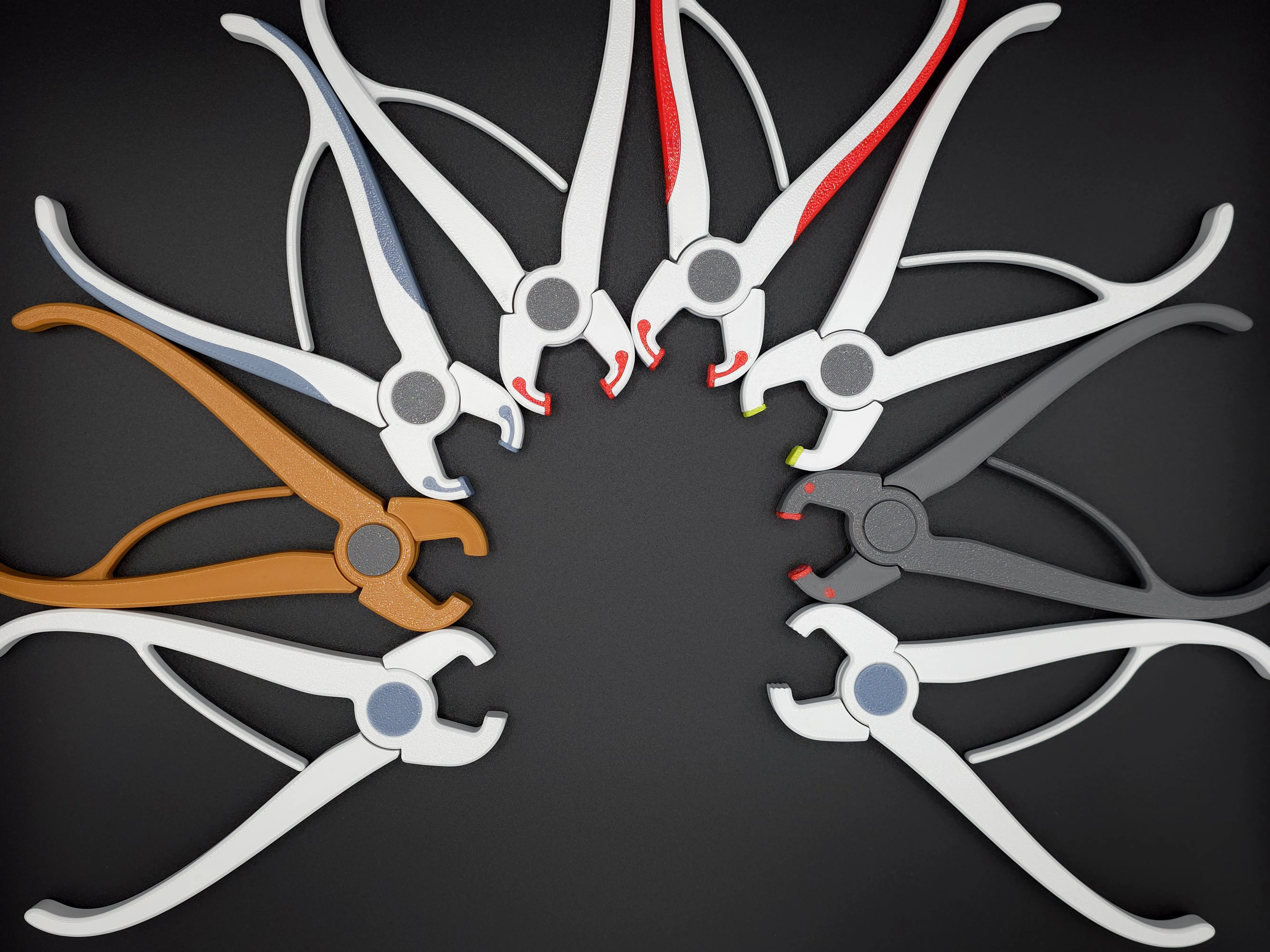
New variations of the pliers are now available, featuring improved grip at the tips.
This version uses a softer material (TPU), which adapts to the surface of the part when pressure is applied. The result is a much stronger hold and reduced risk of slipping, making it especially useful when handling stubborn prints.
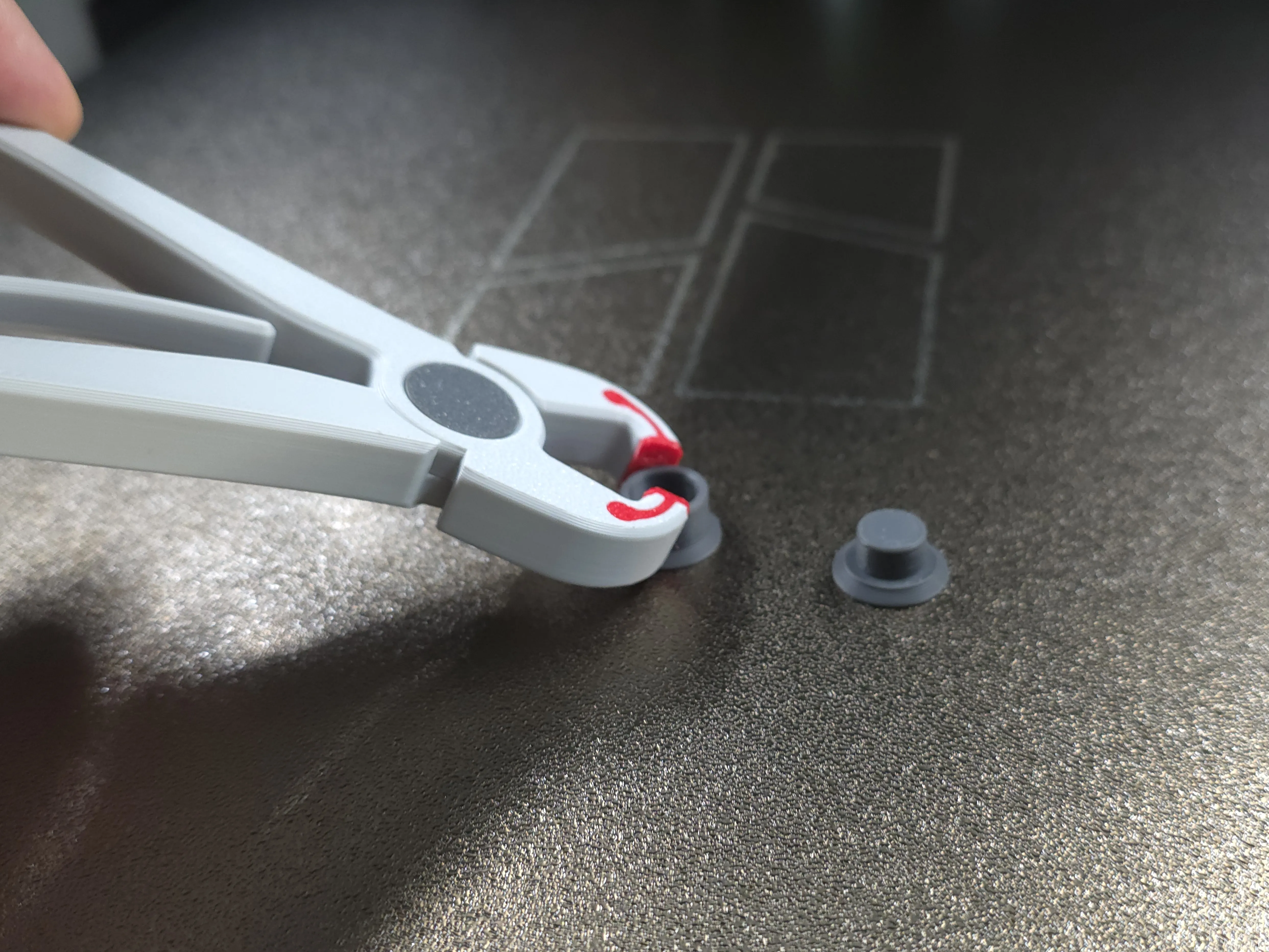
Note on TPU - for newbies
In FDM 3D printing, TPU (Thermoplastic Polyurethane) is the most common flexible filament, with properties similar to rubber. It is graded by hardness on the Shore scale:
- TPU 95A → the most popular grade, balancing flexibility and ease of printing.
- TPU 90A → softer and more flexible, slightly harder to print.
- TPU 85A → very soft, highly elastic, mainly used for footwear or soft prototypes.
- TPU 60D → more rigid, close to semi-rigid plastics, while still offering impact absorption.
For Bambu Lab printers specifically:
- TPU 95A HF (High Flow) is the standard, optimized for high-speed printing, combining durability and flexibility.
- TPU AMS-compatible (≈ 68D–77D) is stiffer, designed to run smoothly in the AMS system, though less flexible than 95A.
If you are printing TPU for the first time, 95A is the best place to start. Personally, I prefer the softer variants, as they provide a more adaptable grip in tools like this one.
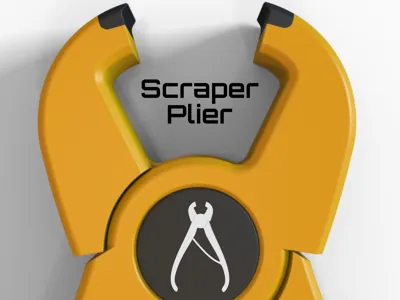
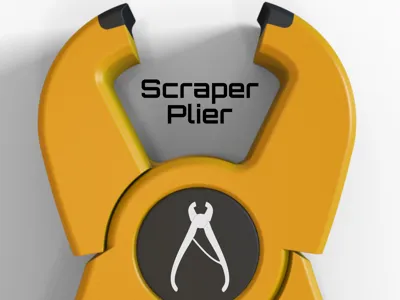
New Model: The Scraper-plier (27/09/2025)
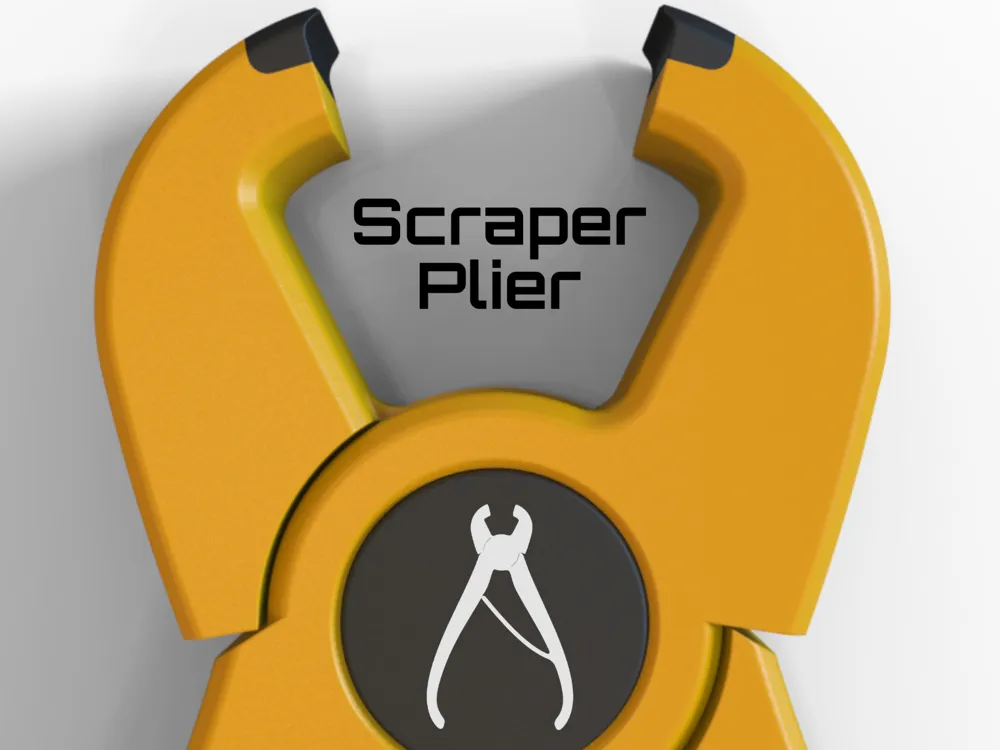
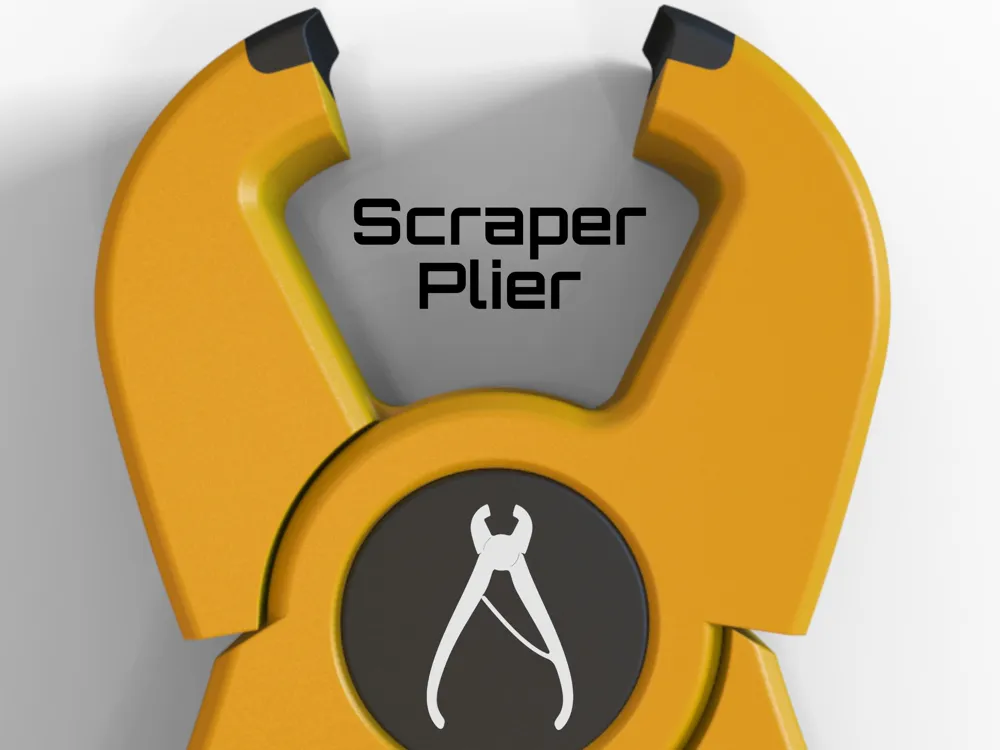
Here is a new option for your tool collection: the Scraper-plier. This model is specifically designed to safely and efficiently remove small, thin filament scraps and purge lines from your printer's build plate.
- Protects your Build Plate: Unlike metal scrapers that can cause damage, this tool's unique design and specialized tips prevent scratches and help maintain the integrity of your printing surface.
- Improves Adhesion: By allowing you to remove debris without touching the print area, it helps preserve the plate's adhesion.
- Precision Tips: The tips are designed to be printed with a carbon-fiber filled material, providing a hard and rough surface that precisely grips and pulls away even the most stubborn scraps.
The print recommendations are the same as the original plier, with the added tip of using a carbon-fiber composite for the plier's ends to achieve the best scraping performance.
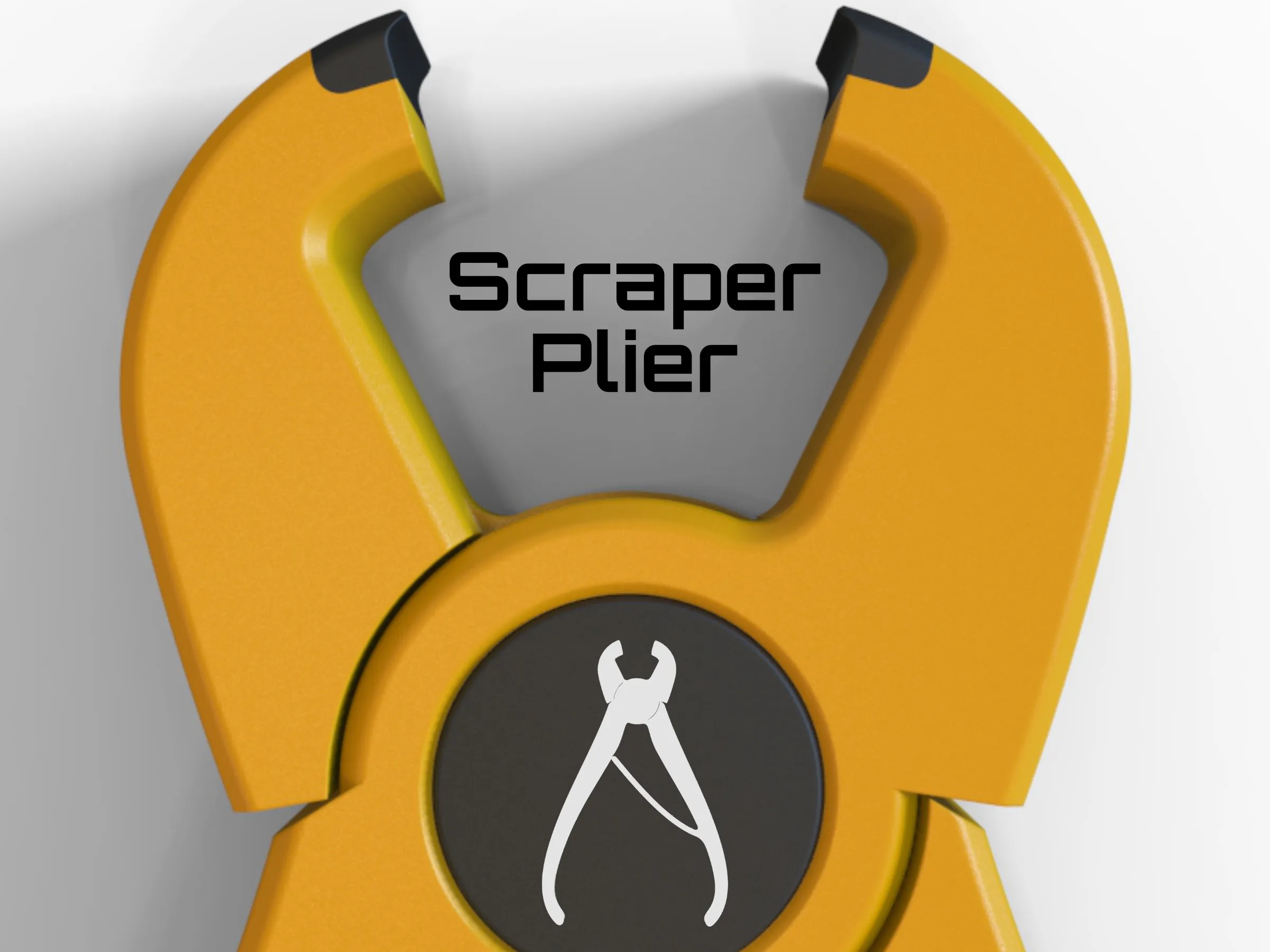
Compatibility
- Suitable for any FDM 3D printer, with glass, PEI, or magnetic build surfaces.
Modularity / Expansion
- Designed to be part of a broader toolset for print removal.
- Pairs naturally with the upcoming 3D Printing Spatula.
- Can be stored and organized within the Multi-Modular Storage System (MMSS).
Materials used
- PLA: quick, easy, and sufficient for light to medium use.
- PETG (optional): better resistance and durability.
Print recommendations
- Use your standard profile (no special requirements).
- If extra strength is desired, increase the number of perimeters from 2 to 3 or 4. Note: mechanical gains will not be strictly proportional.
Assembly
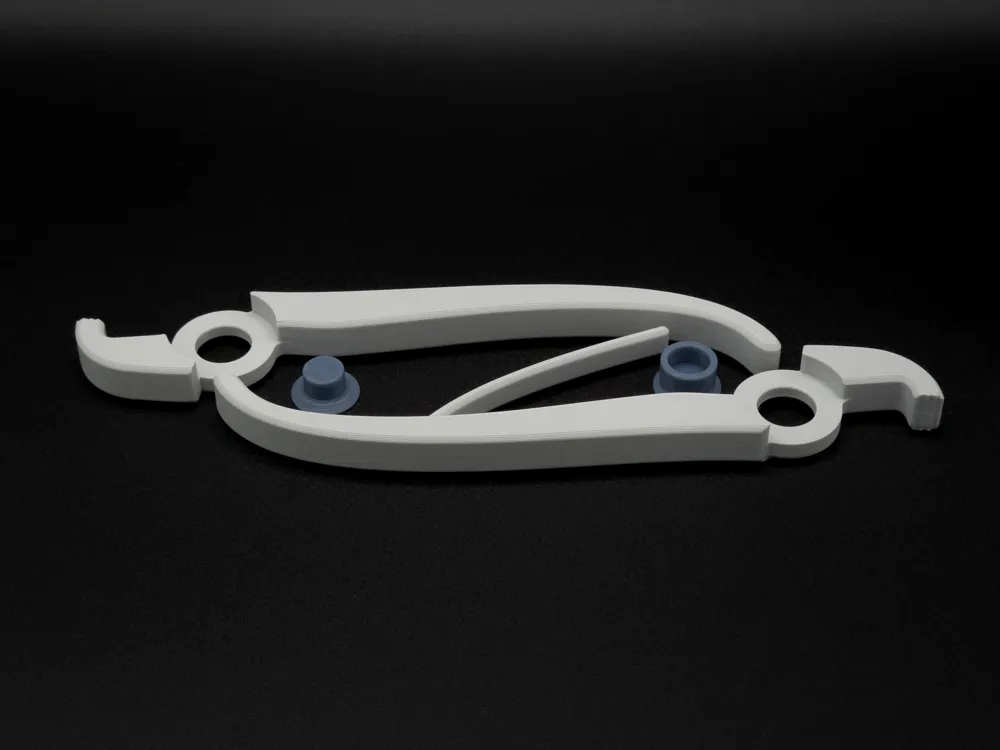
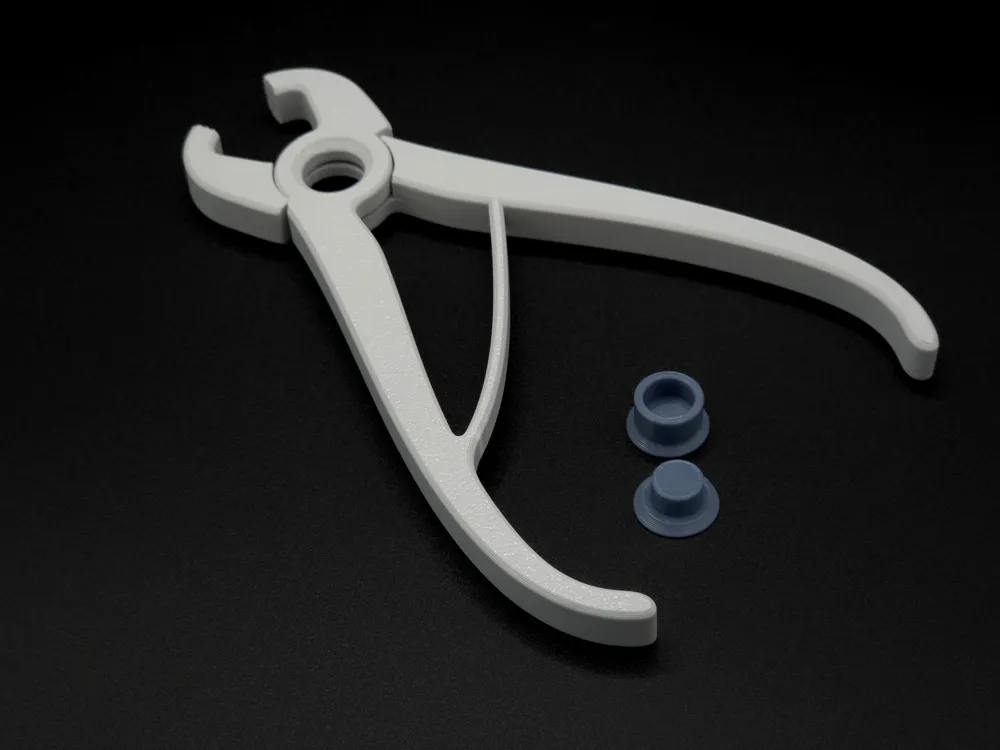
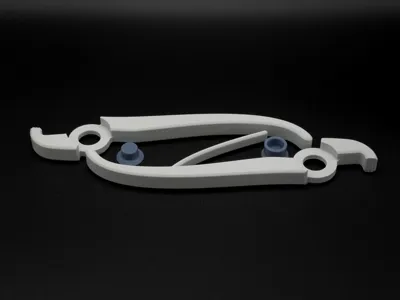
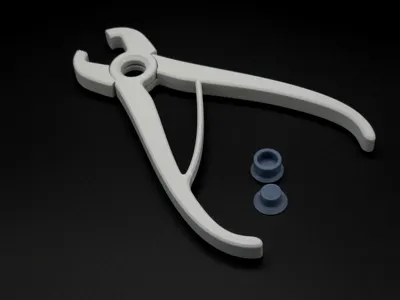
- Insert the two plier arms together at the fulcrum.
- Place the female pin first, then add the male pin.
- Before inserting the male pin, apply a small drop of cyano acrylate glue for plastics or epoxy adhesive inside the contact area between the male and female pins.
- This ensures a solid, stable joint without requiring metal hardware.
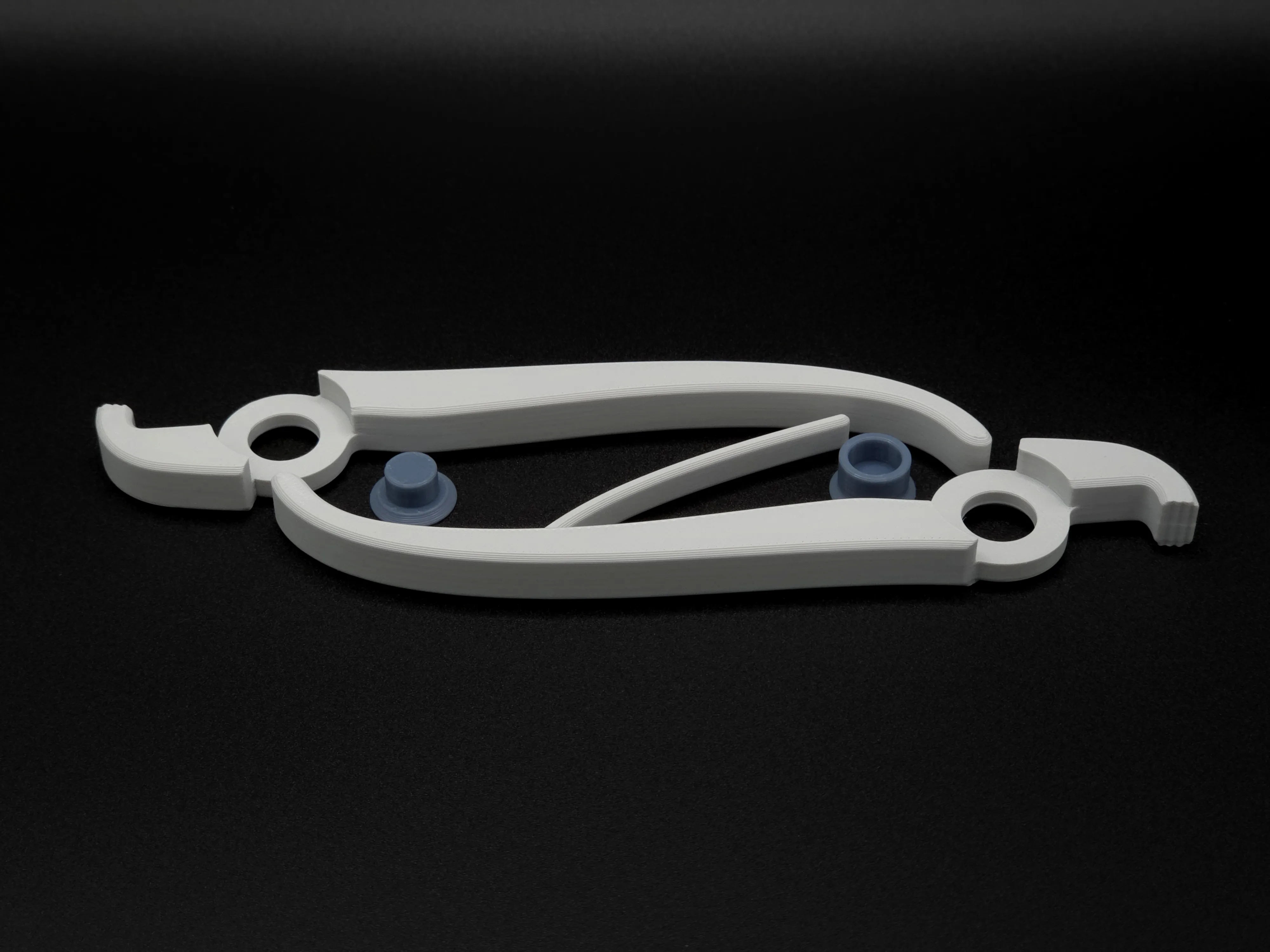
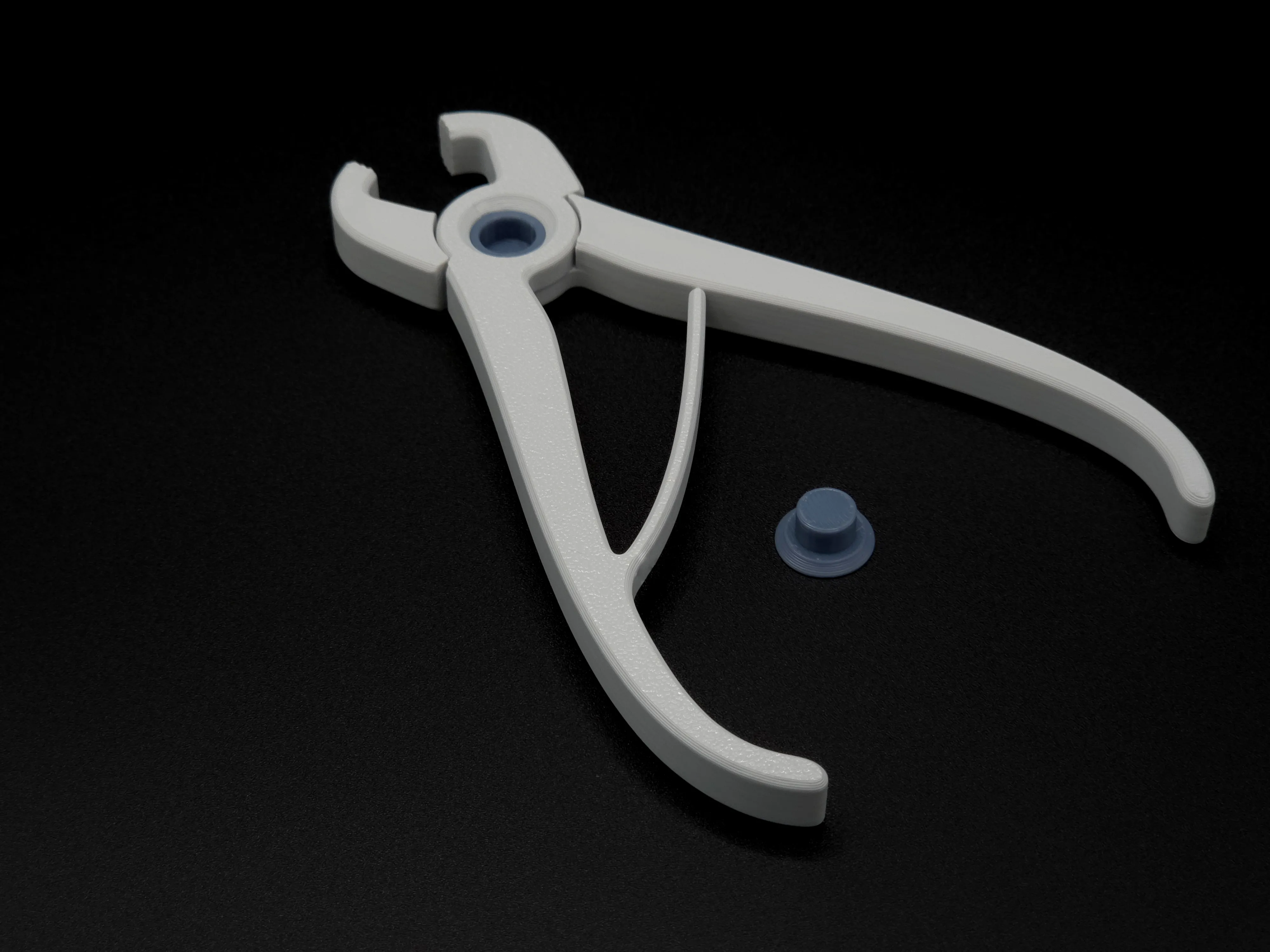
Note: The choice of gluing over a press-fit avoids issues that can arise from dimensional tolerances, which may vary due to factors like nozzle wear or flow rate differences.
Design Philosophy & Development
This tool was inspired by the need for something more delicate than metal pliers, but more effective than a spatula alone. Its “finger-like” action provides a safe grip without compromising the print’s surface quality.
For insights into tolerances and dimensional fit, check my blog post: 3D printing tolerances.
Change log
20-09-2025: Considering the difficulty of co-printing PLA and TPU on most 3D printers—that is, all those with a single nozzle—there is now a version of the pliers where the TPU tips can be printed separately and then glued to the main body, X1, P1 and A1.
The gluing process should ideally be done with contact adhesive, as this type of glue offers the necessary elasticity. However, you can try using it without glue to see if the material's behavior is adequate when you're using the pliers. I would like to remind you that these pliers have a very specific purpose and should not be used in high-load situations. They are for gripping, not cutting!
For those who don't want to use multiple materials, there are simpler versions that use only one material and also fulfil their function. That said, with the application of TPU tips—assuming the material is soft—you will achieve better grip.
- 20-09-2025: Added Fuzzy skin effect to enhance grip effect to the profile “Pliers with TPU Extra Grip on Tip and Handles”. Nice tip from the member @Spaghetti_Sauce
Curious About My Tools? Check This Out!
For those of you who often ask about the tools I use to bring ideas to life, this article, The Journey From Idea To Object (Part I), offers some insights into the initial stages. It highlights the use of various tools, including software like Autodesk Fusion for CAD design, Blender for render and Bambu Studio for 3D printing preparation, and other... So, if you're curious about the software and hardware too, that I've incorporate in my workflow, take a look at the link for more details!" – Visit https://designrepcom.com/ for much more.
License

You shall not share, sub-license, sell, rent, host, transfer, or distribute in any way the digital or 3D printed versions of this object, nor any other derivative work of this object in its digital or physical format (including - but not limited to - remixes of this object, and hosting on other digital platforms). The objects may not be used without permission in any way whatsoever in which you charge money, or collect fees.


Comment & Rating (333)