
h2d emergency stop button location spoof Use with caution!
Print Profile(1)

Description
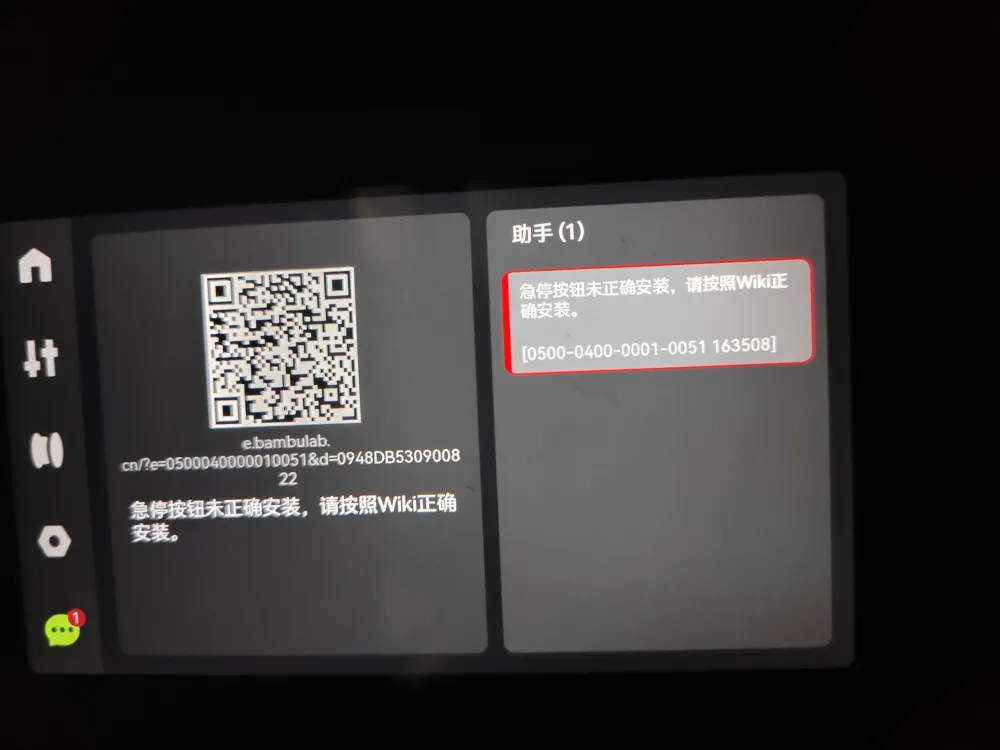
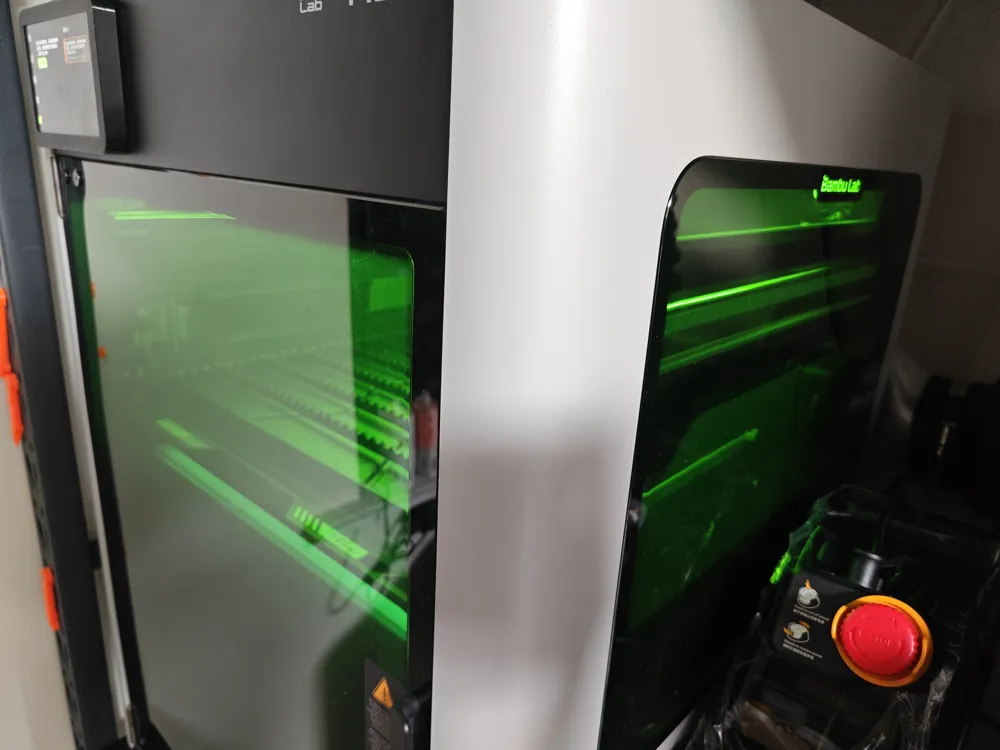

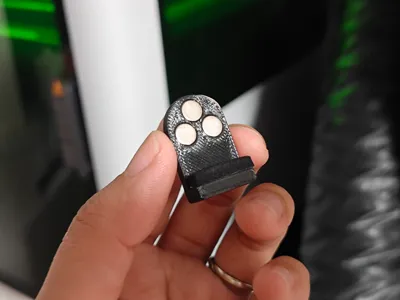
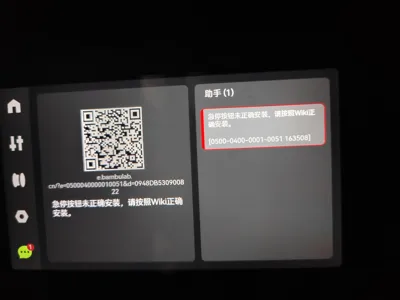
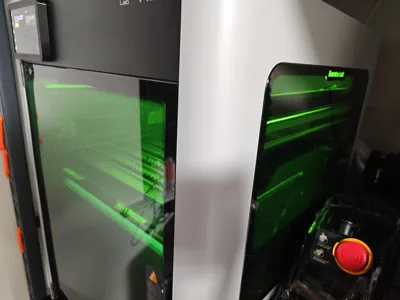

Yesterday, when I took out the laser, I found the machine was showing an error. I checked and realized the emergency stop button must be installed in a specific location on the right side of the machine. I don't remember if I plugged it in that spot last time. My machine's placement has moved, and there's no space at all on the right. So what to do? Let's spoof it.
Note: Keep the emergency stop button in an easily accessible location to prevent situations like fire where the button cannot be pressed. Use with caution!
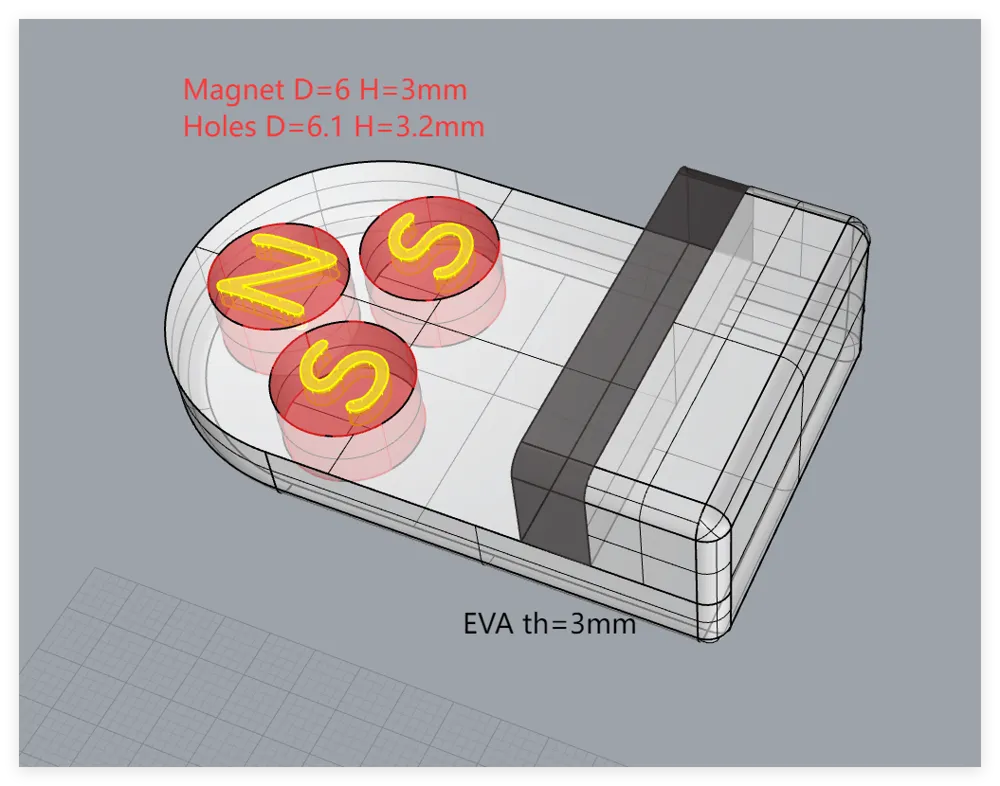
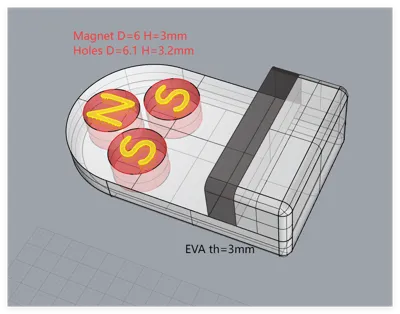
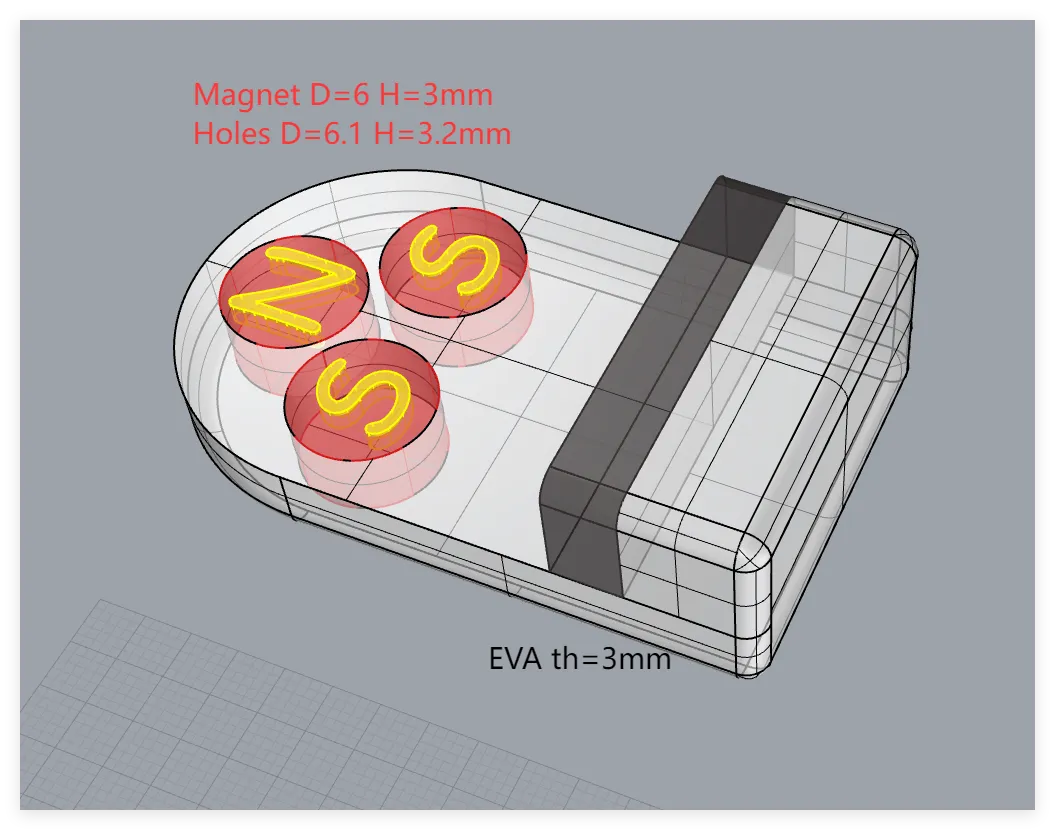
In case anyone wants to modify the magnet specifications, I have uploaded the STP file as an attachment. (Other setups have not been tested; my current configuration can be spoofed)
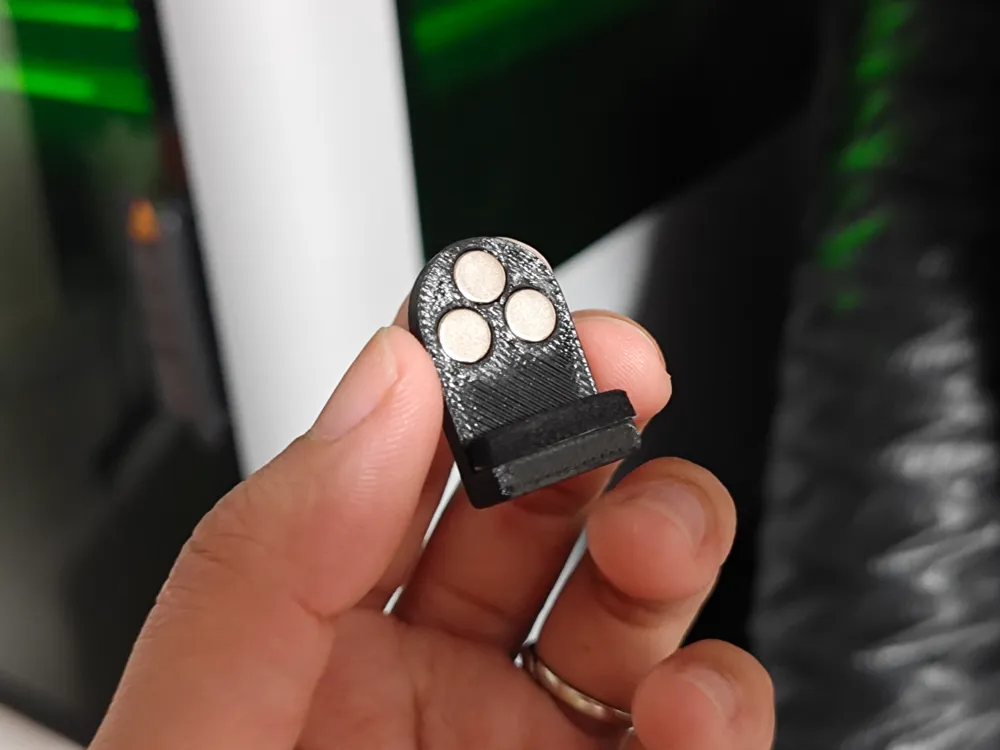
3 round n52 magnets, 6mm diameter, 3mm thick. Triangular ++- installation. I tested the original emergency stop button's direction: the bottom two match the original magnetic pole direction, and the top one is opposite. See the red part in the figure.
After installing the magnets, attach a 5mm wide, 3mm thick EVA strip, as shown in the black part of the figure.
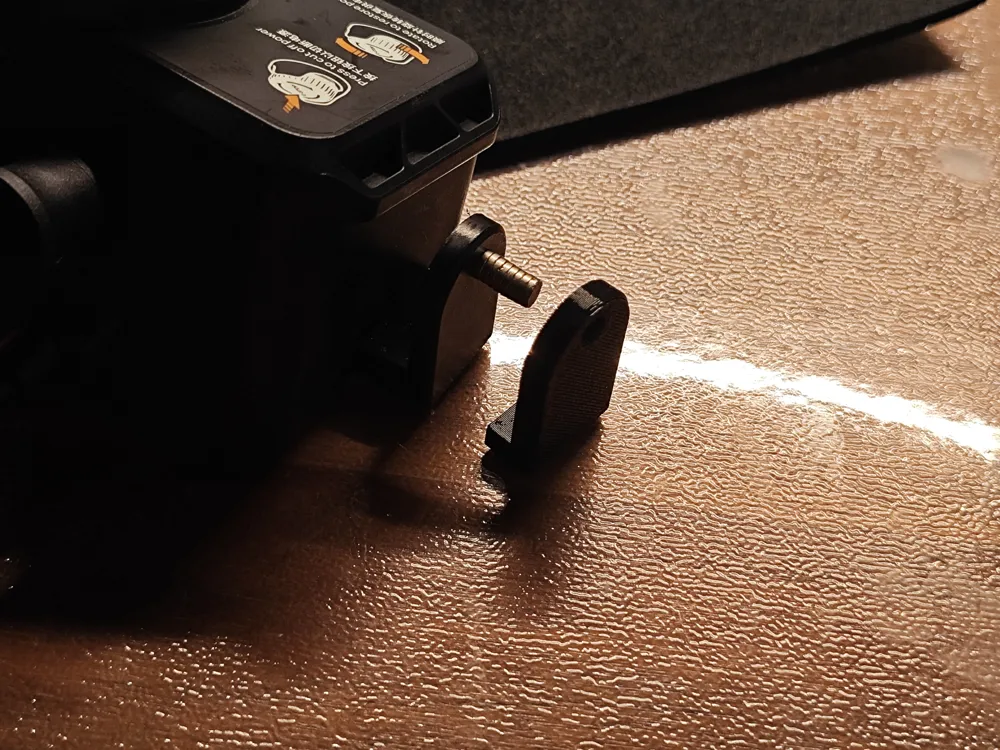
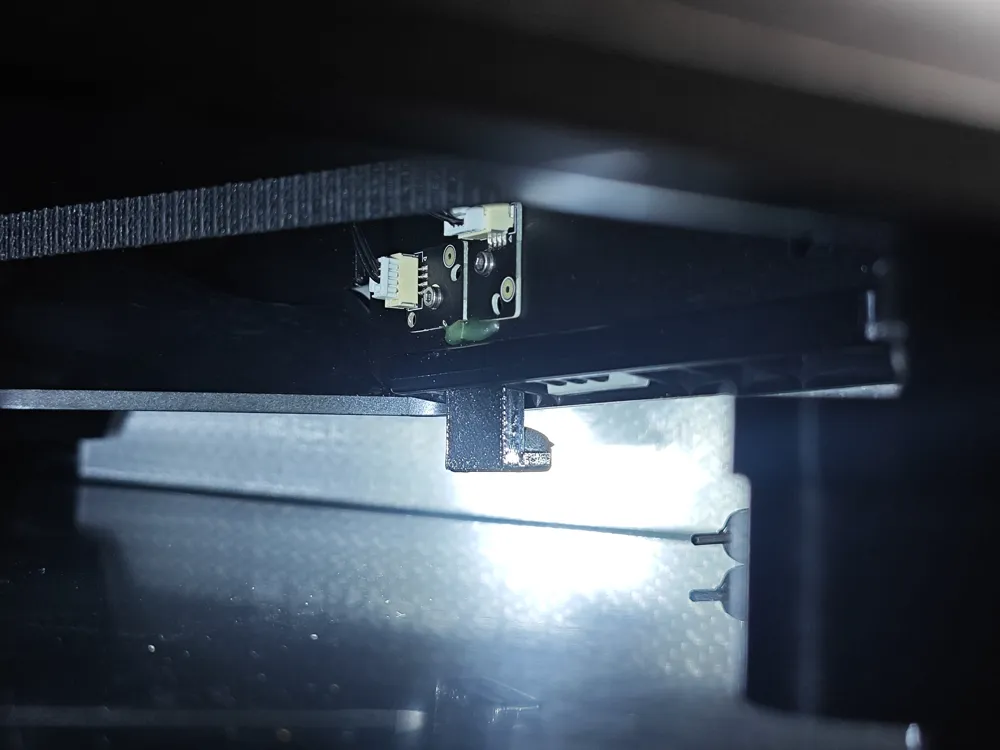
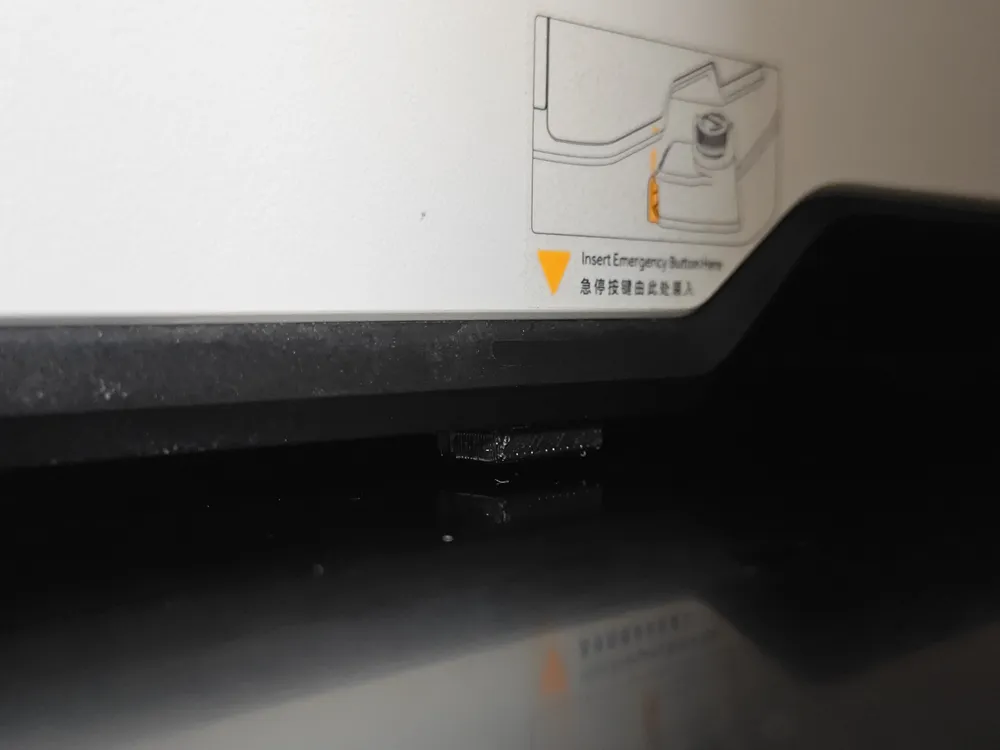
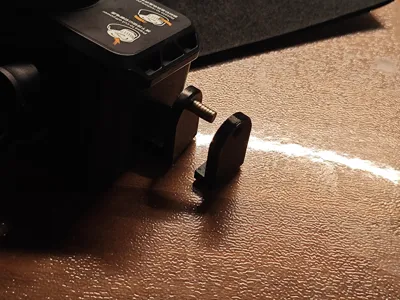
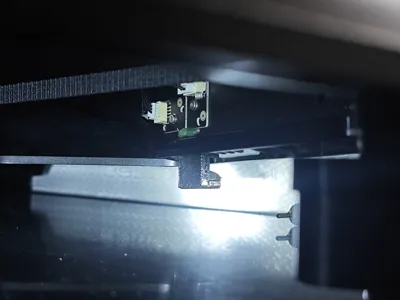
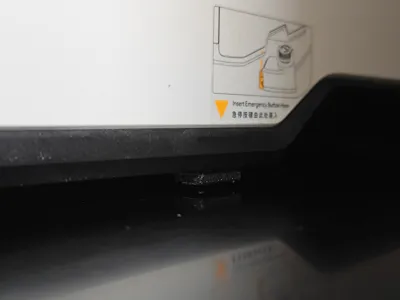
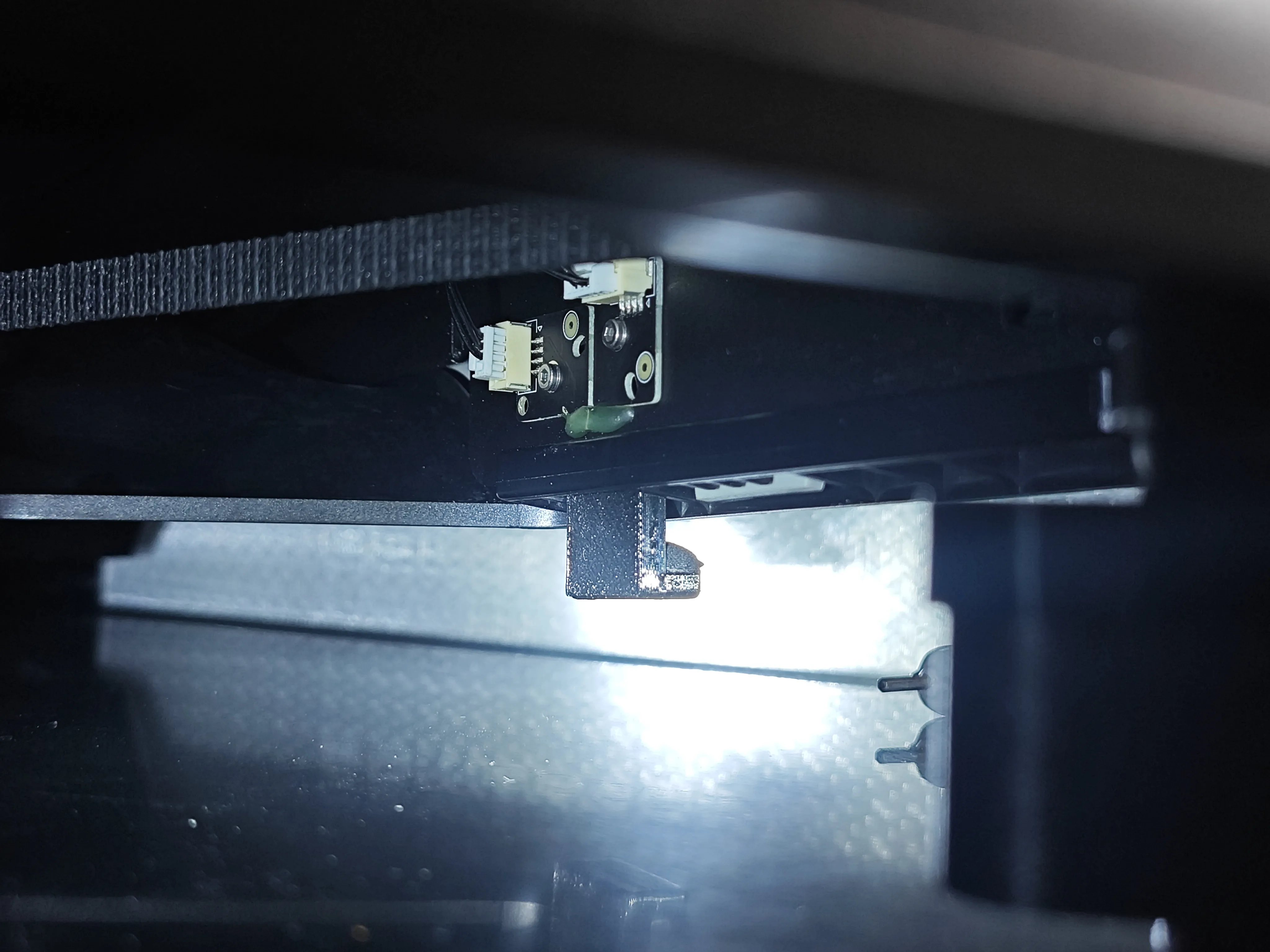
After installation, insert into the side of the machine
License

You shall not share, sub-license, sell, rent, host, transfer, or distribute in any way the digital or 3D printed versions of this object, nor any other derivative work of this object in its digital or physical format (including - but not limited to - remixes of this object, and hosting on other digital platforms). The objects may not be used without permission in any way whatsoever in which you charge money, or collect fees.


Comment & Rating (12)