
Vendor Table Top Price Blocks


Print Profile(15)

Description
Boost Me (for free)
Huge thanks for downloading my file! I put a lot of hours into dialing this one in so you get a flawless print. If you have a boost to spare, I would be incredibly grateful if you tossed it over here. Those little tokens are a massive deal for creators like me, and getting one is the ultimate high five for the hard work. Thanks for the support!
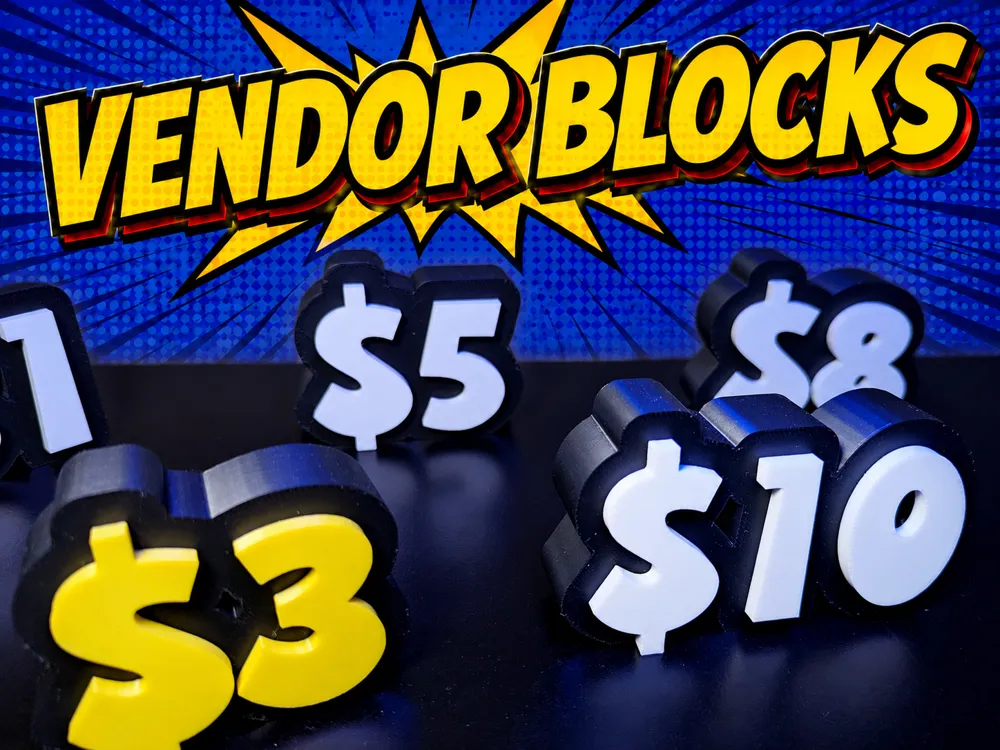
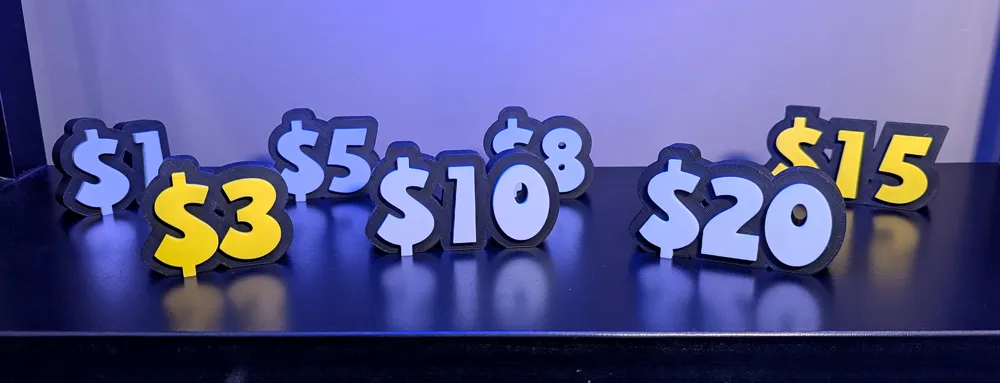
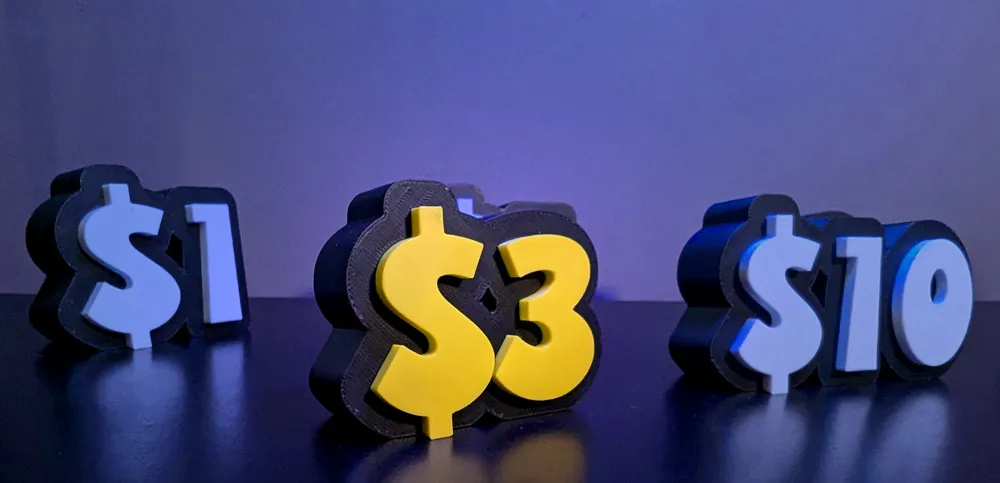
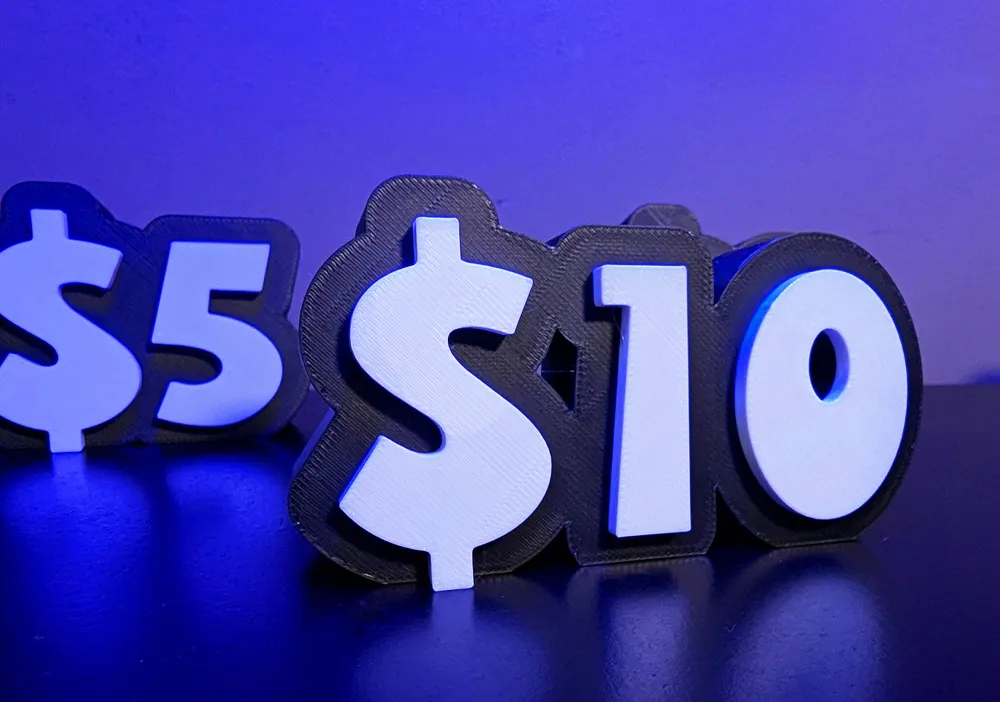
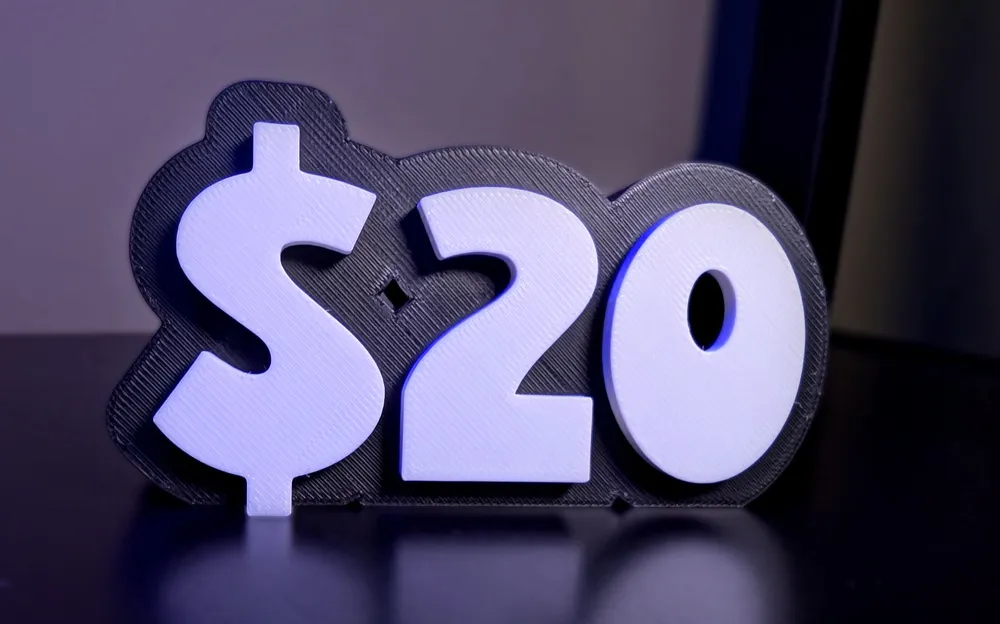
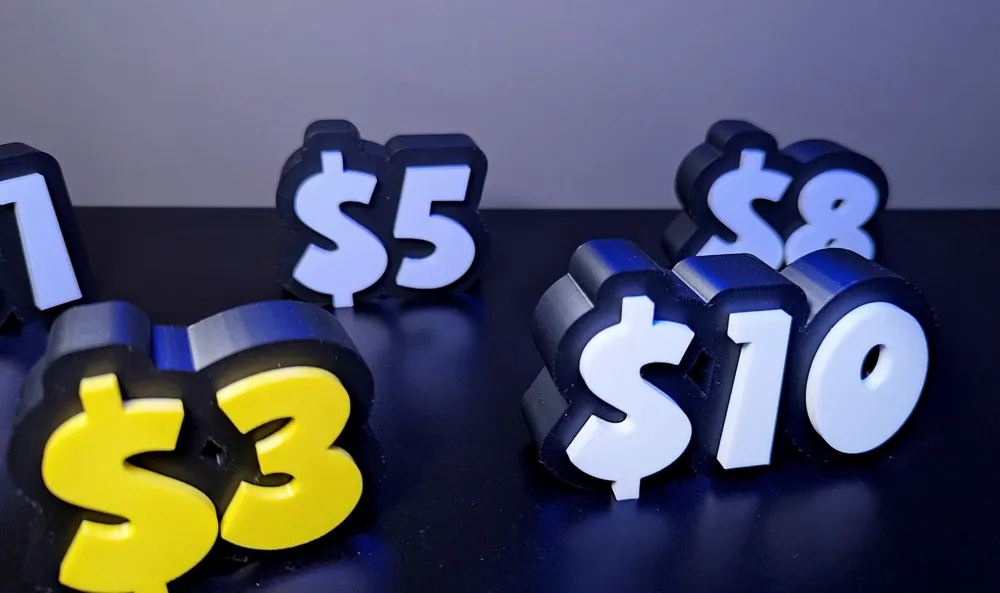
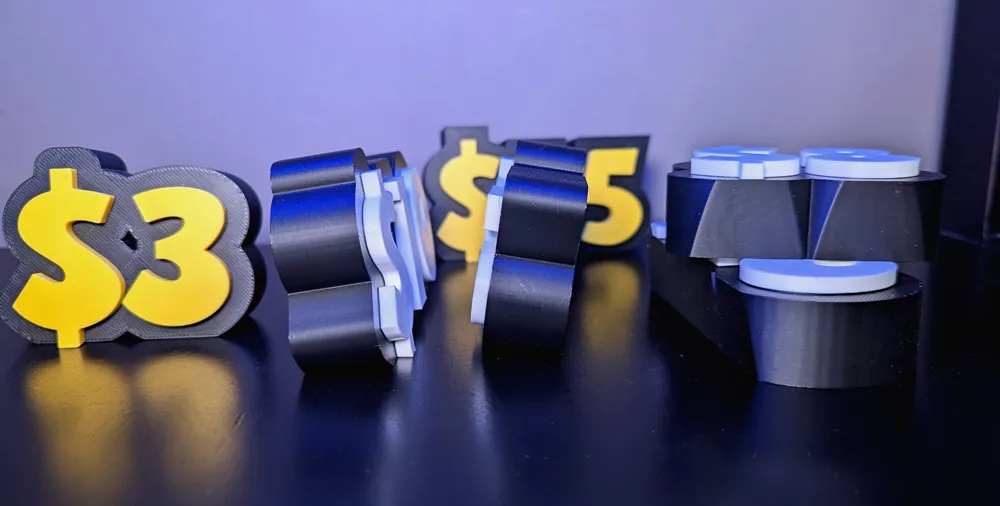
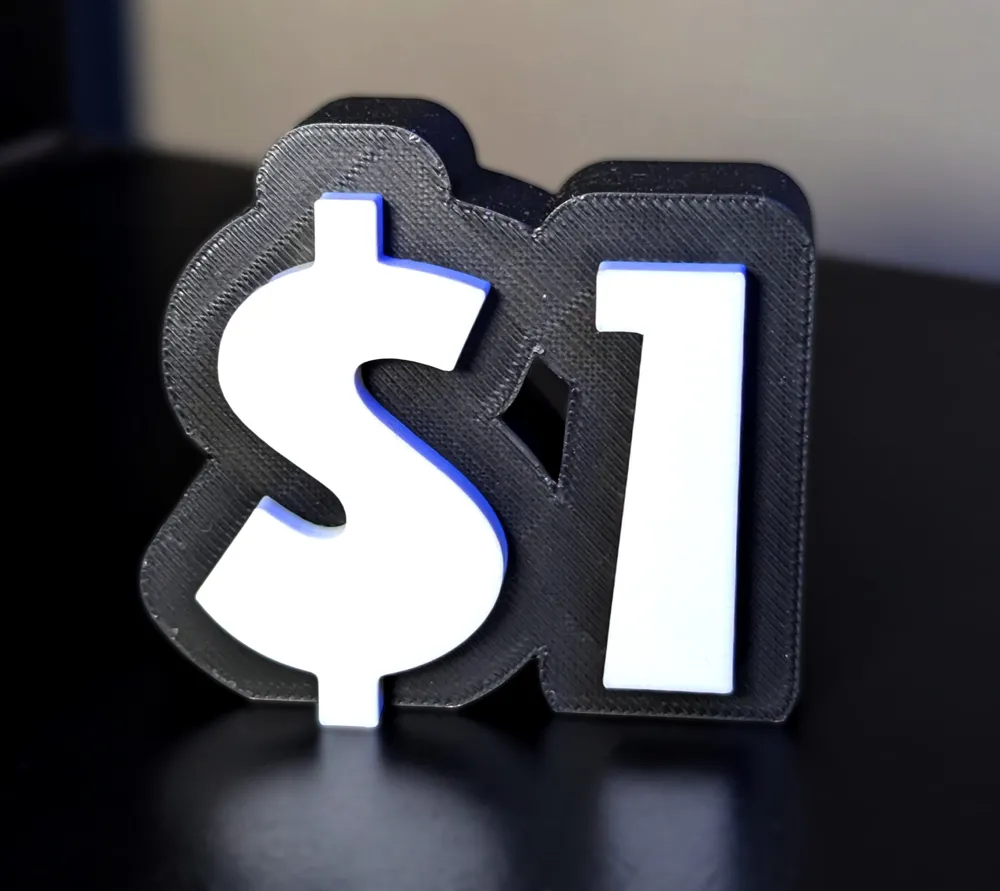
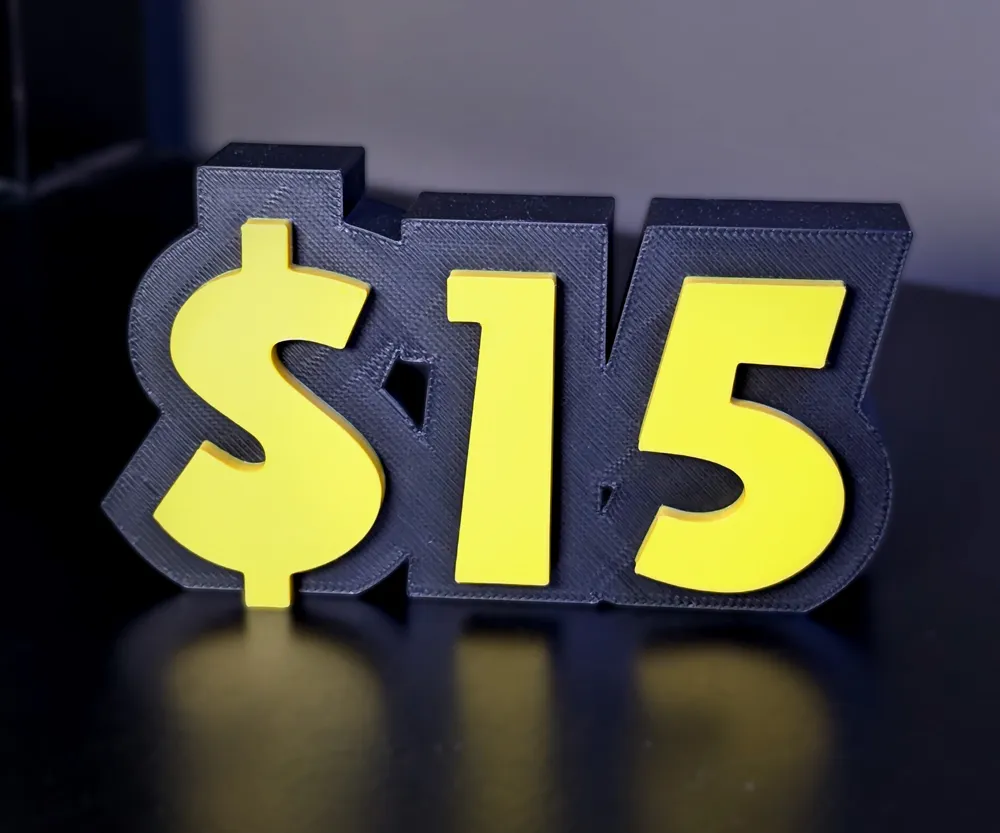
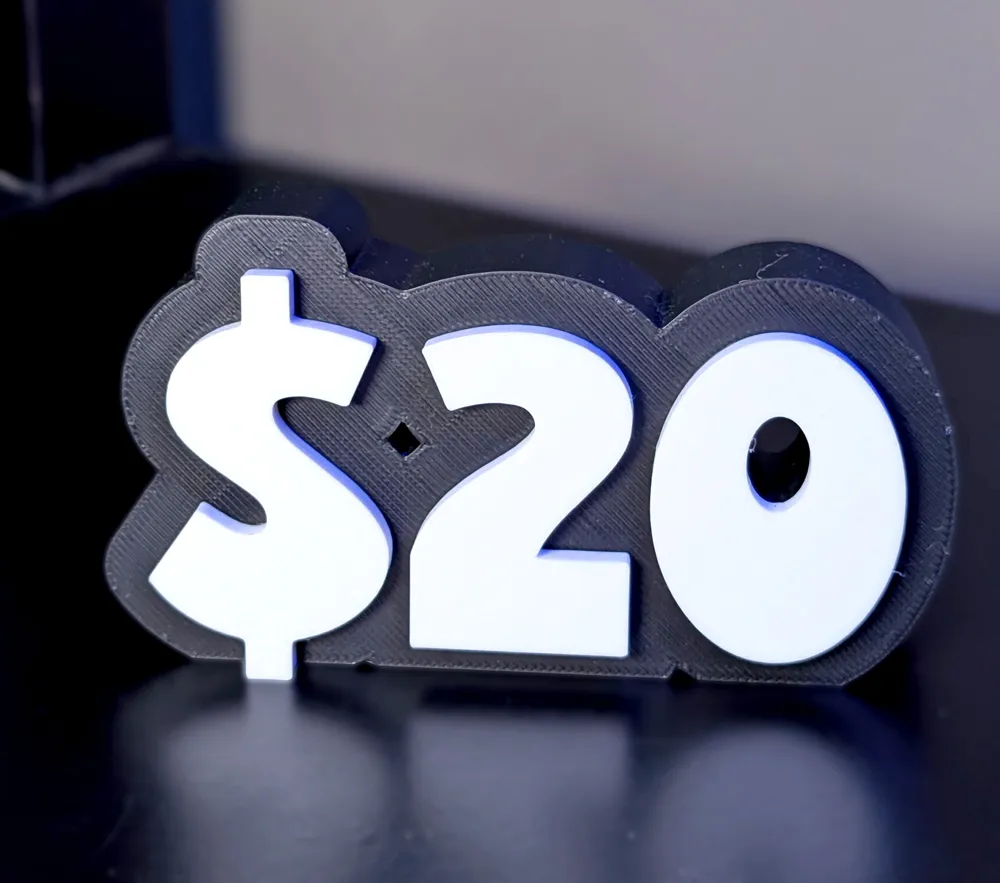
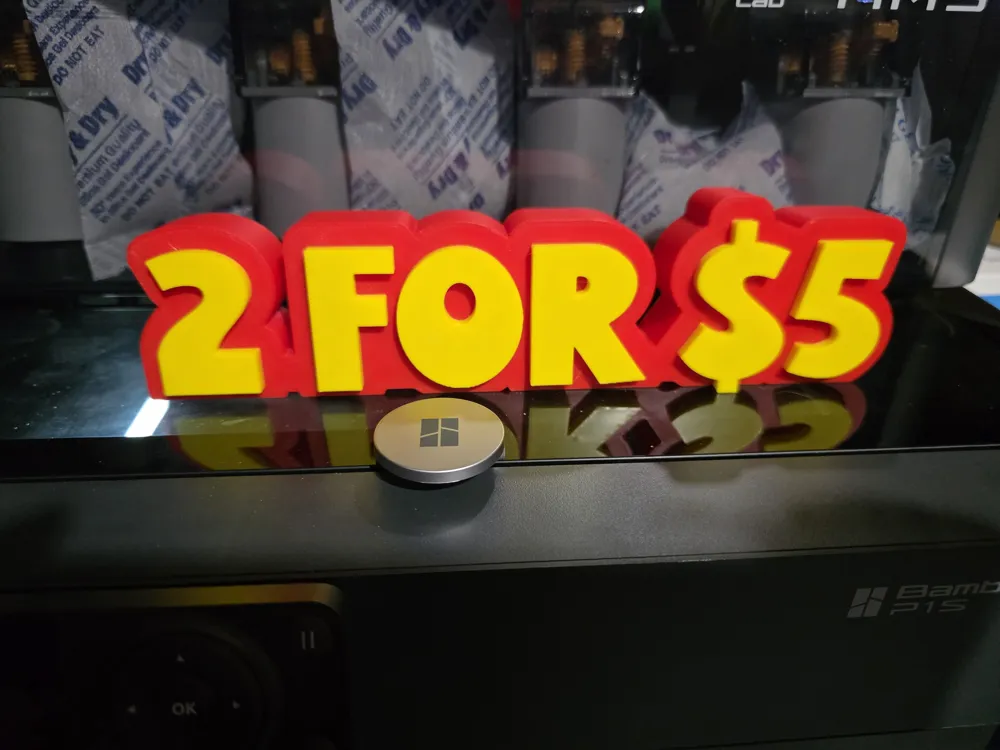
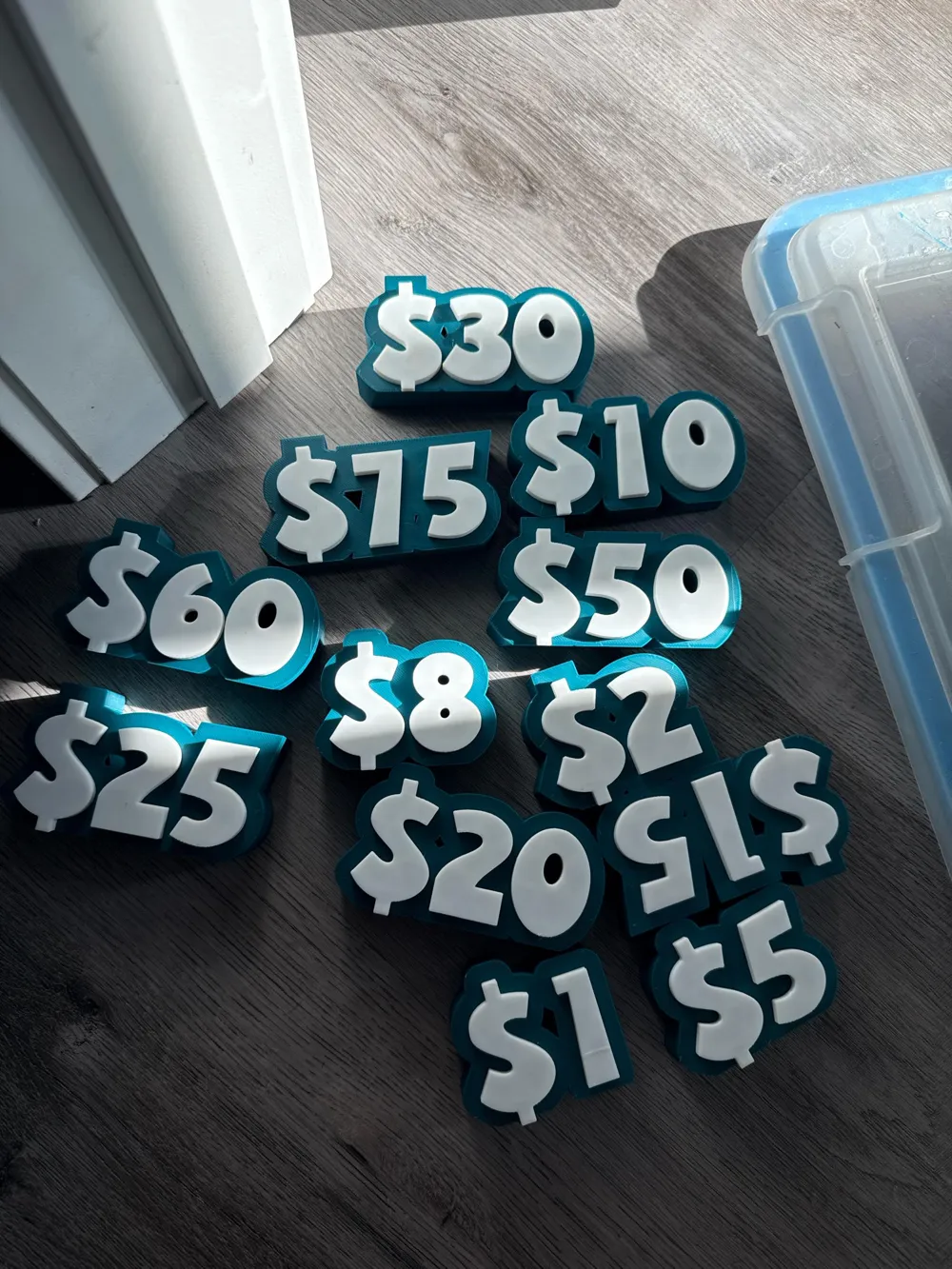
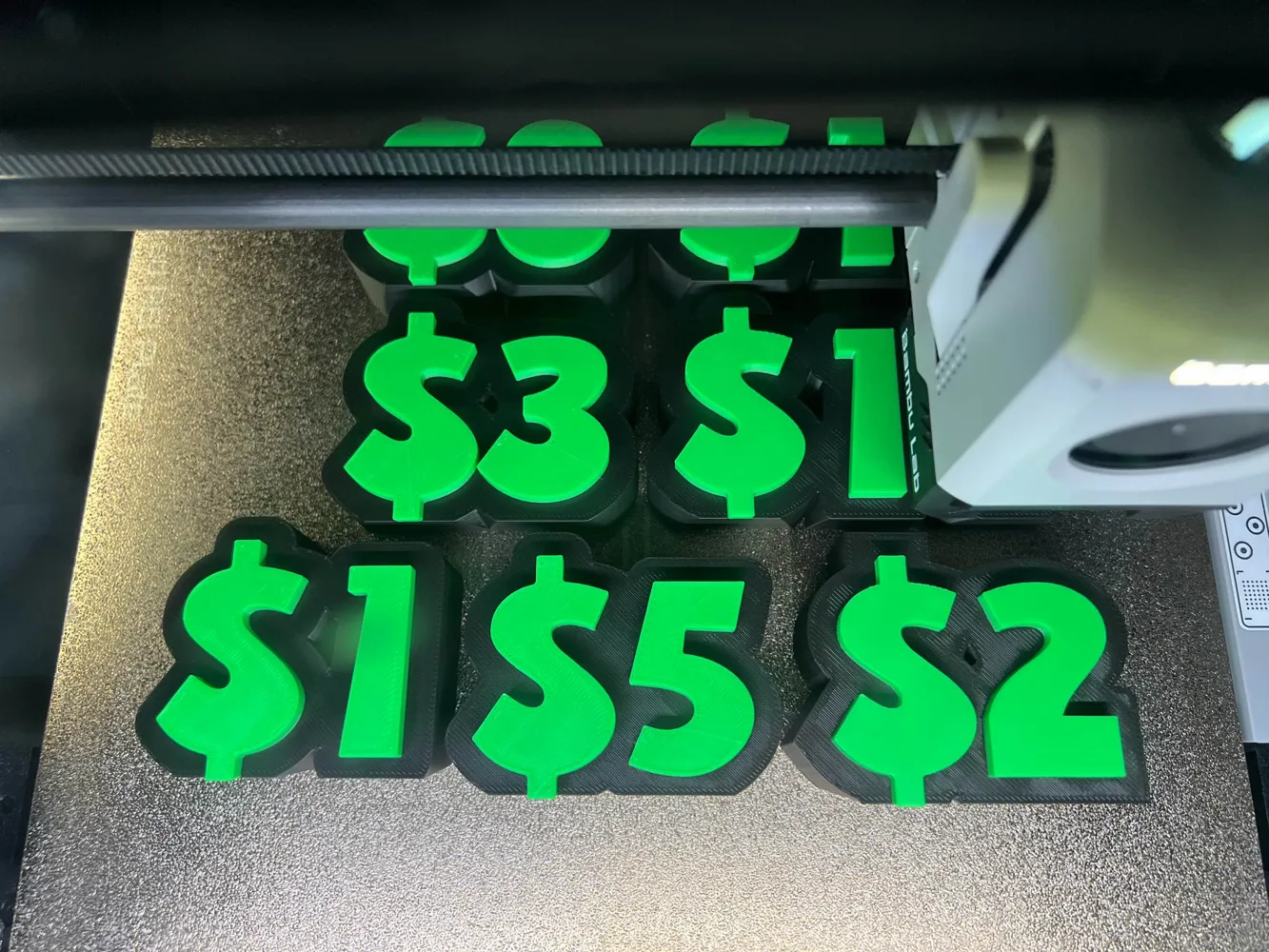
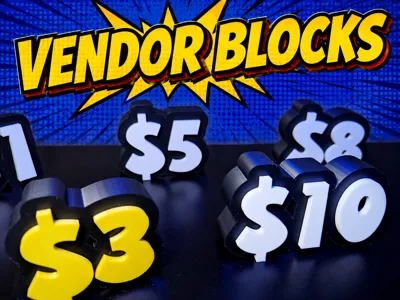
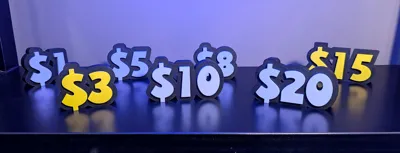
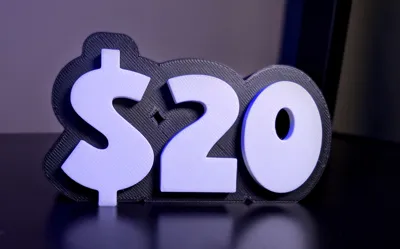
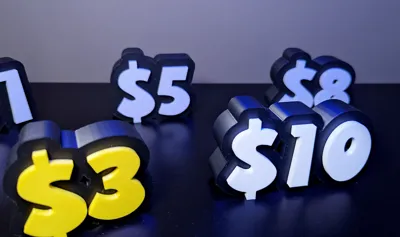
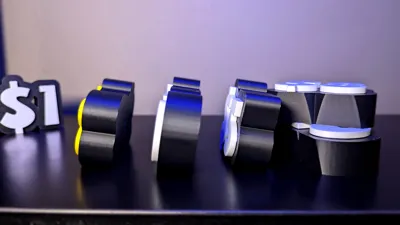
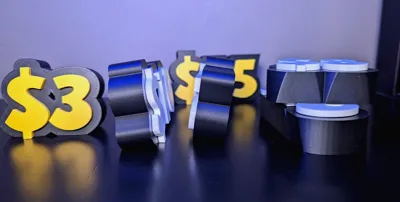
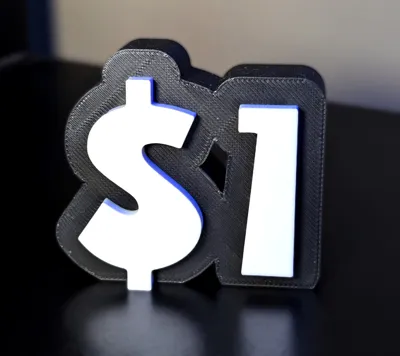
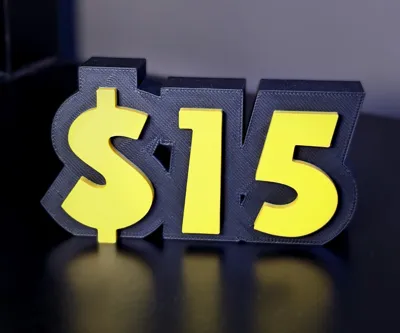
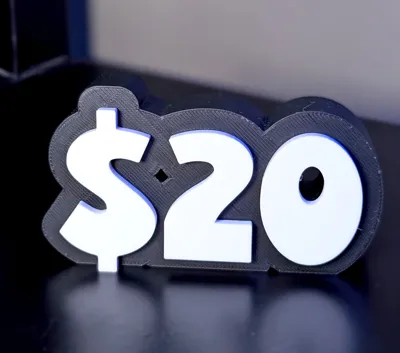
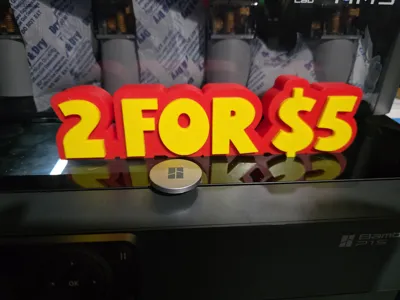
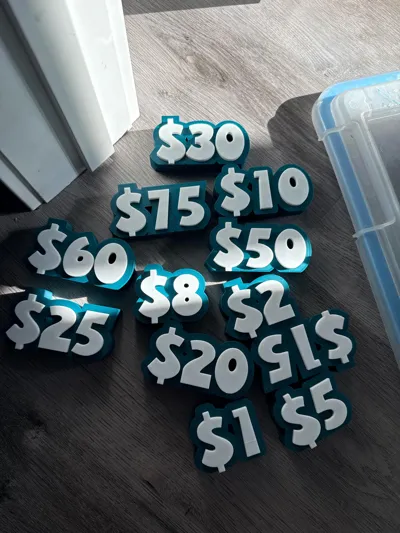
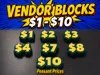
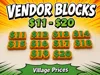
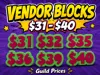
Need some free standing table top price blocks? Print as many as you like and stick them on the table to display the price of you other 3d printed items.
I was looking for some more price blocks or different price blocks for my tent sale tables and was looking for something a little more fun. I love this font and these price blocks pop.
You can print them in PETG or PLA but just keep in mind PLA hates direct sunlight.
Looking for the UK version? Click Here
Updated Settings: (Bambu Studio)
- You can print these in PETG or PLA. I have both. Ironing PETG doesn't always look as good though.
- I have updated the ironing settings under “Quality” to
- Ironing Speed 35mm/s
- Ironing Flow 25%
- Ironing Line Spacing .1mm
- Ironing Inset .21
- Updated the speed settings under “Speed” to:
- Outer Wall 180mm/s (unless you are printing slower already)
- Outer Wall 180mm/s (unless you are printing slower already)
- Updated Infill and added a modifier to lower print time by 30%:
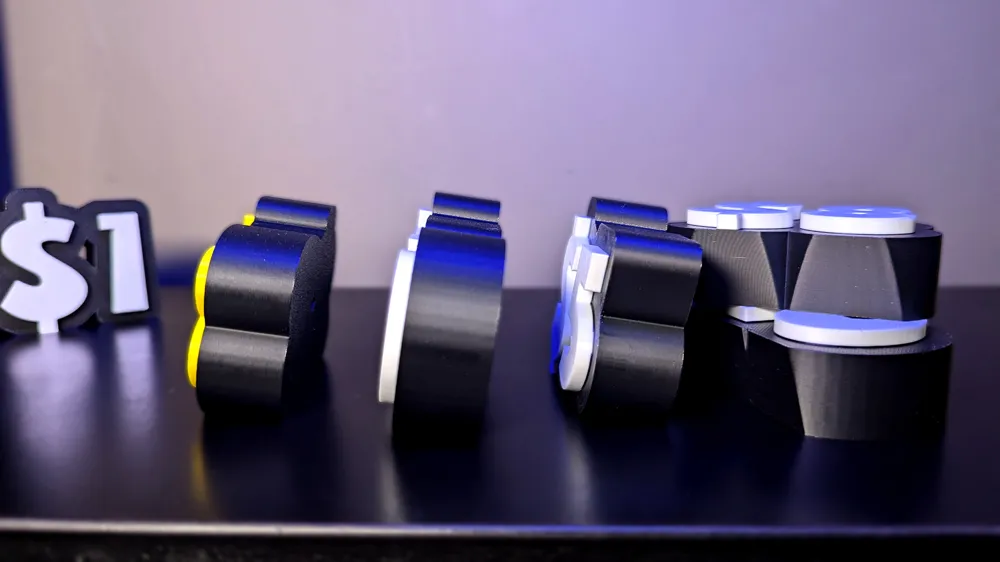
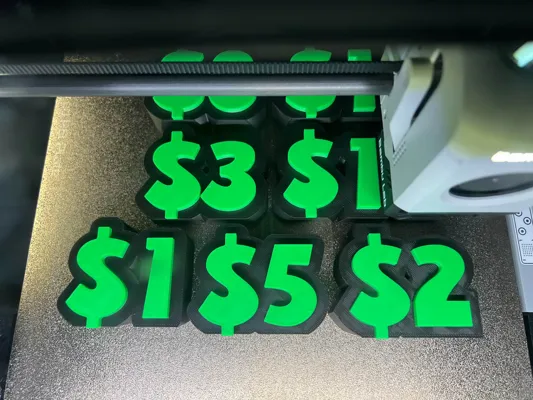
- In the .3mf file I have added a print plate with a $3 price block on it. That block as a modifier on it which sits in the middle of the block. I have the block set to an infill of 20% with the pattern set to honeycomb. This will be the bottom and top layers of your blocks.
- The modifier is adjusting the infill in the center of the block to 8% infill and a pattern of Adaptive Cubic. This reduces filament and print time roughly 30-35%.
- You will need to set these modifiers up for each block or if you add all your blocks to one plate, merge them, you can set up one modifier which does the same thing. If you aren't worried about filament or time, I wouldn't worry about this.
- The old setting was 15% infill with an Adaptive Cubic OR Honeycomb Infill pattern
Previous Settings (Incase you want the old settings)
- I do suggest that you turn on ironing for the most top layer just to get that smooth surface but it's not necessary.
- I printed mine at
- 15% infill - more if you want them heavier or add some weight during printing.
- 2 walls
- Adaptive Cubic OR Honeycomb Infill pattern
Boost Me (for free)
If you like the blocks I would love for you to boost me to show me a little love. Thanks.
Boost Me (for free)
Thanks again for downloading and checking out my model! I work hard to make sure these files print perfectly, but if you do run into any issues or need support, please reach out and I will gladly help you troubleshoot. If you love the model and want to support the time it takes to maintain these files, please consider dropping a boost before you go. It helps a ton and keeps the workshop running!
License

You shall not share, sub-license, sell, rent, host, transfer, or distribute in any way the digital or 3D printed versions of this object, nor any other derivative work of this object in its digital or physical format (including - but not limited to - remixes of this object, and hosting on other digital platforms). The objects may not be used without permission in any way whatsoever in which you charge money, or collect fees.


Comment & Rating (235)