
Pandaren - Choose Your Destiny - MoP Banners
Print Profile(3)


Description
Pandaren – Choose Your Destiny!
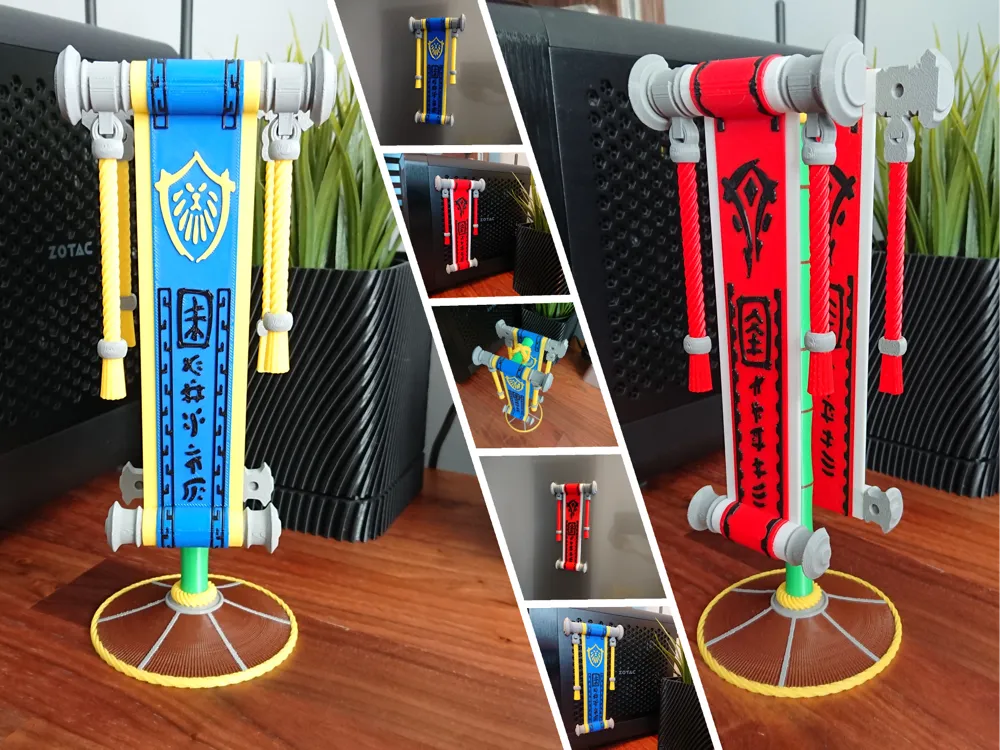
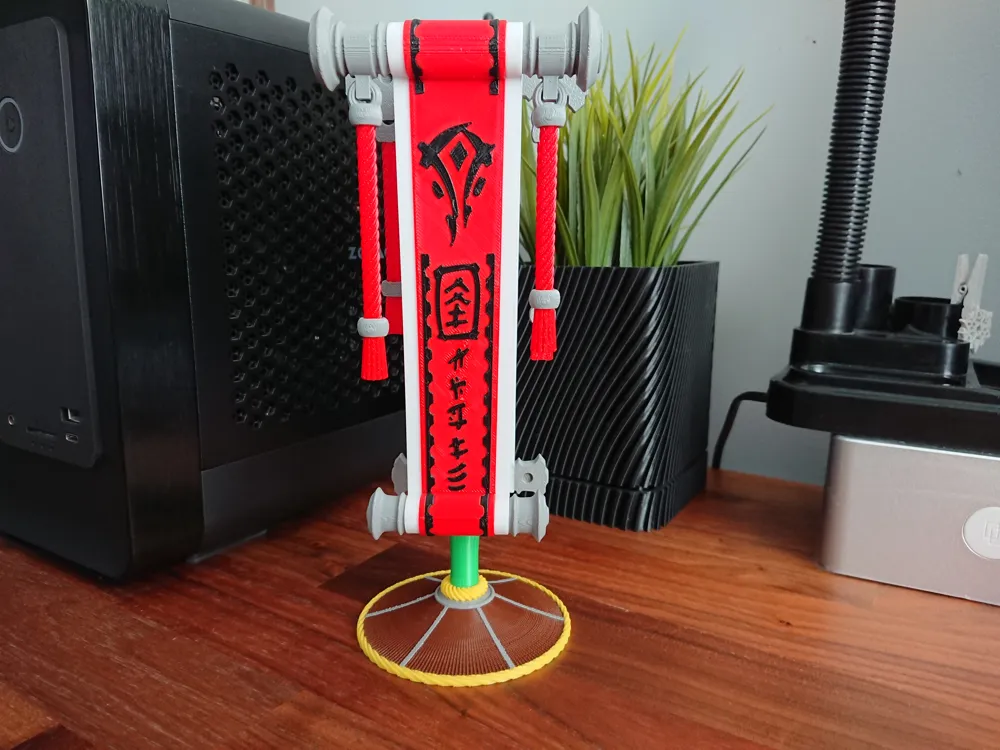
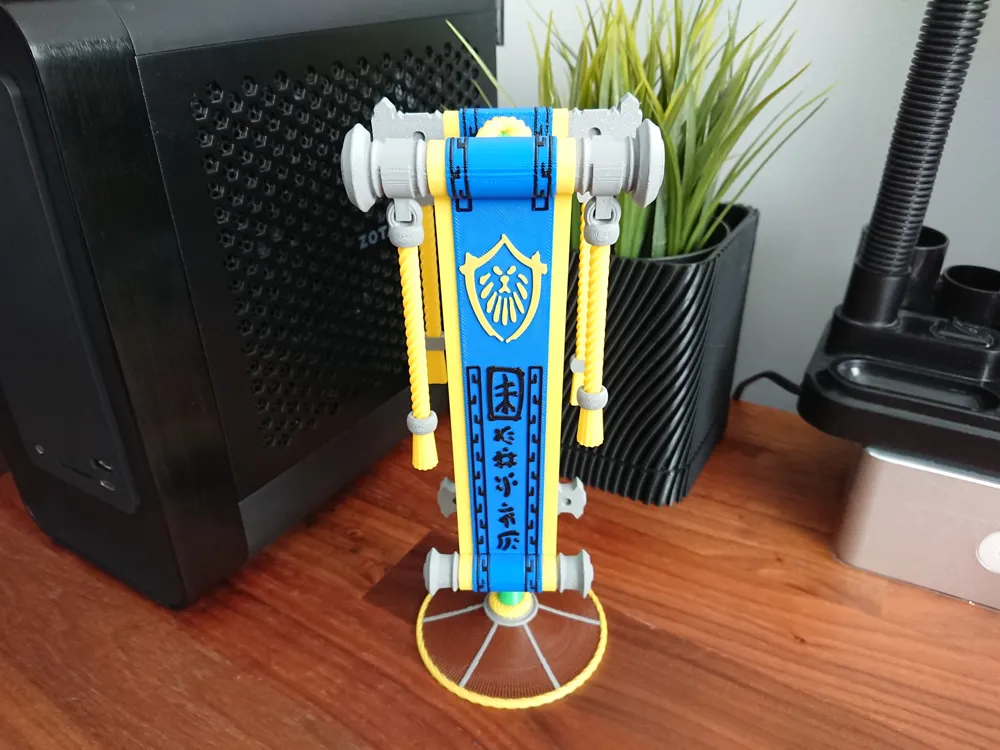
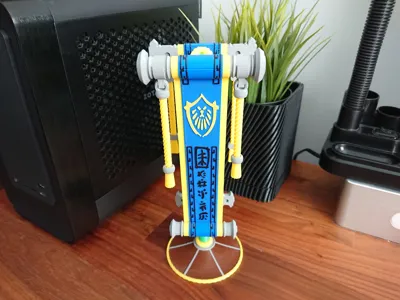
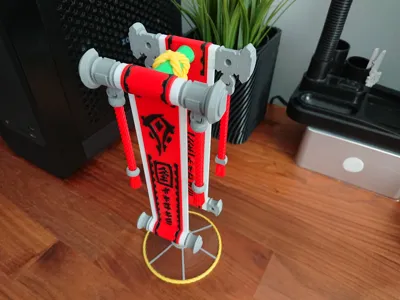
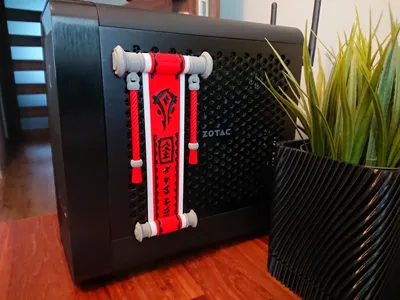
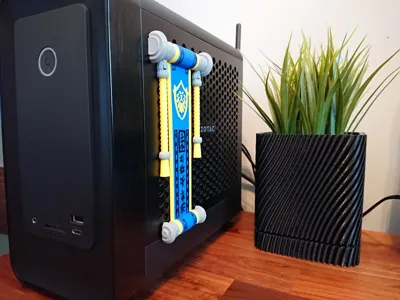
I’m back to play during another „Classic” WoW expansion, so I had to change few things on my desk. And the proper banner was a first one. Yes, Mists of Pandaria has been available for a few weeks now, time to choose a side. So Pandaren, will you join the Allies or the Horde? :)
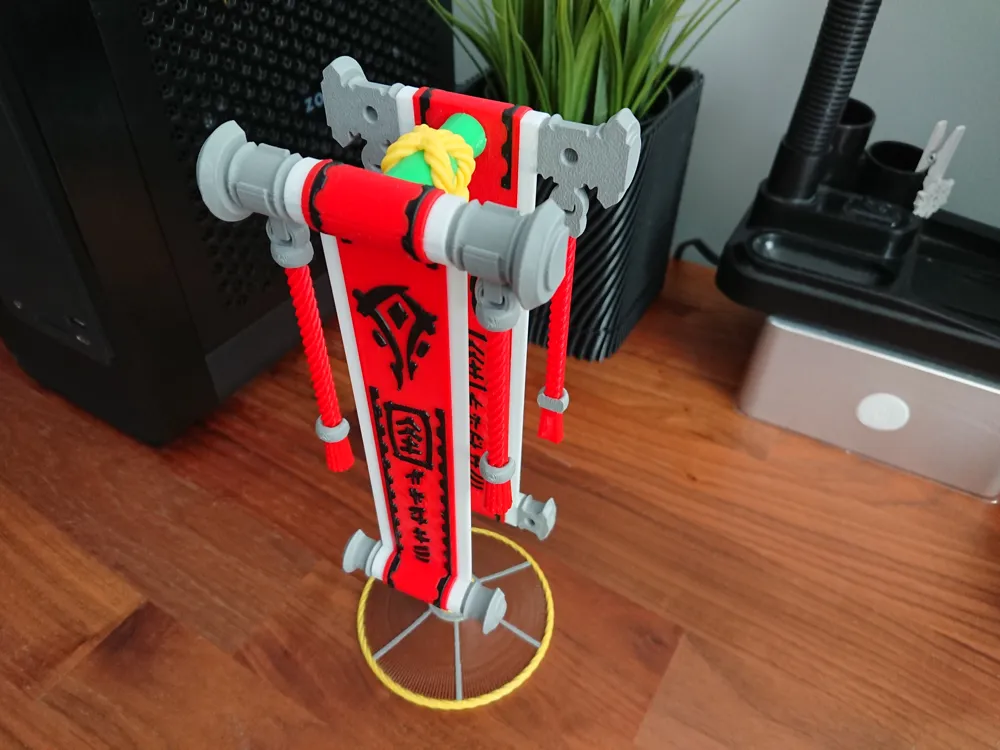
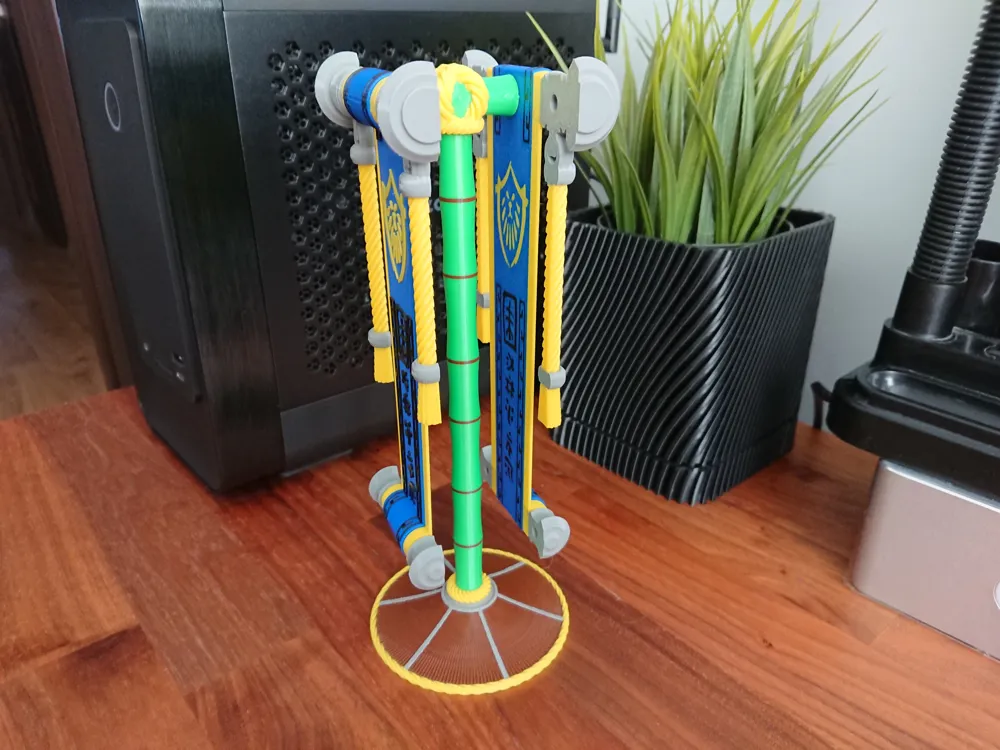
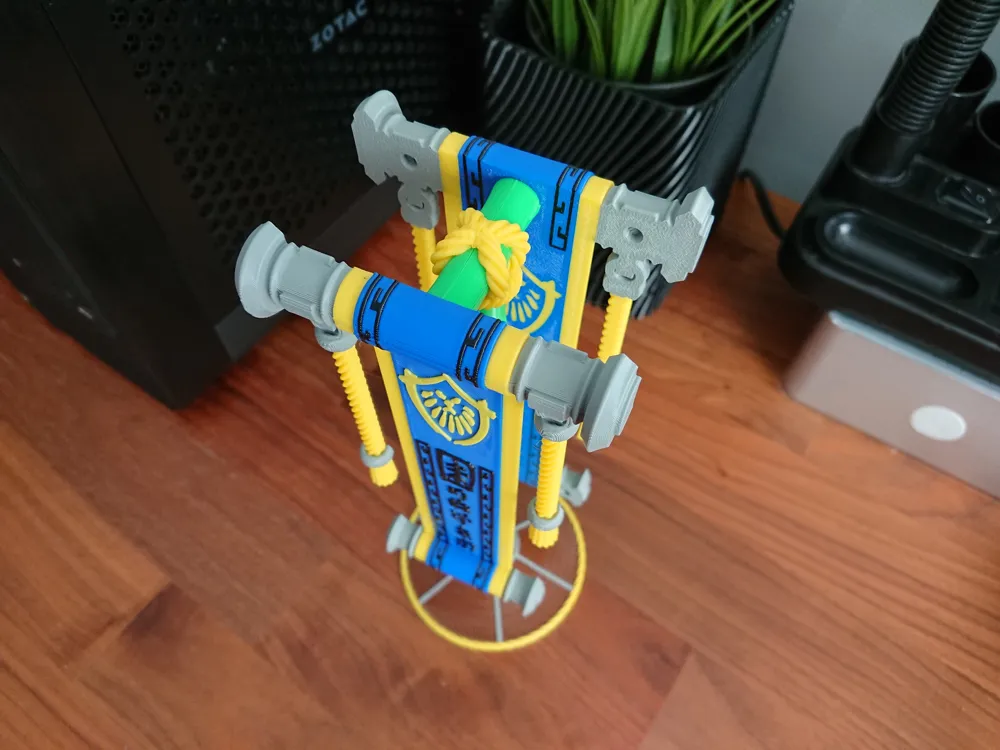
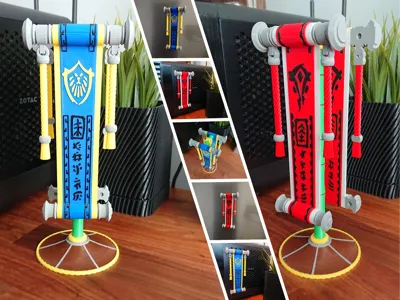
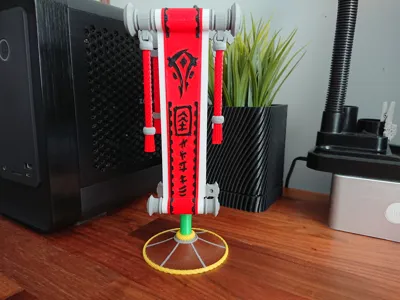
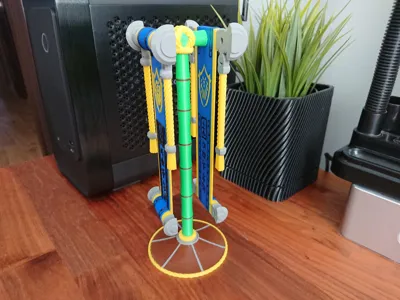
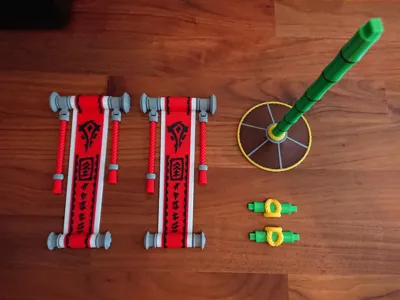
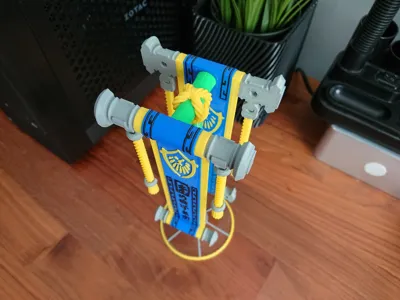
As you may see, my banners are not 100% recreation of original thing. Original one in the game, with this barrel shaped stand and single sided banner looks too heavy for me. I wanted something more sleek. I incorporated some stand parts into the banner, similar as on „Choose your destiny” window you see once after initial quests on the island and then added bamboo style stand. I think it looks alot more interesting now. I hope you will enjoy my version :)
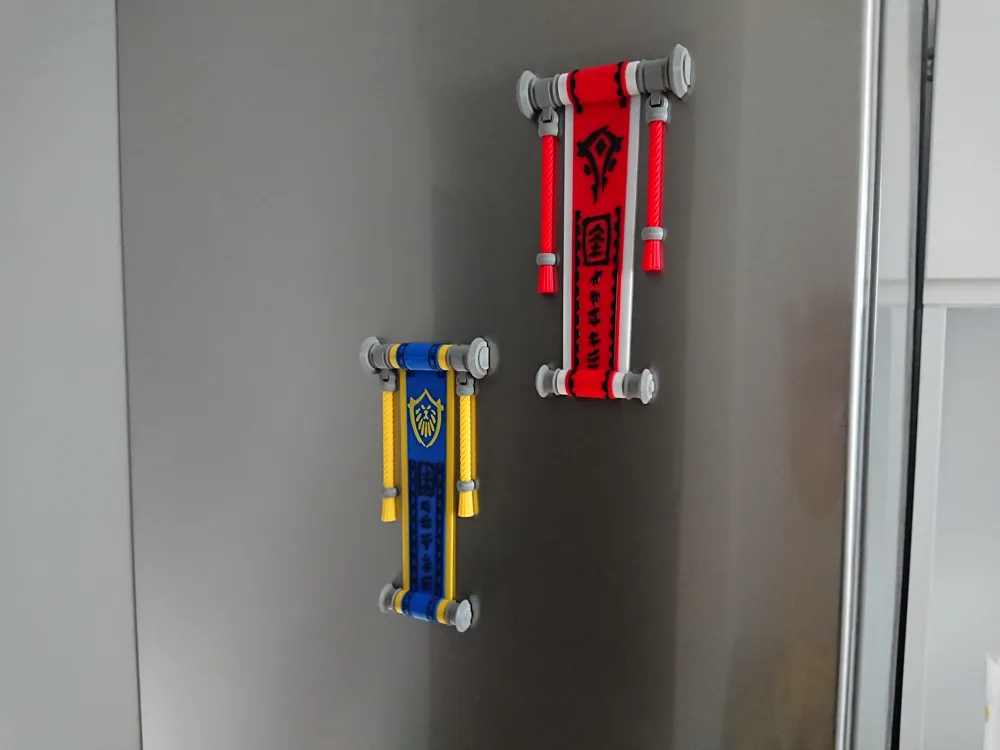
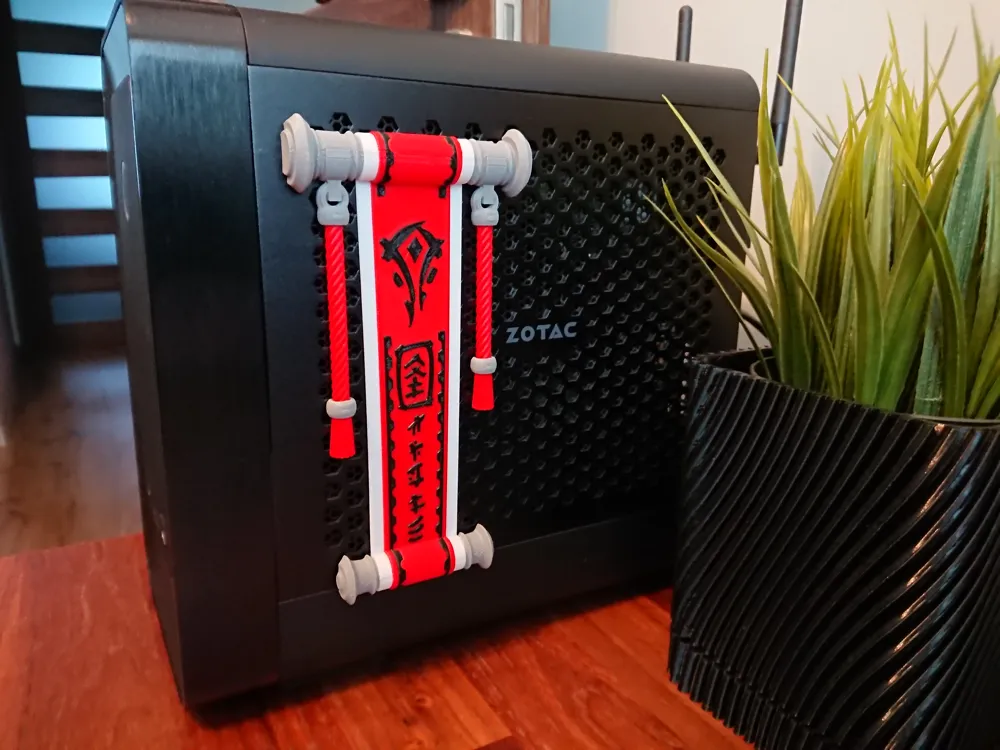
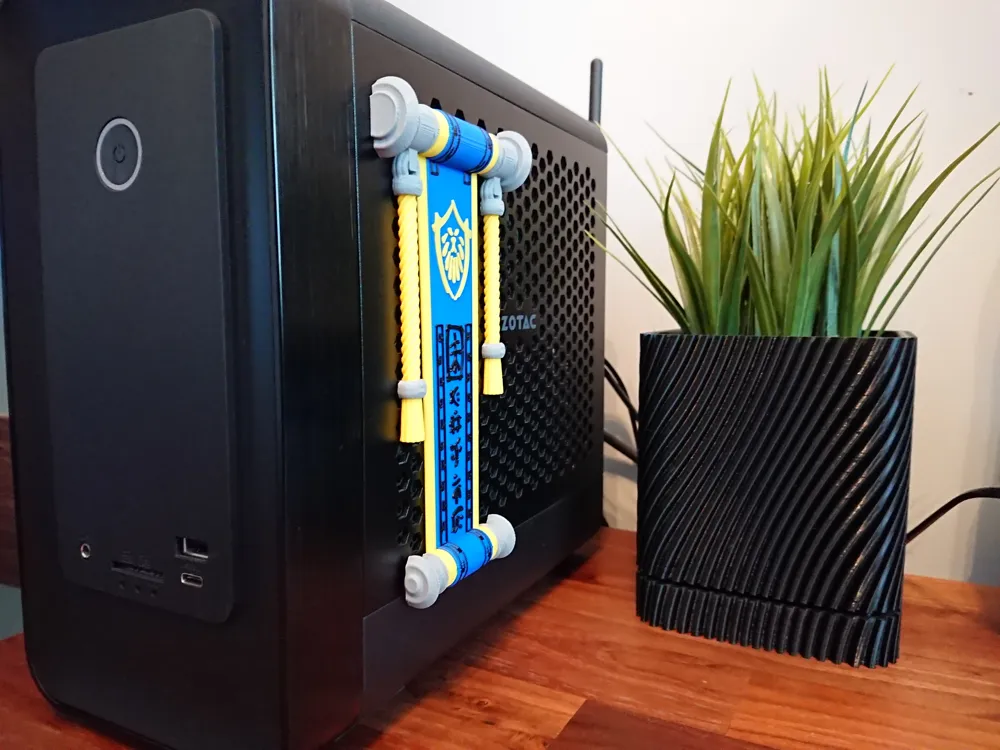
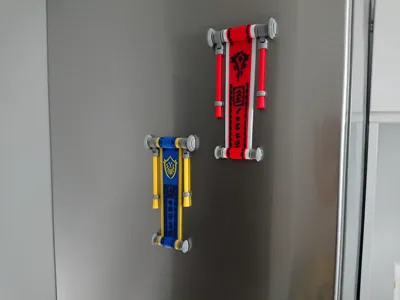
Another thing! You may print the whole model as a desk decoration or just the banner. I added four holes for 4x2mm magnets so you may stick it to your fridge or you PC panel if you want. If your PC is made from aluminium like my Zotac, just use dual side adhesive tape :)
How to print this model.
This model require AMS unit and currently full size bed for the stand. I may split the stand into more parts per request. If you want to print it on A1 Mini just cut it into pieces in slicer and then glue together.
This is quite long print so I recommend it as an overnight job.
Assembly.
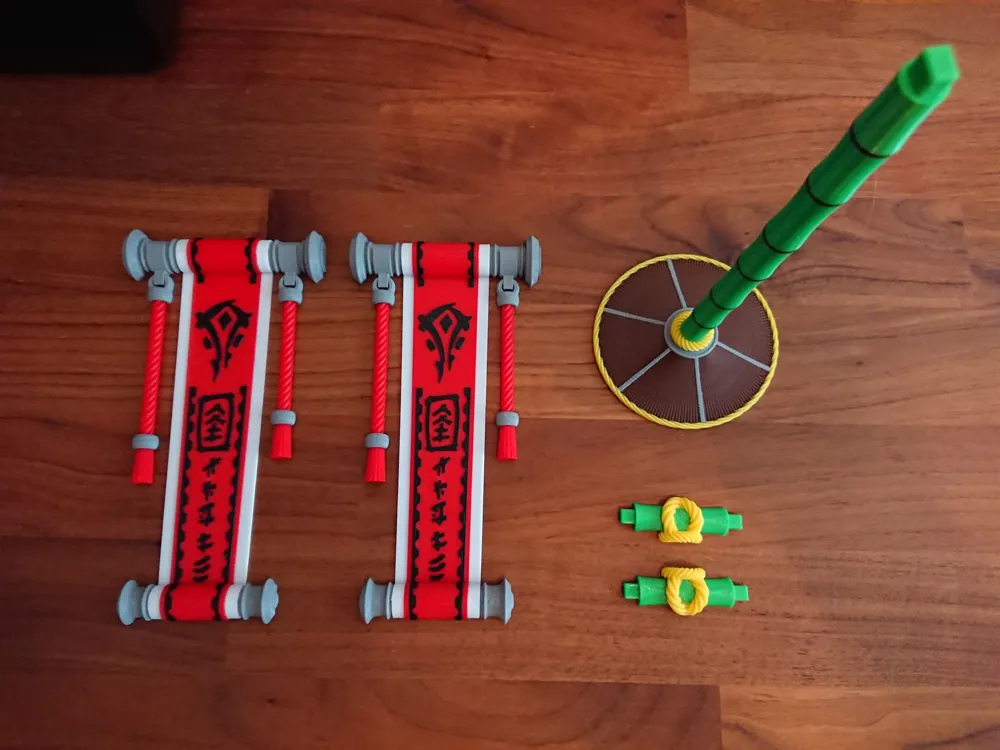
Full model with the stand – deppend on your printer accuracy, it may or may not require some glue. Put two parts of the hanger together and slide it into banners then add on top of the stand. If connection is loose use glue.
Banner only – glue four 4x2mm magnets into prepared holes using Super Glue. This model then can be used as a fridge/PC side panel magnet.
If you like the model and you want to give it thumbs up, please also consider downloading it. It cost you just one additional click and it’s very important to me. Also check my other models, alot of them World of Warcraft related, maybe you will find something interesting :) Thank you!
World of Warcraft, Horde, Alliance and all other trademarks belongs to Blizzard. I’m just a fan who recreated this models for 3D printing to share with others for free. No commercial use.
Happy printing! :)
License

You shall not share, sub-license, sell, rent, host, transfer, or distribute in any way the digital or 3D printed versions of this object, nor any other derivative work of this object in its digital or physical format (including - but not limited to - remixes of this object, and hosting on other digital platforms). The objects may not be used without permission in any way whatsoever in which you charge money, or collect fees.


Comment & Rating (2)