
Portable Variable Power Supply Project
Print Profile(1)

Description
DESCRIPTION
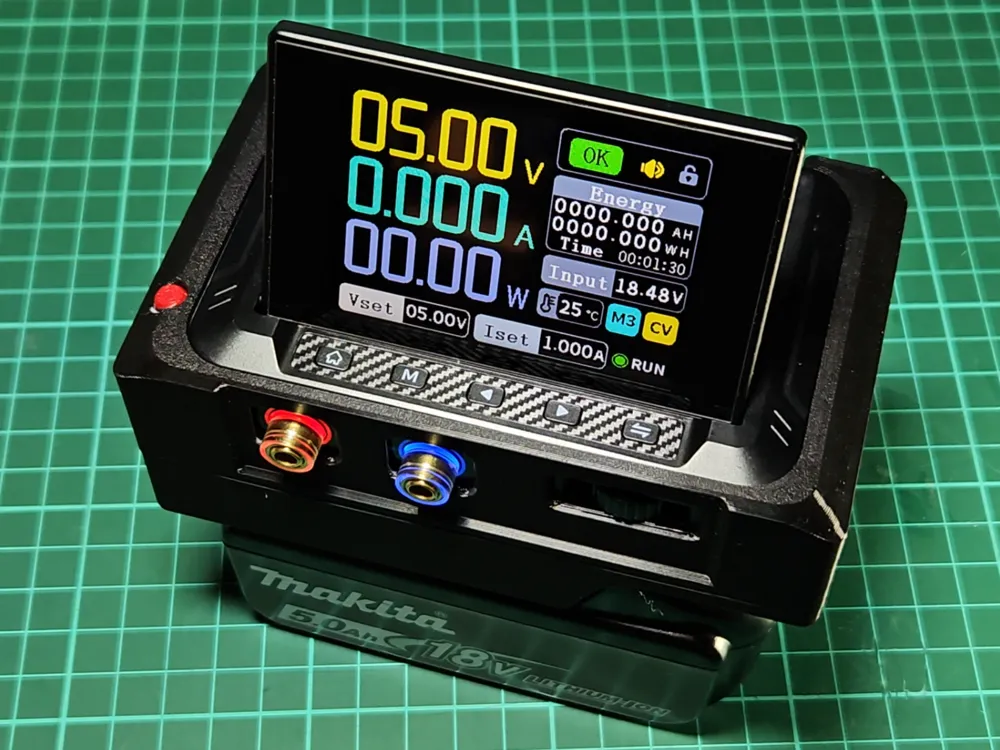
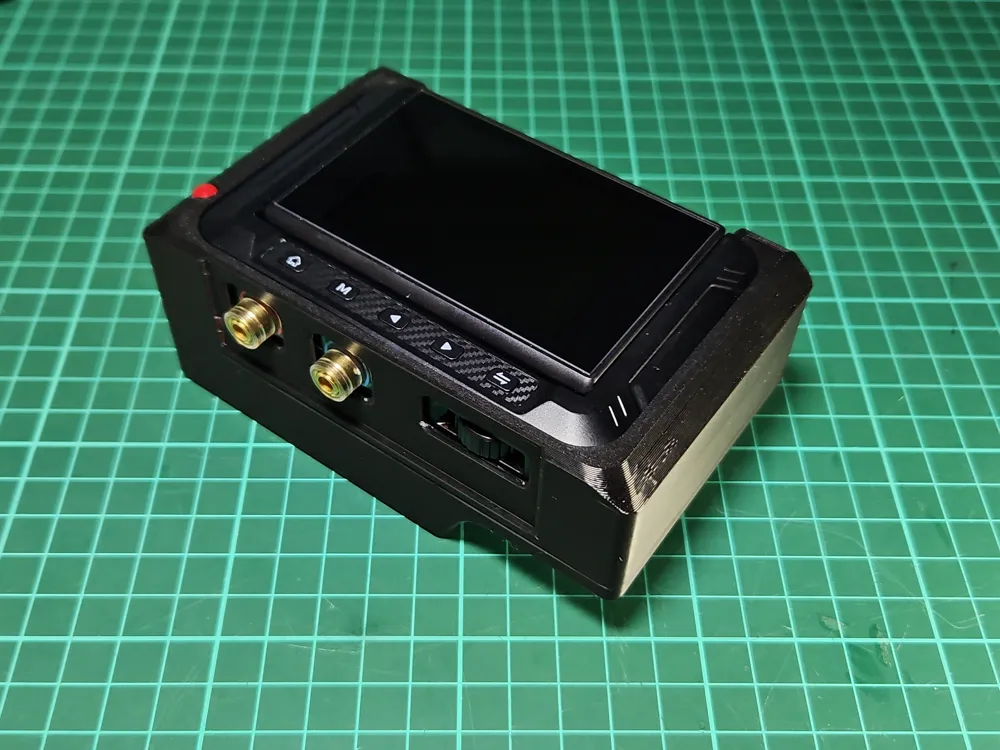
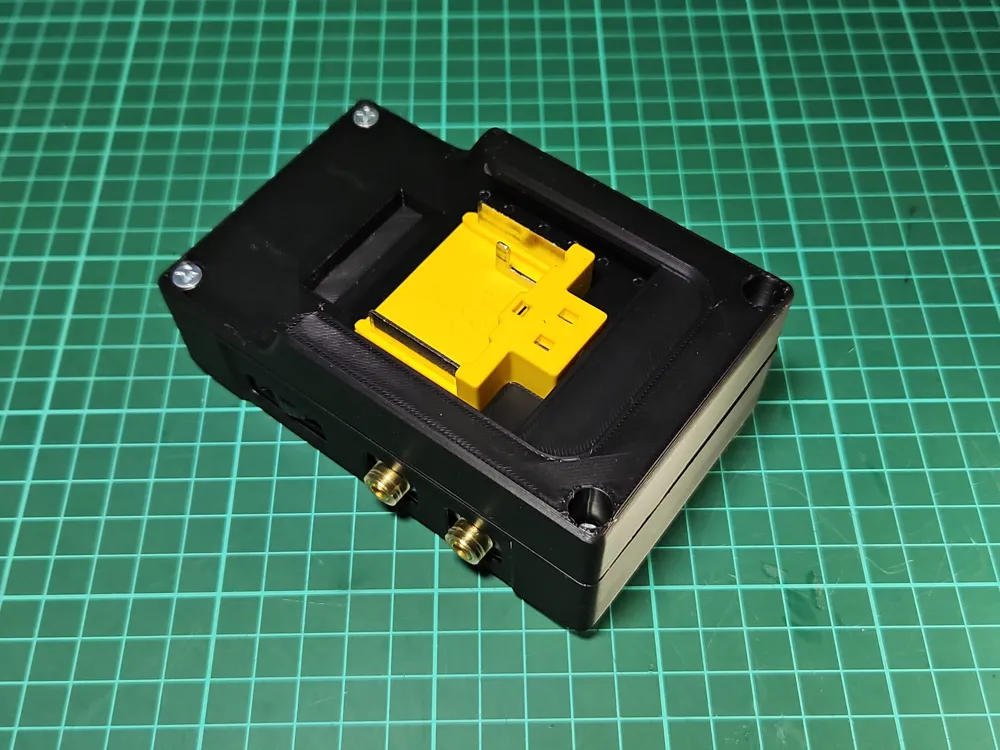
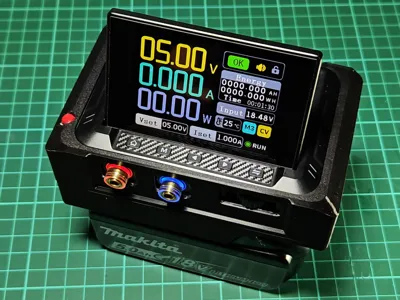
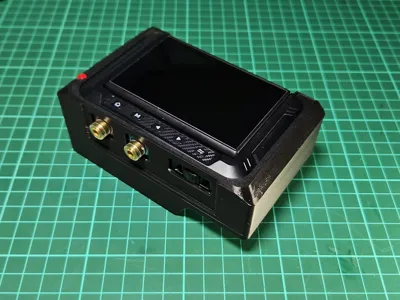
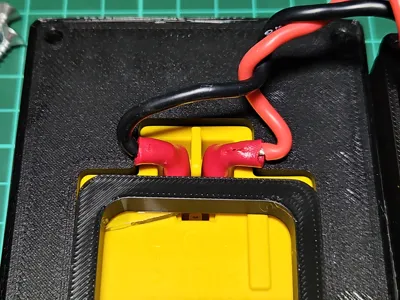
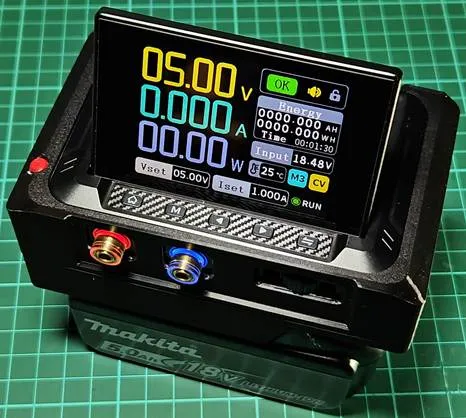
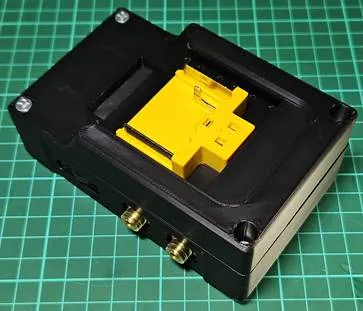
Here is a project to integrate a Fnirsi DPS-150 power module with a Makita LxT 18V battery into a single portable unit. As a power supply, the DPS-150 module delivers superior performance specifications, but at a price.
To use, connect the battery to the portable supply. The DPS-150 is immediately activated and the display will illuminate.
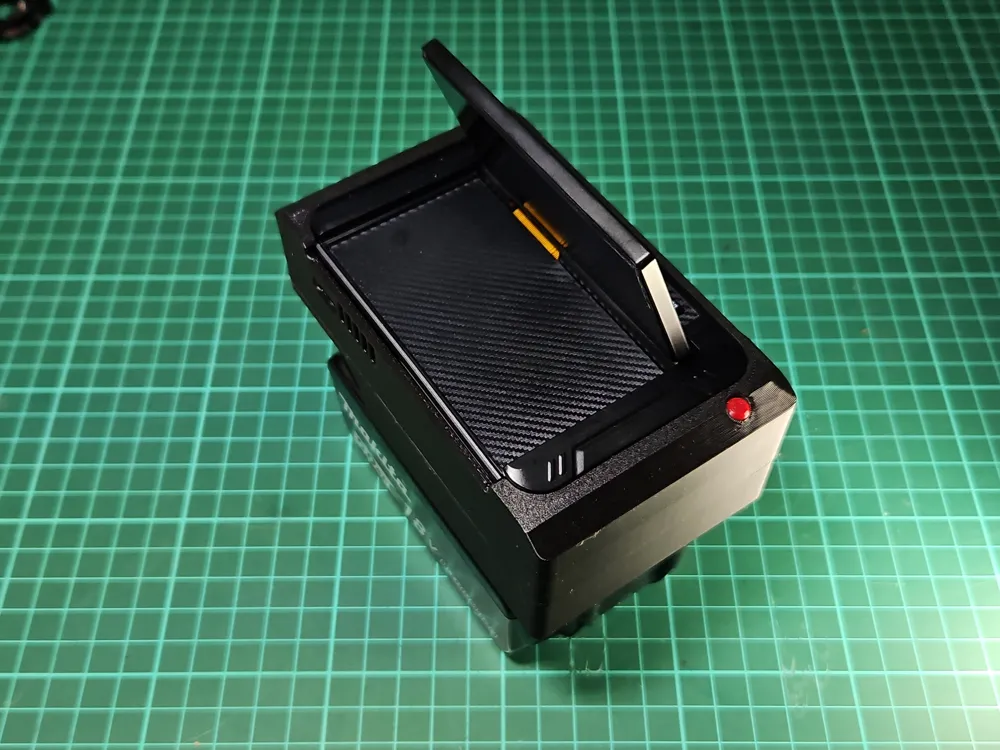
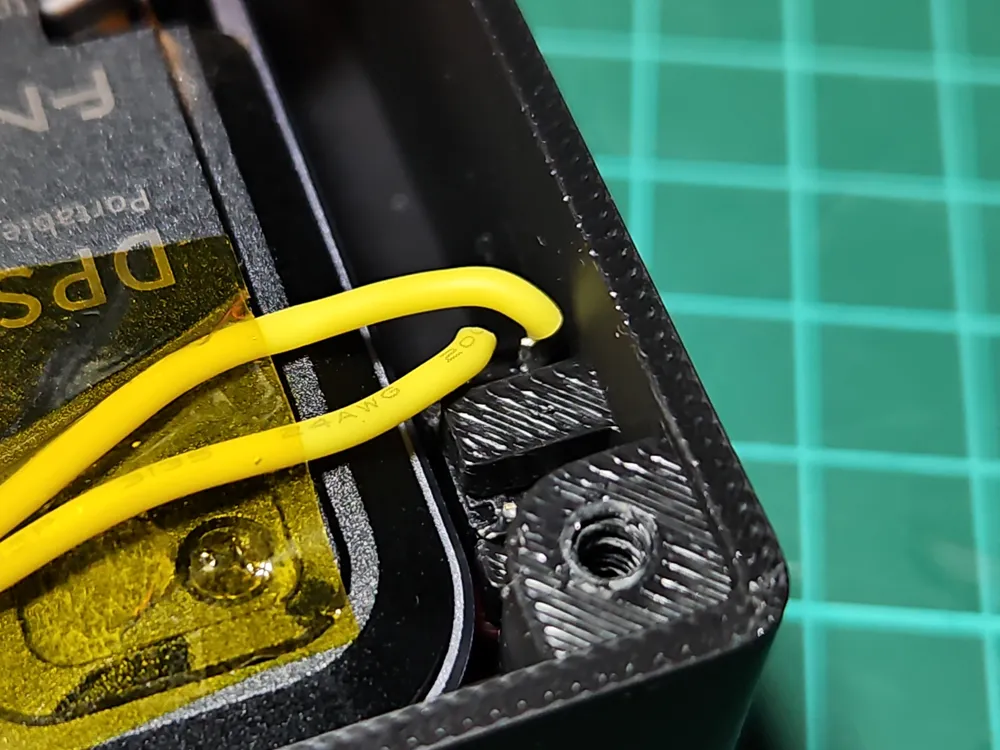
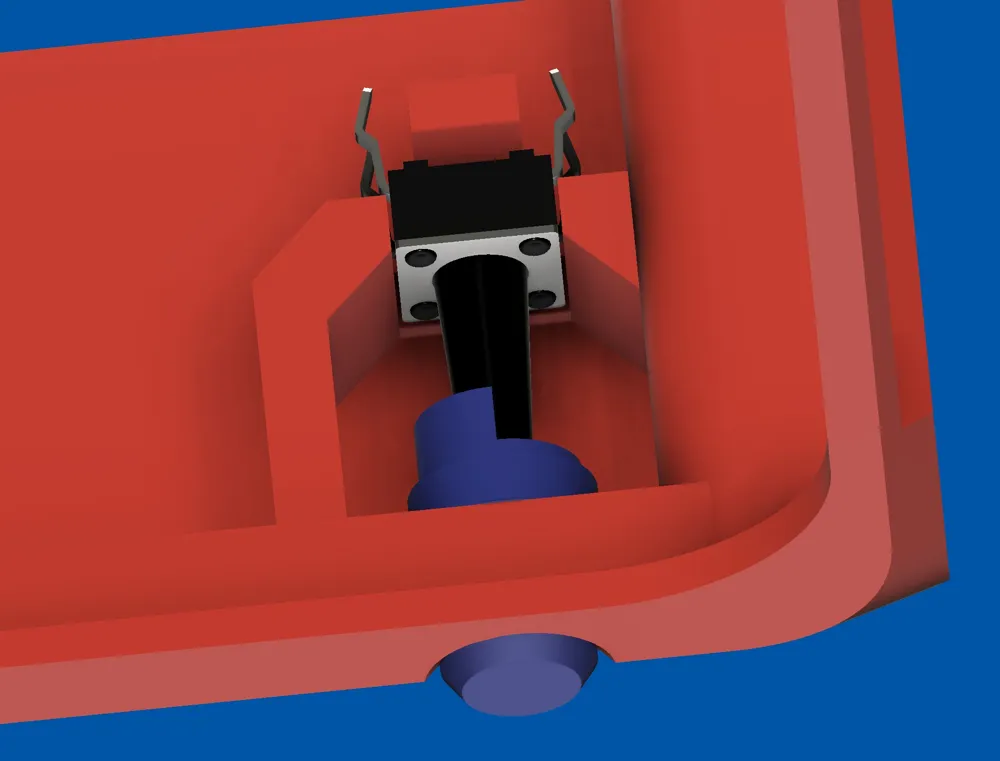
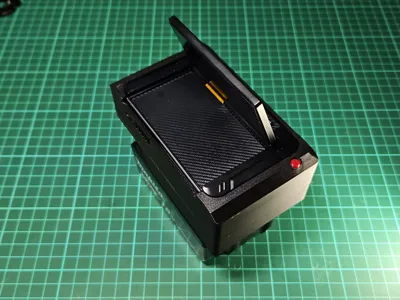
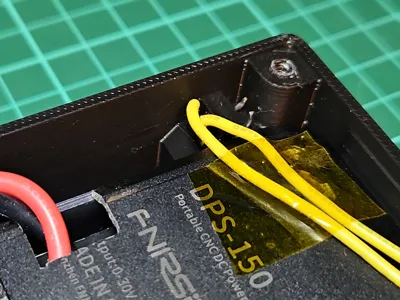
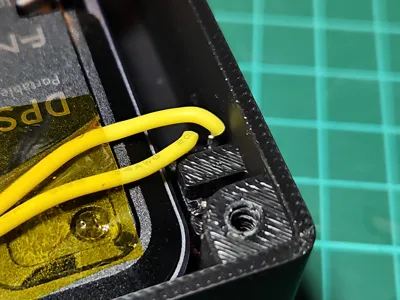
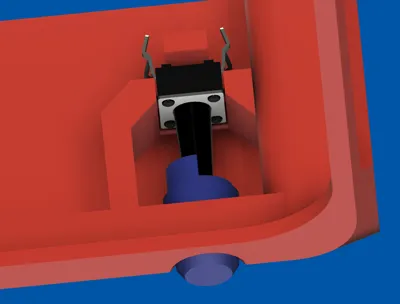
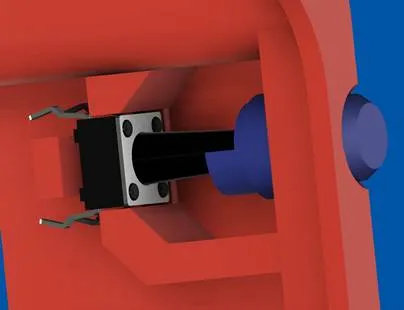
As part of the project, I include a modification to the DPS-150 power supply operation. I never did like the DPS-150 side Stop/Run button location. Instead, I rerouted that button to an easier to access left side top position.
With an LxT 18V battery, the portable power supply has the following specifications:
Voltage Output: 0 – 18V
Current Output: 0 – 5A
PROJECT SKILL LEVEL REQUIREMENTS
Must be able to:
- Perform electrical soldering.
- Cut aluminium metal slot in back panel.
- Perform low voltage electrical wiring directly between a PCB and components via soldering.
- Understand and follow electrical drawings.
Without the above skills, this project is not for you!
PARTS LIST
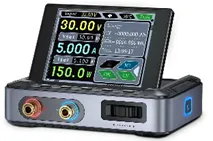
- Fnirsi DPS-150 DC power module.
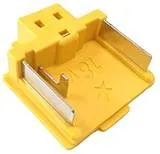
- Makita 18V LxT Makita 643852-2 electrical connector.
- Custom 3D printed parts - 4 pieces
- Small momentary contact switch with an 8mm stem.
- 20cm 24awg wire (any neutral colour)
- 12cm 16awg wire, red and black
- 3.5mm x 15mm self-taping, counter-sunk screw x 4
- Wire 6.5mm crimps x 2
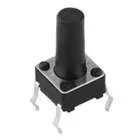
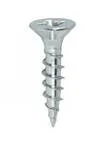
ASSEMBLY
- Remove 6 small back screws from rear of DSP-150. Four of the screws are hidden under rubber pads. Remove and discard the rubber pads.
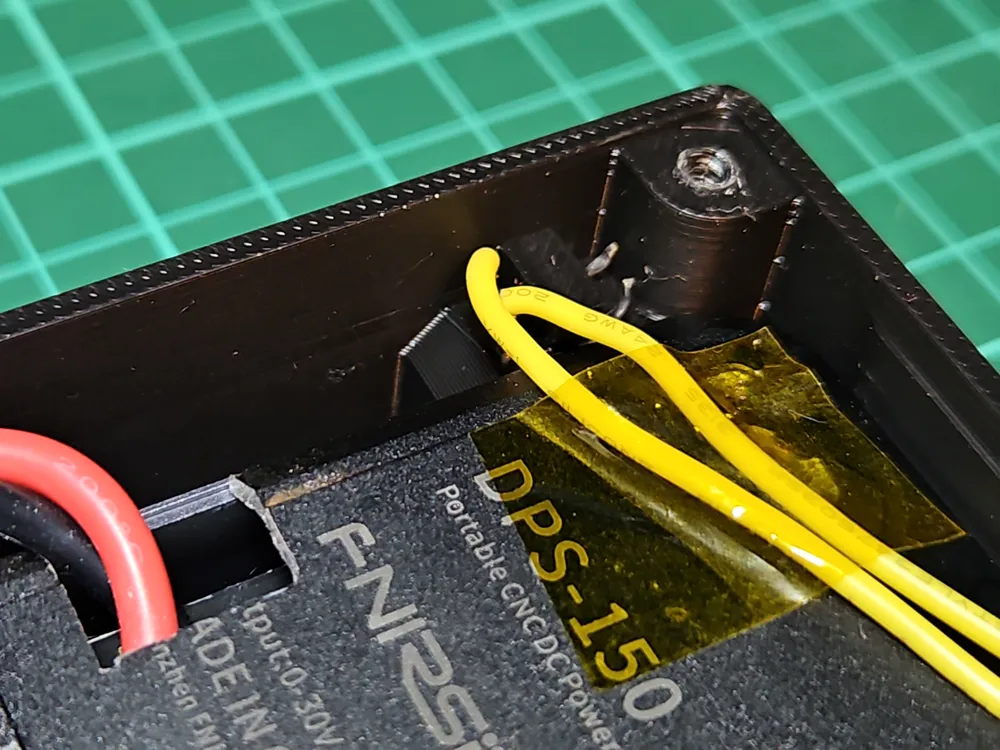
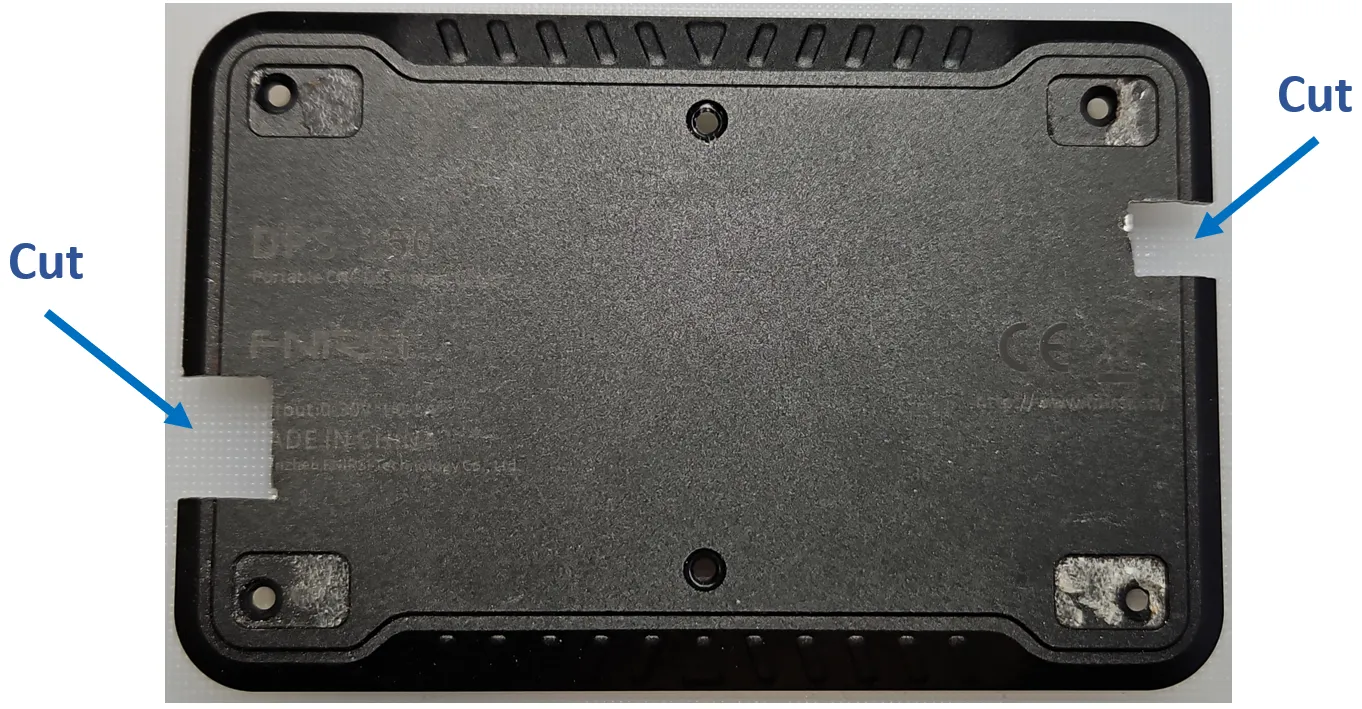
- The DPS-150 rear panel is made from aluminium. Make two cut-outs in the rear panel with a saw.
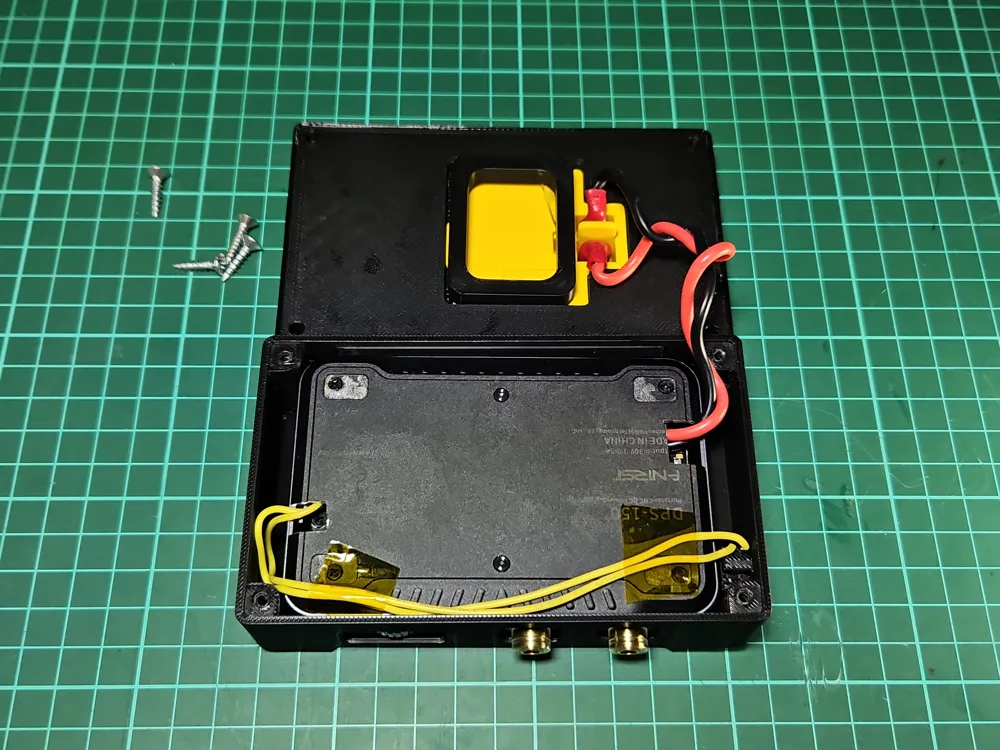
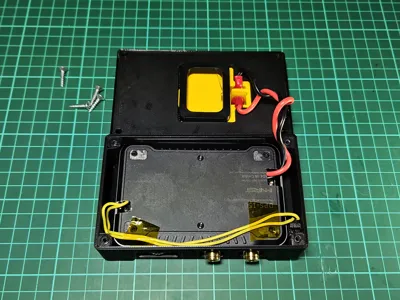
- Attach four wires to the exposed PCB; see WIRING section.
- Replace rear panel and associated screws.
- Solder two wires to the switch.
- Crimp two wires with electrical connectors.
- Fit the switch with the switch shaft.
- Fit the DPS-150 into the 3D printed cover panel. The cover is a push fit and requires a little bit of force to fit.
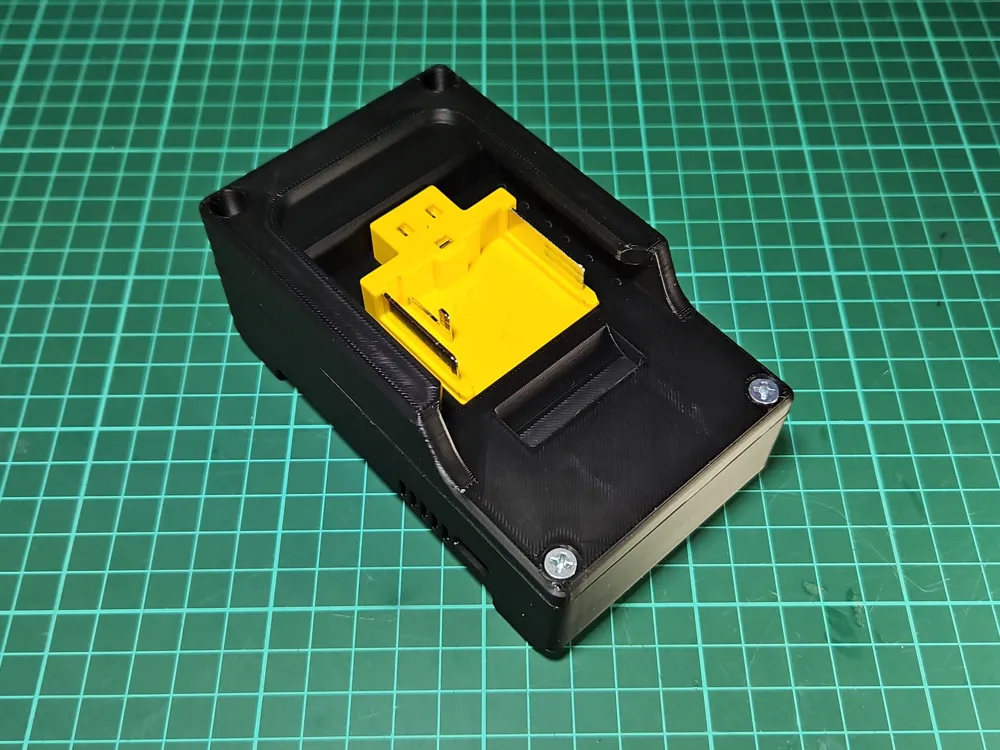
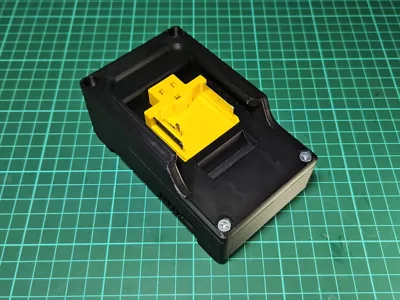
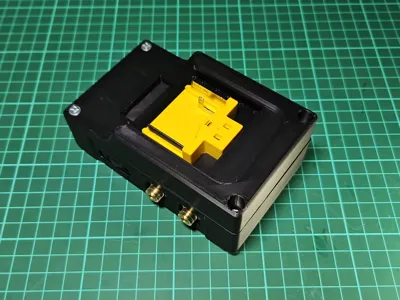
- Fit the Makita electrical connector into the 3D printed battery fitting. Place a spacer ring over the back of the connector to keep it in-place.
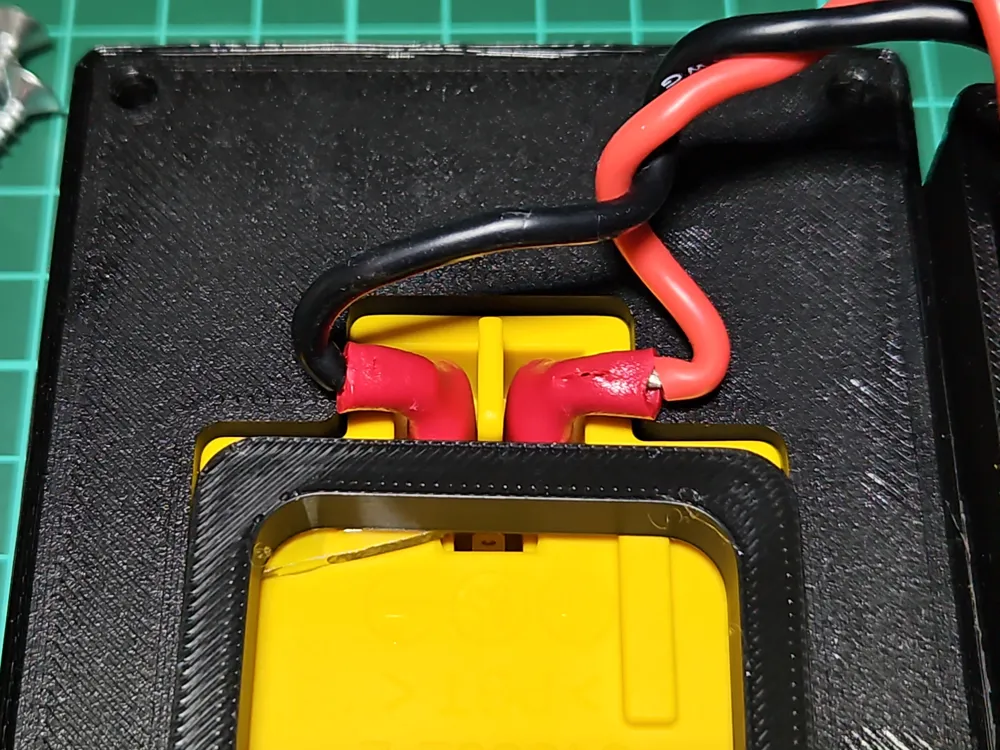
- Fit crimped wires to Makita connect.
- Screw the two 3D printed parts together, taking care to not snag any wires with four 3.5mm self-taping counter-sunk screws.
- Test!
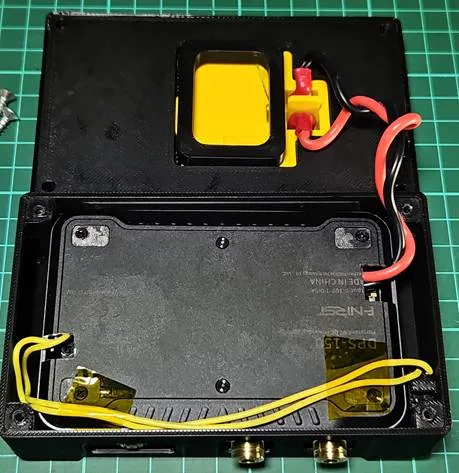
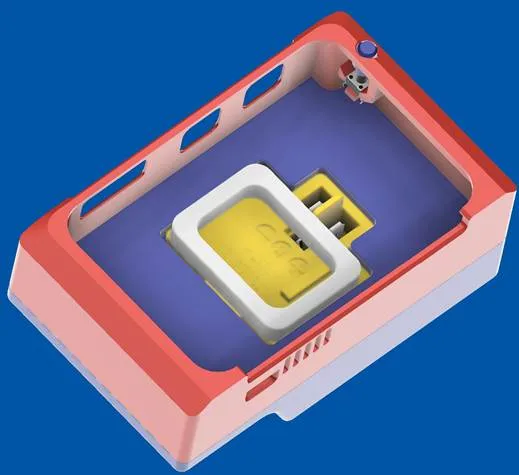
METALWORK
The DPS-150 rear panel is made from aluminium. Note the rear panel cut-outs required for wiring. I used a metal blade saw to make the cut-outs.
WIRING
Two pairs of wires are set:
- DC power input. Connect to 18V battery connections.
- Stop/Run switch. Connect a momentary switch.
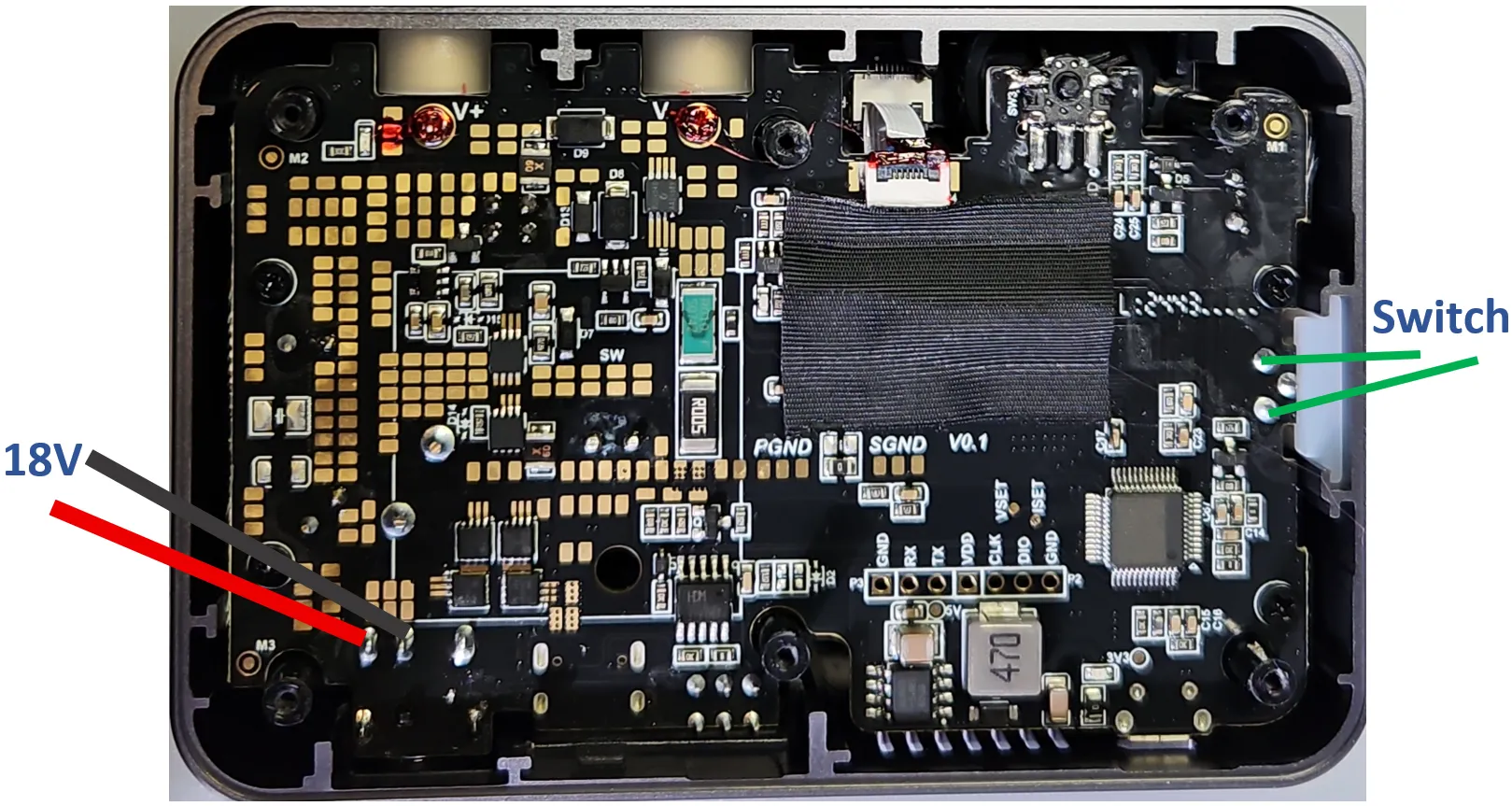
DPS-150 with rear cover removed
To note, the DSP-150 PD/DC switch needs to be in the DC position.
Overdischarge Concerns
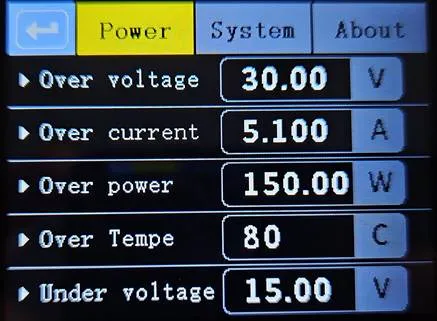
The power supply drains power from the connected Makita LxT battery. The internal battery cells don’t like to be over discharged as it can shorten their life. Fortunately, the DPS-150 has integrated Under voltage protection. The “Under voltage” setting is user selectable on the “Power” tab. Set it 15V.
Thermal Concerns
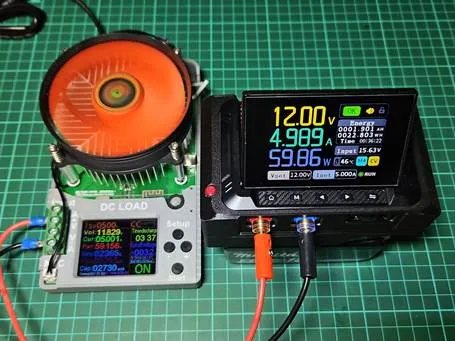
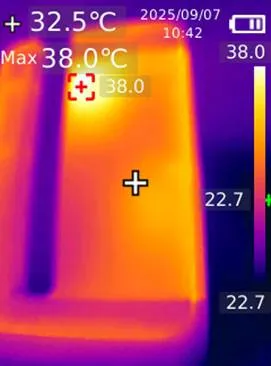
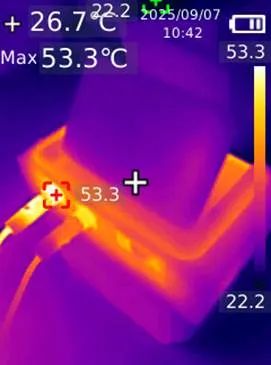
Temperatures around the DPS-150 were measured after the unit was placed under load. The load was 60W for 25min.
The DPS-150 delivers it’s output power at a high efficiency level, as a result, power conversion lost as heat was relatively small. Temperatures around the output positive terminal did reach 53°C, but quite focused. The 3D printed plastic temperatures stayed below 30°C, hence suitable for with PLA 3D plastic.
THANK YOU
I hope that you can find this print useful, too. If so, you can support my work by buying me a coffee …
Remember to leave a comment, perhaps a like to keep me enthused to make more. I have a 100+ published designs. Do check them out.
PRINTING INFORMATION
My print is made in 1.75mm eSUN PLA Black filament, with 0.2mm layer height on a Bambu Lab H2D printer. Print supports are not required.
To note, as part of the assembly, the 3D printed cover part will be flexed to fit the DPS-150 module. A brittle PLA will likely crack, so choose you plastic filament wisely.
Both print profile and the individual STL files are included for download.
License



Comment & Rating (5)