Search models, users, collections, and posts

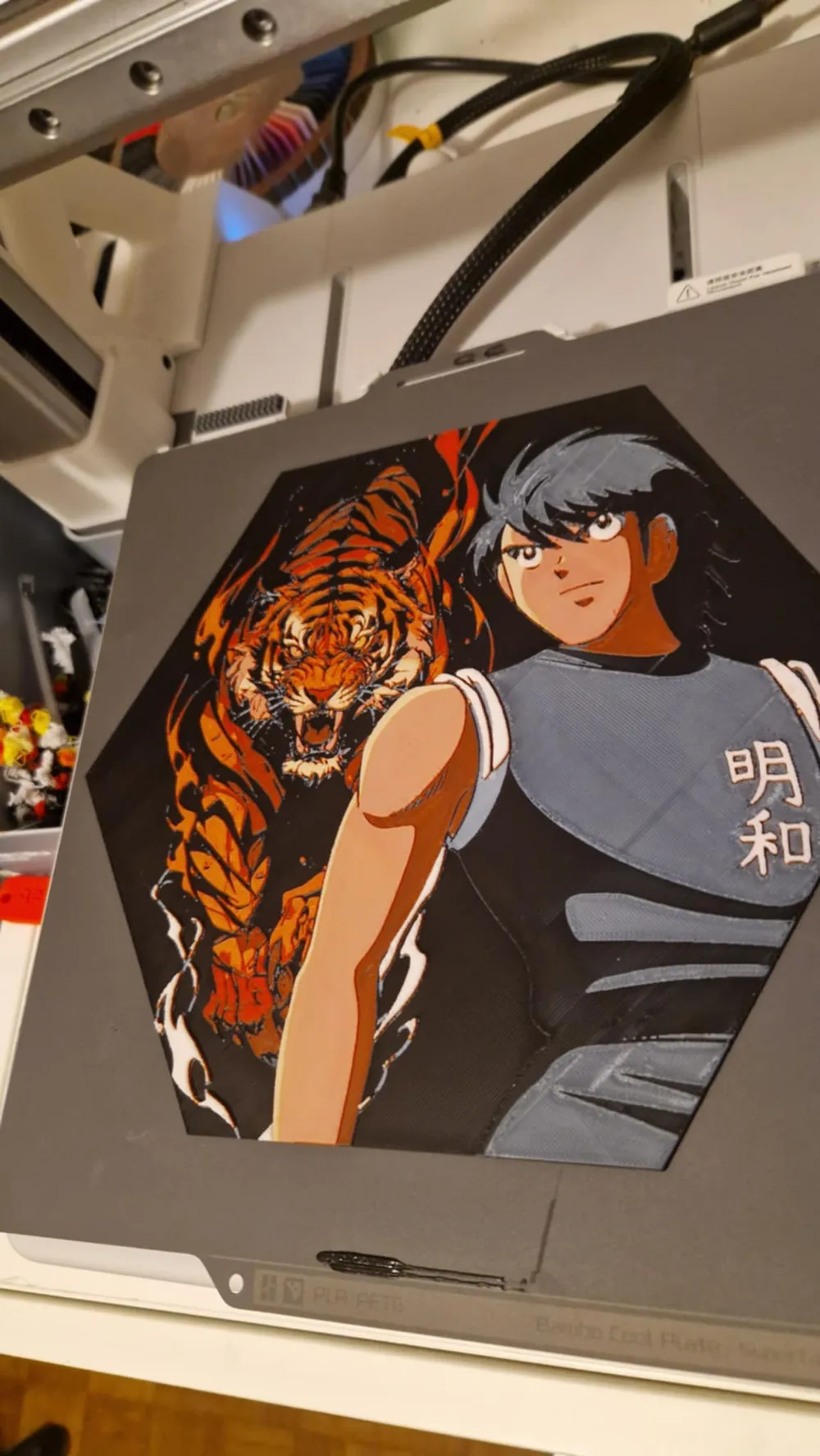
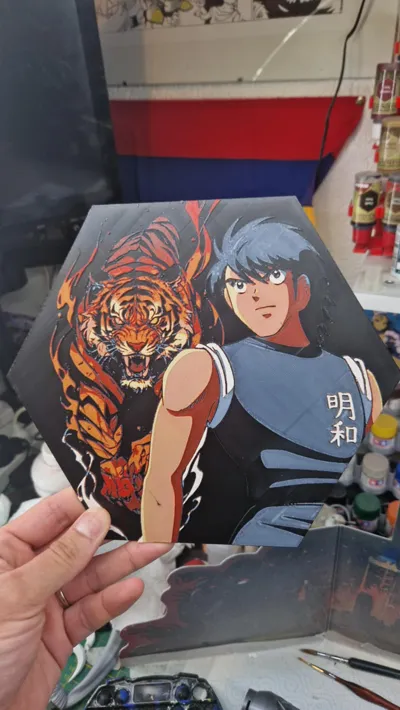
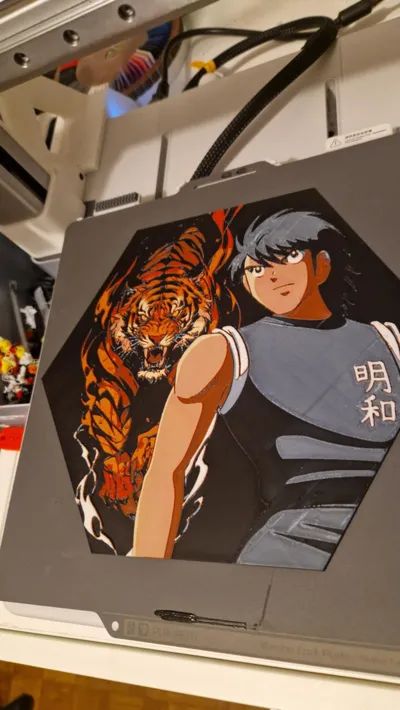
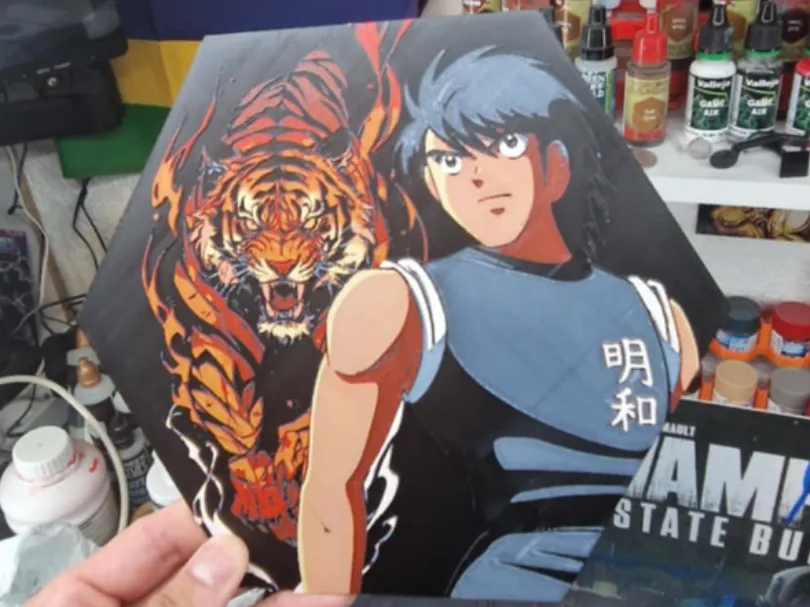
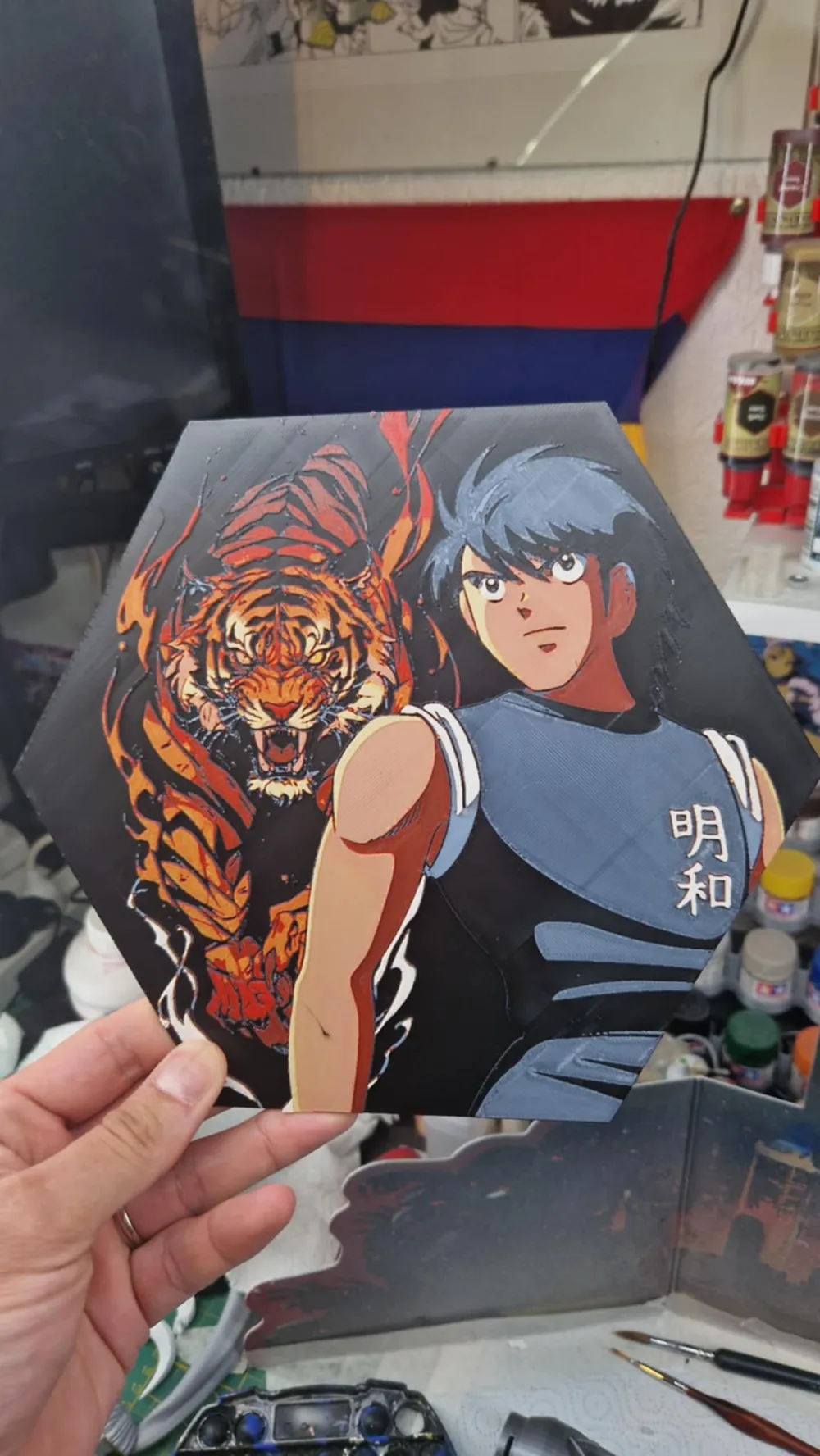
Captain Tsubasa Hueforge - Kojiro Hyuga
Print Profile(1)

All
A1
H2D
H2D Pro
H2S
P2S
H2C
X2D
A2L

0.08mm layer, 2 walls, 100% infill
Designer
5.8 h
1 plate
5.0(10)

Open in Bambu Studio
Boost
43
51
25
5
31
16
Released 

Bill of Materials

Bambu Filaments
Select all
Jade White (10100) / Refill / 1kg
Yellow (10400) / Refill / 1kg
Black (10101) / Refill / 1kg
Red (10200) / Refill / 1kg

Description

Content has been automatically translated.
Show original

Boost Me (for free)

A simple click on “Boost”, helps me a lot — and it costs you nothing! Thanks for the support ❤️

Membership

With a membership, you're free to sell all my prints! It really supports my work ❤️ Thank you!

Join

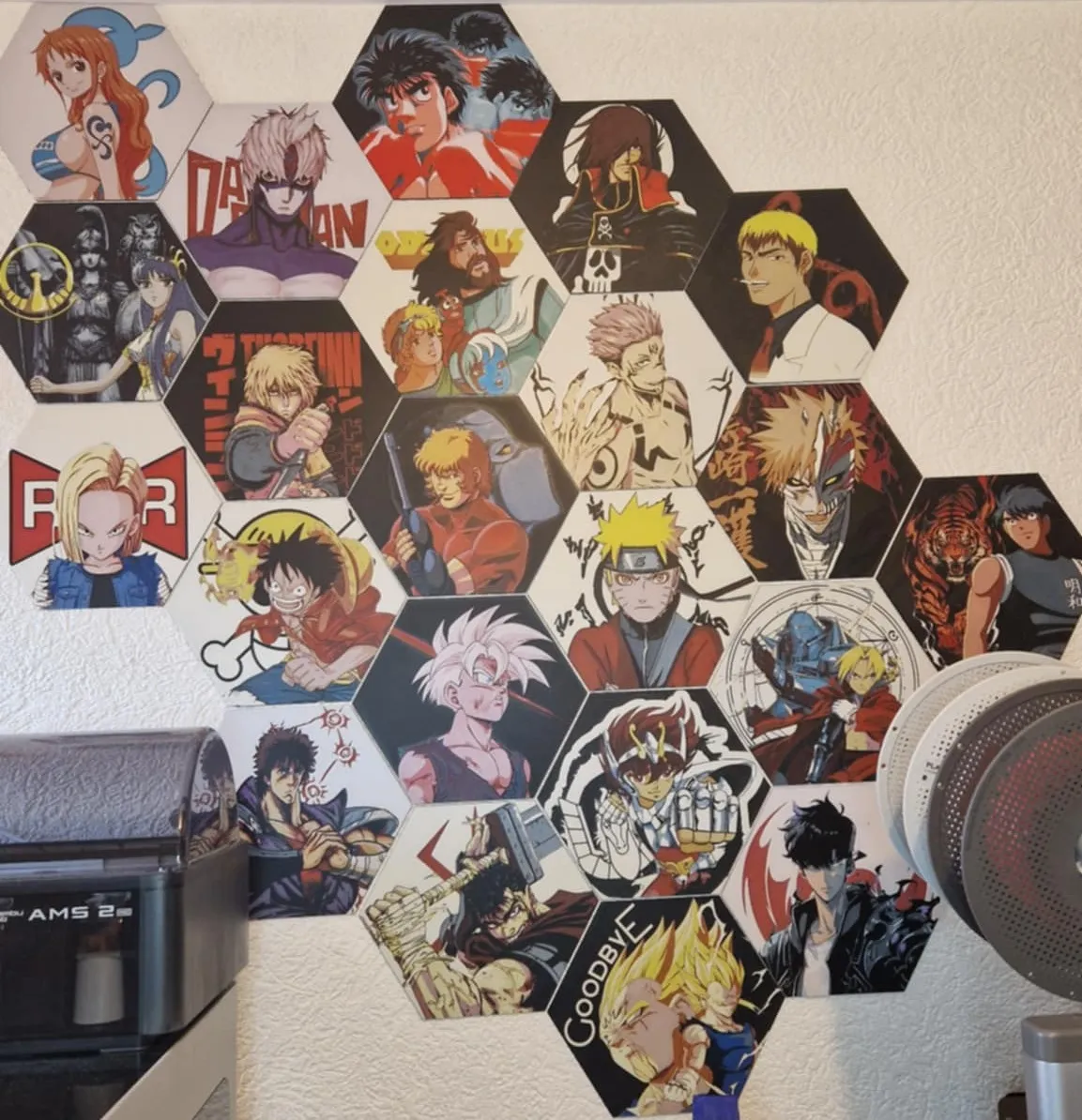
Don’t forget to download the wall mounting fixture below:

https://makerworld.com/en/models/1406641-wall-mounting-fixture-for-hueforge-hexagonal#profileId-1459640


Attention if you use a different PLA than indicated, the transmission distance levels may differ and thus impact the result.


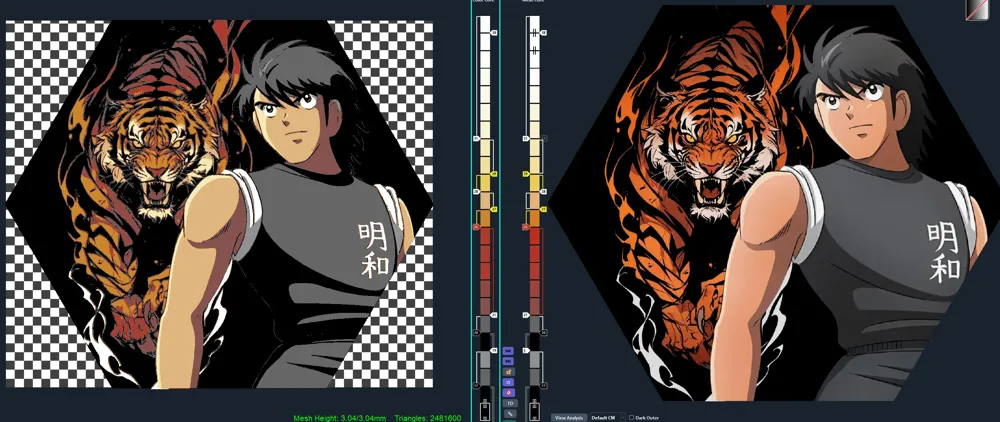
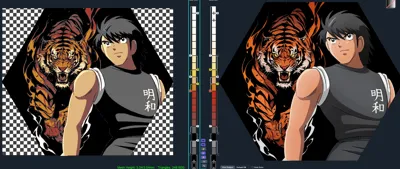
Project: mark landers.hfp
Print at 100% infill with a layer height of 0.08mm with a base layer of 0.16mm


The Model is 240x206.88mm in size
You may print at higher layer heights below the Base Thickness of 1.28mm
The Max allowed Thickness is 3.04mm and the Actual Thickness is 3.04mm


Filaments Used:
    PLA BambuLab Basic Black  Transmission Distance: 0.6
    PLA BambuLab Basic Jade White  Transmission Distance: 5
    PLA BambuLab Basic Red  Transmission Distance: 4
    PLA BambuLab Basic Yellow  Transmission Distance: 4.5
This print uses 4 unique filaments


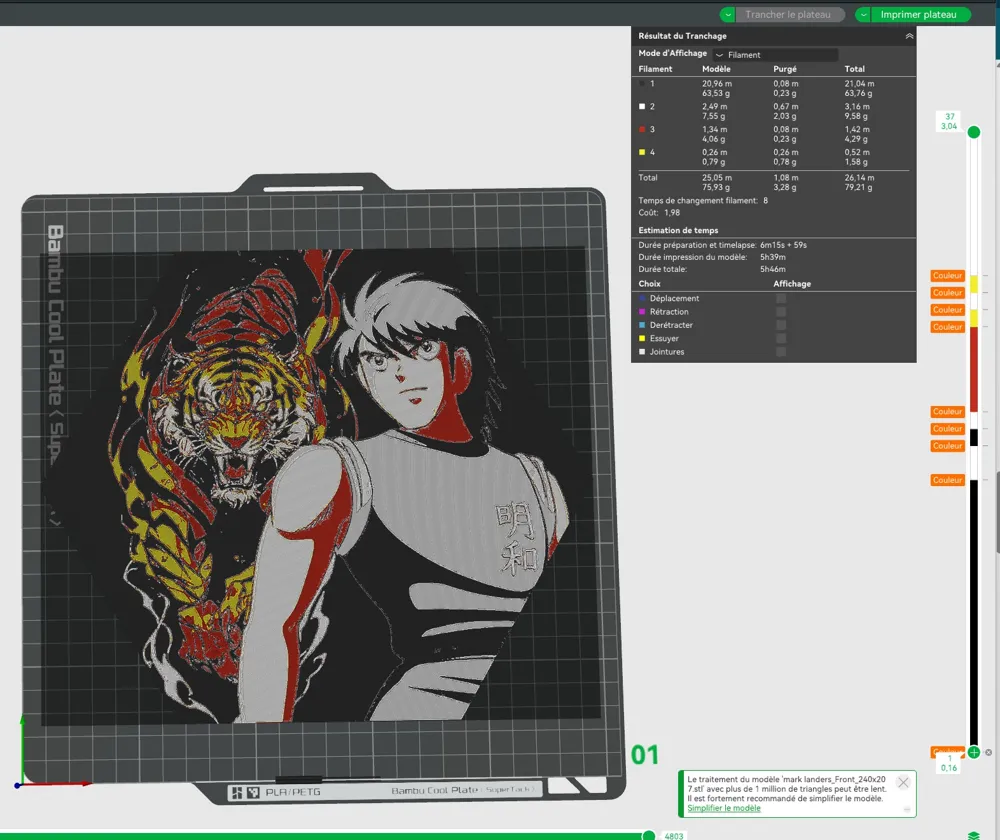
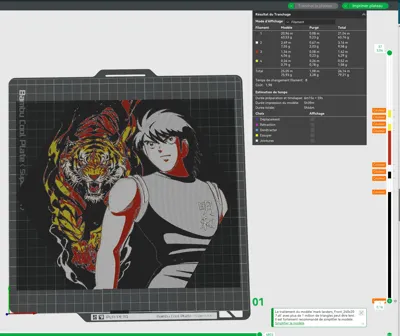
Swap Instructions:
    Start with Black
    At layer #17 (1.44mm) swap to Jade White
    At layer #19 (1.6mm) swap to Black
    At layer #20 (1.68mm) swap to Jade White
    At layer #21 (1.76mm) swap to Red
    At layer #26 (2.16mm) swap to Yellow
    At layer #27 (2.24mm) swap to Jade White
    At layer #28 (2.32mm) swap to Yellow
    At layer #29 (2.4mm) swap to Jade White for the rest.
 

How to print more than 4 colours with a single AMS: from 42 sec onwards in the video

Comment & Rating (25)

(0/1000)

Thanks for the childhood memory and the great result
The designer has replied
Show original
designer
2
Reply
Thank you for your support
Show original
1
Reply
Replying to @Dakiren :
Thanks for my wall If you can I'd appreciate a Jayce and the Wheeled Warriors My wall will thank you as I'm just starting I'm from the 80s so I'm beginning there 😁
(Edited)
Show original
designer
1
Reply
Replying to @Hepyon :
it is in my plans :)
Show original
0
Reply
I don't regret at all getting a subscription it's very good work and super pretty
The designer has replied
Show original
designer
1
Reply
Thank you very much for your support. :)
Show original
0
Reply
Print Profile
0.08mm layer, 2 walls, 100% infill
5 stars is not enough!! Some stringing with the Wanhao filament, nothing too bad. It is perfect as always 🥳🥳🥳
The profile uploader has replied
Show original
profile
1
Reply
Thanks buddy :)
Show original
0
Reply
Print Profile
0.08mm layer, 2 walls, 100% infill
super
The profile uploader has replied
profile
1
Reply
Thank you :)
Show original
0
Reply
Print Profile
0.08mm layer, 2 walls, 100% infill
The collection is growing... thanks again for sharing
The profile uploader has replied
Show original
profile
1
Reply
Thank you for the support :)
(Edited)
Show original
1
Reply
TOP
The designer has replied
1
Reply
thank you
Show original
0
Reply
It's spectacular, the only thing is I started, as you mentioned, with black, and then it made 3 more stops for color changes, but I would need 6 more to include all the colors, and I don't know why it didn't do that I'm sure it's my mistake, but if you could help me, I would appreciate it, as I'm a fan of these designs I'm printing color by color from a Prusa mk3s, in case that helps you figure out where my error might be Thanks in advance and very good work
The designer has replied
Show original
designer
1
Reply
Sorry, I don't know Prusa, but if you don't have a colour system, you need to replace colour changes with pauses in your slicer and change the colour.
1
Reply
Magnificent 😍 🔥
The designer has replied
Show original
designer
1
Reply
Magnificent.
Show original
0
Reply
Print Profile
0.08mm layer, 2 walls, 100% infill
Super awesome
Show original
profile
1
Reply
Print Profile
0.08mm layer, 2 walls, 100% infill
top
0
Reply

License

If you want to use this model commercially, please join my membership.
Join Now
This user content is licensed under a
Creative Commons Attribution-Noncommercial