
The Crazy Factory
Print Profile(5)


Bill of Materials






Description
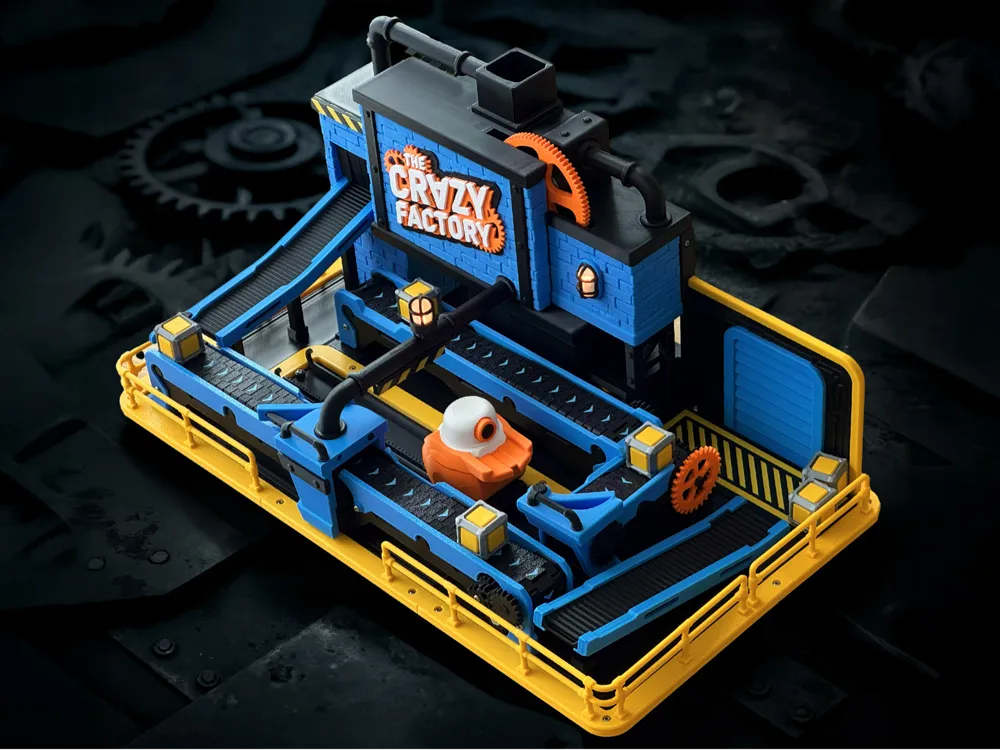
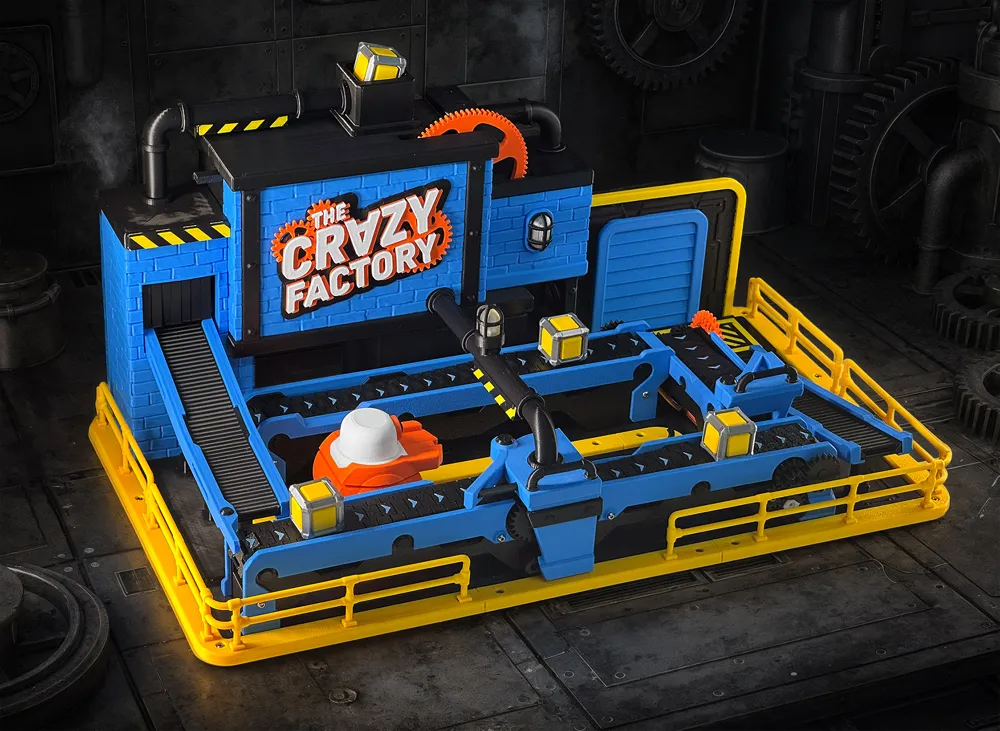
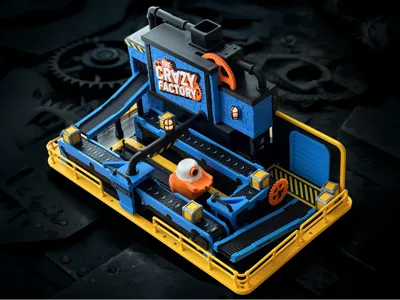
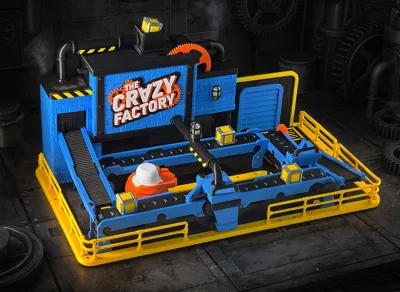
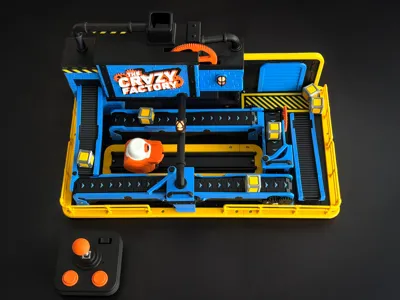
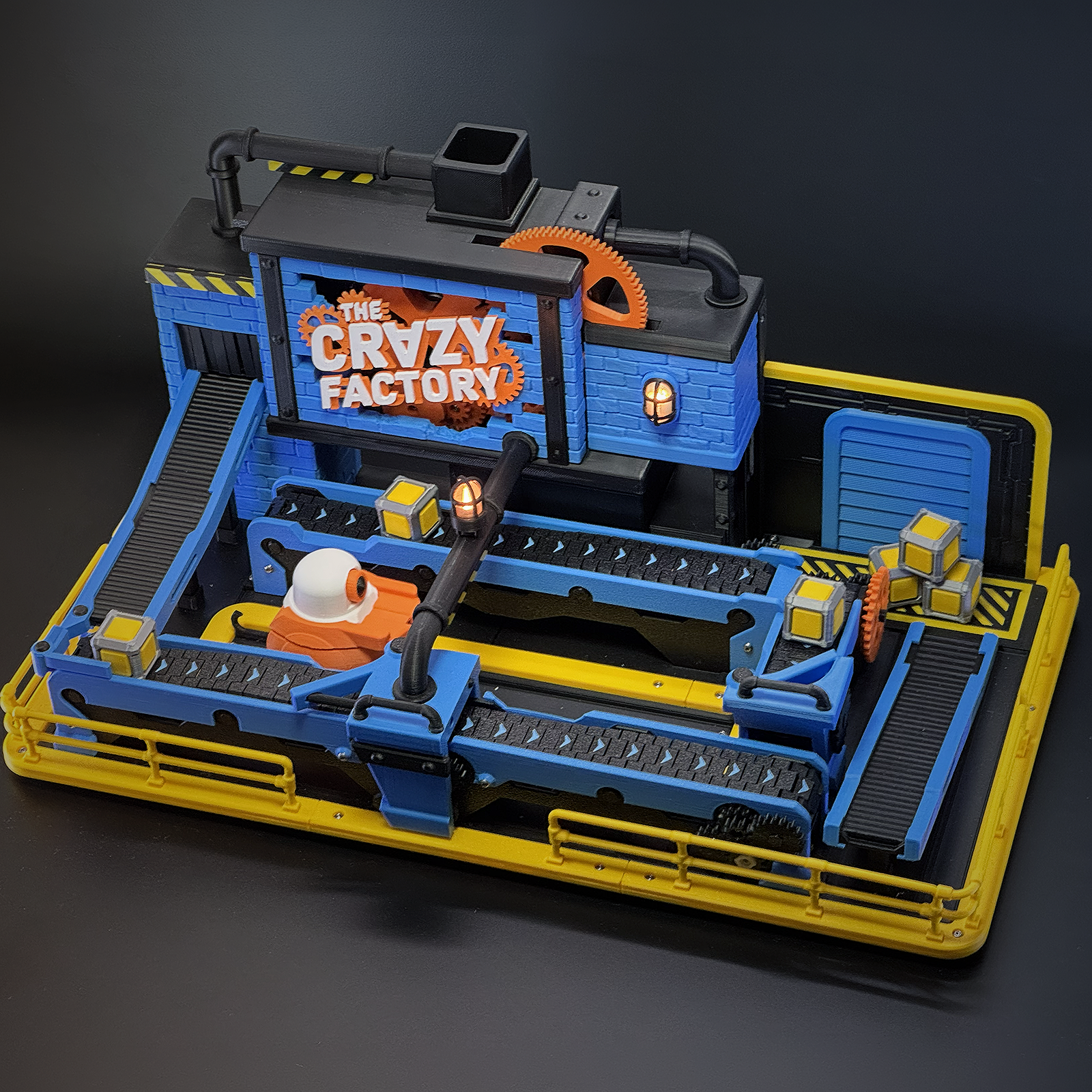
Step inside The Crazy Factory – a 3D-printed game full of gears, conveyor belts, and chaotic fun!
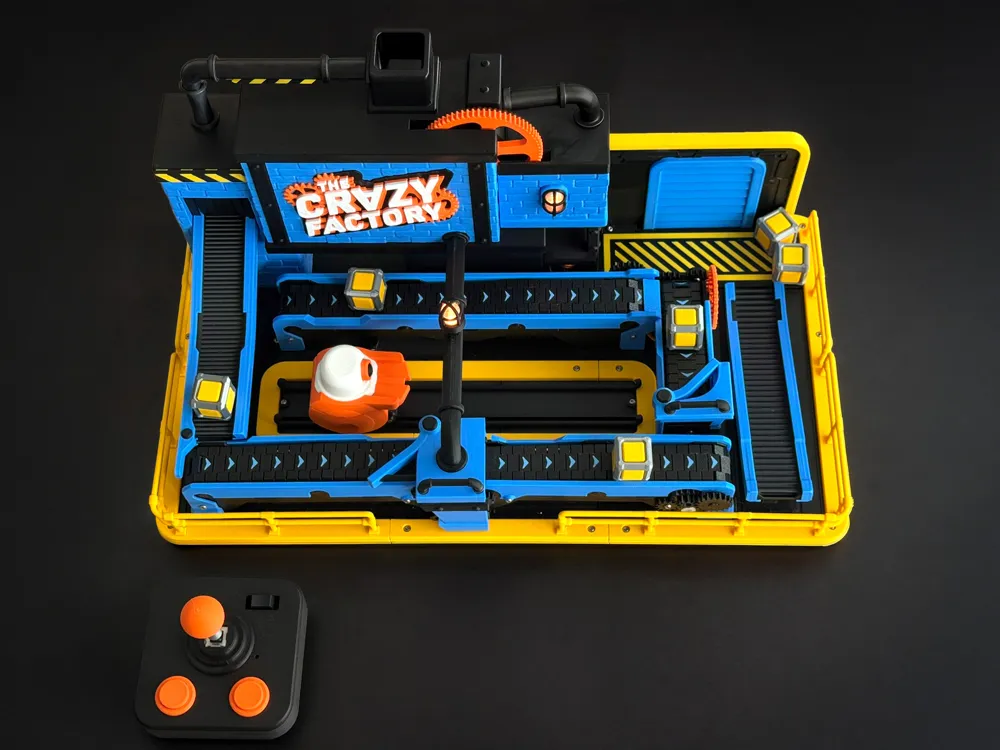
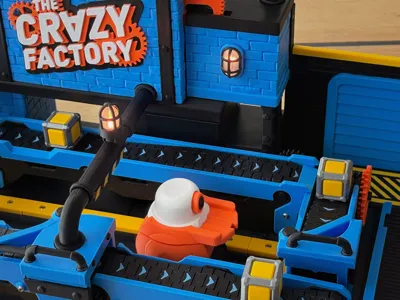
At the center of this chaotic machine is a small, brave robot whose mission is simple: deliver the packages—no matter how messy the factory gets. Whoever designed this place clearly didn’t think things through…
Now also A1-Mini compatible.


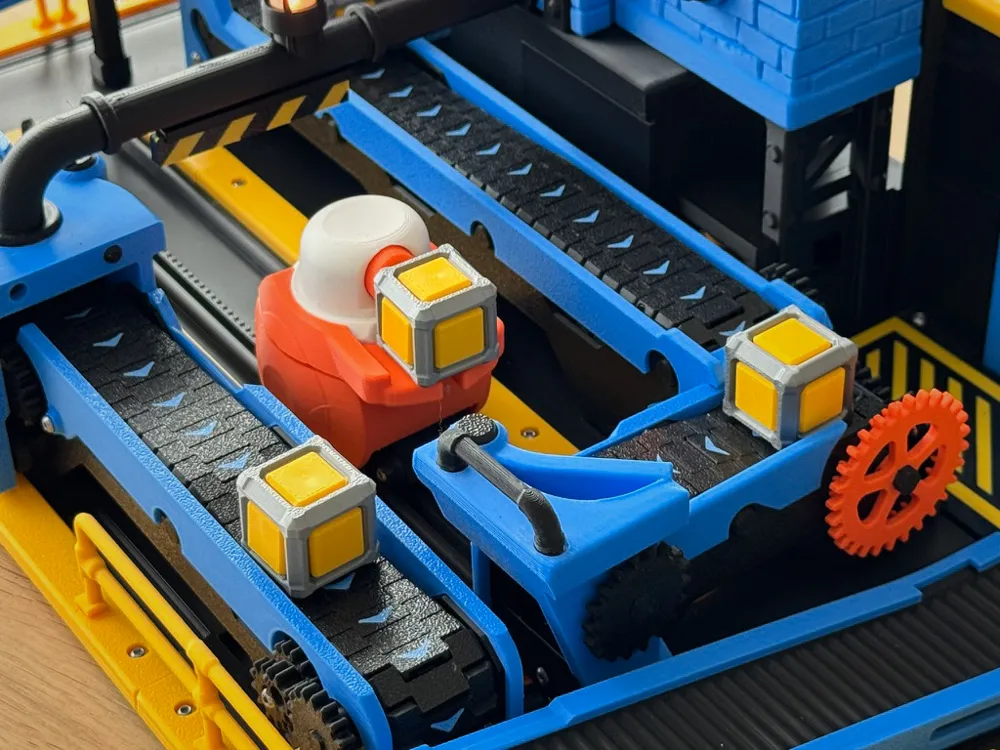
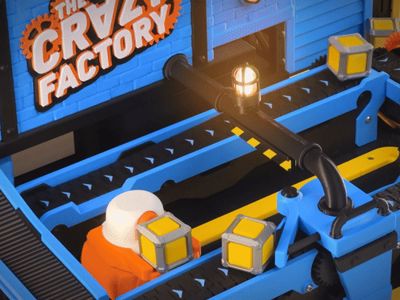
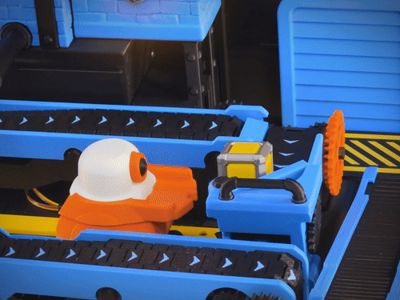
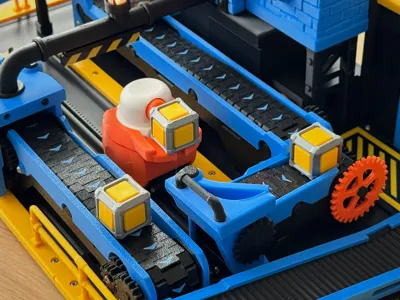
Using a 3D-printed joystick, you’ll guide this robot left and right across the factory floor. He can look around and get the packages before they fall down. Packages arrive one at a time from the left roller, rolling through a tangle of misaligned conveyor belts, gaps, and silly obstacles. It’s your job to keep the flow going—manually moving packages from one belt to the next, all the way to the loading zone.
You can play The Factory either with the standard MakerWorld remote or with the fully customized classic joystick—the choice is yours! Remember: you’ll need different .json files for different controllers. One is included on the Factory model page, and the other is available in the joystick model file.
The Mechanism & Layout
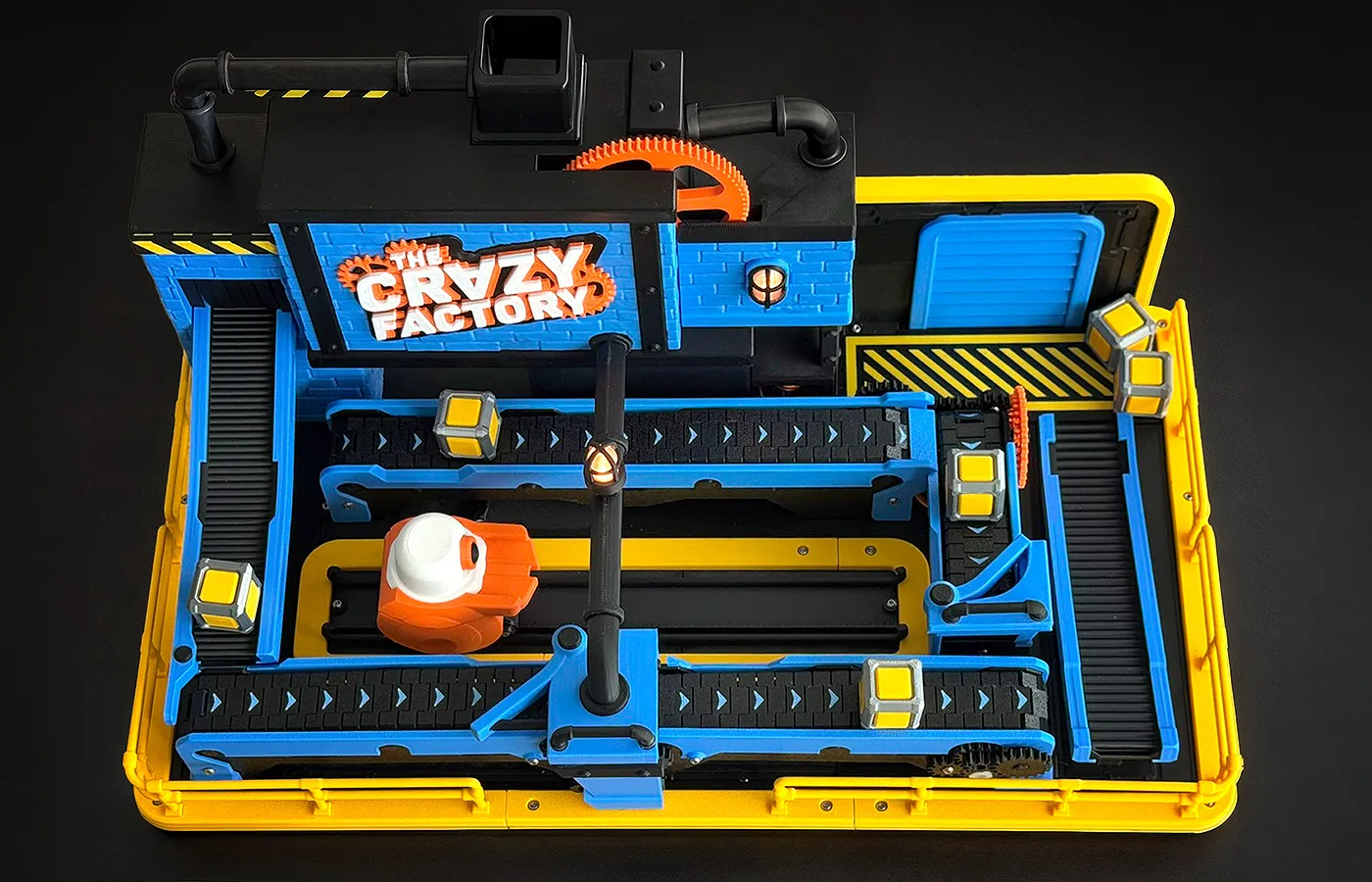
You can load multiple packages into the factory. A clever mechanism releases them one by one, with adjustable speed settings.
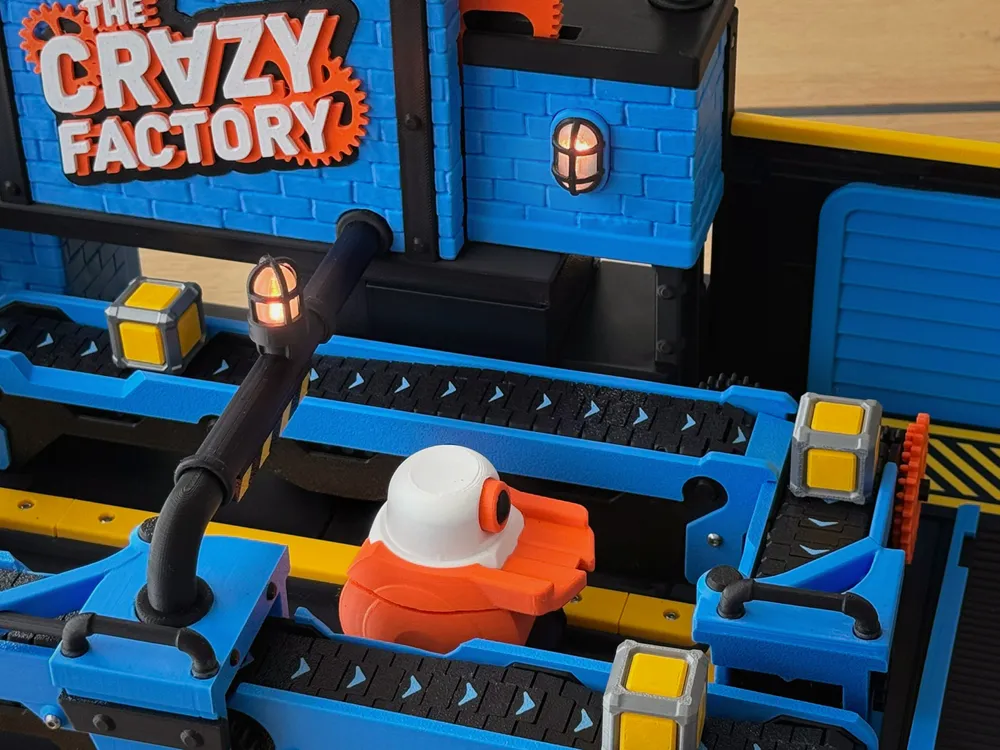
When they hit the first obstacle, you need to catch them with your robot before they fall – and place them onto the next belt.
But: The robot can’t pass the black pipe while holding a package – It's not tall enough!
Goal: Get as many packages through the factory as possible without dropping them.
Parts You’ll Need - Powered by CyberBrick
This project is built around CyberBrick.
You’ll need:
- 1x Cyberbrick Beginner Hardware Kit ZK004
- 2x 9g Servo Motor 360° PG002
- 1x 200mm Servo Extension Cable 3Pin Y-Type XC012
- 2x Bearings 608ZZ EA028
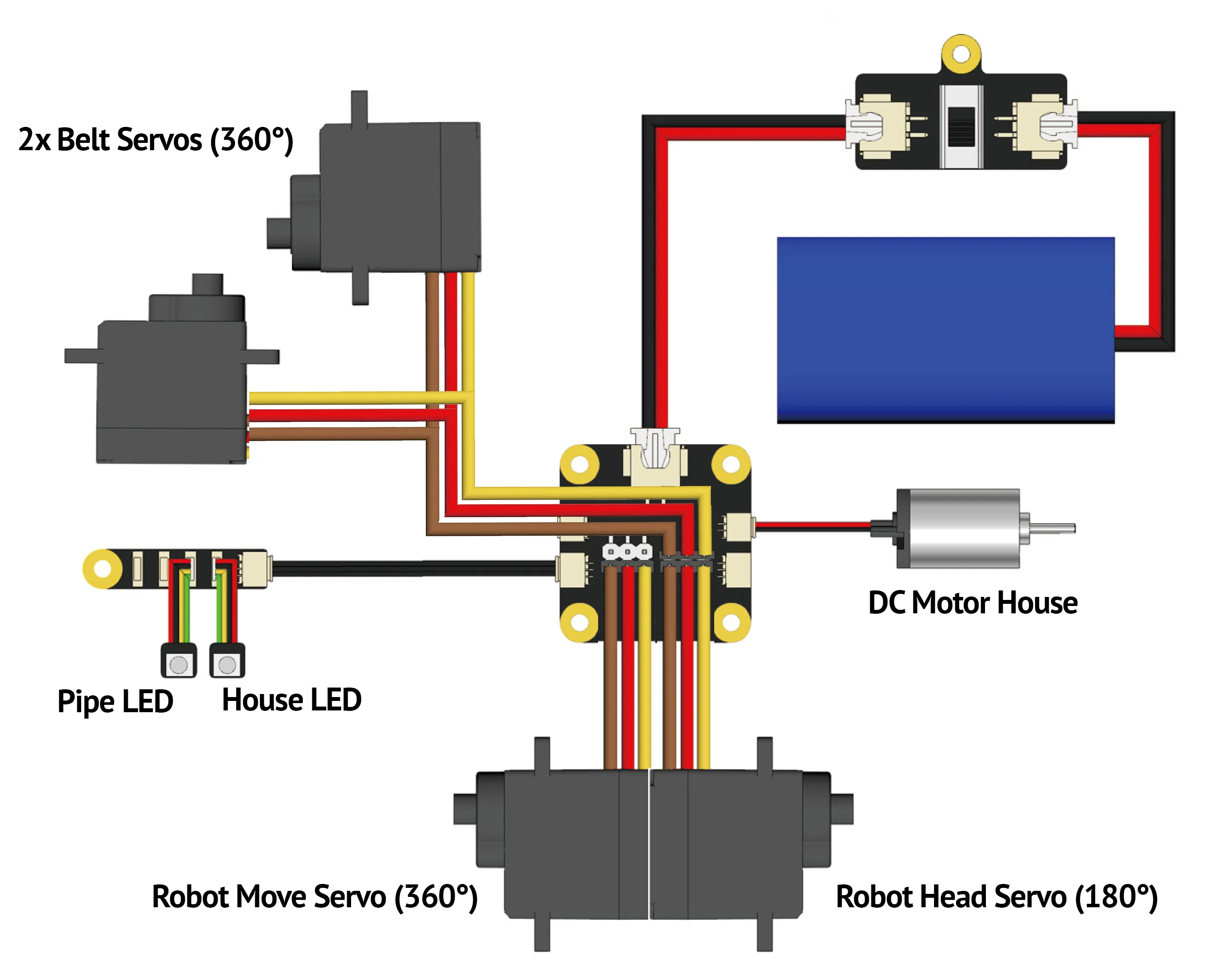
And: the design uses 110x M2.5x6 Button Head Cap Machine Screws (AA050) so it’s a good idea to stock up.
Here is the complete list , if you don't want to buy the hardware Kit:
If you build the A1-Mini Version, you'll need almost 20 M2.5x6 Button screws more.
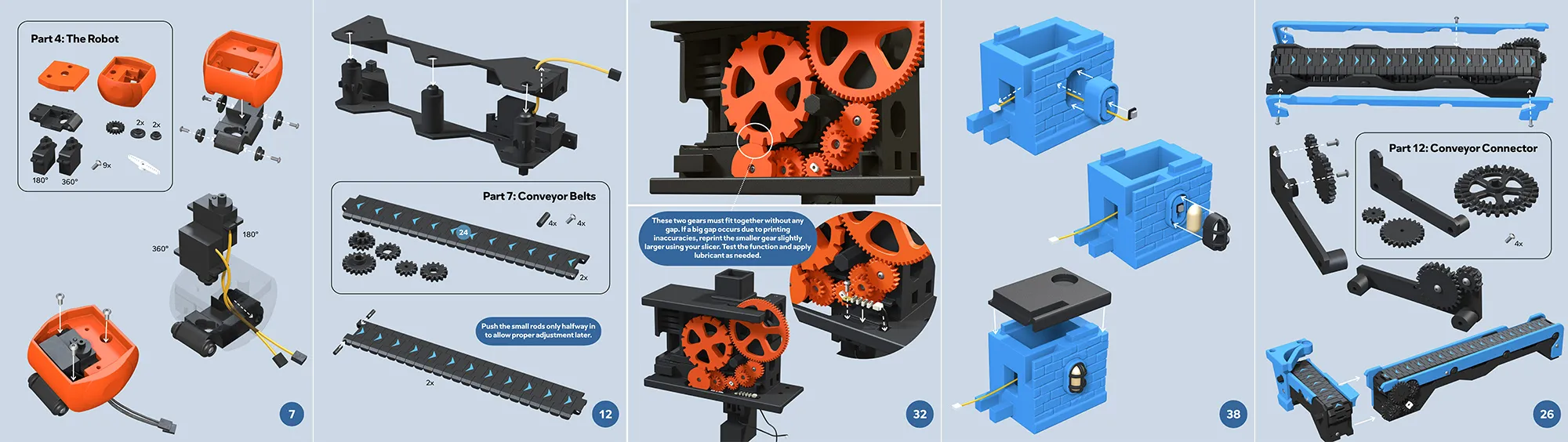
🔧 Assembly Guide
Check the assembly PDF attached at the bottom, for instructions.
To assemble the Factory you will also need:
- A screwdriver
- Some glue for the decorative parts
- Tweezers (helpful for some small cables)
- Black electrical tape to wrap the cables
- A wire cutter
- A lubricant
Troubleshooting:
Are packages still getting stuck inside the building?
Or are they rolling off the roller when entering the game?
The Main-Pipe sign is too low?
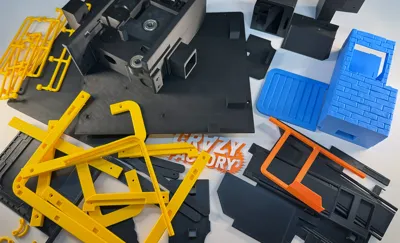
→ Check the “Factory Helpers” print-profile. It includes an additional pusher element with screw holes and a stopper.
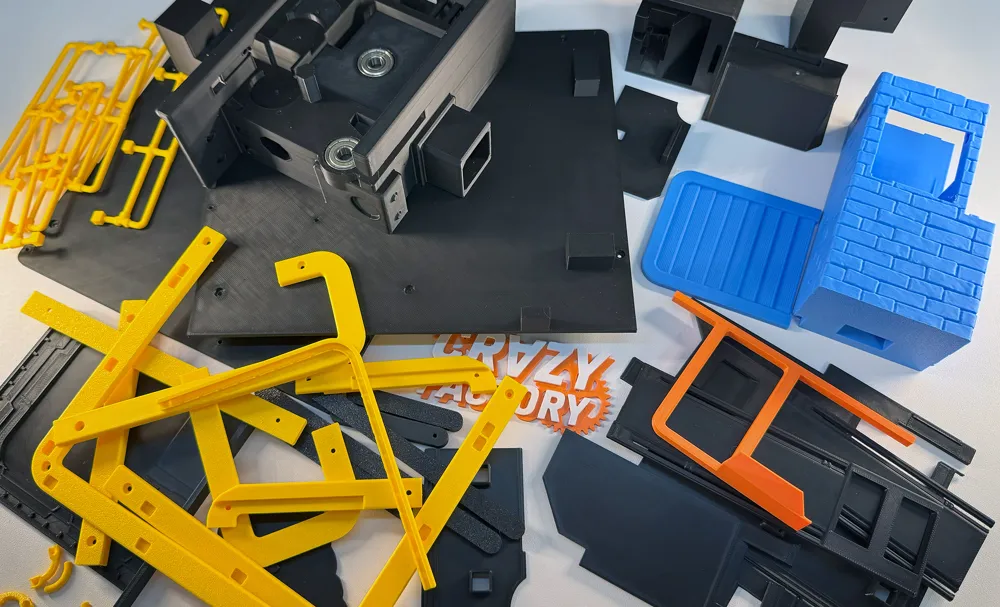
Filament & Printing Informations
- Black (PLA Basic Black) – 1250 g
- Blue (PLA Basic Cyan) – 350 g
- Yellow (PLA Basic Sunflower Yellow) – 140 g
- Orange (PETG HF Orange)– 70 g
- White (PETG HF White)– 15 g
- Transparent (PLA Translucent Mellow Yellow)– 10 g
- For my build, I only used Bambu Filament.
- If you don’t want to print with PETG:
- Orange → you can simply switch to PLA Basic Orange
- White → you can use PLA Matte instead for example
- For all mechanical parts (conveyors & gears):
I strongly recommend using a smooth filament like PLA Basic for best performance. Avoid structured filaments like matte, silk, or marble, since they can cause extra friction and reduce performance. - For everything else:
Totally up to you! These parts are not critical and should print easily with almost any filament. - I used the standard Textured PEI Plate for all parts.
Game Mode
- Use the 3-position switch to start the game:
- Right → normal speed
- Left → reduced speed (packages release more slowly)
- When things get tricky, press the momentary button. While you hold it, the belts will stop—but the packages will keep releasing from the house at the same speed!
- Get as many Packages to the loading-zone as possible
- Set the switch to the middle position to end your round and reset the packages
Add-ons
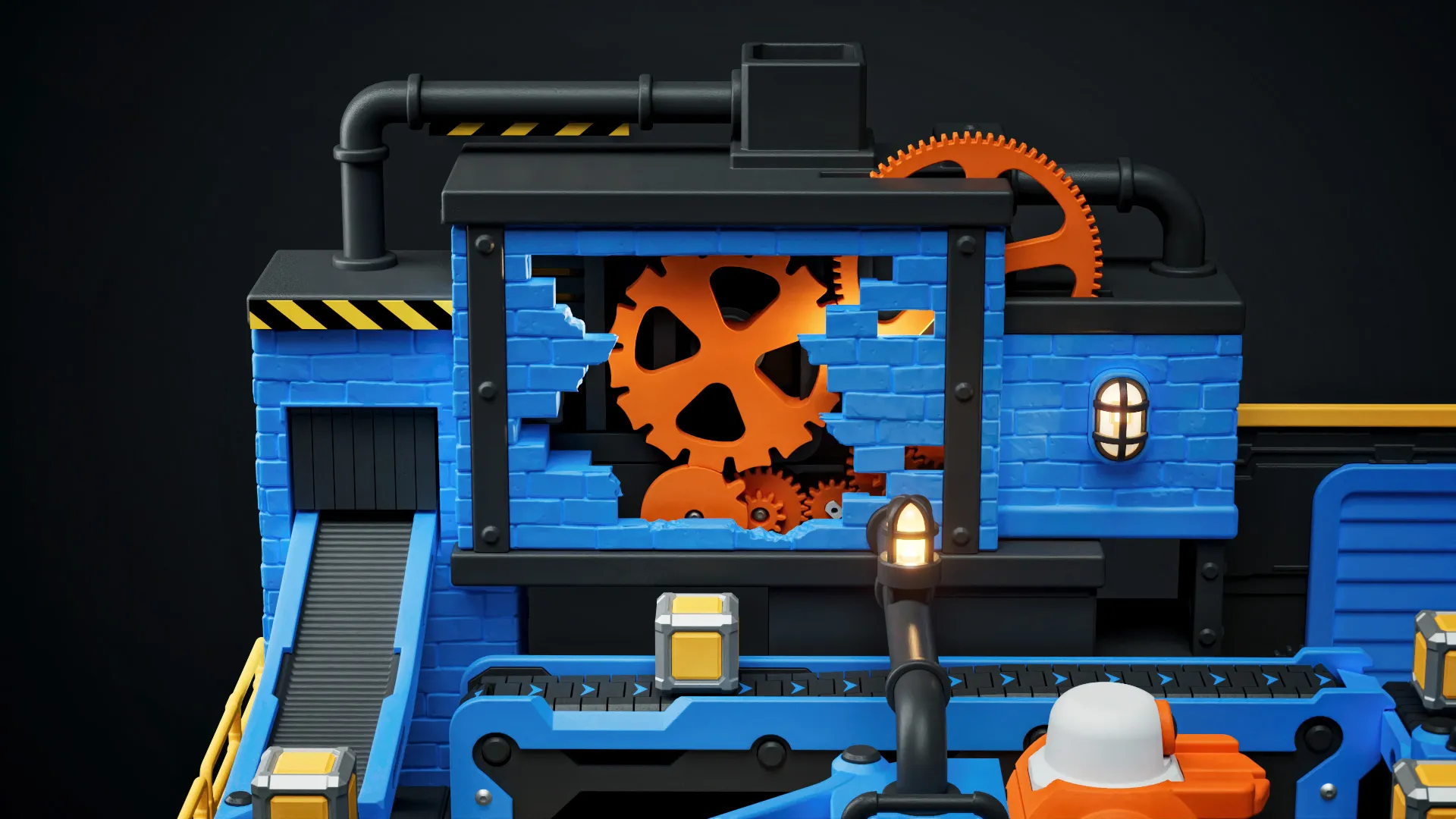
Get the Open Factory Model Add-on and explore a fascinating view inside the factory.
Documentation (2)

License

You shall not share, sub-license, sell, rent, host, transfer, or distribute in any way the digital or 3D printed versions of this object, nor any other derivative work of this object in its digital or physical format (including - but not limited to - remixes of this object, and hosting on other digital platforms). The objects may not be used without permission in any way whatsoever in which you charge money, or collect fees.


Comment & Rating (119)