
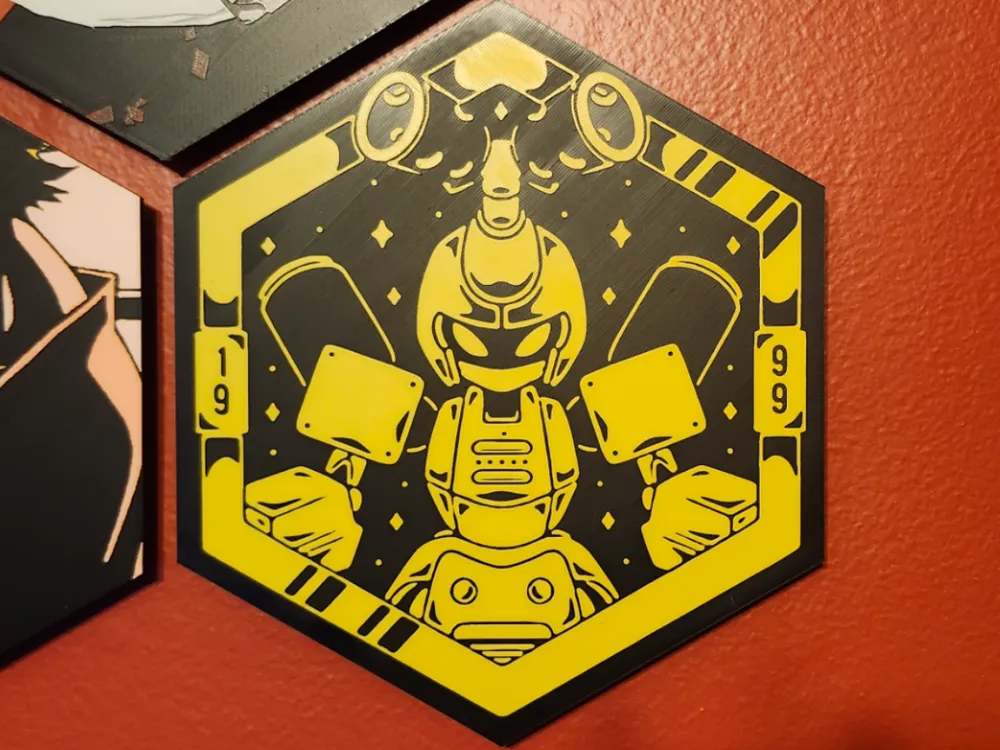
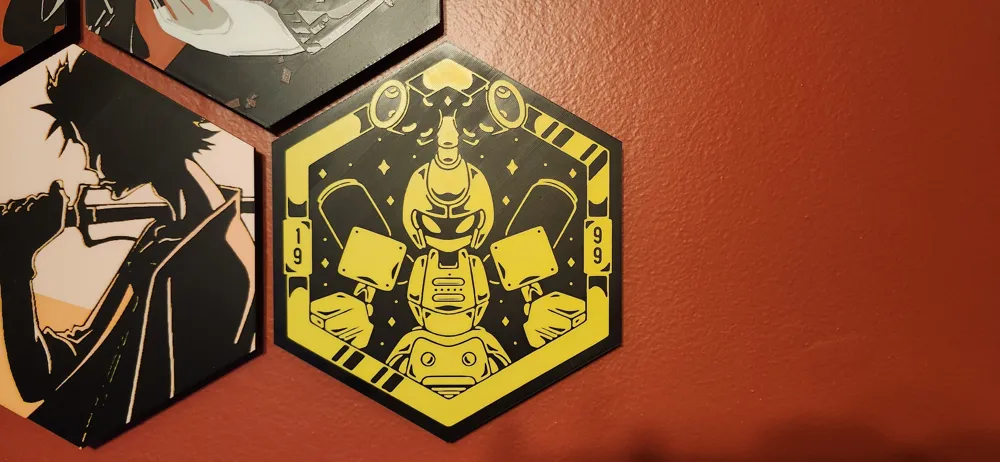
Medabots Metabee - ChromaLink HueForge
Print Profile(1)



Description
This is a HueForge print in the vertical ChromaLink format.
Information about ChromaLink and the parts to mount them can be found here:
The quick explanation is that MakerWorld doesn't let us upload the front with the back mount attached due to slicer issues but it prints fine with them. You need to download the zip file from the ChromaLink page, open it up and open up the example BBL 3mf file. It will show a complete print with a different front on it than this. Just right click on the object under Objects and Replace STL with this one. Then you need to slice it and in the Preview tab you will see the layers on the right side of the screen. Go to the layers and right click on the layer and start a filament change at that layer. For the numbers you will follow the instructions below and add 18 to the layer numbers as the bottom 18 layers will be the mount part. Then slice again and you are ready to print!
It sounds complicated but isn't too bad once you go through it.
--------------------
Here is the instructions provided by HueForge, including the layer change info:
Project: medeabots-metabee-hex.hfp
Print at 100% infill with a layer height of 0.08mm with a base layer of 0.16mm
The Model is 216.54x250mm in size
You may print at higher layer heights below the Base Thickness of 0.48mm
The Max allowed Thickness is 2.24mm and the Actual Thickness is 1.36mm
Filaments Used:
#000000 PLA BambuLab Basic Black Transmission Distance: 0
#fec600 PLA BambuLab Basic Sunflower Yellow Transmission Distance: 4.4
This print uses 2 unique filaments
Swap Instructions:
Start with Black
At layer #12 (1.04mm) swap to Sunflower Yellow for the rest.
License



Comment & Rating (1)