
Corsair HS70 Pro Repair
Print Profile(2)


Description
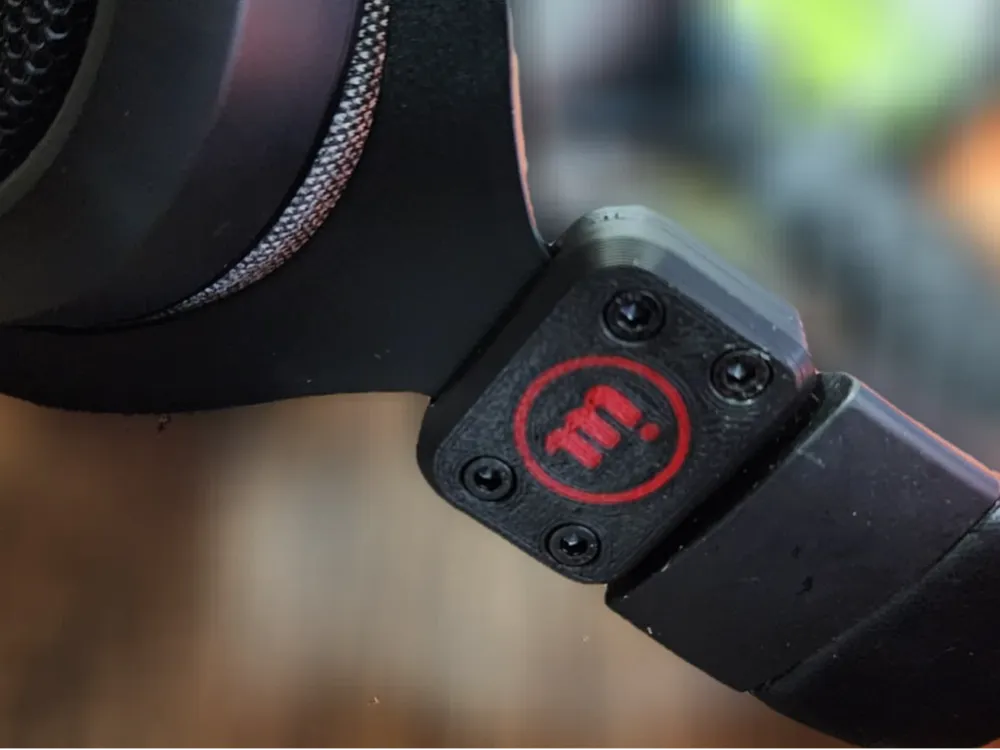
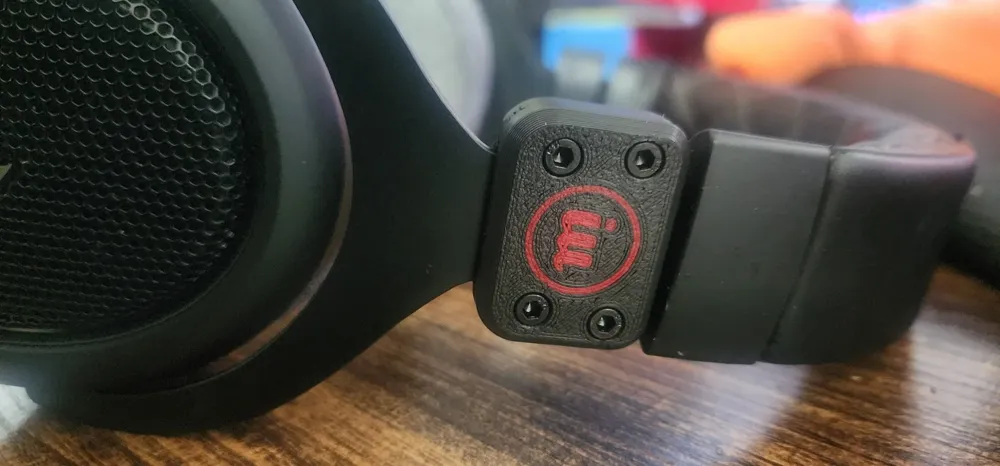
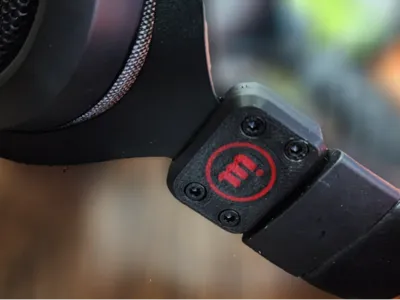
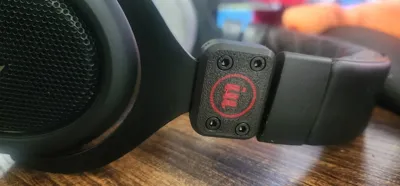
REPAIR FOR CORSAIR HS70 PROS
there are two methods to repair headphones where the ear part has broken. your fix depends on what is broken... if the plastic fell apart you need version1 and if the plastic fell apart AND the metal broke you need fix 2, fix two needs some tools...
Materials:
4 x M3 nuts
4 x M3x8 screws
Version 1:
Plastic Failure Only
For headphones where only the plastic holding the ear part on has broken.
Print the replacement part
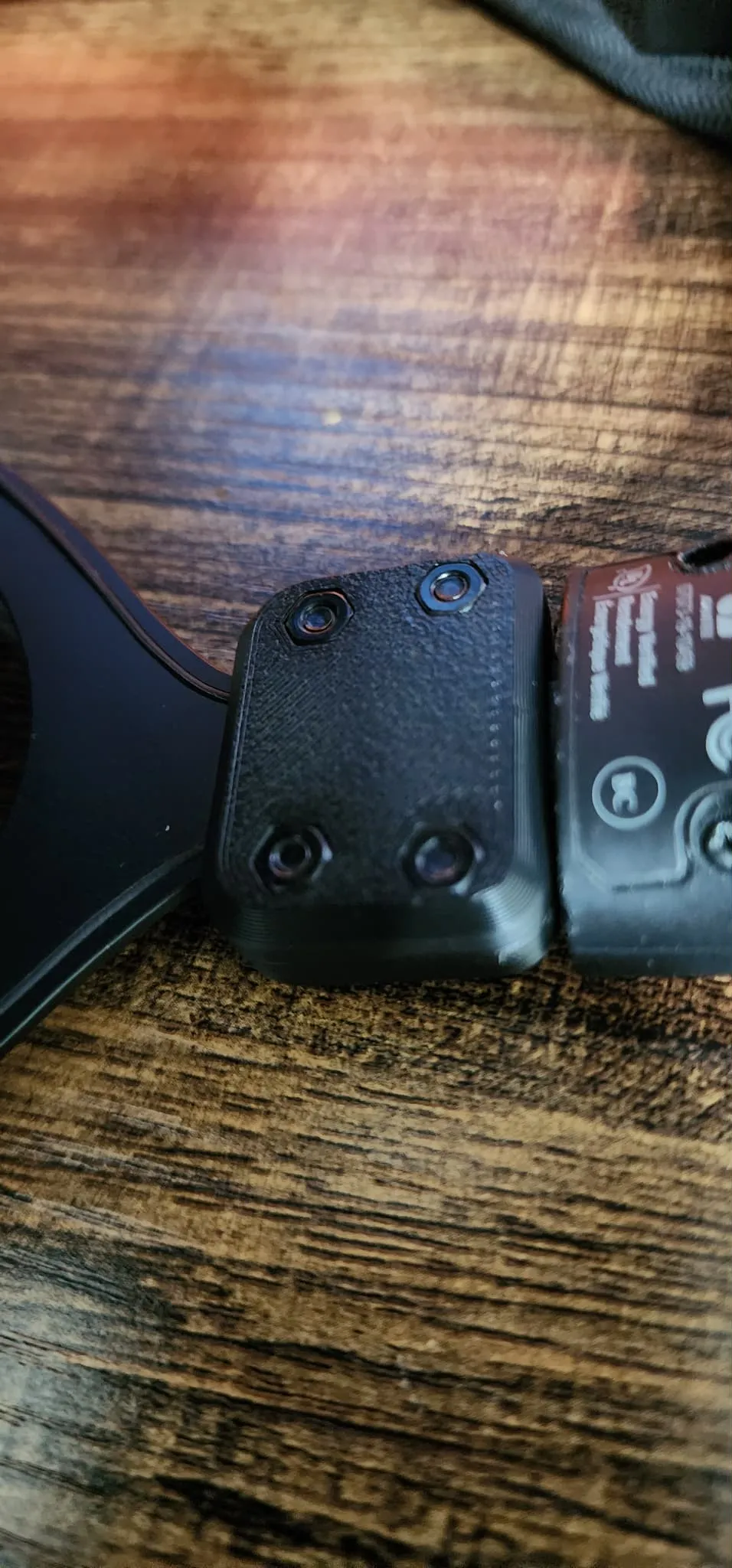
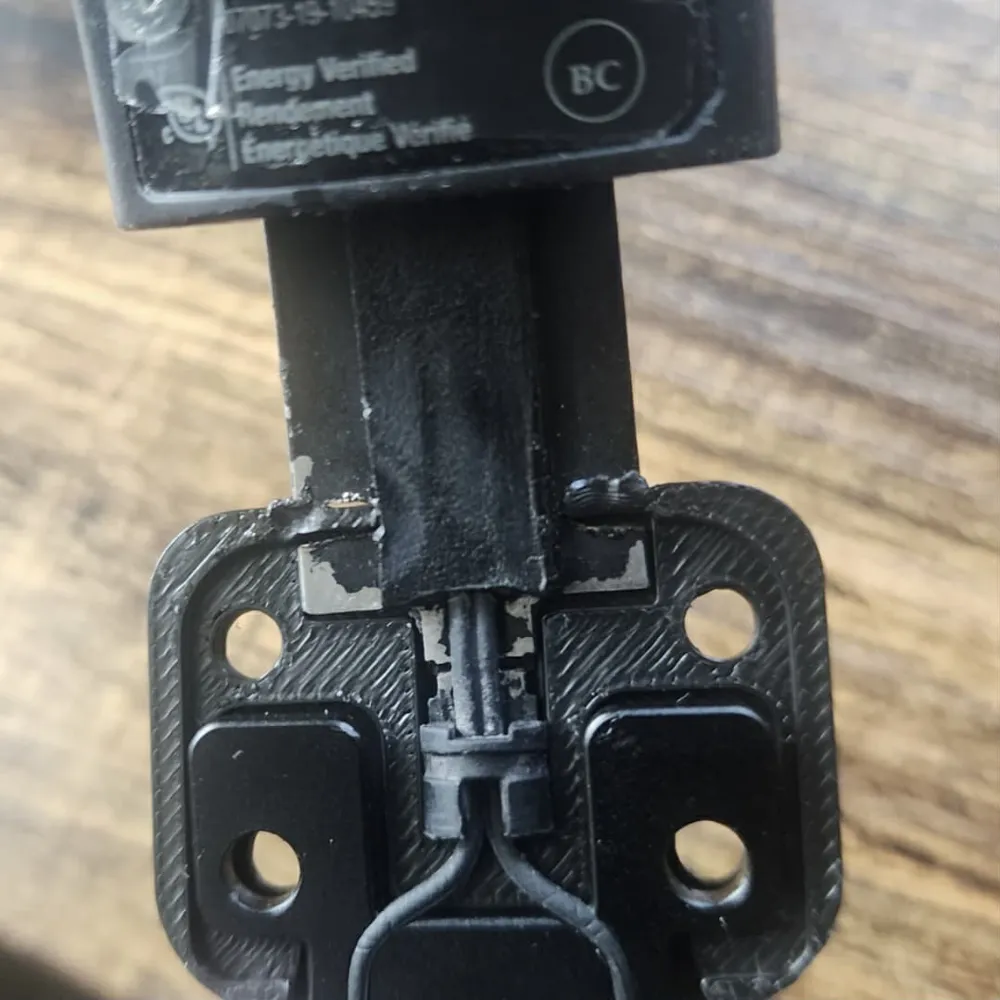
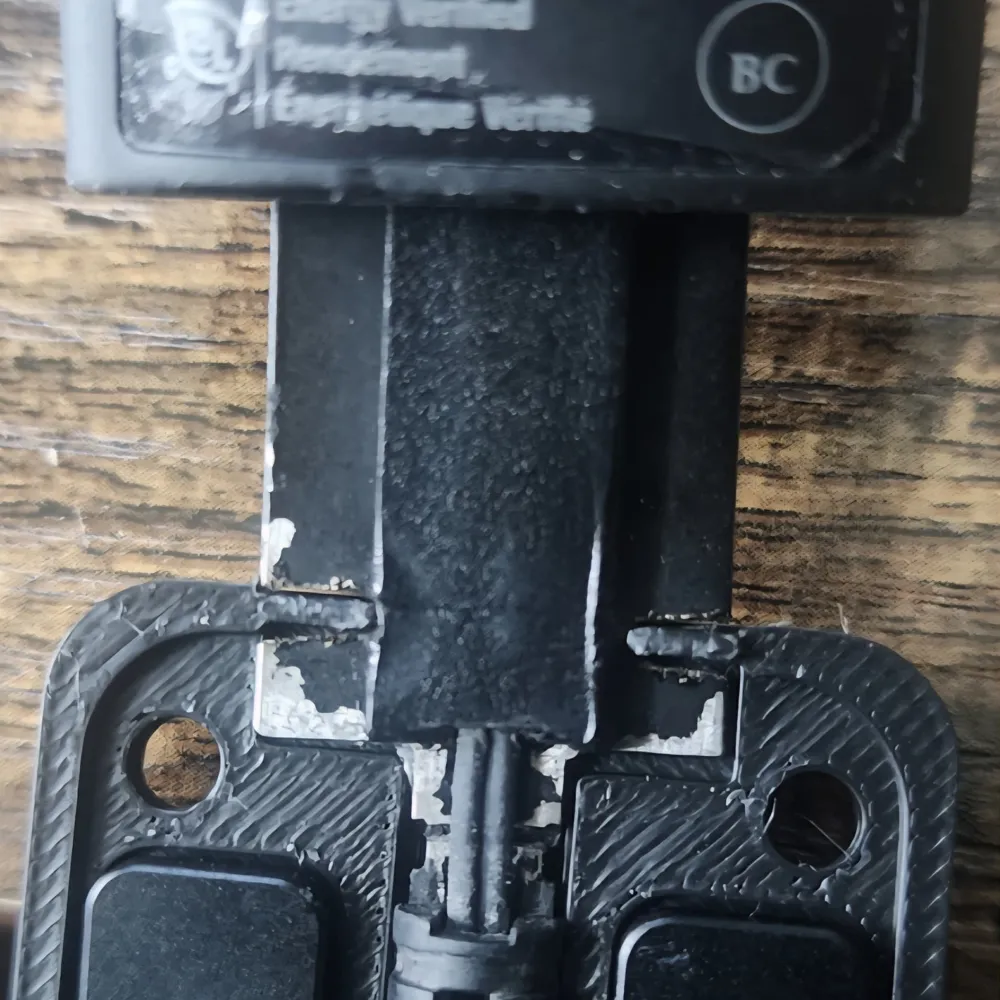
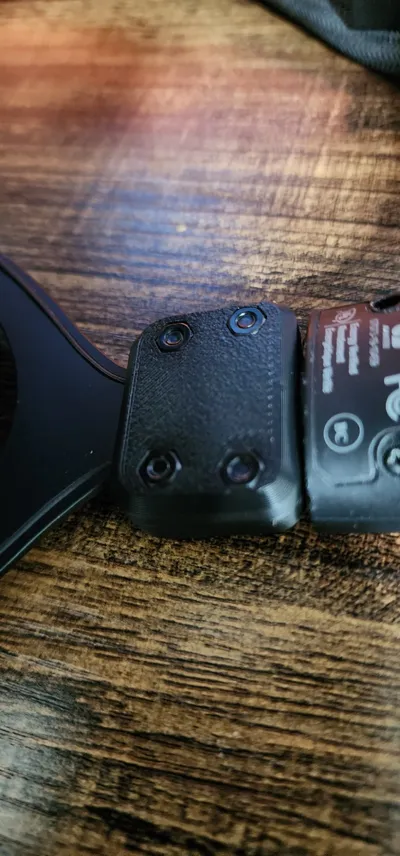
Attach the part to the headphone using 4 M3x8 screws and M3 nuts.
Done! Your headphone is repaired and ready to use.
Version 2:
Plastic and Metal Failure
For headphones where both the plastic and an internal metal part have snapped.
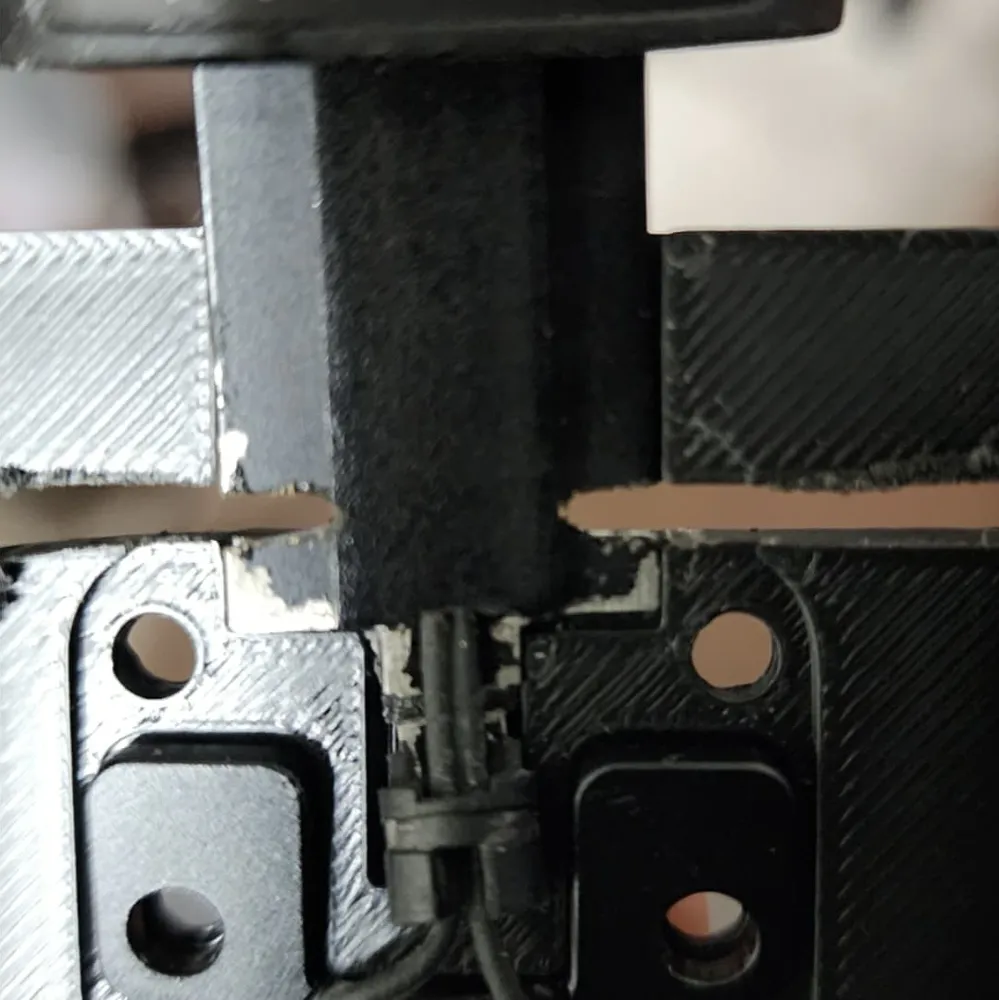
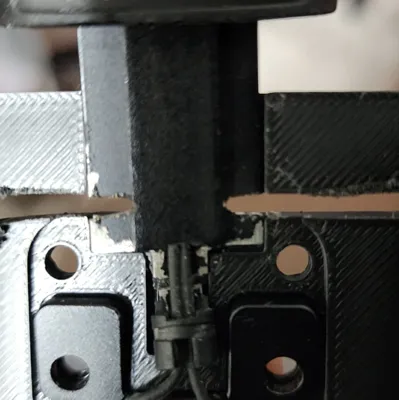
Cut the Dovetail Slot:
Secure the headphone in the 3D-printed cutting template.
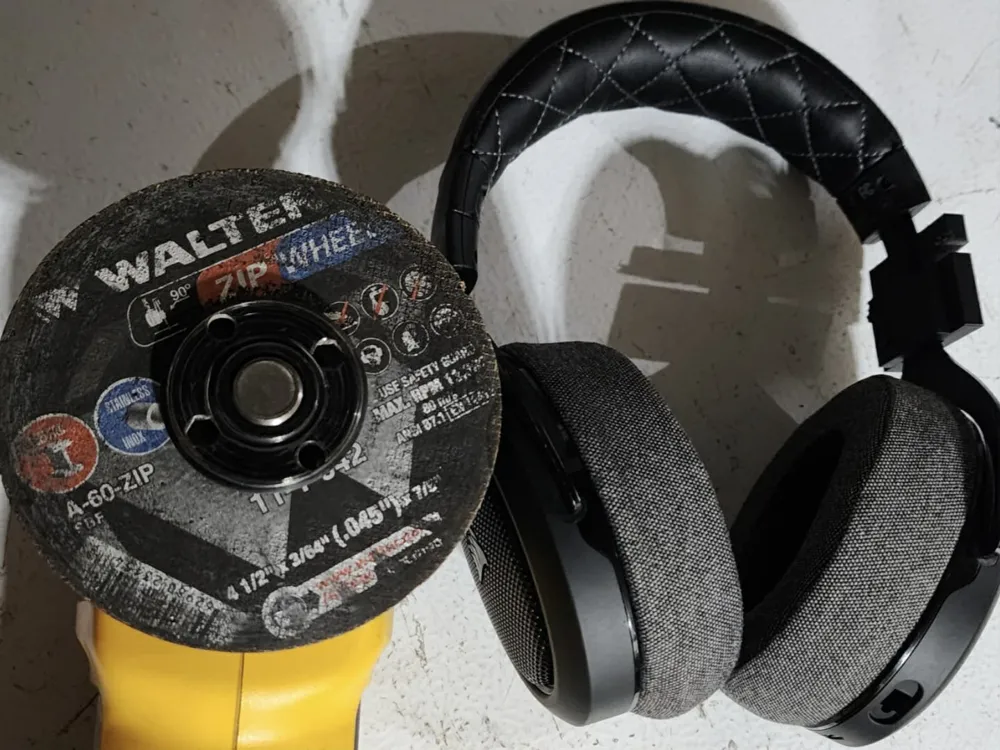
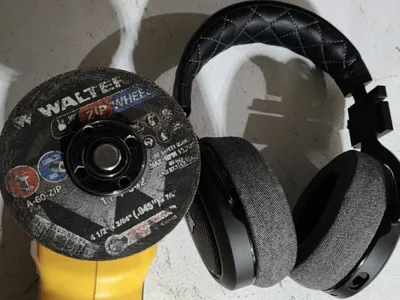
( I Used an angle grinder with a 4½" x 3/64" (0.045") disk to cut a dovetail slot)
The thin disk ensures quick, precise cuts. use whatever you have to make the cuts though. just make sur eyou cut slow so you can avoid cutting too deep and cutting the wires that are housed in the center.
Assemble the Parts:
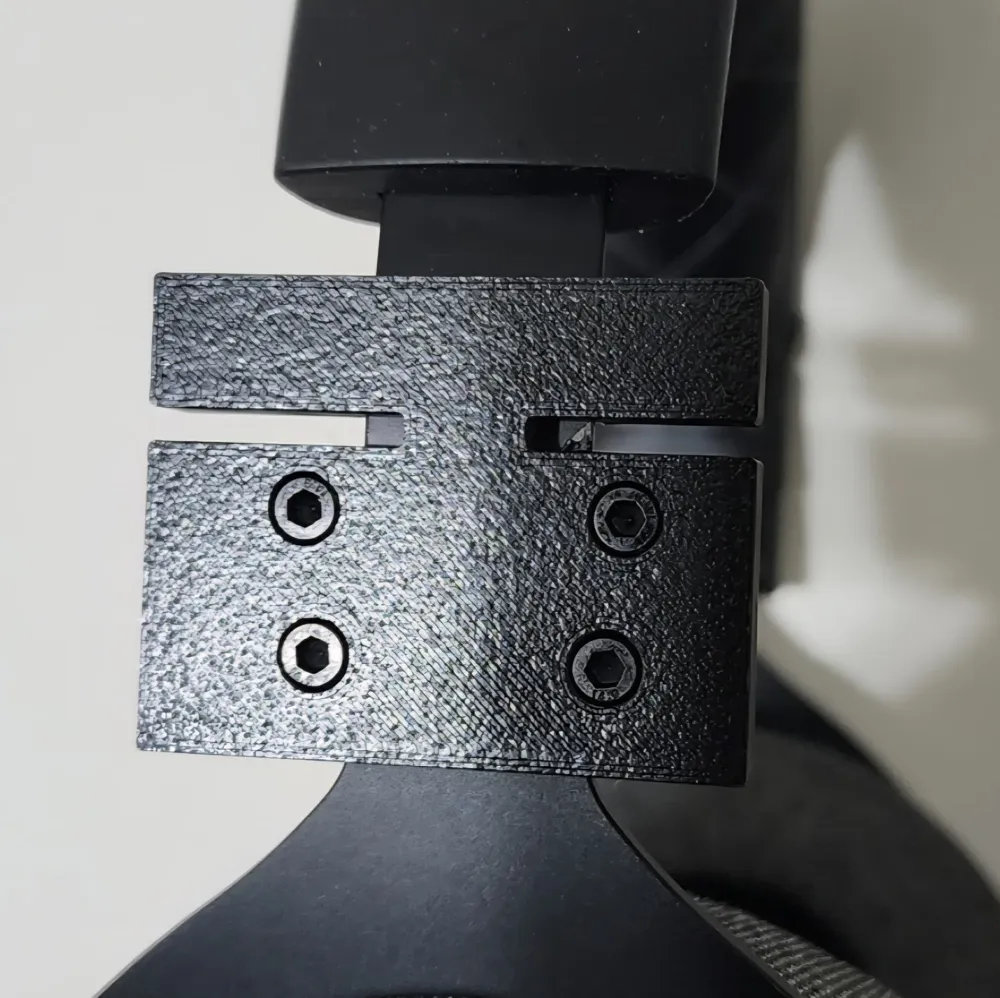
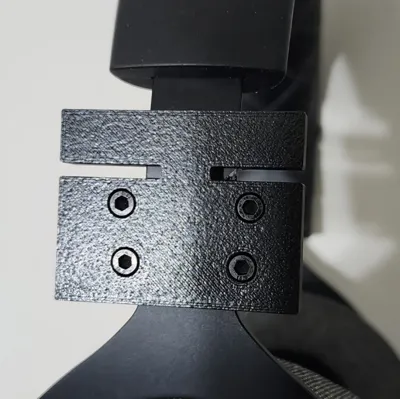
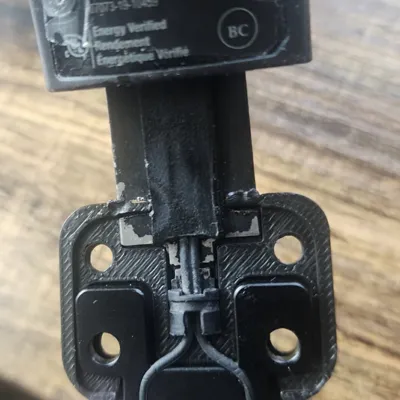
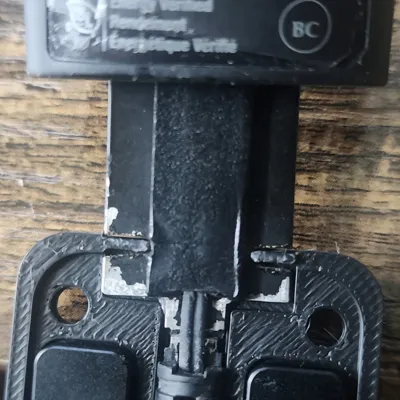
Attach the “Outside_F_C” part first, aligning its two protruding tabs with the dovetail slots.
Use a lighter and give it a little heat to soften the tabs for about 1-2 seconds until malleable.
Place the inner part over the tabs and press firmly to deform them, locking the headphone in place.
Secure with 4 M3x8 screws and M3 nuts for added stability.
License



Comment & Rating (4)