Search models, users, collections, and posts

PNG Heightmap / Luminance Map Image Extruder
IP Report
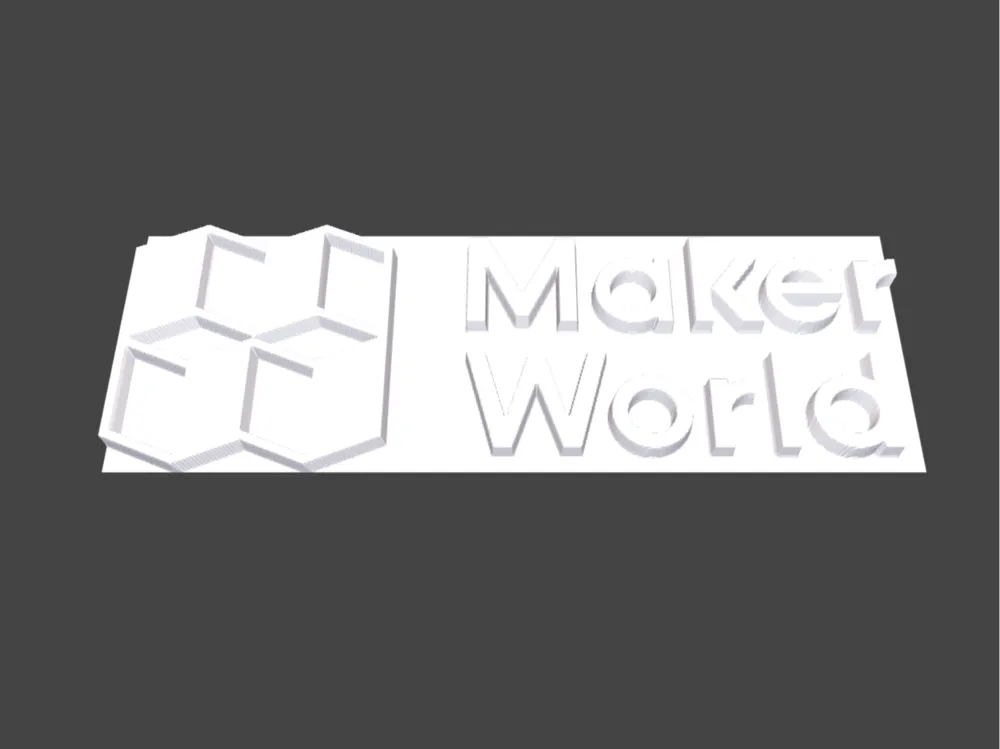
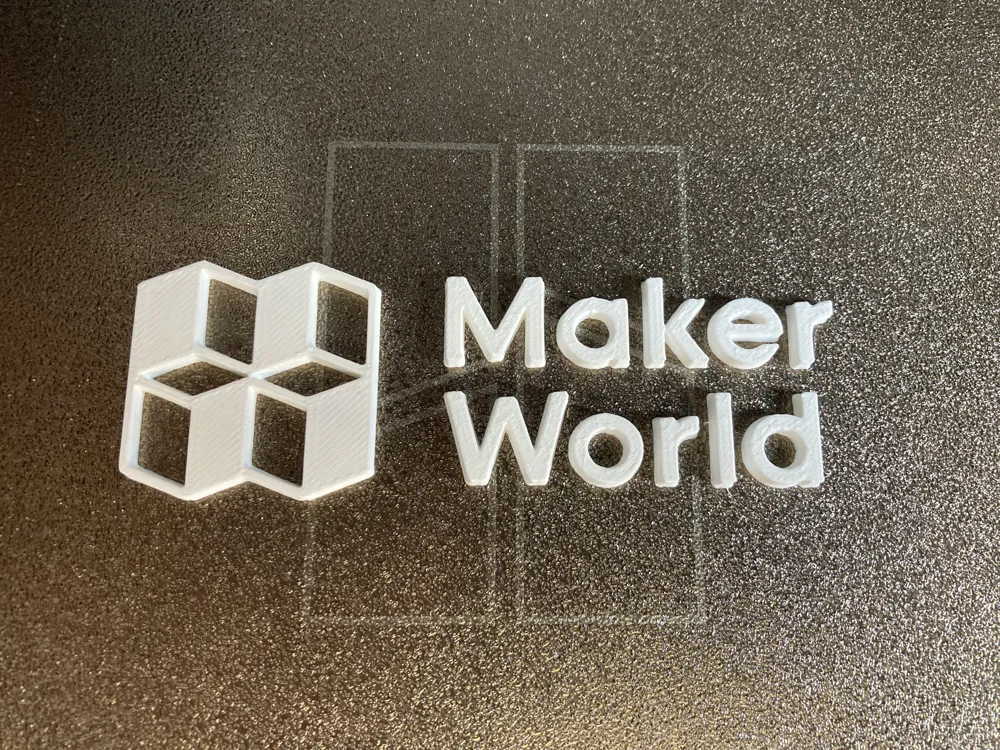
This model is created by Parametric Model Maker
Make Your Model
Print Profile(1)

0.2mm layer, 2 walls, 15% infill
Designer
1.1 h
1 plate
Open in Bambu Studio
Boost
1
3
0
0
13
3
Released
Description
🗺️ PNG Heightmap → 3D Relief (OpenSCAD)
Turn any grayscale PNG into a 3D relief in OpenSCAD. Great for coins, plaques, emboss/deboss logos, and textured surfaces.
- White = high, black = low (toggle with INVERT).
- Scales to your chosen WIDTH in mm while preserving aspect.
- RELIEF_H controls max height (Z).
- Colors are preview-only (STL has no color).
🚀 Quick Start
- Replace IMG_FILE with your PNG (ideally grayscale, no transparency).
- Set WIDTH (final model width in mm).
- Set RELIEF_H (max relief height in mm).
- Render (F6) → Export STL → Slice/print.
🔧 Parameters
- IMG_FILE — Path to your PNG heightmap.
Tip: Use an image editor to convert to grayscale and remove alpha. - INVERT — false = white is high, black is low. true flips it.
- WIDTH — Final model width (mm). Height auto-scales to keep the image aspect.
- RELIEF_H — Maximum relief height (mm). Think of it as the “peak” elevation.
- CONVEXIVITY — Preview hint for OpenSCAD (how many times a ray might cross the mesh). Doesn’t affect export; higher values can fix missing faces in F5 preview.
- FG_COLOR — Preview color only.
🖼️ Image Prep Tips (Best Results)
- Convert to grayscale; avoid color PNGs.
- Remove transparency (alpha). Transparent pixels are treated like black (Z=0).
- Use high contrast for crisp features.
- Smooth gradients = soft relief; hard edges = sharp steps.
- Start with 1000–2000 px wide; very large images can be heavy to render.
🧱 Usage Notes
- surface() produces a solid 3D mesh already—no linear_extrude needed.
- The script uses resize([WIDTH, 0, RELIEF_H], auto=true) so:
- X scales to WIDTH
- Y scales automatically to preserve aspect
- Z scales to RELIEF_H
- Colors don’t export. For two-tone prints, do a filament swap in your slicer (at a chosen Z).
🖨️ Printing Tips
- For plaques: print relief face up, slower top layers for nice shading.
- For coins/medallions: consider adding a backing plate in your slicer or a second SCAD step.
- Start with RELIEF_H = 2–3 mm; increase if details feel too shallow.
🧪 Troubleshooting
- Flat/inside-out look? Toggle INVERT.
- Preview missing faces (F5)? Increase CONVEXIVITY (e.g., 10).
- Jagged edges? Use a higher-res PNG or apply slight blur/denoise before export.
- Too “bumpy”? Reduce RELIEF_H or add blur to the image.
- Timeout for 3MF download? Download STL instead.
✅ Recommended Presets
- Logo badge: WIDTH=80, RELIEF_H=2, INVERT=false
- Coin relief: WIDTH=50, RELIEF_H=1.5, INVERT=true
- Textured tile: WIDTH=100, RELIEF_H=3, INVERT=false
License

This user content is licensed under a
Creative Commons Attribution-Noncommercial-Share Alike


Comment & Rating (0)