
Brake lock tool – brake bleeding - teverun
Print Profile(1)

Description
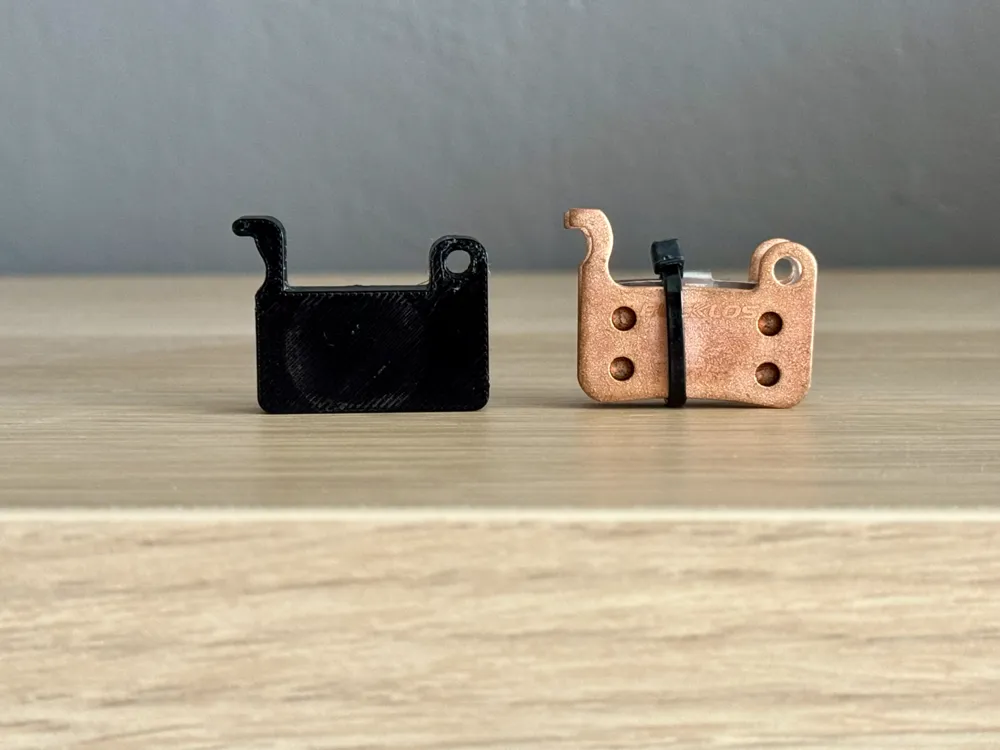
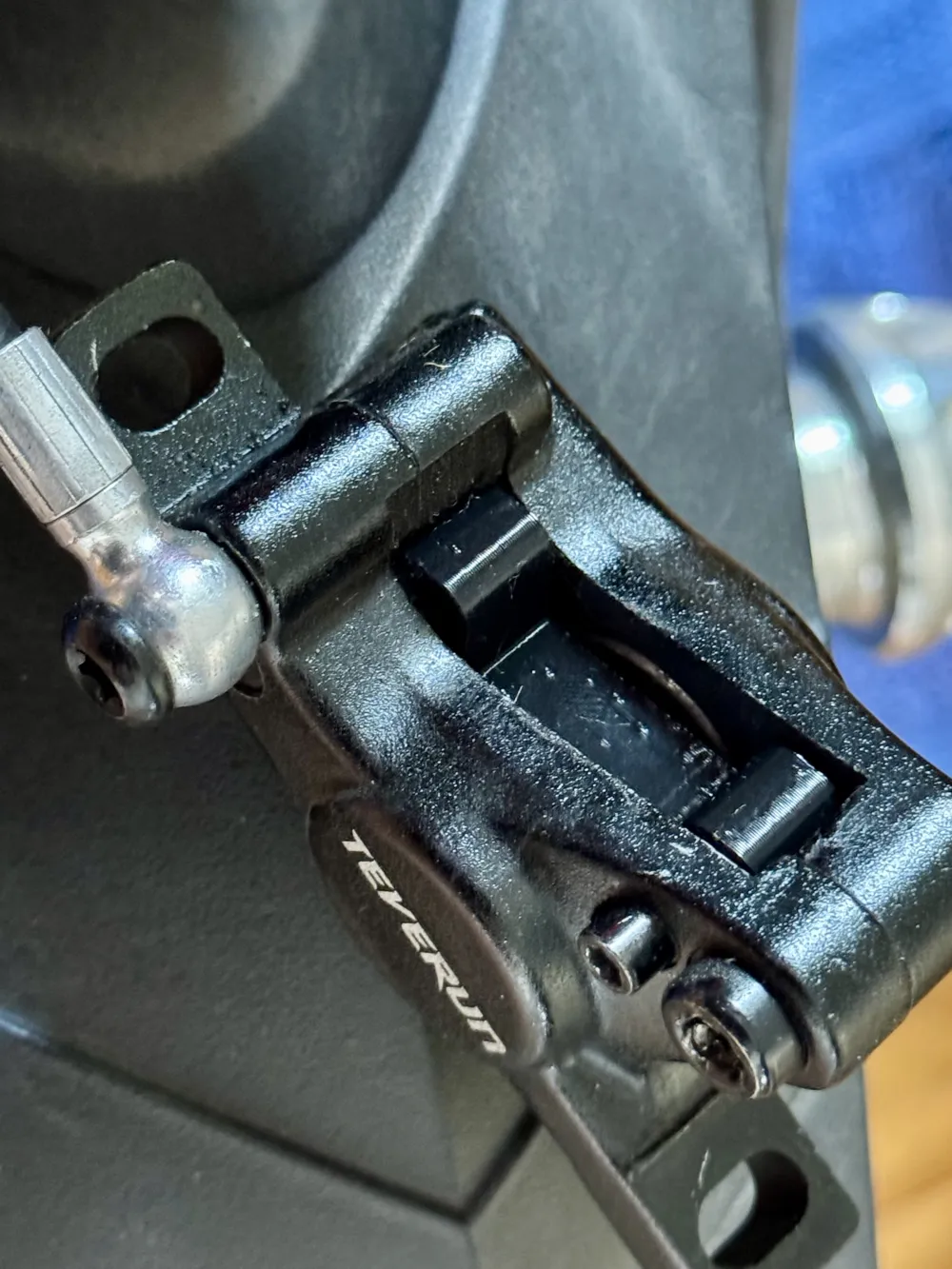
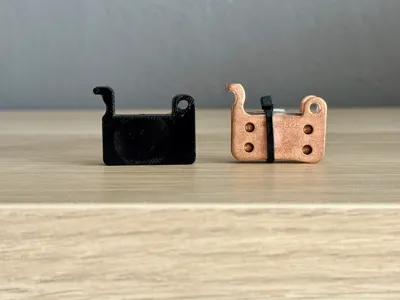
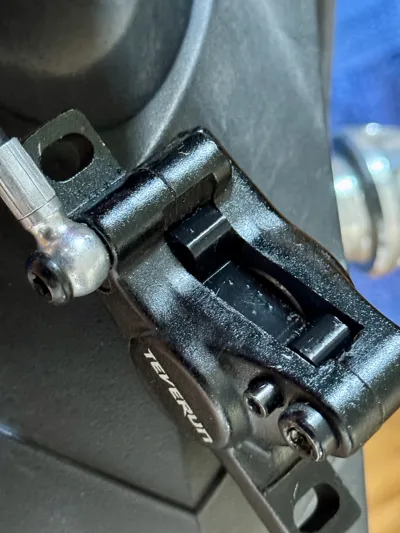
The lock is compatible with Teverun brakes.
It allows you to position the brake pistons in such a way that the system is filled with the correct amount of mineral oil. After proper bleeding, if you install the lock correctly and according to the following instructions, the brakes will perform perfectly.
Short instructions for use
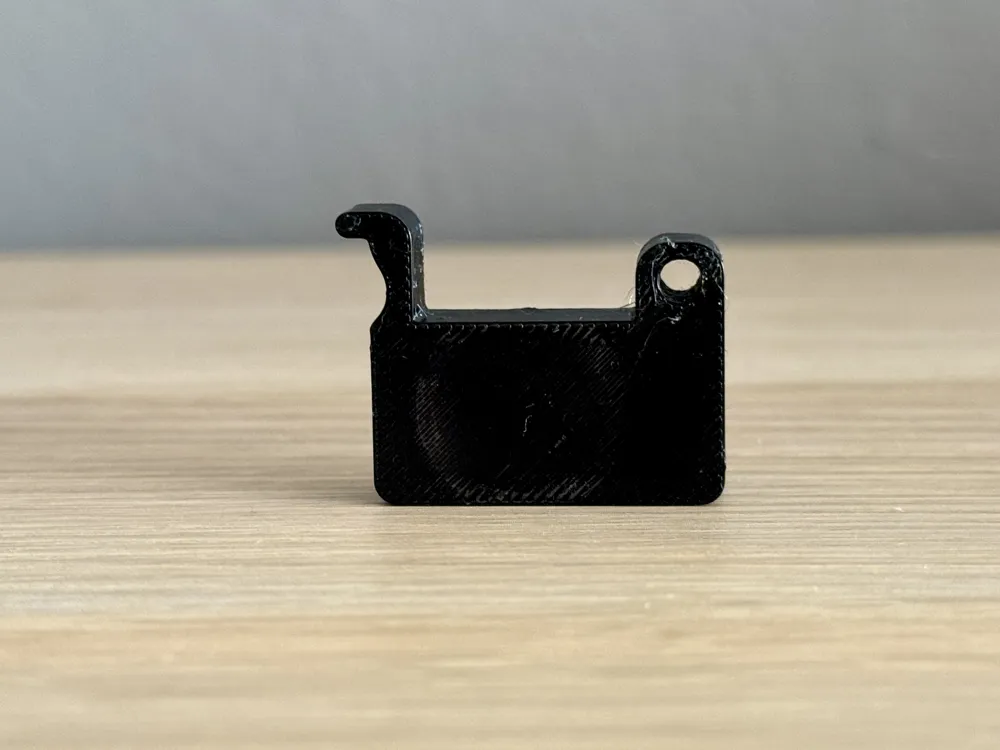
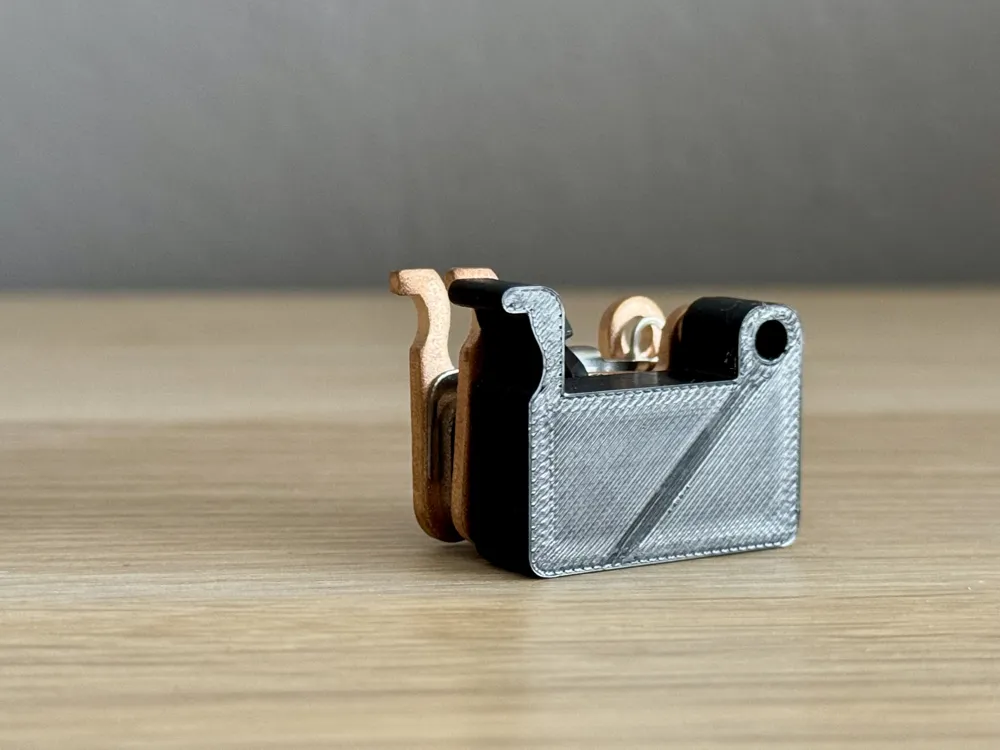
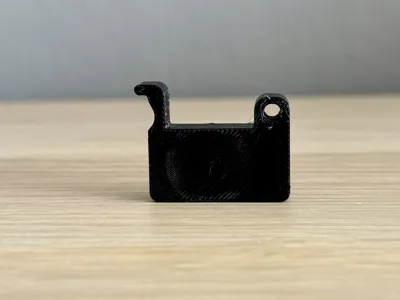
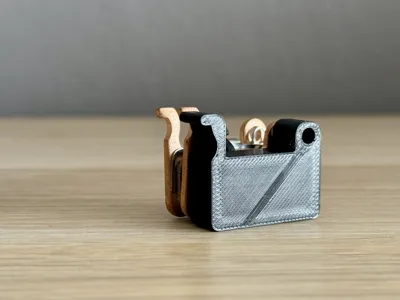
During brake bleeding, remove the brake pads and replace them with the printed lock. Secure the lock in place, then press the brake lever several times until the pistons clamp onto the lock. Continue the brake bleeding process according to the instructions.
Note! 100% filling is required to ensure the lock does not deform when the brake pistons are engaged!
Boost Me (for free)
Every Boost brings me closer to the next spool of filament. Don't let my printer starve! 👋
License

You shall not share, sub-license, sell, rent, host, transfer, or distribute in any way the digital or 3D printed versions of this object, nor any other derivative work of this object in its digital or physical format (including - but not limited to - remixes of this object, and hosting on other digital platforms). The objects may not be used without permission in any way whatsoever in which you charge money, or collect fees.


Comment & Rating (0)