Search models, users, collections, and posts

Darkroom easel 8x10
IP Report
Print Profile(1)

0.2mm layer, 3 walls, 15% infill
Designer
12.3 h
6 plates
Open in Bambu Studio
Boost
10
36
1
0
25
7
Released
Description
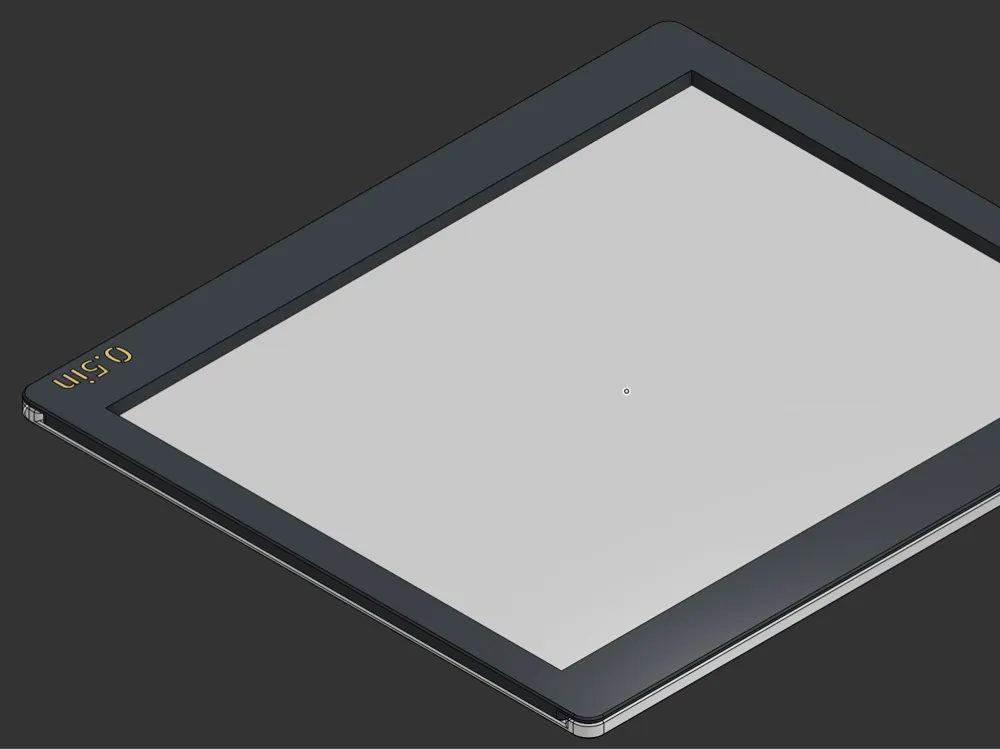
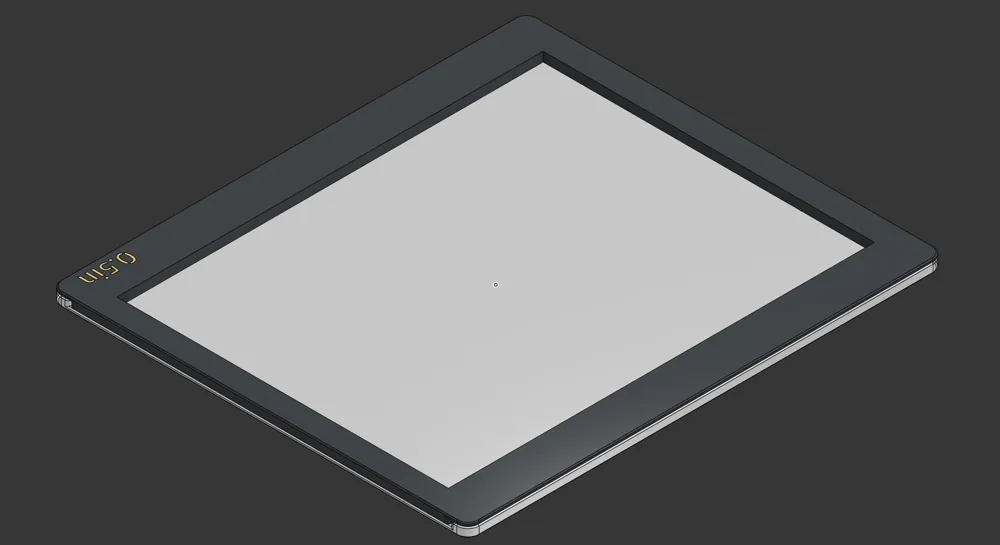
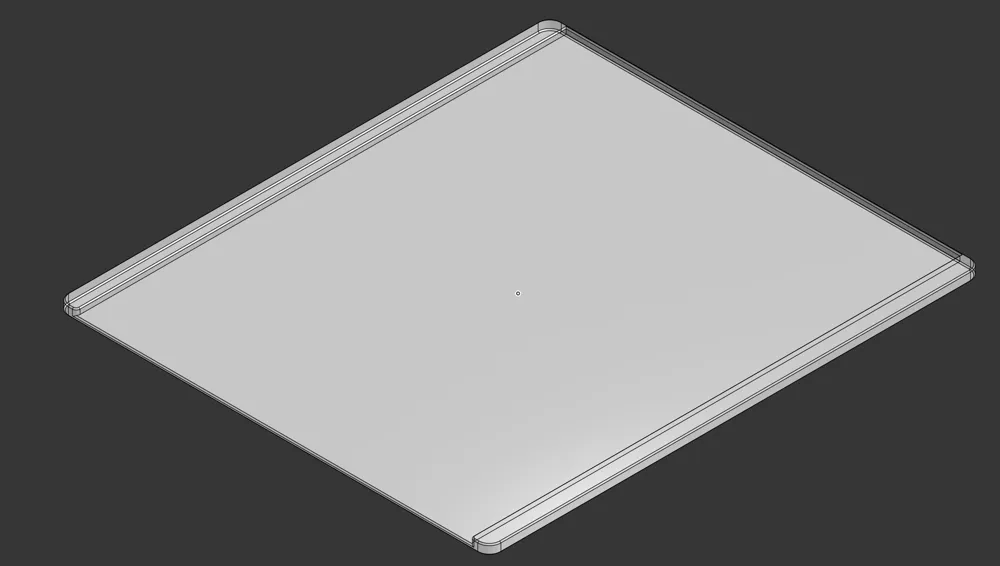
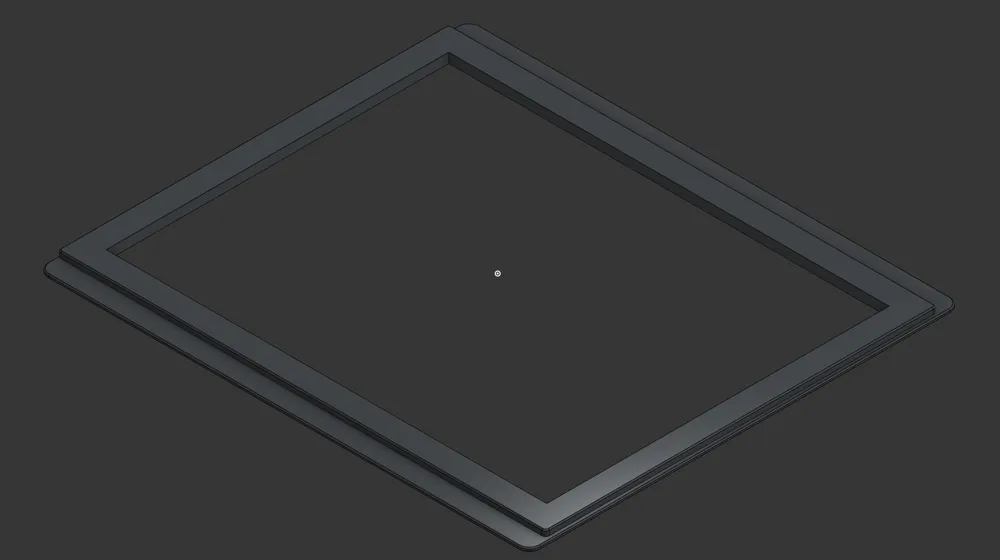
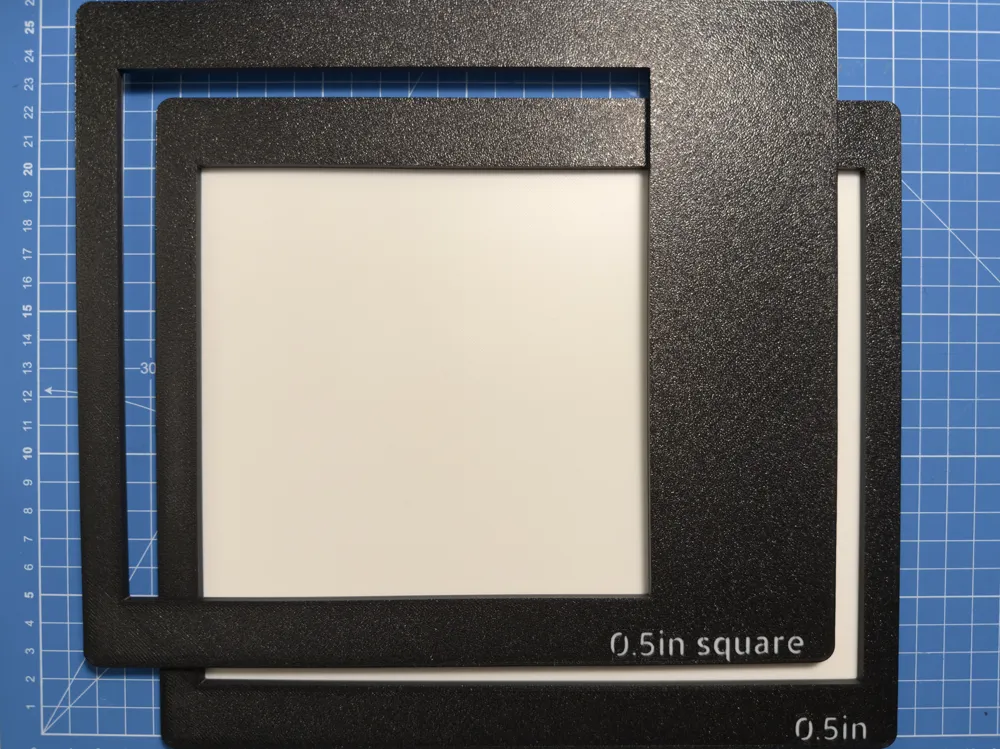
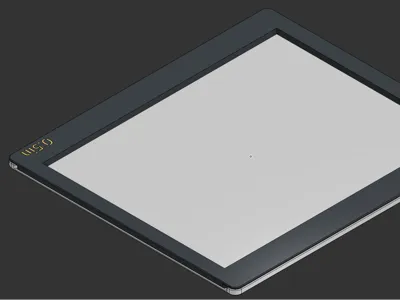
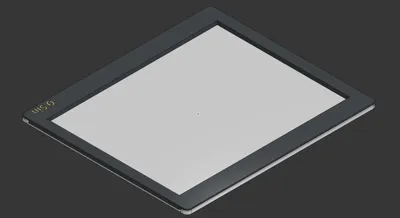
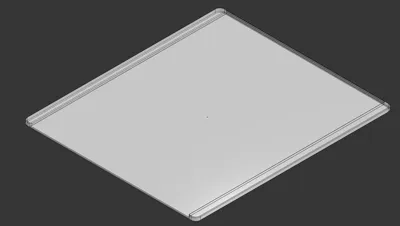
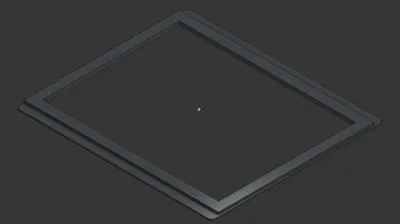
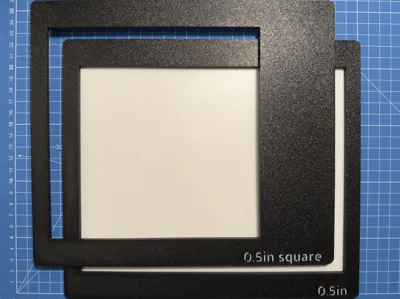
8x10 inch easel for darkroom photo printing, with several frames for different image crops. This is designed to be printable on an A1, using 255.5mm of build space in one dimension.
The default sets all use ½ inch borders. You can customize all the sizes on Onshape:
Don't forget to give it a good text label!
To print a customized version:
- Export the Frame and Text Color parts together to a 3MF.
- When opening in Bambu Studio, import them as one object with different parts.
- Rotate the Frame 90 degrees to not touch the calibration line on the front on the build plate.
- Flip the front of the Frame onto the plate.
- In the object browser, assign a white or other color to the Text Color part.
- Move the Purge Tower to the hole in the center.
- Ideally use solid infill to give the frame a bit more weight.
If it is generally useful, please share a print profile of your variant!
License

This user content is licensed under a
Creative Commons Attribution


Comment & Rating (1)