
Framework Desktop Tile (3DP Optimized&Parametric)
Print Profile(5)


Description
3D Printing Optimized Framework Desktop Tile
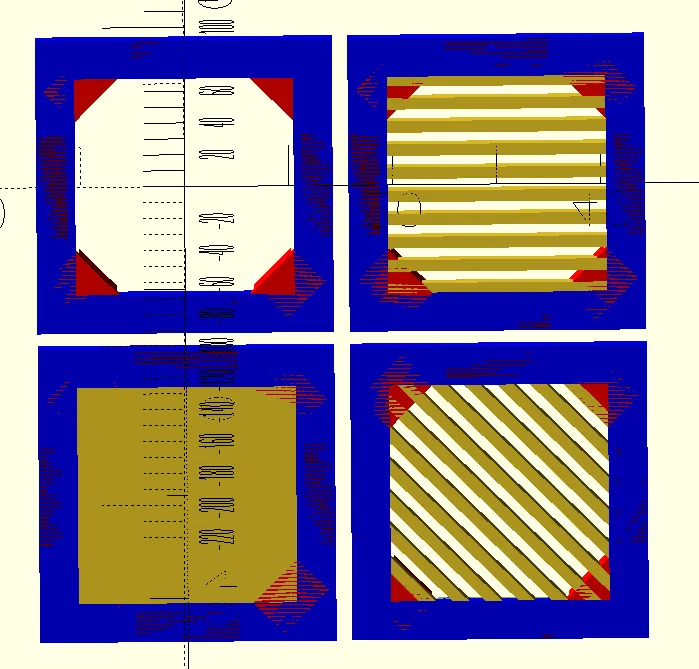
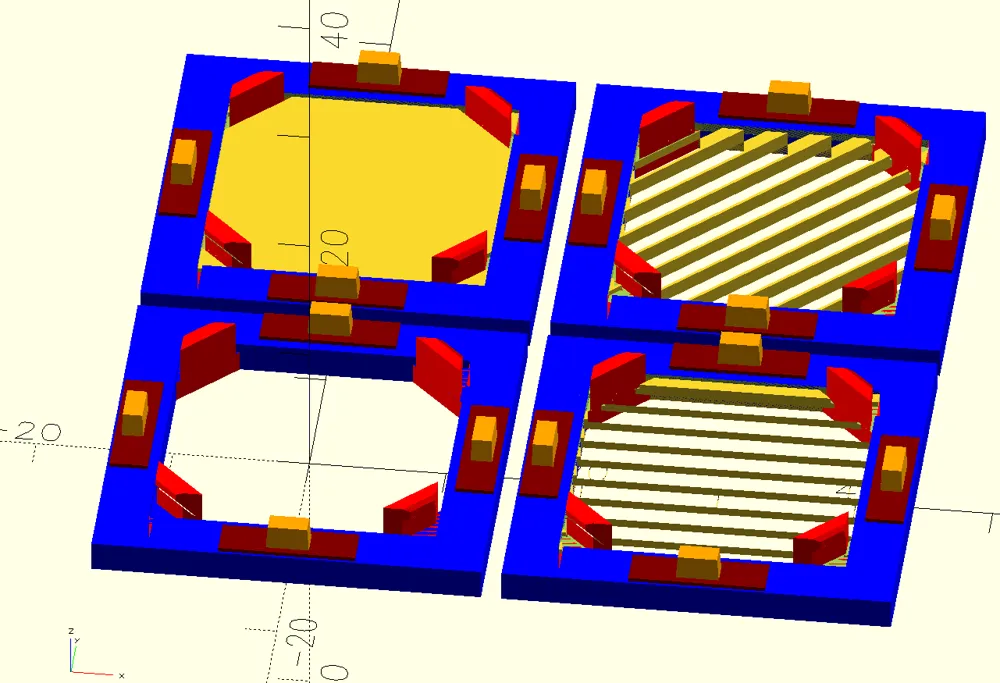
This tile was designed from scratch by me in OpenSCAD in accordance to the specification provided by Framework but with 3D Printing in mind.
Why choose this tile over others?
- Tested on real life Framework Desktop from the Batch 3!
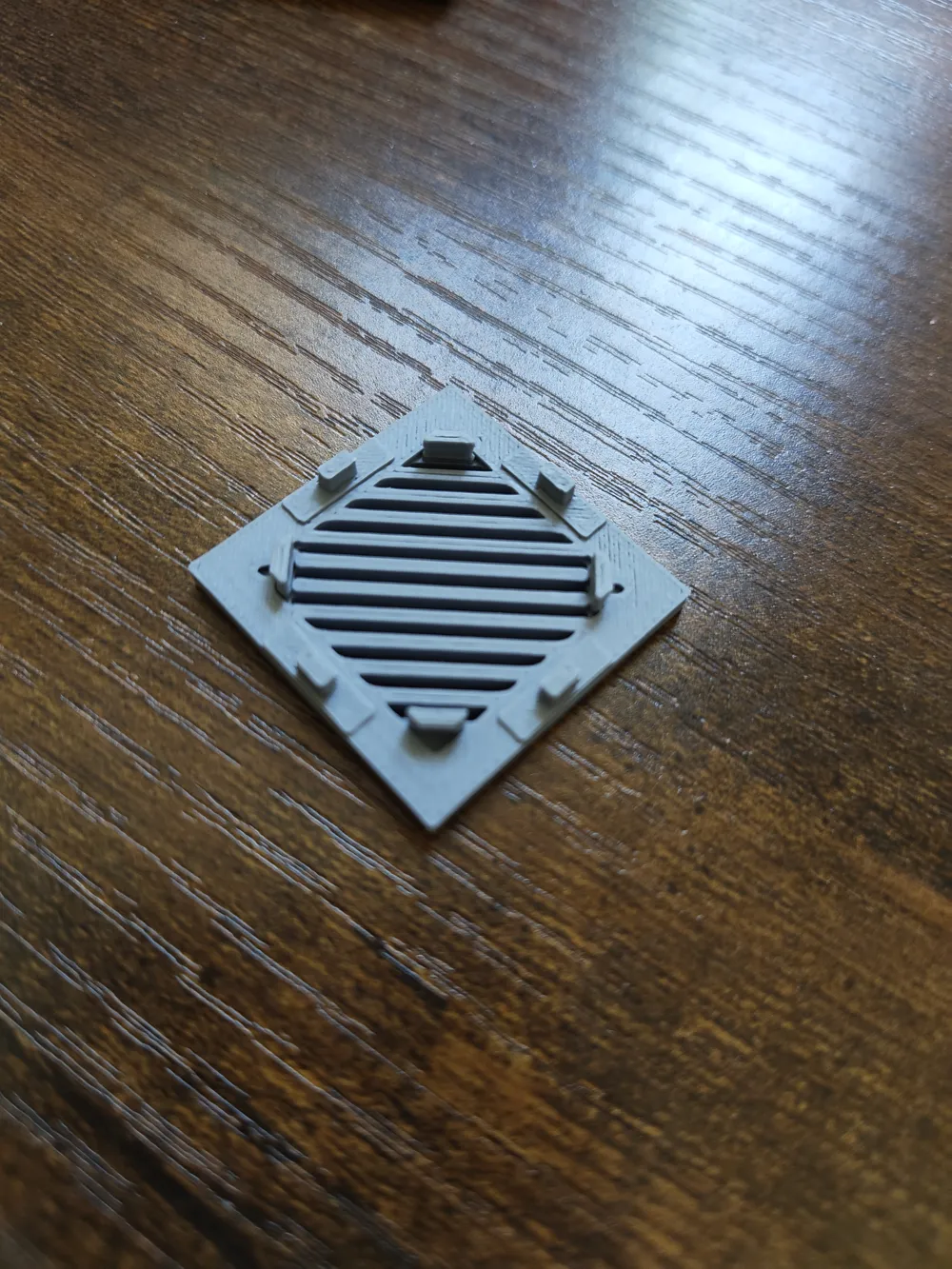
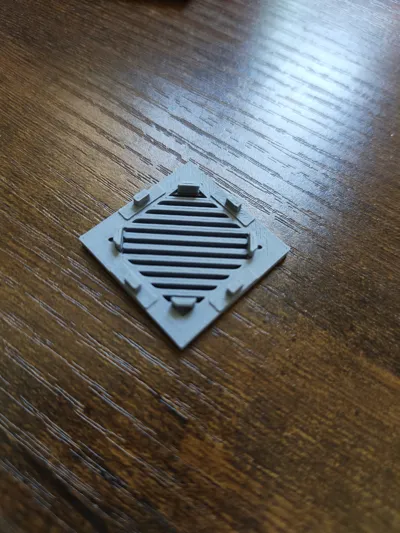
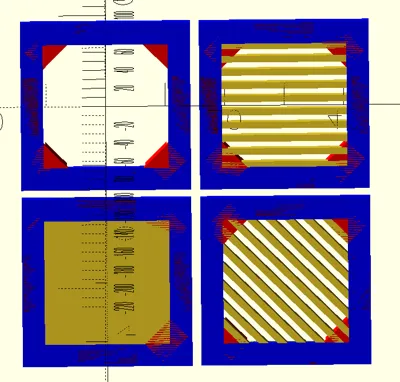
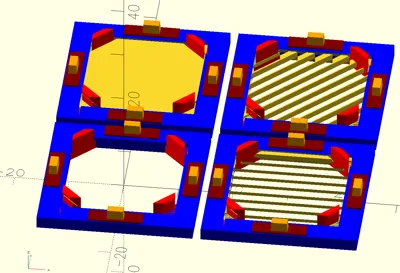
- Designed specifically for the 3D Printing, avoiding sharp overhangs and thin elements present in original STL that was geared towards injection molding.
- Source Code provided - you can use it to generate your own tiles - as long as you share alike, and credit me in accordance with the license)
- OpenSCAD source can be customized and tweaked to accommodate your printer.
- Ability to use it to generate multi-tile designs
Available profiles are set up for optimal slicing however if you'd like to tune them. The critical parts are:
- Wall Generator: Arachne (classic will just not work with small elements and hooks)
- If you want to print on the smooth plate. I recommend changing:
- Initial layer: 20 mm/s
- Initial layer infill: 40 mm/s
- If you want to print on 3D plates:
- Initial layer: 10 mm/s
- Initial layer infill: 20 mm/s
- Increase bed temperature to: 70 degrees (for PLA)
- Increase initial nozzle temperature by 20 degC over default (eg 195C -> 215C).
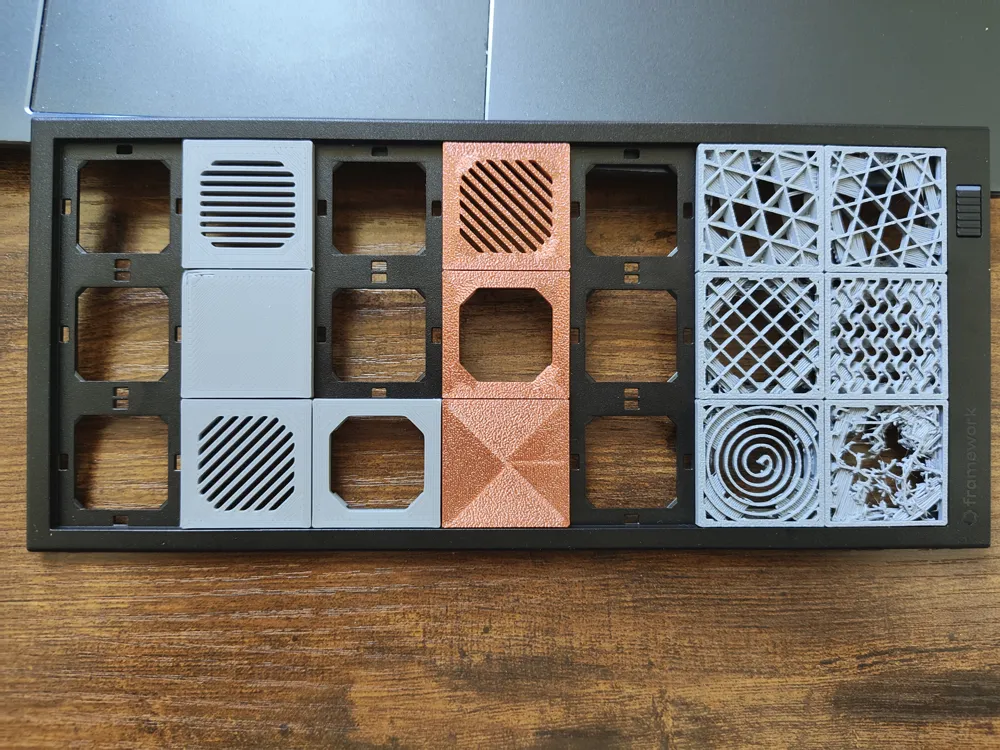
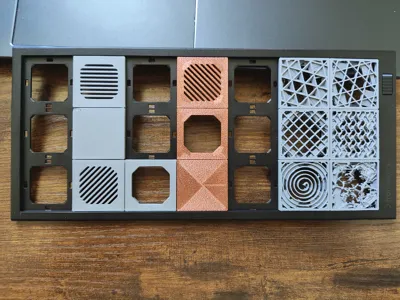
On the picture the top tiles are the ones printed directly from print profiles. Bottom two rows are the blank tiles with top and bottom removed in slicer to expose the infill.
I'm currently working on even more customizable version that does not require frame and gives option of the friction fit. I'm also going to publish more designs based on this version. So please follow me if you'd like to see them over next days/weeks.
Oh, and you can of course:
Boost Me (for free)
if you like more tiles - please Boost Me! (For free!)
License



Comment & Rating (9)