
Macbook Air 13" Charging Stand & Under Desk Mount





Print Profile(1)

Description
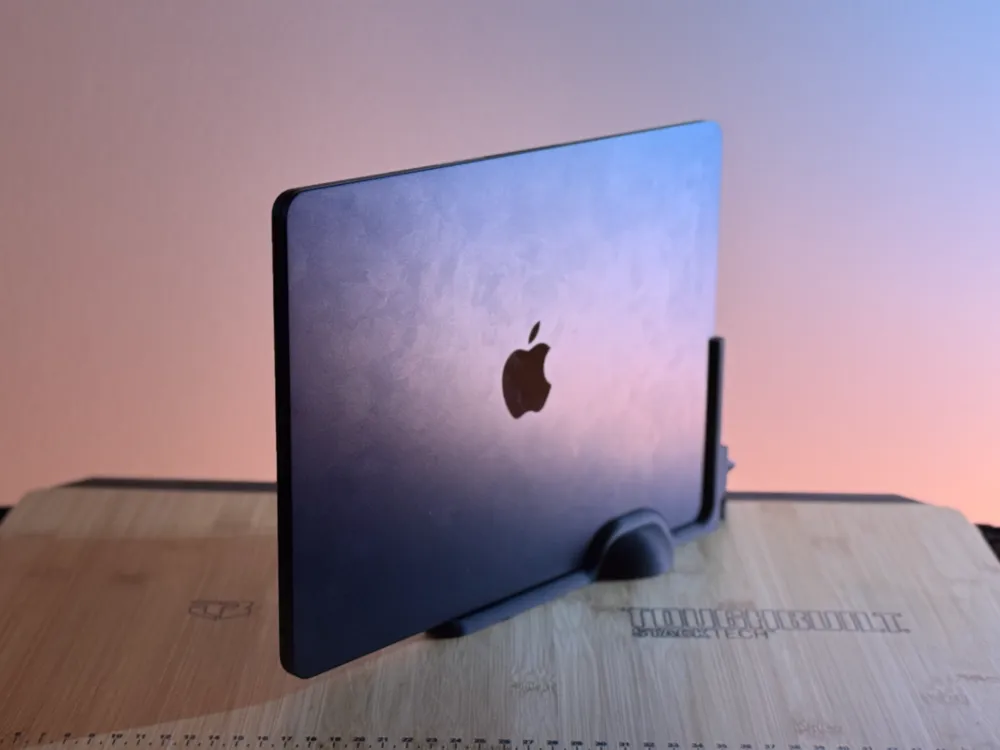
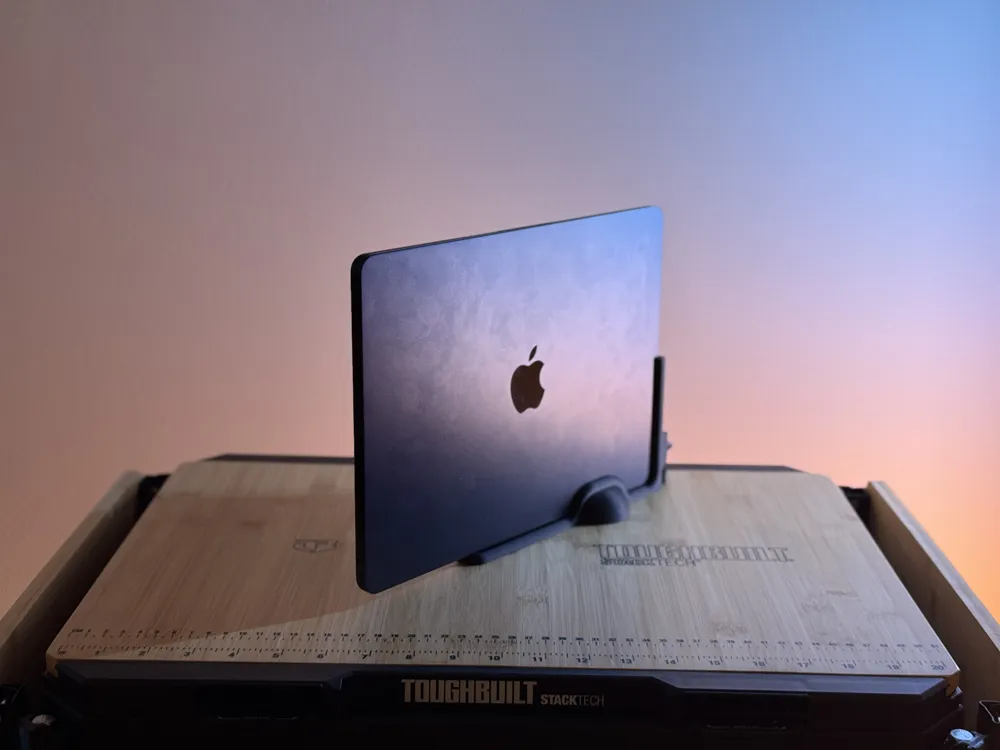
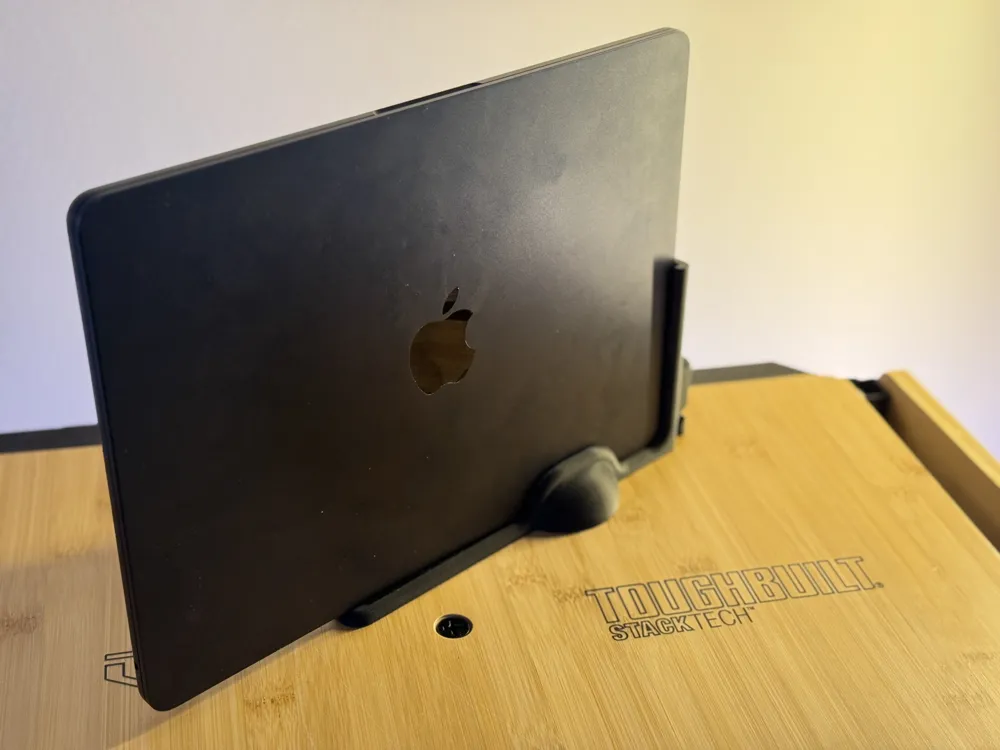
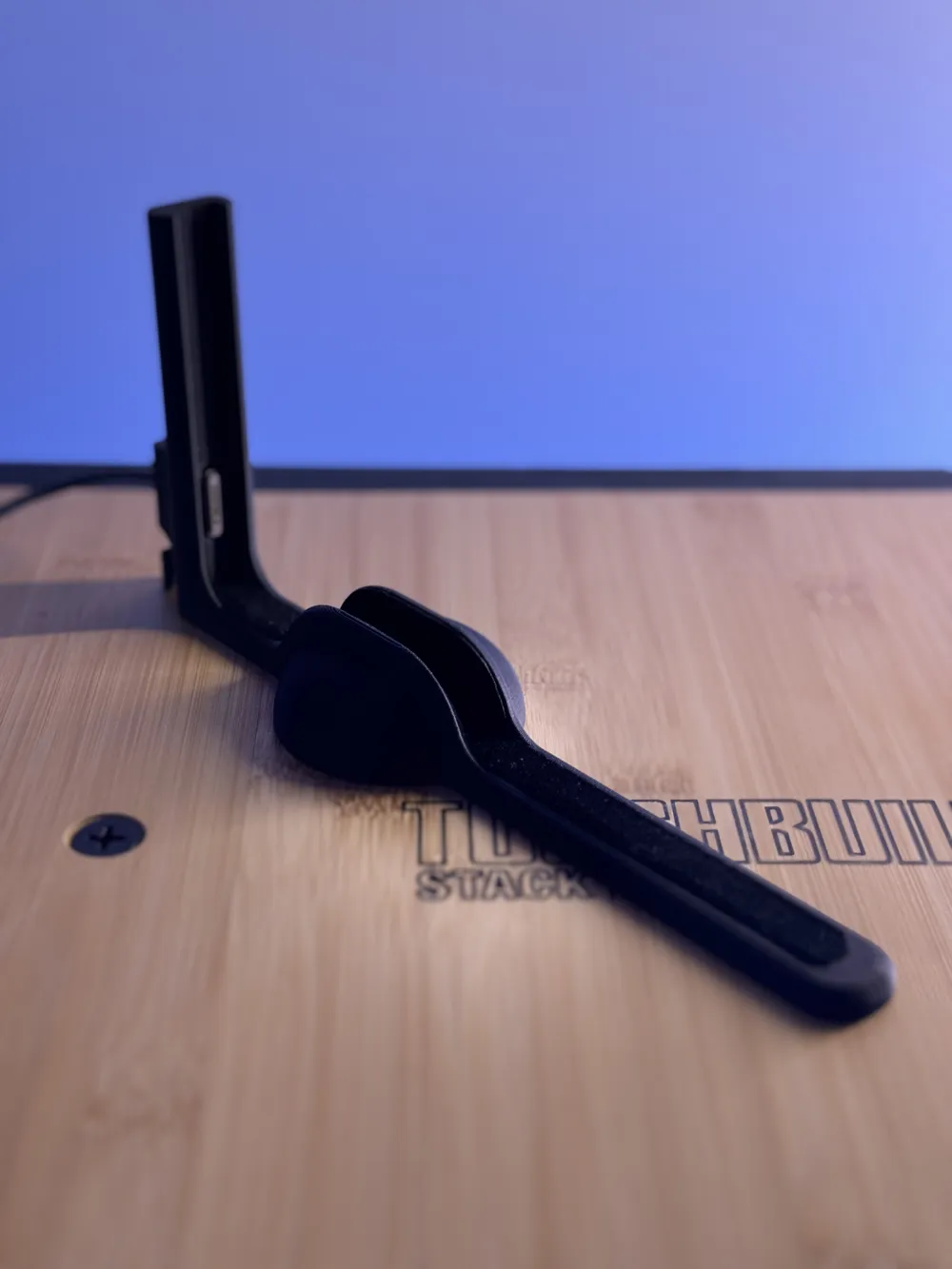
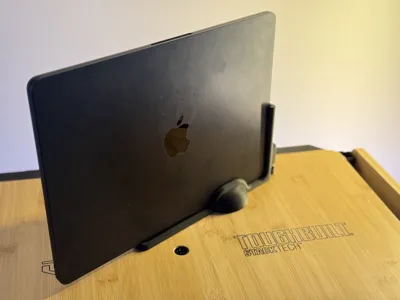
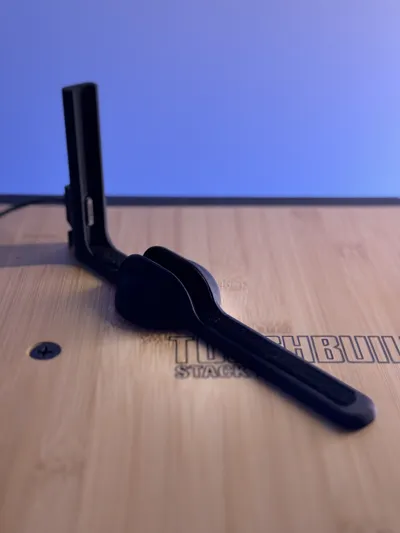
MacBook Air Auto-Docking Stand (MagSafe 3 Ready)
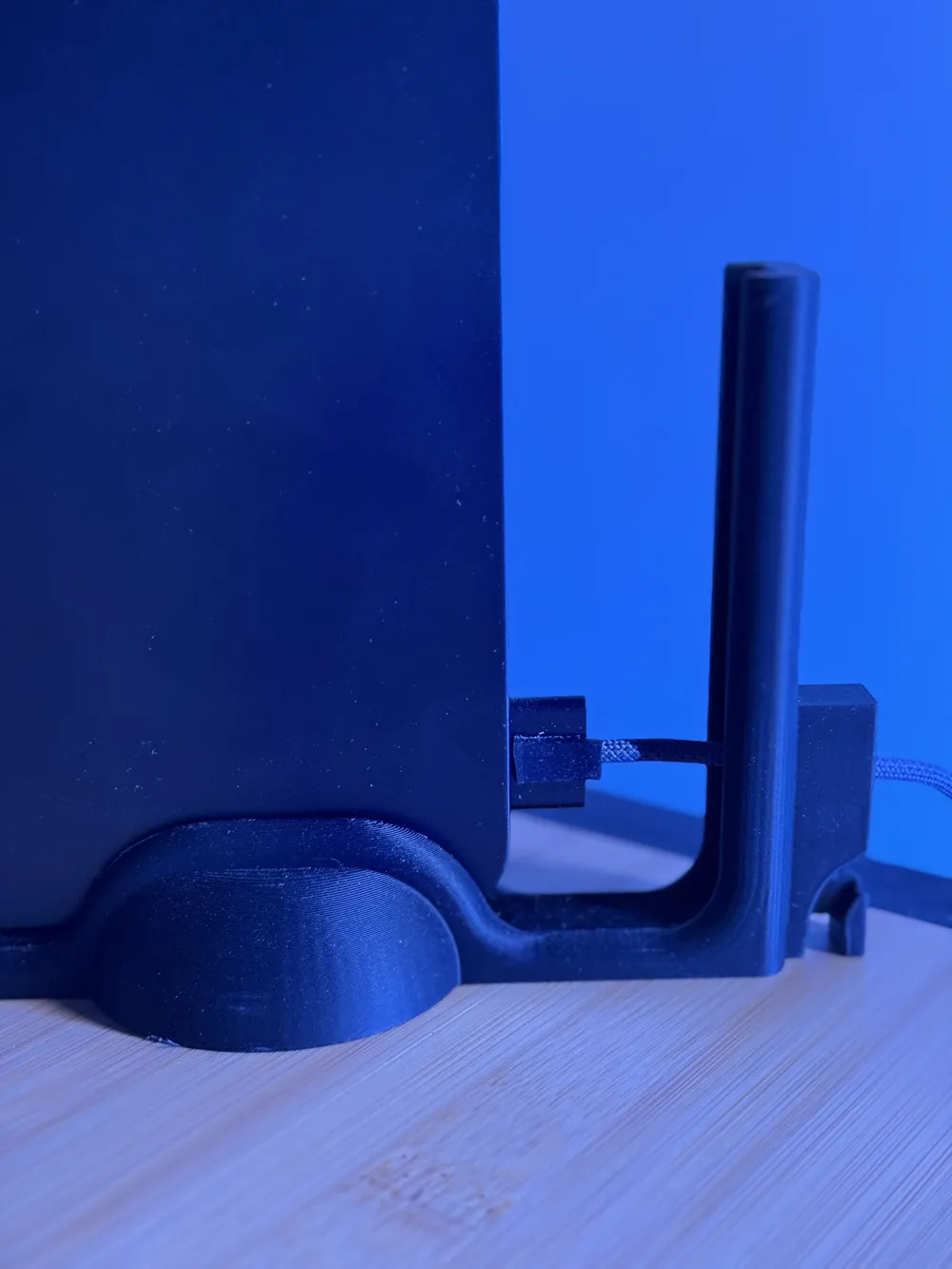
A vertical dock for the MacBook Air that lines up perfectly with Apple’s USB-C to MagSafe 3 cable. The connector locks into place inside the stand, so when you slide your MacBook down into the slot, it automatically snaps on and starts charging.
- Holds the MacBook Air upright to save desk space.
- Side rails guide the laptop so the MagSafe 3 connects cleanly every time.
- Prints flat and needs minimal cleanup — just drop in the MagSafe 3 and it’s ready to go.
MacBook Air Under-Desk Mount with MagSafe 3 Docking
A simple under-desk mount that holds your MacBook Air securely beneath your workspace while keeping charging effortless. The MagSafe 3 cable snaps into a fixed slot so the laptop docks itself as you slide it in.
- Mounts under a desk or shelf to free up surface space.
- Guides align the MacBook with the MagSafe 3 connector automatically.
- Can be screwed in for strength or attached with strong adhesive strips if you don’t want holes.
- Perfect for minimalist or small setups.
**** For both prints there is wiggle room designed into the charger port area to make aligning easier. You can either pull the charger tight and secure it in place by wrapping the cord around the back, OR use some other material as a wedge to secure in place the charging head. I used a piece of non slip rubber pad with an adhesive back bought from amazon (https://www.amazon.com/dp/B09KRRMN4F?ref_=ppx_hzsearch_conn_dt_b_fed_asin_title_12&th=1) . You can also print a wedge.
License



Comment & Rating (12)