
Bathroom Ventilation Adria Twin Supreme (without Sports)
Print Profile(1)

Description
Hello!
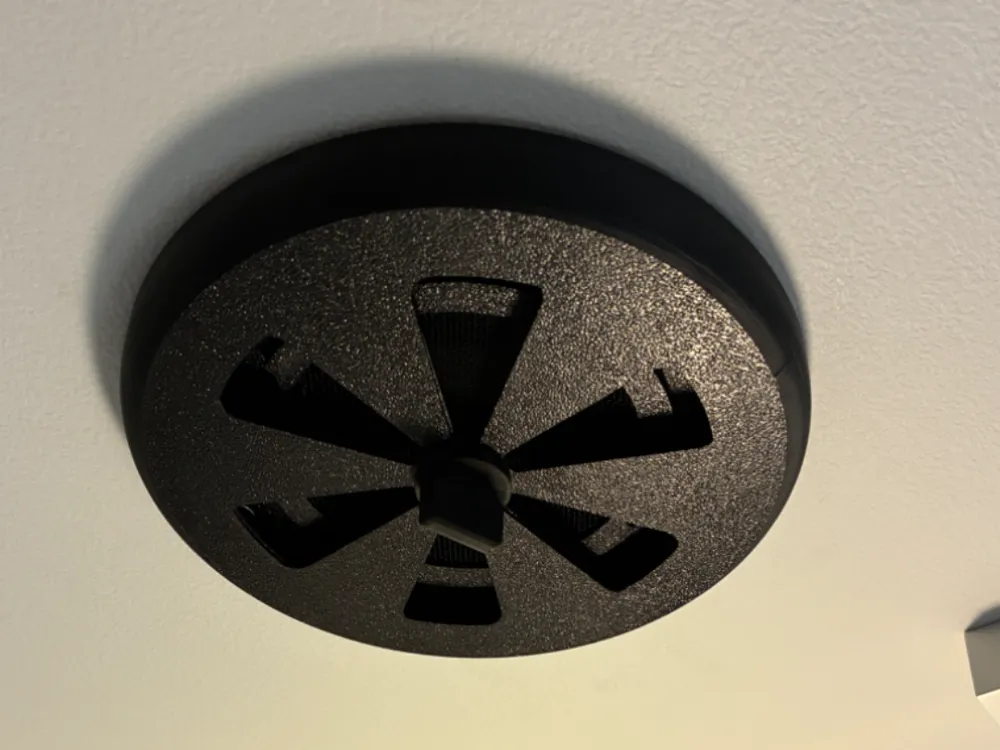
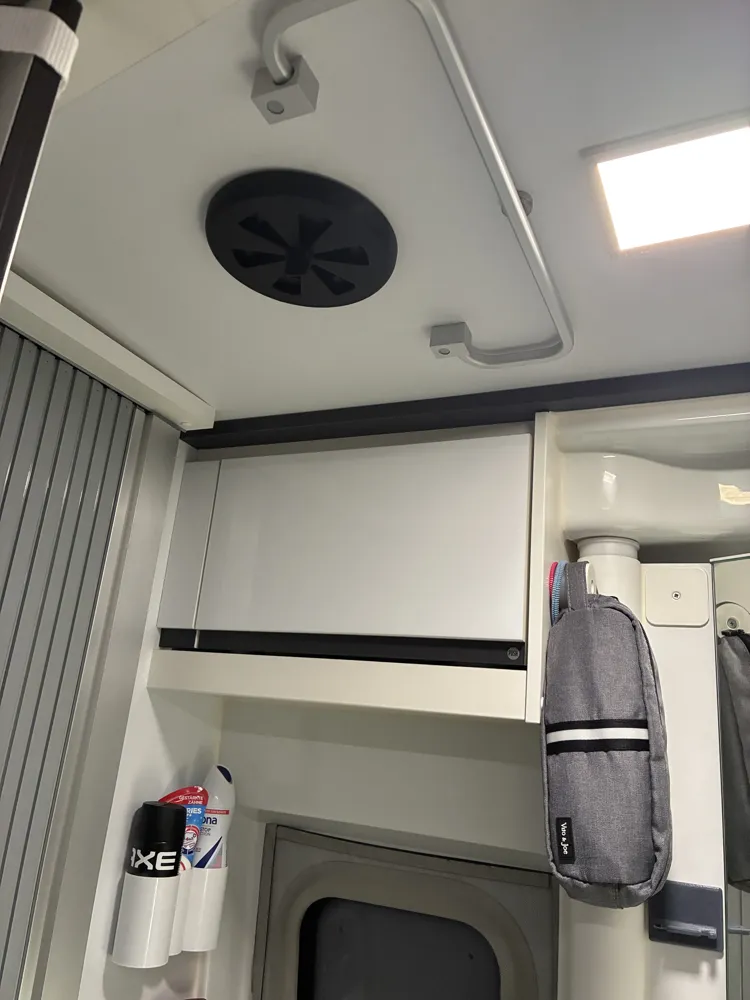
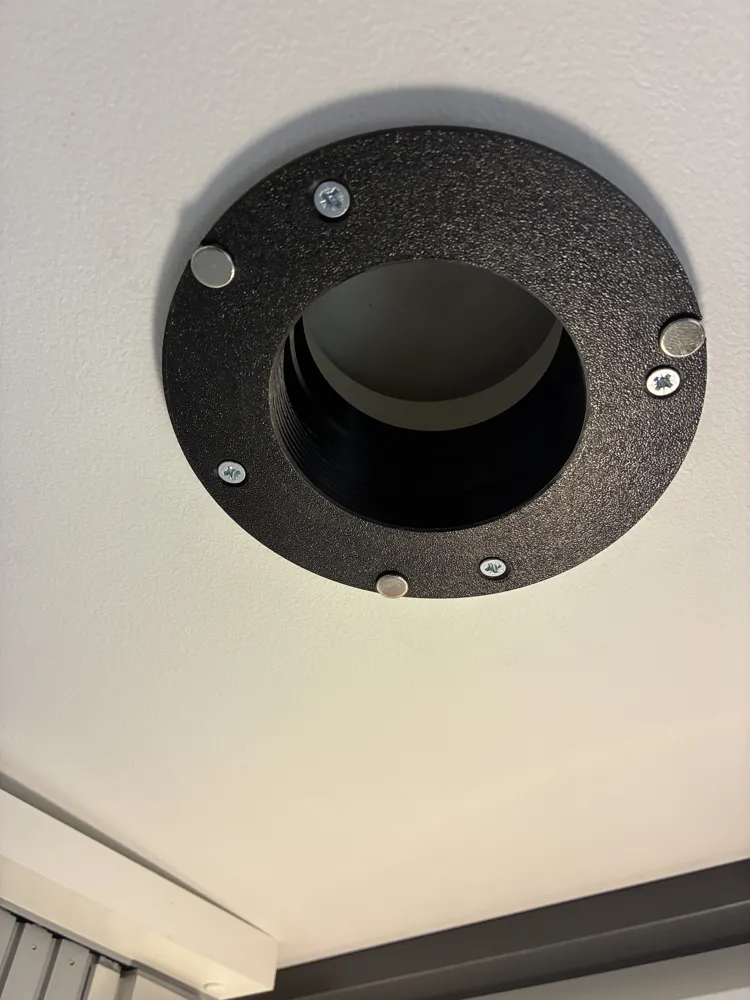
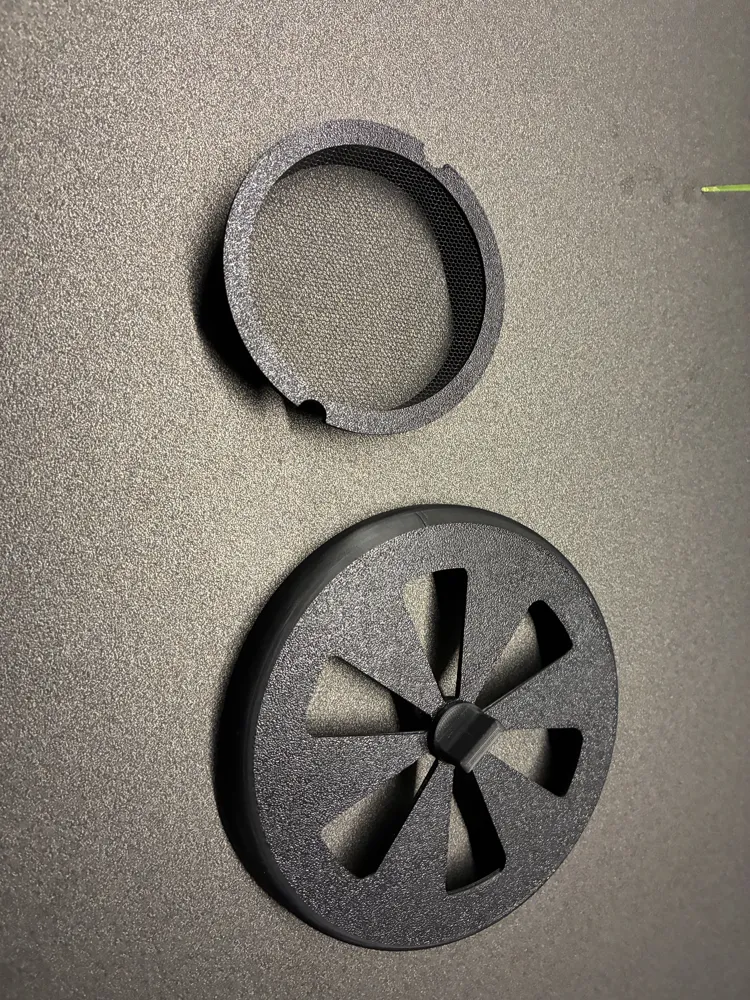
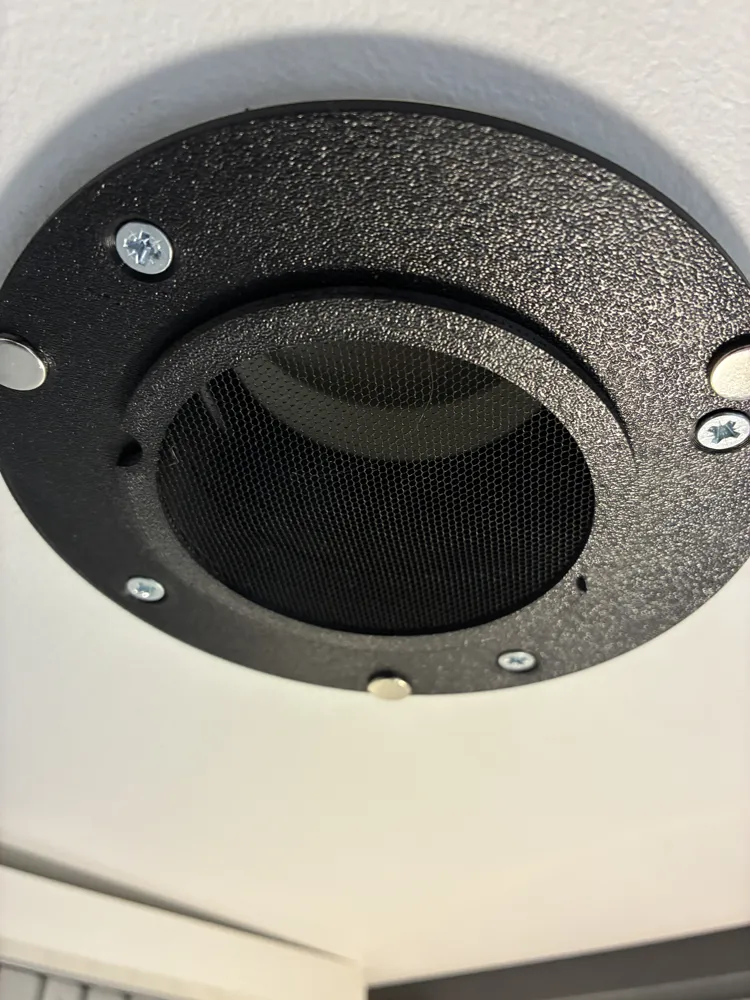
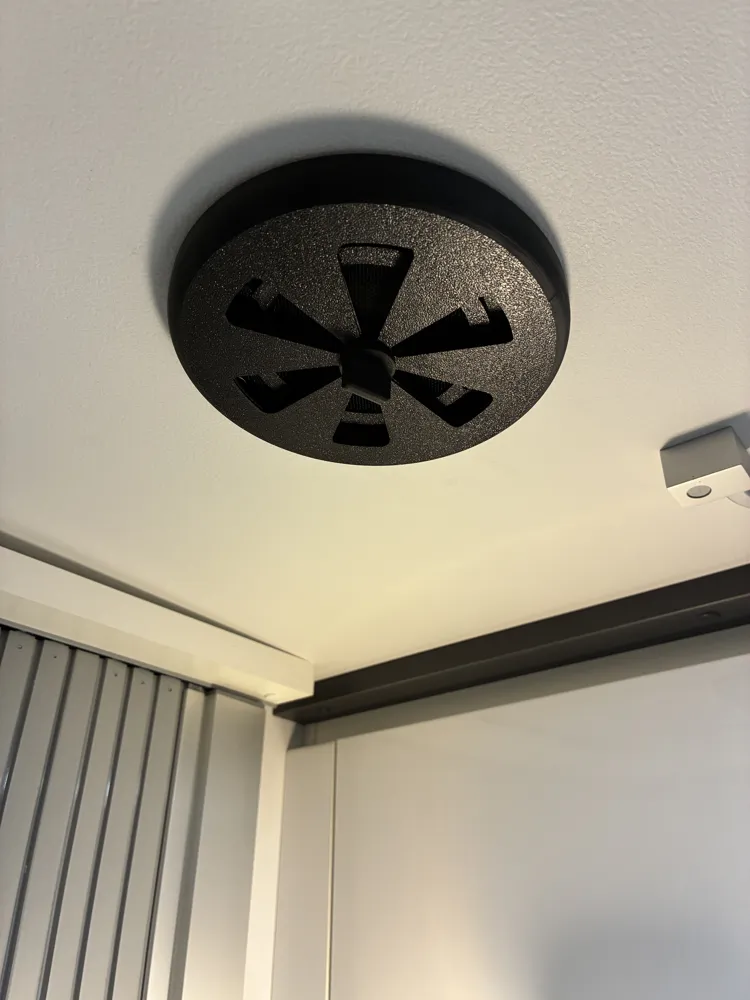
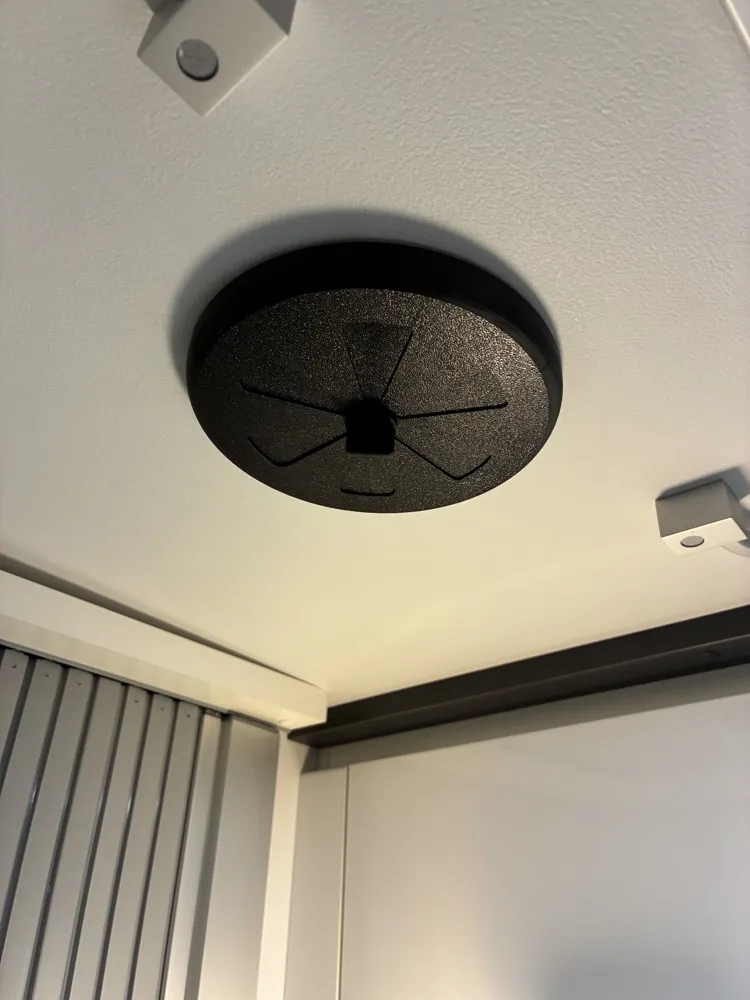
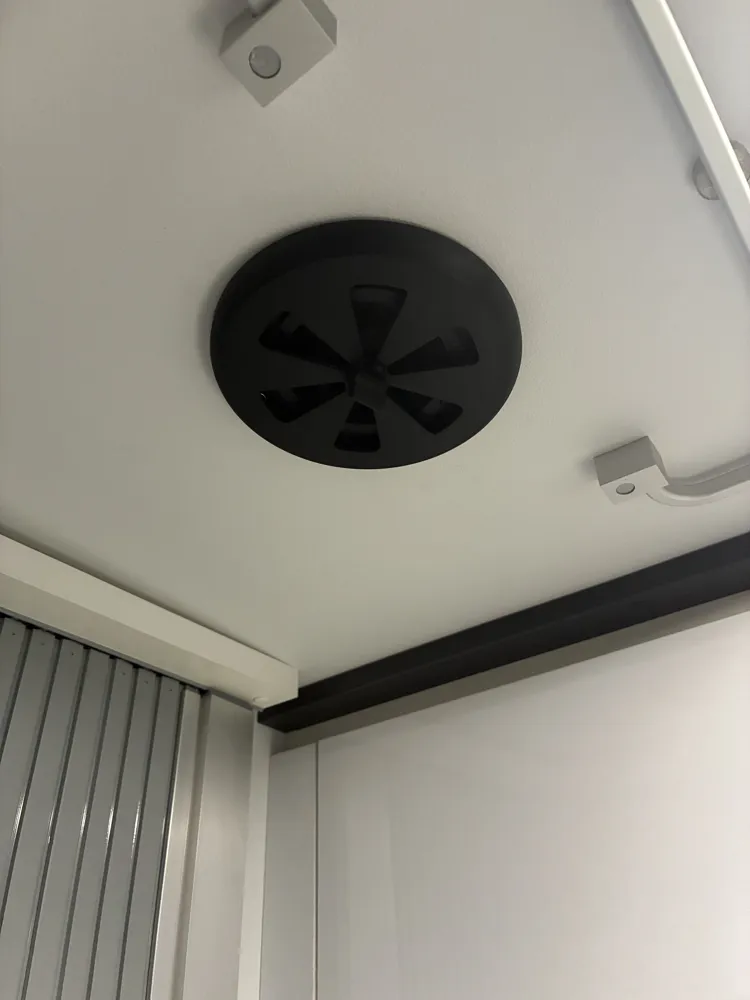
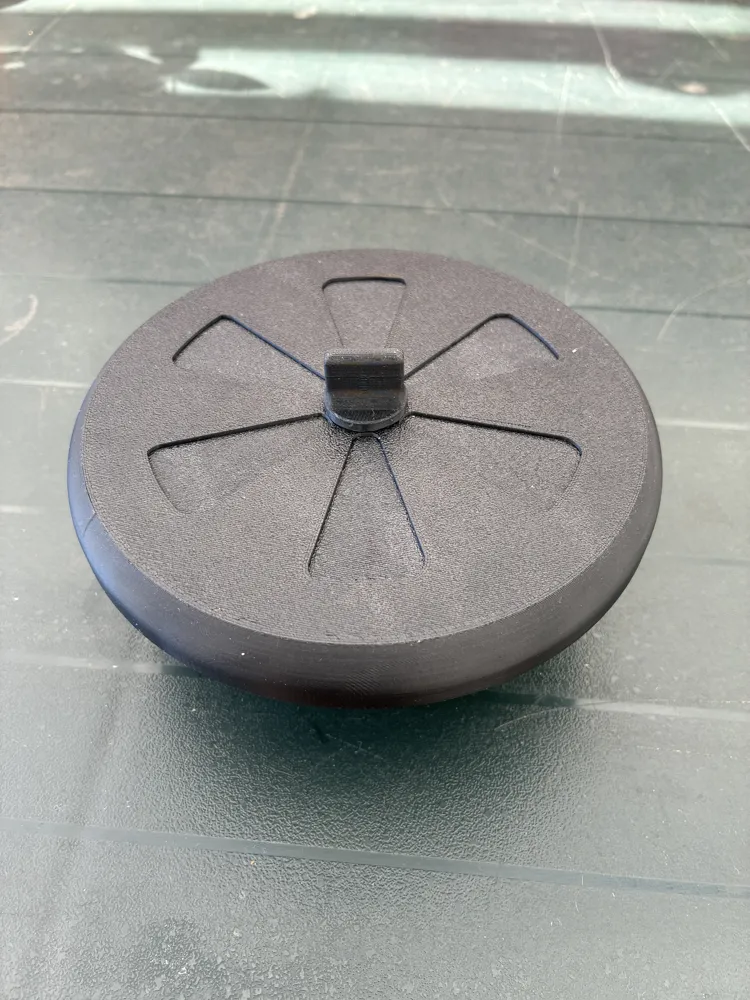
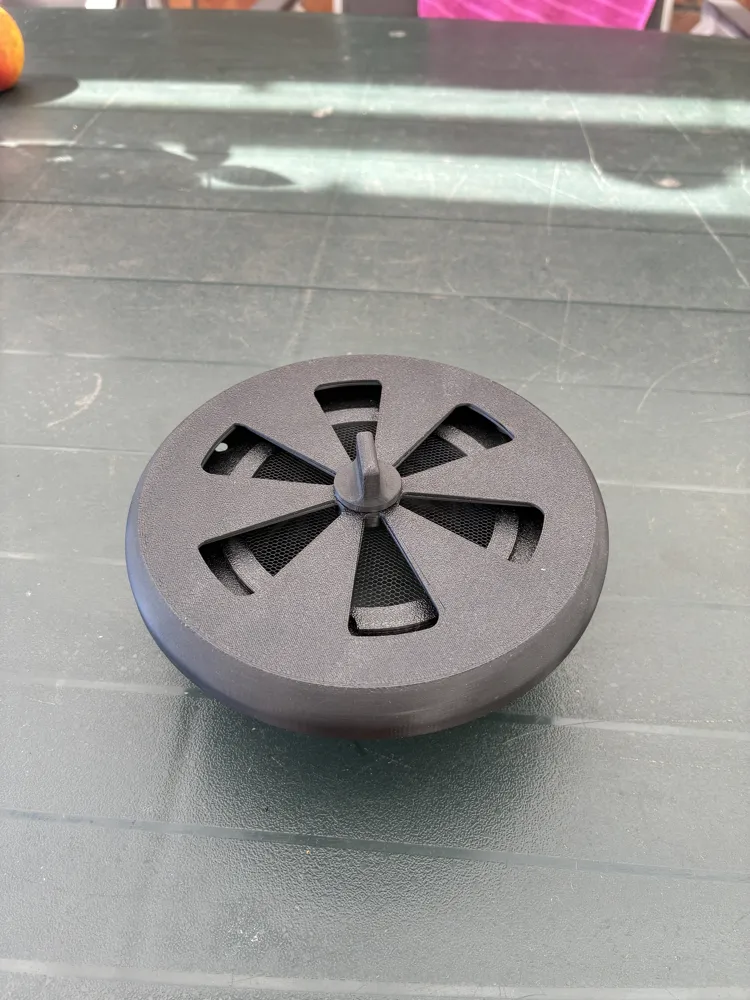
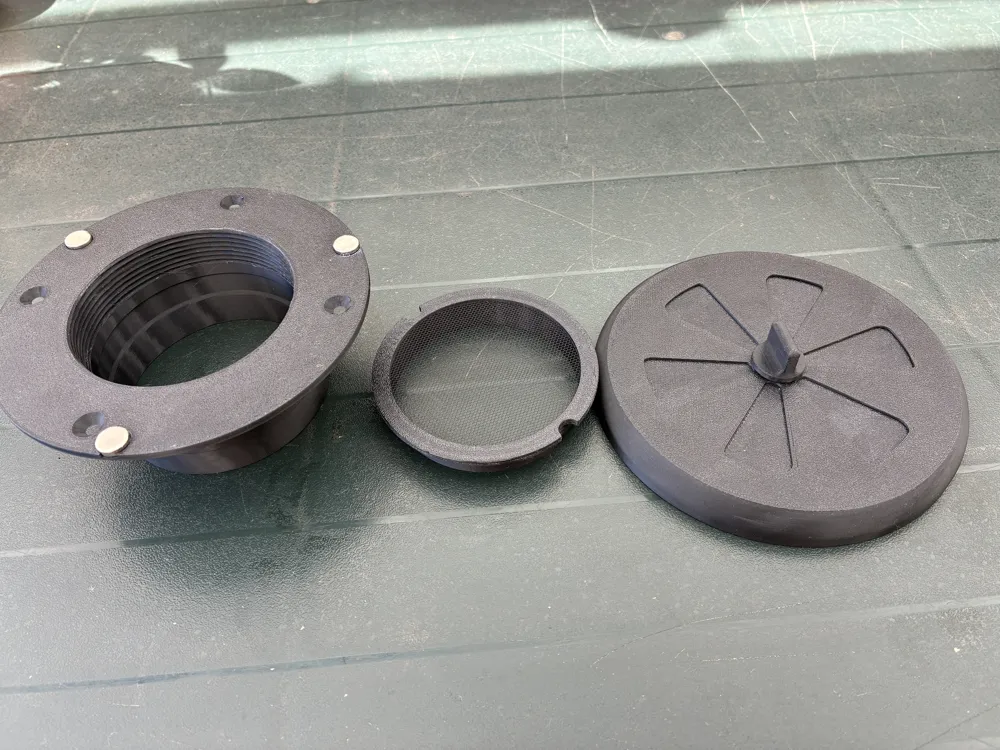
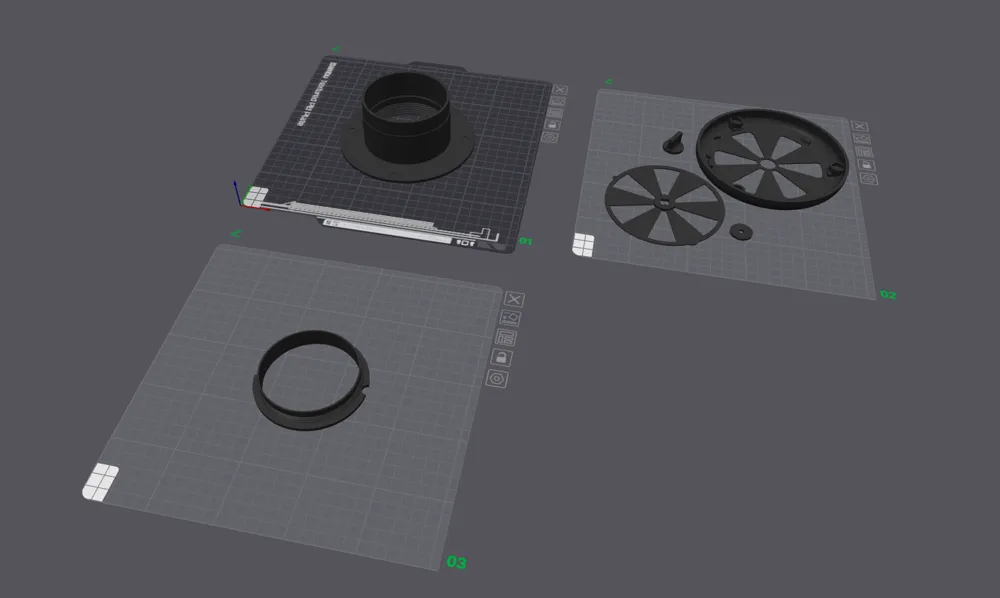
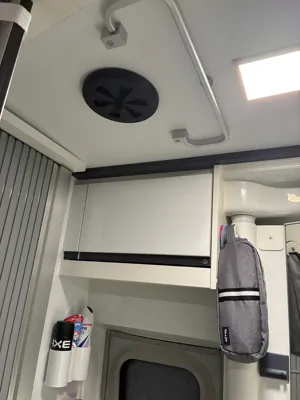
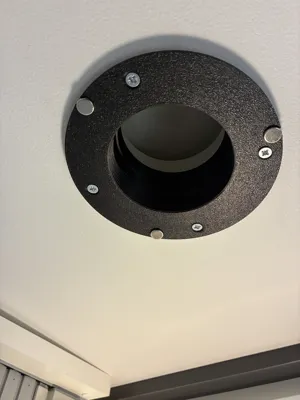
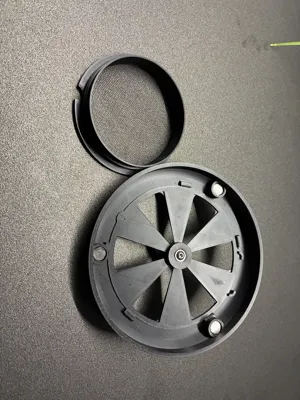
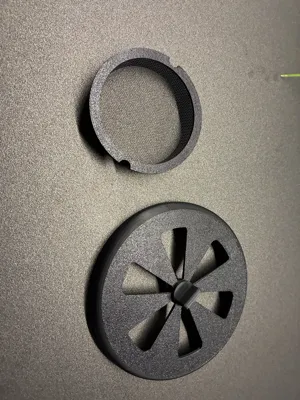
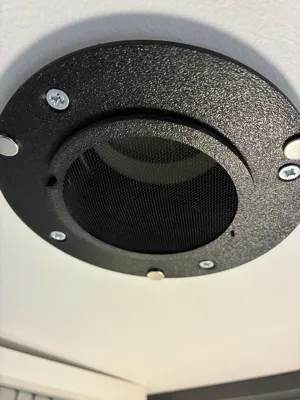
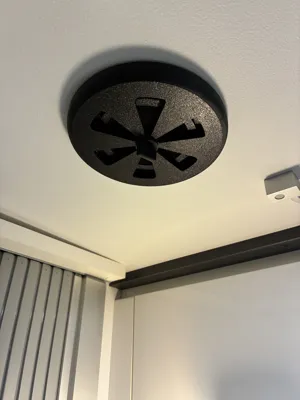
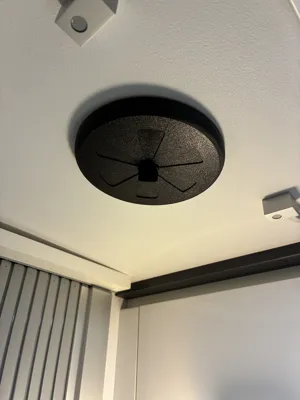
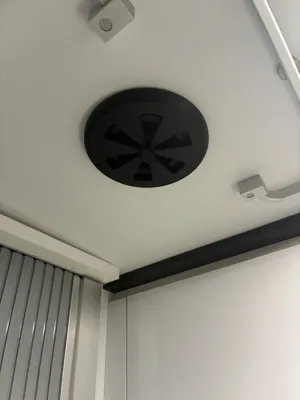
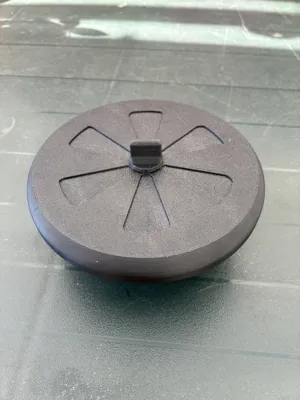
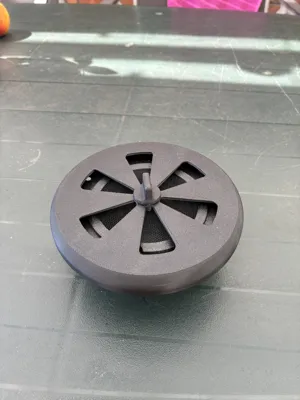
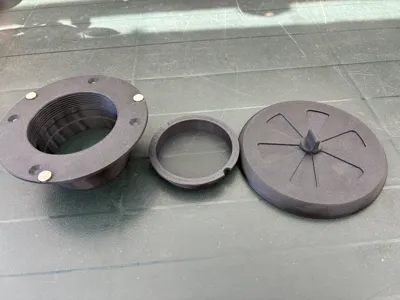
Two things bothered us about our bathroom ventilation on the Adria Twin Supreme. First, there was hardly any mosquito protection; the factory-installed grille had a mesh size of 6mm. The other problem was the fact that it was not lockable. These problems are solved with this model. The model consists of a flange that is inserted into the opening instead of the built-in cover and can either be glued or screwed. The mosquito protection is then screwed in. The lid is then secured to the flange using magnets. The cover can be closed/opened by a knob. The model has already been on two trips, so it is proven and ready for public use.
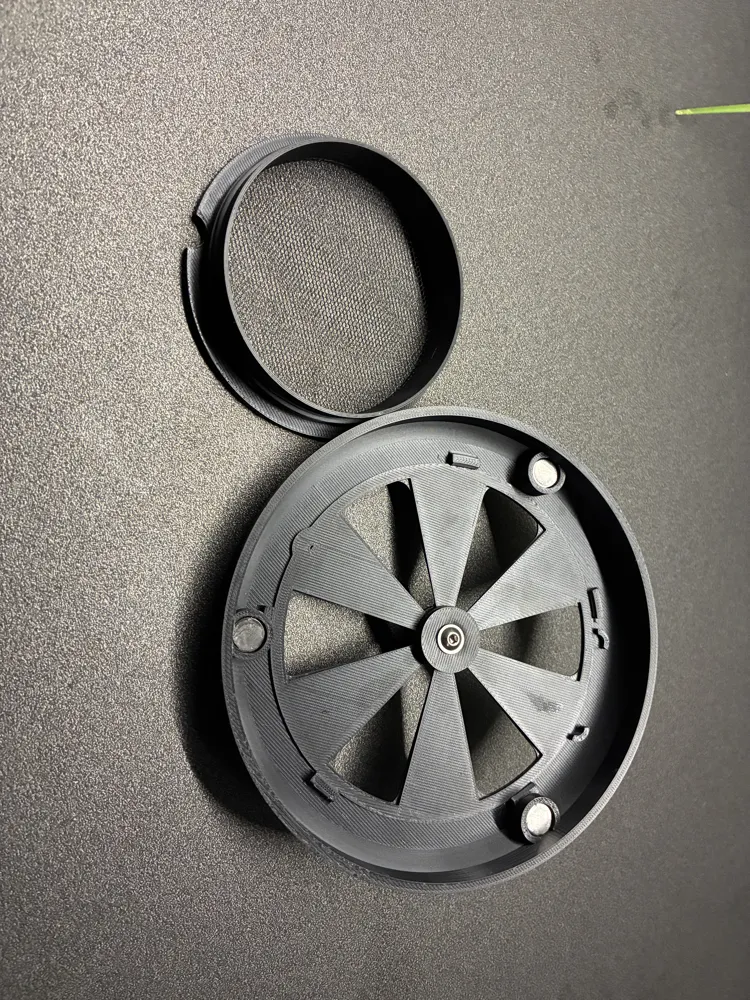
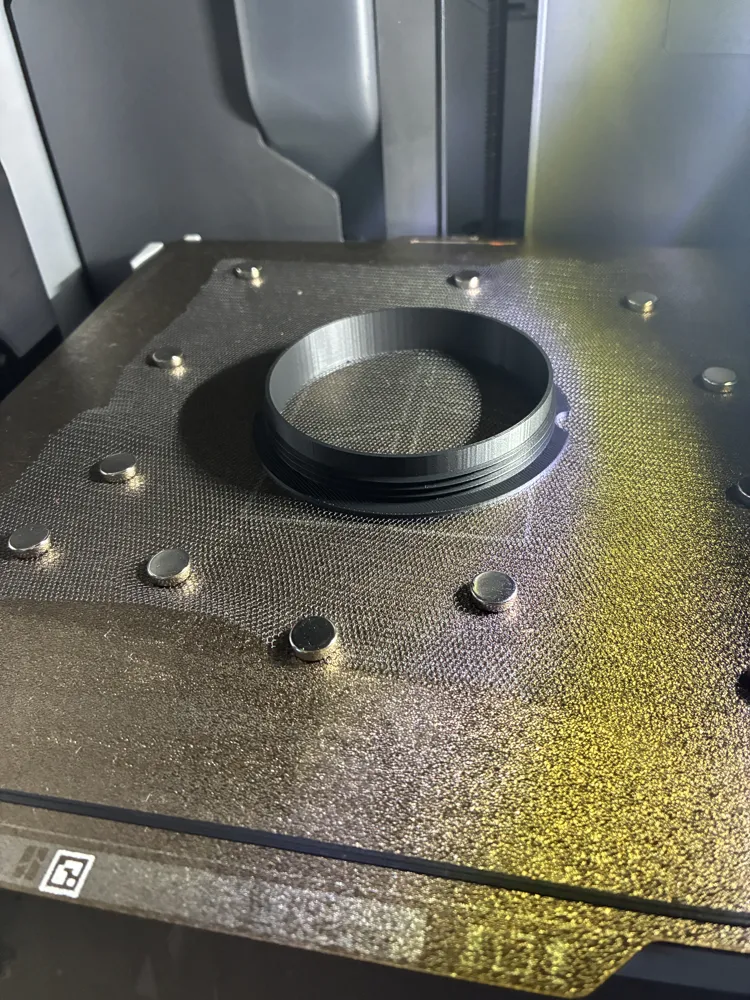
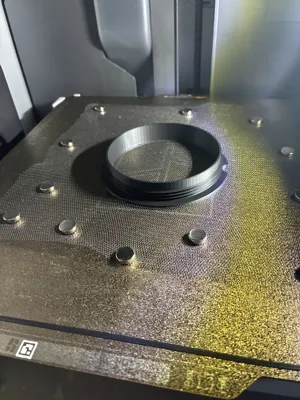
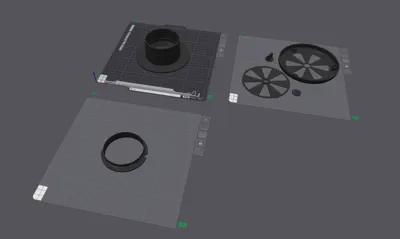
There are a few special features regarding printing. The most important one is the integration of the mosquito net into the print. For this, the print profile has a pause after 1.6mm of printing. I then placed the piece of net on the model and secured and tensioned it with small magnets. Important: The layer height (0.28mm in the profile) must be greater than the net thickness. I used this net with a thickness of 0.16mm and it worked perfectly. After positioning, simply resume the print. I used 3mm magnets, and on my X1C, it did not lead to any collisions with the print head. After printing, trim the net flush, then heat the remaining bits with a lighter and file down any protruding nubs with a nail file. Then, use the lighter to smooth the sanded edges, and it's done. When handling with the lighter, do not damage the net inside!
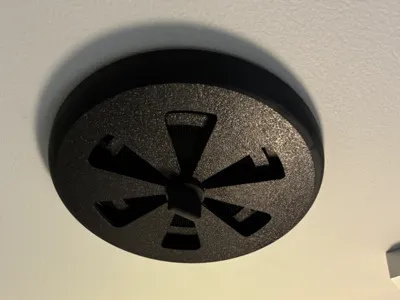
The lid has five tabs into which the cover is hooked. These have small 90° overhangs, which I printed without support. As a result, the underside is not clean; just run a small flat-head screwdriver through it once to remove small filament residues, and then the cover will fit in cleanly. 3 pieces of 10x3mm neodymium magnets are glued into the lid; these are the same ones I used for net fixation. Once the cover is in place, insert the knob from below, put a washer on it, and screw them together with an M4x16mm flange screw. After that, the cover should rotate freely and have enough clamping force to remain securely in its end positions.
The flange might have some filament threads clinging to the threads after printing. Carefully trim these off and then glue in 3 pieces of 10x3mm neodymium magnets. Pay attention to the polarity of the magnets; they should logically attract to those on the lid.
License

You shall not share, sub-license, sell, rent, host, transfer, or distribute in any way the digital or 3D printed versions of this object, nor any other derivative work of this object in its digital or physical format (including - but not limited to - remixes of this object, and hosting on other digital platforms). The objects may not be used without permission in any way whatsoever in which you charge money, or collect fees.


Comment & Rating (3)